

- Category Productivity
- Developer Indie4tune Software
- Available on PC
- OS Windows 10 version 14316.0 or higher
- Memory 4 GB
- languages English (United States)
Introducing ChapterForge for Windows
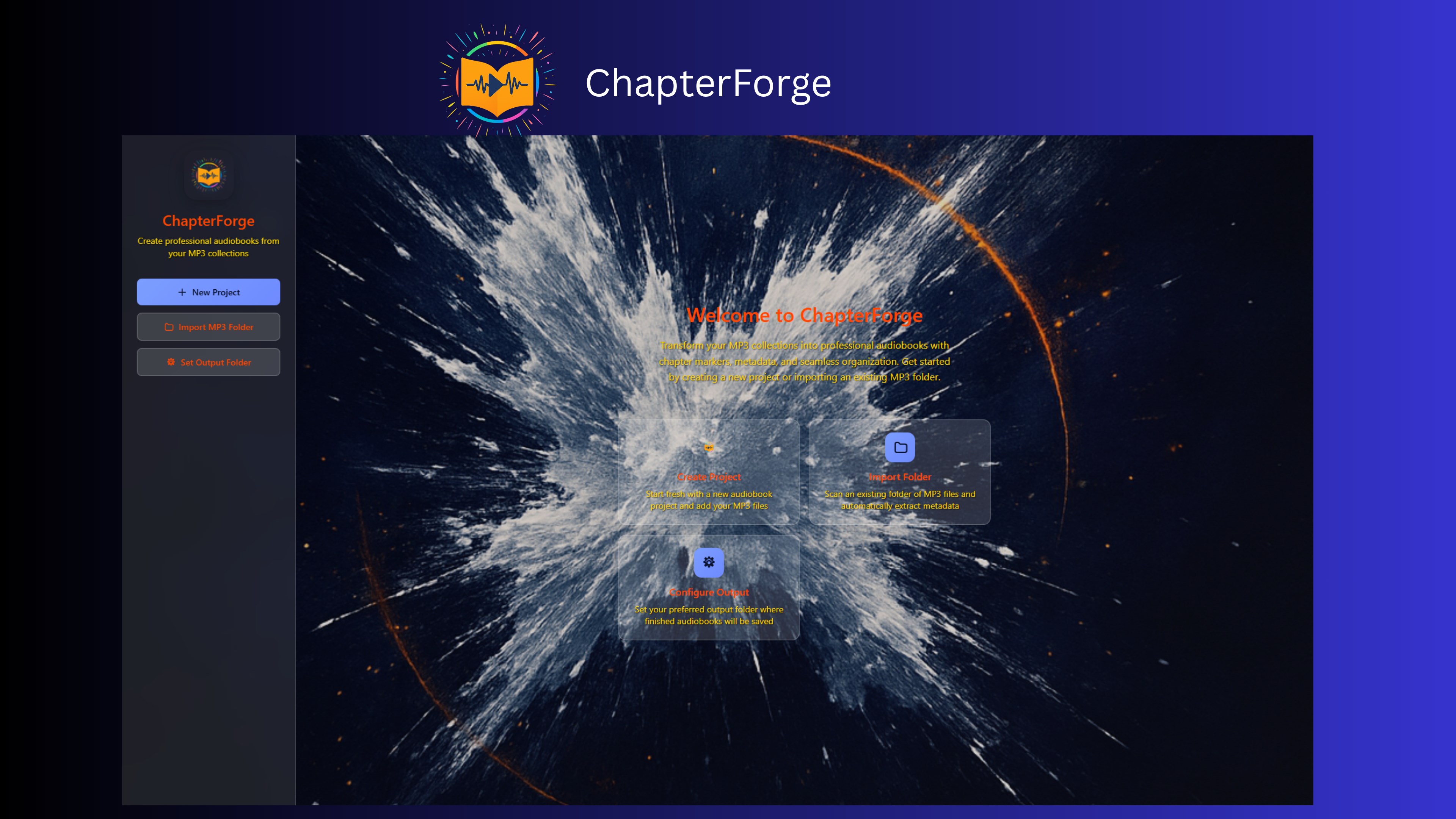
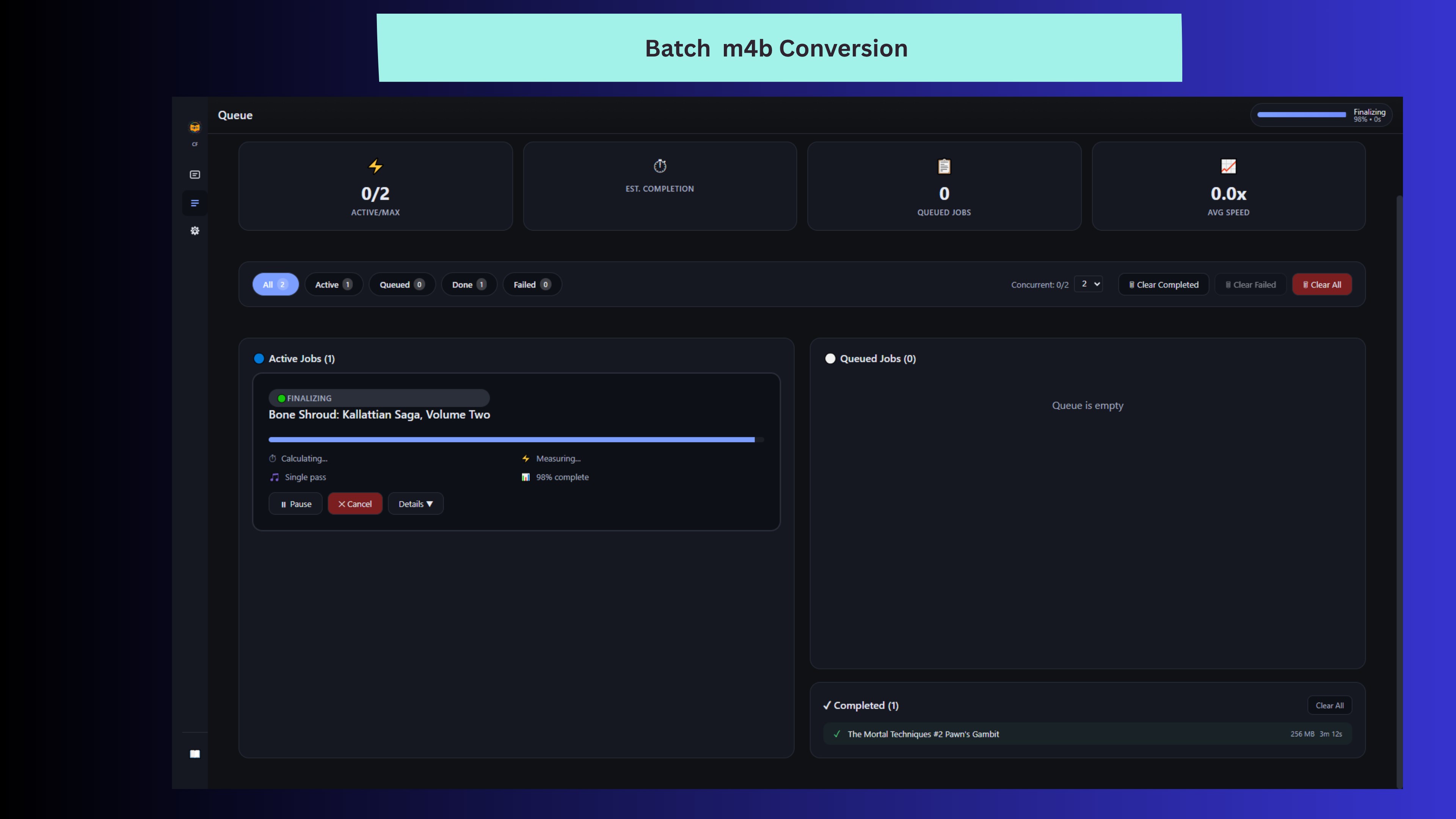
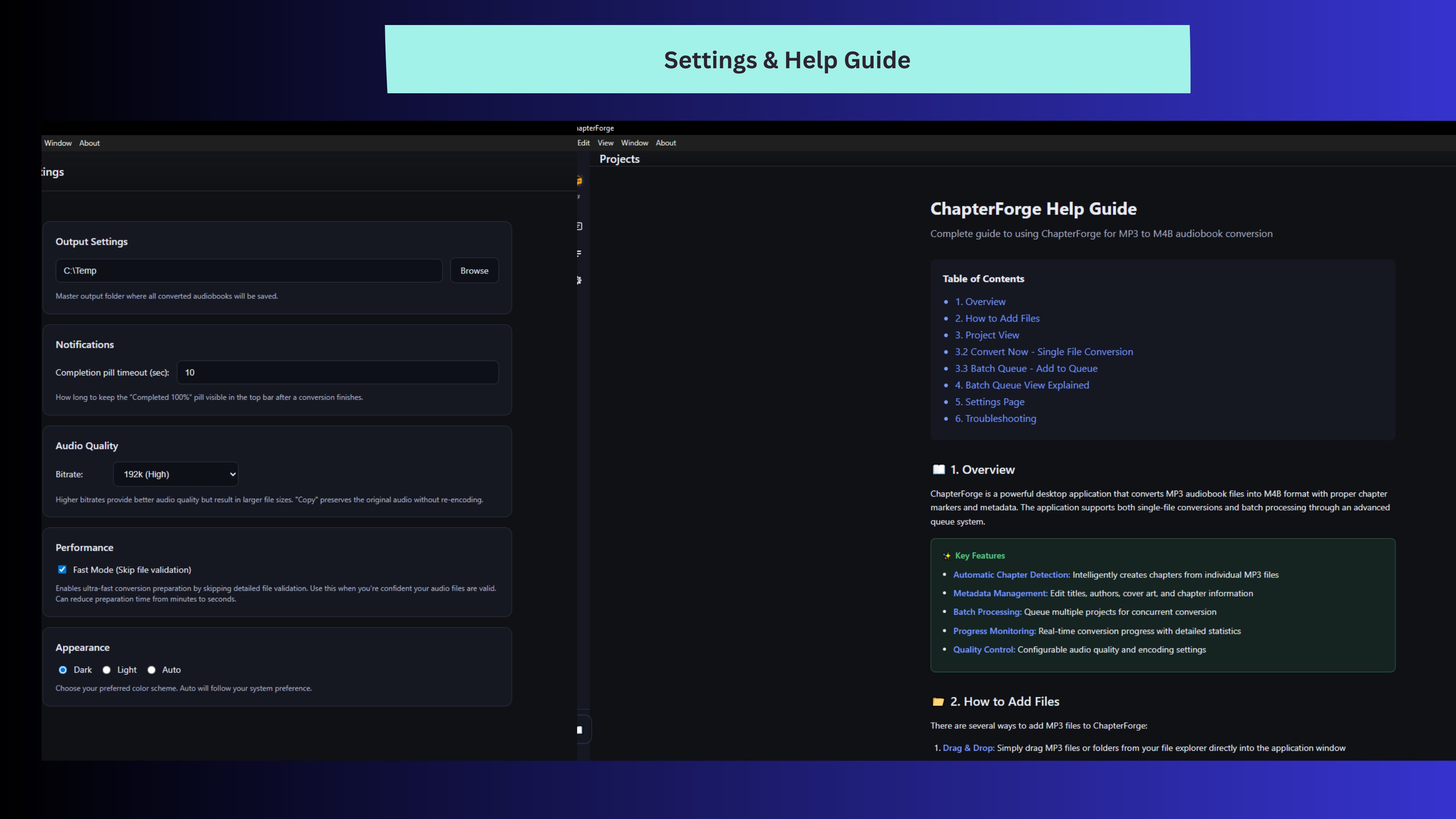
ChapterForge is a streamlined writing and outlining tool designed to help authors, students, and content creators organize their ideas efficiently without the clutter and complexity often found in larger productivity apps.
About the Developer
Developed by Indie4tune Software, a passionate team committed to delivering user-friendly and efficient productivity solutions.
Core Features That Stand Out
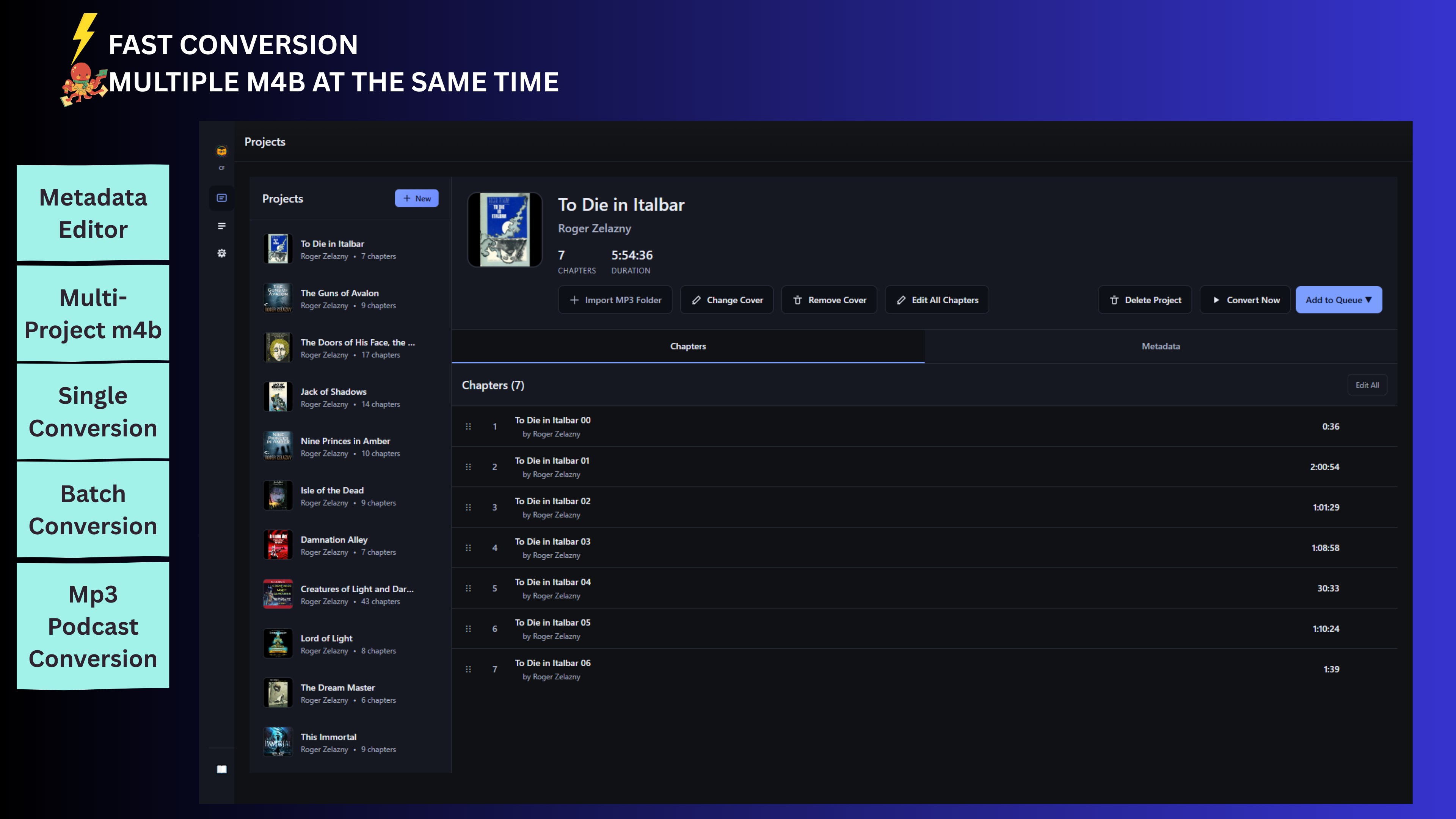
- Intuitive Chapter Structuring: Easily break down large projects into manageable chapters or sections with drag-and-drop flexibility.
- Distraction-Free Writing Mode: Focus solely on your content by switching to a minimalistic interface that reduces cognitive load.
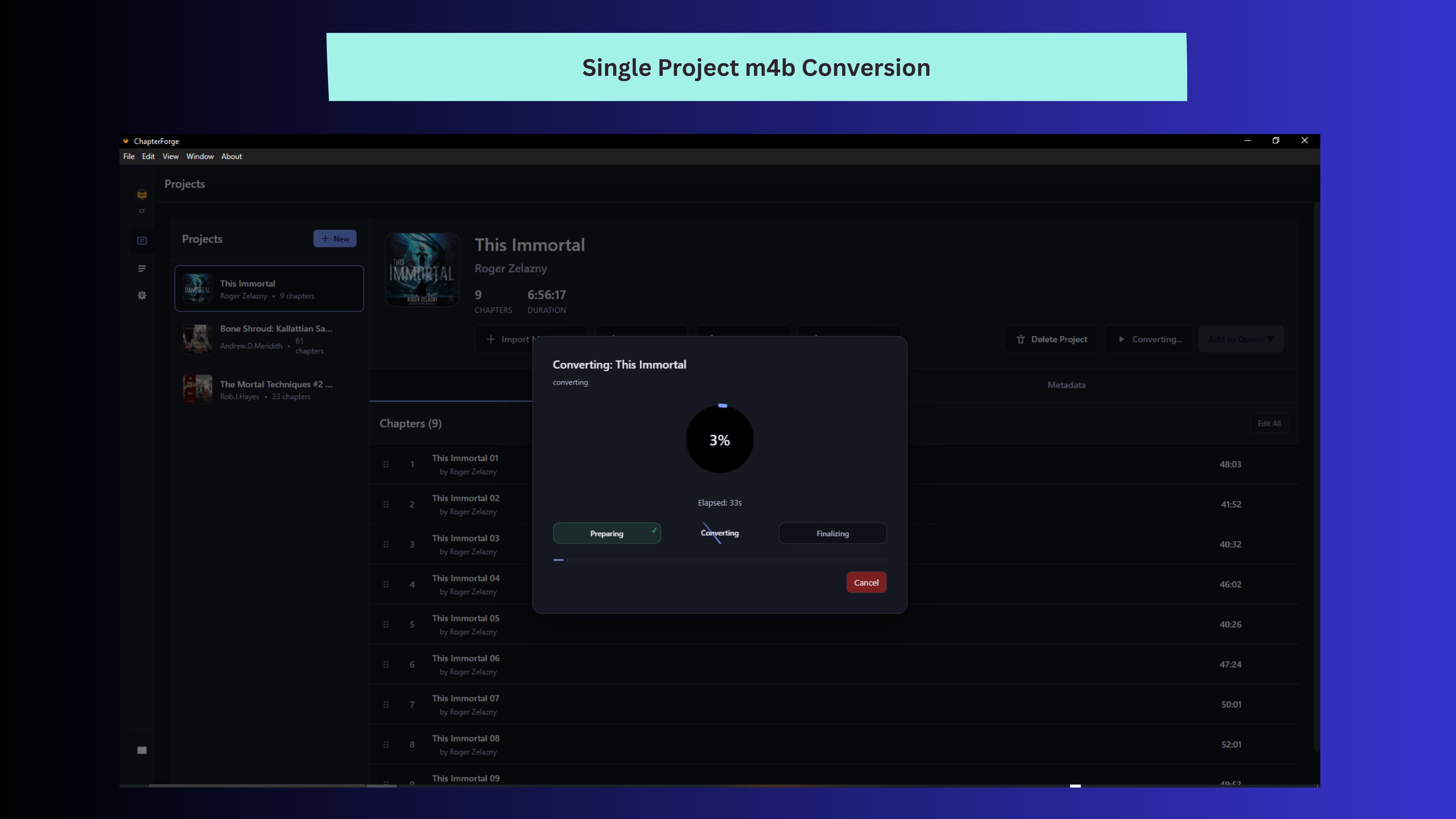
- Seamless Workflow Integration: Supports quick export options and integrates well with other productivity tools, enhancing your writing pipeline.
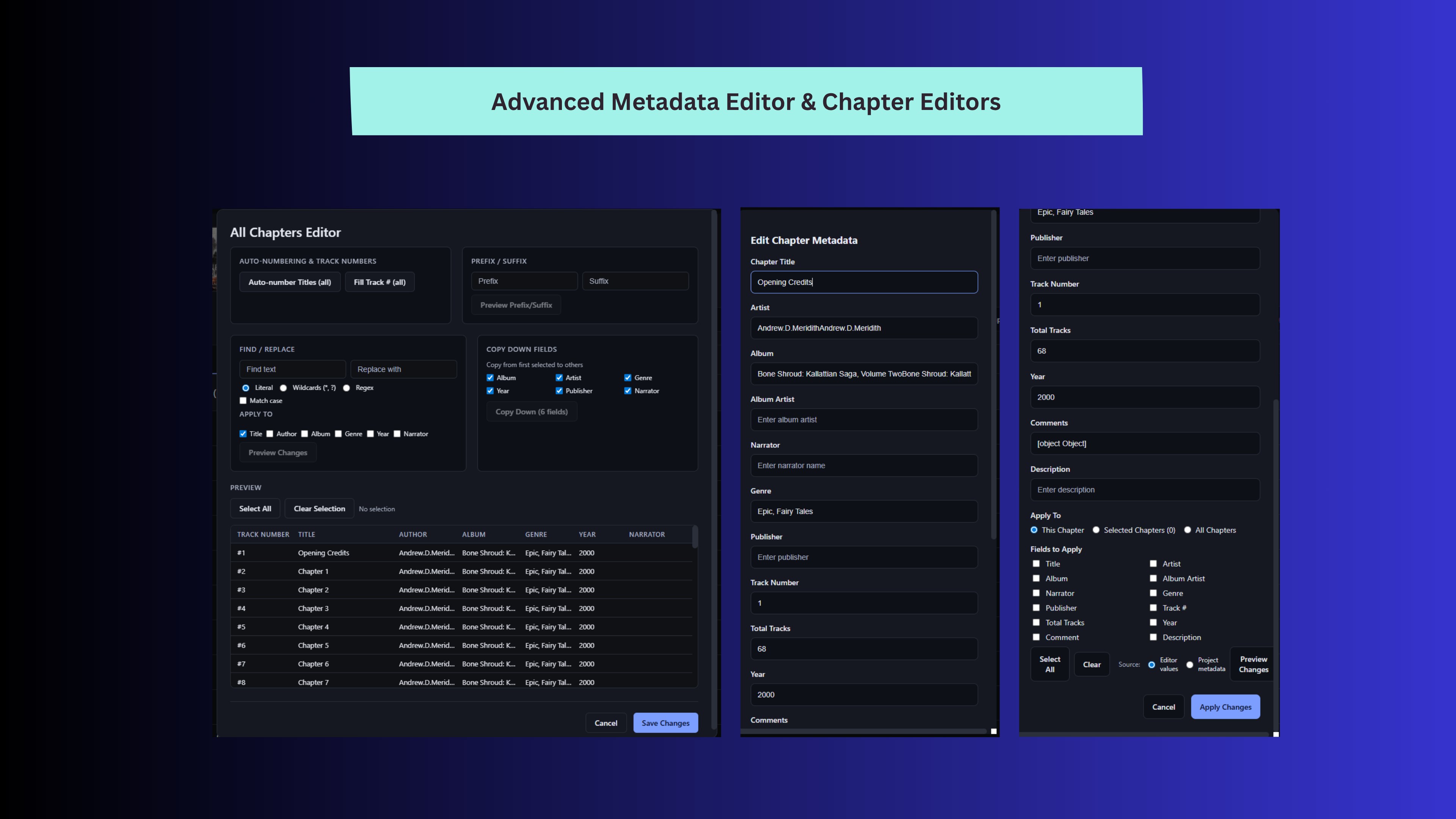
- Smart Note Linking: Connect related notes or sections effortlessly, making your manuscript interconnected and easier to navigate.
The primary target users are writers, researchers, students, and content creators seeking an uncluttered workspace to organize ideas and produce content efficiently.
A Fresh Spin on Outlining and Writing
Imagine sitting at your desk, the hum of your computer a comforting backdrop, as you craft your next masterpiece in a tool that feels like an extension of your mind—simple, responsive, and sharply focused. That's what ChapterForge aims to be—a trusty assistant that clears away digital noise, letting your ideas flow effortlessly onto the page.
Getting to Know the Core Functionalities
Clear and Flexible Chapter Structuring
ChapterForge shines brightest when it comes to organizing complex projects. Think of it like architecting a building—you start with broad floors, then add rooms and details as you go. Its drag-and-drop interface makes restructuring your document intuitive and fast, saving you from the frustration of tangled outlines. Unlike some bloated writing apps that bury your structure under layers of menus, ChapterForge keeps your hierarchy front and center, essential for long-form writing or detailed research papers.
Distraction-Free Progress
Once immersed in a project, the minimalistic writing mode acts like a zen garden for your ideas—clean, serene, and free of unnecessary clutter. This interface reduces cognitive load, allowing you to focus solely on your words. It's akin to writing in a quiet, sparse room: everything unnecessary is tucked away, leaving only your thoughts and expressions to flourish. Transitioning between modes is smooth, and the interface adapts gracefully to your workflow, whether you're outlining or fleshing out chapters.
Smart Workflow and Note Connectivity
ChapterForge's intelligent linking system facilitates connecting related sections or notes, much like sticky notes on a bulletin board but in digital form. This feature is a game-changer for writers dealing with complex theories, character development, or multi-layered research. Moreover, export functions are straightforward, supporting various formats to complement your publishing or sharing needs. The smooth integration streamlines your workflow, avoiding the typical back-and-forth with less cohesive tools.
User Experience and Comparative Edge
In terms of usability, ChapterForge offers a learning curve that's pleasantly shallow—almost akin to riding a bike after a quick tutorial. Its interface design emphasizes clarity, and operations feel fluid without lag or hiccups. For those familiar with traditional word processors or outlining tools, the transition is seamless, thanks to thoughtful UI choices.
Compared to similar productivity apps like Scrivener or Roam Research, ChapterForge's standout lies in its minimalism, which intentionally cuts down on distracting features. Instead of overwhelming users with a suite of tools, it emphasizes workflow efficiency—quickly structuring, writing, and connecting ideas—reducing cognitive overload. This makes it especially suitable for projects where focus and clarity are paramount, rather than feature bloat.
Final Thoughts and Recommendations
If you're searching for a lightweight yet powerful tool to organize your writing projects without the distraction and complexity of larger applications, ChapterForge is worth exploring. Its core strengths—easy outlining, distraction-free writing, and smart note linking—align perfectly with writers and researchers who value simplicity paired with functional depth. I would recommend giving it a try if your workflow benefits from tight organization and seamless focus, especially for long-term projects or detailed research compilations.
Pros
- Intuitive Chapter Management
- Rich Text Editing Features
- Seamless Cloud Syncing
- Customizable Themes and Layouts
- Robust Export Options
Cons
- Limited Offline Access
- Steep Learning Curve for Beginners
- Occasional Synchronization Delays
- Limited Export Format Support in Free Version
- Minimal Customization for UI Themes











