

- Category Productivity
- Developer OpenAI
- Available on PC
- OS Windows 10 version 18362.0 or higher
- languages English (United States)
A New Helper at Your Fingertips: An In-Depth Look at ChatGPT for Windows
If you've ever wished for a smart, responsive assistant integrated directly into your Windows workflow, ChatGPT for Windows might just be your next indispensable tool. This application promises to bring OpenAI's language model into your desktop environment seamlessly, enhancing productivity and offering a new level of conversational AI interaction right where you need it most.
Basic Information: A Brief Overview
Positioned as an AI-powered assistant designed to streamline your digital tasks, ChatGPT for Windows integrates cutting-edge language processing into your daily computing experience.
- Developer & Publisher: OpenAI
- Main Features:
- Context-aware assistance integrated within Windows
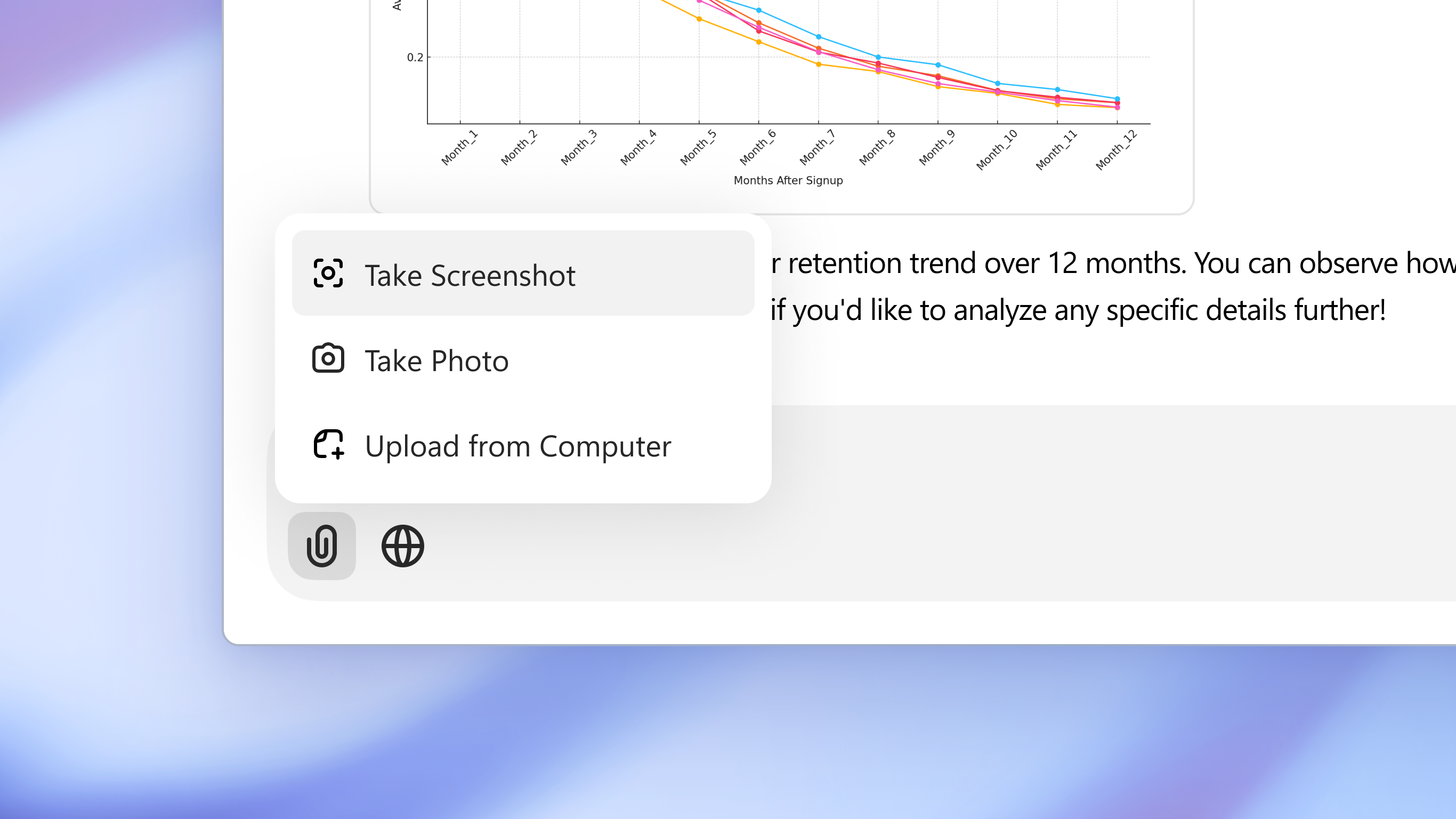
- Quick access via a user-friendly interface
- Enhanced conversation handling with persistent context
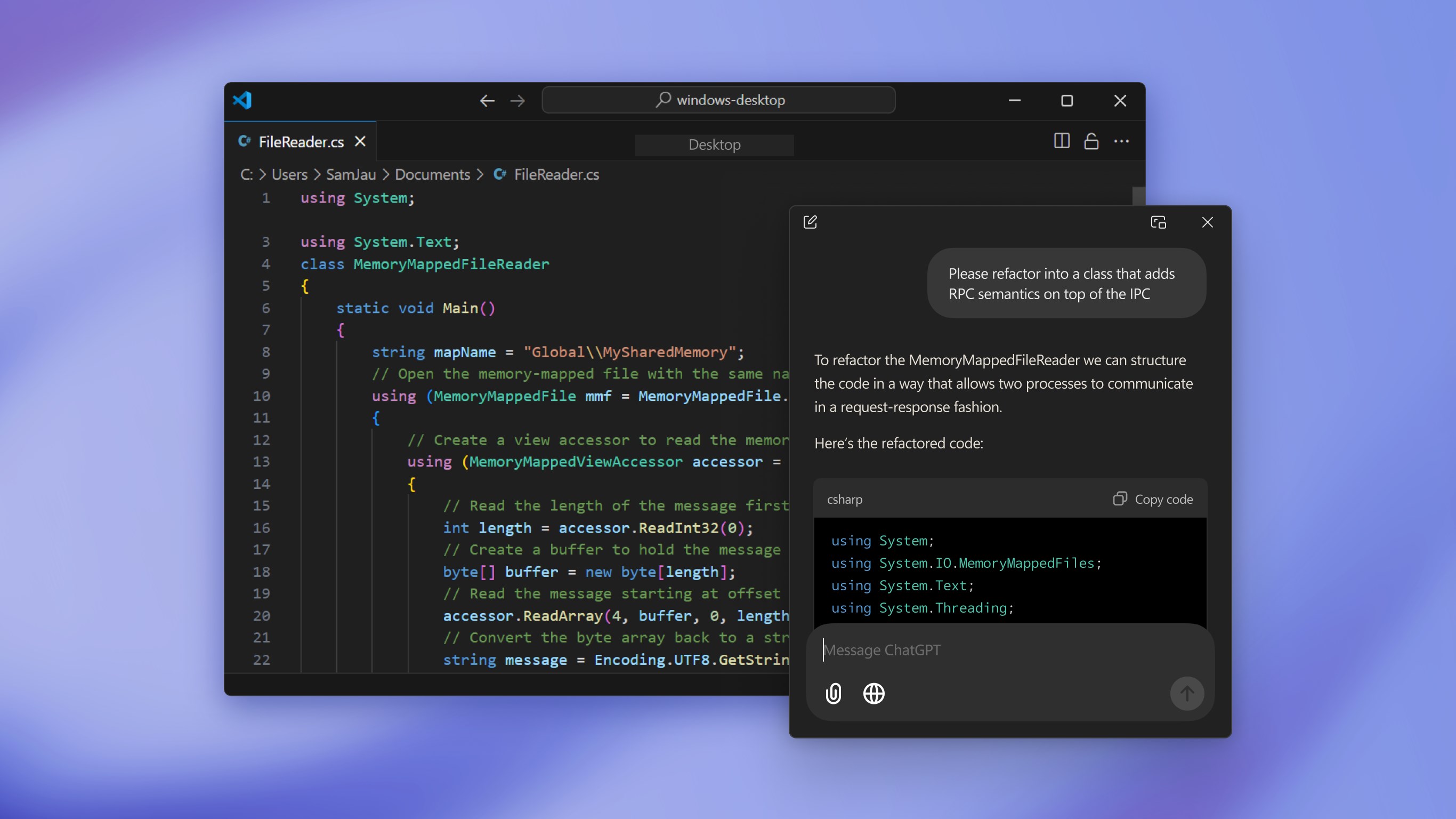
- Support for varied prompts including coding, writing, and research
- Target Audience: Professionals seeking efficient productivity tools, students and researchers needing quick information synthesis, and tech enthusiasts eager to experiment with AI enhancements in a familiar environment.
Connecting in a Prompt and Friendly Way: An Engaging Intro
Imagine having a knowledgeable friend sitting right on your desktop, always ready to help you brainstorm ideas, troubleshoot bugs, or craft the perfect email—without launching a browser or switching apps. That's the experience ChatGPT for Windows aims to deliver—a seamless, conversational companion that integrates smoothly into your daily tasks, making AI assistance feel natural and unobtrusive, much like chatting with a tech-savvy colleague who never runs out of patience.
Deep Dive into Core Features
Intuitive Interface and Seamless Integration
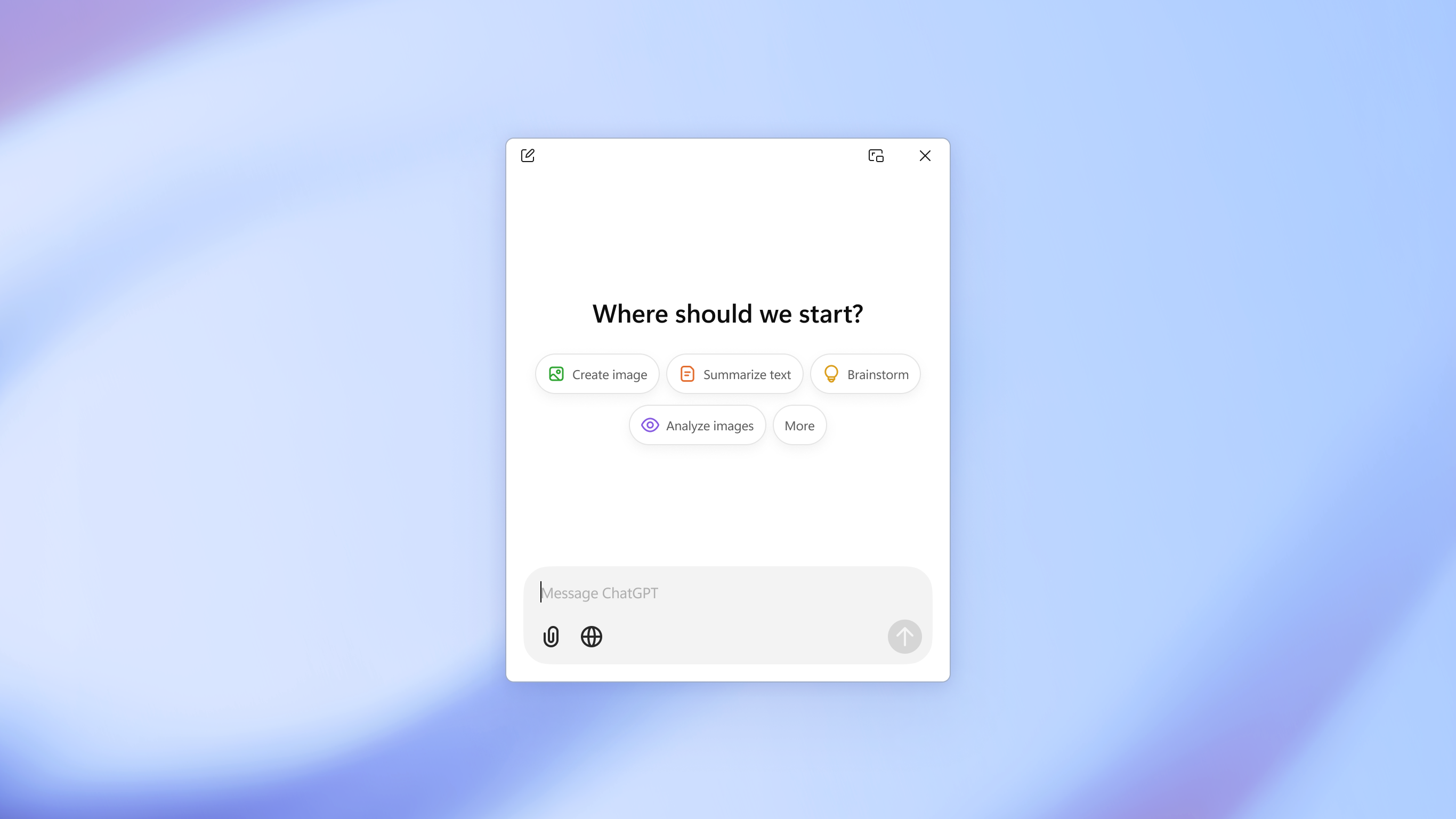
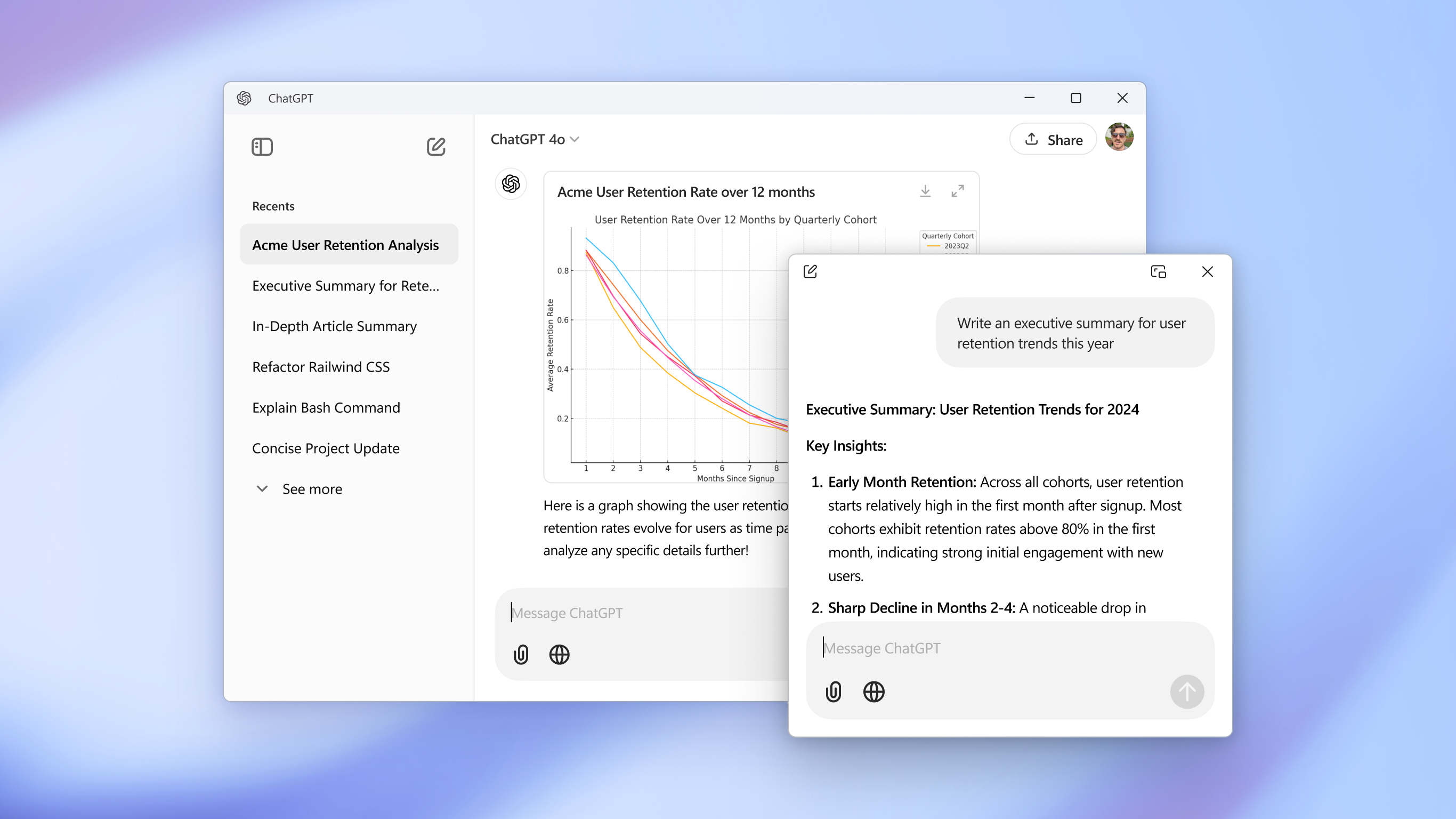
The application's interface is designed with simplicity and accessibility in mind. When you open ChatGPT for Windows, you're greeted with a clean, minimalistic chat window that can be pinned, minimized, or expanded according to your needs. Its integration into Windows means you can invoke the AI quickly—from a system tray icon or a dedicated shortcut—making it feel like part of your desktop ecosystem rather than an external app. The interface's smooth design and responsive layout create a sense of ease, akin to having a well-organized workspace where everything is within arm's reach.
Advanced Conversational Capabilities with Context Retention
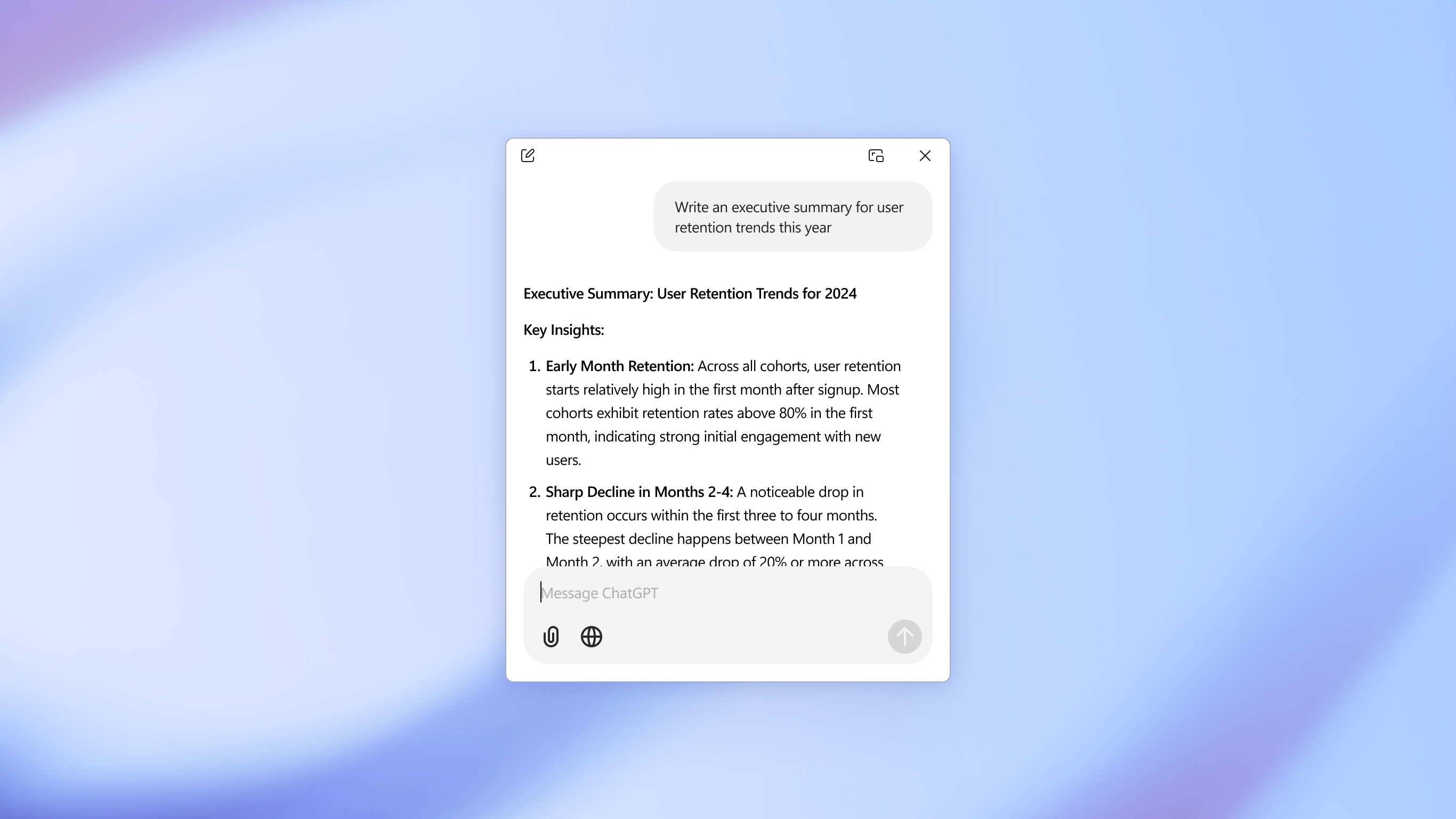
One of the standout features of this app is its ability to maintain context over multi-turn conversations. Unlike some basic chatbots that treat each query as isolated, ChatGPT for Windows remembers prior prompts and responses, allowing for more coherent and nuanced interactions. For example, you can discuss a complex project and ask follow-up questions without repeating details—making it ideal for brainstorming, technical support, or learning new concepts. This depth of conversation reduces cognitive load—your brain isn't burdened with recalling prior context, as the AI manages it, leading to more efficient workflows.
Optimized Workflow and Efficiency
Now, what truly sets this application apart from other productivity tools is nature it's designed to enhance your workflow rather than complicate it with excessive features. It acts as an intelligent co-pilot, enabling you to draft emails, generate code snippets, summarize lengthy documents, or gather information—all within seconds. The app's responsiveness minimizes delays, so you're not left waiting or juggling multiple windows, which preserves your focus and keeps cognitive energy directed at core tasks. This smart integration reduces mental clutter—unlike other apps packed with complicated features that can overwhelm users—making it an efficient, calming presence during busy work sessions.
Final Verdict: Is This the Windows AI Companion You Need?
Based on its streamlined interface, powerful conversational abilities, and workflow-oriented design, ChatGPT for Windows is highly recommended for those looking to incorporate AI assistance into their daily routines without the hassle of learning complicated software. Its standout features—particularly context-aware multi-turn conversations and swift integration—make it a practical choice for users who value simplicity and efficiency. I suggest giving it a try if you're seeking a reliable, intelligent, and unobtrusive AI partner that truly understands the flow of your work. Whether you're a professional, a student, or a tech enthusiast, this app can become a helpful, friendly asset in your digital toolkit.
Pros
- Intuitive user interface
- Fast response times
- Seamless integration with Windows
- Regular updates and improvements
- High-quality conversation capability
Cons
- Limited customization options
- Occasional response inaccuracies
- Requires constant internet connection
- Battery consumption on Windows devices
- Limited languages initially available











