
- Category Classics
- Developer TreeCardGames
- Available on PC, Mobile, Surface Hub, HoloLens
- OS Windows 10 version 15063.0 or higher
- languages English
Introducing Checkers! for Windows: A Classic Game Reinvented
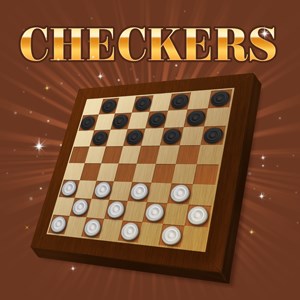
Checkers! for Windows is a thoughtfully crafted digital adaptation of the timeless board game, designed to bring the classic strategy experience right to your fingertips with modern flair and user-friendly features.
About the Developer and Main Features
Developed and published by TreeCardGames, Checkers! offers players a seamless and engaging way to enjoy an age-old game on the Windows platform. The app's standout features include intuitive gameplay mechanics, adjustable difficulty levels catering to both novices and seasoned players, and a sleek, modern interface that enhances the overall gaming experience. Designed for puzzle enthusiasts, casual players, and anyone seeking a quick mental refresh, the app creates an inclusive environment for all ages and skill levels.
An Enthralling Spin on a Familiar Classic
Imagine settling in after a long day, eager to sharpen your strategic thinking while enjoying the nostalgic charm of checkers. This is exactly what Checkers! for Windows promises—an inviting digital playground where timeless gameplay meets modern convenience. Its vibrant visuals and crisp sound effects turn what might seem like a simple board game into an engaging digital journey. Whether you're looking for a quick challenge during a work break or a more serious match to test your skills, Checkers! fits seamlessly into your routine.
Smart and Responsive Interface Design
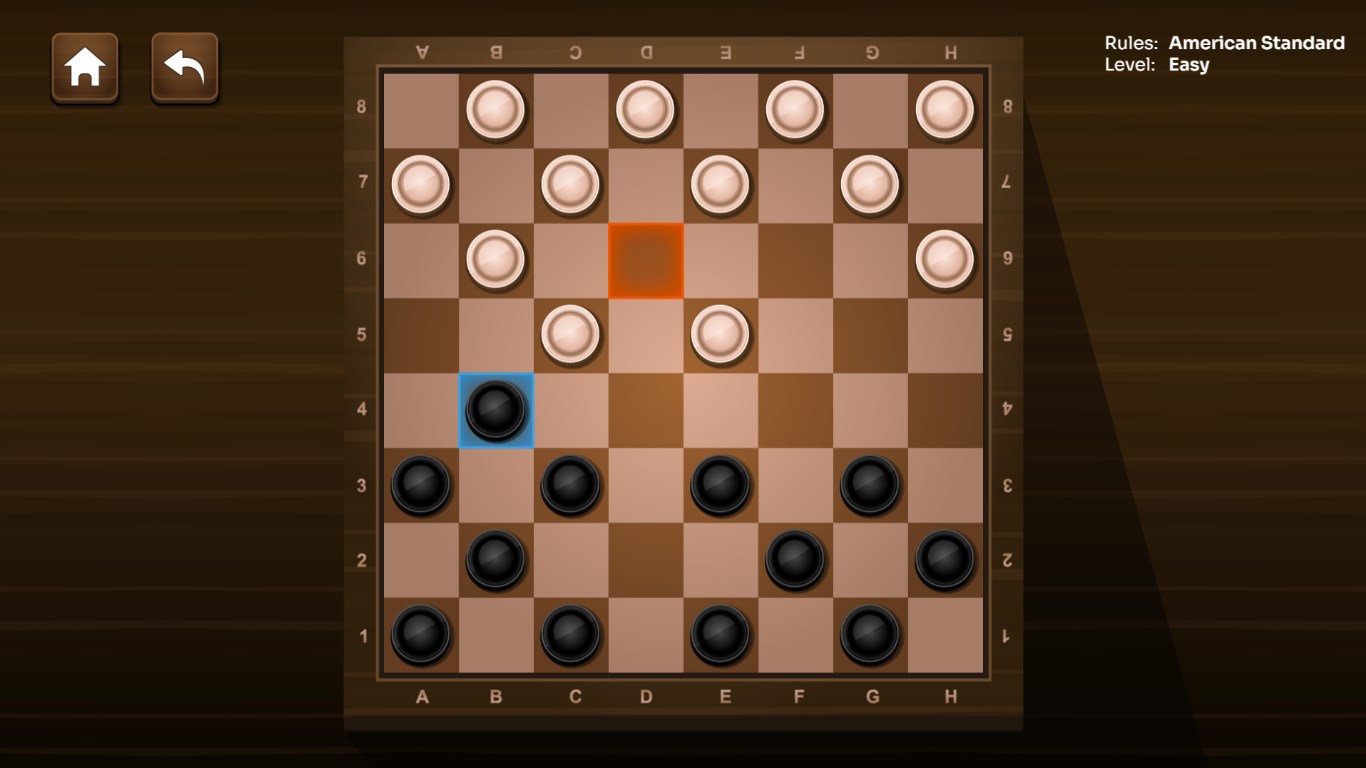
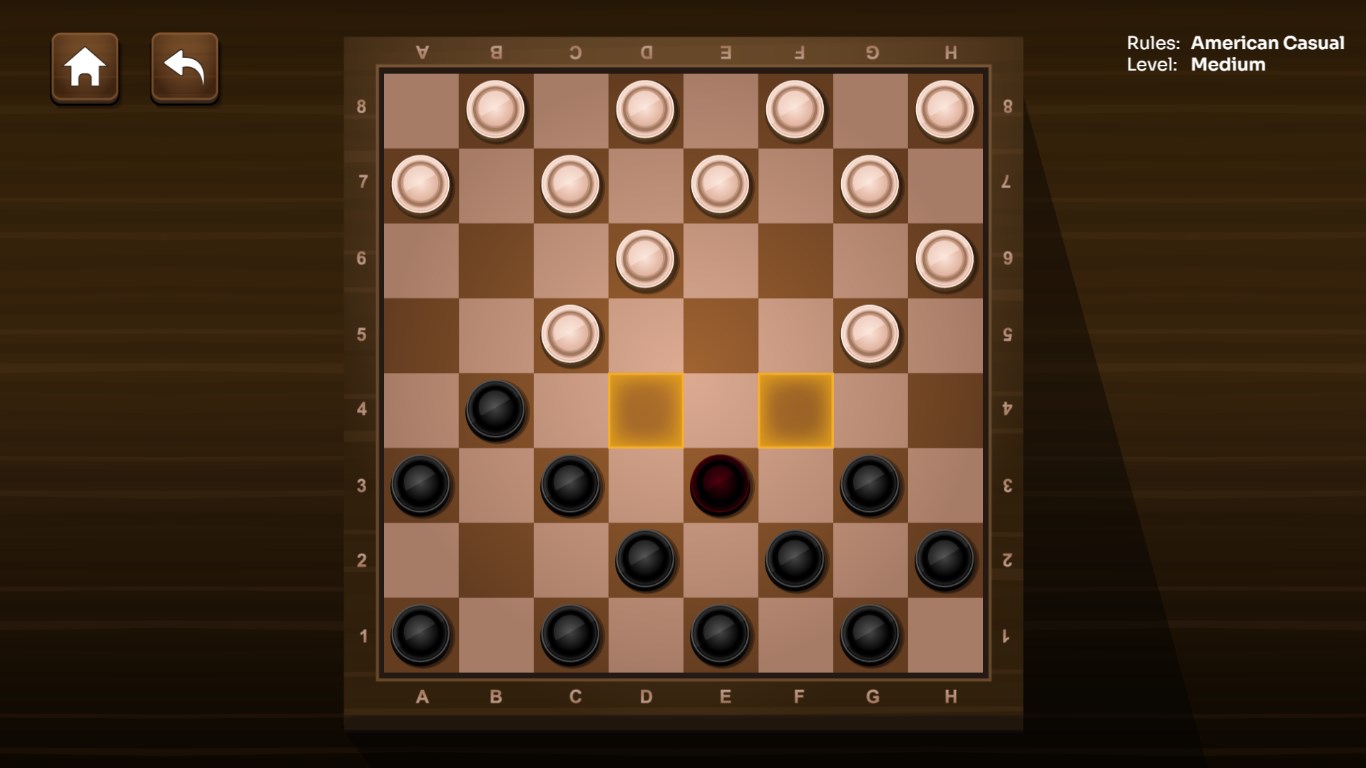
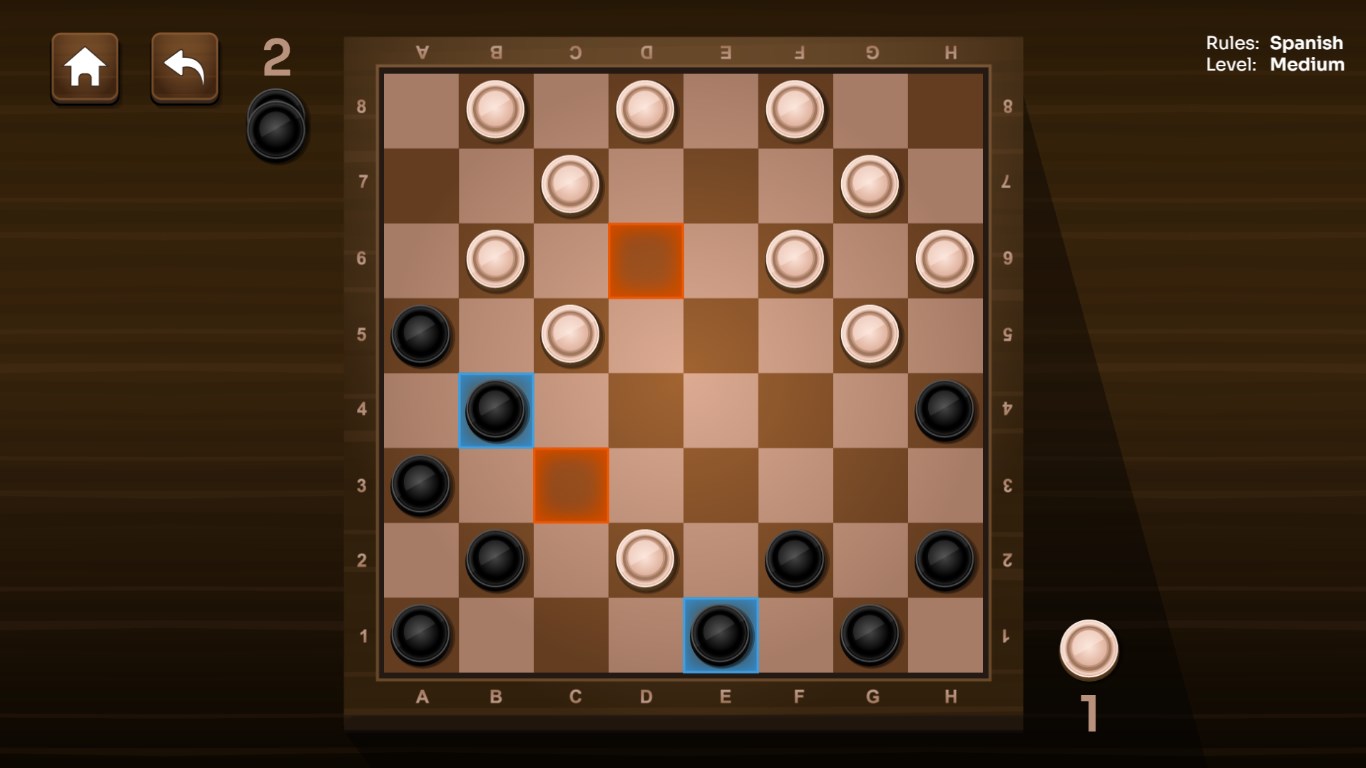
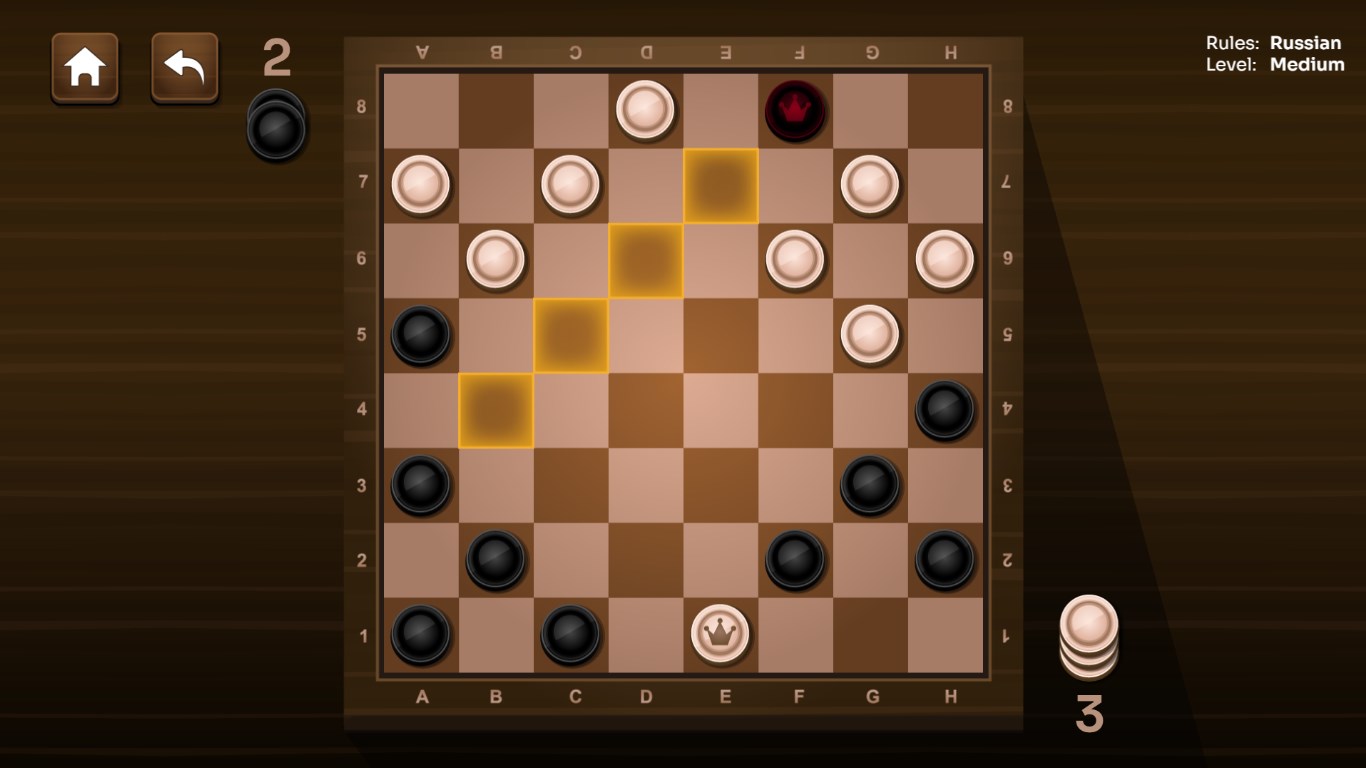
One of the app's strongest suits is its clean, intuitive interface. The design maintains a balance of simplicity and elegance, featuring clearly marked controls and an inviting game board that resembles a traditional checkers set but with a contemporary twist. The interface adapts well to different screen sizes, allowing for an effortless experience whether on a desktop or a tablet. Transitions and animations are smooth, lending a polished feel that keeps you immersed without distraction. This thoughtful design minimizes the learning curve, letting new players dive right in while rewarding seasoned players with fluid gameplay.
Diverse Difficulty Levels and Challenging AI
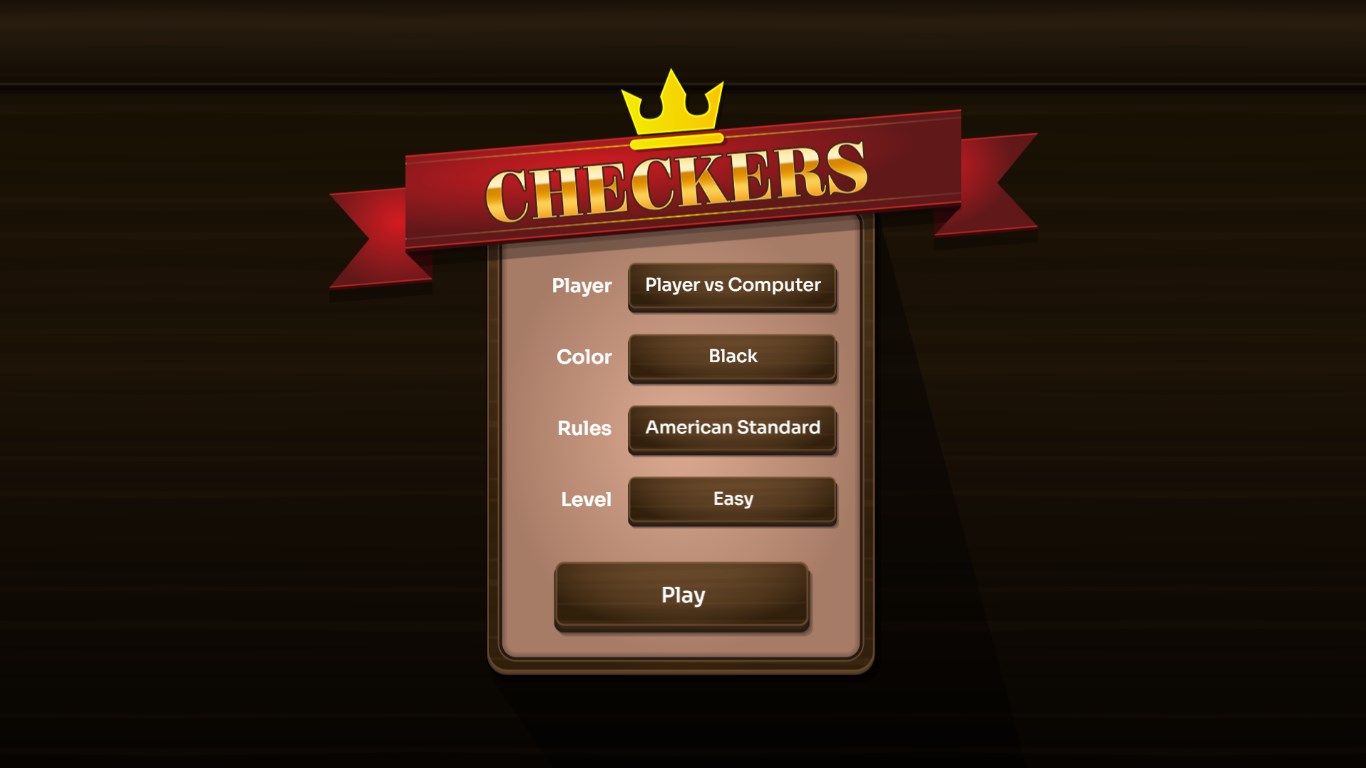
What truly sets Checkers! apart from many other digital versions is its robust AI system. Offering multiple difficulty settings, the game caters to casual players looking for fun and seasoned strategists aiming to outwit the computer. The AI intelligently evaluates each move, becoming more cunning as difficulty increases, which keeps matches engaging and rewarding. This layered challenge—like an escalating puzzle—encourages players to hone their skills and develop strategic depth over time. The game also features hints and undo options, making it possible to learn from mistakes without frustration.
User Experience, Comparisons, and Recommendations
Playing Checkers! feels akin to sitting across a cozy café table with a trusted friend—familiar yet refreshed with thoughtful details. The fluidity of moves, combined with minimal lag, results in a satisfying experience akin to sliding checkers chips on a well-waxed board. It's accessible for beginners, yet layered enough for veterans to appreciate the strategic nuances. Compared to other digital checkers apps, Checkers! emphasizes clarity in design and depth in gameplay options, making it a standout choice for both casual and dedicated players.
While not overloaded with extraneous features or flashy gimmicks, this app's strength lies in its refined execution of the core game. I highly recommend it for anyone wanting a reliable, well-designed digital checkers experience. Whether you're looking to sharpen your skills or just pass the time with a classic game, Checkers! offers a polished, enjoyable platform to do so. Its balance of simplicity and challenge makes it a worthy addition to your Windows app collection.
Pros
- User-friendly interface
- Fast game loading times
- Smooth gameplay experience
- Regular updates with new features
- Offline mode available
Cons
- Limited game modes initially
- Basic graphics with minimal animations
- Some users report occasional crashes on older devices
- Lacks detailed tutorials for beginners
- Limited customization options for game pieces and boards











