

- Category Strategy
- Developer Random Salad Games LLC
- Available on PC, Mobile, Surface Hub, HoloLens
- OS Windows 10 version 10240.0 or higher
- languages Chinese (Simplified), Dutch, English (United States), French, German, Italian, Japanese, Polish, Portuguese, Russian, Spanish, Vietnamese
An Intuitive Strategy Game for Brain Teasers: Checkers Deluxe for Windows
Checkers Deluxe for Windows, developed by Random Salad Games LLC, offers a modern twist on the classic checkers game with streamlined design and thoughtful features that appeal to both casual players and strategy enthusiasts.
Who Developed It? A Brief Introduction
Developed and published by Random Salad Games LLC, a studio renowned for creating accessible yet engaging digital board and puzzle games, Checkers Deluxe embodies their commitment to delivering clean, user-friendly gaming experiences.
Core Features That Stand Out
- Enhanced AI Opponents: Multiple difficulty levels with smarter, more adaptable AI that challenges players at every skill level.
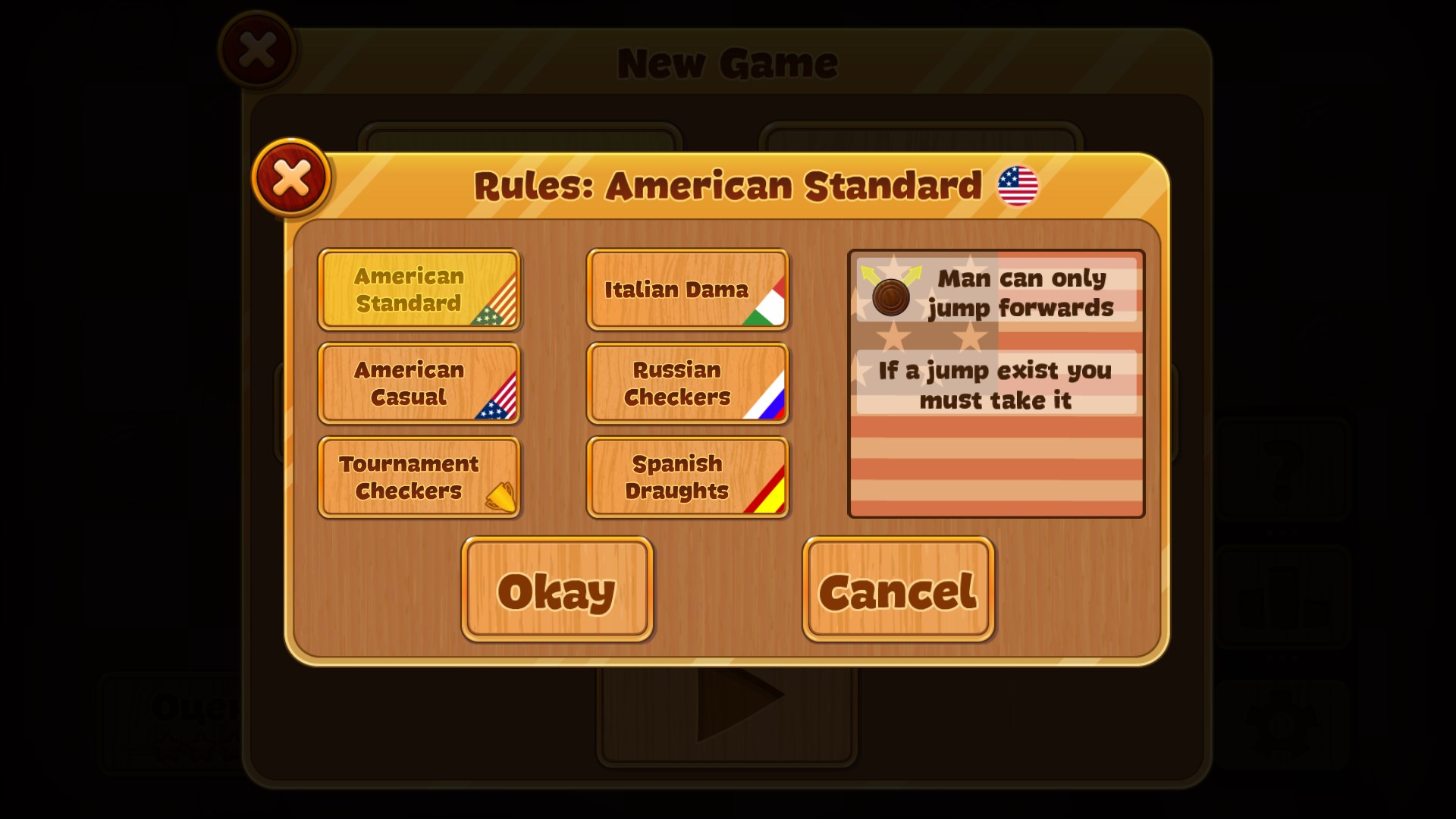
- Comprehensive Game Modes: Includes classic draw, timed challenges, and custom rule modes, providing variety beyond the traditional checkers experience.
- Intuitive Interface & Seamless Gameplay: Simplified controls paired with smooth animations make for enjoyable, frustration-free play sessions.
Vivid and Engaging Gameplay Experience
Imagine sitting comfortably in your favorite cozy nook, with a digital checkers board shimmering gently before you. From the moment you launch Checkers Deluxe, it's like stepping into a well-ordered battlefield where each move feels satisfying and strategic. The game's blend of familiar rules and modern interface invites both nostalgia and freshness—making every match a fresh mental challenge.
Design and User Interface
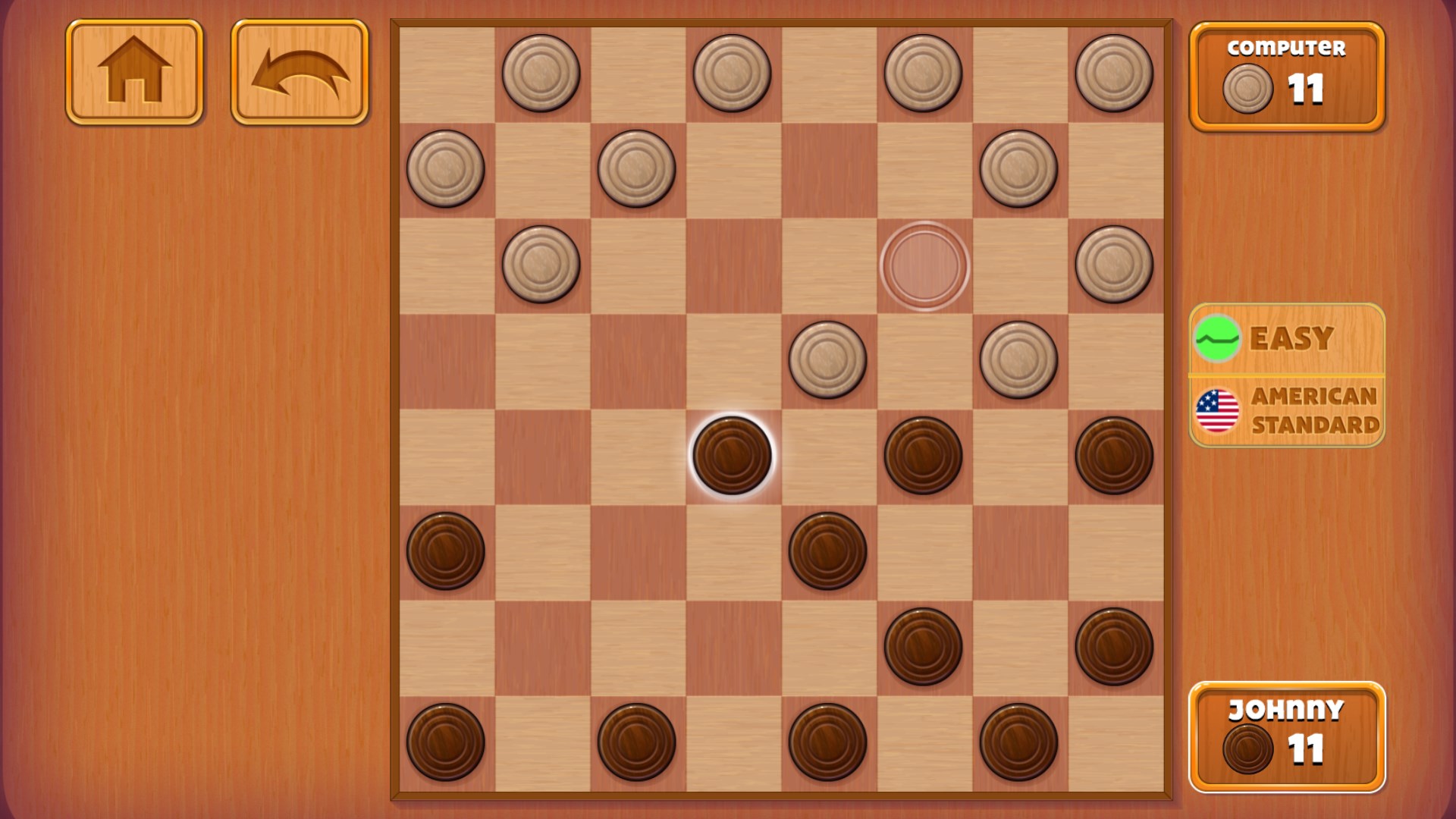
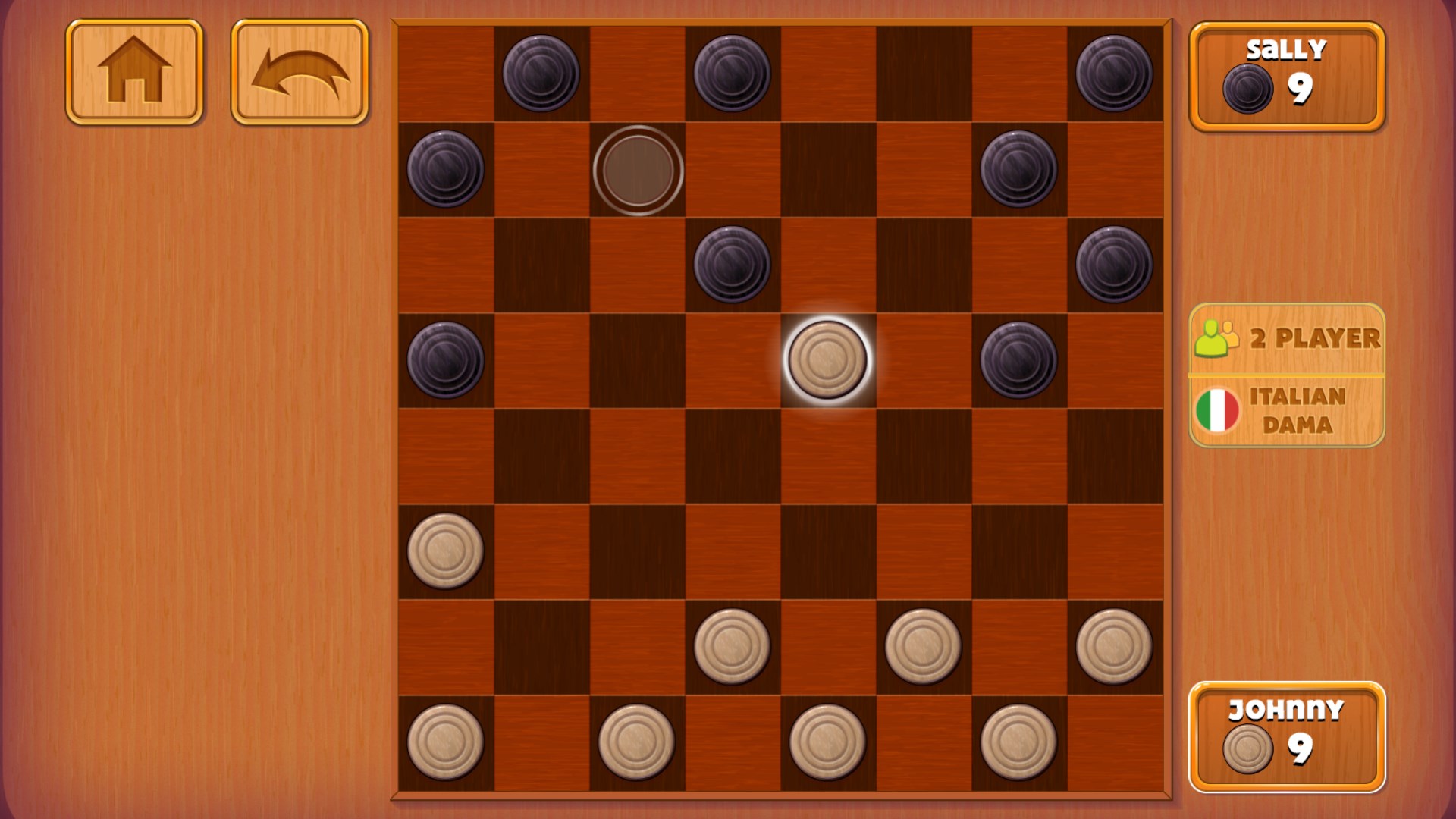
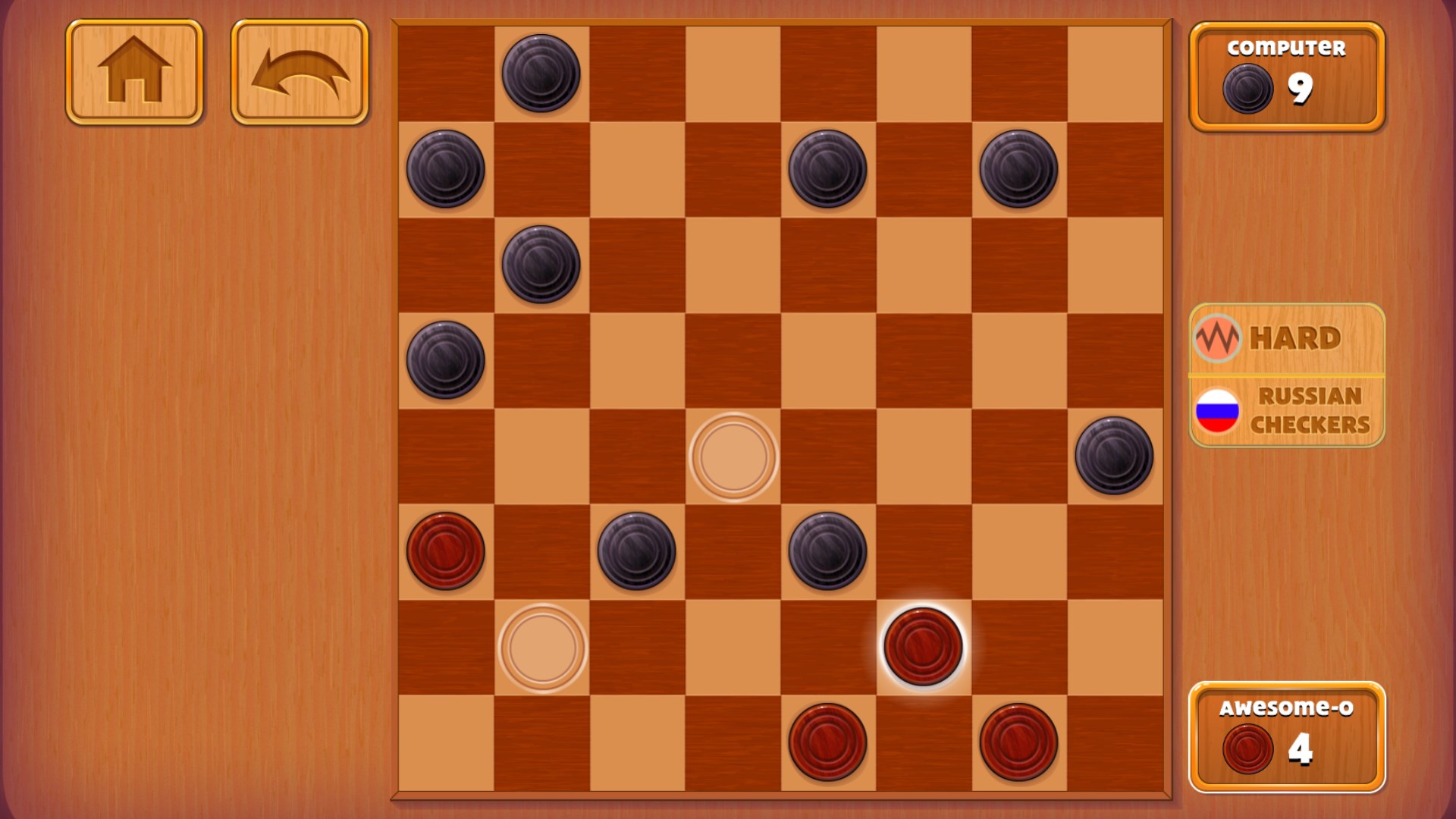
The interface adopts a sleek, minimalist aesthetic with clean lines and high-contrast colors—think of it as a well-organized study desk, where every piece is within arm's reach. Navigating menus and game options is effortless, thanks to clear icons and logical layout. During gameplay, the board feels inviting rather than intimidating, with subtle animations that enhance immersion without distraction.
Gameplay Mechanics and User Experience
Playing Checkers Deluxe feels as smooth as sliding a well-oiled clockwork mechanism. The responsive controls and instantaneous feedback create a seamless experience akin to a gentle flow of river water—calm yet capable of surging forward when needed. The learning curve is gentle enough for newcomers, yet the tactical depth offers sufficient challenge for seasoned players. The AI adapts intelligently, sometimes feigning a reckless attack or patiently defending—making each game an engaging mental puzzle.
Diving Deeper: What Makes It Unique?
Compared to other digital checkers applications, Checkers Deluxe shines in its approach to decision-making visibility and information management. Its interface highlights critical board pieces and potential moves clearly, helping players assess consequences without clutter. This transparency allows players to understand the ripple effects of each move—akin to watching a pebble create ripples across a pond—unveiling the nuanced layers of strategic planning.
Additionally, it avoids overwhelming users with excessive info. The clean presentation emphasizes essential choices, preventing the chaos that often accompanies feature-heavy apps. This balanced approach enables both quick play and deep strategic thinking, setting it apart from more cluttered competitors.
Should You Try It? Final Thoughts and Recommendations
Overall, Checkers Deluxe for Windows offers a well-rounded, thoughtfully designed experience that respects both the game's rich history and modern player needs. It's particularly recommended for those seeking a user-friendly yet intellectually stimulating game, whether you have a few spare minutes or plan a longer strategic duel. The game's standout features—especially its transparent decision visibility and smooth gameplay—make it a top contender in the digital checkers realm.
If you enjoy classic board games with modern refinements, this app is certainly worth exploring. Just imagine it as a reliable game partner—calm, intelligent, and always ready for a friendly match or a challenging puzzle—that will keep both your mind sharp and your fingers engaged.
Pros
- Engaging gameplay with multiple checkers modes
- Simple and intuitive user interface
- Smooth performance with minimal lag
- Regular updates introducing new features
- Supports local multiplayer mode
Cons
- Limited AI difficulty levels
- Lack of online multiplayer functionality
- Basic graphics and sound effects
- No tutorial or practice mode for beginners
- Occasional minor bugs reported by users











