
- Category Card & board
- Developer Bernardo Zamora
- Available on Mobile, PC
- OS Windows 8.1 or higher
- Keyboard Not specified
- Mouse Not specified
- languages English (United Kingdom), English (United States)
Checkers Pro for Windows: A Sleek Digital Card & Board Experience
Checkers Pro for Windows is a versatile application that transforms traditional card and board games into engaging digital experiences, ideal for casual players and enthusiasts alike. Developed by Bernardo Zamora, this app aims to provide smooth, visually appealing gameplay right on your Windows device without the clutter of unnecessary features.
About the App
Checkers Pro is a thoughtfully designed, user-friendly game collection, focusing primarily on classic checkers and other popular card & board games. Bernardo Zamora, the developer behind this app, specializes in creating streamlined, performance-focused digital game interfaces. Key features include intuitive controls, crystal-clear graphics, and configurable game rules. Its main goal is to offer a seamless gaming experience for users seeking straightforward, high-quality digital versions of their favorite tabletop games. The targeted audience encompasses casual gamers, family game night enthusiasts, and individuals interested in quick, accessible game sessions on their Windows devices.
Fun and Functionality Combined
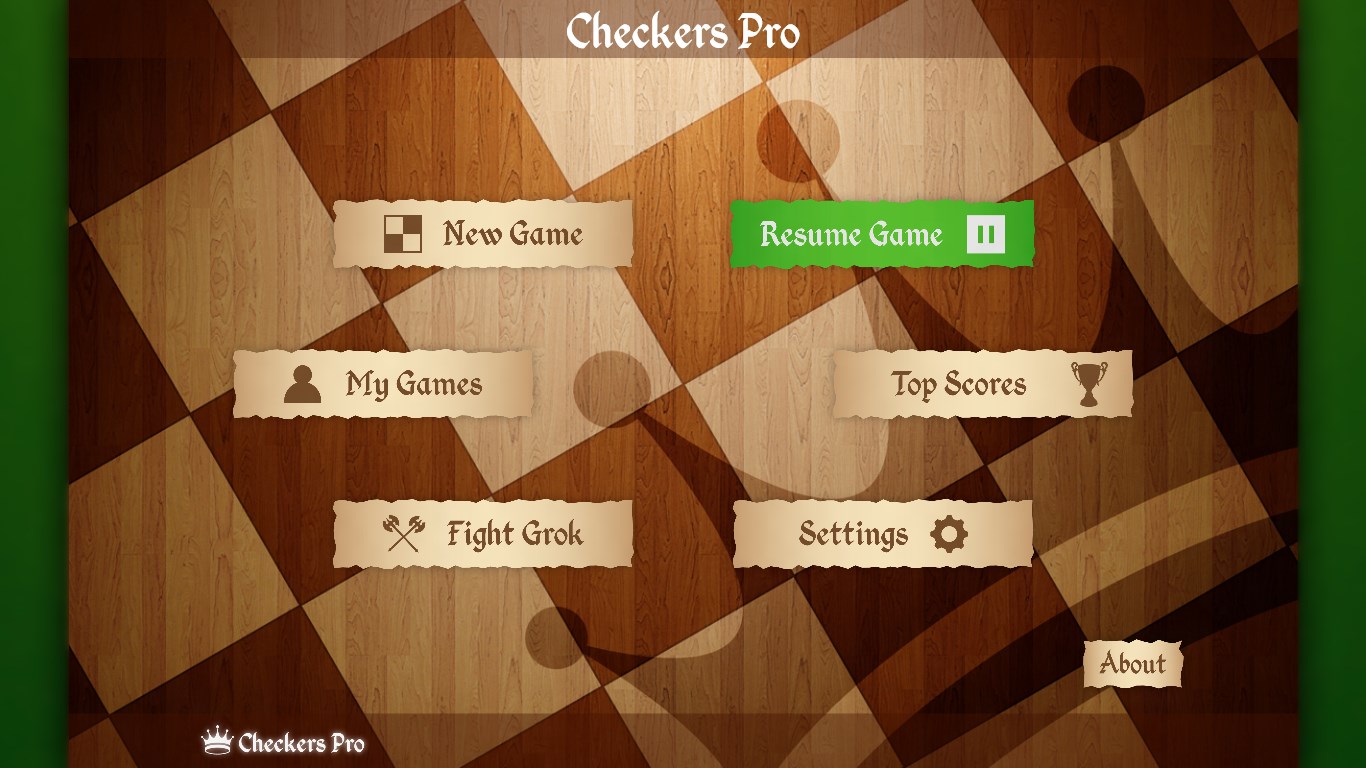
Starting the game feels like flipping the switch on a well-organized, cozy game table — inviting and simple. Once inside, the app's clean interface and logical layout make navigation feel like a natural flow, almost like playing a familiar game in a friend's living room. The excitement really kicks in with the core features, especially the customizable game rules and multiplayer options, which add layers of depth otherwise missing in many digital counterparts.
Seamless Gameplay and User-Friendly Design
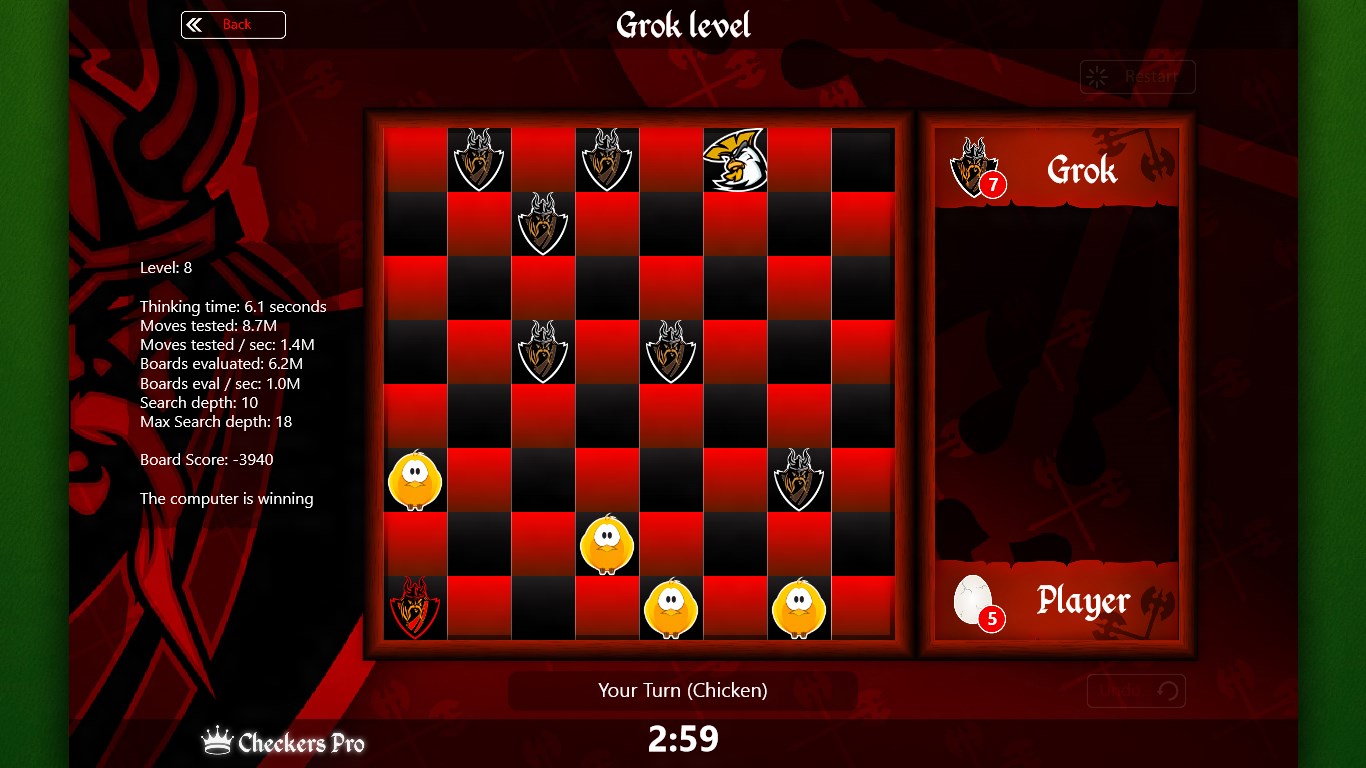
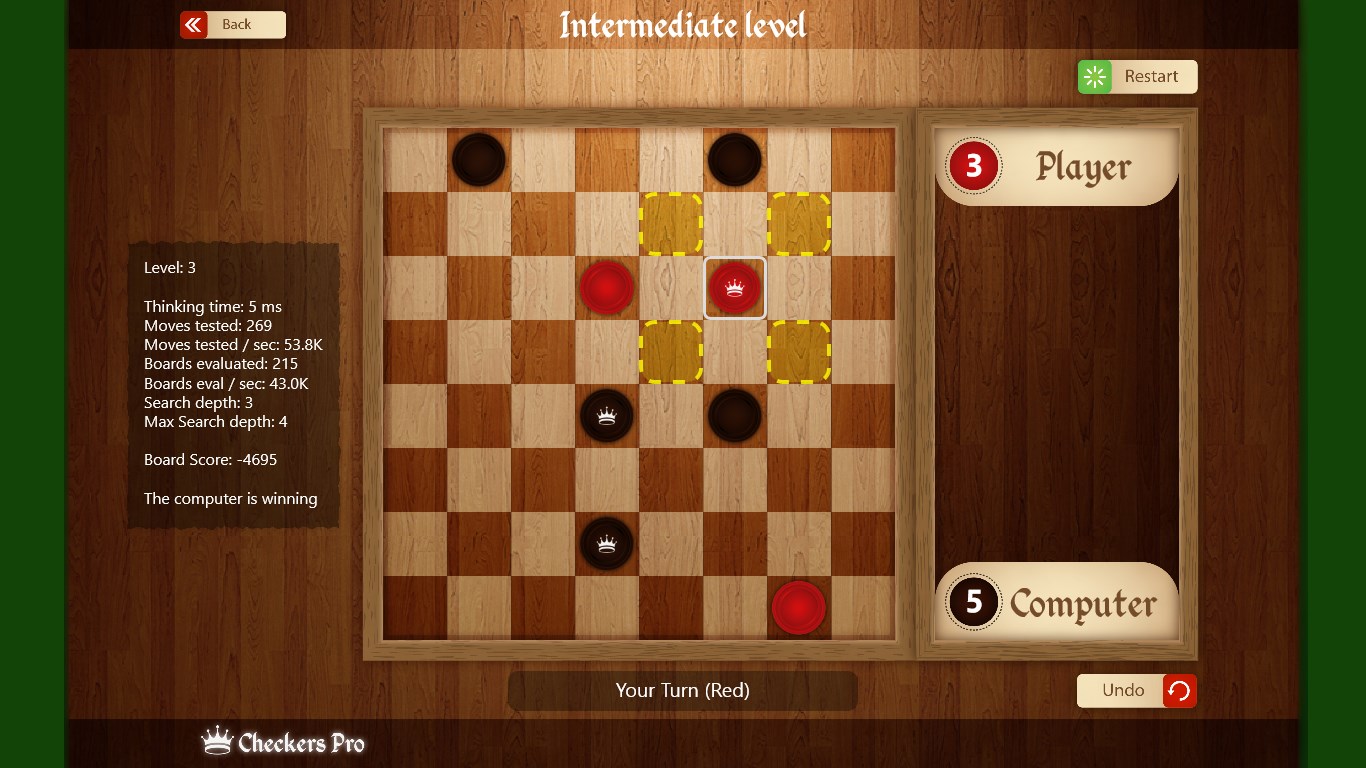
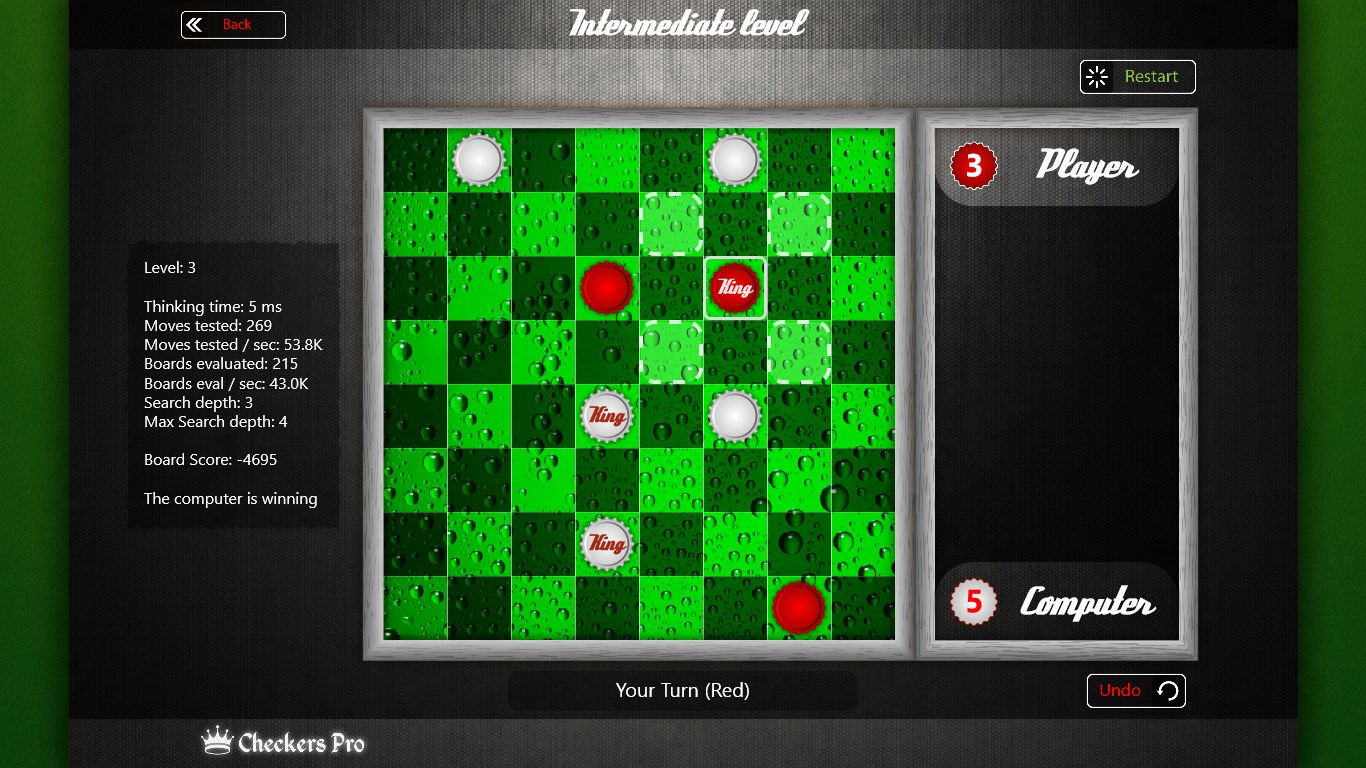
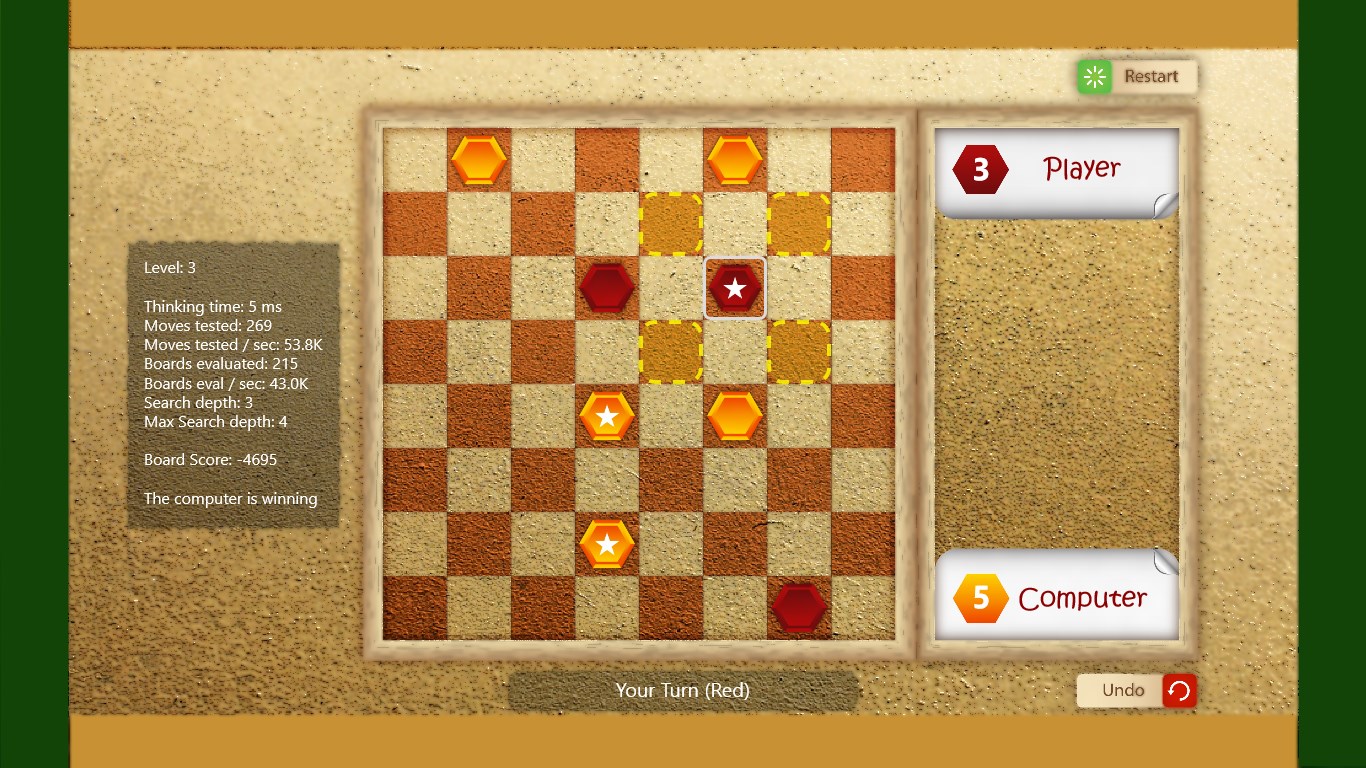
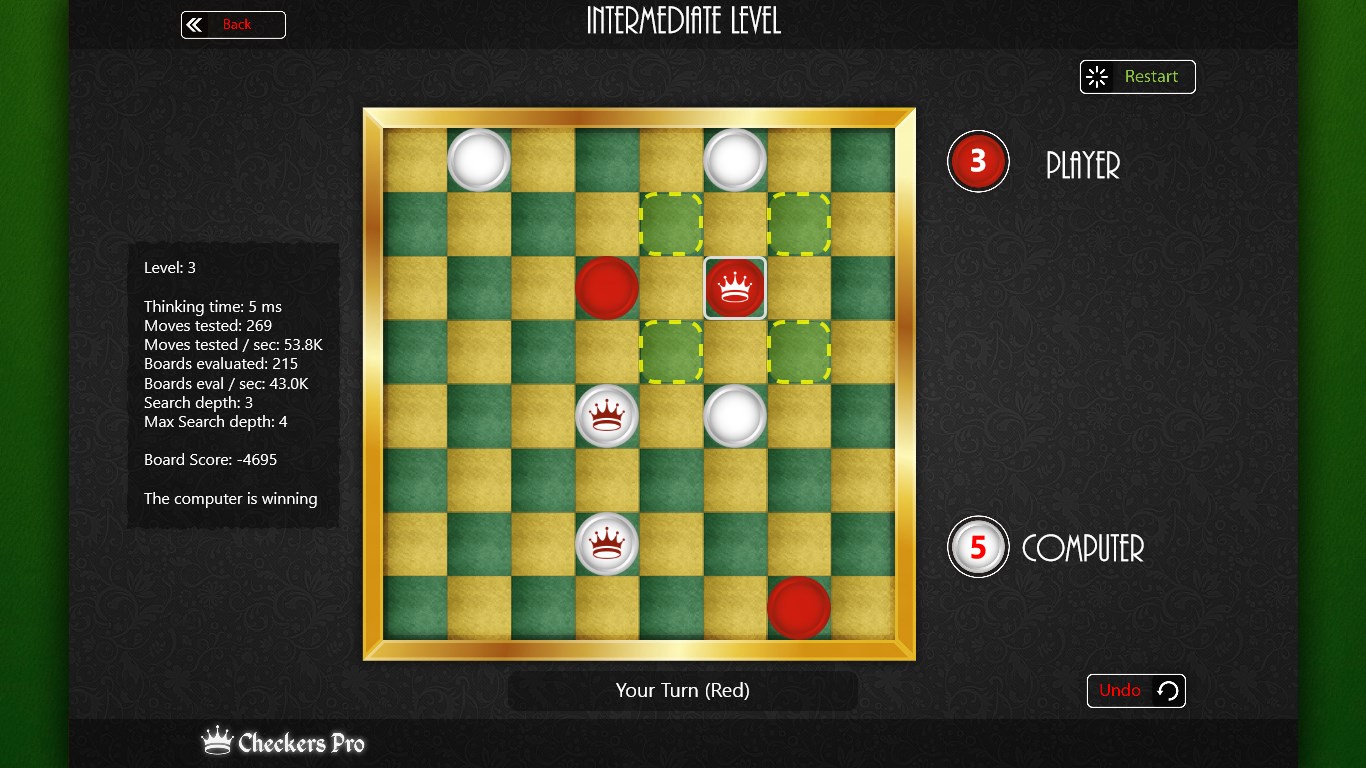
One of Checkers Pro's standout features is its smooth operation. The interface design strikes a balance between minimalism and accessibility, avoiding overwhelming clutter while providing all necessary controls at your fingertips. The game responds quickly to inputs, ensuring that gameplay remains fluid — an important aspect whether you're making a quick move or planning a strategic play. The learning curve is gentle; even beginners can pick up the rules swiftly thanks to in-app tutorials and clear visual cues. For seasoned players, the customizable options keep each game fresh and engaging.
Unique Selling Points: Custom Rules and Multiplayer Flexibility
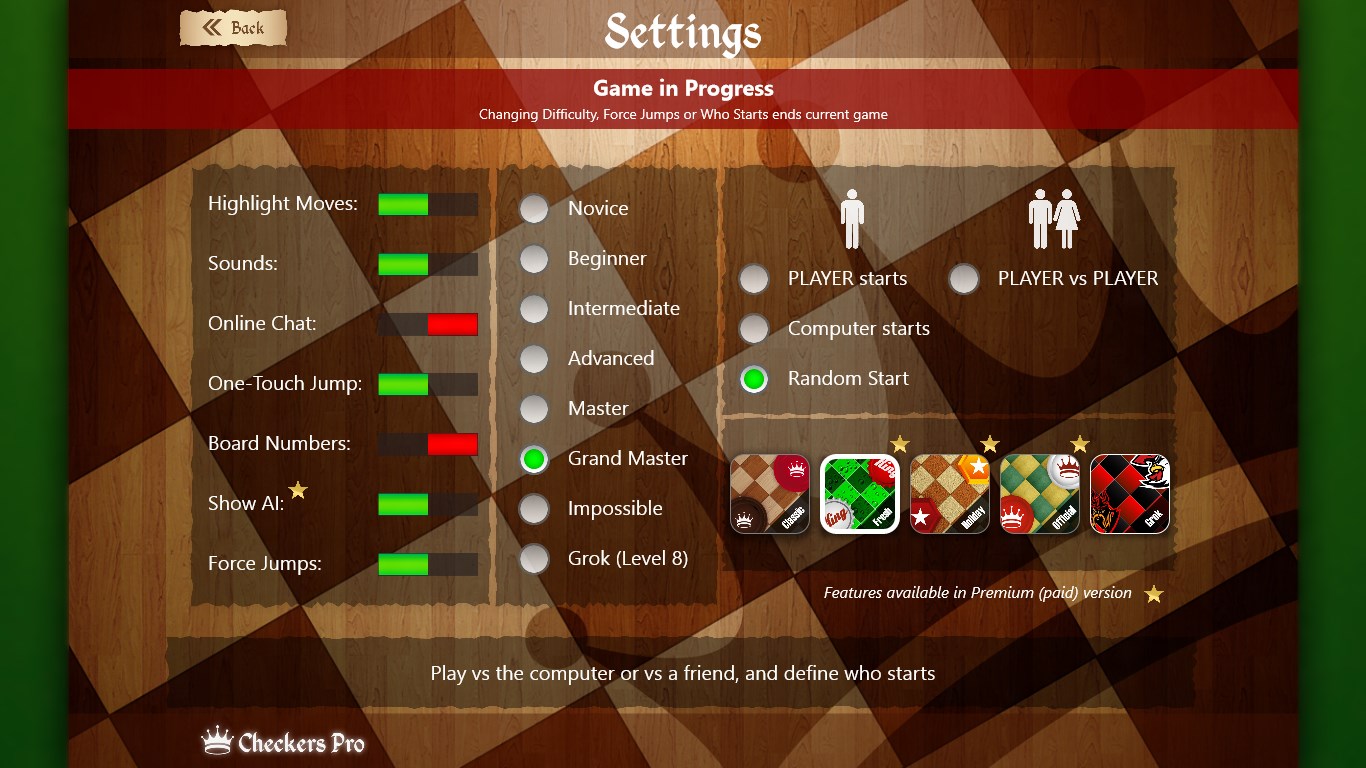
What truly sets Checkers Pro apart from other digital card and board apps are its highly flexible rule customization and multiplayer support. Unlike many apps that offer rigid gameplay parameters, this one allows you to tweak rules to suit your style or to replicate classic or house variations. Additionally, the multiplayer feature enables local or networked matches, making it perfect for casual competitive sessions with friends or family members, whether in the same room or across the internet. This level of adaptability acts like a digital chessboard that molds itself to your preferences rather than forcing you into a fixed format.
Evaluation and Recommendations
Overall, Checkers Pro for Windows impresses with its straightforward approach, clean design, and thoughtful features aimed at enhancing the traditional gaming experience. If you're someone who appreciates simplicity but doesn't want to sacrifice customization and smooth gameplay, this app qualifies as a worthwhile download. It's especially suited for users seeking a reliable, easy-to-learn platform for casual gaming sessions that can accommodate different rule sets and multiplayer modes.
While it isn't packed with overly complicated features or flashy graphics, its focus on core quality and user experience makes it stand out. For those who want a no-fuss, dependable digital tabletop game companion, I recommend giving Checkers Pro a try — it's like having a friendly game partner always ready at your fingertips.
Pros
- User-friendly interface
- Rich collection of checkers variants
- High-quality graphics and smooth animations
- Offline mode support
- Regular updates with new features
Cons
- Limited customization options
- Occasional minor bugs in game logic
- In-app advertisements
- Learning curve for advanced strategies
- Battery consumption during extended play











