


- Category Productivity
- Developer MAXON Computer GmbH
- Available on PC
- OS Windows 10 version 10240.0 or higher
- Keyboard Integrated Keyboard
- Mouse Integrated Mouse
- Memory 12 GB
- languages English (United States)
Introducing Cinebench for Windows: A Robust Benchmarking Tool with Precision and Ease
Cinebench for Windows, developed by MAXON Computer GmbH, stands out as a reliable and precise benchmarking application tailored for measuring a system's CPU and GPU performance. It's a go-to choice for professionals and tech enthusiasts who want to assess their hardware's capabilities without hassle.
Developed by MAXON: A Legacy of Excellence
MAXON Computer GmbH, renowned for its high-quality 3D graphics and rendering software like Cinema 4D, brings its expertise into this dedicated benchmarking tool. Their deep understanding of computational performance makes Cinebench a trusted application in both professional and enthusiast circles.
Core Features That Make a Difference
- Advanced Rendering Benchmark: Utilizes the same powerful rendering engine used in professional 3D content creation, providing a realistic assessment of CPU performance under demanding tasks.
- GPU Performance Testing: Offers dedicated GPU benchmarking, giving users a comprehensive view of their graphics card's capability, especially useful for creative professionals and gamers.
- Cross-Platform Compatibility: Seamlessly runs across Windows systems, supporting various hardware configurations for consistent and comparable results.
- Real-World Workload Simulation: Emulates typical creative and processing workloads, enabling users to gauge how their hardware performs in practical scenarios rather than synthetic tests alone.
A Closer Look: Why Cinebench Excels in the Benchmarking Arena
Vivid Performance Metrics and Engaging User Experience
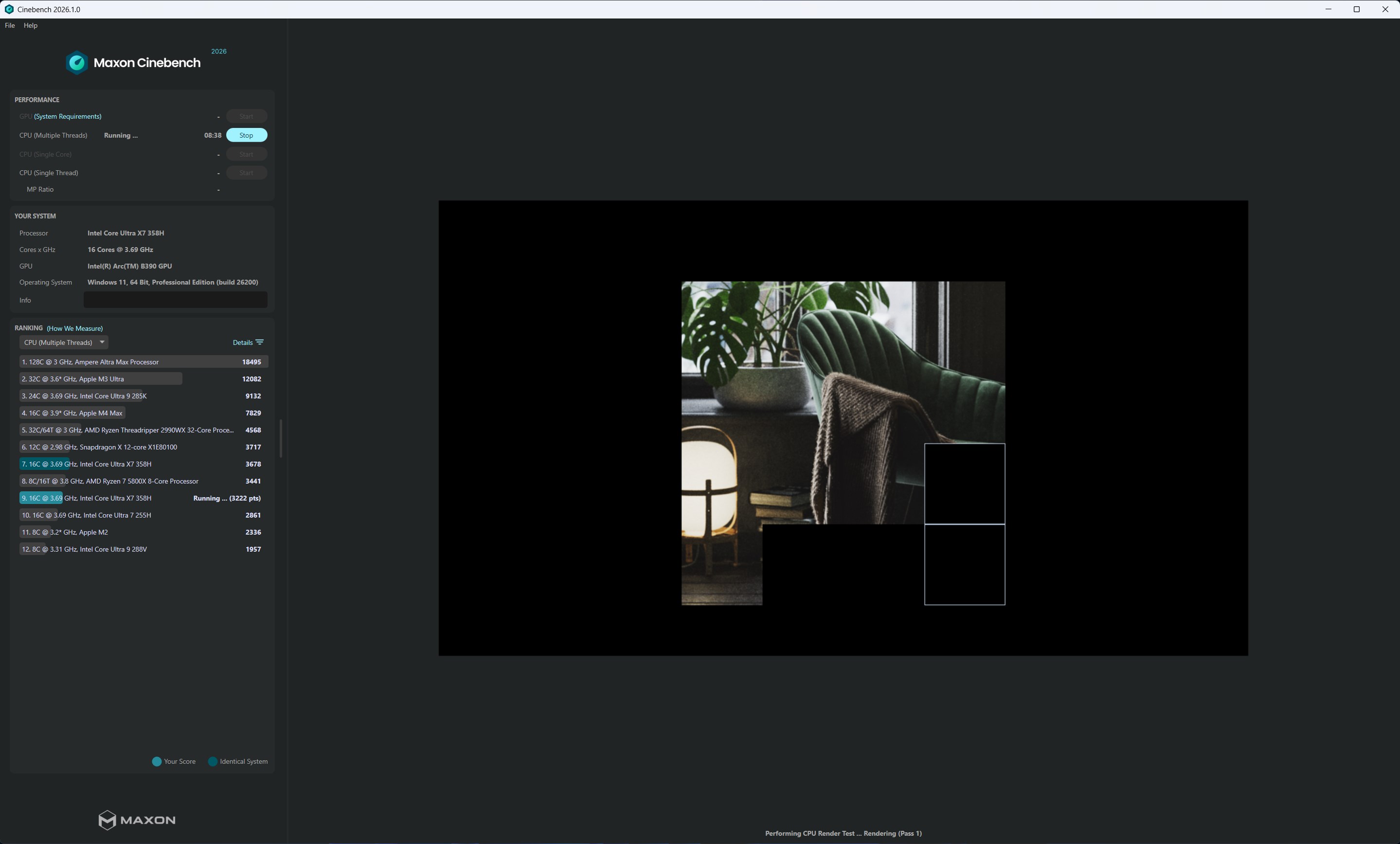
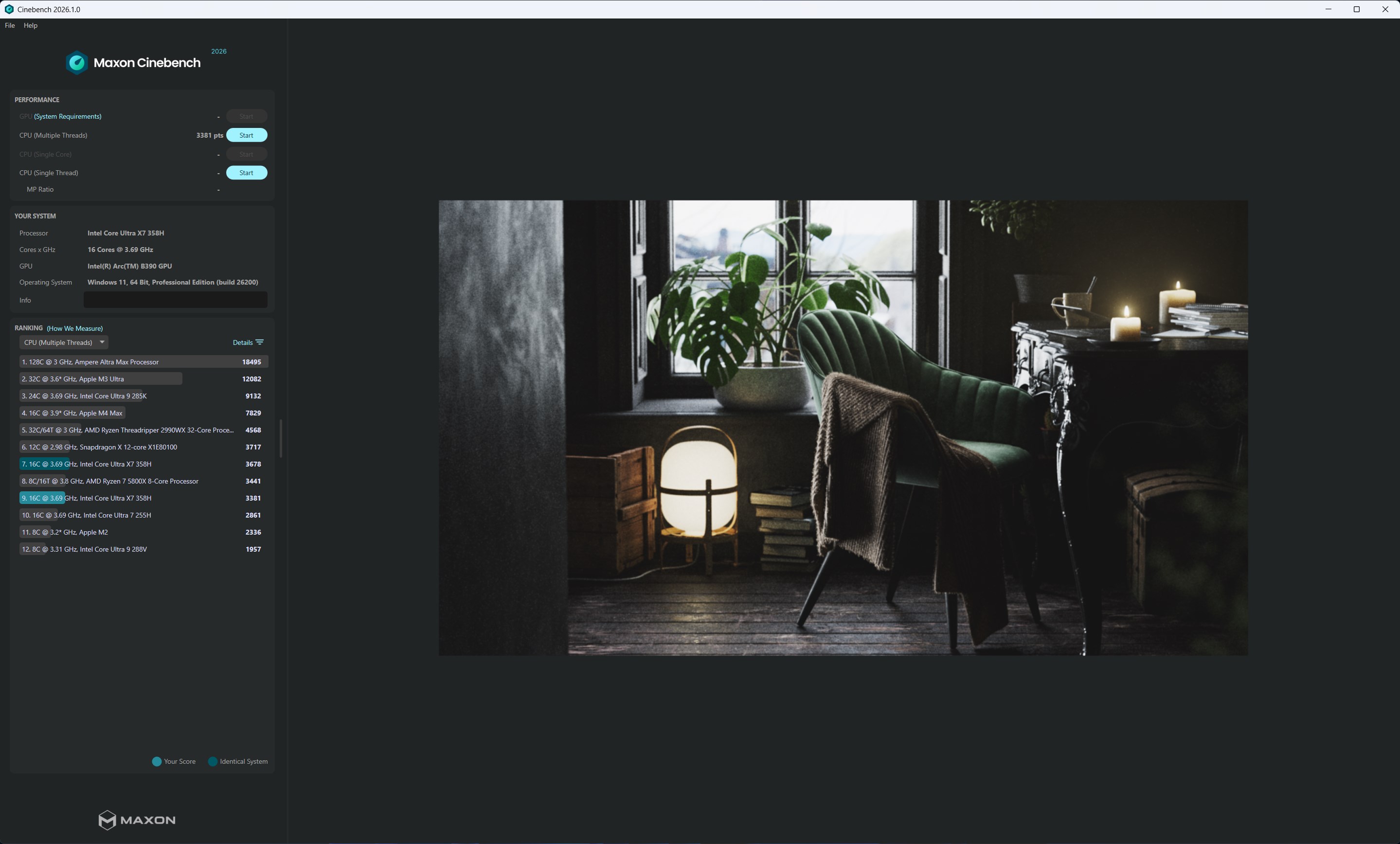
Imagine stepping into a virtual lab where your computer is put through its paces—Cinebench makes this process straightforward and engaging. Its interface offers a sleek, minimalistic design that guides users effortlessly—from initiating tests to interpreting results. The process is smooth, with real-time progress indicators and clear result displays that feel as intuitive as a well-organized workspace.
Design and Usability: Simple Yet Powerful
Whether you're a seasoned tech tester or a curious beginner, Cinebench's learning curve is gentle. The application's layout is uncluttered, allowing users to focus solely on performance evaluation. Clicking ‘Start' feels like pressing ‘Go' on a well-calibrated treadmill—quick setup, minimal fuss, and immediate feedback. This seamless operation reduces cognitive load, so users don't need to wrestle with confusing menus or excessive options.
Benchmarking Against Competitors: Precision With Less Complexity
Compared to similar productivity or benchmarking tools, Cinebench distinguishes itself through its emphasis on realistic workloads and clarity. Many benchmarking apps drown users in an ocean of features that, while impressive, can overwhelm. Cinebench's focus on core rendering tasks and its streamlined interface act like a clean workspace—making it easier to interpret results and make informed decisions. Moreover, its ability to measure both CPU and GPU separately simplifies performance analysis, helping users identify bottlenecks with clarity—serving as a lighthouse in a foggy sea of complex metrics.
Should You Use Cinebench? A Clear Recommendation
Given its precise, real-world workload simulation and user-friendly design, Cinebench is highly recommended for system builders, gamers, and creative professionals seeking reliable benchmarking data. Its unique strength in rendering performance measurement makes it particularly valuable for those involved in 3D modeling and animation, where CPU and GPU efficiency directly impacts productivity.
For casual users or those requiring quick, general system tests, Cinebench offers an accessible yet powerful solution that won't overwhelm. Its focus on workflow relevance—mirroring actual creative workloads—sets it apart from more abstract synthetic tests, making it a top choice for evaluating hardware suitability for demanding tasks.
In conclusion, Cinebench for Windows balances technical rigor with approachable design. Whether you're fine-tuning your build, comparing hardware upgrades, or performing routine performance validation, it's a tool that deserves a spot in your software toolkit. Its ability to deliver detailed, realistic performance insights with minimal effort makes it a standout in the benchmarking landscape—truly a friend in your quest for optimal system performance.
Pros
- Accurate Benchmarking
- User-Friendly Interface
- Cross-Platform Compatibility
- Free to Use
- Detailed Results
Cons
- Limited GPU Benchmarking
- Single-Threaded Testing Constraints
- Lack of Real-World Gaming Benchmarks
- No Cloud-Based Results Storage
- Limited Customization Options











