



- Category Personalization
- Developer Microsoft Corporation
- Available on PC
- OS Windows 10 version 14951.0 or higher
- languages English (United States)
City Lights by Talha Tariq for Windows: A Vivid Personalization Experience
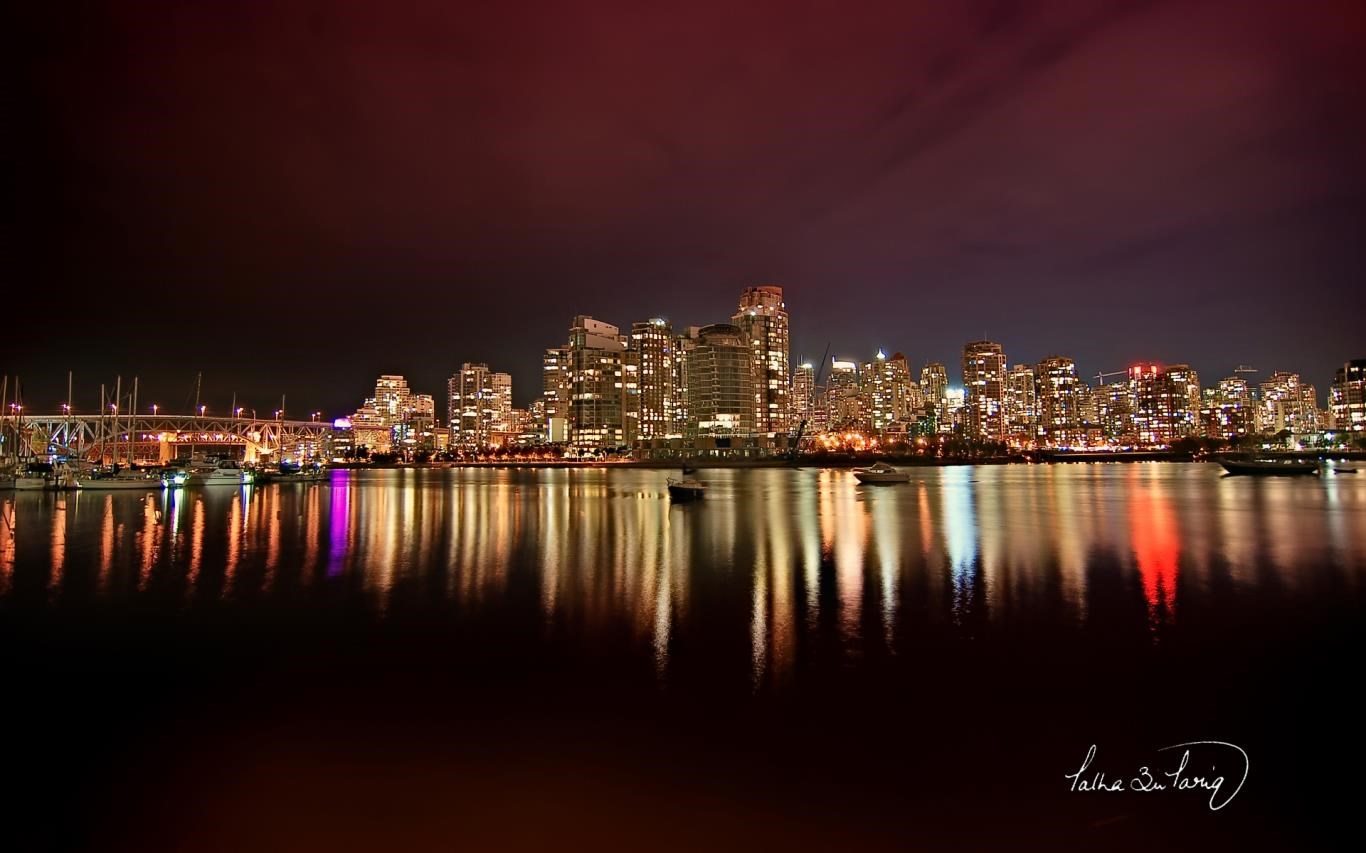
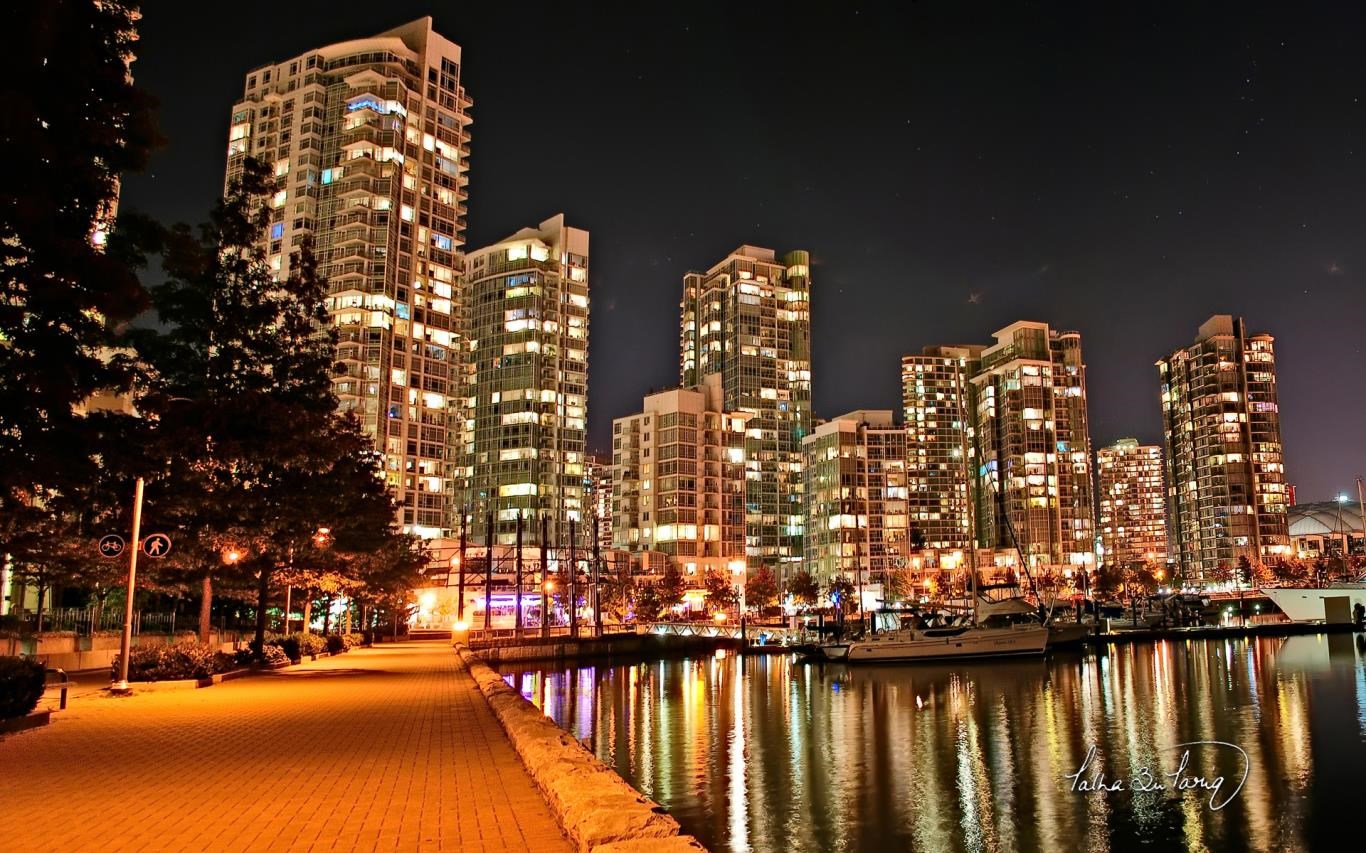
City Lights is a charming desktop customization app designed to transform your Windows environment with captivating cityscape-themed backgrounds, dynamic lighting effects, and seamless theme integration. Developed by Microsoft Corporation, this application aims to offer a visually immersive user experience that goes beyond simple wallpapers.
Basic App Overview
Positioning Statement
City Lights is a vibrant personalization tool that brings your desktop to life with stunning cityscape visuals and atmospheric lighting effects.
Developer & Publisher
Microsoft Corporation develops and publishes this app, ensuring its integration quality and consistency with Windows standards.
Main Features & Highlights
- Dynamic city-themed backgrounds that adapt to different times of day.
- Interactive lighting effects that simulate city lights and ambient glow.
- Easy theme customization options, including color schemes and visual styles.
- Seamless integration with Windows themes for a cohesive user interface.
Target Users
This application is ideal for Windows users who enjoy personalized aesthetics, urban scenery enthusiasts, and those seeking an ambient enhancement for their desktop workspace.
An Engaging Dive into City Lights' Features
Imagine working at your desk as the city below twinkles through your screen—City Lights creates that mesmerizing atmosphere at the simple click of a button. Its charm lies in delivering a dynamic and immersive visual experience while keeping user-friendliness at the core.
Vivid Visual Customization & Dynamic Backgrounds
At the heart of City Lights are its mesmerizing cityscape backgrounds. Beyond static images, the app offers dynamic visuals that evolve with the time of day—dawn, noon, dusk, and night—making the desktop feel alive and in sync with real-world lighting conditions. The high-definition images are vibrant yet balanced, enhancing focus without overwhelming the eyes. Setting up these backgrounds is a breeze, with straightforward controls that let users select, adjust, or automate transitions effortlessly.
Atmospheric Lighting & Theme Effects
The app stands out with its ambient lighting effects that emulate city lights—glowing street lamps, neon signs, and shimmering reflections. These effects are not mere overlays; they respond interactively, casting a subtle glow that complements the background imagery. Users can customize color palettes and intensity levels, creating personalized atmospheres—be it a romantic evening glow or a lively city nightlife scene. This feature cleverly enhances visual depth while maintaining a smooth, lag-free performance that suits both casual users and aesthetics aficionados.
User Experience & Interface Design
City Lights boasts a sleek and intuitive interface, reminiscent of a well-organized urban map—clean, tidy, and inviting. Navigating the settings feels natural, with categorized options guiding users through background selection, lighting customization, and theme integration. The app's responsiveness ensures transitions are fluid, and the overall experience is seamless, even on mid-range hardware. The learning curve is gentle; users familiar with standard Windows personalization settings will feel right at home, while newcomers will appreciate the guided setup process.
Unique Differentiators & Final Recommendations
Compared to other personalization applications, City Lights shines with its integration of dynamic cityscape backgrounds paired with atmospheric lighting. Its primary advantage lies in its ability to create a living, breathing desktop environment that responds to time and user preferences— a subtle but powerful enhancement over static wallpapers or simple theme packs.
Furthermore, its compatibility with existing Windows themes and customization options offers a cohesive experience, making it stand out in a crowded market. The variety in customization options—ranging from background images to lighting effects—caters to those who crave detailed control without complex setups.
Considering its features, user-friendly design, and aesthetic appeal, I would recommend City Lights to Windows users seeking to elevate their workspace ambiance. It's especially suitable for urban dwellers, cityscape admirers, or anyone who appreciates a touch of visual vitality in their daily routine.
Overall, City Lights presents a well-balanced blend of visual sophistication and ease of use. While its core features are not revolutionary, their thoughtful integration offers a unique, engaging desktop experience worth exploring for those eager to add some city-inspired flair to their Windows environment.
Pros
- Visually Stunning Graphics
- Smooth Performance
- User-Friendly Interface
- Regular Content Updates
- Low Battery Consumption
Cons
- Limited Customization Options
- Occasional Graphical Glitches
- Lack of Offline Mode
- Limited Language Options
- No Interactive Features











