

- Category Card & board
- Developer Oleksii Harbuzenko
- Available on PC, Mobile, Surface Hub, HoloLens
- OS Windows 10 version 17763.0 or higher
- Mouse Not specified
- languages English (United States), Russian, Spanish (Spain), Ukrainian
Classic Free Cell for Windows: A Timeless Card Game Reimagined
If you're a fan of classic solitaire games that combine simplicity with strategic depth, then Classic Free Cell for Windows offers a refreshing spin on a beloved timeless game. With its clean interface and straightforward mechanics, it's designed to bring the nostalgic feel of traditional card puzzles directly to your fingertips, making it an ideal pastime for both casual players and seasoned solvers alike.
Developed by Oleksii Harbuzenko: A Solo Developer's Crafted Gem
This app is masterfully crafted by Oleksii Harbuzenko, who not only developed but also published the game. As a solo developer, Harbuzenko aims to deliver a perfectly optimized Free Cell experience, focusing on quality, user engagement, and performance. His dedication ensures that players receive a smooth, unobtrusive, and engaging digital card game grounded in the classic mechanics that have endured for decades.
Key Features That Stand Out
- Intuitive Gameplay Mechanics: The game faithfully reproduces the classic Free Cell experience, allowing players to focus on strategic thinking without unnecessary distractions.
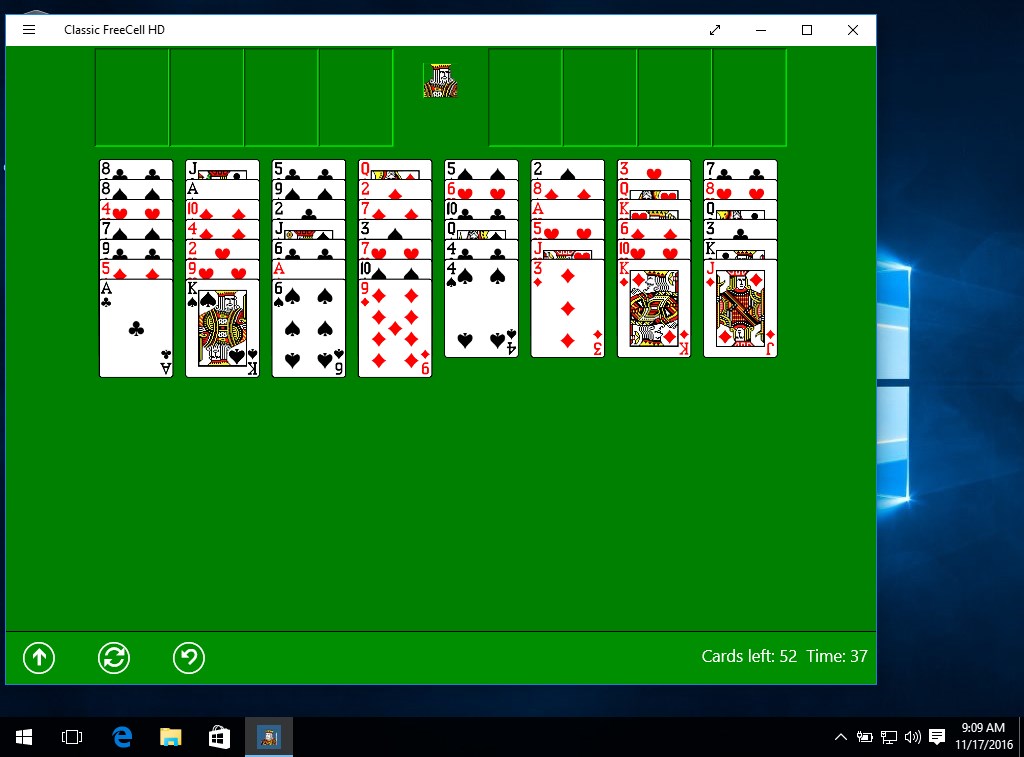
- Clean, Minimalist Interface: The interface is streamlined and clutter-free, mimicking the elegance of physical playing cards spread neatly on a table—perfect for immersing oneself into the game.
- Seamless User Experience: With fast loading times and responsive controls, the game ensures smooth operations, even on lower-spec Windows devices.
- Replay and Undo Features: Players can easily undo moves and revisit previous game states, encouraging experimentation and reducing frustration, especially for newcomers.
Immersive Gameplay and User Experience
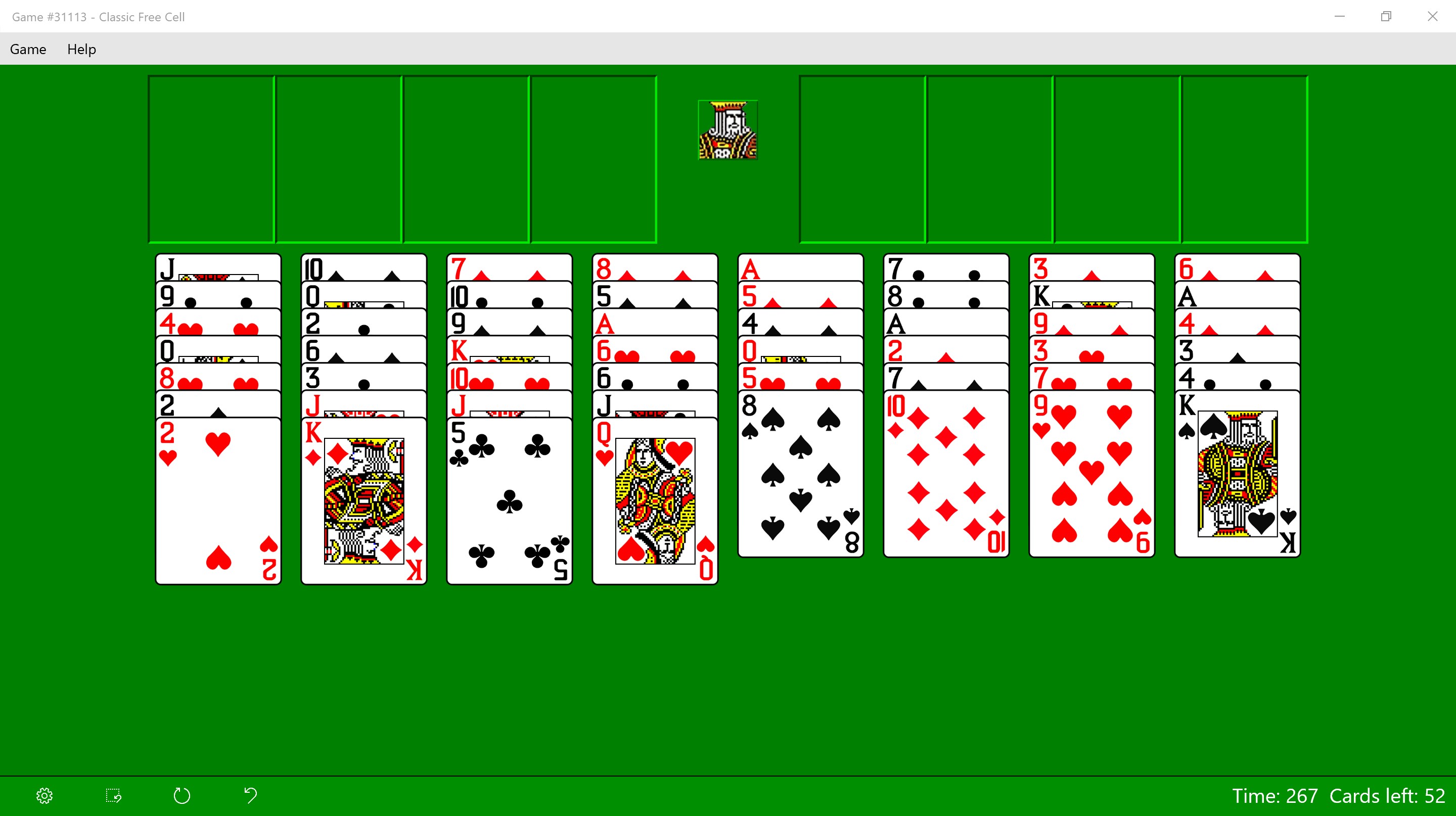
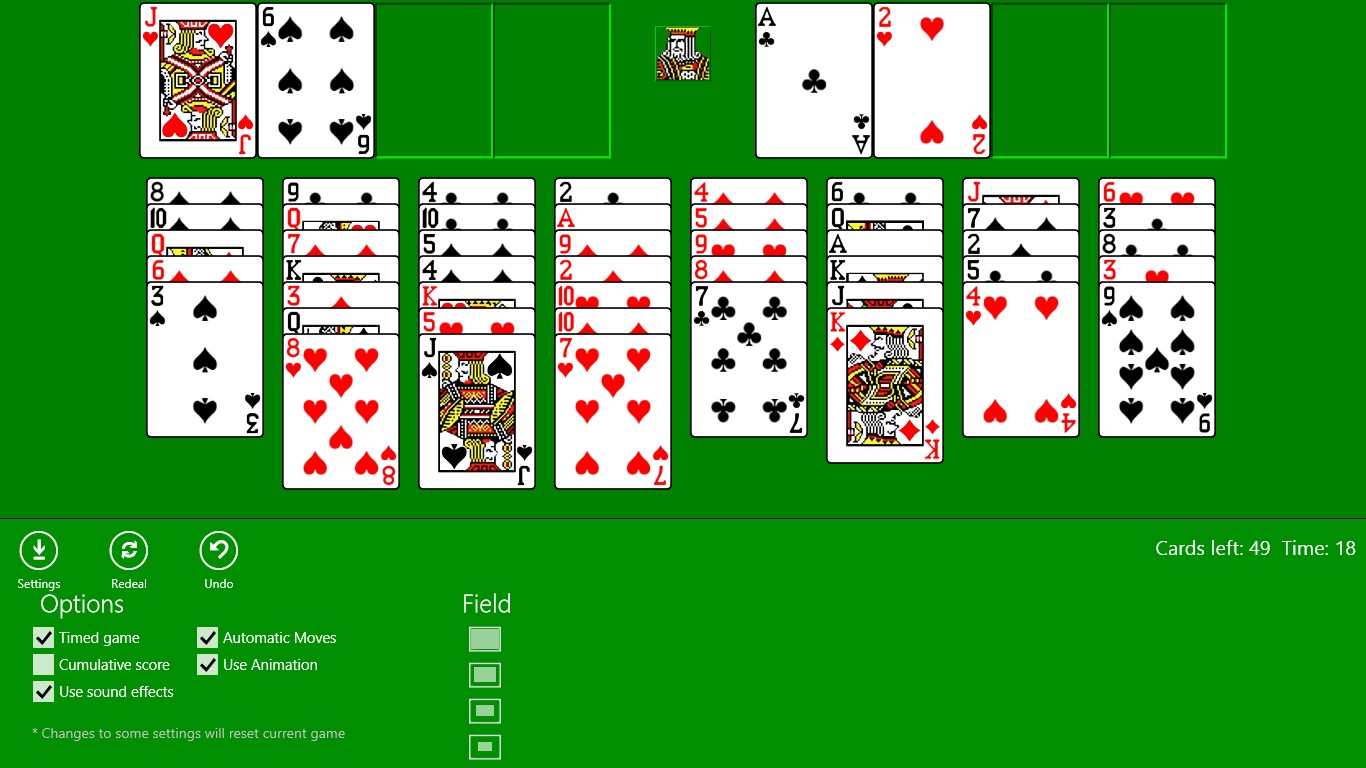
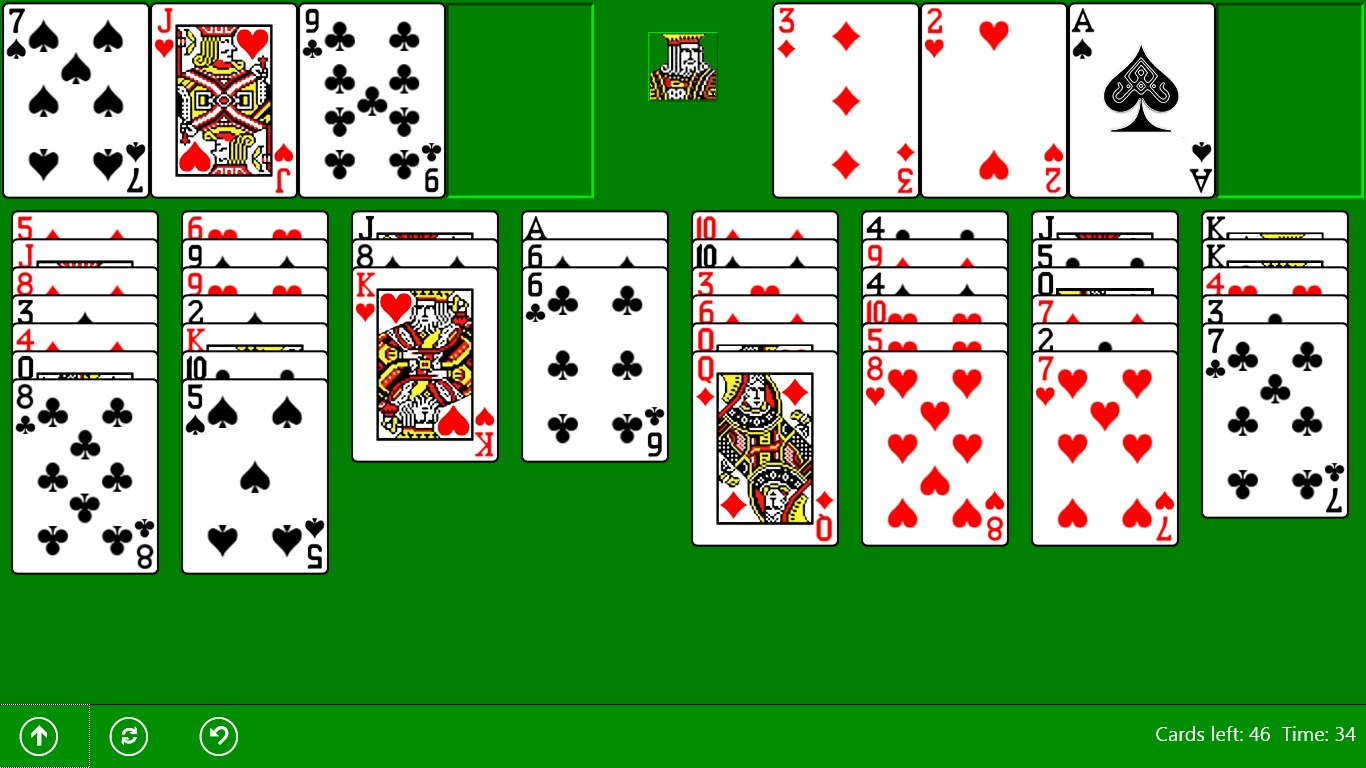
Right from the moment you launch Classic Free Cell, the game opens up with a visually soothing deck of cards set against a neutral background, reminiscent of a well-used card table. The interface's minimalism is a breath of fresh air—no intrusive ads, no complicated menus, just pure gameplay. Controls are responsive and intuitive; drag-and-drop actions feel natural, much like handling cards on a real table. The game's design focuses on clarity, making it easy for both newcomers and veteran players to quickly grasp the rules and jump right into solving puzzles.
Operation feels fluid: shuffling, moving cards, and undoing actions happen seamlessly, encouraging a relaxed gaming experience. The learning curve is gentle—most players with casual familiarity with solitaire mechanics can pick up the game in minutes. Meanwhile, the inclusion of hints and move suggestions subtly supports players improving their skills without feeling spoon-fed, making it an engaging challenge for all levels.
What Sets It Apart from Similar Card & Board Apps?
Compared to other digital card games, Classic Free Cell's standout feature is its unwavering adherence to traditional gameplay while maintaining a modern and user-friendly interface. Unlike many apps that clutter the screen with flashy animations or excessive customization options, this app opts for restraint—purposely avoiding unnecessary distractions. Its replay and undo features are particularly noteworthy, empowering players to experiment with tactical moves without fear of losing progress. This makes it more than just a game; it becomes a tool for honing strategic thinking.
Additionally, its performance optimization ensures that even older or less powerful devices run the game smoothly, broadening its accessibility. The absence of intrusive ads and in-app purchases underscores its commitment to an authentic, unobstructed experience—akin to sitting at an actual card table in a cozy café, undisturbed by interruptions.
Recommendation and Usage Suggestions
If you're seeking a genuine, distraction-free Free Cell experience that combines traditional gameplay with modern polish, Classic Free Cell for Windows is highly recommended. It's especially suitable for players who appreciate strategic thinking and a calm, minimalist environment. Whether you're waiting for a bus, taking a mental break during work, or unwinding at home, this app offers a satisfying way to sharpen your solitaire skills.
For best results, I suggest exploring its undo and hint features once you're familiar with the game's basic mechanics to deepen your strategic thinking. Plus, its straightforward interface makes it an excellent choice for players of all ages—whether you're new to card games or a lifelong enthusiast—making it a reliable companion for quiet afternoons or quick puzzles on the go.
Overall, Classic Free Cell for Windows stands out for its balance of simplicity, efficiency, and respect for the traditional gameplay experience. It might not boast flashy graphics or endless customization, but it excels where it matters—delivering a pure, enjoyable card game that stands the test of time. Give it a try, and you may find yourself returning for one more move, again and again.
Pros
- Simple and intuitive interface
- Classic FreeCell gameplay
- Offline mode supported
- Automatic game saving
- Lightweight app size
Cons
- Limited customization options
- Minimal instructions for new players
- No statistics tracking or leaderboards
- Limited sound and animation effects
- Occasional minor bugs in move detection











