

- Category Card & board
- Developer Oleksii Harbuzenko
- Available on PC, Mobile, Surface Hub, HoloLens
- OS Windows 10 version 17763.0 or higher
- Mouse Not specified
- languages English (United States), Russian, Spanish (Spain), Ukrainian
Classic Solitaire (Free) for Windows: A Timeless Card Game with a Modern Twist
If you're nostalgic about the classic card games that have stood the test of time, or simply looking for a relaxing way to pass the time, Classic Solitaire (Free) offers a familiar yet refreshed experience. Developed by Oleksii Harbuzenko, this app brings the beloved solitaire game to your Windows device with thoughtful design and smooth gameplay.
Basic Info: Simplicity Meets Attention to Detail
This application positions itself as a straightforward, accessible version of the classic solitaire game, perfect for players seeking a familiar experience. Developed and published by Oleksii Harbuzenko, it benefits from a developer dedicated to clean, bug-free performance and user-centric design.
- Main Features: Seamless drag-and-drop card dealing, customizable game settings (such as card back themes), and a clean, clutter-free interface that emphasizes ease of play.
- Target Audience: Casual gamers of all ages, especially those who appreciate traditional card games, as well as Windows users looking for a distraction-free gaming experience.
Engaging, User-Friendly Interface
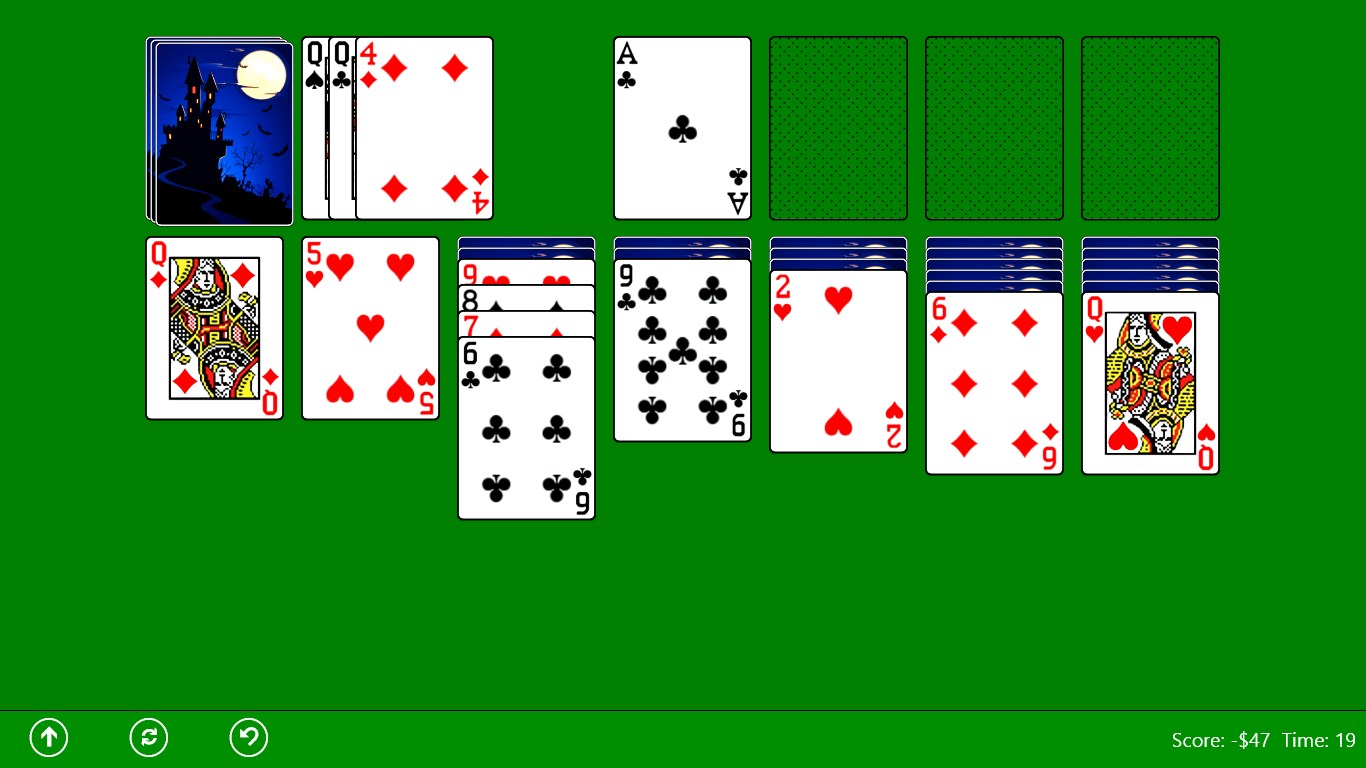
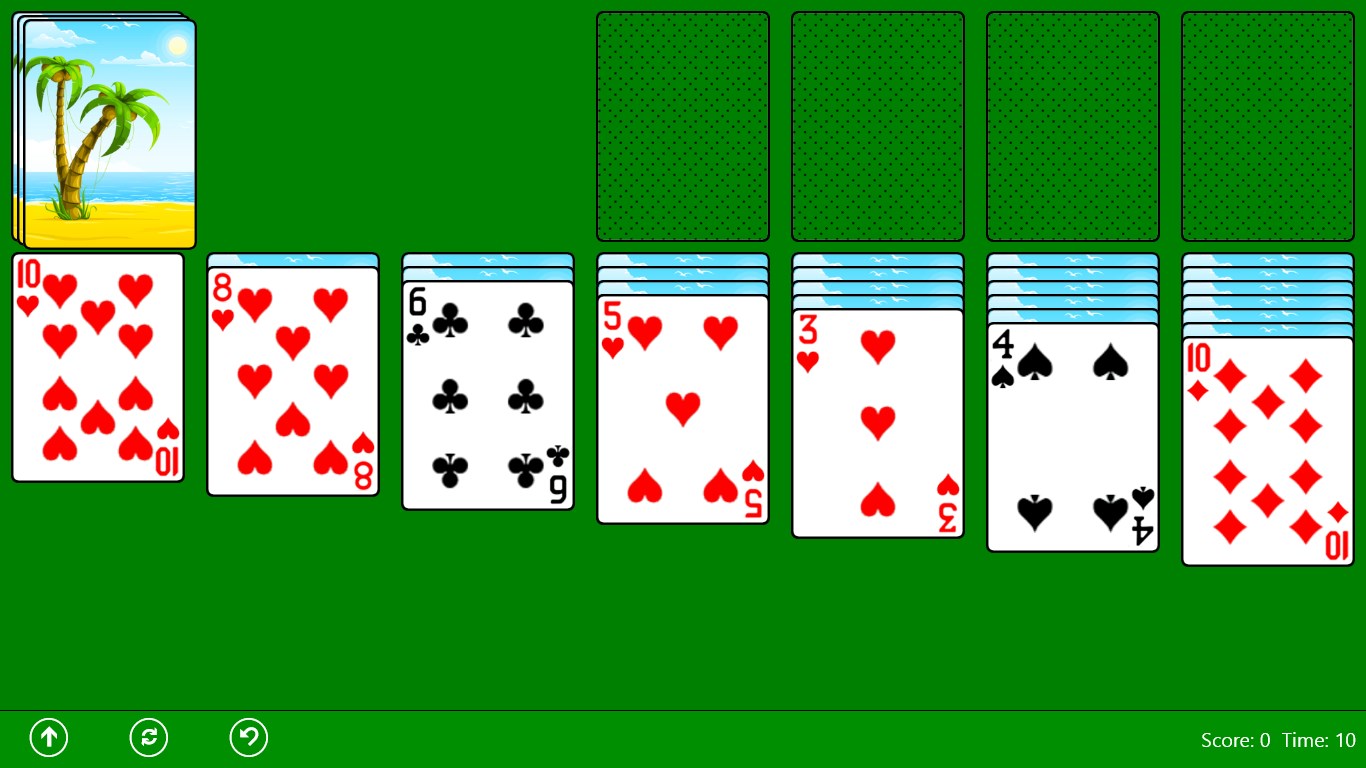
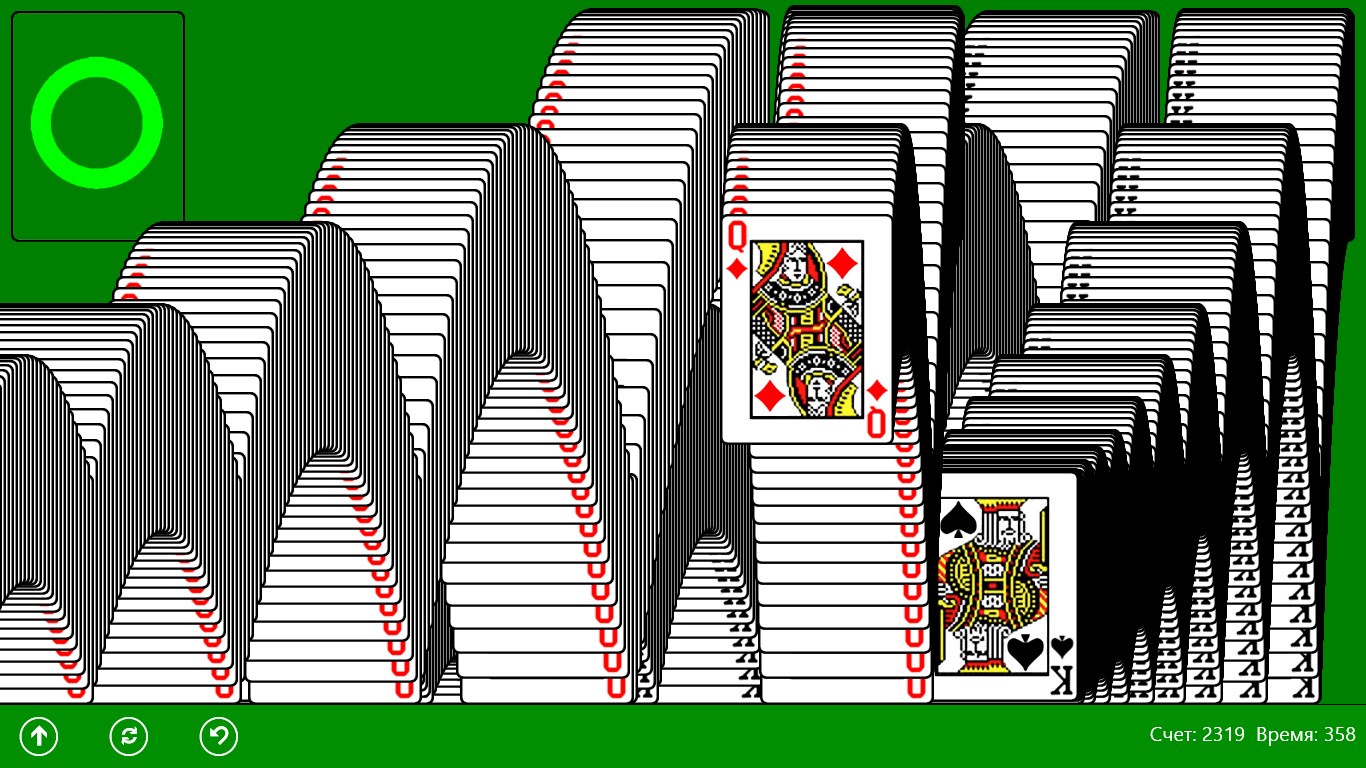
Right from the first launch, Classic Solitaire welcomes you with a sleek and uncluttered interface. The vivid card graphics are sharp and clear, allowing for easy recognition even on small screens. Navigation is intuitive; clicking or dragging cards feels natural, mimicking the tactile sensation of shuffling physical cards. The interface design minimizes distractions, enabling players to focus solely on their game, much like settling down with a good deck of cards on a quiet afternoon.
Smooth Gameplay and Thoughtfully Designed Core Features
Ease of Play with Responsive Controls
The app shines in its responsiveness. Moving cards feels effortless, with animations that are both fluid and unobtrusive—no stuttering or lag, even during intense puzzle solving. The drag-and-drop mechanics are crisp, and the game responds instantaneously to your commands, making the entire experience feel natural. For beginners, the game offers helpful hints without being intrusive, smoothing the learning curve without diminishing the challenge or satisfaction of completing a game.
Customizability and Personalization
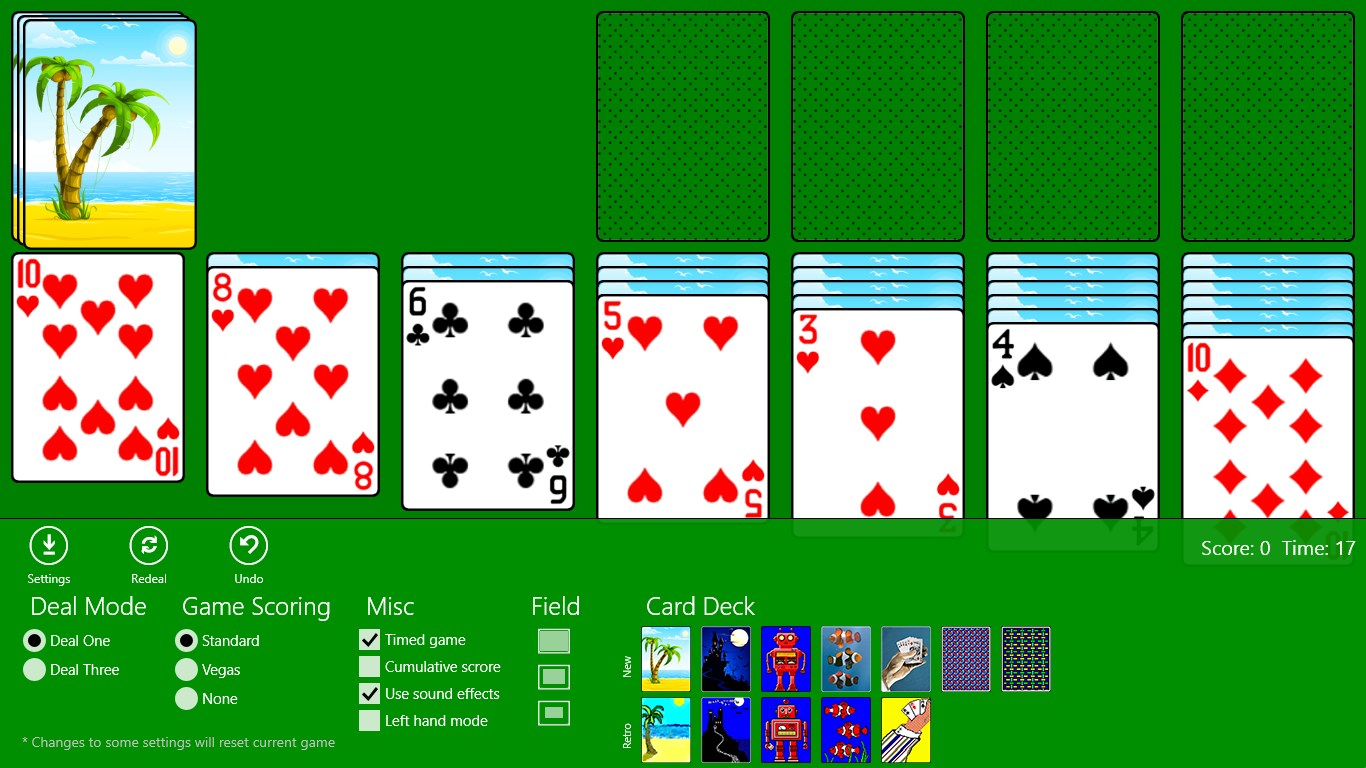
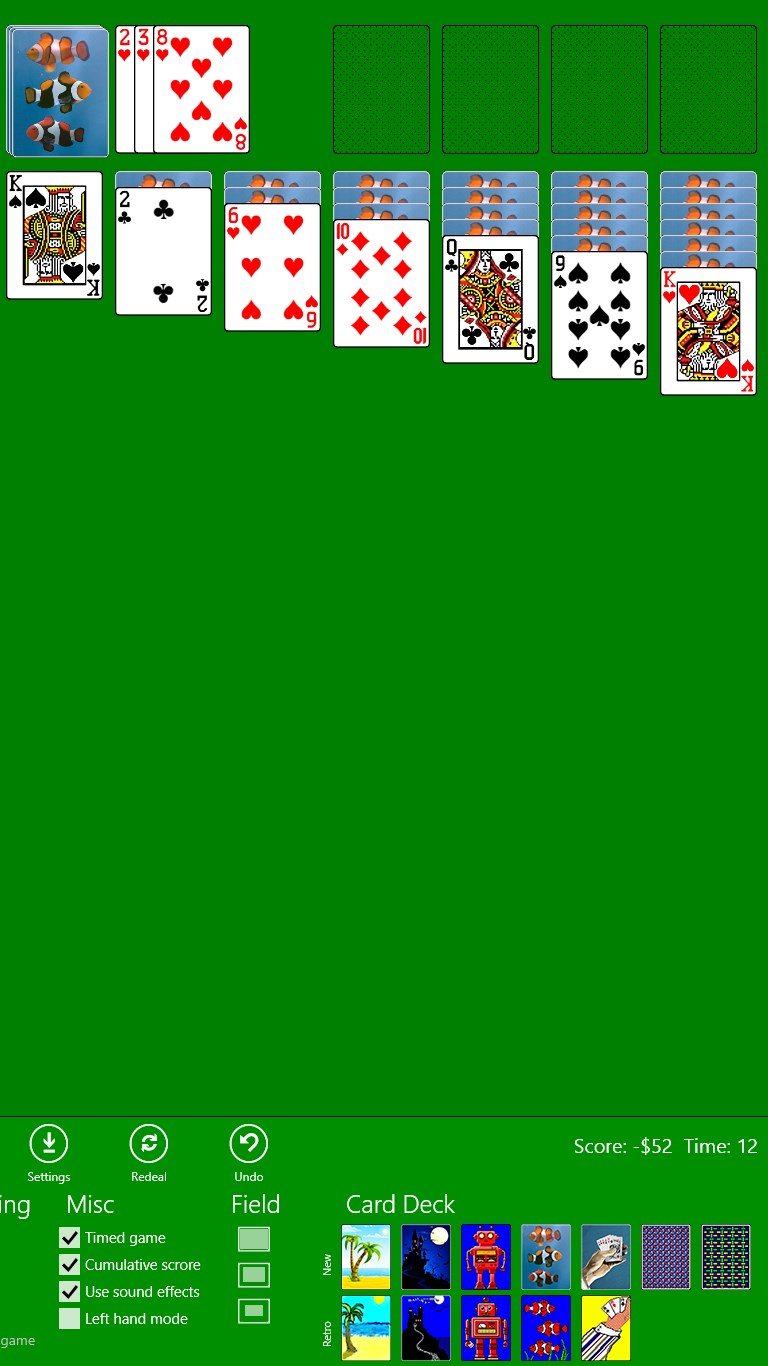
One of this app's standout features is its attention to user preferences. You can customize card backs and backgrounds, turning a simple solitaire game into a personalized daily ritual. This feature sets it apart from many basic implementations that keep all visuals static. It allows players to create a visual environment that feels cozy or elegant—whether you prefer classic green felt, soothing landscapes, or modern abstract art. Such options make each game session unique and engaging.
What Sets It Apart: A Classic Revisited with a Modern Touch
Unlike many solitaire apps that stick to just the basic layout, Oleksii Harbuzenko's version emphasizes minimalism and customizability. Its minimalistic interface strips away unnecessary clutter, focusing your attention solely on the cards, empowering you to plunge into the game with less distraction. Moreover, the app's light footprint ensures quick load times and minimal resource consumption, making it suitable for a variety of Windows devices—from powerful desktops to modest laptops.
Another subtle but impactful distinction is the unobtrusive hint system. It guides without nagging, a gentle nudge when you're stuck, but never taking away the satisfaction of figuring out your next move on your own. This balance nurtures both the casual player and the seasoned solitaire enthusiast alike.
Final Thoughts: A Recommended Daily Companion
If you're seeking a solitaire app that combines simplicity with thoughtful details, Classic Solitaire (Free) offers just that. Its clean interface, responsive controls, and customizable options make it a reliable choice for relaxation or quick mental exercises. While it doesn't reinvent the wheel, it's refined enough to stand out as a trustworthy digital solitaire experience. I would recommend it to anyone wanting a distraction-free, straightforward card game that you can pick up and enjoy anytime—whether during a coffee break or winding down after a long day.
Pros
- Simple and intuitive interface
- No ads or in-app purchases
- Multiple Solitaire variations available
- Progress tracking and statistics
- Offline play supported
Cons
- Limited customization options
- Lack of hints or undo features in some modes
- No achievements or social sharing features
- Occasional minor bugs with animations
- Lack of a tutorial for new players











