



- Category Productivity
- Developer ClickUp
- Available on PC
- OS Windows 10 version 0.0 or higher
- Keyboard Integrated Keyboard
- Mouse Integrated Mouse
- Memory 4 GB
- DirectX Version 9
- languages English
Streamlined Task Management Meets Intuitive Design
ClickUp for Windows offers a robust platform that simplifies project organization through seamless integration and user-friendly features. Designed to help teams and individuals stay on top of their workflows, it delivers a unified experience to boost productivity without the typical clutter of overly complex tools.
Core Features That Make Workflows Sing
All-In-One Workspace
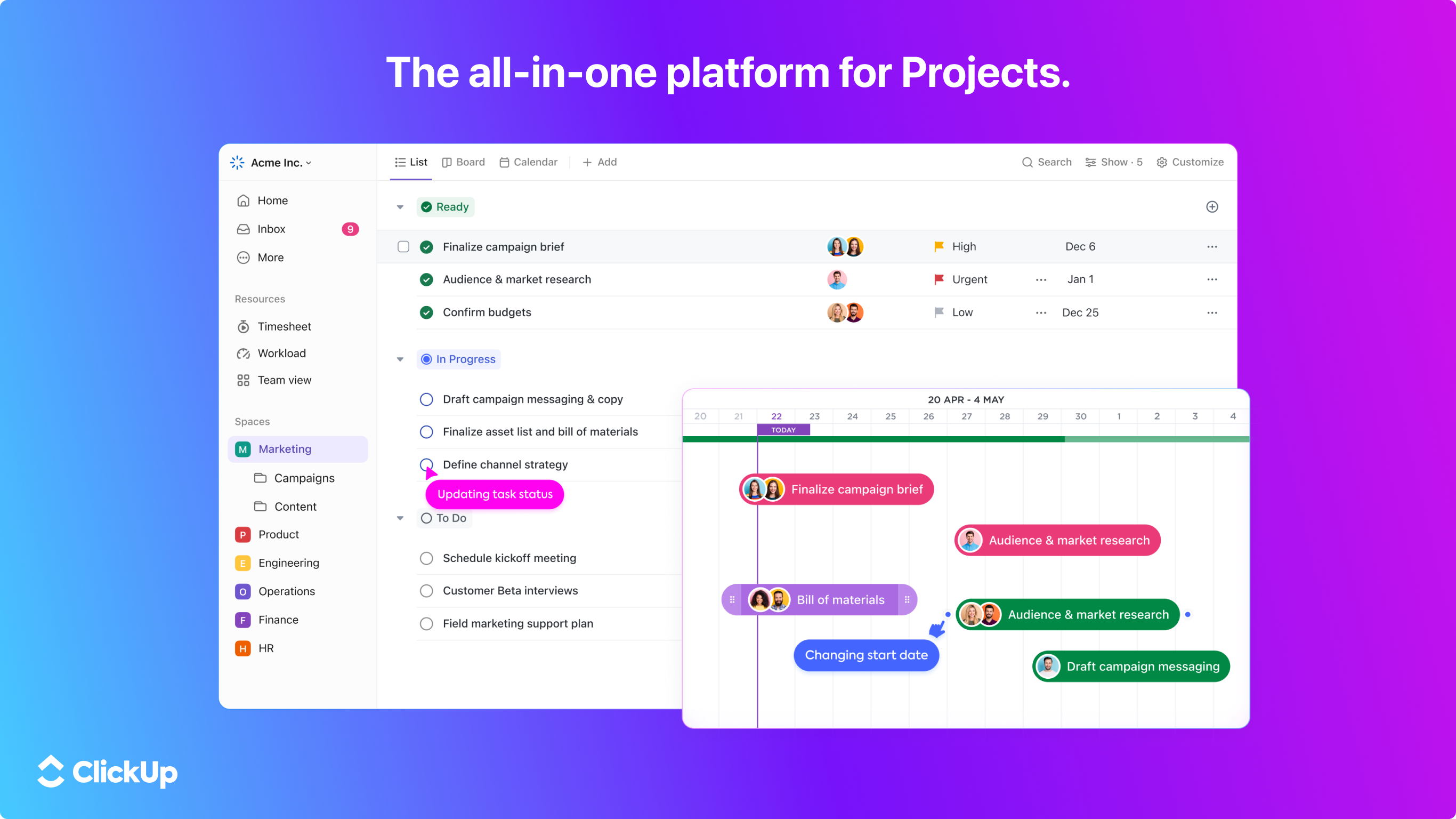
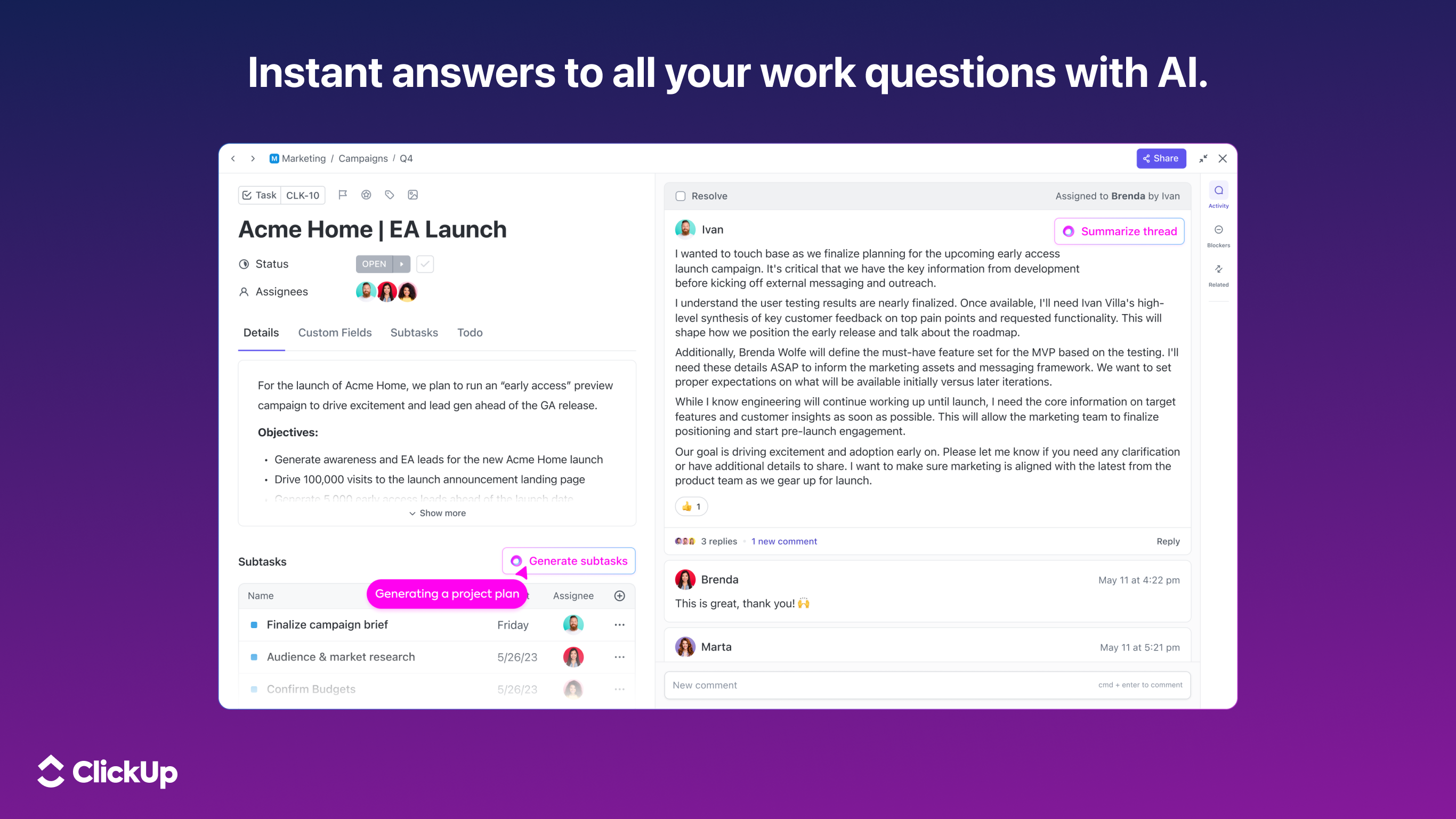
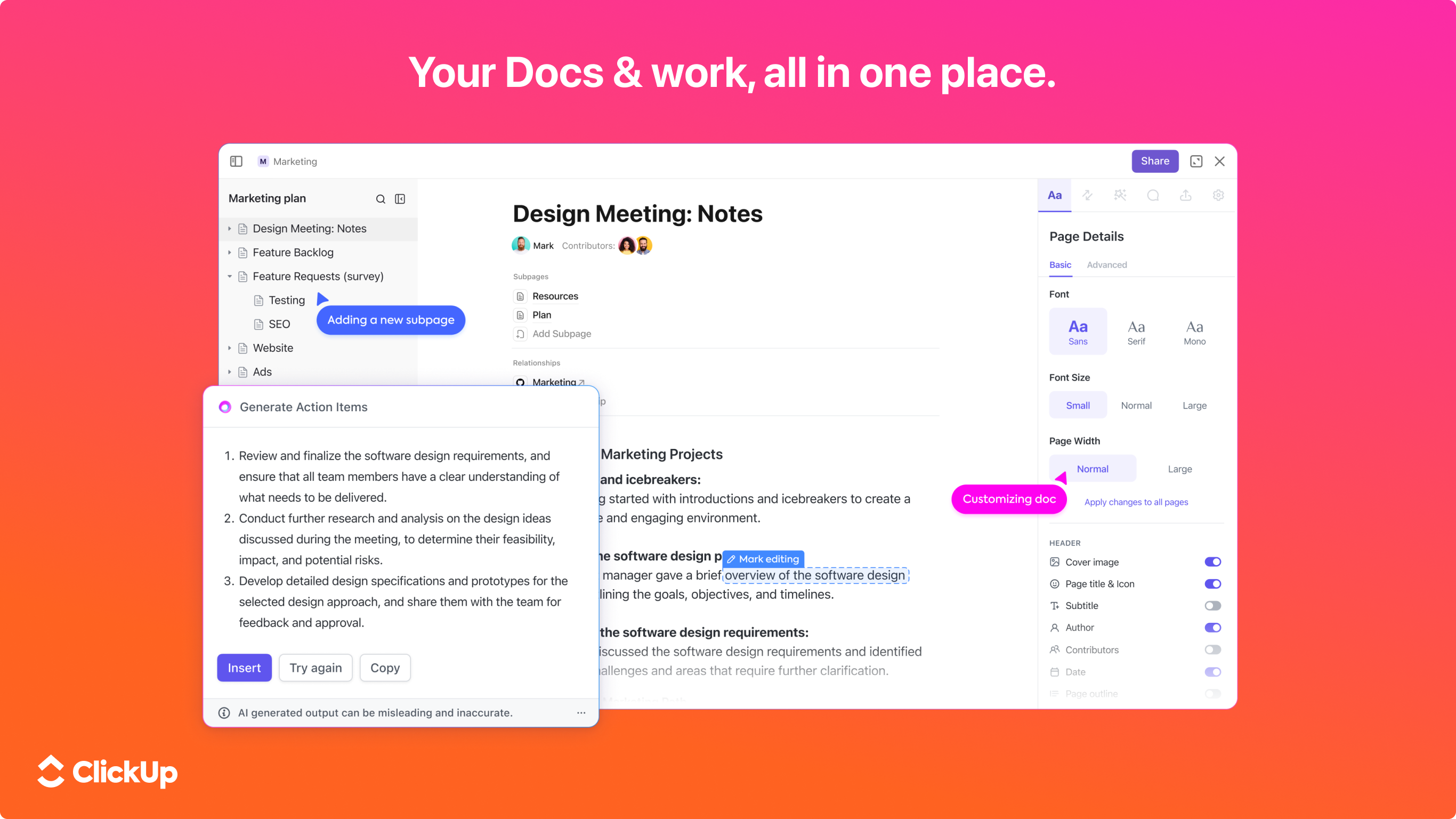
The standout feature of ClickUp for Windows is its ability to consolidate various productivity tools into a single hub. Whether it's tasks, docs, goals, or reminders, everything resides within one interface, reducing the need to juggle multiple apps. This integration minimizes context switching—a notorious time sink—making it easier to maintain focus and keep all project elements aligned.
Customizable Views and Automation
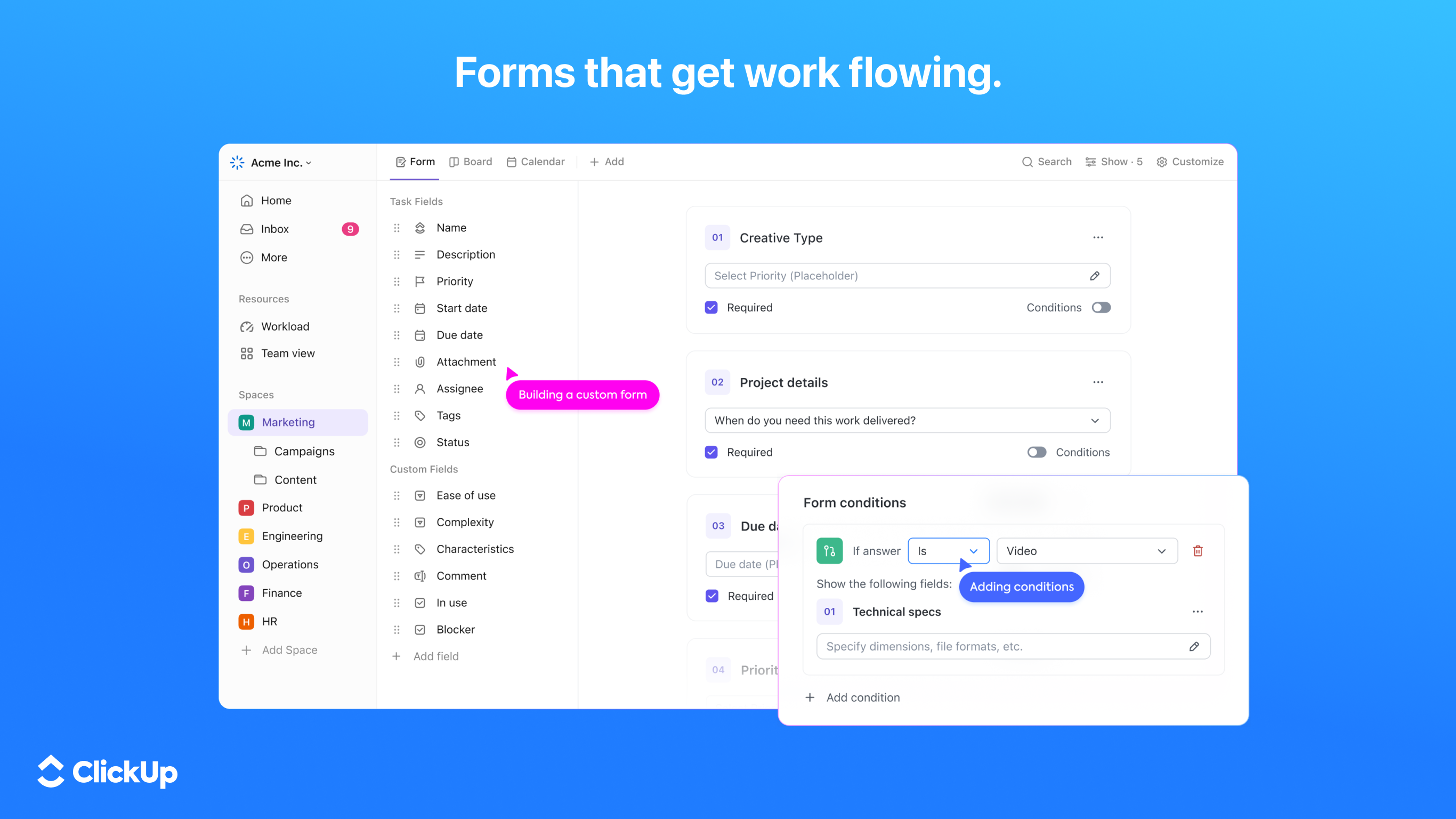
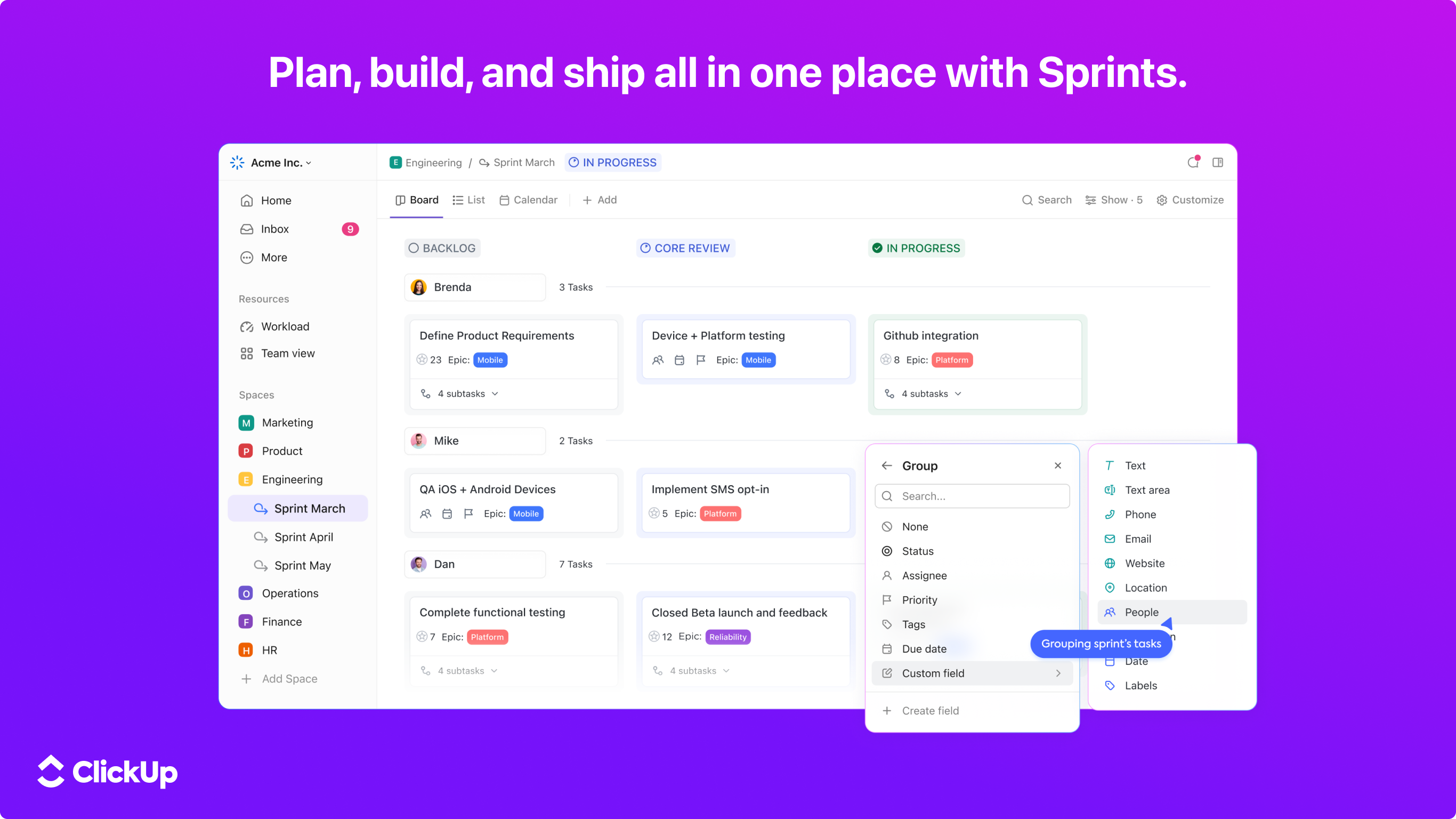
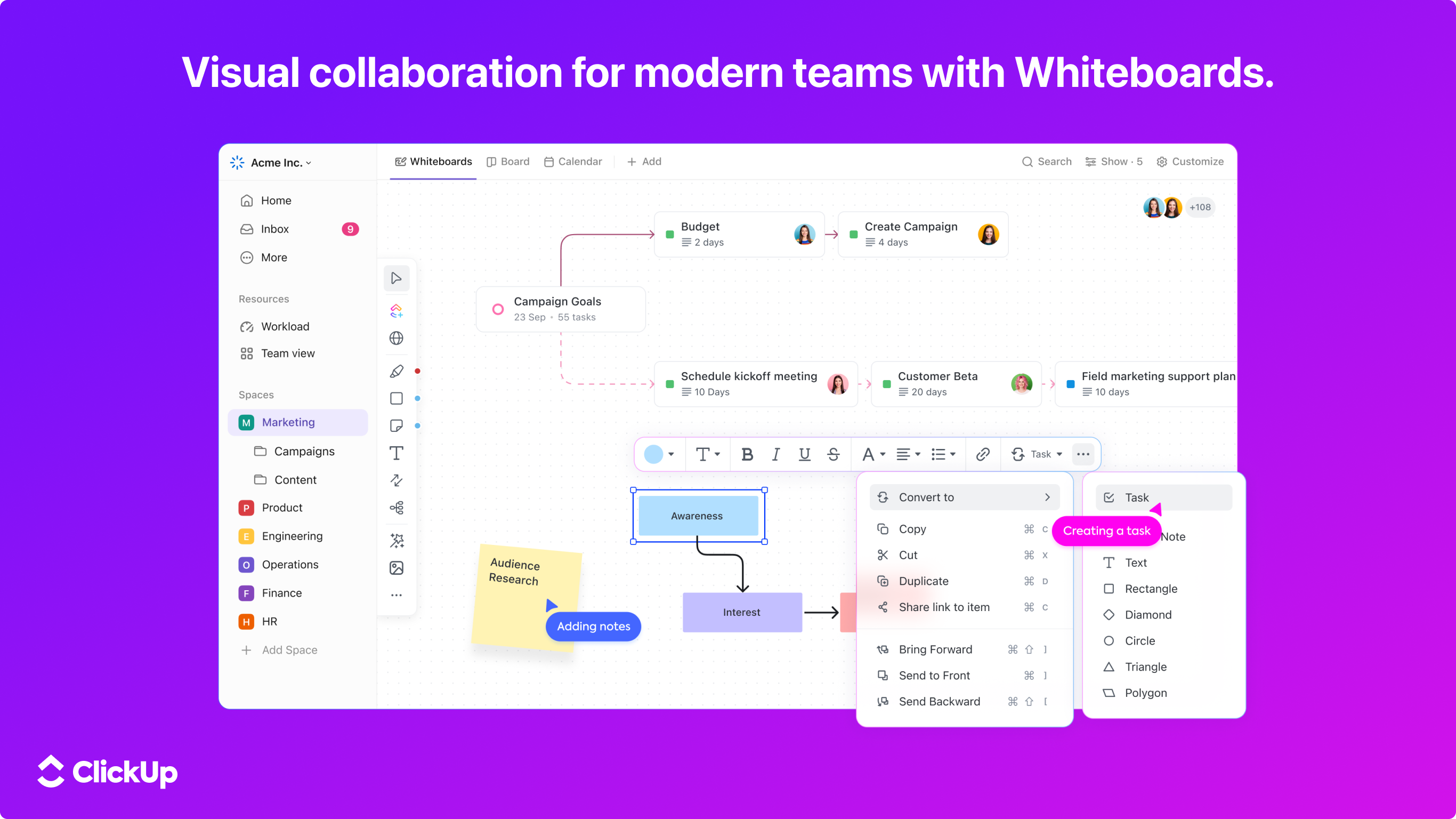
With its flexible view options—list, board, Gantt, and calendar—users can tailor their workspace to match their workflow. The automation capabilities further elevate the experience by allowing users to set up rules that handle repetitive tasks, such as assigning tasks or updating statuses. This aspect is akin to having a digital assistant that handles routine chores, freeing up cognitive bandwidth for more strategic work.
Deep Integration with Operating System
ClickUp's Windows app doesn't just sit passively on your desktop; it actively enhances your productivity environment. Features like desktop notifications, quick task creation via hotkeys, and offline access ensure that your workflow remains uninterrupted. The app's synchronization with cloud storage and other services ensures all your data remains consistent, whether you're online or offline.
User Experience: Smooth, Simple, and Smart
The interface strikes a balance between minimalism and functionality. The design employs a clean, familiar look that feels akin to modern productivity apps, minimizing the learning curve for new users. Navigating through tasks feels fluid, thanks to well-optimized transitions and responsive controls. Users report that the app's stability and speed contribute significantly to a positive experience, especially when handling large projects with numerous elements.
What Sets ClickUp Apart?
Unlike many productivity tools that become overwhelming with features, ClickUp emphasizes workflow integration with a focus on reducing cognitive load. Its unique automation features and customizable views stand out as strengths—delivering efficiency without drowning users in complexity. Instead of bombarding users with an array of features, it intelligently arranges and streamlines options to support focused, effective work.
Recommendation & Usage Tips
All in all, ClickUp for Windows is a compelling choice for those seeking a comprehensive yet accessible task management solution. It's particularly suitable for teams that value deep customization, automation, and tight OS integration. For best results, start with basic workflows to familiarize yourself with its features, then gradually explore automation rules to maximize efficiency. This app is a reliable companion for anyone aiming to tame their chaos and bring order to their professional or personal projects.
Pros
- User-Friendly Interface
- Robust Integration Options
- Flexible Task Management Features
- Strong Collaboration Tools
- Multiple Viewing Modes
Cons
- Steep Learning Curve
- Occasional Synchronization Delays
- Limited Free Plan
- Mobile App Performance Issues
- Complexity in Customization Options











