

- Category Multimedia design
- Developer CELSYS, Inc.
- Available on PC
- OS Windows 10 version 0.0 or higher
- Keyboard Integrated Keyboard
- Mouse Integrated Mouse
- Memory 2 GB
- languages Chinese (Traditional Chinese), English, French, German, Indonesian, Japanese, Korean, Portuguese (Brazil), Spanish, Thai
Introducing Clip Studio Paint: Your Portable Digital Art Studio
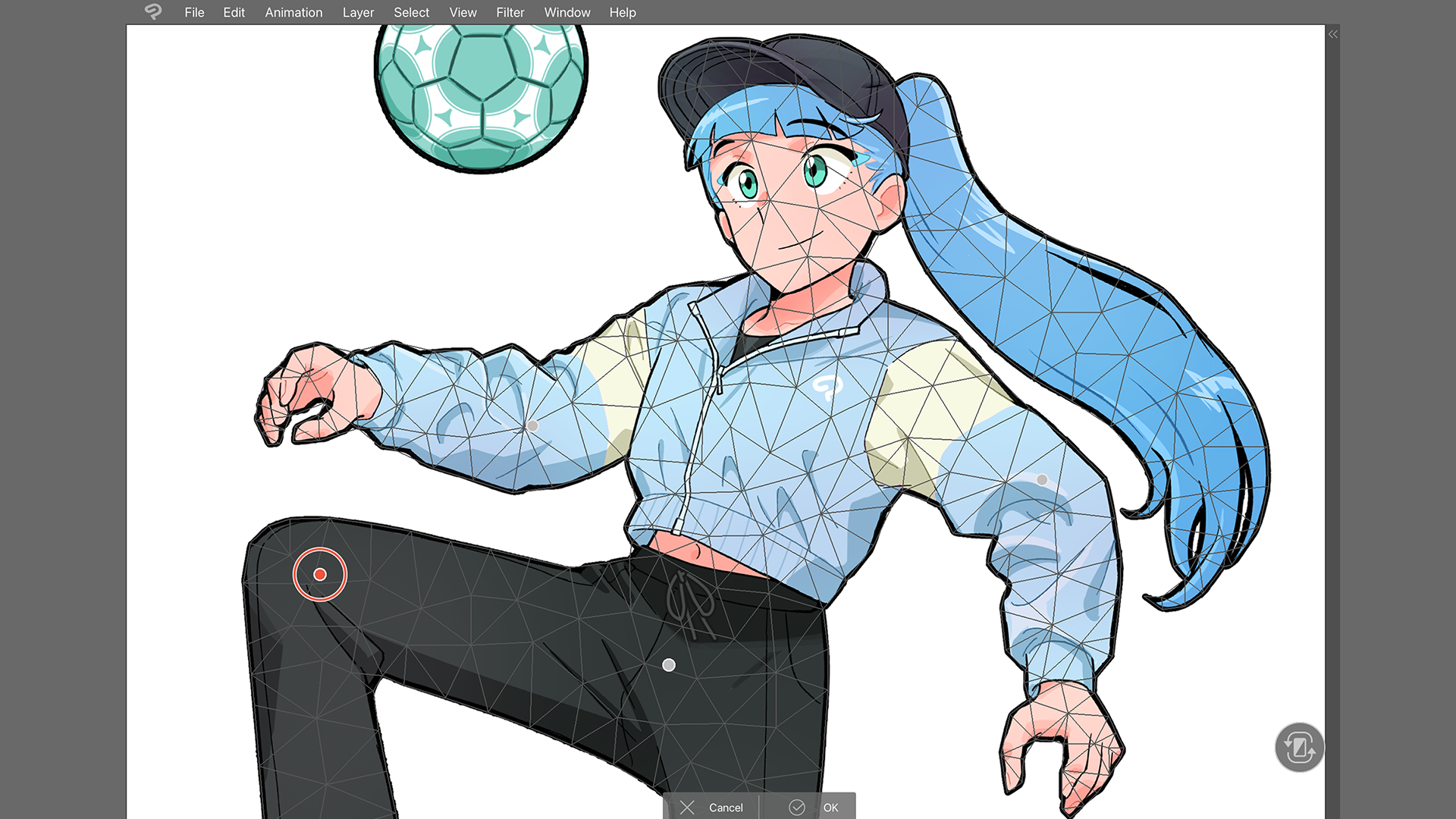
In a world where creativity knows no bounds, Clip Studio Paint for Windows emerges as a versatile companion, bringing professional-grade drawing and painting tools directly to your fingertips—whether you're at home or on the go. Designed to cater to illustrators, comics artists, and hobbyists alike, this app transforms your Windows device into a powerful digital canvas that's ready to inspire anytime, anywhere.
Bright Ideas from a Dedicated Developer: CELSYS, Inc.
Developed and published by CELSYS, Inc., a well-established name in digital art software, Clip Studio Paint boasts years of experience in crafting tools tailored for creative professionals. Recognized globally, CELSYS's mission revolves around empowering artists with intuitive yet robust features that streamline the art-making process. The app benefits from this expertise, translating it into a sleek, user-friendly experience tailored for Windows users seeking portability without sacrificing sophistication.
Top Highlights: What Makes Clip Studio Paint Shine
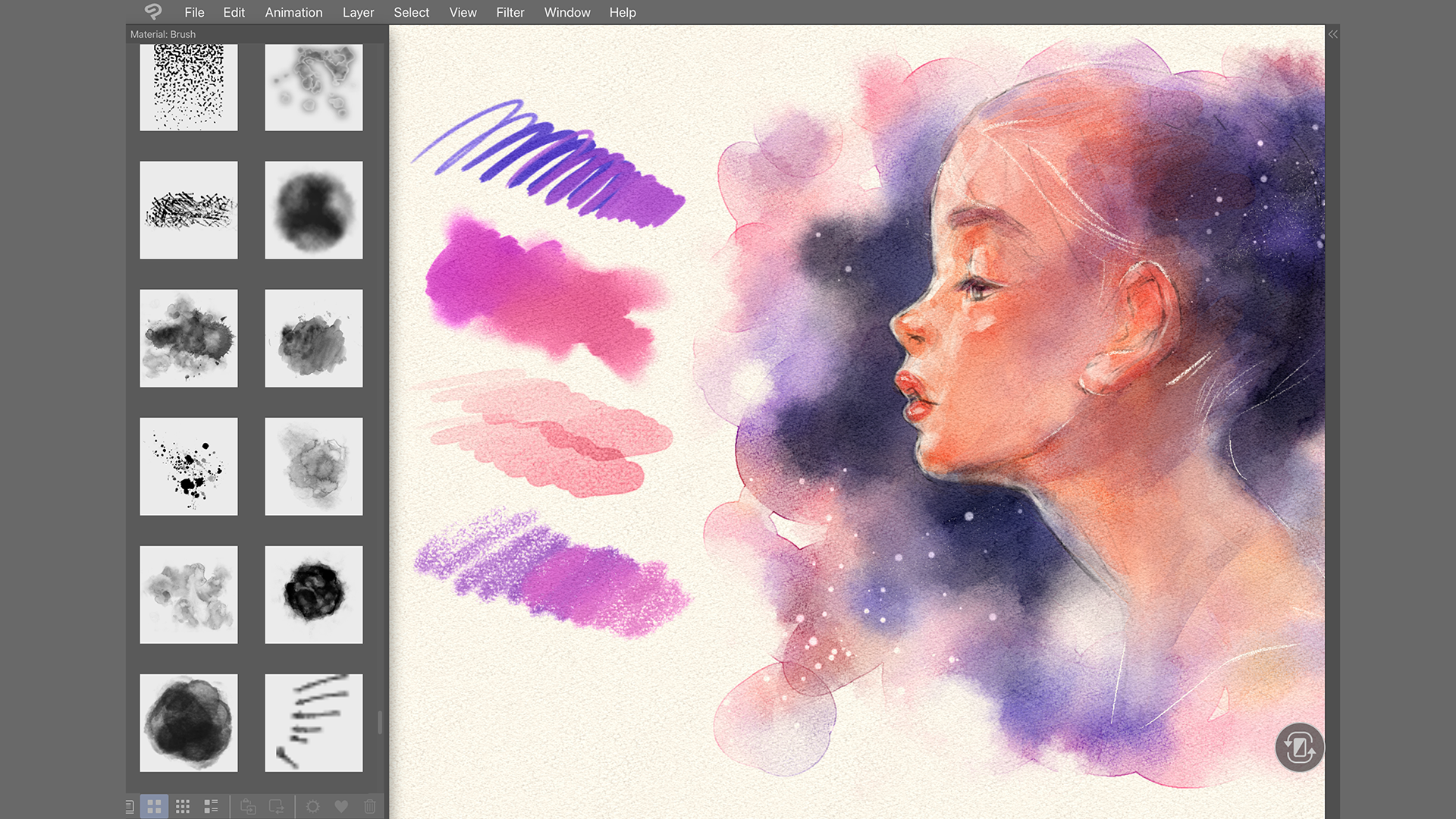
- Rich Brush Customization: Over 10,000 brushes and the ability to create or import custom brushes, providing endless creative possibilities.
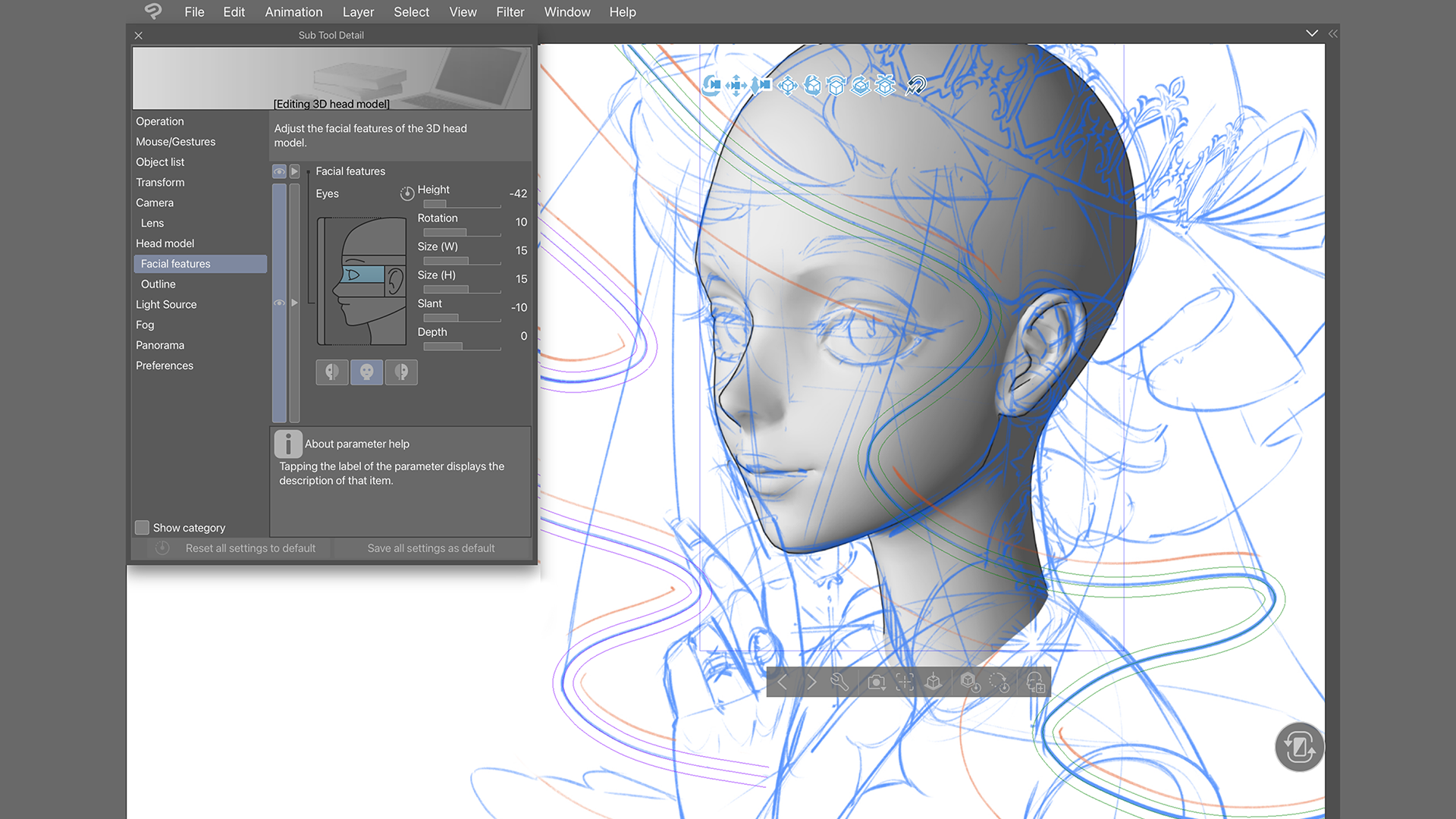
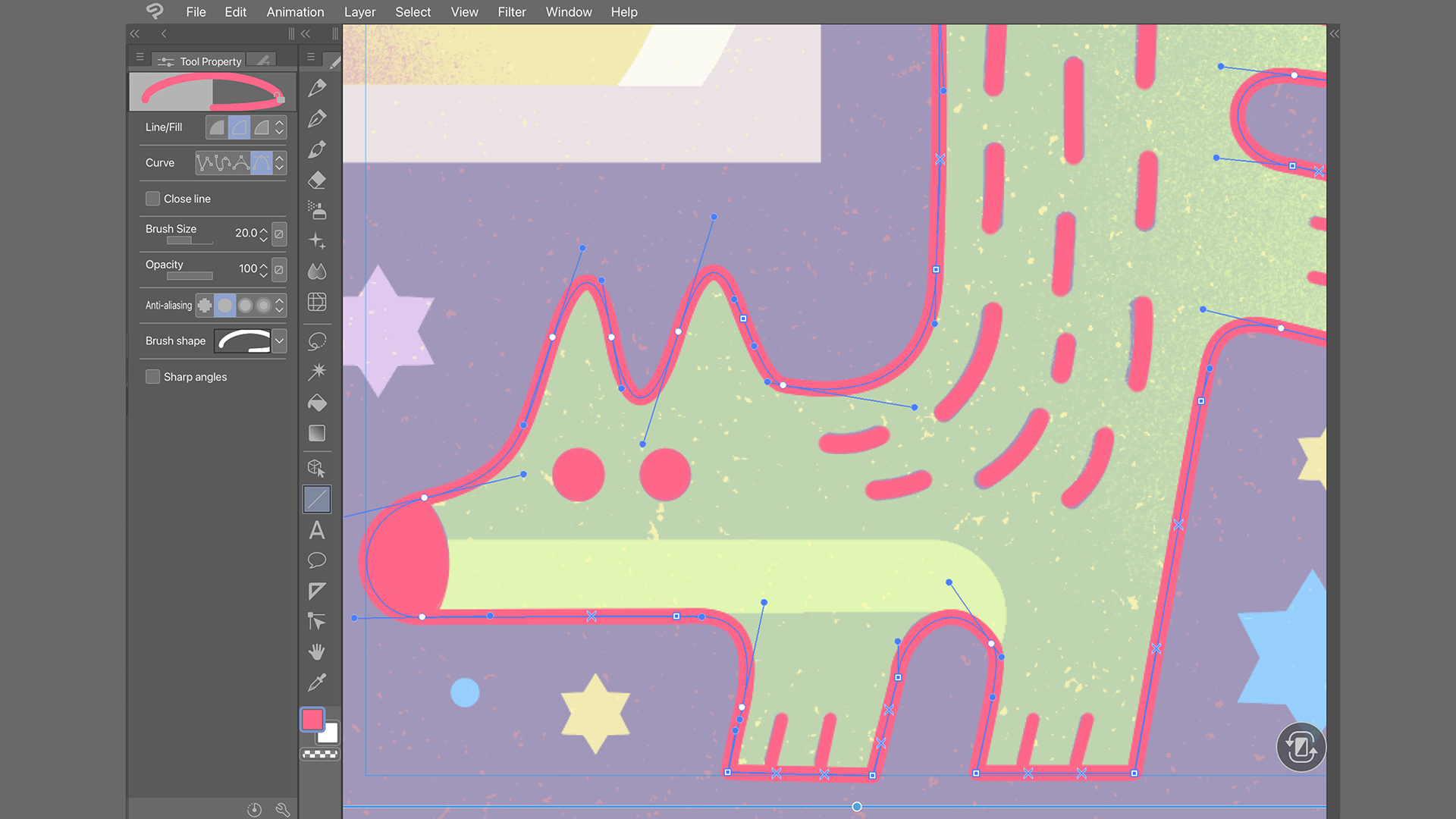
- Vector and Raster Layers: Supports layered workflows that combine the precision of vector lines with the flexibility of raster artwork—perfect for comics and illustrations.
- Mobile and Cross-Platform Compatibility: Seamless synchronization between desktop and mobile versions (via Clip Studio Paint EX), enabling your projects to flow smoothly across devices.
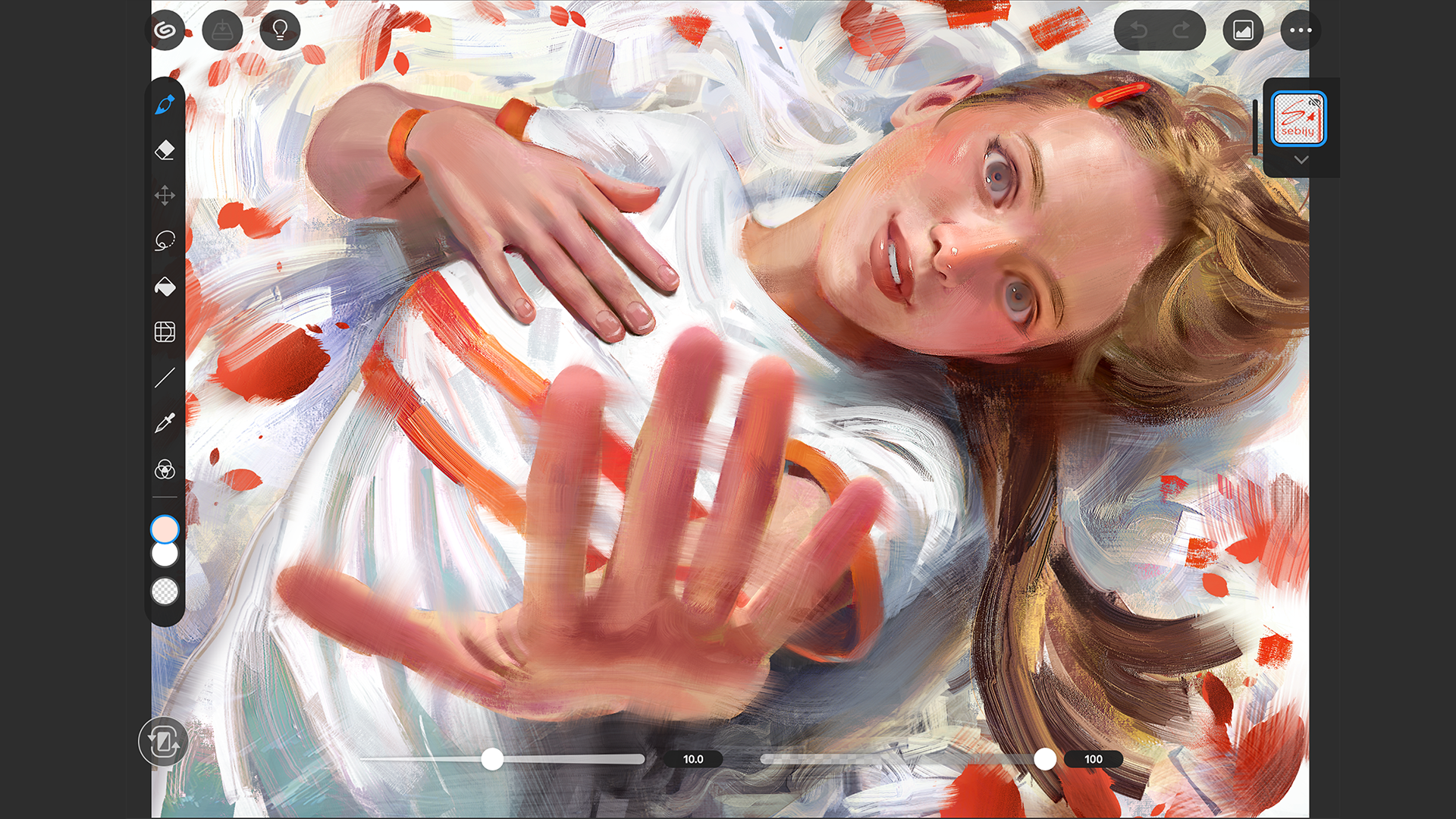
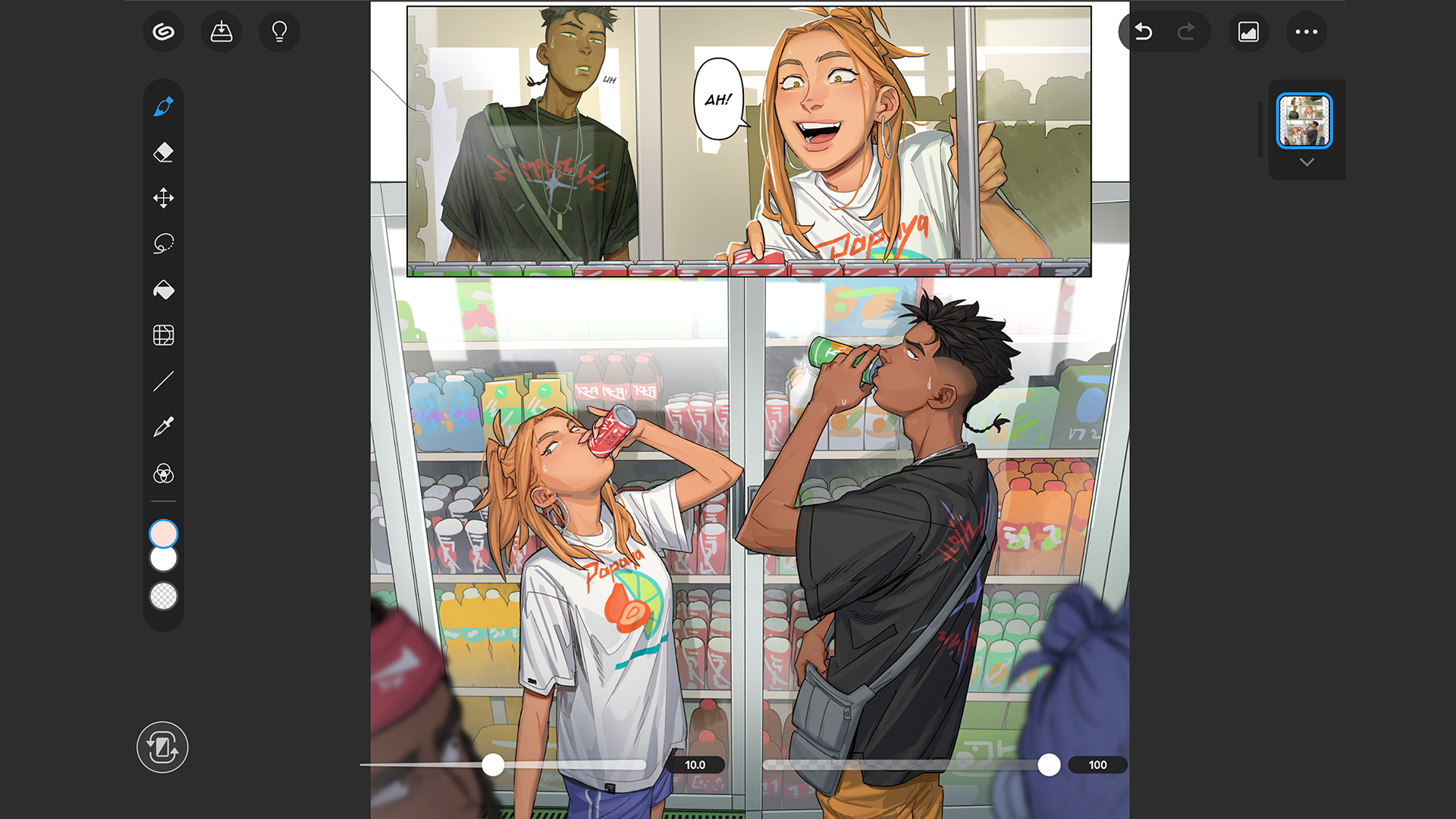
- Intuitive Interface Tailored for Touch and Pen Input: Designed to adapt to a variety of input methods, making drawing fluid and natural on Windows tablets and touch-enabled PCs.
A Creative Playground: Experience and Interface
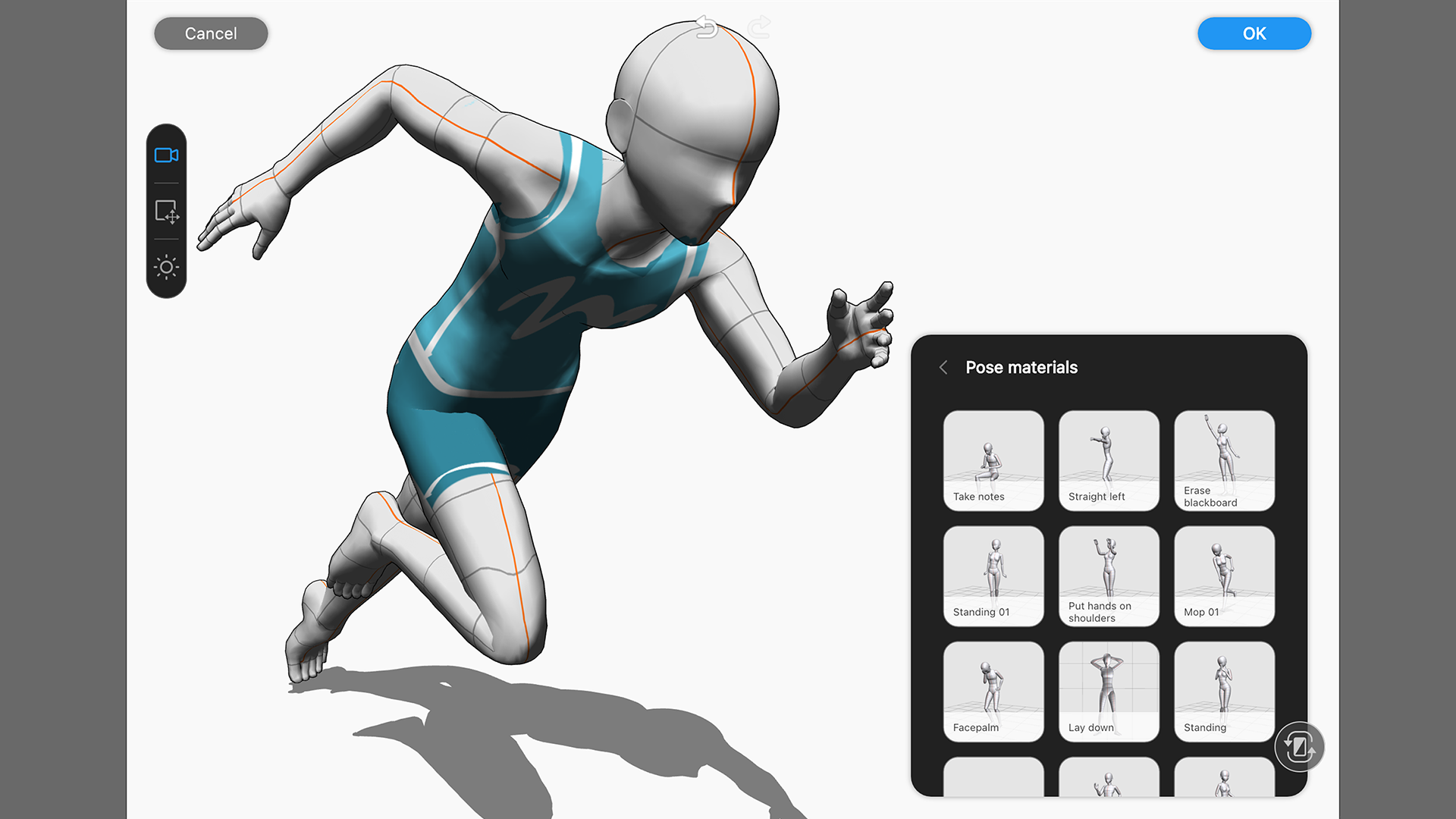
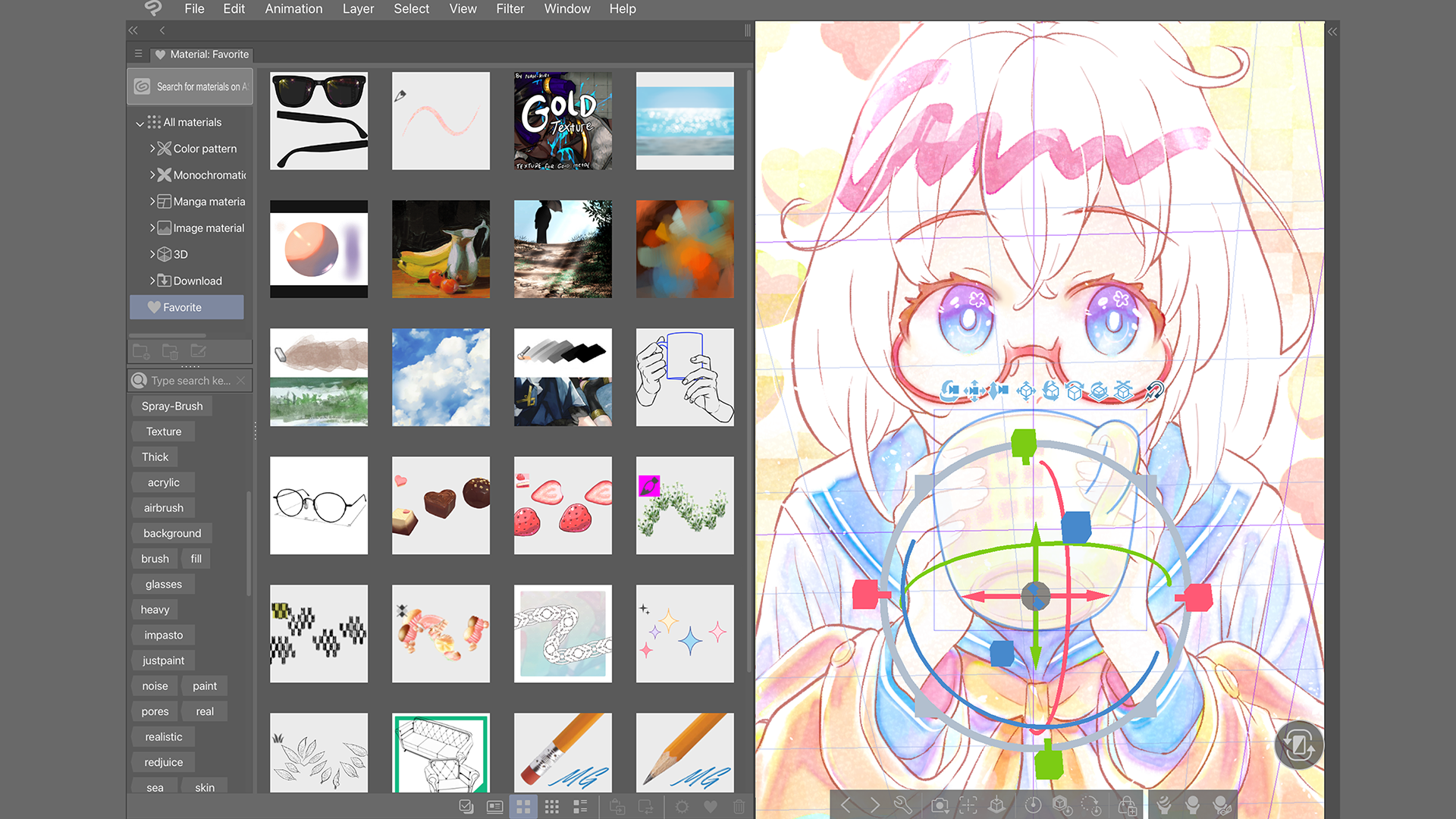
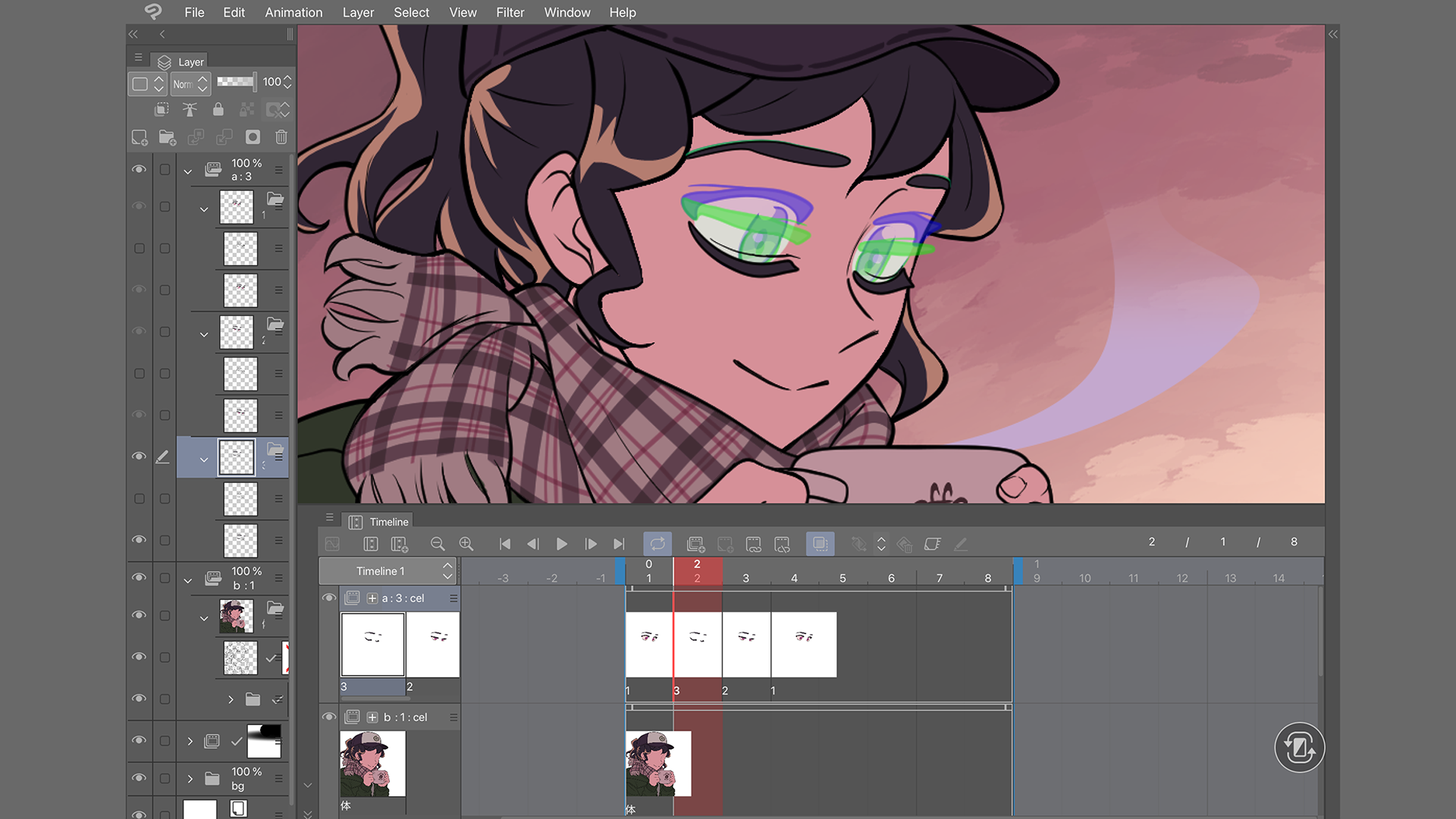
From the moment you launch Clip Studio Paint, it's akin to entering a well-organized artist's studio—everything is where you expect it to be, yet thoughtfully arranged to inspire creativity rather than hinder it. The interface employs a sleek, non-intrusive design, with customizable toolbars and easy access to brushes and layers. Navigating through menus feels like flipping through a well-thumbed sketchbook—intuitive and effortless. Of course, there's a slight learning curve for newcomers, but seasoned digital artists will find the transition smooth, especially given the app's detailed tutorials and abundant community resources.
Core Features: What Sets It Apart
Customizable Brush Ecosystem
One of Clip Studio Paint's most remarkable features is its expansive brush engine. The ability to fine-tune brushes or import new ones makes every stroke uniquely yours. Whether you prefer the softness of watercolor or the sharp edges of inking, the app adapts to your style. Its real-time preview and stabilizing features ensure smooth lines, a godsend for comic artists drafting intricate details or illustrators yearning for precision. The adaptability of brushes is like having an entire art supply store at your fingertips—ready to bring your ideas to life.
Layer Management and Vector Flexibility
The dual-layer system supporting both raster and vector layers is akin to having two art worlds in one canvas. Colors blend seamlessly on raster layers, while crisp, scalable lines and shapes are rendered perfectly with vectors. This hybrid approach is especially useful for comic artists who need to maintain line quality at various zoom levels or for illustrators working on complex compositions. The layer management tools are straightforward yet powerful, providing options like clipping masks, transparency adjustments, and layer effects that amplify creative freedom.
Cross-Device Compatibility and Cloud Sync
Clip Studio Paint's ability to work seamlessly across Windows desktop and mobile devices is akin to carrying your studio in your pocket. Projects created offline can be uploaded via cloud sync, allowing for continuous workflow—start sketching on your tablet during your commute and refine details on your powerful desktop at home. This interoperability ensures you're never tethered to a single workspace, fostering spontaneous creativity and rapid iteration.
Final Thoughts: A Friendly Recommendation
If you're a professional artist or an enthusiastic hobbyist seeking a powerful yet accessible digital drawing app for Windows, Clip Studio Paint stands out as a compelling choice. Its robust brush system and hybrid layer support offer the kind of flexibility that professional studios would envy, all wrapped in an interface that welcomes both new and experienced users. Its portability—being able to easily switch between devices—makes it particularly appealing for artists on the move. While the learning curve might be a tad steeper compared to simpler apps, patience pays off with a tool that truly adapts to your creative flow.
In summary, I'd recommend Clip Studio Paint for anyone looking for a versatile, feature-rich digital art app that bridges the gap between desktop power and mobile convenience. It's not merely a paint program; it's a digital atelier, ready to bring your ideas to life wherever inspiration strikes.
Pros
- Robust Drawing Tools
- Intuitive User Interface
- Cloud Syncing
- Layer Management
- Performance Optimization
Cons
- Limited Custom Brush Options
- Occasional Export Glitches
- Steep Learning Curve for Advanced Features
- Limited Free Version
- Minor Stability Issues on Low-End Devices











