

- Category Developer tools
- Developer OpenAI
- Available on PC
- OS Windows 10 version 19041.0 or higher
- Keyboard Integrated Keyboard
- Mouse Not specified
- languages English (United States)
Introducing Codex for Windows: Your AI Coding Companion
Codex for Windows, developed by OpenAI, is designed to seamlessly integrate powerful AI-powered code generation into your desktop environment, making coding more efficient and intuitive for developers of all levels.
Key Features That Make Codex Stand Out
Three primary highlights define Codex for Windows: its ability to translate natural language prompts into functional code snippets, its intelligent code completion capabilities, and its intuitive contextual assistance. These features together create a smooth coding experience that elevates productivity without sacrificing simplicity.
A Fresh Approach to AI-Driven Coding
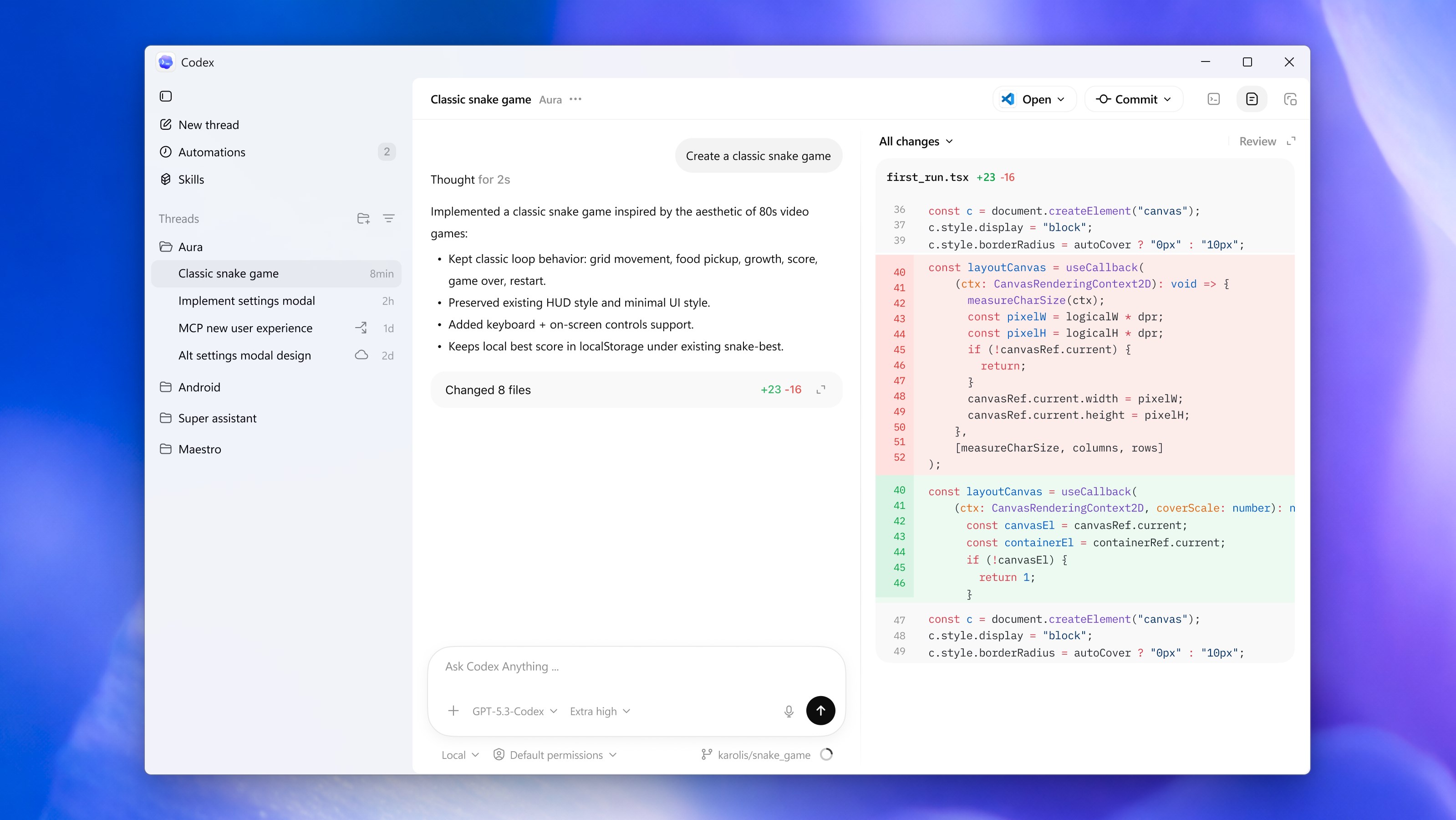
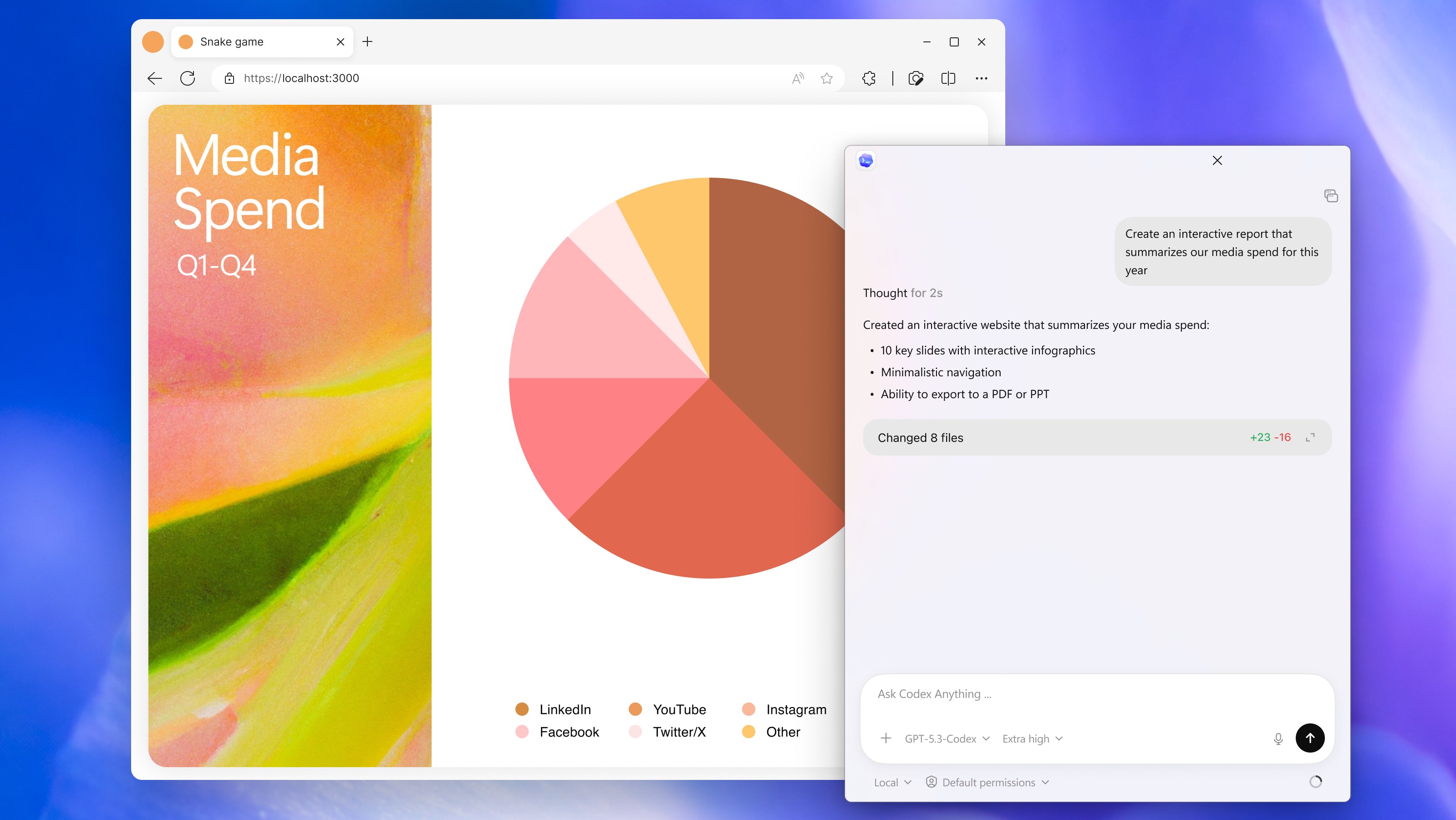
Imagine you're tackling a complex algorithm but hit a mental roadblock. With Codex for Windows, you can describe what you need in plain English—like “Create a function that sorts an array using quicksort”—and watch as the application swiftly generates accurate code snippets. Its conversational interface makes the process feel natural, almost like collaborating with a knowledgeable partner sitting right beside you. This lively, approachable style turns coding from a solitary task into an engaging dialogue with AI.
Natural Language to Code: The Core Magic
The standout feature of Codex for Windows is its ability to interpret natural language prompts and translate them into ready-to-use code snippets. Whether you're a seasoned developer or a hobbyist, this feature accelerates your workflow by reducing repetitive writing and helping prototype ideas rapidly. Its contextual understanding allows it to generate code that closely matches your intent, minimizing the need for extensive edits.
Smart Code Completion and Contextual Assistance
Beyond generating snippets, Codex offers intelligent code completion that adapts to your current coding context, suggesting relevant lines or functions. Think of it as a finely tuned autocomplete system that anticipates your needs, enabling smoother coding without interruptions. This contextual awareness helps prevent errors and speeds up the coding process, especially when working with unfamiliar APIs or frameworks.
User Experience: Seamless, Friendly, and Efficient
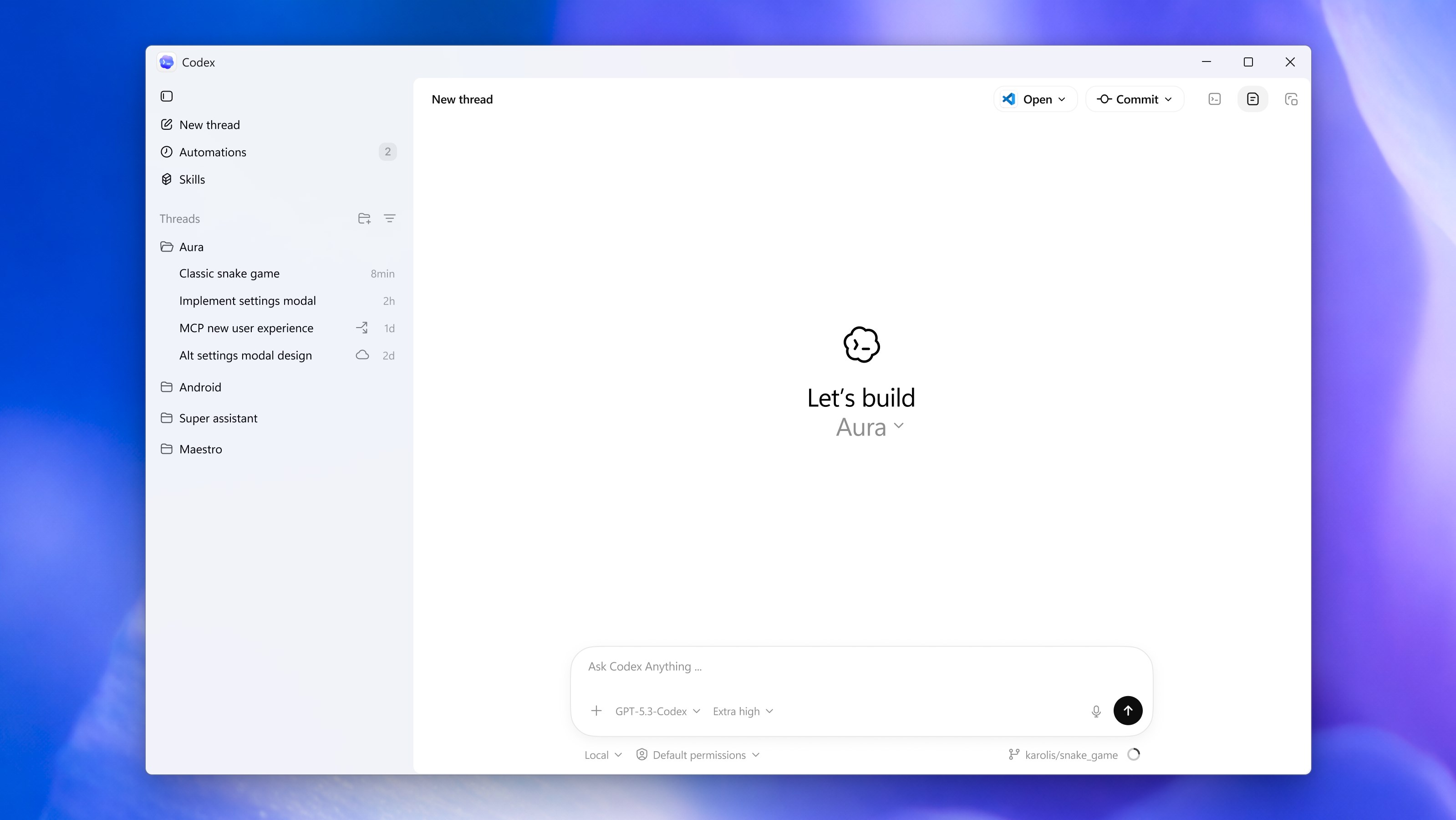
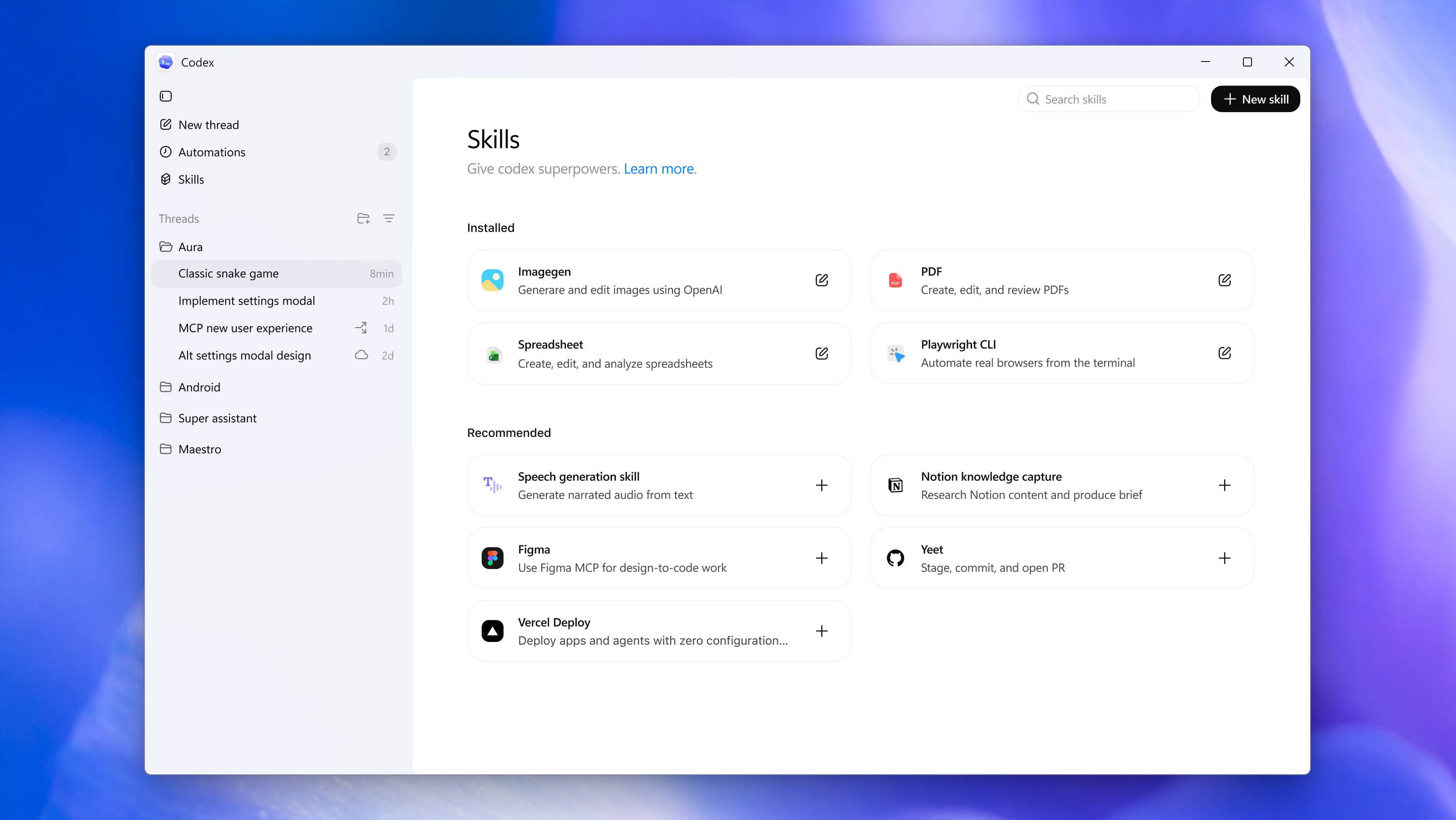
The interface of Codex for Windows sports a clean, modern design that balances functionality with aesthetic appeal. Navigation is straightforward, akin to chatting with a friendly IDE assistant. Operations are smooth, with minimal lag, ensuring your creative flow isn't interrupted. The learning curve is gentle; even newcomers can start leveraging the core functionalities within minutes, thanks to clear prompts and helpful onboarding guidance.
How Does It Compare? Unique Advantages and Differentiators
Compared to other developer tools that rely solely on static code suggestions or require complex configurations, Codex's most distinctive advantage lies in its natural language interface and conversational manner. This makes coding more accessible, especially for those who may not be deeply familiar with specific syntax or APIs. Additionally, being backed by OpenAI's cutting-edge language model ensures high-quality, contextually relevant outputs that evolve with ongoing updates.
Final Verdict: Recommend with Confidence
Overall, Codex for Windows offers a compelling mix of AI-powered assistance and user-friendly design, making it an excellent tool for speeding up coding tasks and lowering entry barriers. It's particularly recommended for developers who value quick prototyping, learning new APIs, or simply want an AI-powered co-pilot by their side. While it might not replace deep expertise or manual coding in complex projects, its unique natural language interface and smart suggestions make it a valuable addition to your toolbox.
Pros
- Intuitive User Interface
- Advanced Code Generation
- Multi-language Support
- Helpful Documentation and Tutorials
- Regular Updates
Cons
- Limited Offline Functionality
- High System Requirements
- Occasional Code Accuracy Issues
- Limited Customization Options
- Learning Curve for Beginners










