

- Category Business
- Developer CompanionLink Software, Inc.
- Available on PC
- OS Windows 10 version 0.0 or higher
- languages Czech, German, Dutch, Spanish, French, Hungarian, Italian, Japanese, Korean, Portuguese, Chinese (Simplified), Chinese (Traditional Chinese)
CompanionLink for Outlook: Seamless Sync for Windows Users
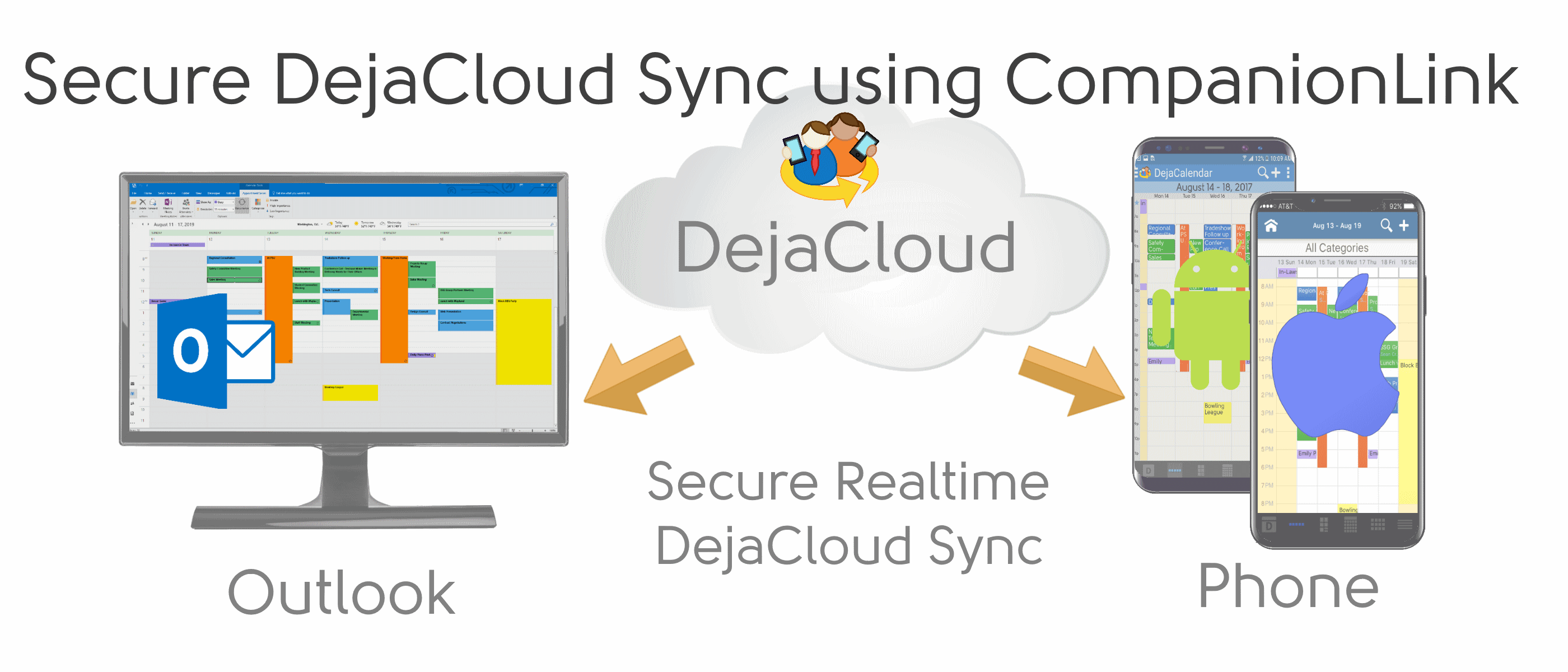
CompanionLink for Outlook offers a robust solution for professionals seeking reliable synchronization between their Outlook data and mobile devices, ensuring that contacts, calendars, and tasks stay in perfect harmony across platforms.
Who's Behind the Magic?
Developed and published by CompanionLink Software, Inc., this application stems from a dedicated team focused on creating efficient syncing tools that facilitate smooth business workflows without the hassle of manual updates or data discrepancies.
Main Features That Stand Out
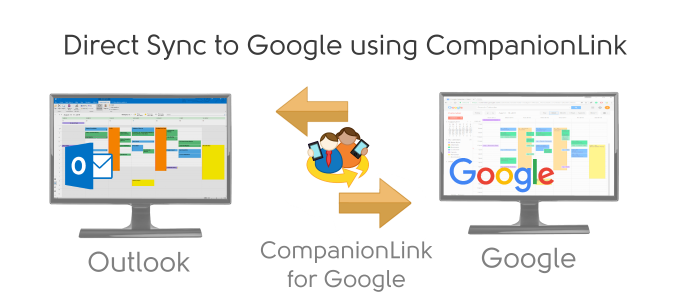
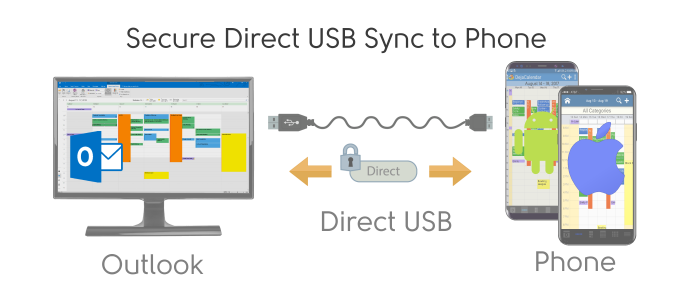
- Comprehensive Data Synchronization: Syncs contacts, appointments, tasks, and notes between Outlook and a variety of devices including Android and iOS.
- Flexible Sync Options: Allows users to choose one-way or two-way synchronization, giving full control over how data flows between platforms.
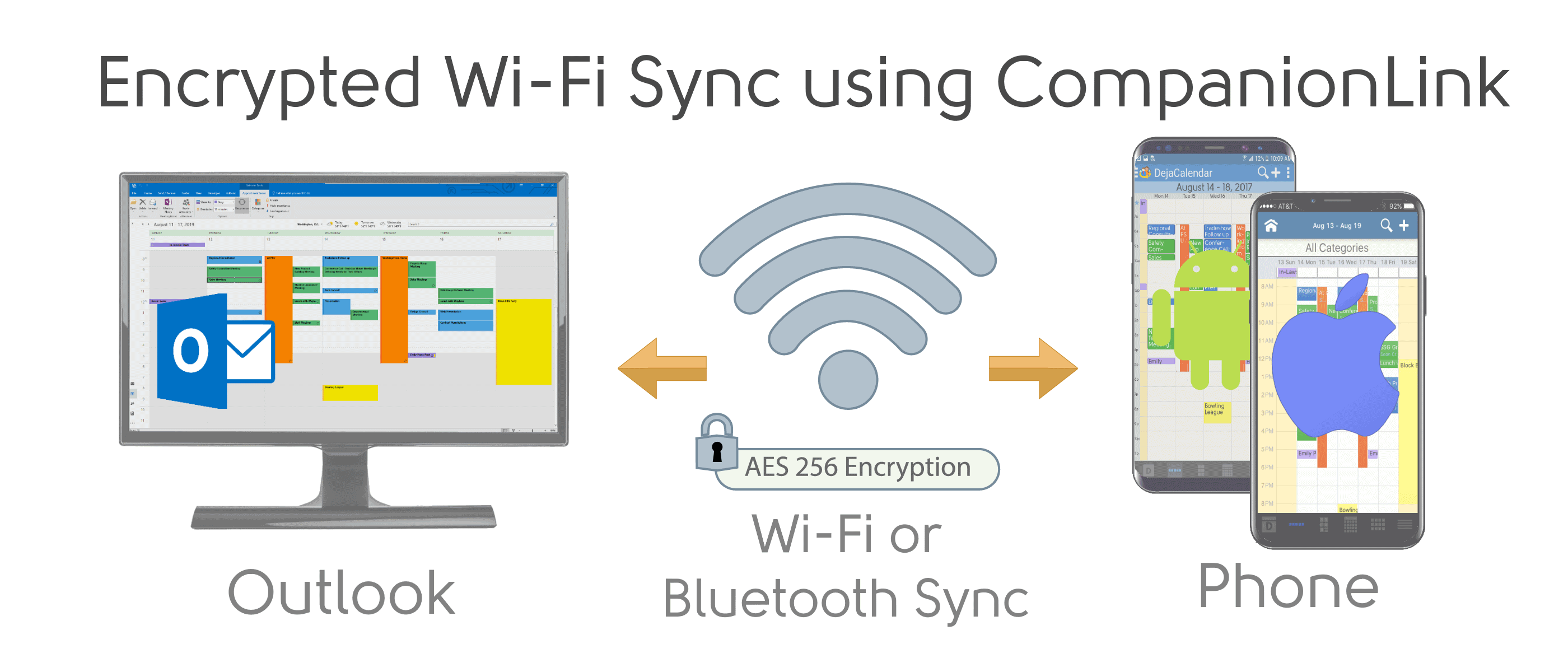
- Secure and Reliable Performance: Employs secure protocols ensuring data privacy, with high sync success rates even for large datasets.
- Business-Centric Features: Supports multiple Outlook profiles and advanced filtering options, catering to professional needs.
A Fun Dive into the App's World
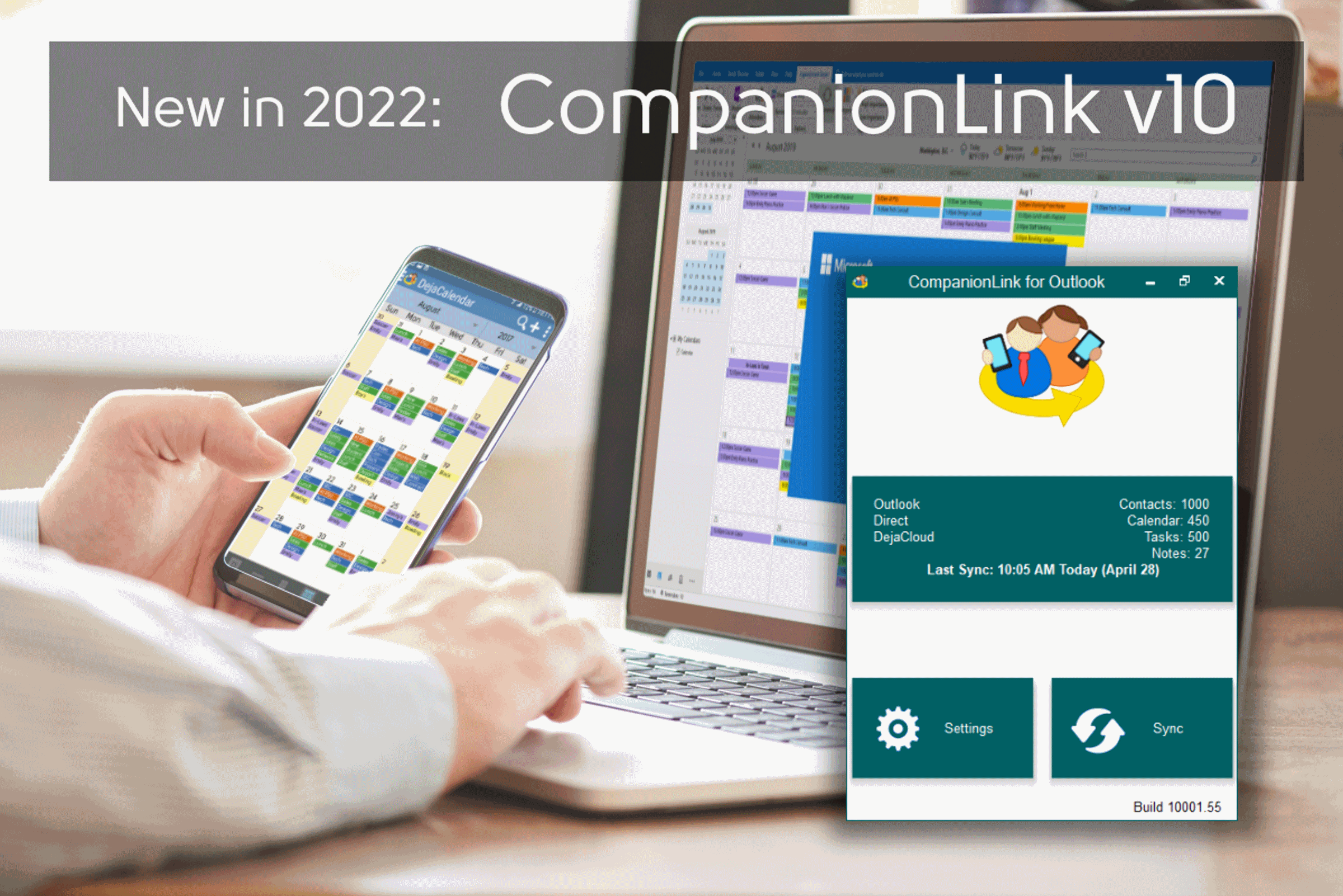
Imagine you're juggling multiple projects, each with its own set of contacts, emails, and deadlines. CompanionLink for Outlook steps into your workflow like a dependable assistant, ensuring every piece of data lands in the right place—be it your work PC or your smartphone. The setup is straightforward, guiding you step-by-step through the synchronization process, so even tech novices can get up and running quickly. Its interface, clean yet functional, resembles a well-organized digital desk—everything within easy reach, without unnecessary clutter.
Synchronization Mastery: No Data Left Behind
The core strength of CompanionLink lies in its ability to reliably synchronize a broad array of Outlook data types. Whether it's your hectic calendar filled with back-to-back meetings, an ever-expanding contact list, or task lists awaiting your action, the app ensures these are seamlessly transferred to your mobile device. Advanced users can customize sync settings, filtering out unnecessary data or prioritizing specific calendar accounts, granting a tailored experience. The synchronization process itself is smooth and quick, with minimal lag, making data updates feel almost real-time—perfect for professionals on the move.
Design, Usability, and Learning Curve
The user interface strikes an admirable balance—professional yet approachable. While it may seem utilitarian at first glance, navigation is intuitive, with straightforward options for setting up new sync profiles or managing existing ones. The learning curve is gentle; most users familiar with basic software settings will find it accessible. The app performs reliably without crashes or slowdowns, contributing to a stress-free experience, even when handling substantial data volumes. Assistance is available via support documentation or customer service, further smoothing the onboarding process.
What Sets It Apart? Collaboration and Task Management
Unlike many other sync tools that simply transfer data, CompanionLink emphasizes enhancing collaboration. Its support for multiple Outlook profiles allows teams to maintain separate data streams, reducing chaos and increasing organization. When it comes to task management, the app syncs Outlook tasks effortlessly, ensuring that team projects and individual to-dos remain synchronized. This focus on maintaining consistent, collaborative workflows, especially in multi-user environments, makes it stand out from simpler one-way sync tools. It acts not just as a data transporter but as a facilitator of workplace harmony and efficiency.
Who Should Use It & Final Recommendations
In conclusion, CompanionLink for Outlook is a strong choice for business professionals who require dependable, customizable synchronization across their devices. Its emphasis on security, flexibility, and collaborative features makes it more than just a basic sync tool—it's a mini digital assistant. If seamless data continuity is critical for your work, this app is worth considering. While it may seem technical initially, its straightforward design and reliable performance warrant a recommendation for those willing to invest a little time in setup. Overall, a practical and valuable addition to the toolkit of any Outlook user seeking peace of mind in their data synchronization process.
Pros
- Seamless Outlook synchronization
- Extensive device compatibility
- Customizable sync options
- Reliable contact and calendar management
- User-friendly interface
Cons
- Initial setup may be complex
- Limited free trial and high subscription cost
- Occasional sync delays under heavy data loads
- Limited customer support options
- Compatibility issues with some Outlook versions











