

- Category Productivity
- Available on PC, Mobile, Xbox console, Surface Hub, HoloLens
- OS Windows 10 version 19041.0 or higher
- DirectX Version 11
- Memory 4 GB
- languages Chinese (Simplified), Chinese (Traditional), English, English (United States), Finnish, French, German, Italian, Japanese, Korean, Korean , Portuguese, Portuguese (Brazil), Russian, Spanish, Spanish (Spain)
Introducing Concepts for Windows: The Thoughtful Approach to Digital Planning
Concepts for Windows is a flexible, intuitive sketching and planning app designed to help users visualize ideas, organize workflows, and manage daily tasks with clarity. Developed by TopHatch, Inc., this application aims to streamline creative brainstorming and project management for professionals and enthusiasts alike.
Key Highlights and Core Features
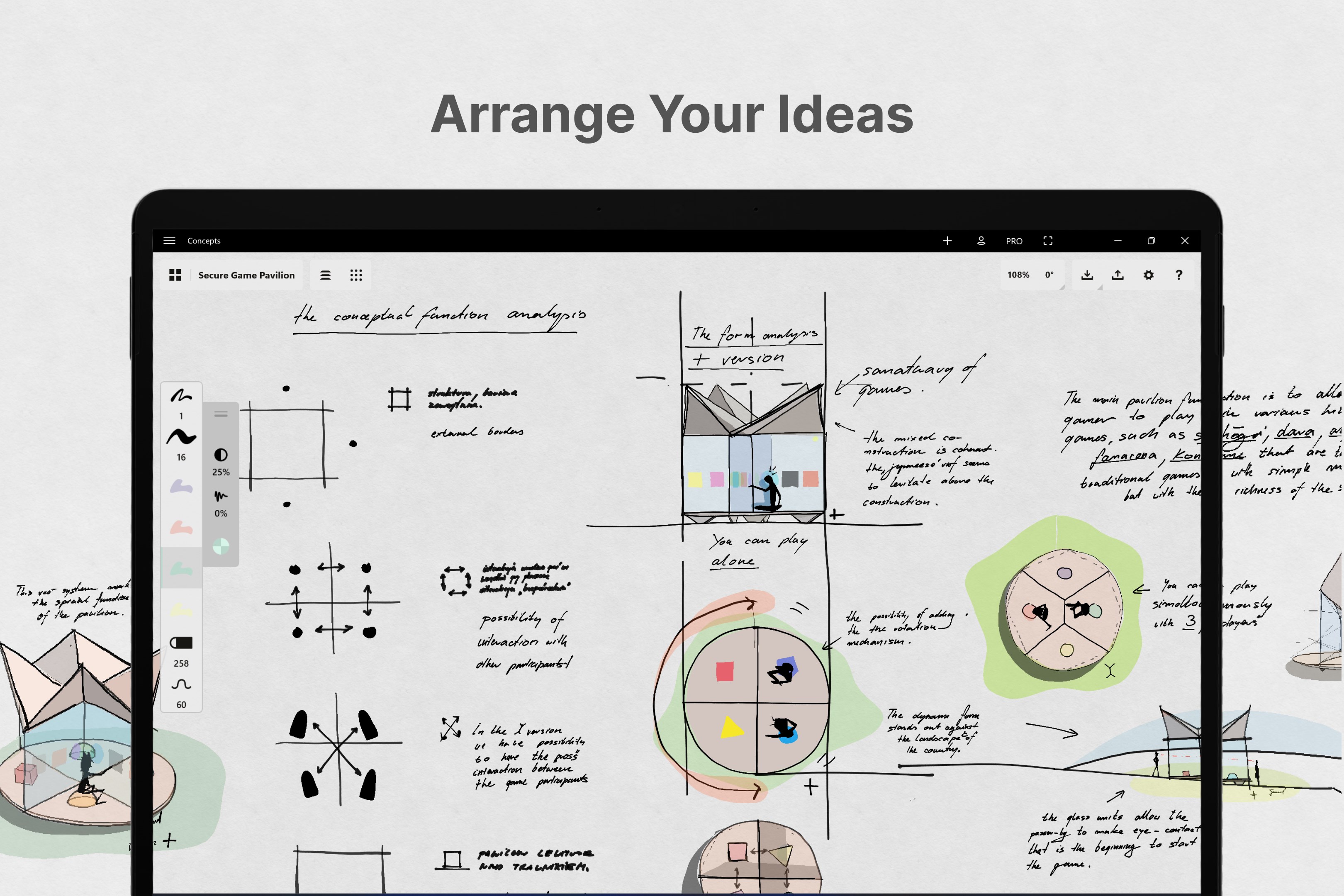
At its heart, Concepts for Windows offers a harmonious blend of drawing tools and organizational features that make planning both effortless and inspiring. Its standout qualities include an infinite canvas that adapts to your workflow, a versatile note and sketching environment, and seamless integration with various productivity tools. Designed with user flexibility in mind, it caters to a broad audience—from designers and architects to busy project managers.
Engaging Introduction: A Canvas that Moves with Your Imagination
Imagine having a vast, blank sheet of paper that responds to your every thought—expanding, contracting, and reshaping itself as your ideas evolve. That's the magic of Concepts for Windows. Whether you're laying out a new user interface, mapping out a project timeline, or doodling to clear your mind, this app transforms the mundane act of planning into an engaging, almost tactile experience. Its smooth, responsive interface invites you to create freely, without the constraints of rigid templates or cluttered menus, giving your imagination room to breathe.
Infinite Canvas and Dynamic Organization
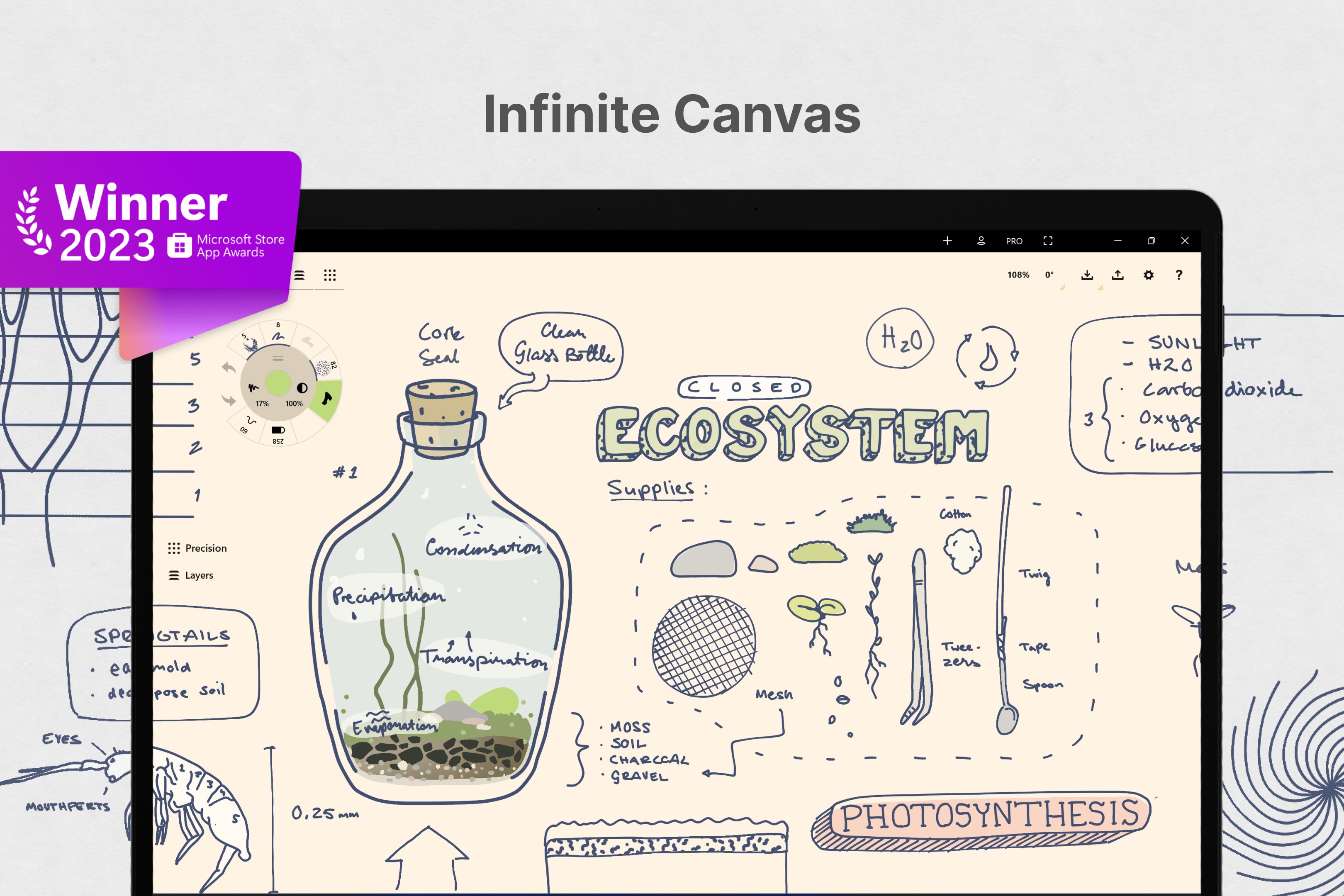
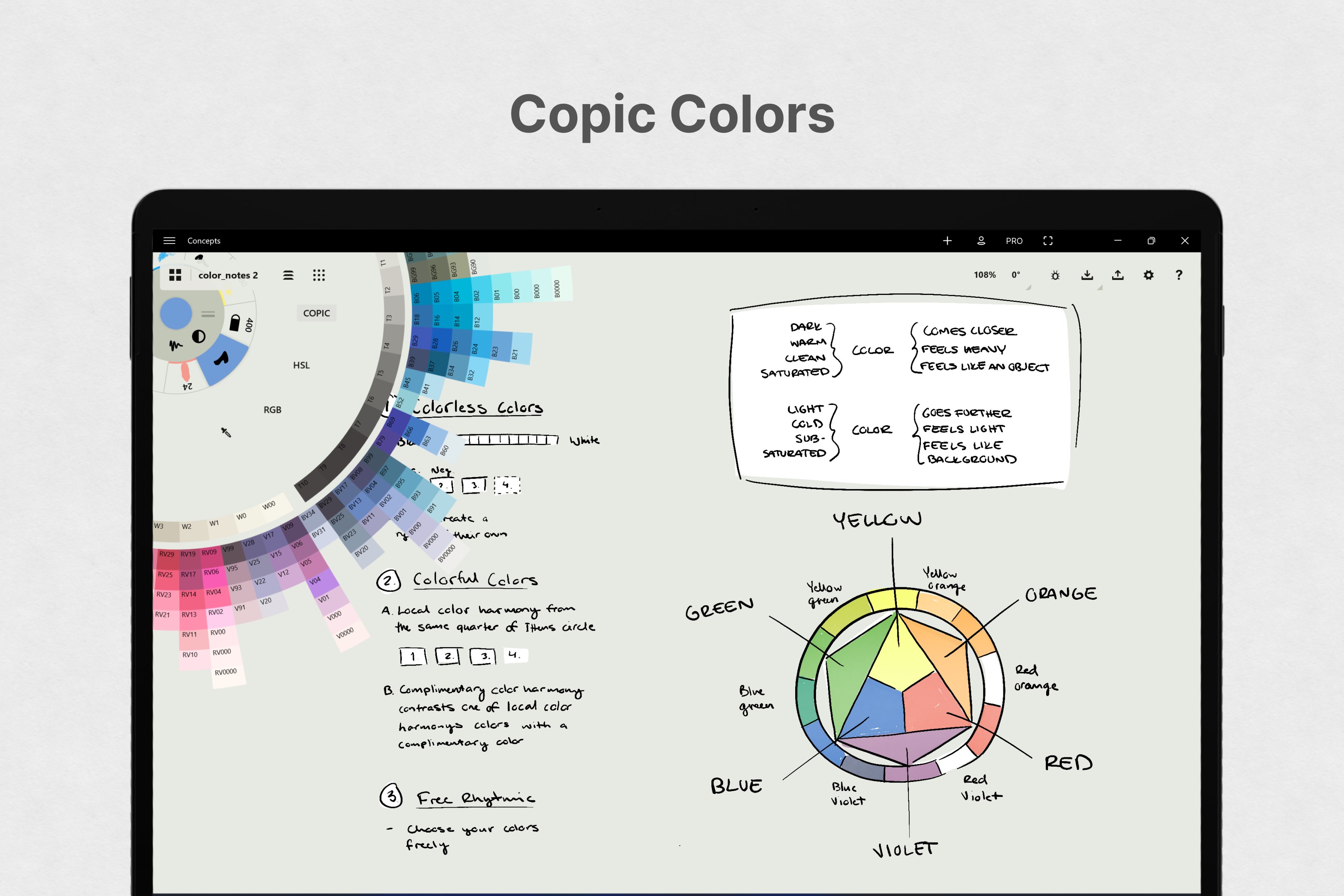
The core brilliance of Concepts lies in its infinite canvas. Unlike traditional note-taking or diagramming apps, this feature allows you to sketch, write, and organize across a practically limitless workspace. Want to develop a mind map that sprawls across your screen? Or draw detailed workflows that tie together multiple stages? The app's zooming and panning capabilities feel as natural as navigating a physical whiteboard, but with a digital fluidity that enhances productivity. It reduces cognitive load by eliminating the need to juggle multiple documents or windows—everything is integrated into one expansive landscape. This makes it particularly useful for brainstorming sessions or complex project planning where ideas need to flow seamlessly.
Versatile Sketching and Notetaking: From Wireframes to Daily Journals
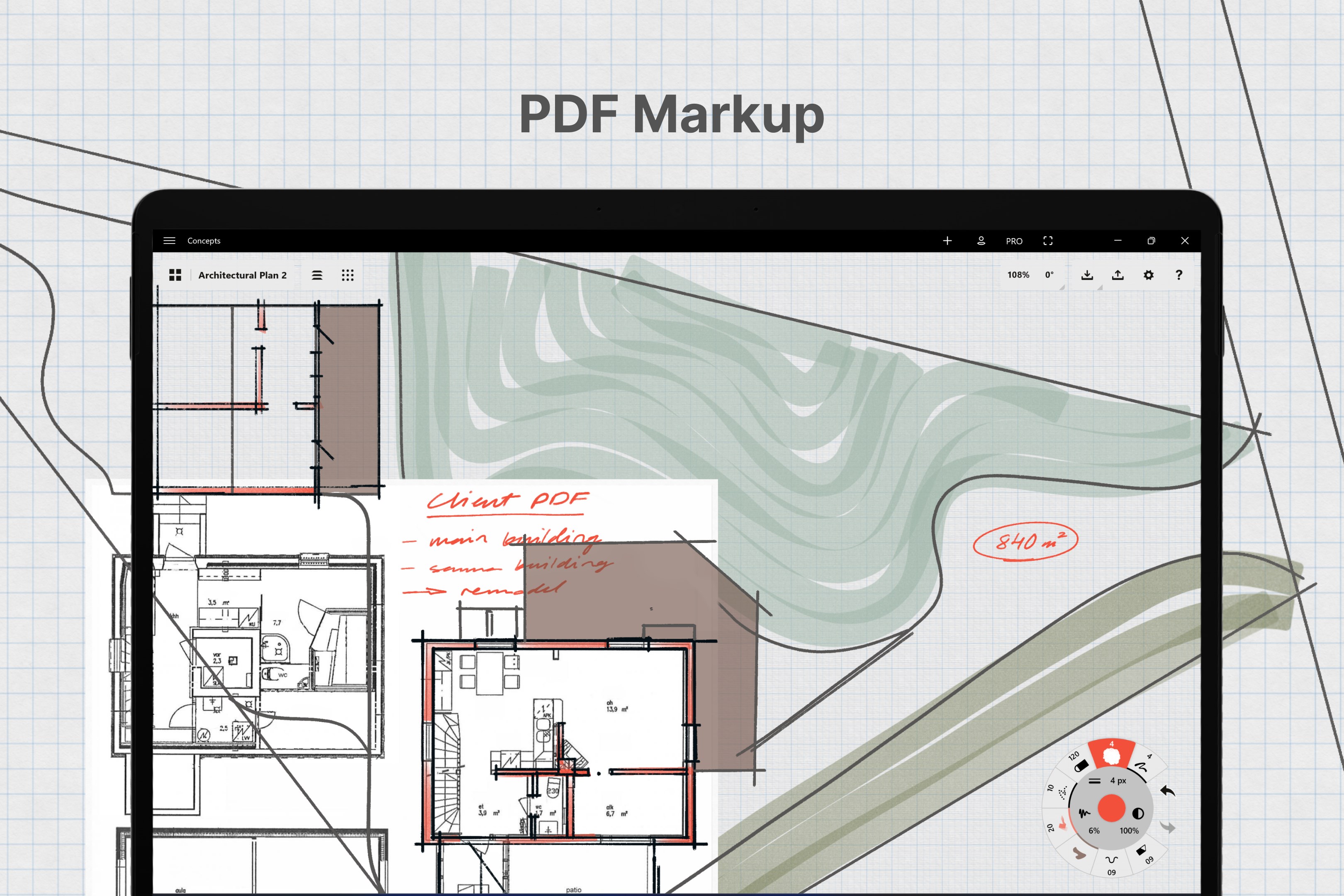
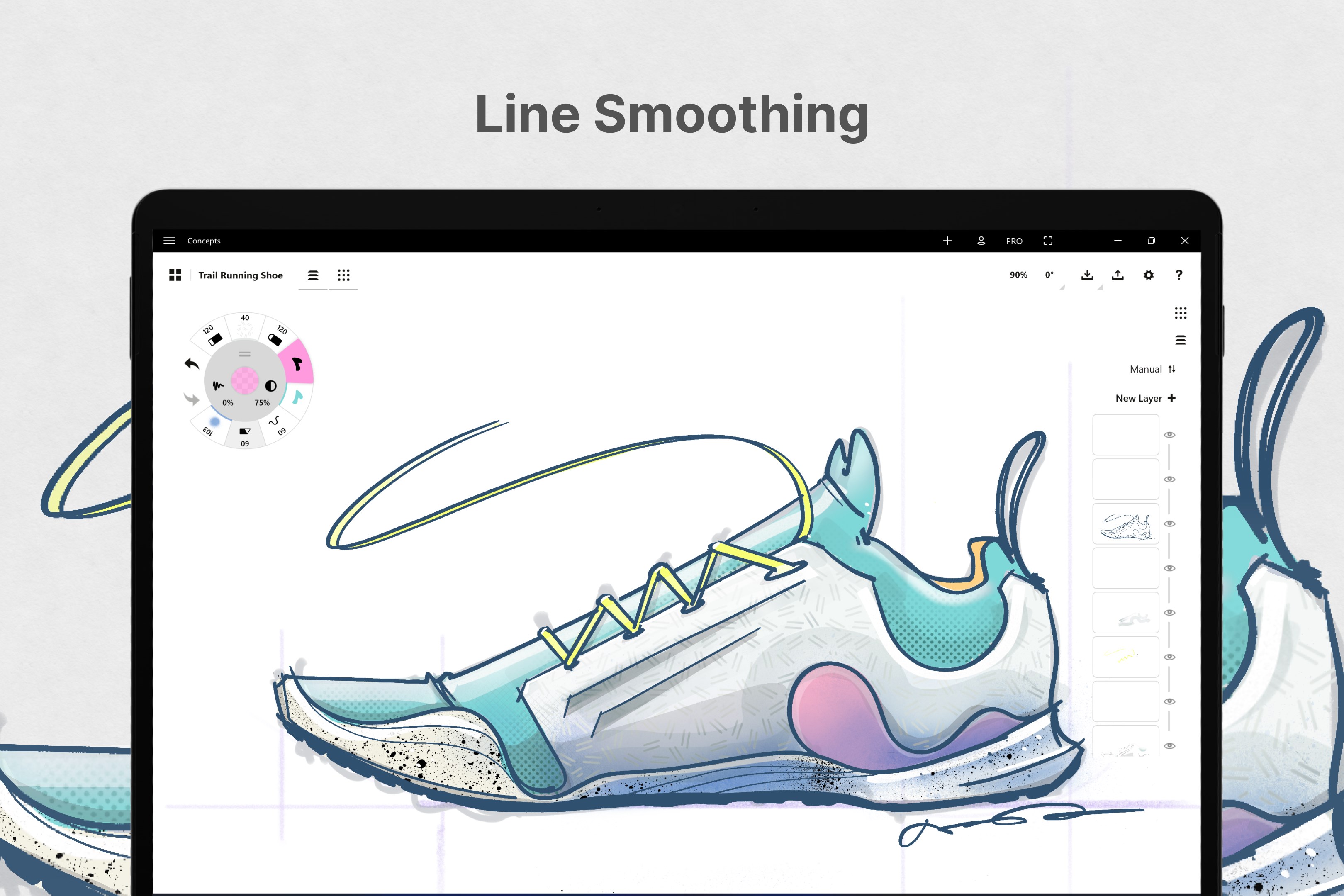
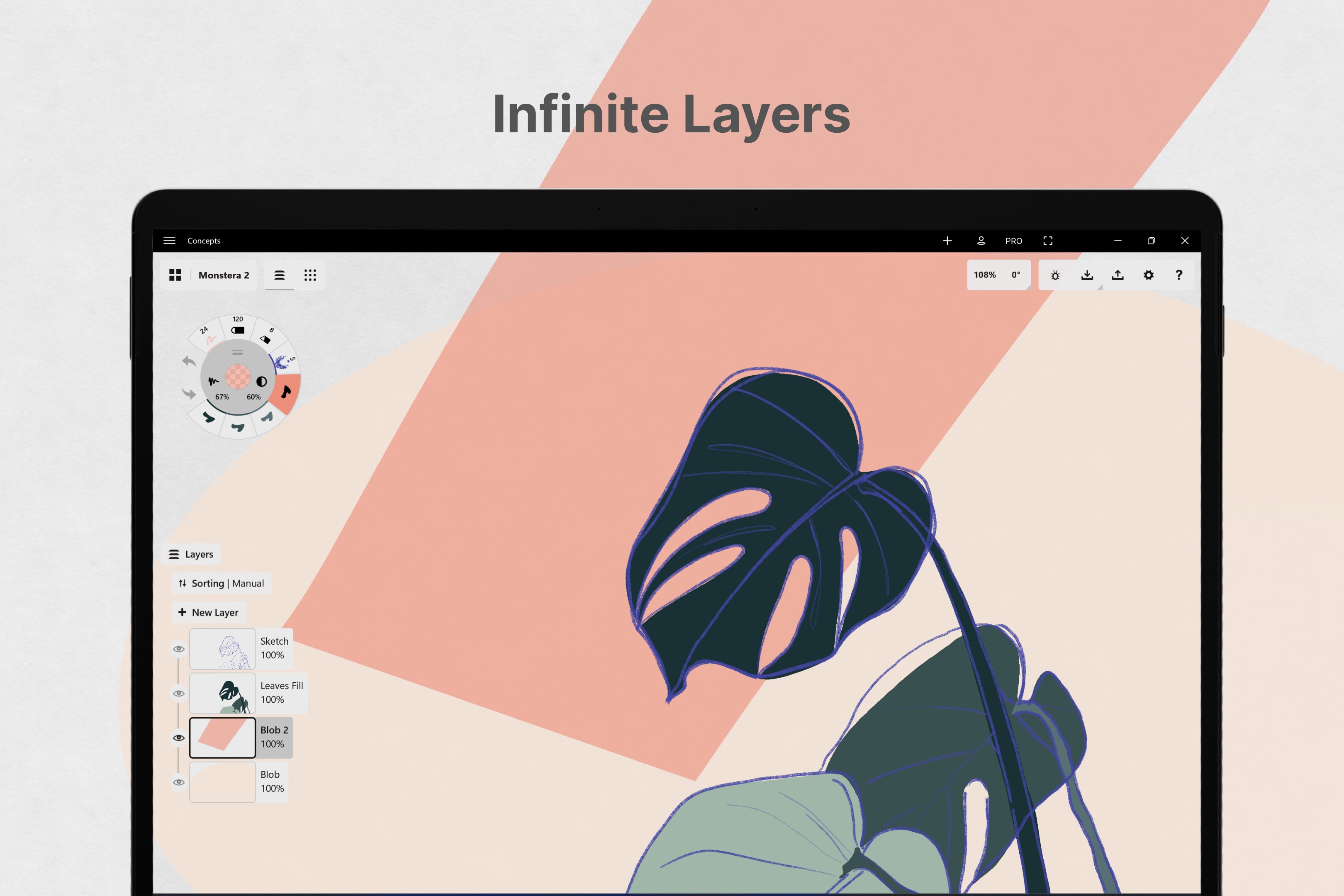
Concepts offers a rich set of drawing tools that cater to both quick sketches and detailed diagrams. Its layered environment enables users to organize elements logically, whether they're annotating images or creating intricate wireframes. The UI is clean and distraction-free, making the learning curve gentle; you can start laying out ideas immediately without wrestling with cluttered menus. The app's responsiveness and brush precision contribute to a pleasurable experience, whether you're sketching with a stylus or using a mouse. This versatility makes Concepts ideal not only for professional designers but also for students and entrepreneurs seeking a flexible digital sketchpad.
Design, Usability, and Competitive Edge
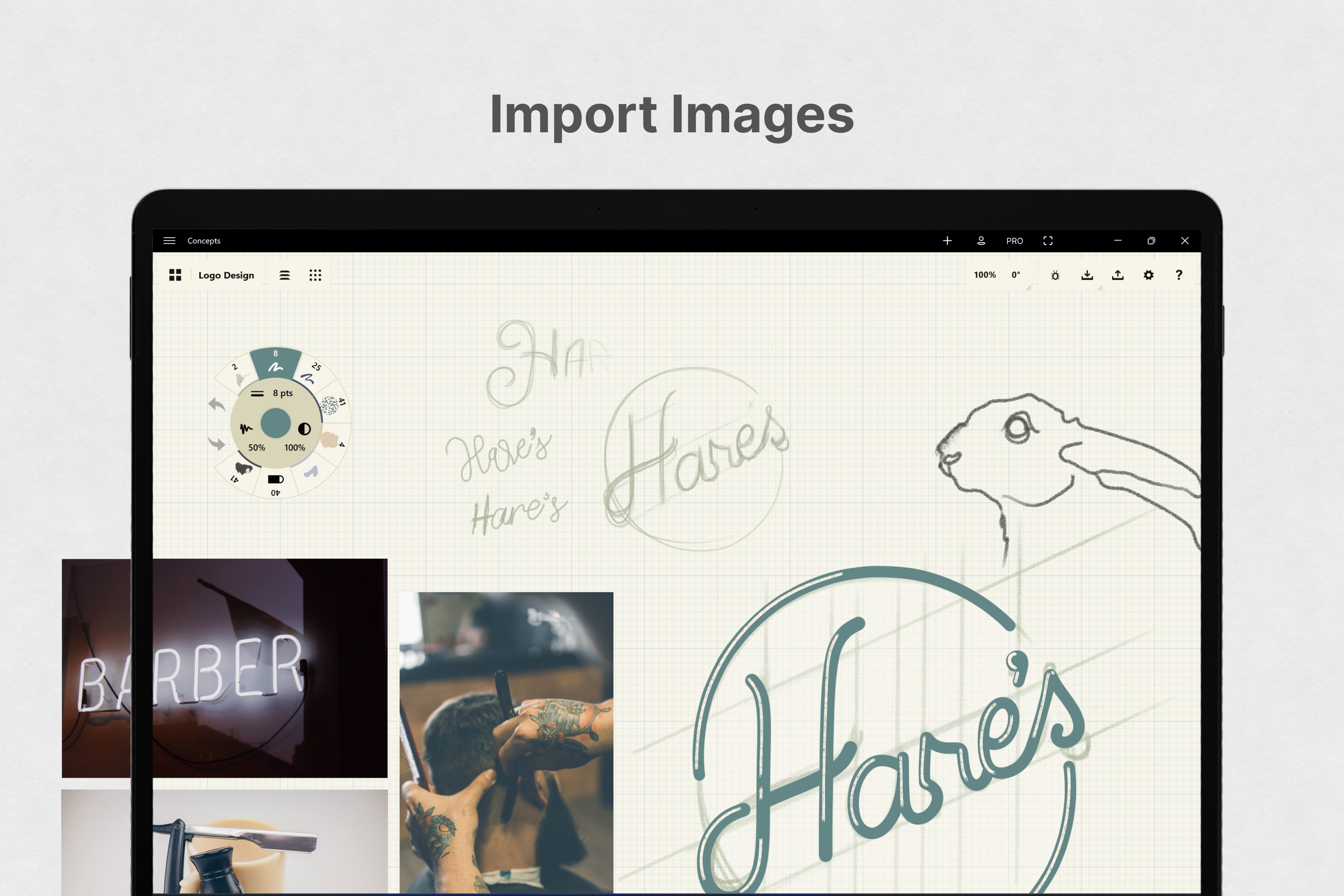
In terms of user experience, Concepts for Windows excels in creating an environment that feels both powerful and approachable. Its minimalistic design avoids overwhelming users, while intuitive gestures and controls make navigation seamless. The app's ability to integrate with other productivity tools adds to its workflow efficiency, allowing users to import references or export completed diagrams easily. When compared to similar productivity apps, Concepts stands out with its focus on reducing cognitive load: rather than offering a laundry list of features, it emphasizes the flow of ideas with tools that are simple to learn but rich in capability. This focus on workflow integration ensures that users spend less time wrestling with the software and more time making meaningful progress.
Recommendation and Usage Tips
If you're looking for a flexible, user-friendly digital workspace that encourages creative thinking and simplifies complex planning, Concepts for Windows is a solid choice. Its standout features—the infinite canvas and layered sketching—are particularly valuable for visual thinkers, designers, and project planners who benefit from a broad, integrated environment. I recommend starting with basic sketches or notes to familiarize yourself with the interface, then gradually exploring its more advanced import/export and organizational tools. Overall, this application offers a well-balanced blend of simplicity and depth, making it suitable for both casual brainstorming and serious project design.
In conclusion, Concepts for Windows isn't just another productivity app; it's a digital sketchbook that adapts to your workflow, helping you stay organized without sacrificing creative freedom. Whether you're mapping out ideas for a new project or doodling during a coffee break, it offers a thoughtfully designed space to bring your concepts to life with clarity and ease.
Pros
- Intuitive and user-friendly interface
- Robust vector drawing capabilities
- Supports multiple layers and customizable tools
- Seamless integration with Microsoft ecosystem
- Regular updates with new features and bug fixes
Cons
- Limited export options for certain formats
- Performance issues on lower-end devices
- Learning curve for advanced features
- Occasional sync delays with cloud storage
- Limited collaborative features











