


- Category Simulation
- Developer Nordcurrent
- Available on PC, Mobile, Surface Hub, HoloLens
- OS Windows 10 version 17763.0 or higher
- languages Chinese (Simplified), Chinese (Traditional), Chinese (Traditional, Hong Kong SAR), Chinese (Traditional, Macao SAR), English (United States), French, German, Indonesian, Italian, Japanese, Korean , Lithuanian, Malay, Polish , Portuguese (Brazil), Russian, Spanish (Spain)
Cooking Fever for Windows: A Tasty Blend of Time-Management and Culinary Creativity
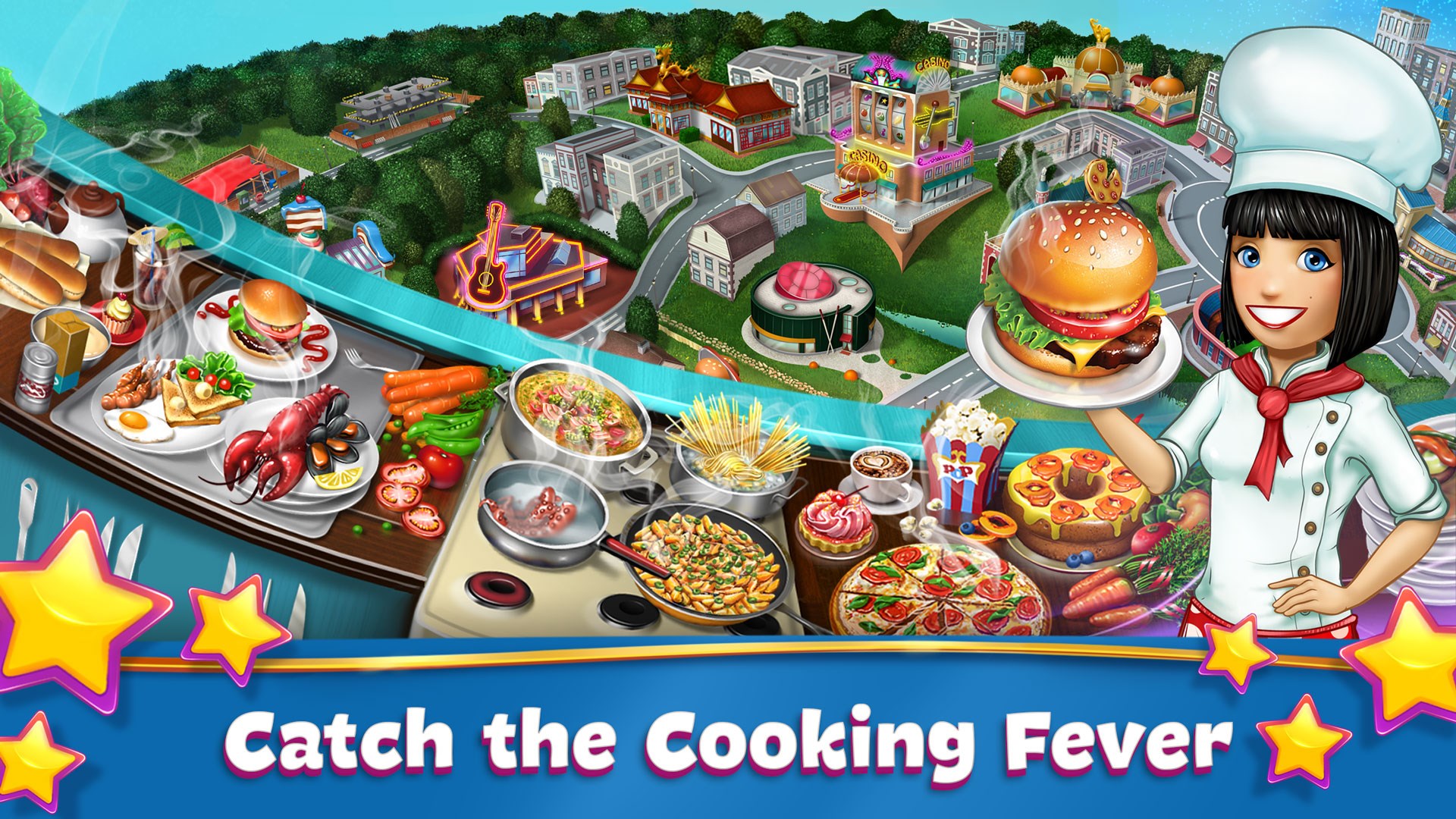
If you've ever dreamed of running your own bustling restaurant kitchen without the risk of a grease fire, Cooking Fever offers a delicious sandbox experience that combines strategy, speed, and a dash of creativity. This game invites you to take on the role of a restaurant owner, juggling multiple culinary outlets in a lively, colorful world. Developed by Nordcurrent, this app promises to serve up hours of engaging gameplay—think of it as a virtual recipe book where you get to create your own gastronomic empire.
Developer and Core Features
Developed by Nordcurrent, a seasoned team known for popular casual games, Cooking Fever is designed to appeal to cooking enthusiasts and simulation fans alike. Its main highlights include:
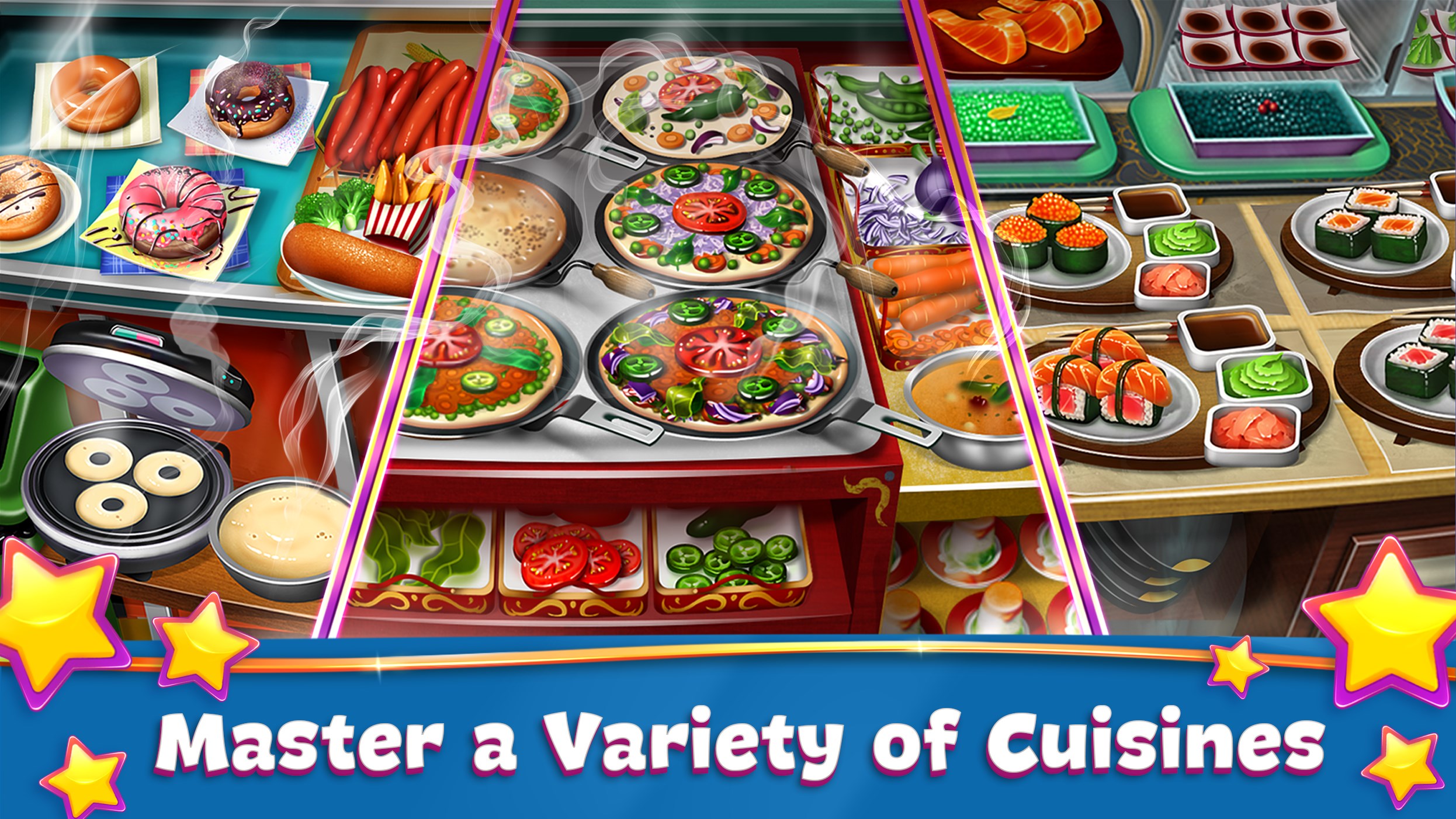
- Variety of Restaurants and Recipes: From pizzerias to sushi bars, players can unlock and customize a broad spectrum of culinary establishments.
- Time-Management Gameplay: Fast-paced mechanics challenge players to serve customers efficiently while juggling multiple orders, adding a stimulating layer of strategy.
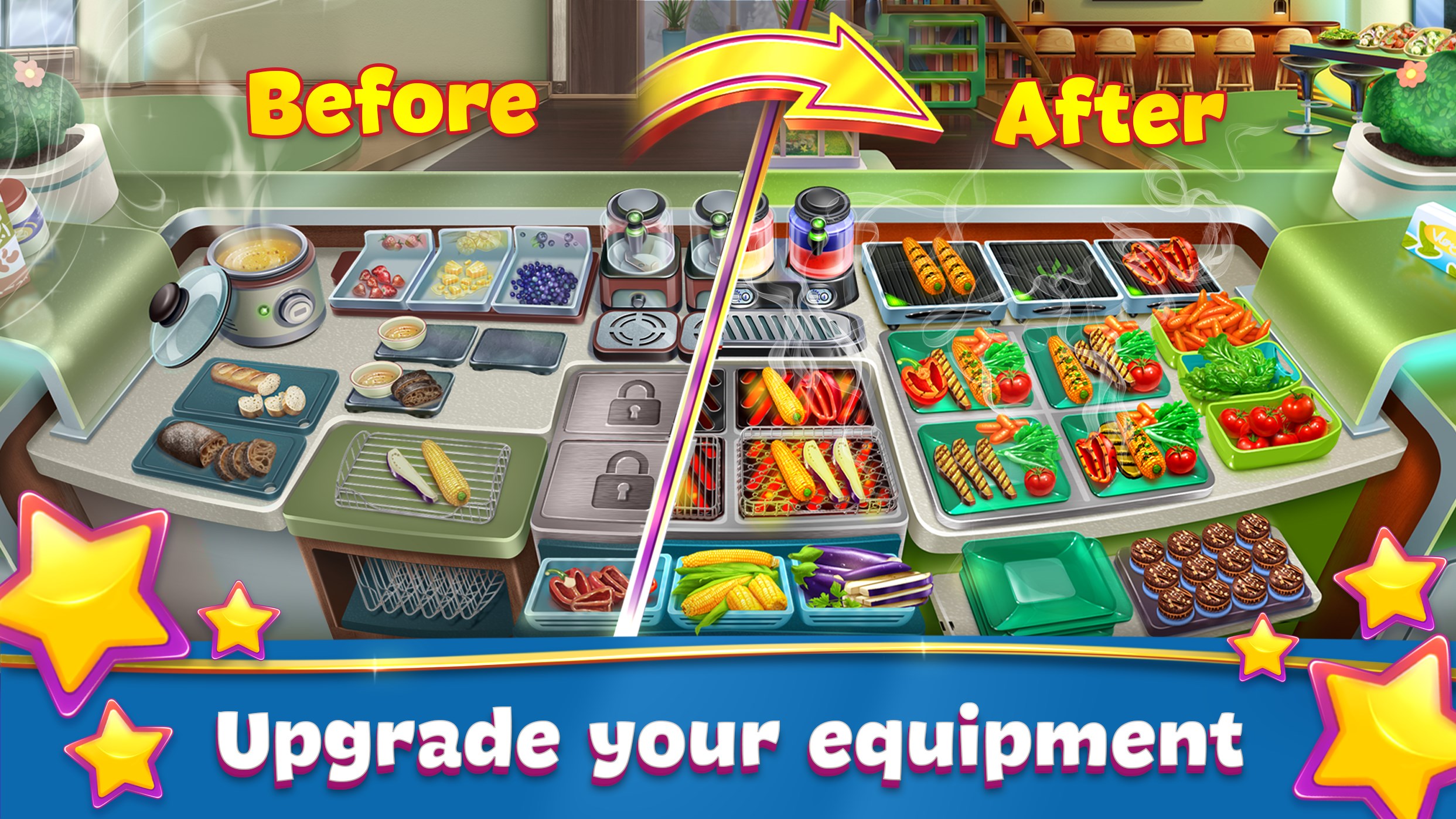
- Upgrade and Customization System: The game allows players to upgrade kitchen appliances, decor, and menu options, fostering a sense of progression and personal touch.
- Global Content and Events: Seasonal updates and limited-time events keep gameplay fresh and encourage ongoing engagement.
Targeted primarily at casual gamers, cooking fans, and those who enjoy simulation and management titles, Cooking Fever invites a broad demographic, from teenagers to adults seeking a relaxing yet challenging experience.
Engaging Gameplay and User Experience
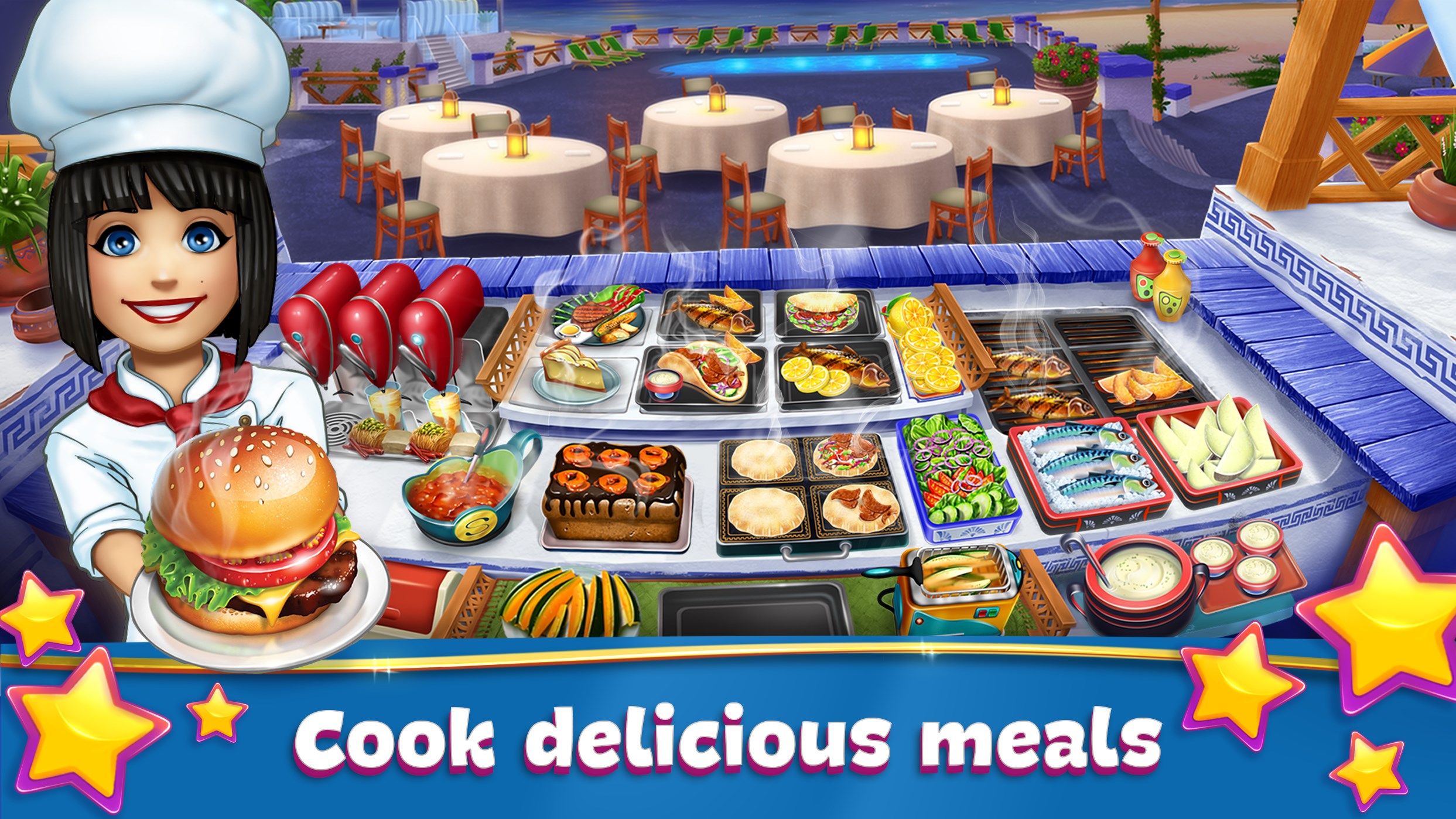
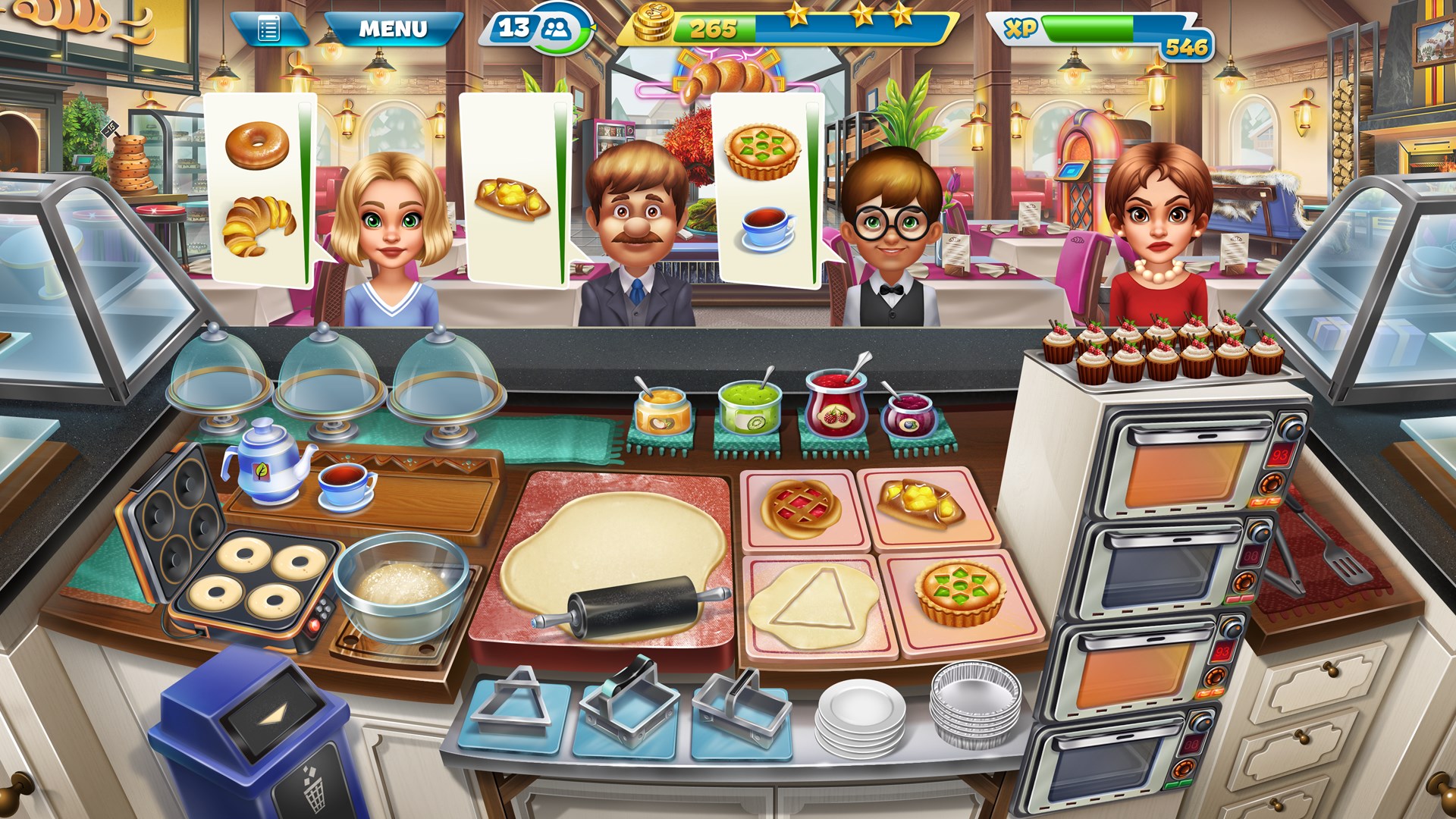
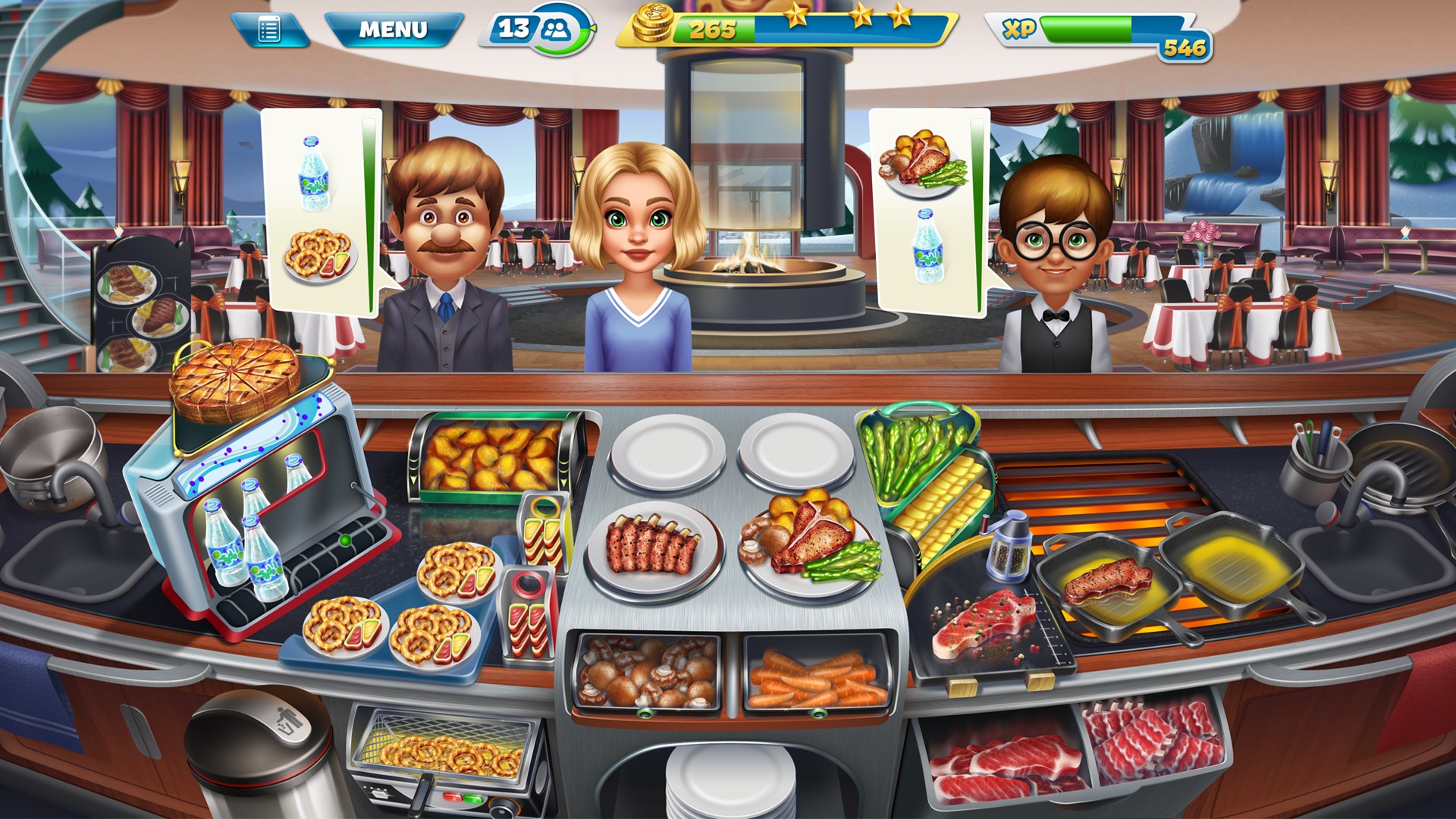
From the moment you launch Cooking Fever, the vibrant, cartoonish graphics draw you into a bustling culinary world filled with sizzle, steam, and colorful ingredients. The interface is intuitively designed, resembling a busy kitchen where everything is at your fingertips—order screens, upgrade menus, and customer interactions are seamlessly integrated. Navigation is smooth; you can easily switch between different restaurant types or upgrade options without feeling overwhelmed.
The gameplay mechanics strike a fine balance between challenge and accessibility. The learning curve is gentle at first—serving your first customers feels almost like a friendly kitchen dance—yet as levels progress, the pace intensifies. Efficient multitasking becomes essential, encouraging players to develop quick decision-making skills. The game's mechanics are grounded in realistic cooking actions, such as chopping, frying, and plating, which adds an immersive layer without becoming overly complex.
What Sets Cooking Fever Apart from Other Simulation Games
Among the myriad of restaurant simulations, Cooking Fever stands out for its particular focus on real-time resource management intertwined with authentic kitchen operations. Its physics and mechanics are designed to mimic real-world culinary workflows—ingredients are chopped and cooked in ways similar to actual culinary techniques, and order fulfillment mimics the timing constraints faced by real chefs. This level of realism isn't overly technical but enough to create a satisfying simulation that prompts players to think about efficiency and timing just as real chefs do.
Furthermore, Cooking Fever's system of upgrading and customization encourages players to experiment with their restaurant layouts and menu configurations. This feature fosters an understanding of operational scalability—a microcosm of managing a real restaurant. Quite different from more abstract management sims, this focus on tangible processes and clear feedback bridges the gap between virtual fun and real-world skills, making it educational for aspiring restaurateurs or food enthusiasts.
Recommendation and Usage Suggestions
Overall, Cooking Fever for Windows provides a well-rounded, engaging experience with just the right recipe of challenge and entertainment. It's particularly recommended for casual gamers looking for a relaxing yet stimulating activity or anyone interested in the behind-the-scenes of restaurant operations. If you enjoy multitasking challenges or want a game that subtly teaches about kitchen workflows, this is a solid choice.
For best results, set aside dedicated sessions to avoid rushing and truly appreciate the upgrade system and gameplay depth. While it's accessible for beginners, advanced players will find enough complexity to stay engaged through various restaurant types and event content. Just be mindful of the in-game monetization; it's designed thoughtfully, but like any freemium model, it's best enjoyed with moderation.
In conclusion, Cooking Fever is more than just a cooking game—it's a satisfying simulation that marries fun with a touch of real-world logic. Whether you're a culinary novice or a seasoned strategist, this game's inviting atmosphere and solid mechanics make it a tasty addition to your Windows app collection.
Pros
- User-friendly interface
- Engaging gameplay with diverse recipes
- Regular content updates
- In-app purchases for customization
- Good graphics and sound effects
Cons
- Heavy reliance on microtransactions
- Ads can interrupt gameplay
- Limited offline functionality
- Repetitive gameplay after extended periods
- Steep difficulty curve early on











