
- Category Multimedia design
- Developer Corel Corporation
- Available on PC
- OS Windows 10 version 0.0 or higher
- Mouse Integrated Mouse
- Memory 8 GB
- languages English, French, German, Japanese, Chinese (Traditional Chinese)
Unleashing Artistic Creativity: An In-Depth Review of Corel Painter for Windows
Imagine having a digital canvas that responds as fluidly as your imagination, offering a palette of endless possibilities—Corel Painter for Windows is precisely that. Designed to elevate digital artistry, this application blends traditional painting techniques with innovative tools, making it a must-have for artists aiming for realism and expressive freedom alike.
What Is Corel Painter? Basic Information
Corel Painter is a professional digital painting software known for its realistic brushes and versatile tools, targeting artists who seek to replicate traditional media in a digital environment.
Developer and Publisher
Developed and published by Corel Corporation, a well-established leader in graphic design and creative software solutions.
Main Features at a Glance
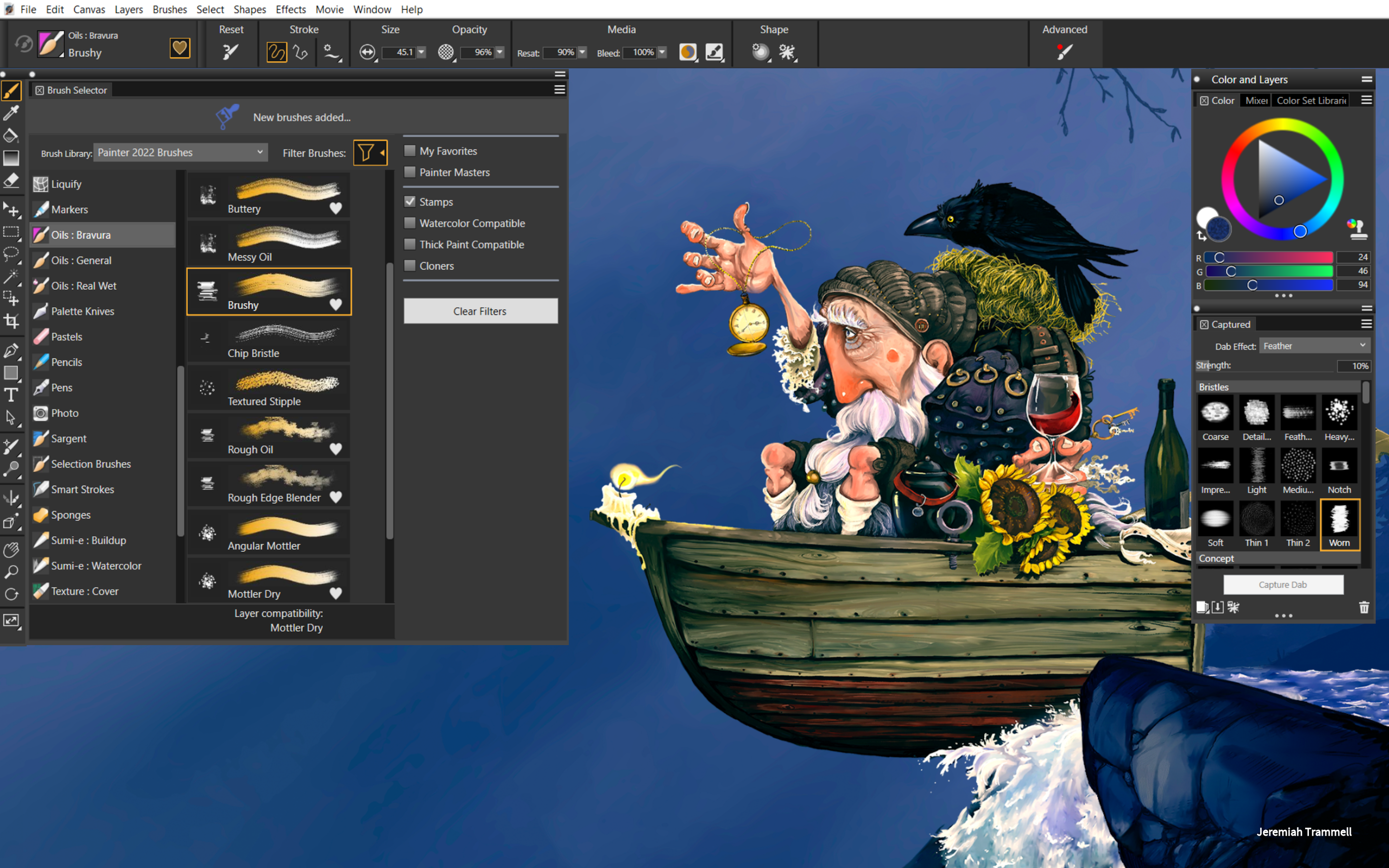
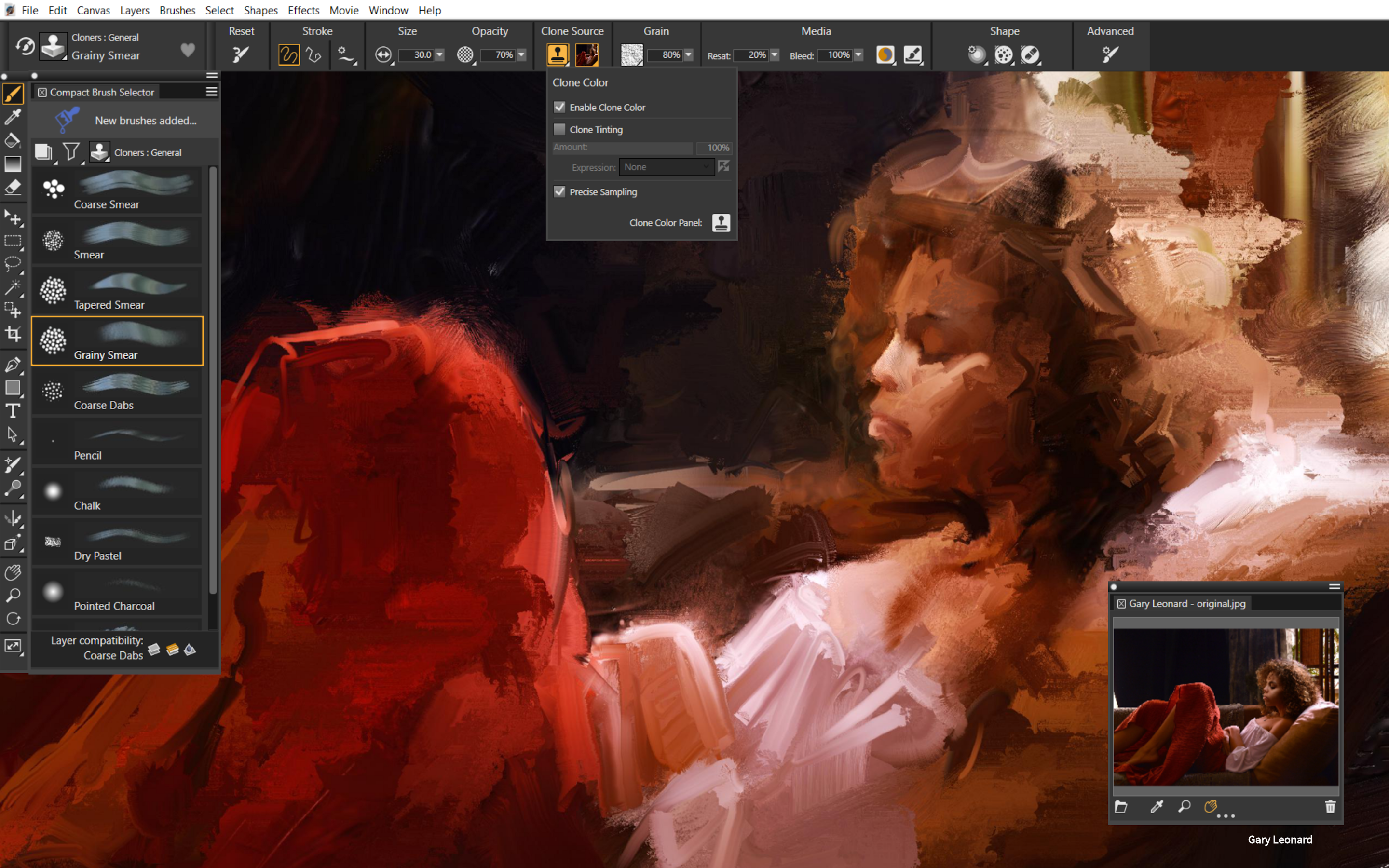
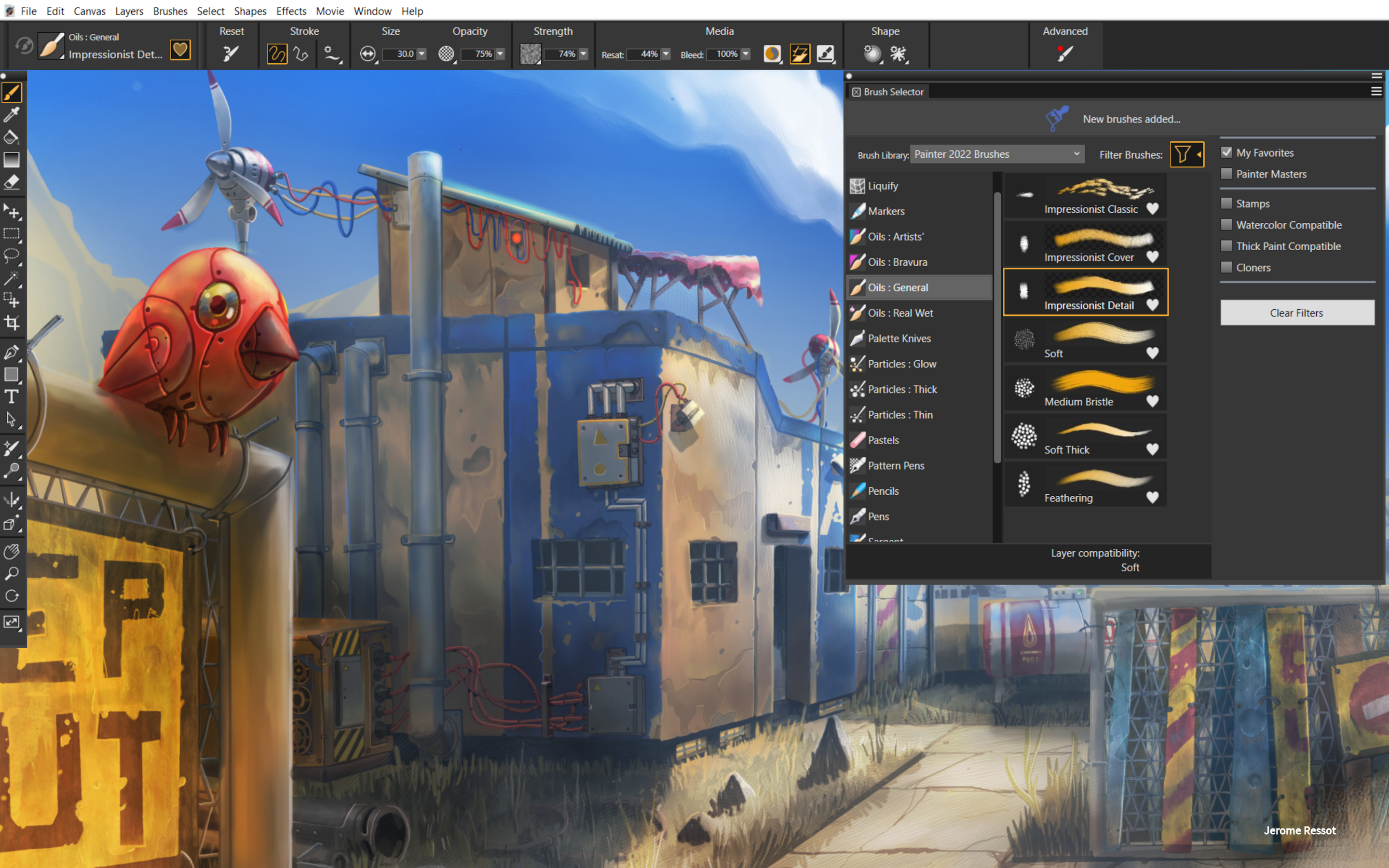
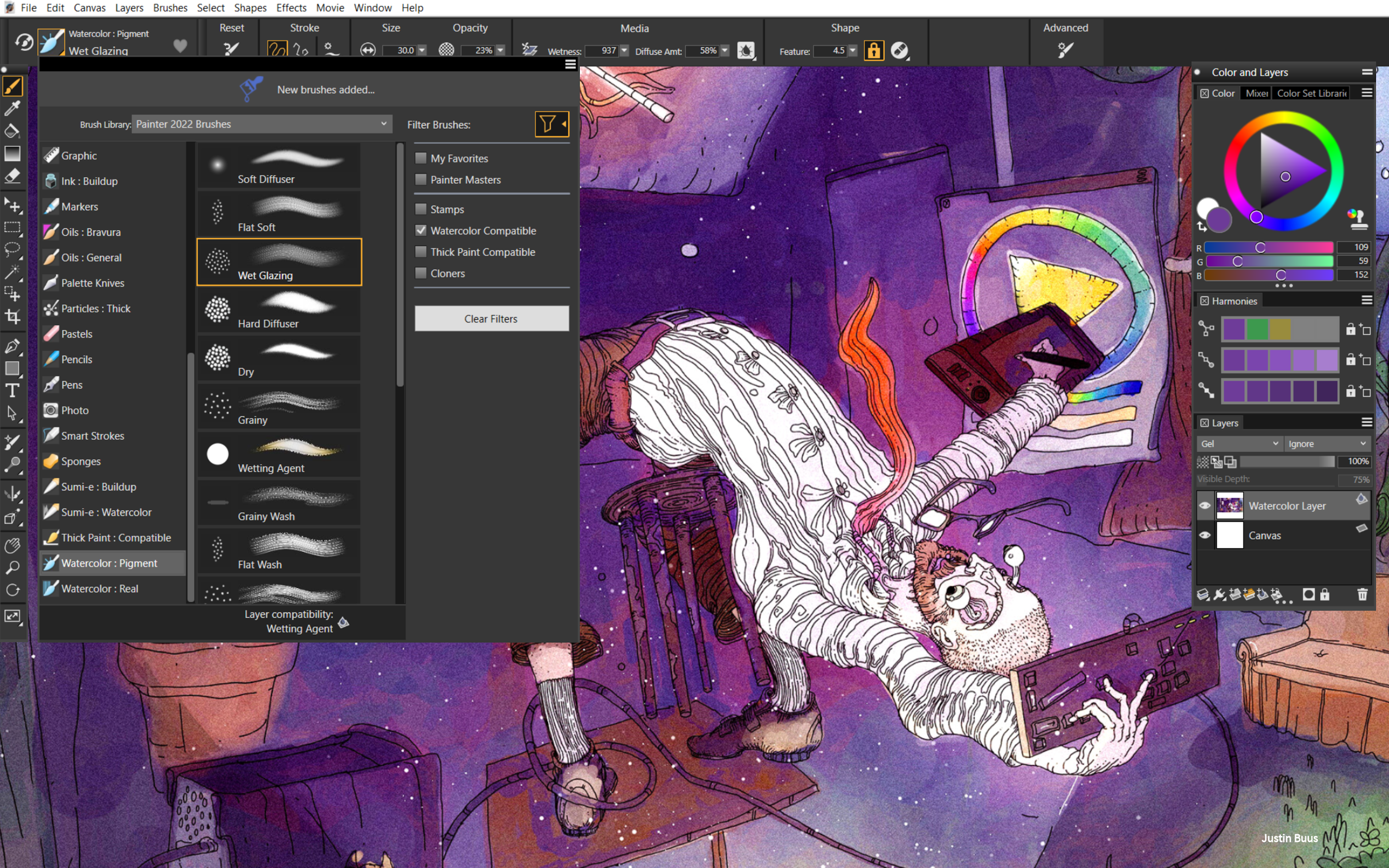
- Realistic Brush Engines: Offers over 900 customizable brushes that emulate oil paints, watercolors, pastels, and more with authentic textures.
- AI-Powered Style Transfer: Integrates intelligent algorithms that can transform photos into paintings mimicking classic art styles.
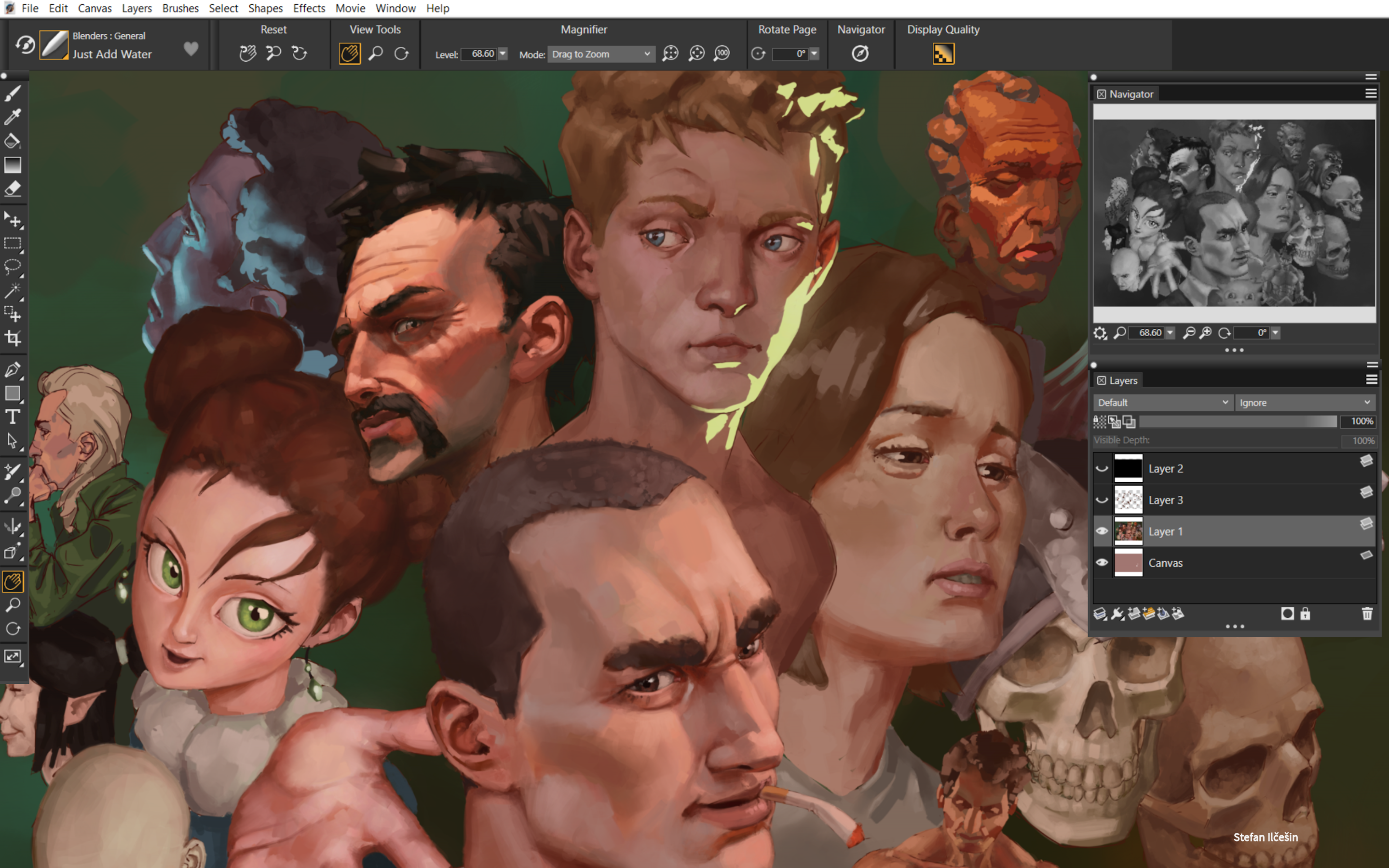
- Advanced Layer System & Transparency: Provides flexible layering options for complex compositions and seamless editing.
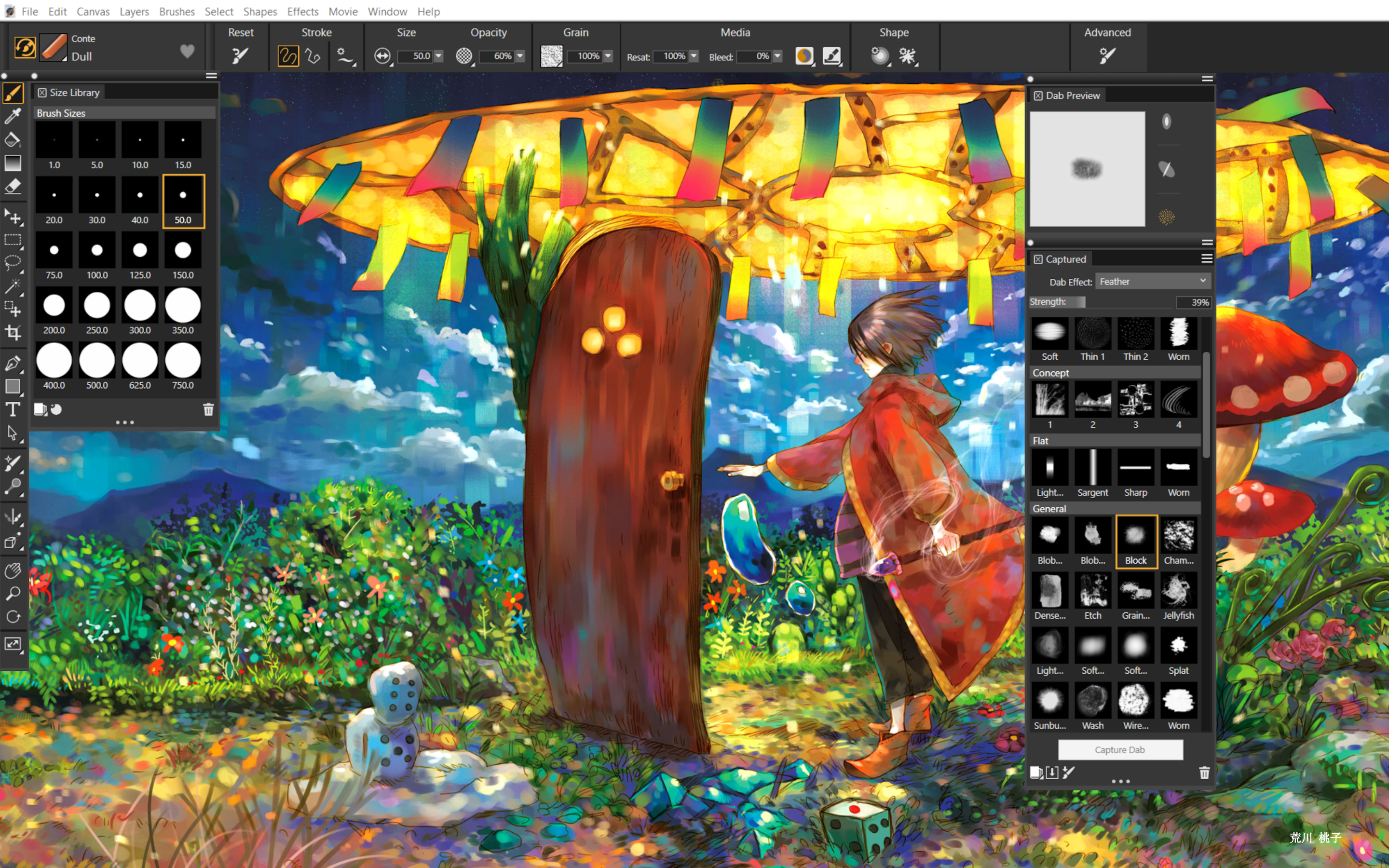
- Customizable Workspaces: Users can tailor the interface to optimize their workflow based on personalized preferences.
Target Audience
Professional digital artists, illustrators, concept designers, and hobbyists eager to explore traditional art techniques within a digital canvas—especially those who value high fidelity and a natural painting experience.
Introducing Corel Painter: A Magic Brush for Digital Artists
Imagine stepping into a studio where every tool responds to your touch, and each stroke feels as natural as working with real paint. Corel Painter transports artists into such an immersive environment—combining the tactile charm of traditional media with the power of modern technology. Whether you're a seasoned professional seeking refined control or a budding artist eager to experiment, Painter offers a universe of artistic possibilities wrapped in a user-friendly package.
Brilliant Brush Engines: Your Digital Palette's Heart
The core attraction of Corel Painter lies in its brush engines—more than 900, each meticulously designed to mimic real-world media. From the thick, expressive strokes of oil paints to the delicate washes of watercolor, these brushes respond dynamically to pressure, tilt, and flow. This responsiveness makes each stroke feel organic, giving your work a life-like quality that traditional tools might struggle to match. What sets Painter apart is its ability to customize these brushes extensively—altering texture, opacity, blending modes, and more—allowing artists to craft their perfect brush or recreate classical techniques with authentic precision.
AI Style Transfer & Artistic Filters
Beyond realistic brushes, Painter integrates clever AI algorithms that analyze your images and transform them into artwork that echoes historical masters' styles. Whether converting a photograph into a Van Gogh-inspired masterpiece or applying impressionistic textures, this feature elevates your creative process by blending machine learning with artistic intuition. It's like having a collaborative artist partner that suggests vibrant direction and unique effects, enriching your workflow without replacing your signature style.
Intuitive Interface & Seamless Performance
Painter's interface is consciously designed to feel both familiar and adapted for creative flow—clean, minimal, with tools and palettes readily accessible. The workspace can be customized to suit individual preferences, whether you prefer a clutter-free studio or a detailed environment with all panels open. Responsiveness is impressive; strokes are rendered in real-time with minimal lag, even on less-than-top-tier hardware. For newcomers, the learning curve is manageable thanks to comprehensive tutorials and an intuitive layout, but seasoned artists will appreciate the depth of control available once they dig deeper.
Differentiation from Other Multimedia Apps
While many digital art applications boast similar features, Painter's standout advantage is its focus on authentic media simulation combined with AI-driven enhancements. Unlike general-purpose drawing tools, Painter concentrates on creating a natural painting experience—emulating physical media with a level of fidelity that feels almost surreal. Its unique brush dynamics and style transfer capabilities allow artists to explore both hyper-realistic and expressive, abstract works within the same platform. This combination of traditional craftsmanship with modern AI makes Painter particularly appealing for artists seeking authenticity and creative versatility in one package.
Should You Give It a Try? Our Verdict
Overall, Corel Painter for Windows is a highly capable and thoughtfully designed digital art studio. Its hallmark features—particularly the realistic brush engines and AI style transfer—set it apart from many competitors, making it ideal for those who crave authentic media simulation. While the interface offers a gentle learning curve for beginners, advanced users will find layers of depth to explore. If your goal is to produce artworks that nearly indistinguish from traditional paintings, Painter is a compelling choice.
We recommend it primarily to serious digital artists and illustrators who prioritize naturalistic tools and artistic authenticity. Casual doodlers or those on a budget might find other apps more suitable, but for dedicated creatives wanting professional-grade craftsmanship, Corel Painter stands out as a robust, inspiring platform.
Pros
- Exceptional Brush Engine
- Broad Range of Artistic Tools
- User-Friendly Interface for Professionals
- High-Resolution Support
- Frequent Updates and Support
Cons
- High System Resource Usage
- Steep Learning Curve for Advanced Features
- Occasional Stability Issues with Large Files
- Limited Vector Support
- Costly Pricing Model











