

- Category Multimedia design
- Developer Corel Corporation
- Available on PC
- OS Windows 10 version 18362.0 or higher
- Keyboard Integrated Keyboard
- Mouse Integrated Mouse
- DirectX DirectX 12 API, Hardware Feature Level 11
- Memory 8 GB
- languages English (United States)
Introduction to CorelDRAW Microsoft Store Edition for Windows
CorelDRAW Microsoft Store Edition for Windows is a streamlined yet powerful vector graphics application designed for creative professionals and enthusiasts alike. It distills the essence of CorelDRAW's robust design capabilities into a more accessible format, catering specifically to Windows users seeking straightforward yet versatile graphic design tools.
Developer and Core Features
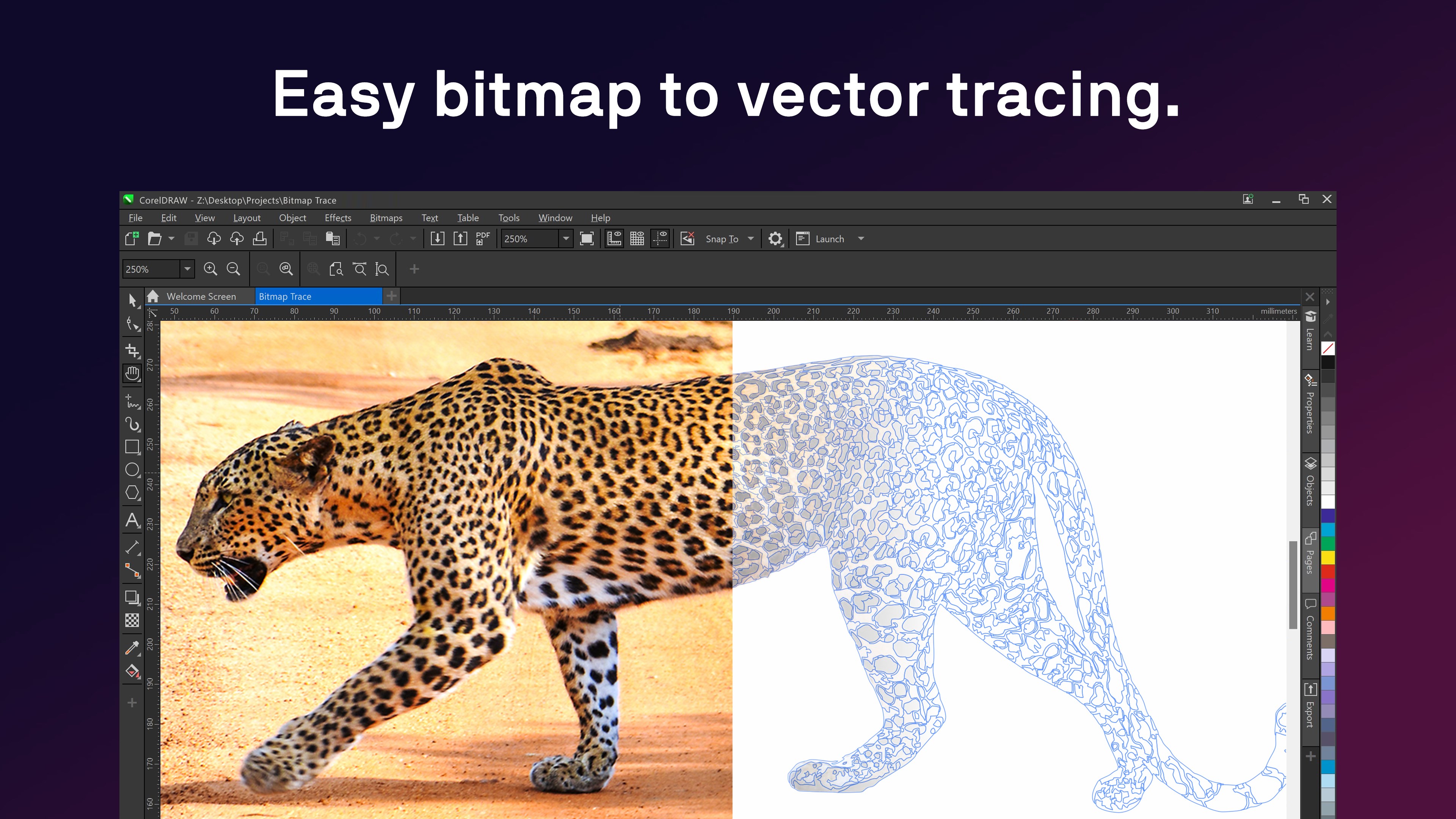
Developed and published by Corel Corporation, a longstanding leader in graphic design software, this edition brings their industry expertise directly to the Microsoft Store platform. Its main features include intuitive vector illustration, advanced layout tools, and seamless support for multiple file formats. Notably, the app emphasizes user-friendly workflows while retaining core professional-grade functionalities, making it suitable for both beginners and seasoned designers. The targeted audience encompasses freelance designers, small business owners, educators, and students who require a reliable yet easy-to-use design solution.
Vivid Introduction: A Creative Ally in Your Digital Workspace
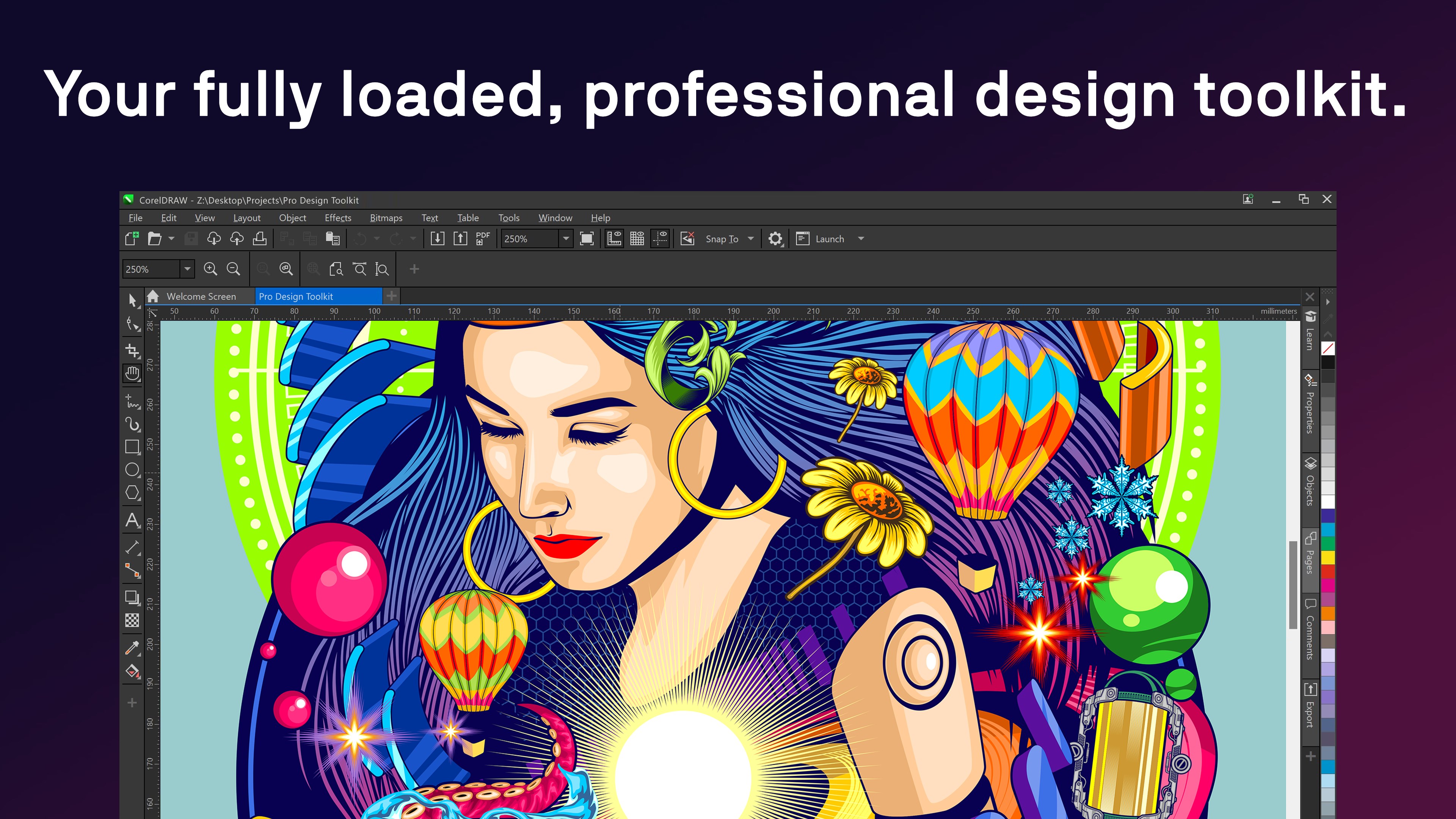
Imagine sitting at your desk with a blank canvas, ready to turn ideas into visual stories—CorelDRAW Microsoft Store Edition acts as your trusty companion on this journey. Its clean interface invites you to explore colorful possibilities without feeling overwhelmed, much like stepping into a well-organized art studio where everything is just within reach. Whether you're crafting a logo, designing a flyer, or experimenting with vector art, this app promises to make the process both engaging and manageable.
Core Functionality Breakdown: Tools That Spark Creativity
1. Versatile Vector Illustration and Drawing Tools
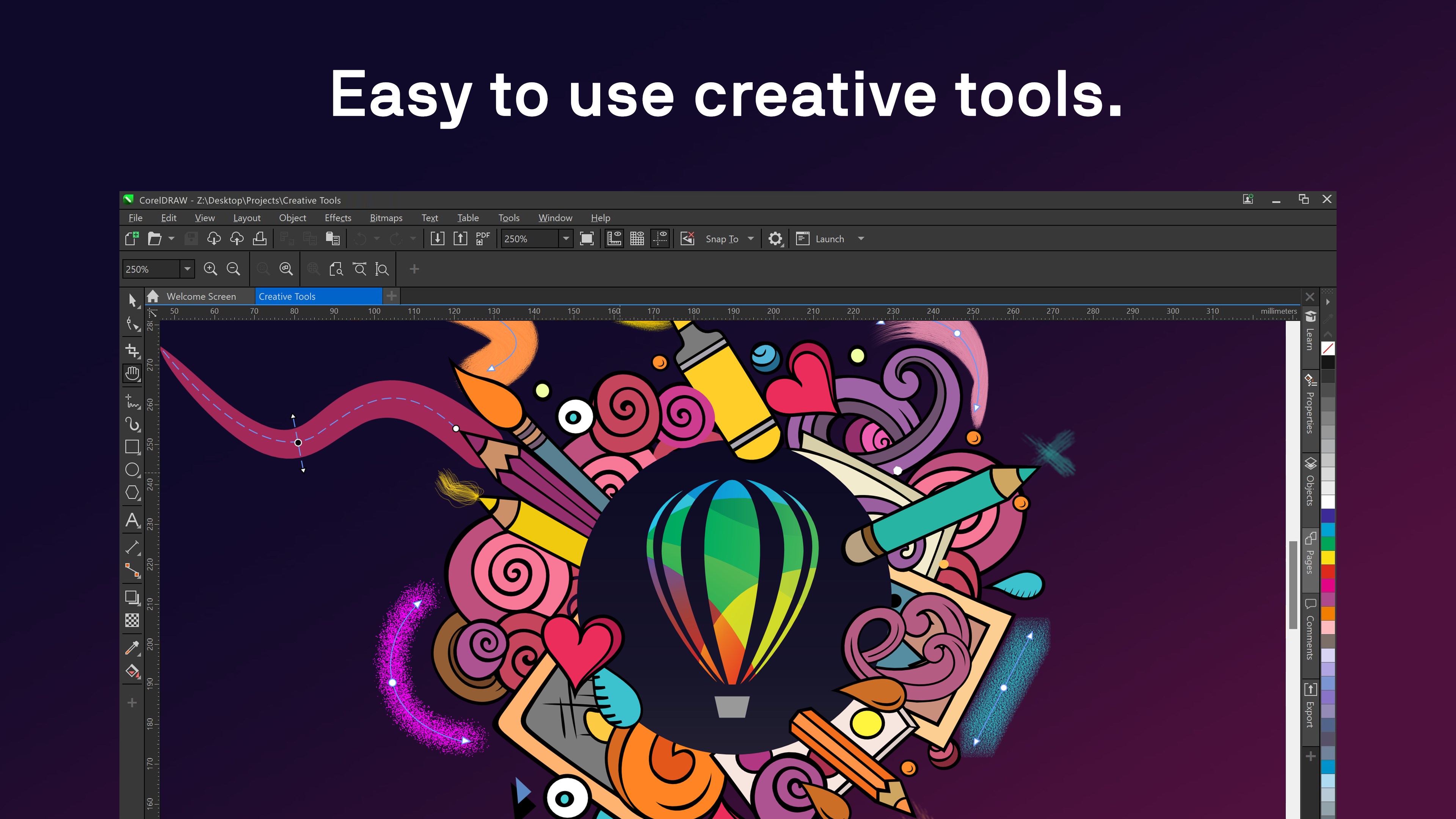
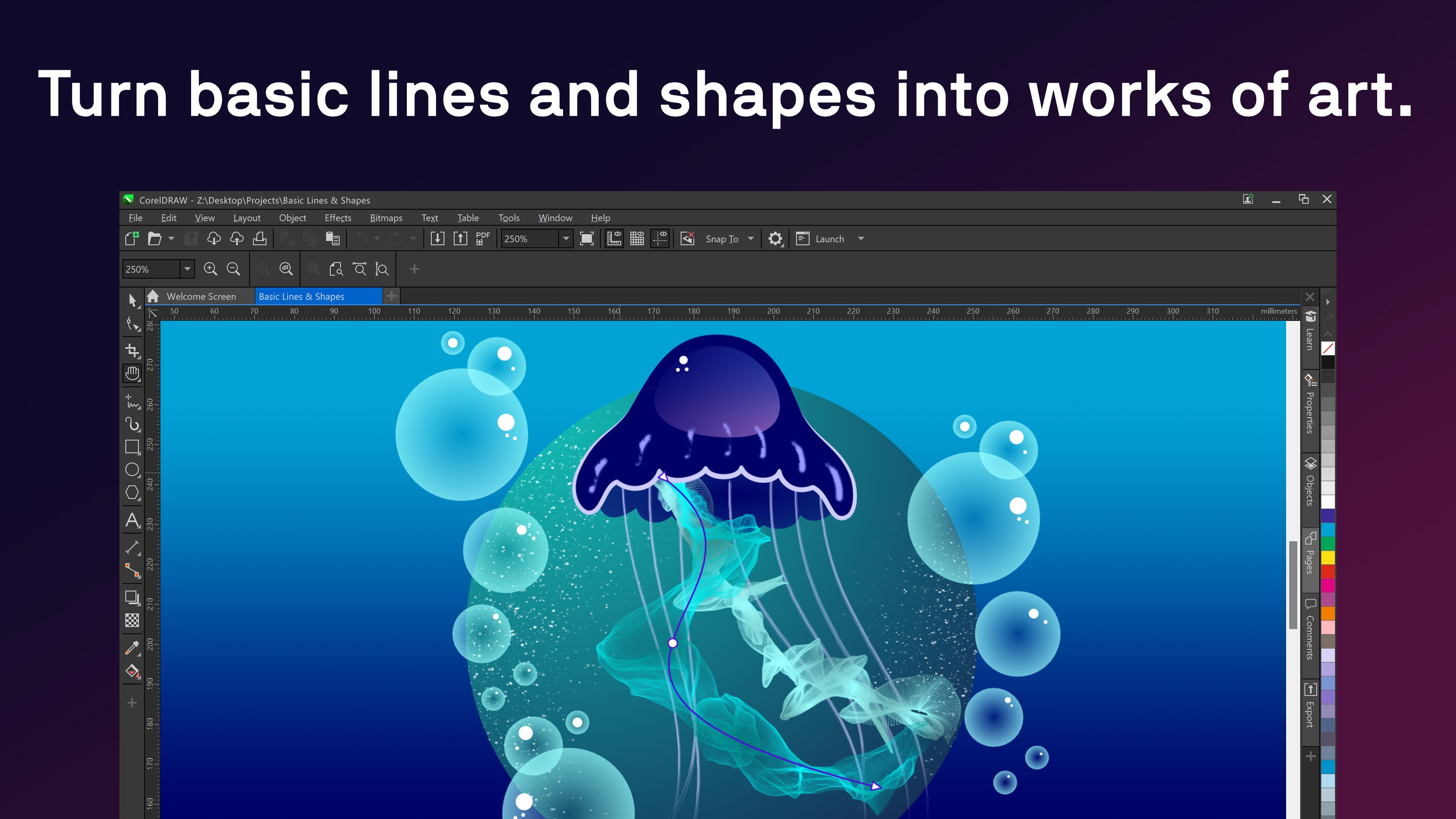
The heart of this edition lies in its robust vector illustration capabilities. Users can easily create intricate shapes, smooth curves, and detailed designs using a comprehensive toolkit that includes pen, Bézier, and shape tools. The app's precision snapping and alignment features are like having an invisible ruler guiding your hand, ensuring your designs are clean and professional. For those who love layering effects or gradients, the intuitive controls make adjustments simple, bringing your artwork to life with vibrant color blends.
2. Adaptive Layout and Page Design Features
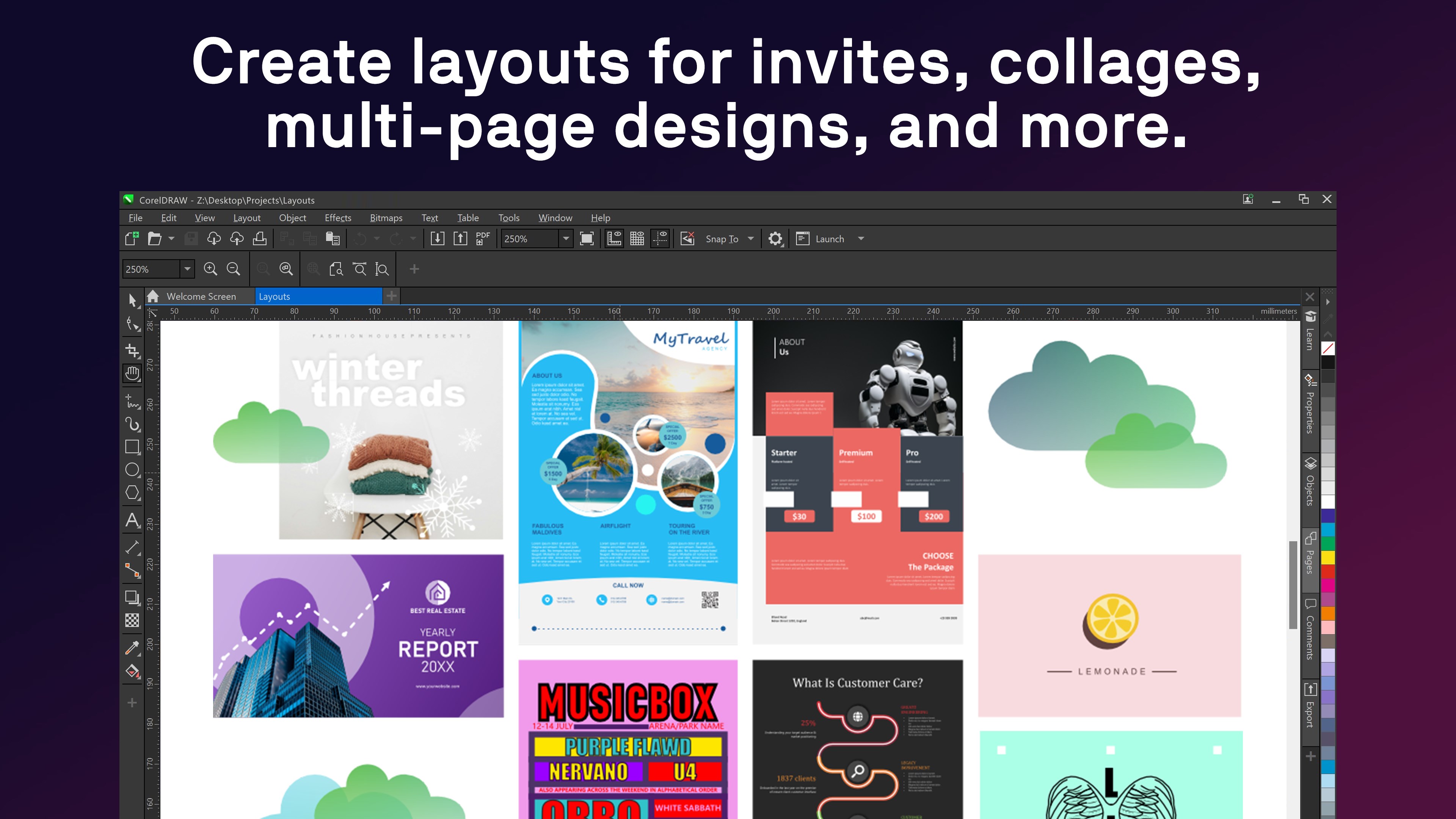
Beyond illustration, CorelDRAW excels in layout management. With multi-page document support and grid options, crafting booklets, posters, or multi-faceted presentations becomes seamless. The Add Layout feature feels akin to constructing a puzzle where each piece aligns perfectly, enabling smooth arrangement of text, images, and graphics. Its compatibility with various file formats simplifies collaboration, ensuring that your projects are portable and adaptable across different platforms or print needs.
3. Seamless User Experience and Unique Selling Points
The interface of CorelDRAW Microsoft Store Edition is both approachable and thoughtfully organized, making navigation feel like flipping through a well-illustrated book rather than wrestling with cluttered menus. The software's responsiveness is noteworthy; drawing and editing actions feel fluid, akin to sketching with a fine-tipped pen on paper. From the standpoint of learning curve, the app balances simplicity with depth—beginners can grasp essential tools quickly, while experts can delve into advanced features without hinderance.
One of the most compelling aspects of this edition is its emphasis on real-time editing with a preview pane that updates instantly as adjustments are made. Additionally, the app is optimized for Windows, leveraging features like touch support and stylus input—imagine using your tablet or touchscreen to draw directly with natural gesture controls, enhancing creativity and convenience.
Comparison and Unique Advantages
Compared to other multimedia design applications like Adobe Illustrator or Affinity Designer, CorelDRAW Microsoft Store Edition offers a more approachable learning curve without sacrificing core professional functionalities. Its user interface is less intimidating, making it a favorite for those new to vector graphics. Furthermore, the app's integration within the Windows ecosystem, specifically optimized for touch and pen inputs, provides an experience that feels more natural for users familiar with Windows devices.
What truly sets this edition apart is its balance of power and simplicity. For example, the real-time preview and responsive design tools allow quick iterations—a significant advantage for users who need to produce designs efficiently, especially on Windows tablets or laptops. It's like having a professional designer's toolkit that's easy to carry around, rather than a bulky set of equipment.
Final Thoughts and Recommendations
I'd recommend CorelDRAW Microsoft Store Edition to anyone looking for a capable, user-friendly vector graphics software that integrates smoothly into Windows workflows. It's especially well-suited for small business owners, educators, and hobbyists who want reliable features without a steep learning curve. While it may lack some of the high-end advanced features found in top-tier professional software, its ease of use and natural touch support make it a standout choice for everyday creative tasks.
Overall, this edition deserves a solid recommendation as a versatile, approachable design tool that can help turn your creative ideas into polished visuals efficiently and intuitively. Whether you're drafting graphics for social media, designing logos, or crafting layouts for print, CorelDRAW Microsoft Store Edition offers an excellent blend of utility and user-friendliness—a true creative partner on your Windows device.
Pros
- User-Friendly Interface
- Comprehensive Vector Tools
- Excellent Compatibility
- Regular Updates
- Cloud Integration
Cons
- High System Requirements
- Occasional Performance Lags
- Limited Export Options in Free Version
- Learning Curve for Advanced Features
- Minor Bugs Occasionally Occur











