

- Category Family & kids
- Developer Sparkling Society B.V.
- Available on PC, Mobile, Surface Hub, HoloLens
- OS Windows 10 version 19041.0 or higher
- DirectX Version 10
- Keyboard Integrated Keyboard
- Mouse Integrated Mouse
- languages Arabic, Chinese (Simplified), Chinese (Traditional Chinese), Danish, Dutch, English, Filipino, French, German, Hindi, Indonesian, Italian, Japanese, Korean, Malay, Norwegian (Bokmål), Persian/Farsi, Polish, Portuguese, Russian, Spanish, Swedish, Thai, Turkish, Vietnamese
Introducing Cozy Town: Build Explore Game for Windows
Cozy Town is a charming simulation and exploration game designed to immerse players in the delightful experience of constructing and managing their own cozy village. Its friendly aesthetic and engaging gameplay make it ideal for those who love creative building and casual exploration within a charming virtual world.
Developer: Sparkling Society B.V.
Developed and published by Sparkling Society B.V., a studio known for crafting delightful casual and simulation games that appeal to a broad audience, especially within family-friendly segments.
Key Features That Sparkle
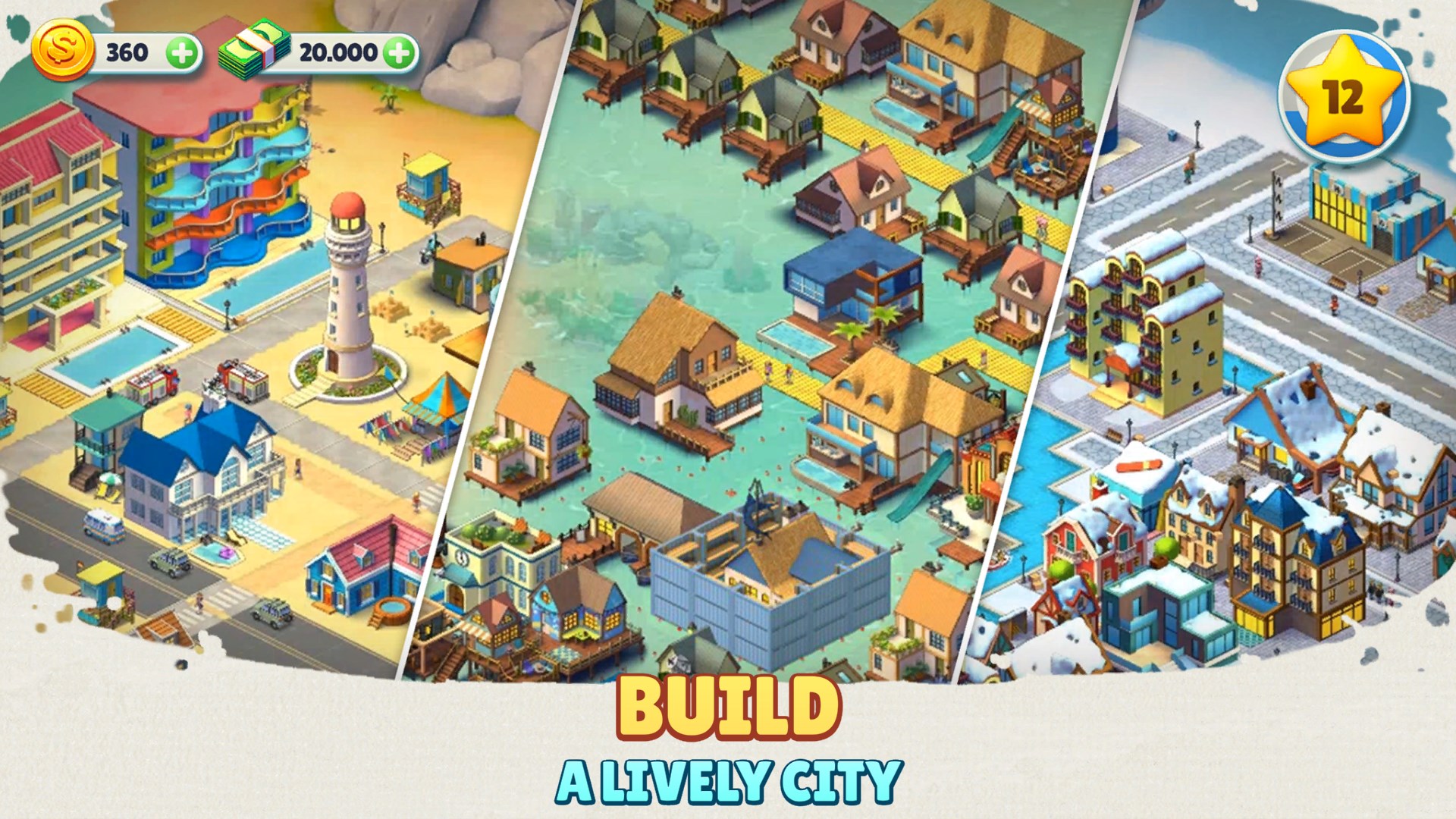
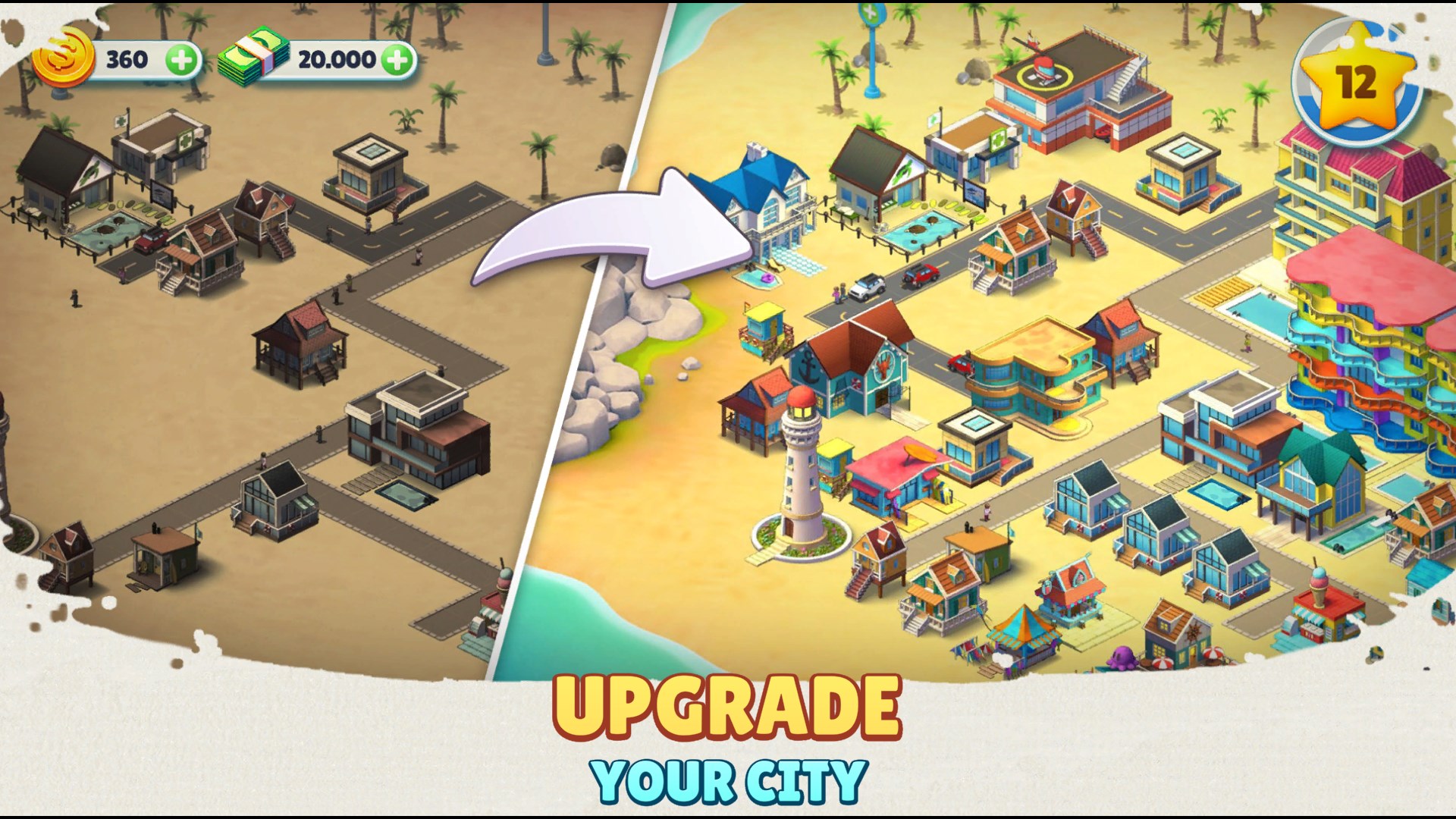
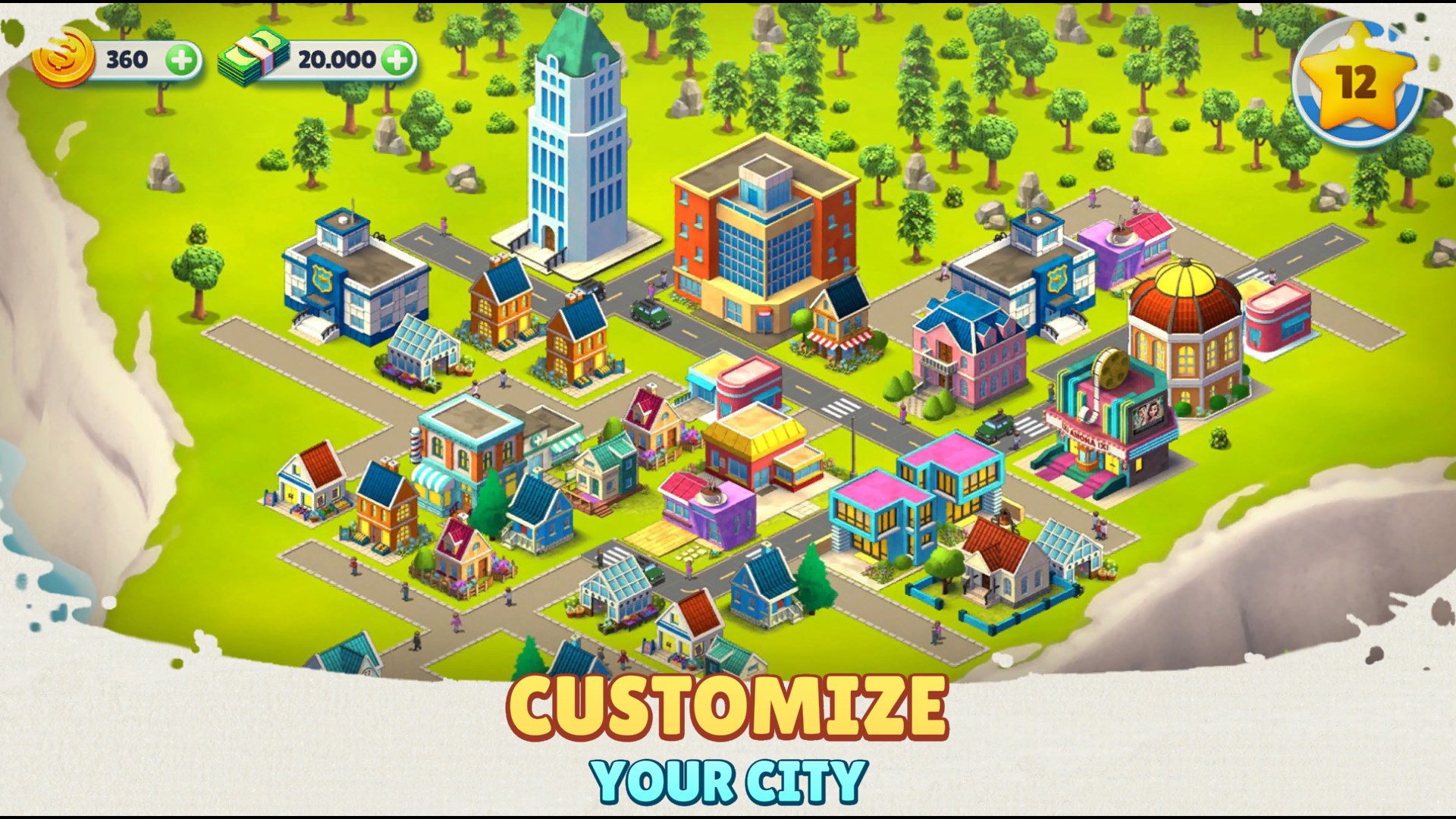
- Creative Village Building: Players can design and customize their own cozy town, from laying out buildings to decorating streets, giving each town a unique personality.
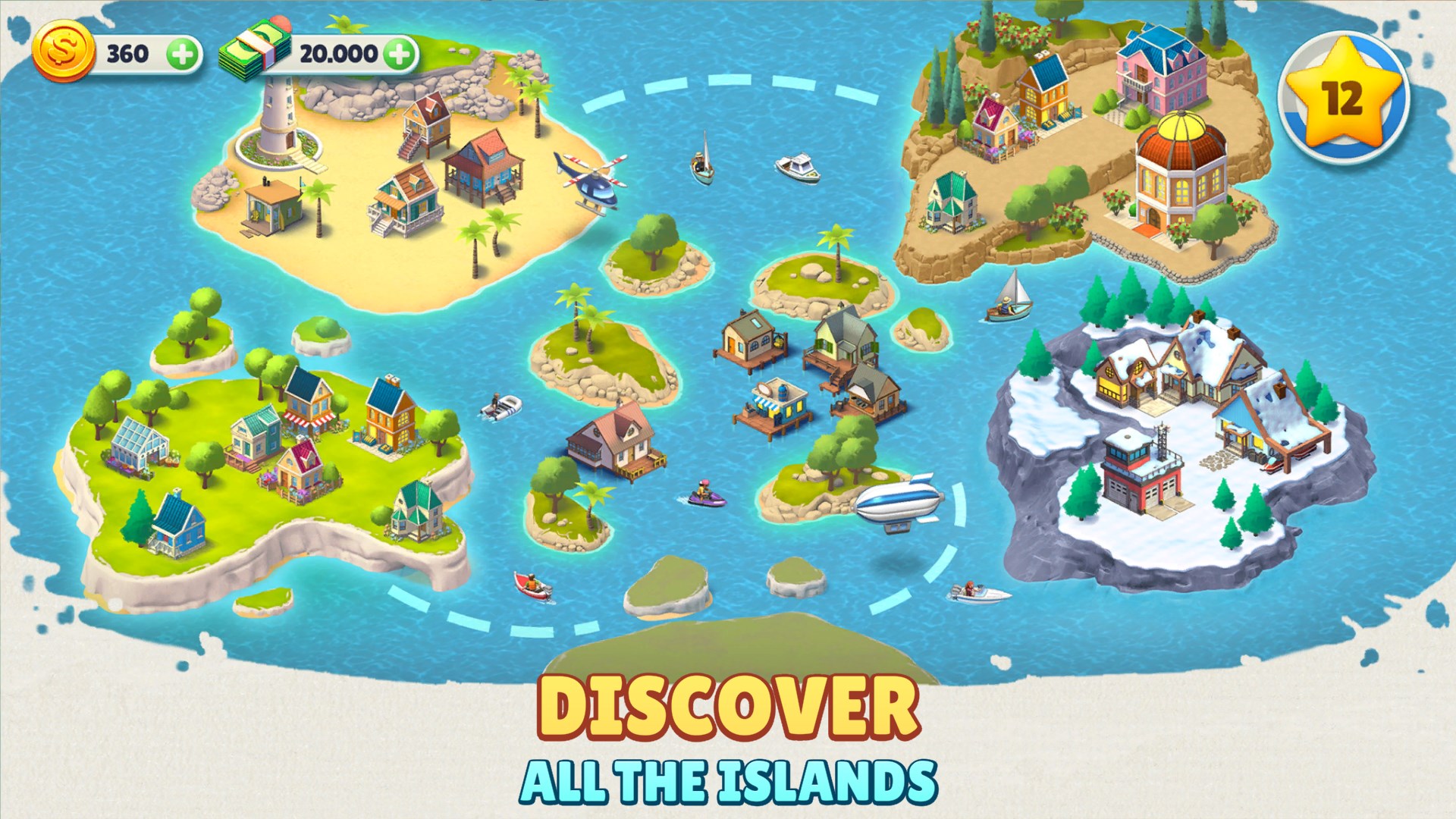
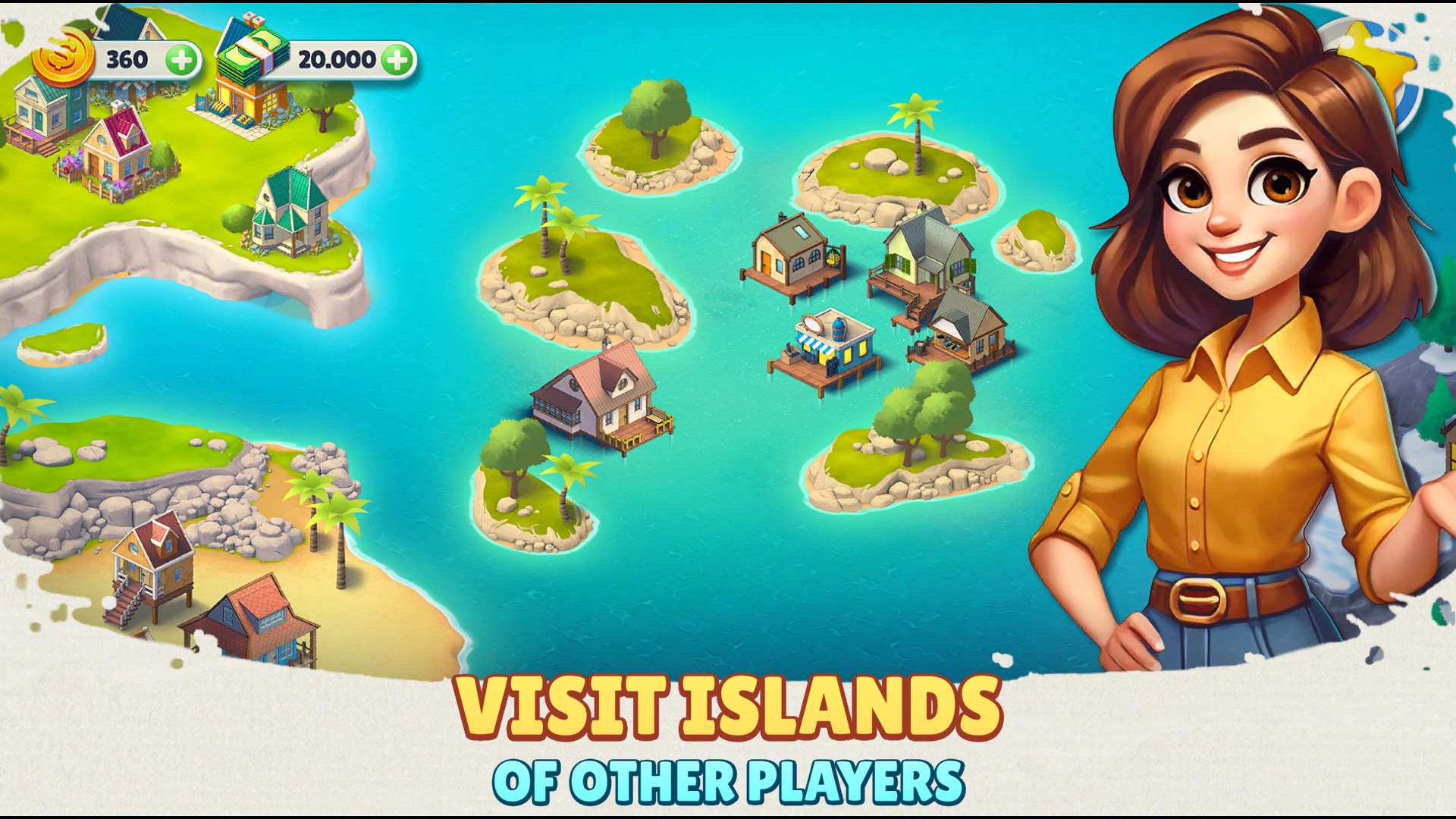
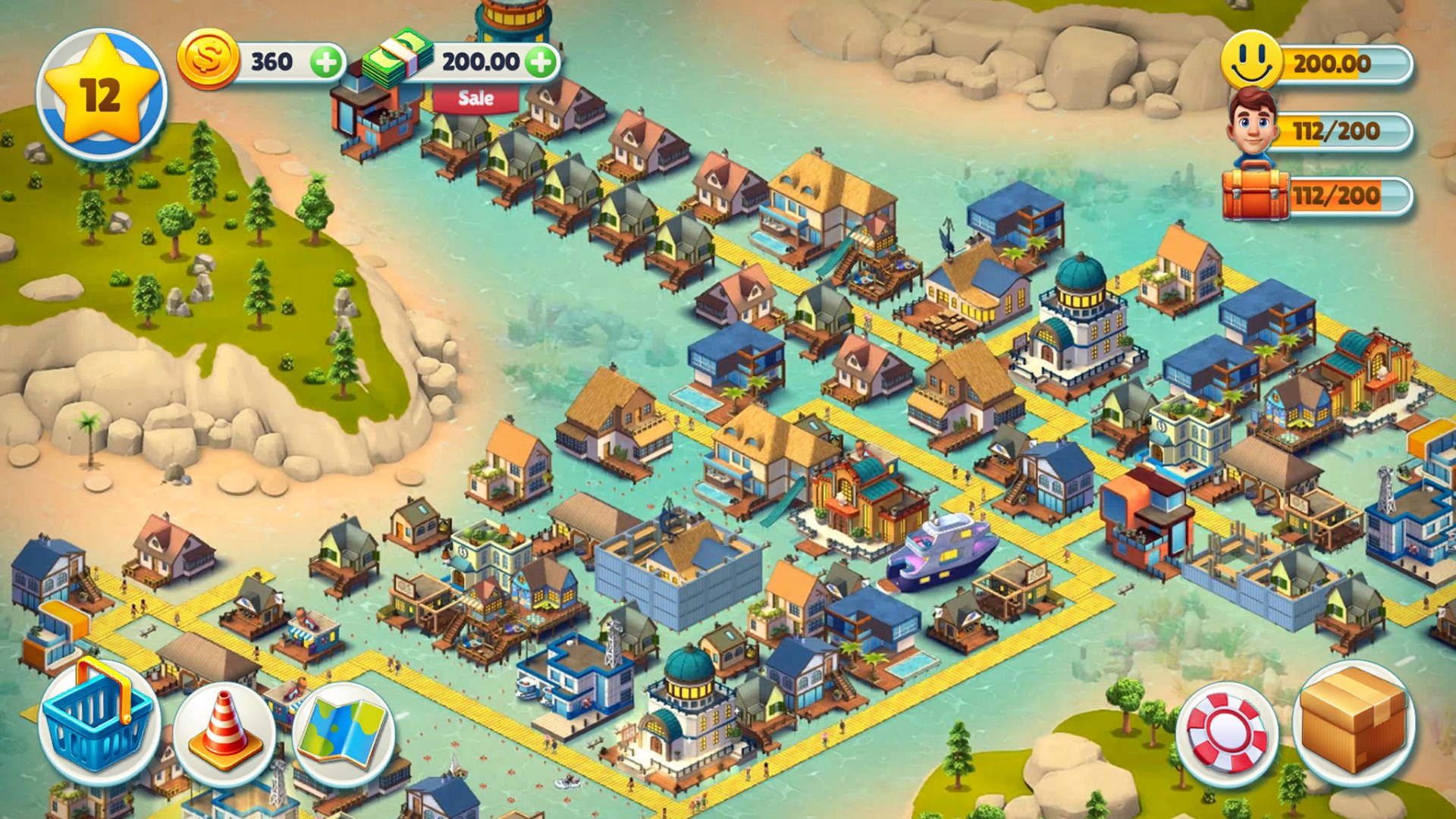
- Explore and Discover: The game encourages exploration of the village surroundings, uncovering hidden surprises and unlocking new areas as progress is made.
- Relaxed Gameplay Loop: Emphasizes casual farming, resource collection, and town advancement, perfect for stress-free gaming sessions.
- Family-Friendly Content: Safe for kids and family, with cheerful visuals and non-violent gameplay.
A Whimsical Journey into Cozy Town
Imagine waking up in a picturesque village, sunlight spilling over rooftops, with the cheerful clatter of townsfolk echoing in the air. Cozy Town invites you into this idyllic world where your creative instincts are the only limit. The game strikes a perfect balance between casual simulation and delightful exploration, making every session feel like a peaceful retreat from the hustle and bustle of daily life.
User Interface & Gameplay Flow: Smooth Sailing in a Cozy Harbor
The interface of Cozy Town is intuitively designed, with colorful icons and a gentle visual hierarchy that guides players effortlessly through building, exploring, and managing their town. Navigation feels fluid, with minimal loading times, ensuring your creative flow remains uninterrupted. The learning curve is gentle—new players can quickly grasp the basic controls, while uncovering deeper gameplay layers as they progress. This makes the game accessible for players of all ages, especially children and casual gamers who appreciate straightforward yet engaging mechanics.
Exploring the Unique Charm & Differentiation
What sets Cozy Town apart from other family and kids' simulation apps is its emphasis on exploration integrated seamlessly with building. Unlike many similar titles that focus solely on construction, Cozy Town encourages players to venture beyond their town, discovering scenic landscapes and secret spots that add a layer of adventure. Its aesthetic is akin to a handcrafted storybook, filled with vibrant colors and whimsical details that evoke a sense of warmth and curiosity. This combination of exploration with creative building offers a refreshing twist that keeps players coming back to uncover new surprises.
Final Thoughts & Recommendations
Overall, Cozy Town is a delightful virtual sandbox that balances creativity, exploration, and relaxed gameplay. It's an excellent choice for families, young children, and anyone seeking a calming yet engaging gaming experience. I would recommend it as a light-hearted pastime, especially suitable for casual gaming sessions or as a peaceful way to unwind. While it doesn't aim to challenge or overwhelm, its charming design and user-friendly mechanics make it an enjoyable and visually appealing addition to the world of simulation games.
Pros
- Engaging and colorful graphics
- Simple and intuitive gameplay
- Innovative building and exploration features
- Regular content updates
- Free to download and play
Cons
- Limited in-game tutorial
- Occasional app crashes on certain devices
- In-app purchase prompts can be frequent
- Repetitive tasks at higher levels
- Limited multiplayer features