

- Category Puzzle & trivia
- Developer Afil Games
- Available on PC
- OS Windows 10 version 18362.0 or higher
- Keyboard Integrated Keyboard
- Mouse Integrated Mouse
- DirectX Version 9
- Memory 1 GB
- languages English (United States)
Crabwave for Windows: A Fresh Take on Puzzle & Trivia Games
If you're a fan of brain teasers mixed with a splash of casual fun, Crabwave offers a delightful experience designed to keep your mind engaged and your spirits high. Striking a balance between challenging puzzles and user-friendly design, this app promises a relaxing yet stimulating journey through a sea of intriguing challenges.
About the Developer and Core Features
Developed and published by Afil Games, Crabwave is crafted by a team dedicated to delivering engaging casual gaming experiences. The app's standout features include:
- Unique Puzzle Mechanics: Innovative gameplay modes that blend classic logic puzzles with fresh, ocean-themed twists.
- Intuitive Interface: User-friendly layout that makes navigation effortless, even for first-time users.
- Progressive Difficulty: Levels designed to gradually increase in challenge, catering to both beginners and seasoned puzzle enthusiasts.
- Seamless Cross-Device Syncing: Keeps your progress consistent whether on Windows or other platforms, if integrated.
Targeted mainly at puzzle lovers, trivia fans, and casual gamers looking for a enjoyable mental workout, Crabwave caters to a broad audience seeking both leisure and cognitive stimulation.
Immersive and Playful Puzzle Experience
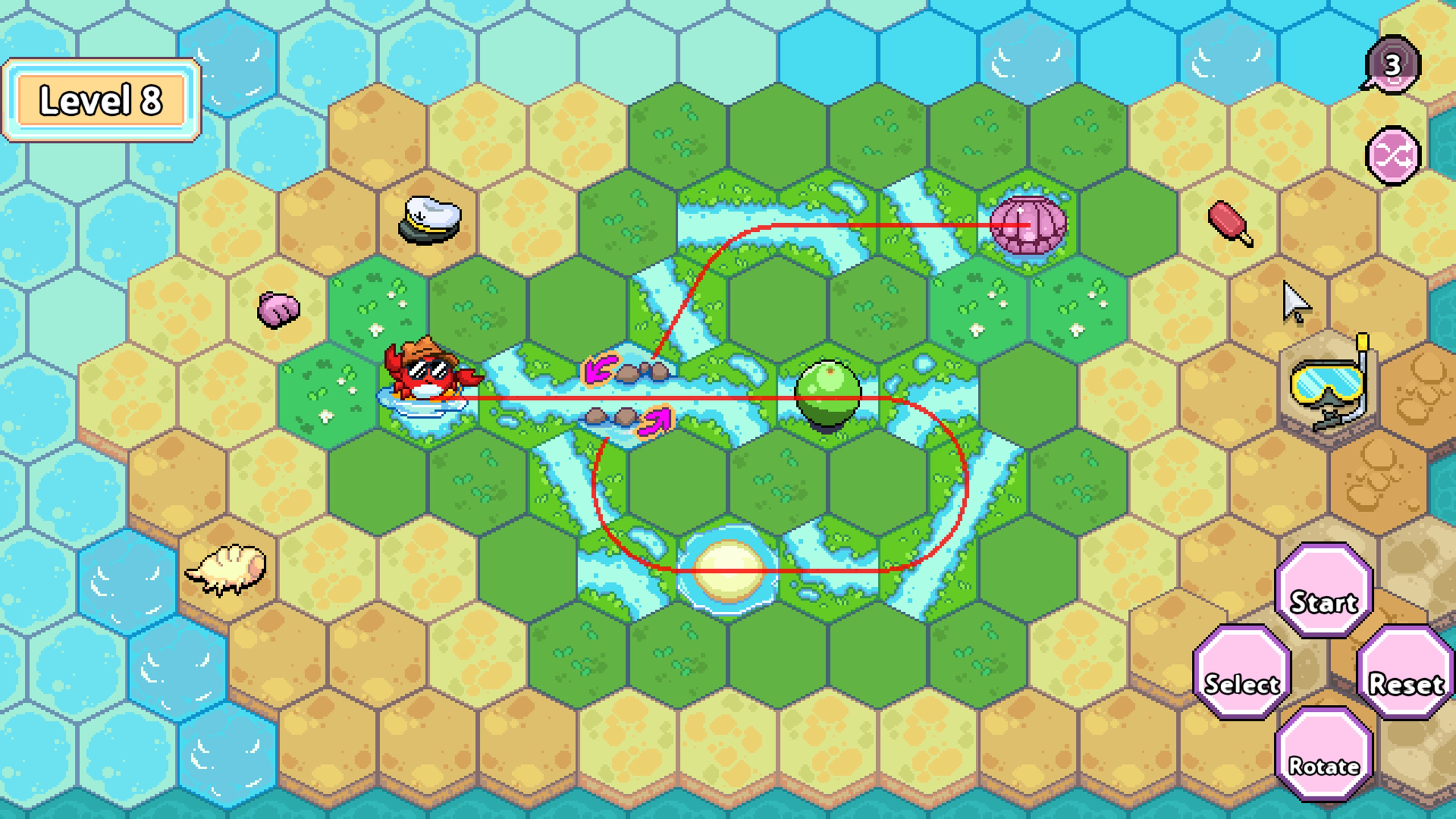
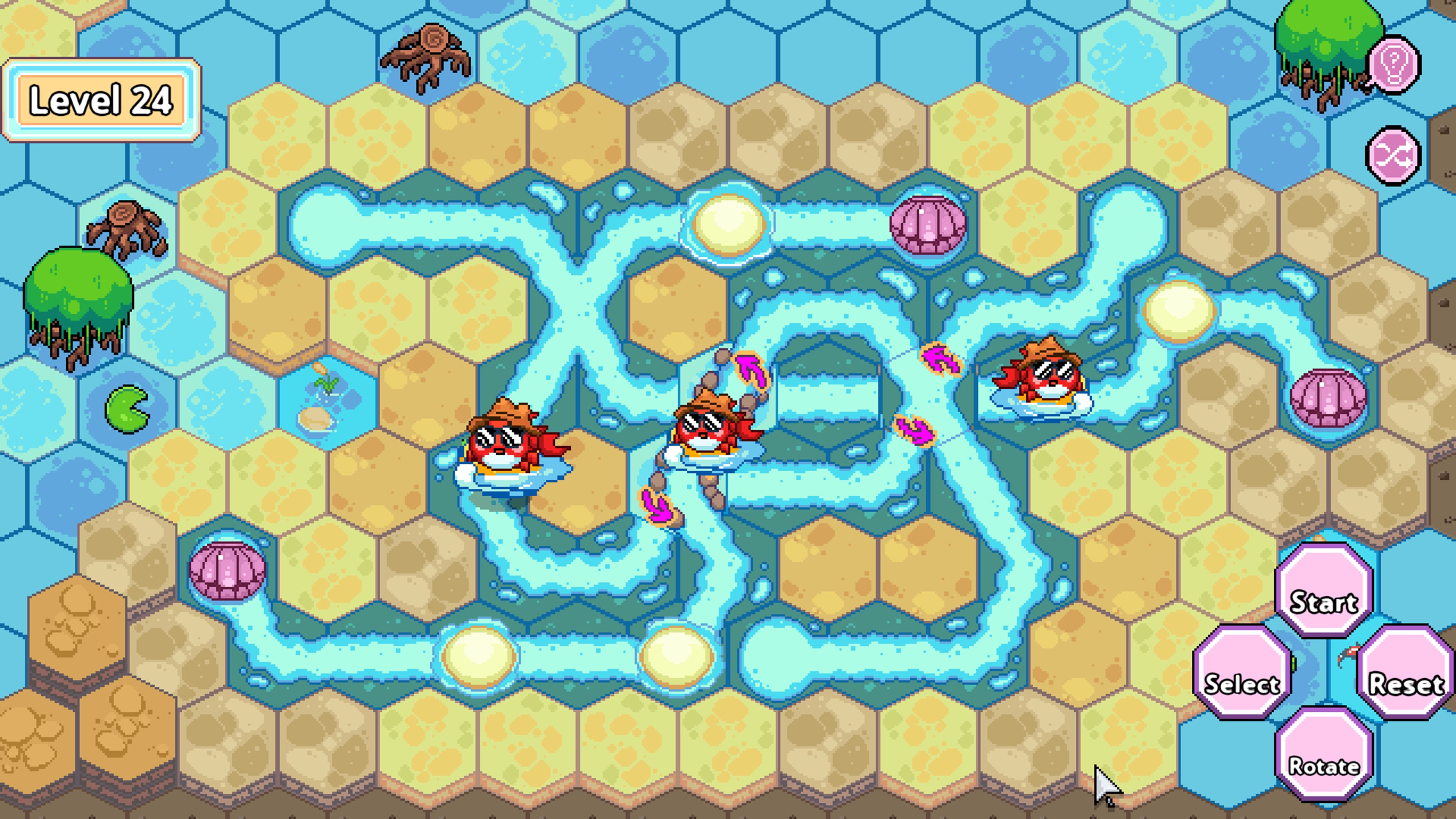
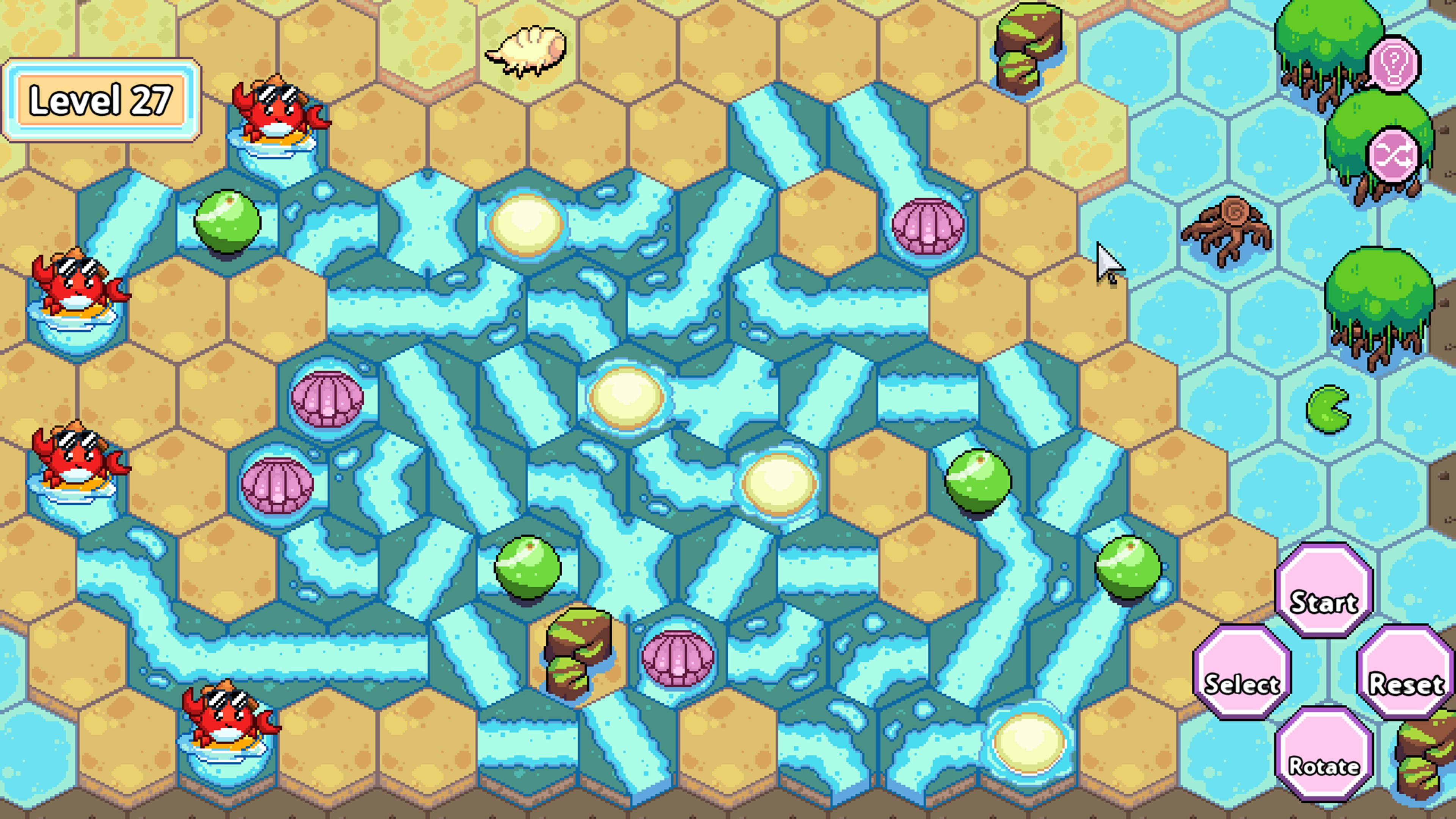
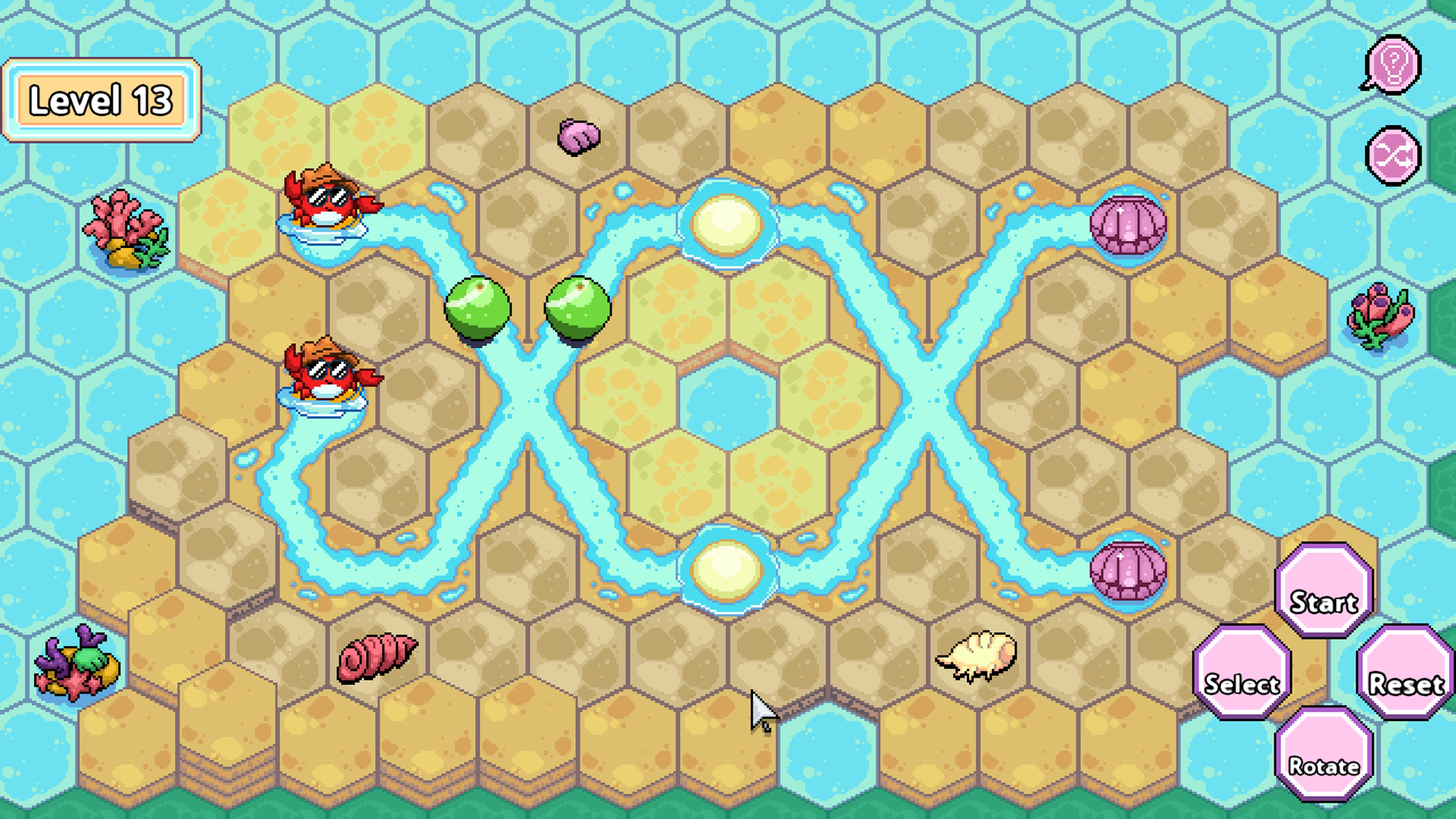
As soon as you launch Crabwave, you're greeted with a vibrant, oceanic-themed interface that instantly transports you to a seafaring world full of mysteries waiting to be unraveled. The graphics are colorful yet clean, avoiding clutter and helping you focus on the puzzles ahead. Navigating through the menus feels as smooth as a gentle wave, thanks to the well-optimized design that ensures zero lag or frustration.
The core gameplay revolves around solving puzzles that range from pattern recognition to strategic logic, all presented in bite-sized chunks that fit perfectly into your busy schedule. The app's pacing is designed to be immersive without overwhelming — you can pick up where you left off easily, with clear cues guiding your progression. Learning curves are thoughtfully designed, with optional tutorials that skillfully bridge challenge gaps without being patronizing.
Diverging from the Crowd: What Makes Crabwave Stand Out?
While many puzzle apps tend to stick with predictable formats, Crabwave distinguishes itself with its ocean-inspired theme and one-of-a-kind puzzle mechanics. Its most remarkable feature is the integration of thematic levels that tie puzzles into a narrative-driven journey, making each stage feel like part of an overarching sea adventure. The game also employs clever rewards and collectibles themed around marine life, encouraging continued play and exploration.
Compared to similar casual puzzle apps, Crabwave offers a more immersive visual environment and a more varied range of challenges, which helps keep boredom at bay. Its progressive difficulty system ensures that players of differing skill levels can find their sweet spot, making it both accessible for novices and appealing for veterans looking for a meaningful challenge.
Final Thoughts and Recommendations
Overall, Crabwave for Windows is a thoughtfully crafted puzzle game that combines charming aesthetics with engaging gameplay mechanics. Its most distinctive strengths—its oceanic themed puzzles and smoothly integrated level progression—make it a noteworthy choice among casual brain-teasers. I would recommend it for anyone looking for a relaxing yet mentally stimulating experience that's easy to pick up but hard to put down.
Whether you're waiting for your coffee to brew, commuting, or winding down after a hectic day, Crabwave offers a calming yet captivating escape into a marine world of puzzles. It's a solid addition to the casual gaming library and one I'd happily endorse for puzzle aficionados and casual gamers alike.
Pros
- Intuitive User Interface
- Real-time Data Monitoring
- Customizable Alerts
- Detailed Analytics and Reports
- Seamless Integration with Windows
Cons
- Limited Free Features
- Occasional UI Lag
- Basic Documentation
- Battery Consumption
- Compatibility Limitations











