

- Category Puzzle & trivia
- Developer Playcus
- Available on PC
- OS Windows 10 version 10240.0 or higher
- DirectX Version 10
- Mouse Integrated Mouse
- Keyboard Not specified
- languages English (United States)
A Vivid Window into the Art of Cross Stitch
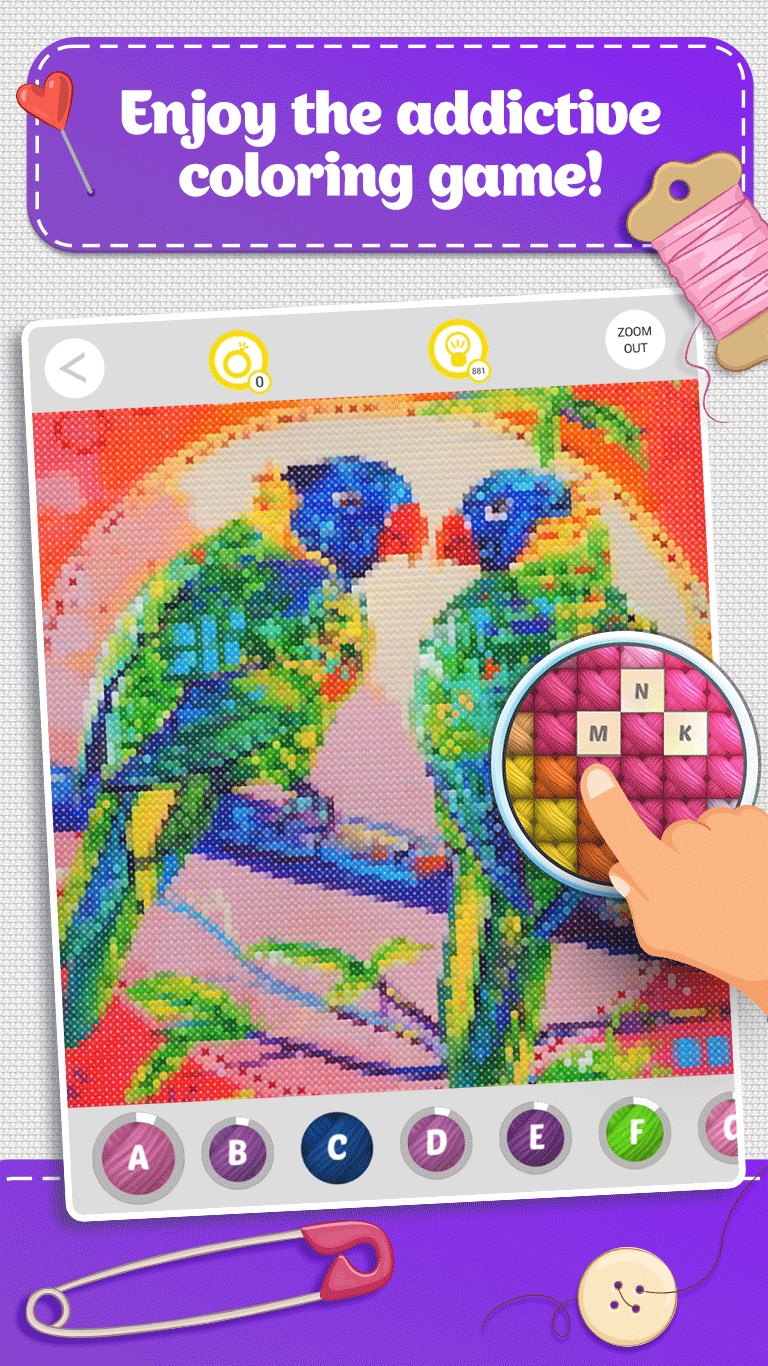
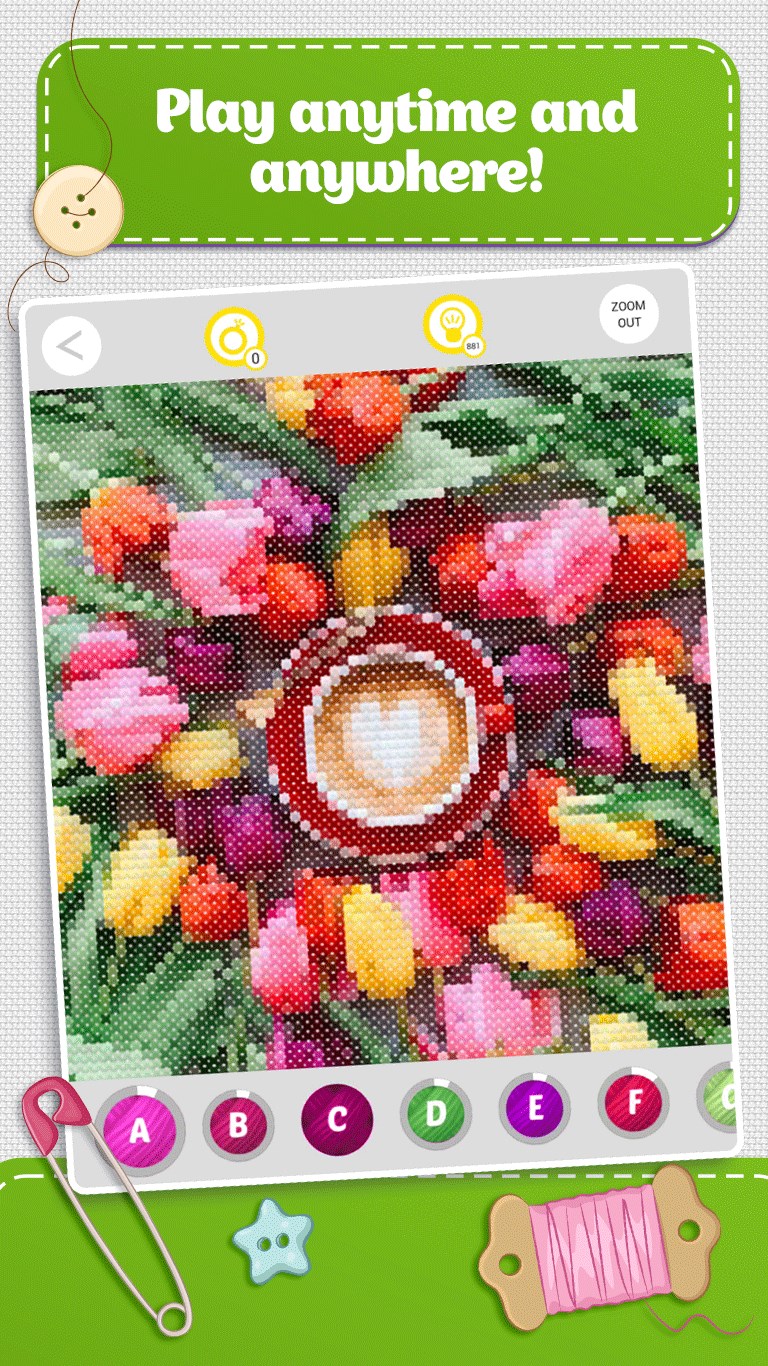
“Cross Stitch Colorful Art for Windows” offers a charming digital canvas that transforms your screen into a vibrant tapestry of cross-stitch designs, blending traditional craft with modern technology in a delightful way.
Developed by Playcus: A Creative Team Dedicated to Fun and Artistry
Produced by Playcus and published under PLAYCUS LIMITED, this app reflects a team passionate about merging art and entertainment. Their focus is on crafting engaging, visually appealing applications that appeal to a broad audience, especially those interested in crafting, puzzles, and artistic expression.
Key Features That Stitch Their Value
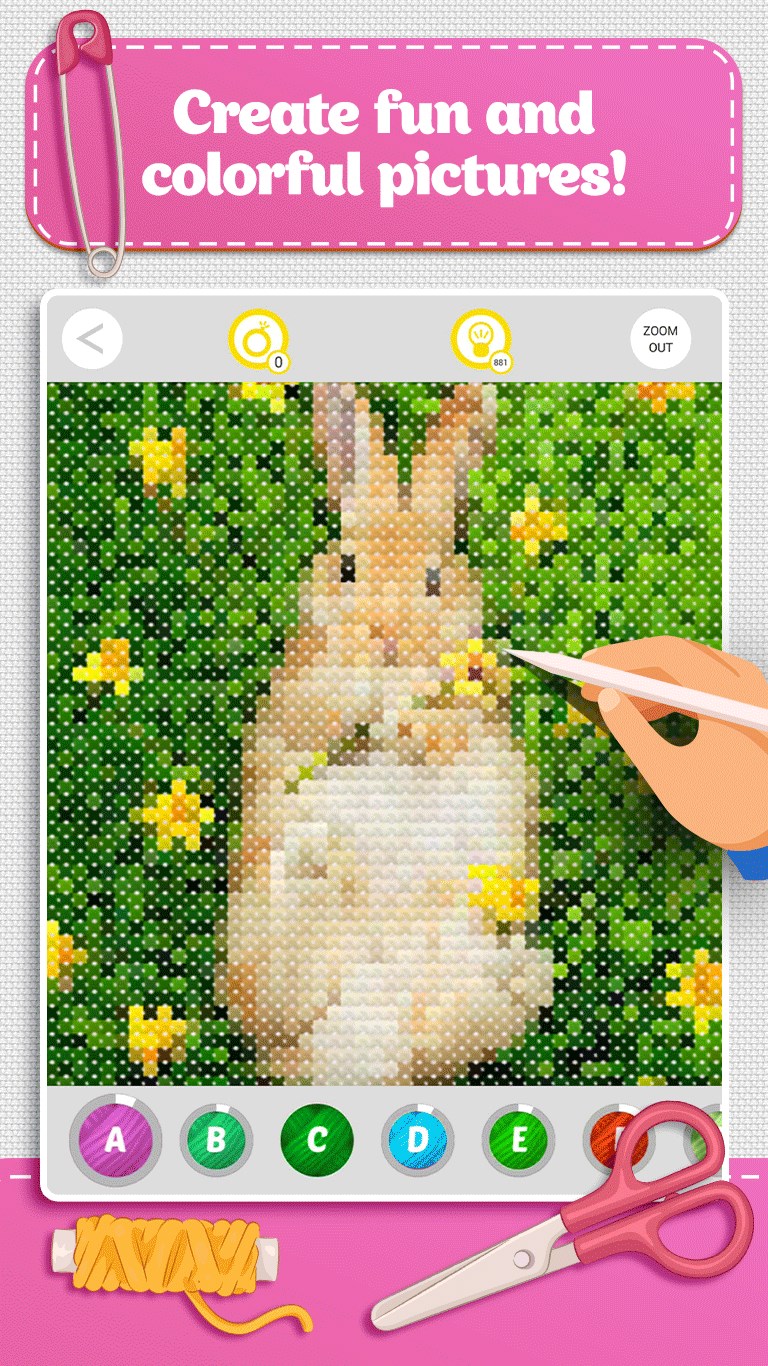
- Interactive Cross-Stitch Art Creation: Users can fill intricate patterns with colorful stitches, mimicking real embroidery in a digital format, offering both relaxation and a sense of accomplishment.
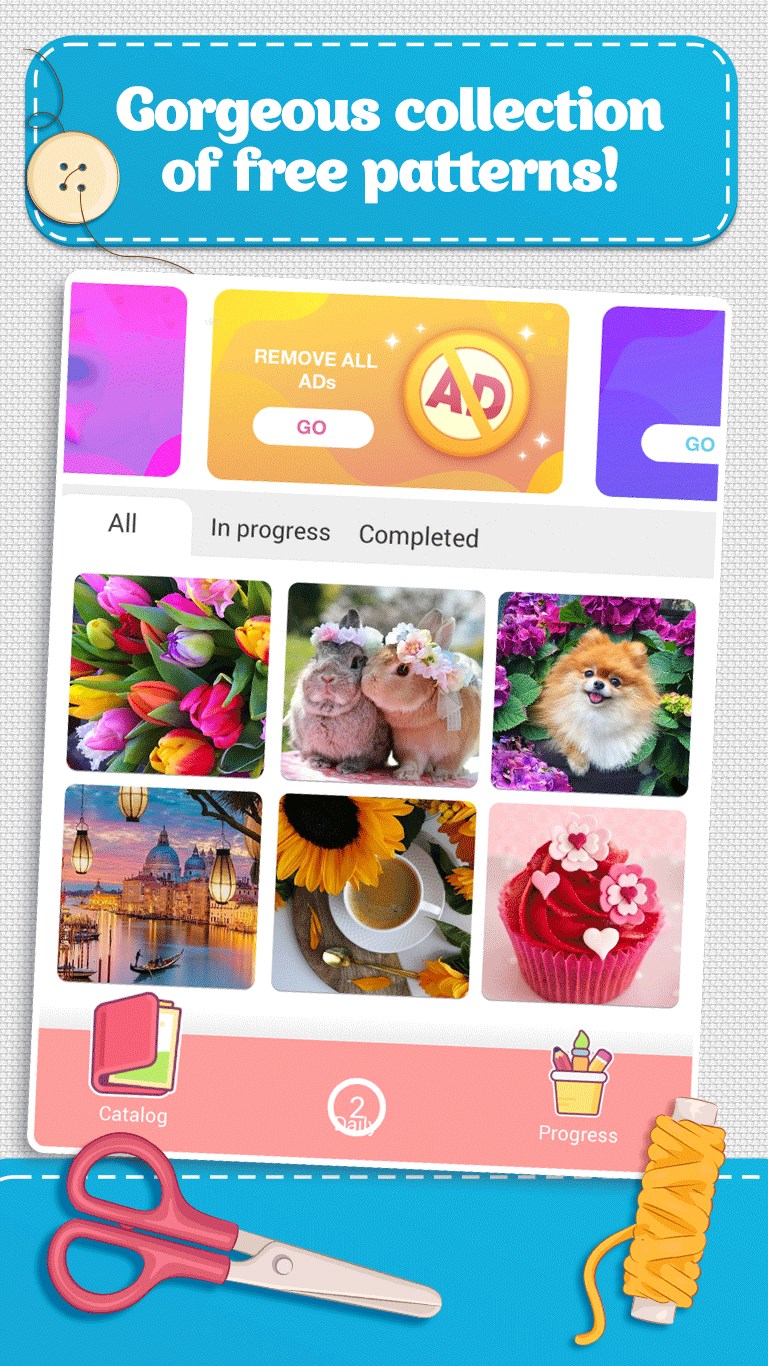
- Variety of Artistic Designs: A wide array of themes—from floral motifs to modern abstract art—ensures there's something for everyone, whether you're a casual user or an avid puzzle lover.
- Visual Customization and Personalization: The app allows users to tweak color schemes and stitch styles, fostering creativity and unique expression.
- Immersive Windows Integration: Designed specifically for Windows, it slots seamlessly into your desktop environment, turning your workspace into an inspiring gallery.
Immersive Experience in Stitching: An Enjoyable Journey
Stepping into “Cross Stitch Colorful Art for Windows” feels like entering a cozy craft room bathed in warm light. From the get-go, the interface welcomes you with vibrant, approachable visuals that mimic the cozy allure of a craft store. The experience is akin to handling a real cross-stitch project—patient, artistic, and rewarding.
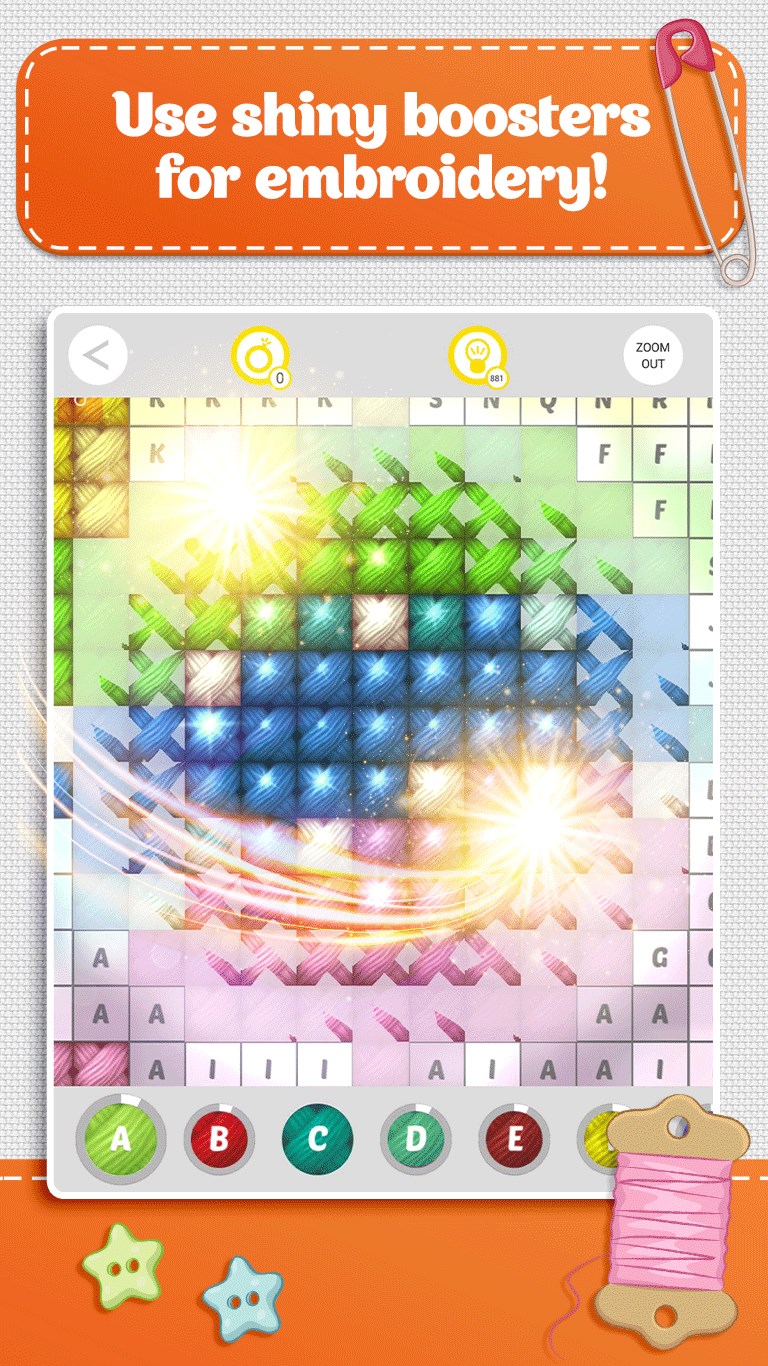
The core of the app lies in its interactive stitching feature. Unlike passive puzzle apps, this one invites you to actively complete cross-stitch patterns, pixel by pixel, with a satisfying tactile feel. The interface is intuitive, with clear icons and smooth drag-and-drop functionality that feels fluid and natural—no lag, no fuss. Whether you're a beginner or experienced, the learning curve remains gentle; novices can dip their toes in, while seasoned stitchers can dive into more complex designs.
Design, Usability, and User Experience
The app's visual design is both cheerful and minimalist, avoiding clutter while providing all necessary tools at your fingertips. The color palette is bright and harmonious, complementing the craft theme perfectly. Navigation through patterns, color options, and stitch modes is straightforward, making it easy to switch between tasks without frustration.
Performance-wise, the app delivers smooth operation—no noticeable lag or crashes—even when handling detailed designs. This stability ensures a stress-free crafting session. The learning curve is gentle; users can pick up basic functions quickly, with optional tutorials available for more advanced features. Overall, the experience feels thoughtfully crafted to encourage creativity without overwhelming.
What Sets It Apart in the Puzzle & Trivia Landscape
What truly makes “Cross Stitch Colorful Art for Windows” stand out among puzzle apps is its focus on hands-on artistic creation. Unlike typical tile-matching or trivia games, this app emphasizes craftsmanship and personal expression. Its ability to replicate the feel of real-life cross-stitching digitally allows users to indulge their creative instincts without the need for physical materials. The design customization options and the immersive, window-based presentation further enhance its uniqueness—turning your desktop into a mini art studio.
Recommendation: A Quiet Joy for Creators and Art Aficionados
If you're someone who appreciates art, crafts, or simply enjoys relaxing puzzle-like activities, this app is worth exploring. It's particularly suitable for those seeking a calming artistic outlet that combines digital interactivity with traditional craft aesthetics. While not a high-energy game, its satisfying stitching experience can provide a delightful break from daily routines. I would recommend this app to users looking for a gentle, visually pleasing way to unwind and foster creative expression on their Windows devices.
Pros
- Rich color palette
- Intuitive interface
- Detailed pattern customization
- Progress saving feature
- Preview mode
Cons
- Limited animation features
- Performance issues with large files
- No built-in tutorial
- Limited export formats
- Minor bugs in color rendering










