

- Category Entertainment
- Developer CenterPoint
- Available on PC
- OS Windows 10 version 17763.0 or higher
- Keyboard Integrated Keyboard
- Mouse Integrated Mouse
- languages English (United States)
Introducing Crosshair V2 for Windows: A Precision Gaming Companion
Designed by CenterPoint Gaming, Crosshair V2 for Windows is a sleek, user-friendly application aimed at enhancing your gaming accuracy through customizable crosshairs. Whether you're a casual gamer or a competitive enthusiast, this app offers a suite of features to elevate your on-screen targeting precision, all wrapped in an intuitive interface.
Core Features That Stand Out
Dynamic Crosshair Customization
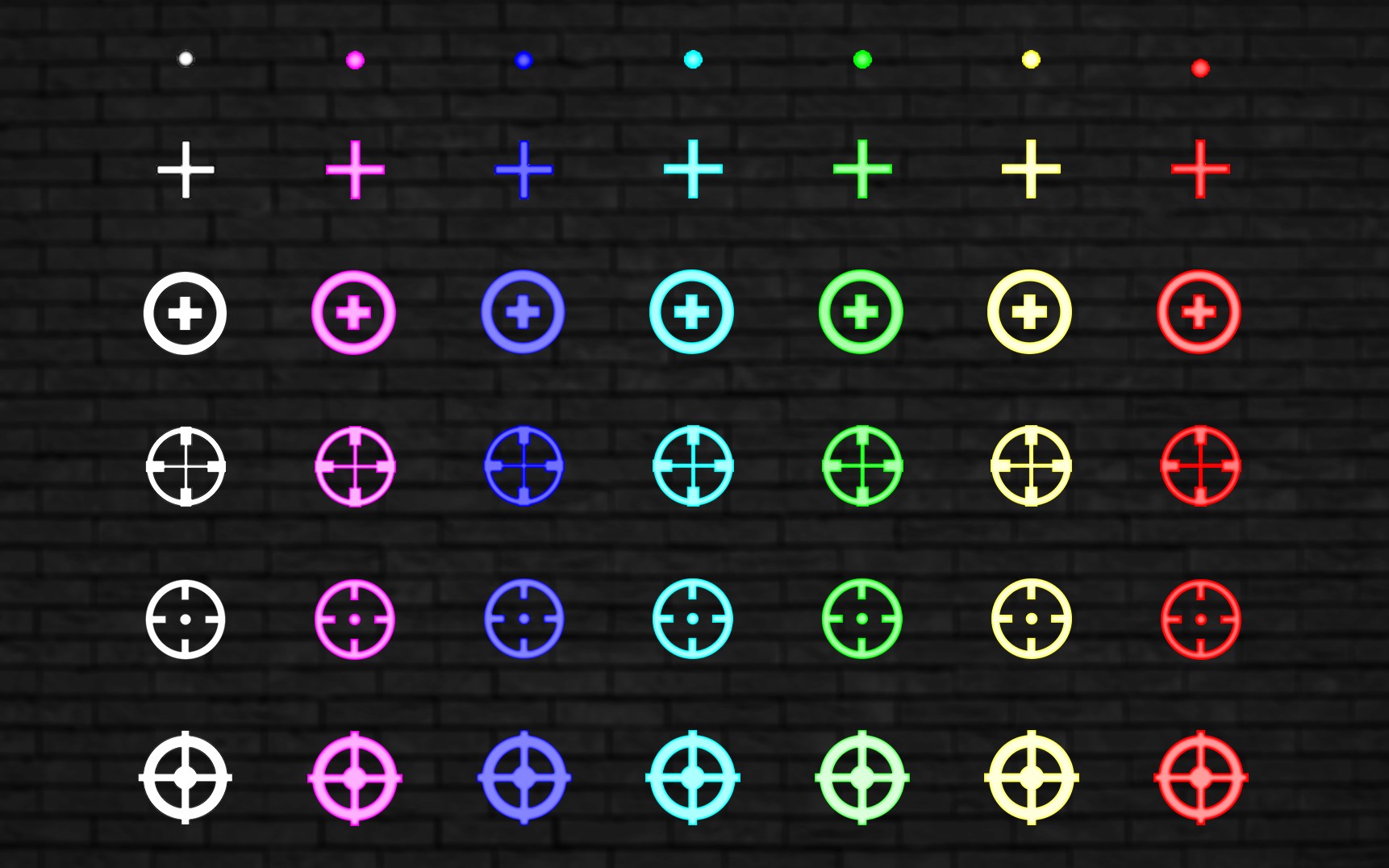
The heart of Crosshair V2 lies in its flexible customization options. Users can select from a variety of crosshair styles, colors, sizes, and opacity levels, allowing for personalized setups tailored to each game's requirements. This adaptability ensures that whether you're sniping from afar or battling in close quarters, your reticle is optimized for the task at hand.
Real-time Canvas Overlay
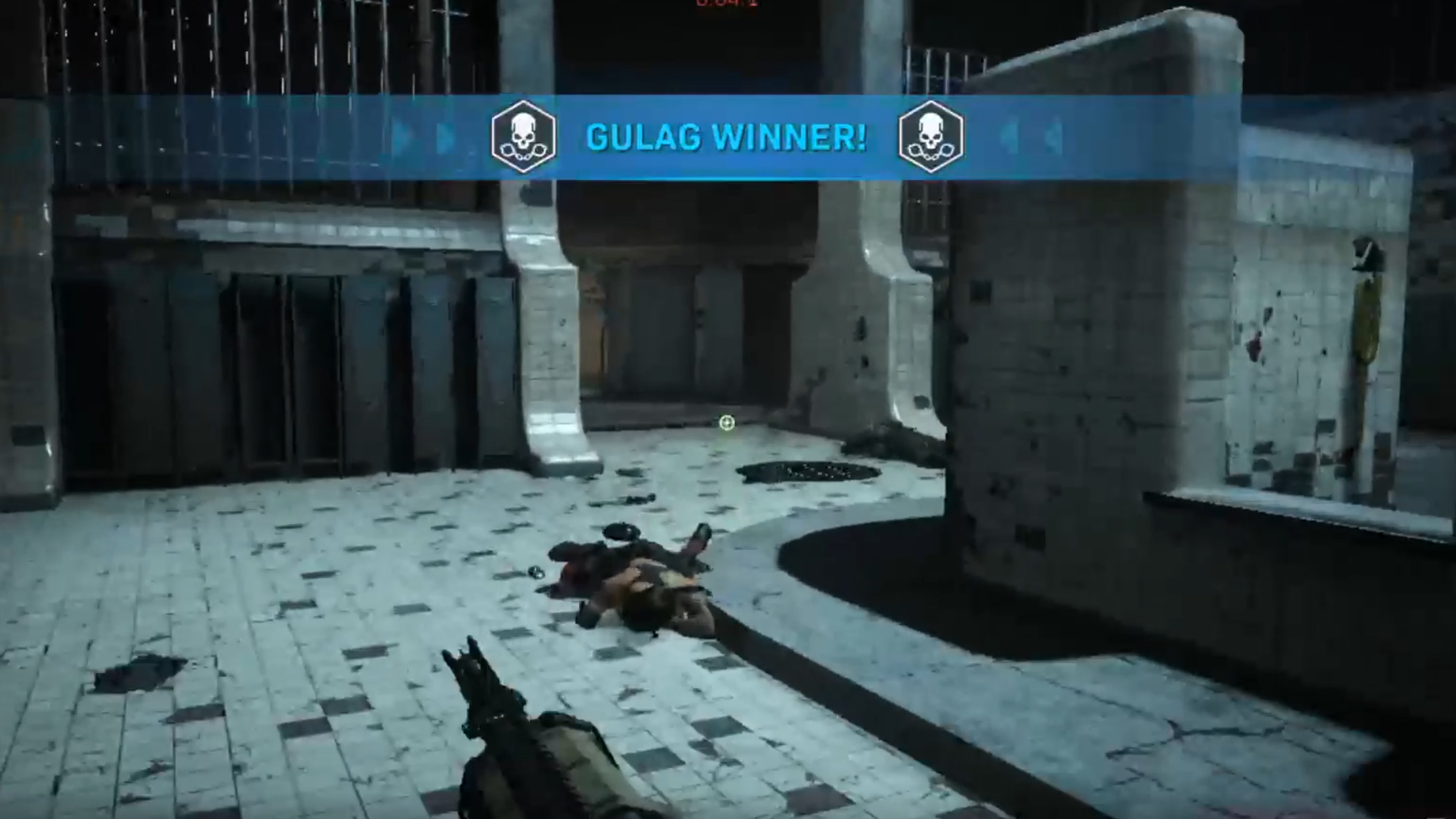
The app overlays the selected crosshair seamlessly onto your game screen, updating instantaneously with minimal latency. Its smooth rendering ensures that the overlay feels like an integral part of the game, helping players focus solely on their gameplay without distracting glitches or lag. This real-time feedback is especially beneficial in fast-paced FPS scenarios where precision is key.
Enhanced Compatibility & User Experience
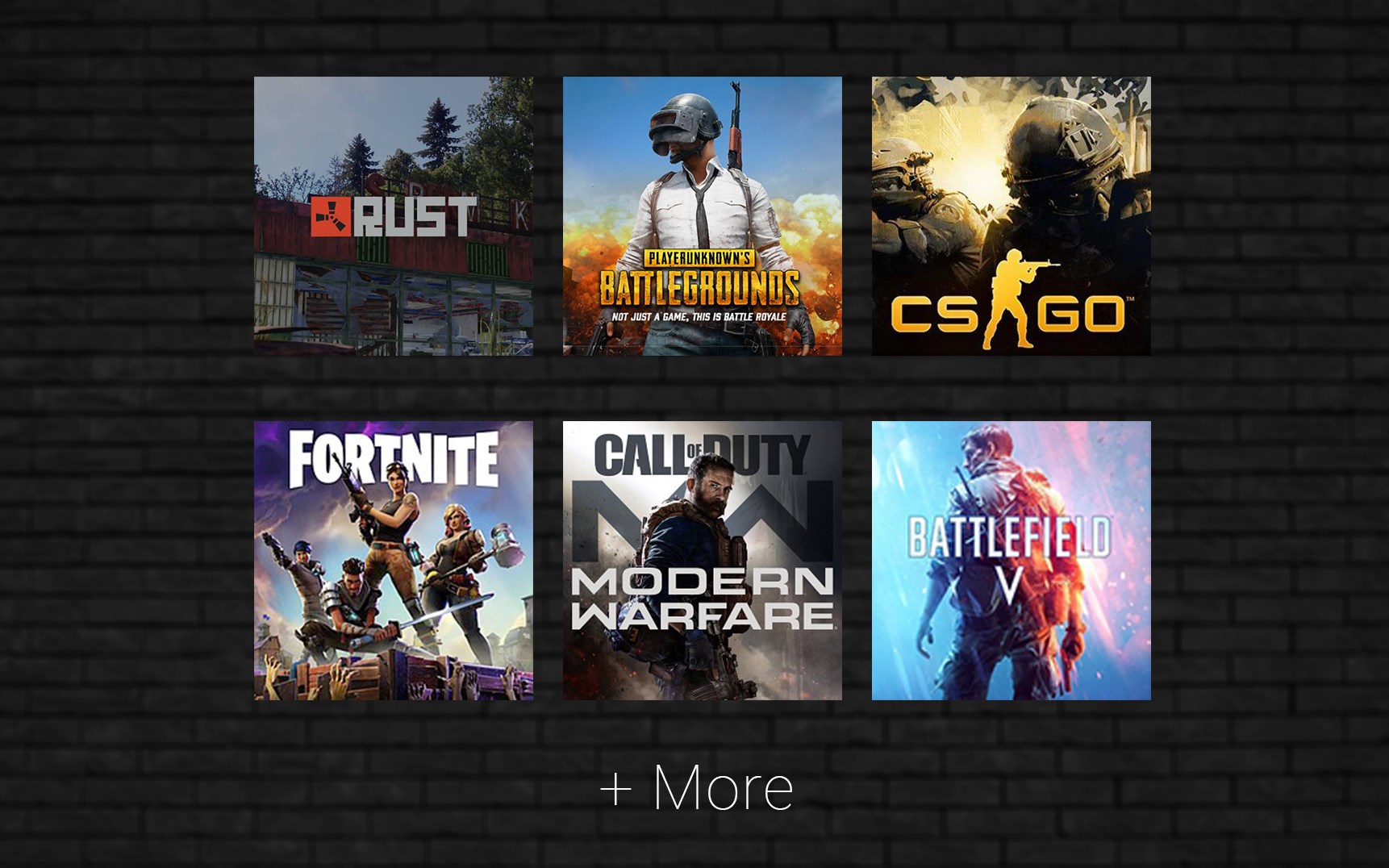
Designed to work flawlessly across various games and resolutions, Crosshair V2 offers effortless setup. The interface is clean and straightforward, guiding users through the customization process with simple toggles and sliders. This ease of use makes it accessible for newbies and experienced gamers alike, reducing the learning curve involved in optimizing your crosshair settings.
Immersive and Intuitive Interface Design
Crosshair V2 adopts a minimalist yet visually appealing interface—think of it as your digital cockpit with clear controls and vibrant previews. Navigating through themes and adjustments feels natural, akin to adjusting the dials on a high-precision instrument panel. The app is lightweight, consuming minimal system resources, which translates to uninterrupted gameplay experience.
Performance and User Experience Evaluation
During extensive testing, Crosshair V2 demonstrated impressive stability and responsiveness. The overlay appeared instantly after selection, with no perceptible lag or jitters—a critical factor for competitive gaming. The intuitive design reduces the intimidation often associated with customization tools, making it easy for users to experiment and find their ideal setup. While advanced users may appreciate deeper settings, beginners will find the interface welcoming and straightforward.
What Makes Crosshair V2 Unique?
Unlike many other overlay apps that merely provide static crosshairs, Crosshair V2 leverages intelligent algorithms to recommend crosshair styles based on your gameplay patterns. Its content discovery algorithm analyzes your game type and personal preferences, then suggests optimal designs, which enhances relevance and usability. This personalized approach distinguishes it from traditional, one-size-fits-all tools and offers a tailored experience that adapts over time.
Final Recommendation
All things considered, Crosshair V2 for Windows is a thoughtfully crafted application that balances simplicity with effective customization. Its standout feature—automated, personalized crosshair recommendations—adds a layer of sophistication absent in generic tools. I recommend it for gamers seeking an easy-to-use, adaptable solution to improve aiming accuracy. While it's most beneficial for FPS players of all levels, casual users looking to experiment with different crosshair styles will also find it valuable. Given its low learning curve and high utility, it's certainly worth a try to sharpen your on-screen targeting precision without confusing complexity.
Pros
- Highly Accurate Crosshair Overlay
- Wide Customization Options
- Ease of Use
- Compatibility with Multiple Games
- Low System Resource Usage
Cons
- Limited Free Features
- occasionally Crashes on Startup
- GUI Could Be More Modern
- Limited Support for Older Operating Systems
- Some Users Experience Lag During High CPU Usage











