

- Category Entertainment
- Developer CenterPoint Gaming
- Available on PC
- OS Windows 10 version 14316.0 or higher
- Mouse Integrated Mouse
- Keyboard Not specified
- languages English (United States)
Introduction: Elevating Your Gaming Experience with Crosshair X for Windows
Imagine having a precision-tuned digital compass right on your screen, subtly guiding your shots without distraction – that's what Crosshair X for Windows promises to deliver. Designed to provide gamers and enthusiasts with customizable crosshairs that enhance aiming accuracy, this app stands out as a sleek, user-friendly tool in the realm of gaming peripherals. Developed by CenterPoint Gaming, a reputable name committed to optimizing gaming performance, Crosshair X aims to bring professional-grade targeting aids directly to your desktop. Whether you're a casual gamer seeking a slight edge or a competitive player striving for perfection, this application offers features that cater to a wide spectrum of users.
Core Features That Shine Bright
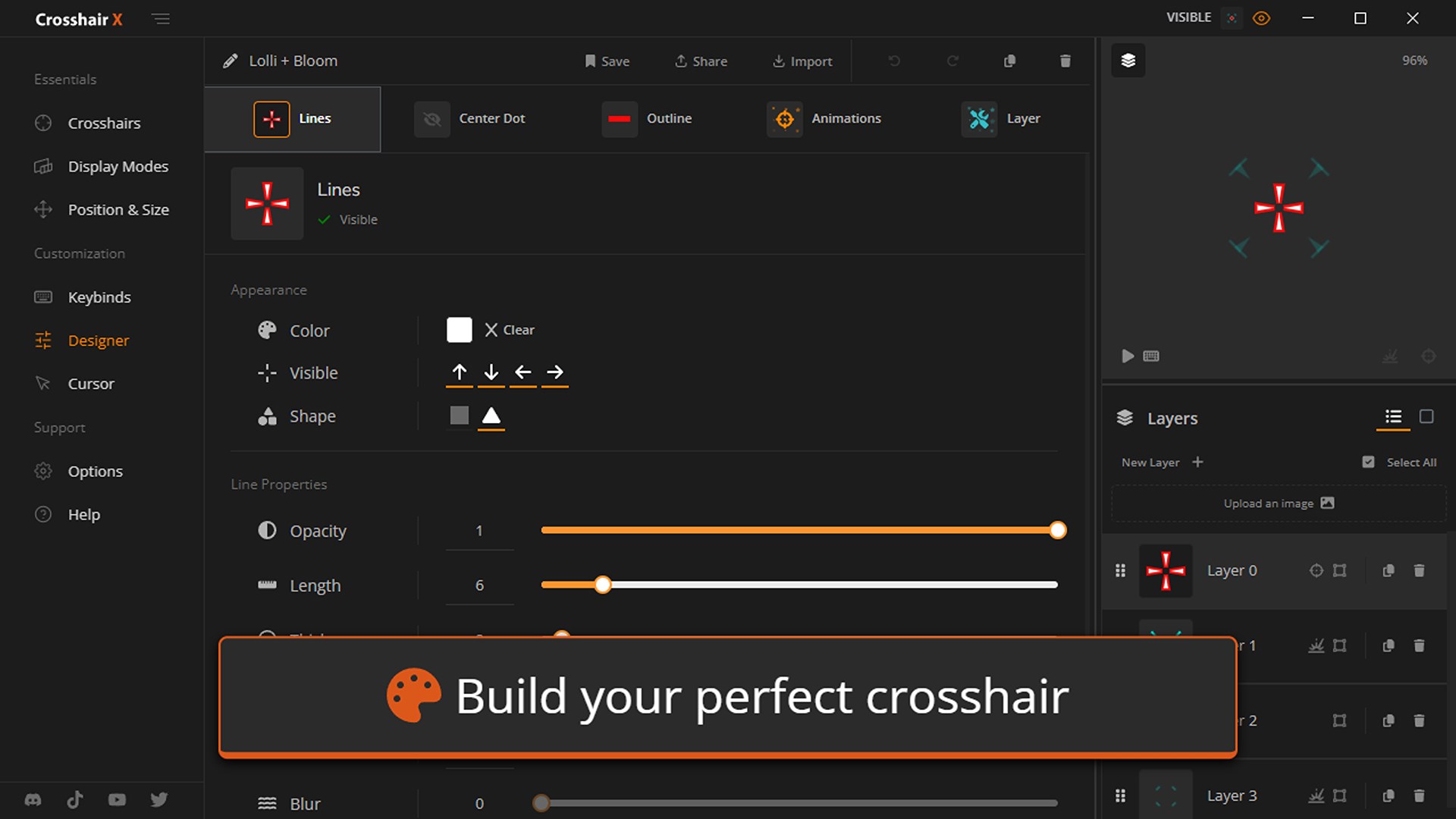
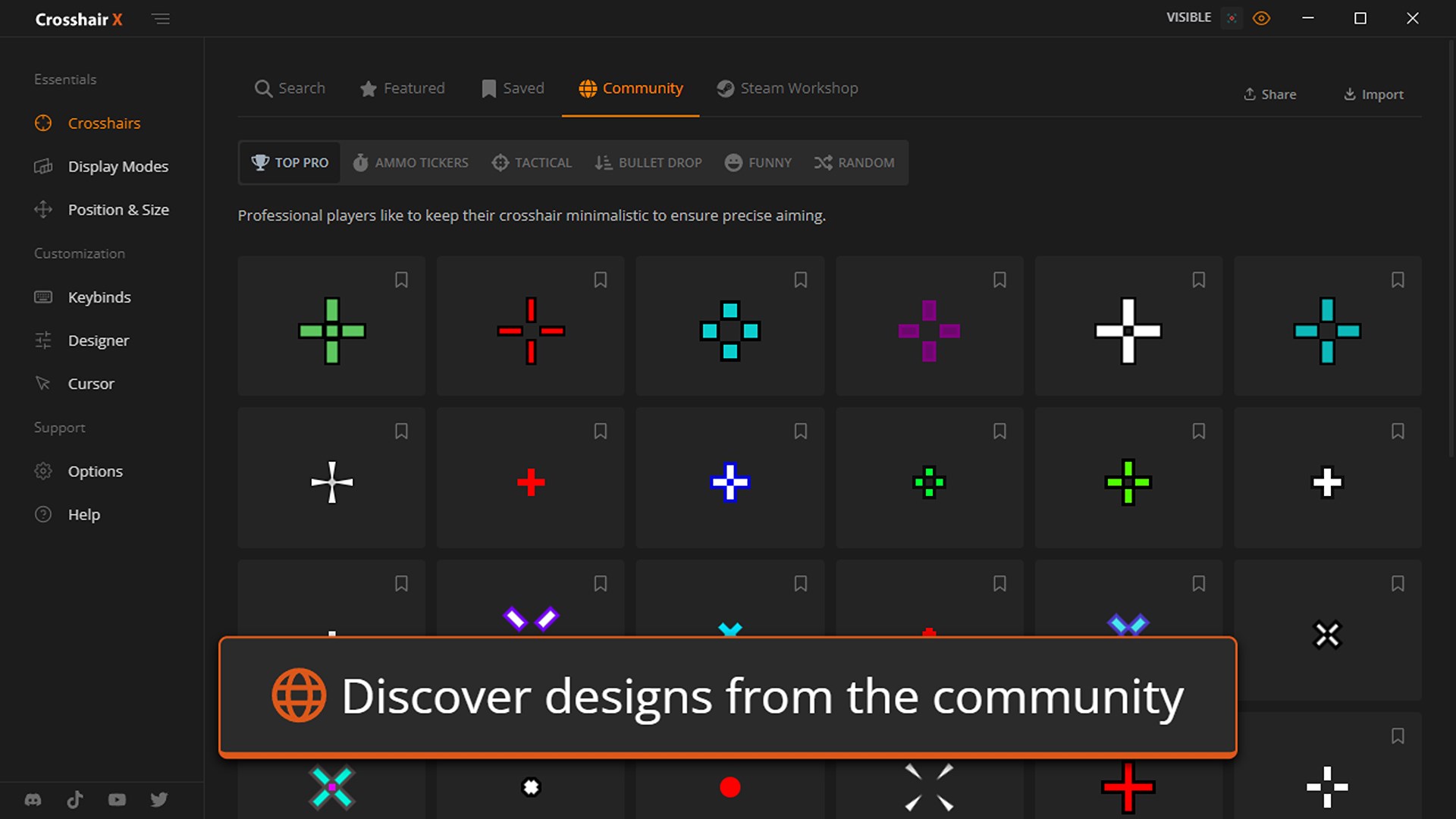
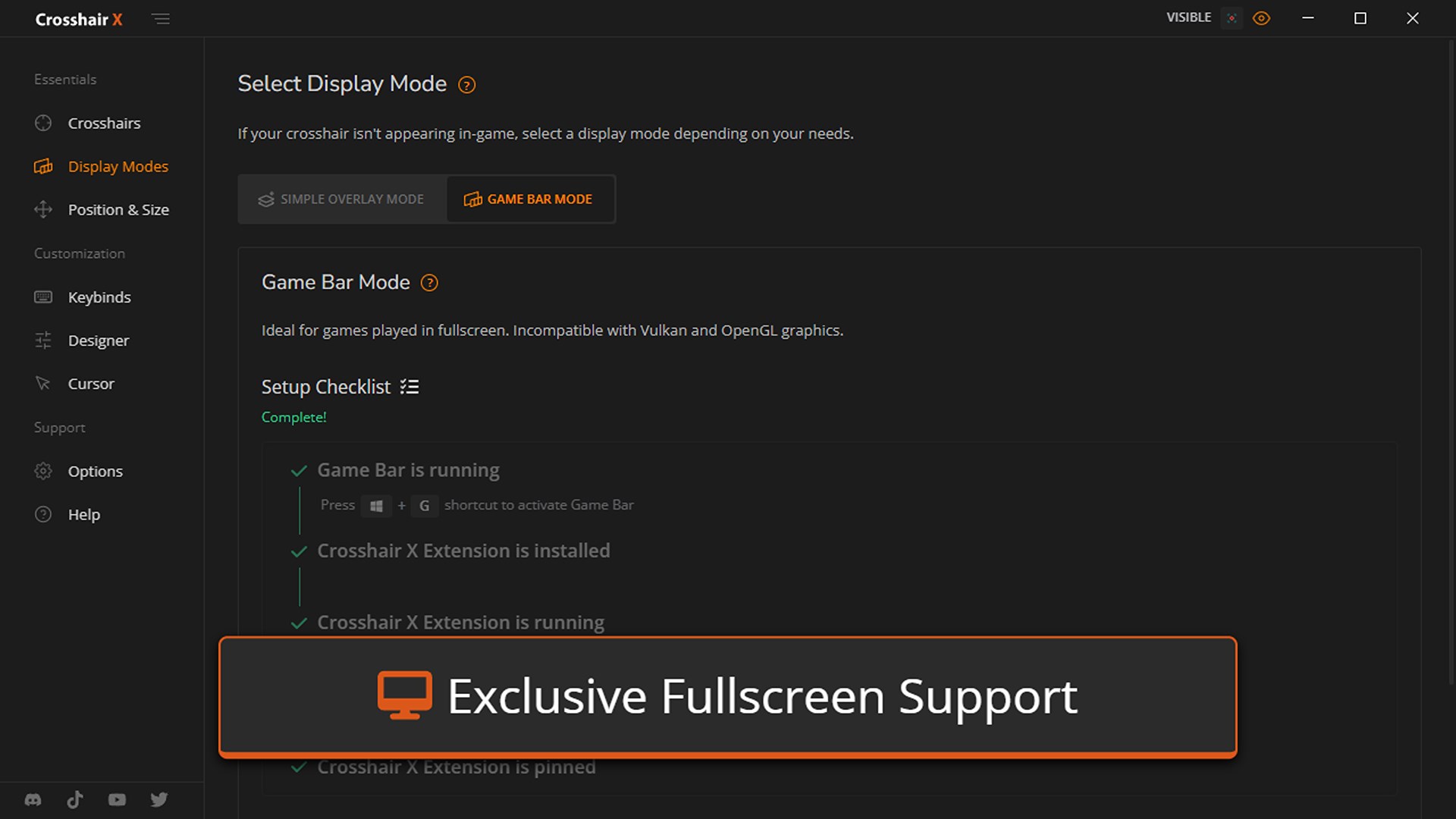
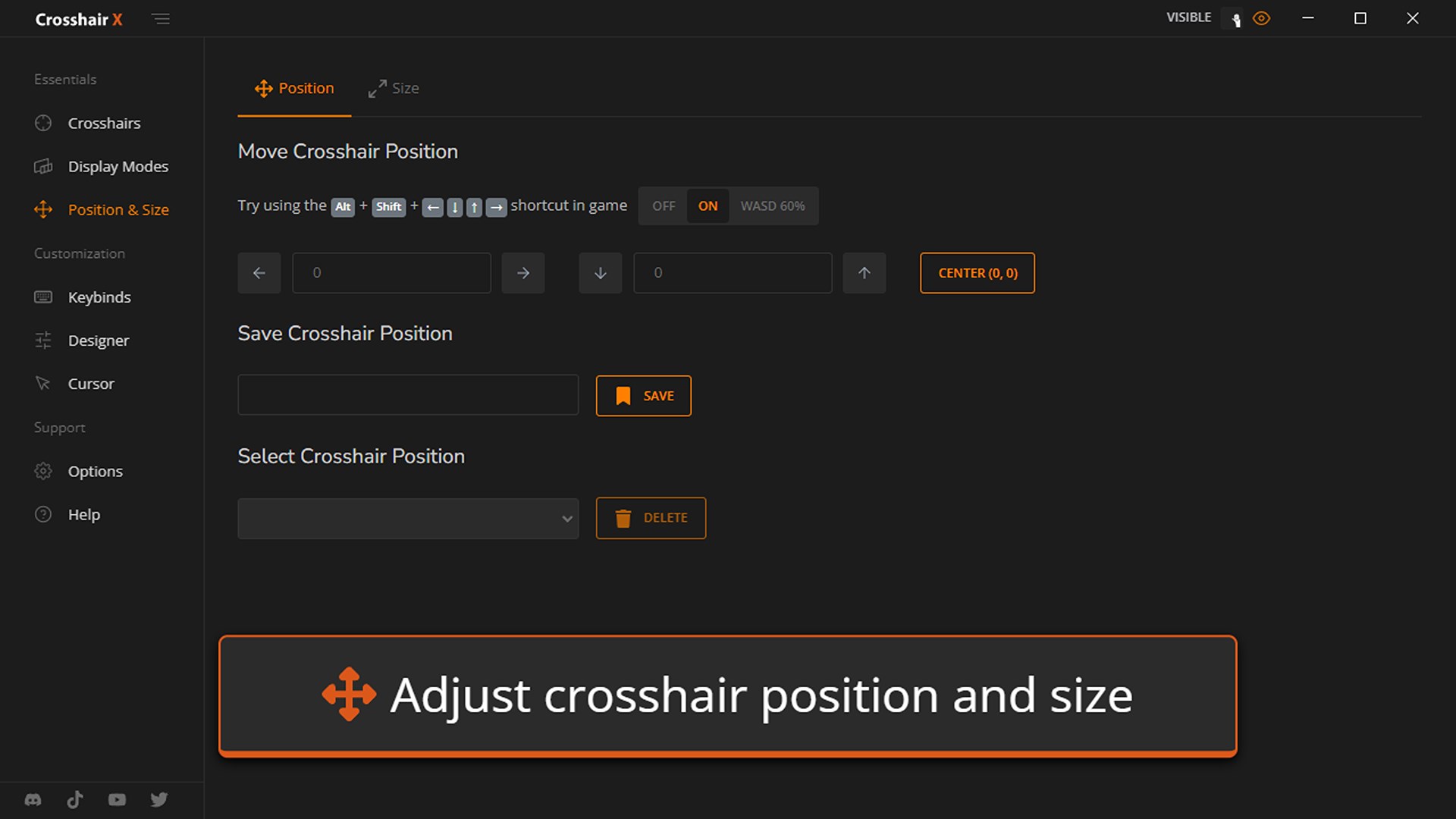
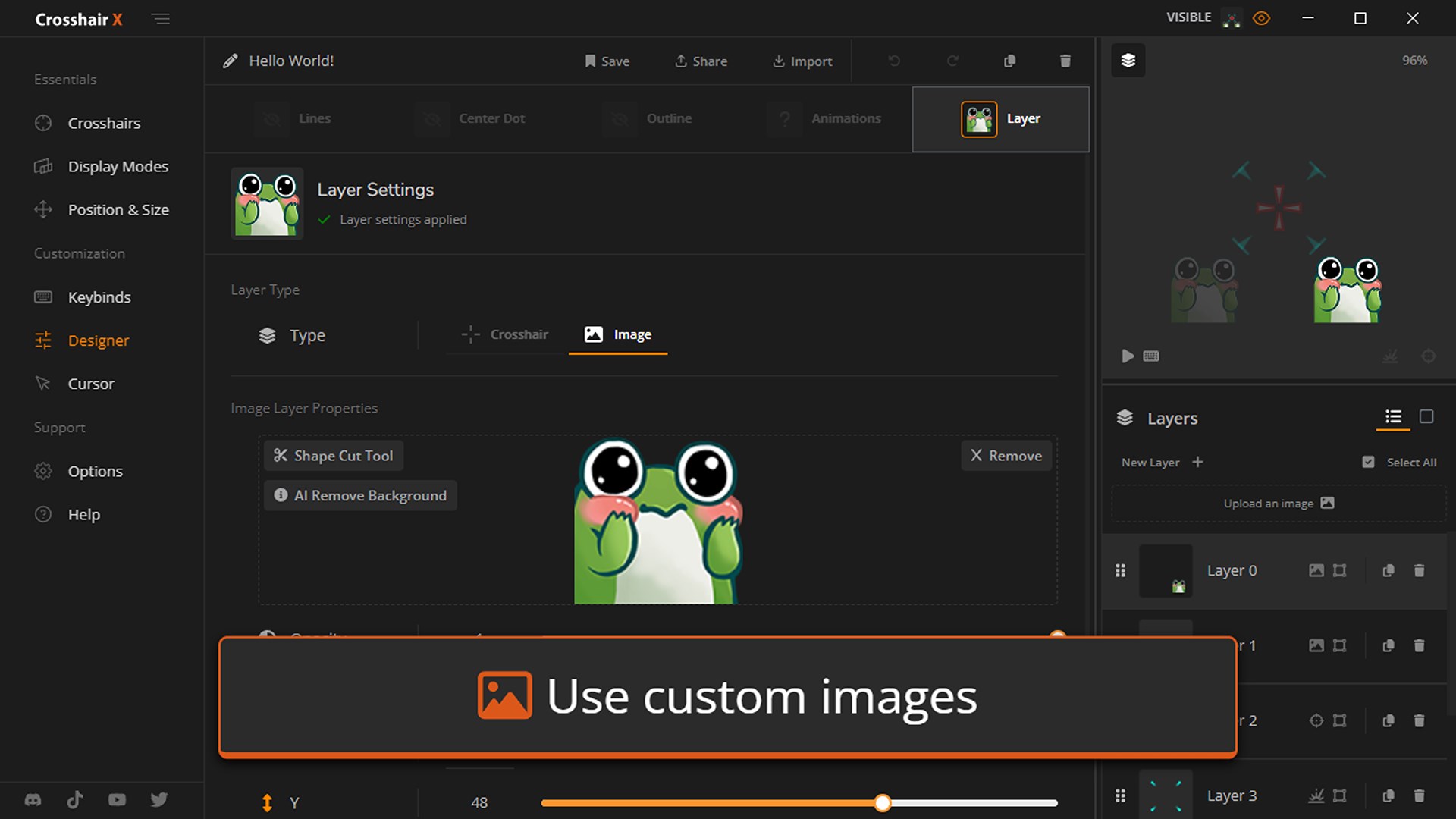
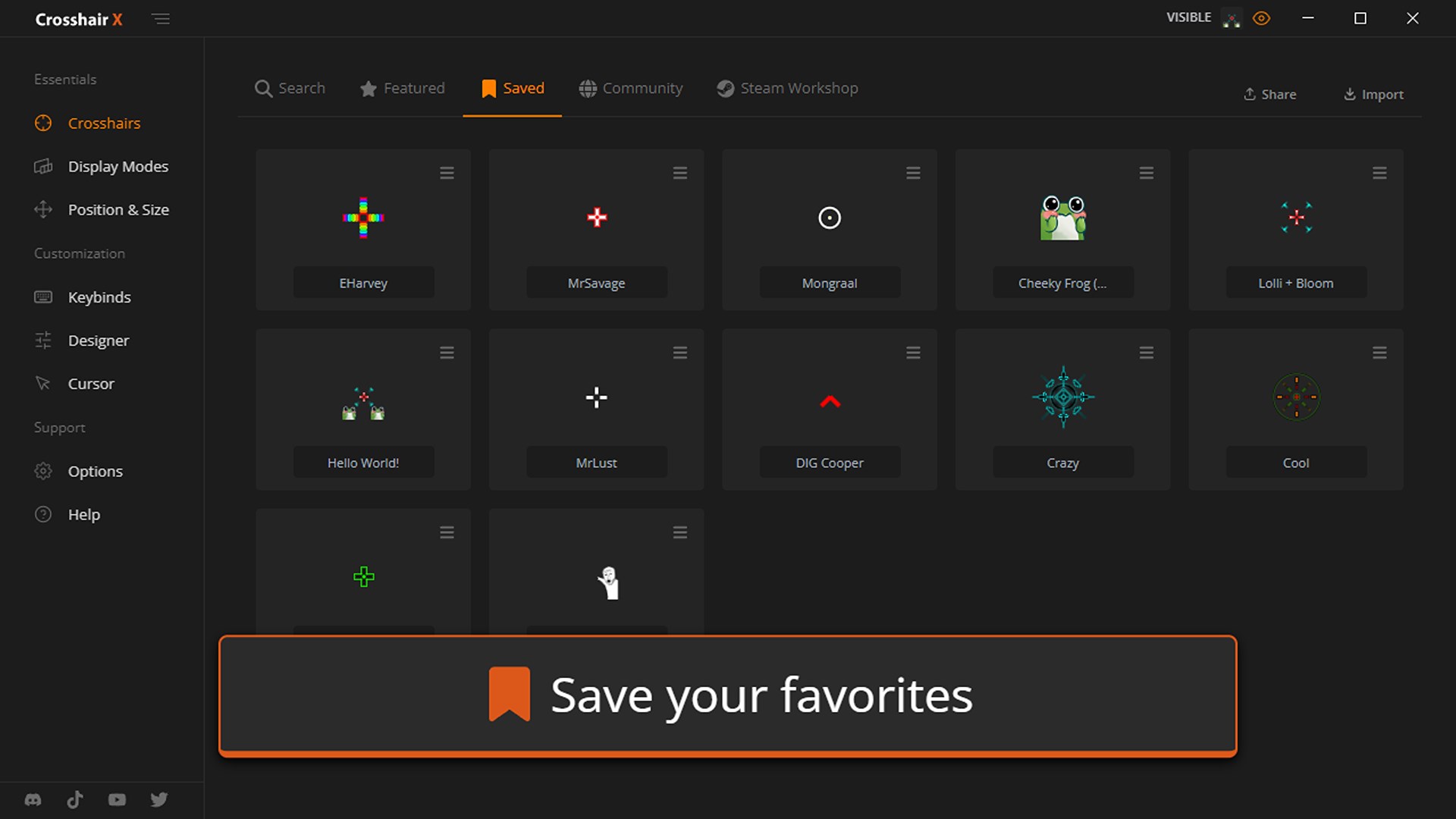
First and foremost, Crosshair X offers a broad palette of customizable crosshair designs, allowing you to tailor your aiming reticle to your specific preferences. From simple dots to complex shapes, users can select or craft the perfect sight for various game genres. Secondly, the app's real-time overlay adjustment ensures that your crosshair stays perfectly aligned across multiple applications, seamlessly integrating into your gaming environment. Lastly, the intuitive interface and quick setup process mean you can jump straight into play without wrestling with complicated settings or technical hurdles. These core functionalities combine to create an experience that's both powerful and approachable.
Immersive & User-Friendly Interface
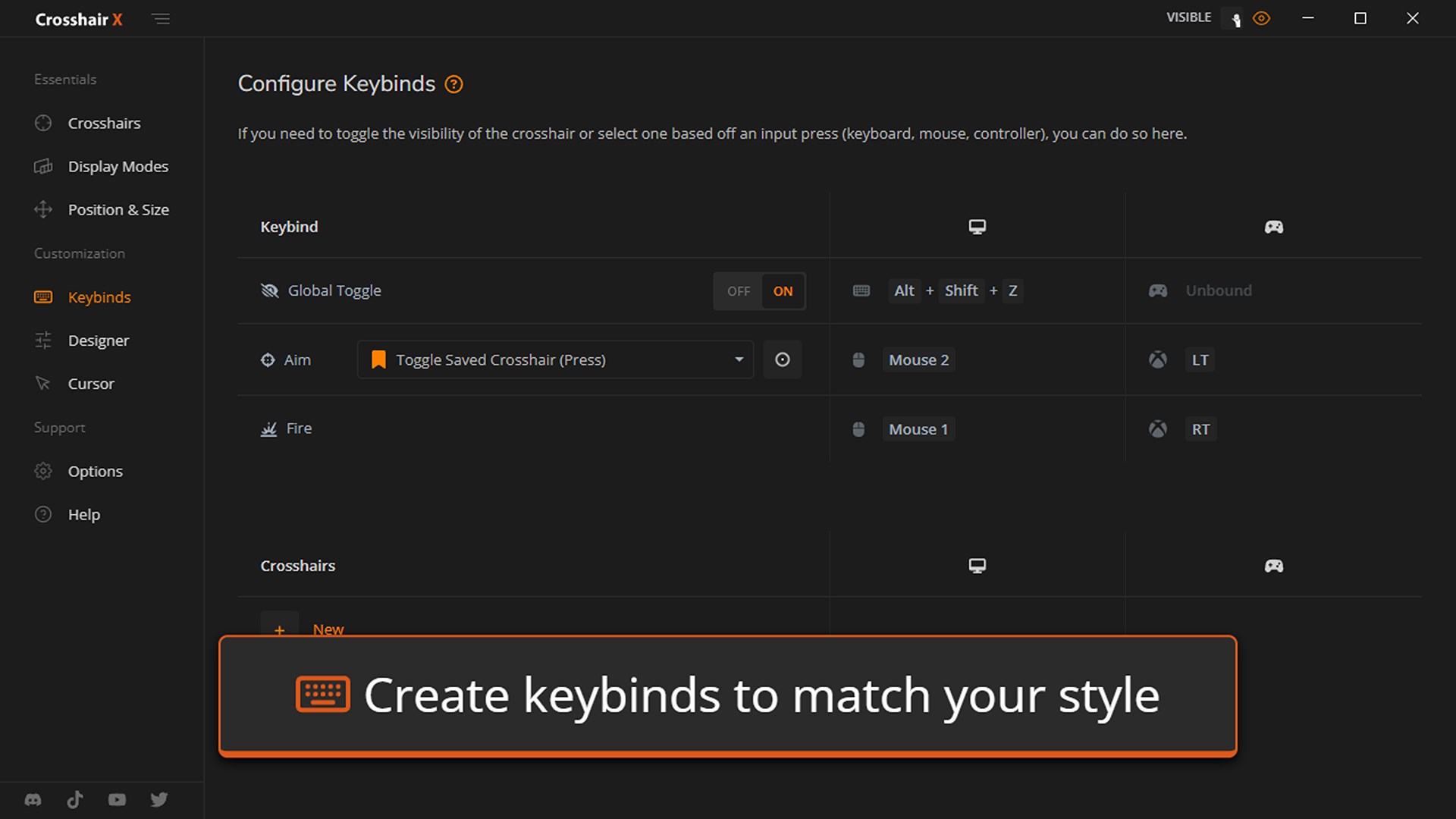
Launching Crosshair X feels like opening a sleek dashboard designed by gamers for gamers—clean, minimal, yet packed with options. The interface layout is intuitive; settings are logically organized, making it easy for both beginners and experienced users to navigate. Customization options are accessible via simple dropdown menus and sliders, reducing the learning curve significantly. During in-game testing, the overlay remains stable even during rapid movements, highlighting the application's smooth operation and high compatibility with various settings. The app's responsiveness ensures that your crosshair updates instantly to any adjustments, providing a seamless gaming experience akin to having a skilled assistant right beside you.
Standing Out in a Crowd of Similar Apps
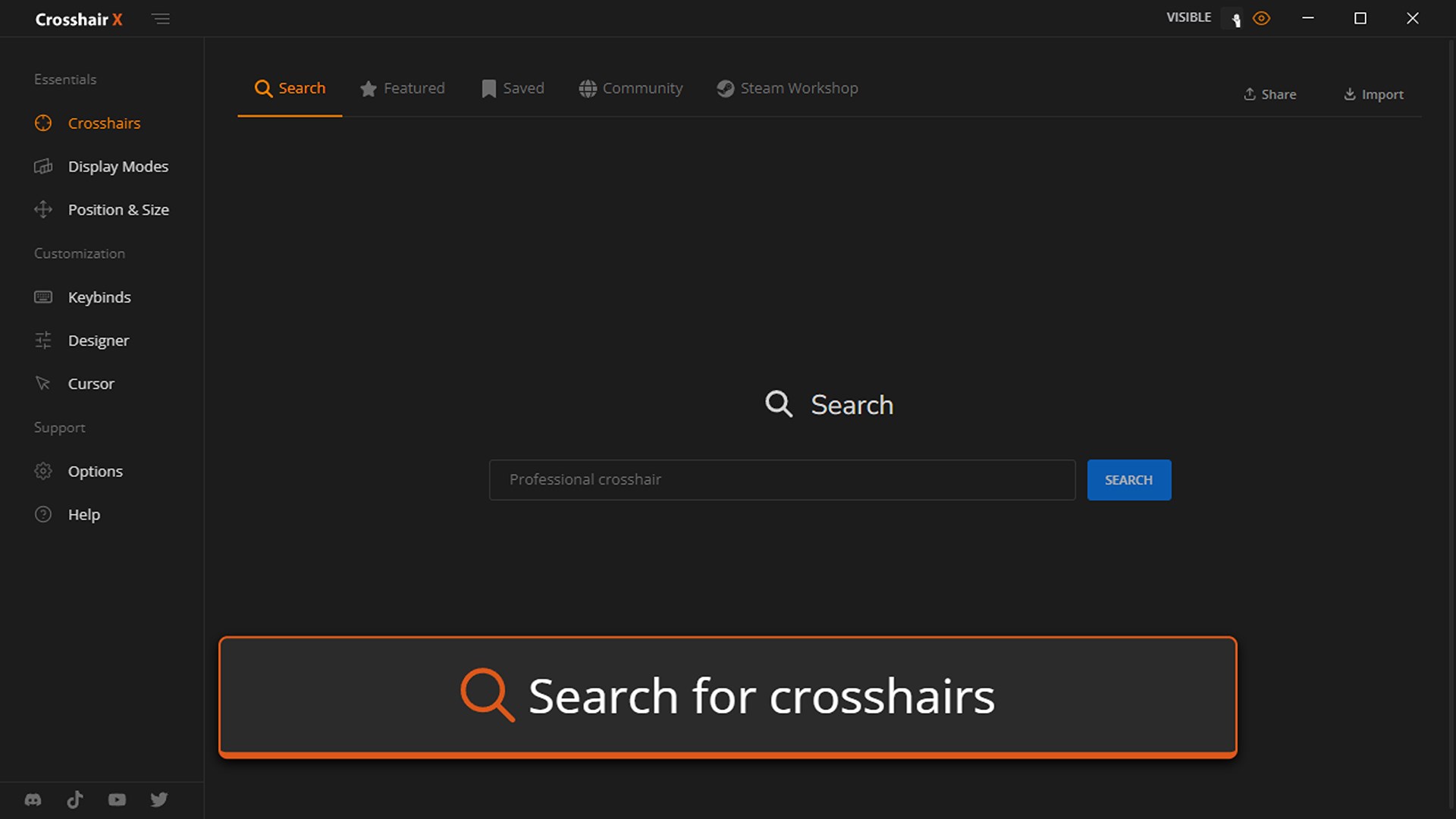
Compared to other overlay and aiming tools, Crosshair X distinguishes itself through its advanced content discovery algorithms and highly relevant personalized recommendations. Unlike generic crosshairs that feel like random symbols thrown onto your screen, this app intelligently adapts to your usage patterns, suggesting styles and configurations that match your gaming habits. This tailored approach is like having a knowledgeable coach who understands your playstyle and fine-tunes your aiming tools accordingly. Additionally, its stability across diverse hardware setups ensures consistent performance, reducing annoyances like lag or misalignment—common pitfalls in lesser applications. Such features make Crosshair X particularly appealing to competitive gamers seeking precise, reliable, and easy-to-manage aiming aids.
Should You Give It a Try?
Overall, I recommend Crosshair X for Windows to anyone looking to enhance their aiming precision without overcomplicating the setup. Its most standout features—the customizable overlays and intelligent adaptation—make it a unique player in this niche. Casual gamers will appreciate the quick setup and straightforward controls, while serious competitors will find its stability and personalization options worth exploring. Just remember, while this app significantly improves aiming accuracy, it's also vital to practice good gaming habits and ensure you're complying with game-specific fair play policies.
Pros
- Intuitive user interface
- High customization options
- Low latency performance
- Wide compatibility
- Regular updates and support
Cons
- Initial setup complexity
- Limited free trial
- Resource usage occasionally high
- Occasional overlay flickering
- Customization options could be expanded










