
- Category Puzzle & trivia
- Available on PC, Mobile, Surface Hub, HoloLens
- OS Windows 10 version 10240.0 or higher
- languages English (United States)
An Entertaining and Challenging Crossword Experience for Windows
Crossword Puzzle for Windows by Amazing Man is a thoughtfully crafted application designed to bring classic crossword-solving fun directly to your desktop, offering a blend of accessibility and mental stimulation that appeals to puzzle enthusiasts and casual players alike.
About the App: Basic Information
This app positions itself as a comprehensive crossword-solving tool tailored for Windows users seeking an engaging pastime without the clutter of complicated interfaces. Developed by the team at Amazing Man, known for creating user-friendly and thoughtfully designed puzzle experiences, the app emphasizes simplicity paired with depth.
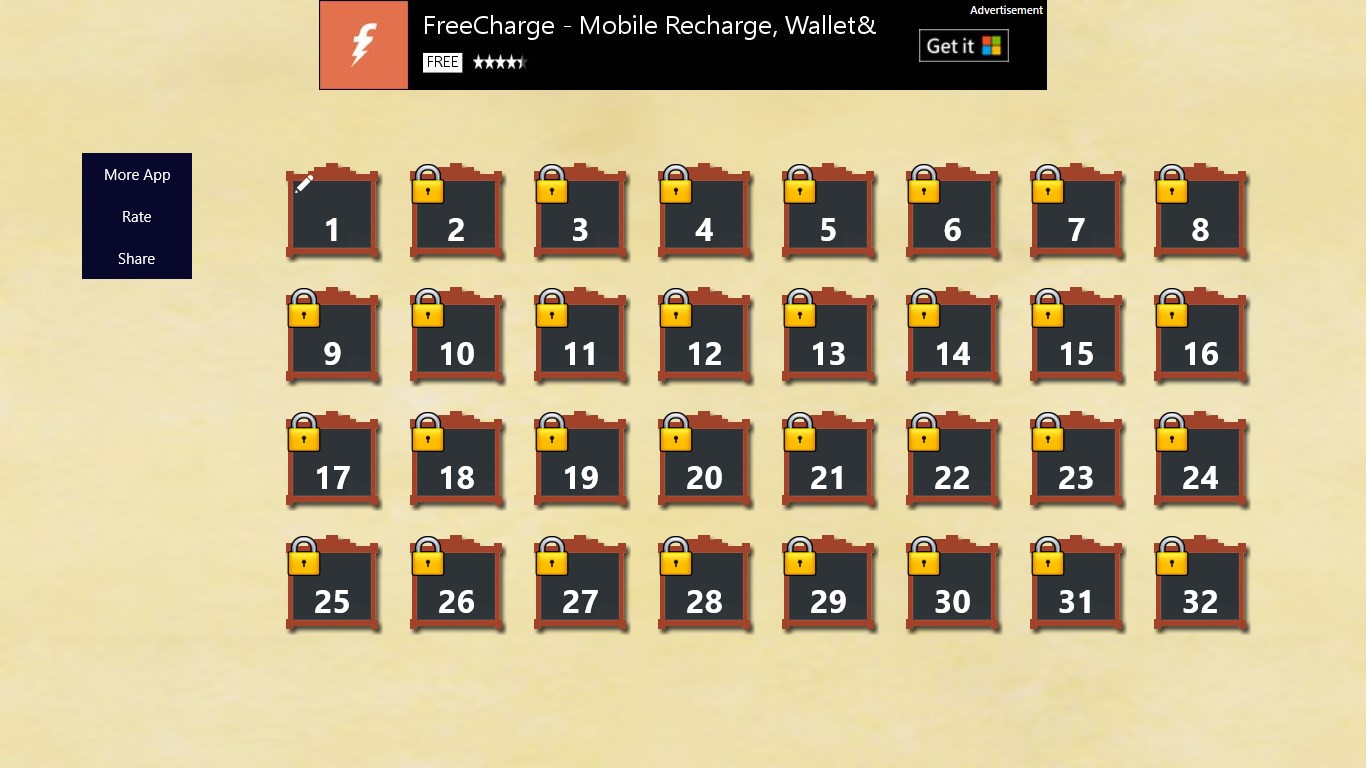
- Main Features: An extensive library of puzzles categorized by difficulty, an intuitive interface that adapts seamlessly to different skill levels, and a variety of hints to assist when stumped. Additionally, the app offers a clean, distraction-free environment conducive to focus.
- Target Audience: Casual puzzle players looking for a relaxing yet stimulating activity, crossword enthusiasts of all skill levels, and anyone interested in enhancing vocabulary and cognitive agility in a portable, Windows-compatible format.
Bright Beginnings: A Fresh Take on Classic Crosswords
If you fondly remember the thrill of filling in a crossword grid with a sense of achievement, you'll find this app delivers that satisfaction in a sleek digital form. Its playful yet straightforward design invites both novices and seasoned solvers to dive right into solving puzzles, transforming your Windows device into a personal crossword sanctuary. Whether you're commuting or unwinding at home, it's the perfect companion for a quick mental workout or a longer puzzle session.
Core Features That Make It Stand Out
1. Vast, Categorized Puzzle Library with Hint Support
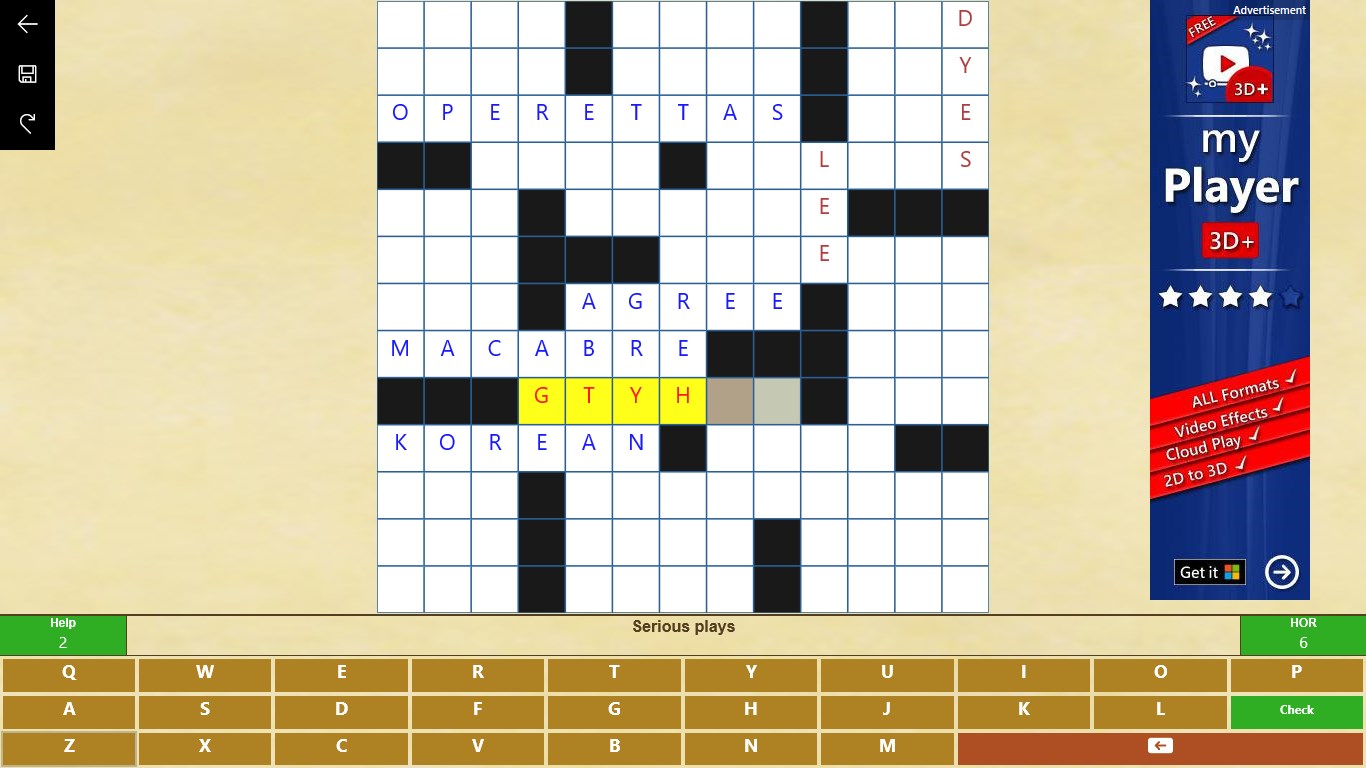
The app boasts a large collection of puzzles spanning various themes and difficulty levels. What's truly notable is its intelligent hint system—by tapping a hint, you get subtle clues that guide you forward without giving away the solution entirely. This feature makes it particularly suitable for learners or those who wish to improve their vocabulary gradually.
2. User-Centric Interface Designed for Seamless Play
The interface is clean and minimalistic, mimicking the feel of a traditional crossword puzzle sheet but with the convenience of digital interaction. Touch or click to input answers, with an auto-suggestion feature that helps reduce frustration. The layout adapts well across different window sizes, ensuring a smooth and enjoyable experience whether on a small laptop or a large monitor.
3. Progress Tracking and Customization Options
For the dedicated solver, the app offers progress tracking, allowing users to revisit incomplete puzzles or review previous solutions. Customization options—such as adjusting grid size or enabling dark mode—enhance accessibility and personal comfort, making the app more than just a static puzzle game.
Immersive User Experience and Unique Selling Points
From the perspective of user experience, Crossword Puzzle for Windows shines with its fluid operation and thoughtful design. Unlike many similar apps, it emphasizes minimalism, which means fewer distractions and more focus on solving. Its core innovation lies in balancing difficulty with accessible hints, making it ideal both for quick mental exercises and more serious puzzle sessions.
Compared to other trivia & puzzle apps, this game's clear emphasis on traditional crosswords, combined with its intuitive interface and scalable hints, sets it apart. It doesn't bombard users with ads or cluttered features, instead prioritizing a smooth, calming puzzle-solving environment. The application's thoughtful approach to gradual challenge progression demonstrates its understanding of user engagement without overwhelming them.
Final Recommendations and Usage Tips
If you enjoy intellectually stimulating activities and prefer a distraction-free environment, this app deserves a spot on your Windows desktop. It's particularly recommended for those who appreciate the classic crossword format but want the convenience of digital solving with helpful hints. For best results, consider starting with puzzles at your comfort level and gradually exploring more challenging ones as your confidence grows.
Overall, Crossword Puzzle for Windows offers a balanced, user-friendly, and engaging experience that makes it a worthy addition to your puzzle collection. Whether for a quick mental break or a dedicated solving session, it delivers a reliable, pleasant, and occasionally addictive pastime—worthy of your consideration.
Pros
- Intuitive interface
- Wide range of puzzles
- Regular updates
- Hints and assistance
- Offline mode
Cons
- Limited customization options
- Occasional glitching on certain devices
- In-app advertisements
- Limited multiplayer features
- Some puzzles may be repetitive











