

- Category Productivity
- Developer NamiTech JSC
- Available on PC
- OS Windows 10 version 0.0 or higher
- Mouse Integrated Mouse
- Memory 8 GB
- languages English, Japanese
CrystalSound for Windows: A Fresh Take on Audio Enhancement
CrystalSound for Windows emerges as a sleek and user-friendly application designed to optimize your listening experience through intelligent audio processing. Developed by NamiTech JSC, this app aims to deliver clearer, richer soundscapes—whether you're working, gaming, or relaxing—without the clutter of endless settings. Its primary appeal lies in its simplicity paired with effective noise filtering, making it a compelling choice for those seeking effortless audio enhancement.
Core Features That Make a Difference
Intelligent Noise Filtering and Sound Clarity
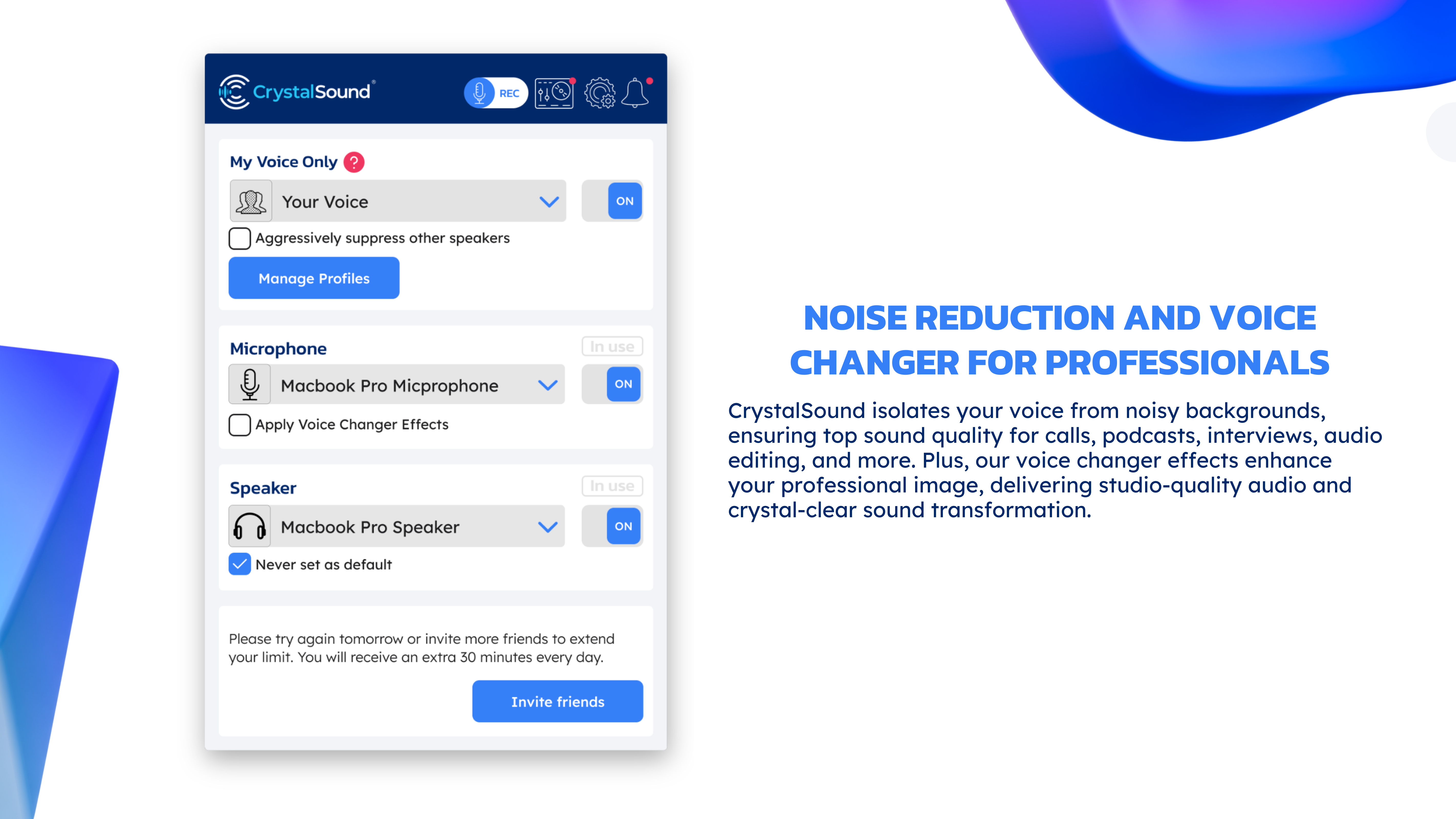
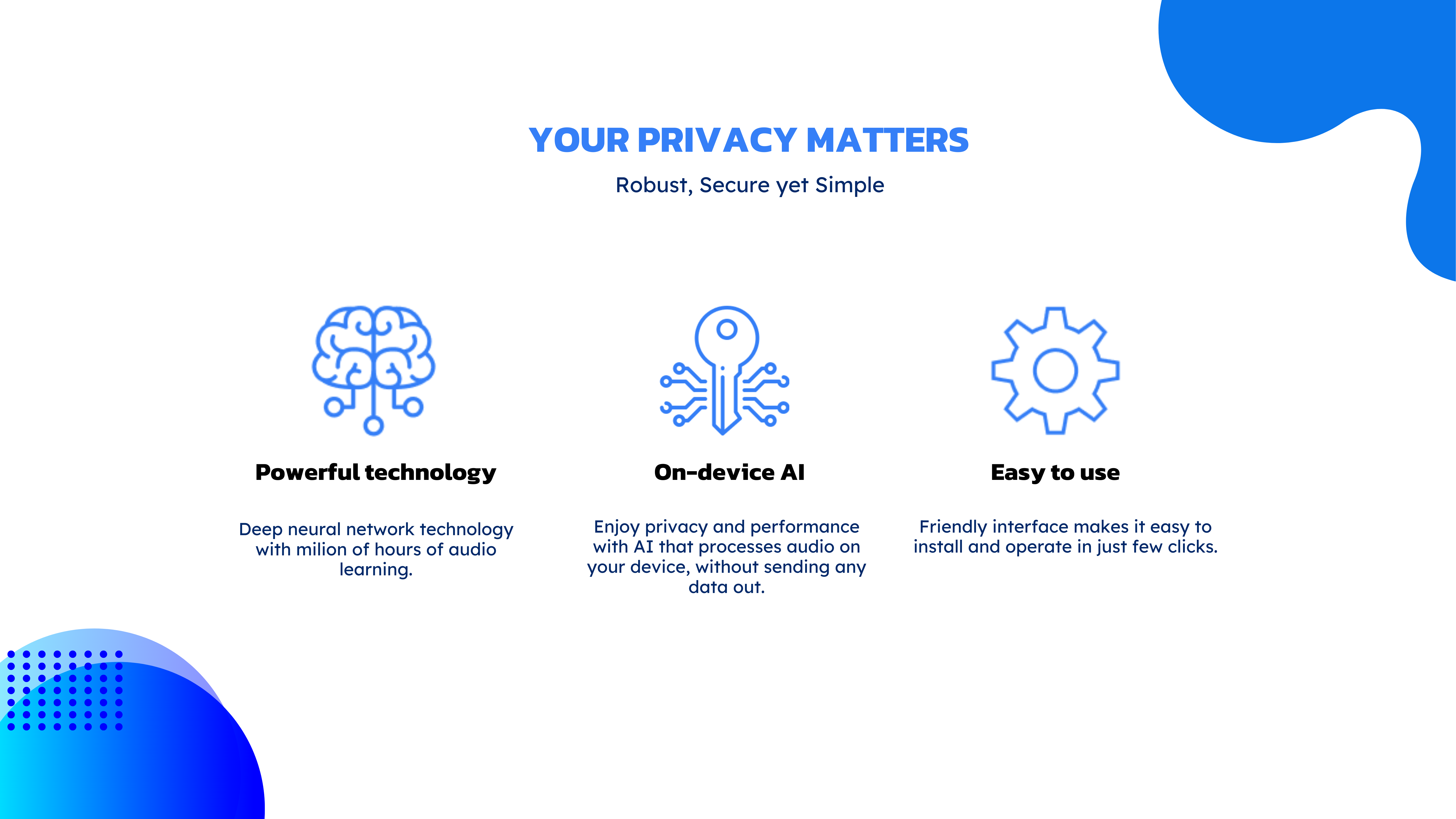
At the heart of CrystalSound lies its sophisticated noise filtering technology. Unlike standard equalizers, this feature intelligently analyzes background sounds in real-time and suppresses unwanted noise without sacrificing audio richness. Imagine sitting in a bustling café—your music or calls remain pure and undistorted, creating a calm oasis amidst chaos. This is particularly beneficial for remote workers, students, or anyone who values crystal-clear communication and media playback.
Seamless Workflow Integration
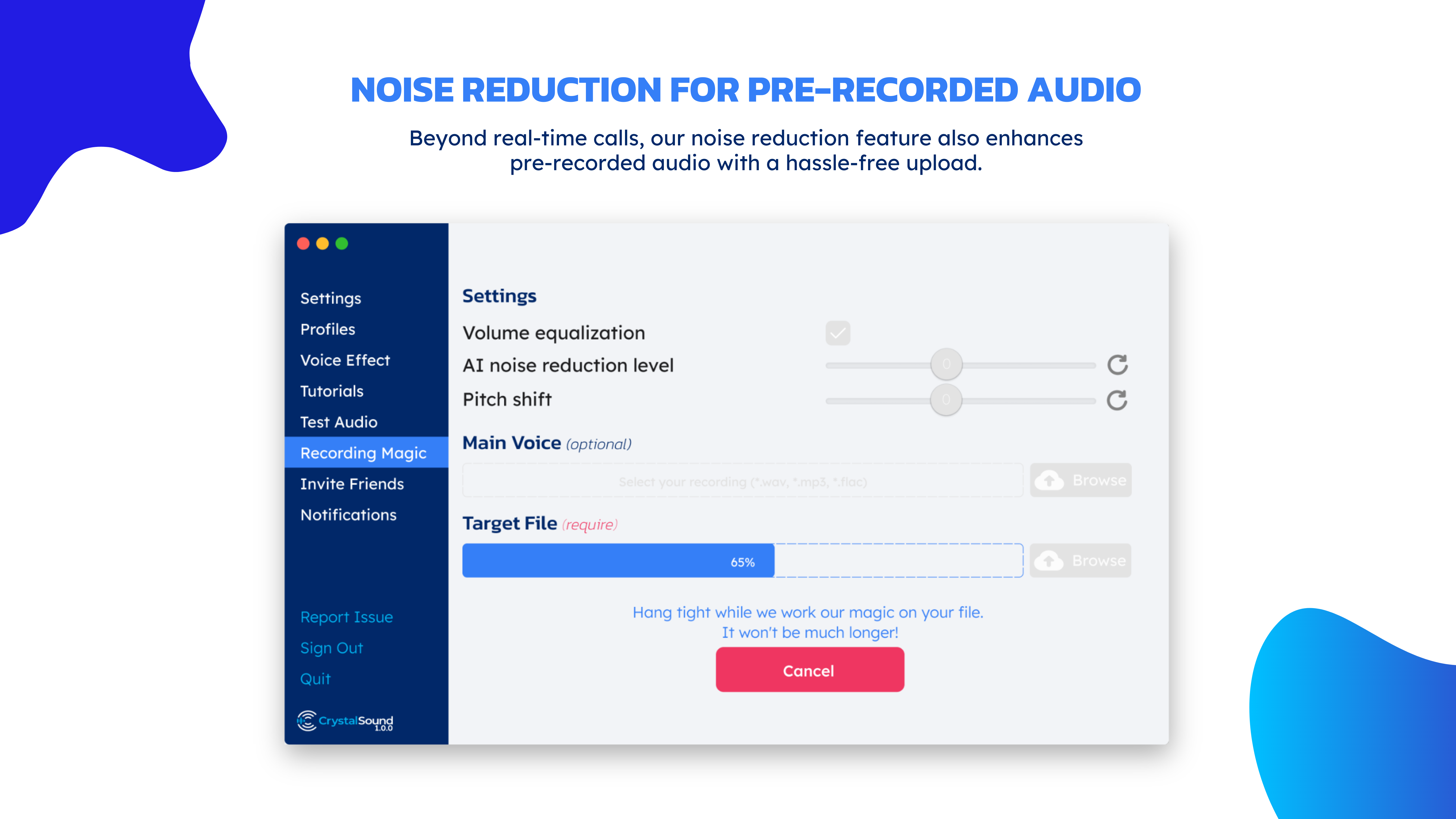
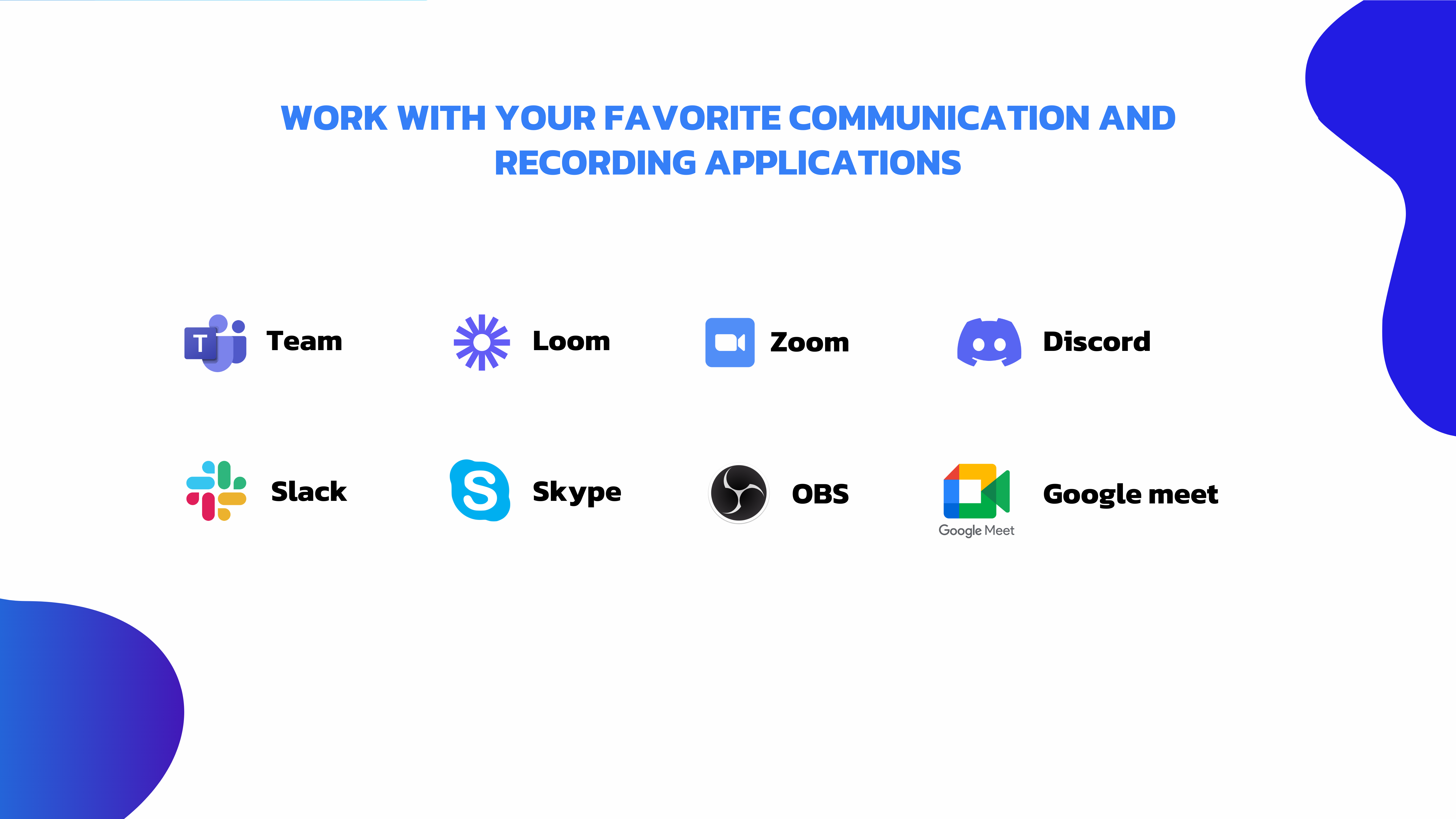
One standout element is how this app integrates smoothly into your existing Windows environment. It operates quietly in the background, accessible via a streamlined interface, allowing quick toggles and adjustments. Whether you're editing videos, participating in video conferences, or listening to podcasts, CrystalSound adapts effortlessly to your workflow, reducing the cognitive load of managing multiple audio settings. This ease of use ensures you stay focused on your tasks rather than fiddling with complicated menus.
Customizable Profiles for Different Activities
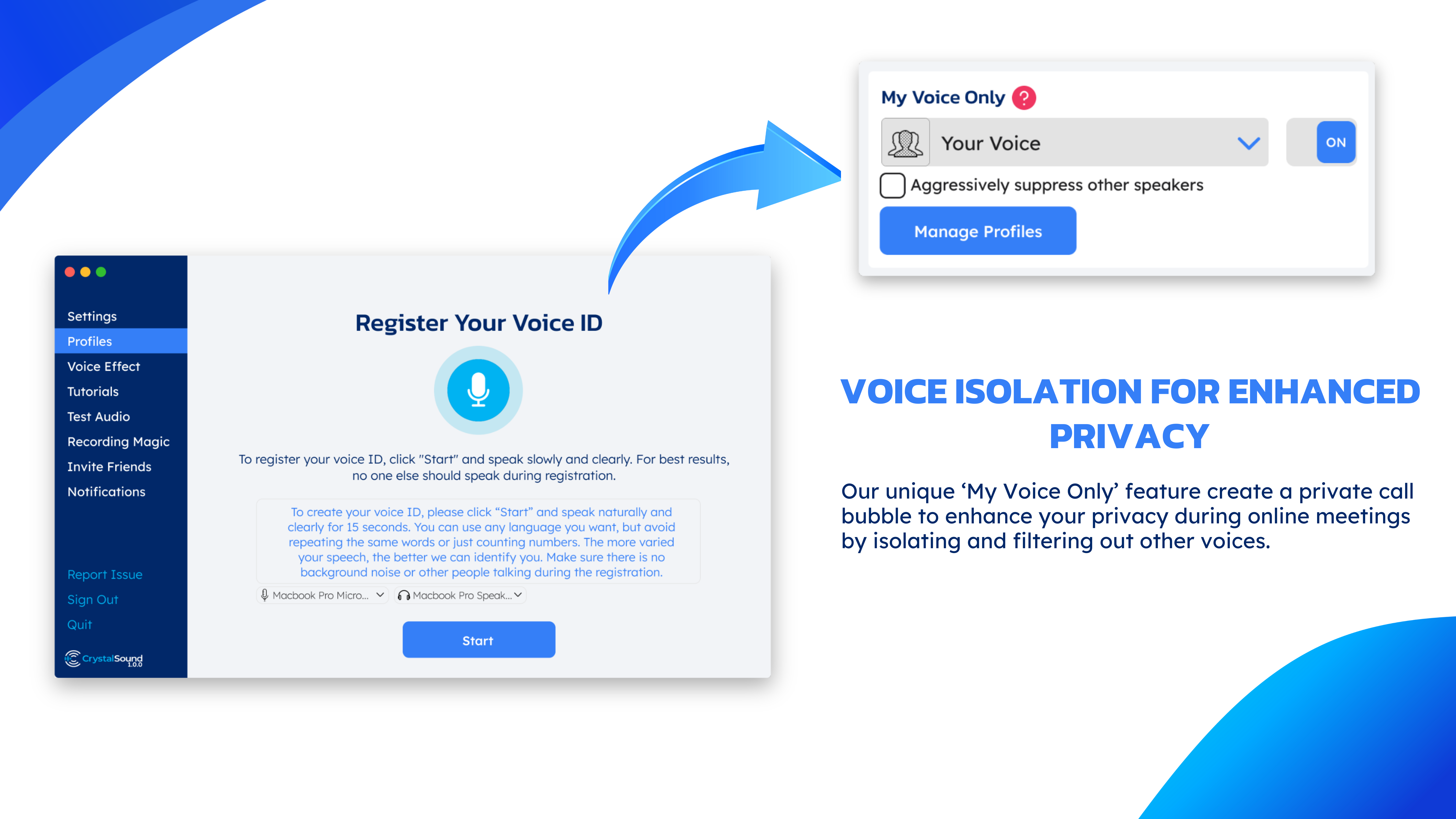
The app offers tailored profiles optimized for various scenarios—gaming, conference calls, music listening—which can be activated with a click. This feature is akin to having a personal sound engineer ready to fine-tune your audio to match your activity. For instance, a "Gaming" profile emphasizes immersive bass and positional sound, while a "Work" profile prioritizes speech clarity. The quick-switch functionality enhances productivity and makes the app versatile across daily routines.
User Experience: Friendly, Intuitive, and Unobtrusive
CrystalSound sports a clean, modern interface reminiscent of a gentle control panel on a spaceship—minimal, organized, and intuitive. Navigation feels like a breeze, even for those less tech-savvy. The app's operation is notably smooth; transitions between profiles are instant, and adjustments register immediately, making it a joy to use during a busy workday. The learning curve is gentle—most users will find themselves up and running within minutes, with ample tutorials and straightforward controls guiding the way.
Compared to many audio tools that bombard users with excessive options and complex parameters, CrystalSound strikes a commendable balance. Its focus on reducing cognitive load through automation and smart presets means you spend more time enjoying the sound rather than configuring it. This approach is especially advantageous for users who seek effective yet simple solutions, freeing their mental bandwidth for more important tasks.
Unique Selling Points: Why Choose CrystalSound?
The app's most distinctive feature is its intelligent noise filtering combined with seamless workflow integration. While many audio tools require intricate setups, CrystalSound simplifies the experience—it's like having a smart assistant constantly fine-tuning your sound environment without unnecessary complexity. This design philosophy makes it ideal for professionals who need quick, reliable audio clarity, as well as casual users who just want better sound with minimal fuss.
Another differentiator is its activity-specific profiles that adapt to your usage context, ensuring optimal audio quality whether you're gaming, working, or relaxing. This dual emphasis on automation and customization sets CrystalSound apart from more generic, feature-heavy audio enhancers that often overwhelm users with options.
Final Recommendations and Usage Suggestions
Based on thorough evaluation, I recommend CrystalSound for Windows to users who prioritize straightforward, effective audio enhancement without the clutter of overly complex controls. It is particularly suited for remote workers, students, and gamers who value clean sound with minimal setup effort. For anyone seeking to improve communication clarity or media experience in a busy environment, CrystalSound offers a reliable, unobtrusive solution.
For best results, I suggest exploring the different profiles and enabling the noise filtering feature during calls or media playback. While the app excels at automatic adjustments, manual tweaks can further personalize your experience. Overall, CrystalSound presents a practical, well-designed tool that enhances your digital audio environment seamlessly—making every sound clearer, whether you're working or unwinding.
Pros
- High-quality audio enhancement
- Wide compatibility with Windows devices
- Intuitive user interface
- Advanced customization options
- Low system resource usage
Cons
- Limited free features
- Occasional lag in sound processing
- Basic built-in tutorials only
- Inconsistent performance with certain headphone models
- Minimal sound enhancement in non-music applications











