
- Category Personalization
- Available on PC, Surface Hub
- OS Windows 10 version 19041.0 or higher
- languages Chinese (Simplified), English, English (United States), French, German, Italian, Japanese, Korean , Portuguese (Brazil), Portuguese (Portugal), Spanish, Spanish (Spain)
Introducing Custom Desktop Kit: Your Gateway to Aesthetic Windows Themes and Wallpapers
If you're passionate about turning your Windows desktop into a visual masterpiece, Custom Desktop Kit by Aiphoria.Studio offers an appealing collection to elevate your desktop's aesthetic appeal. It's a versatile app designed to help users craft personalized, stylish environments without the hassle of complex customization processes.
Developer and Core Features
Developed by Aiphoria.Studio, a team dedicated to digital beautification and user-centered design, this app stands out as a curated hub for aesthetic themes and wallpapers tailored for Windows users. Its primary highlights include:
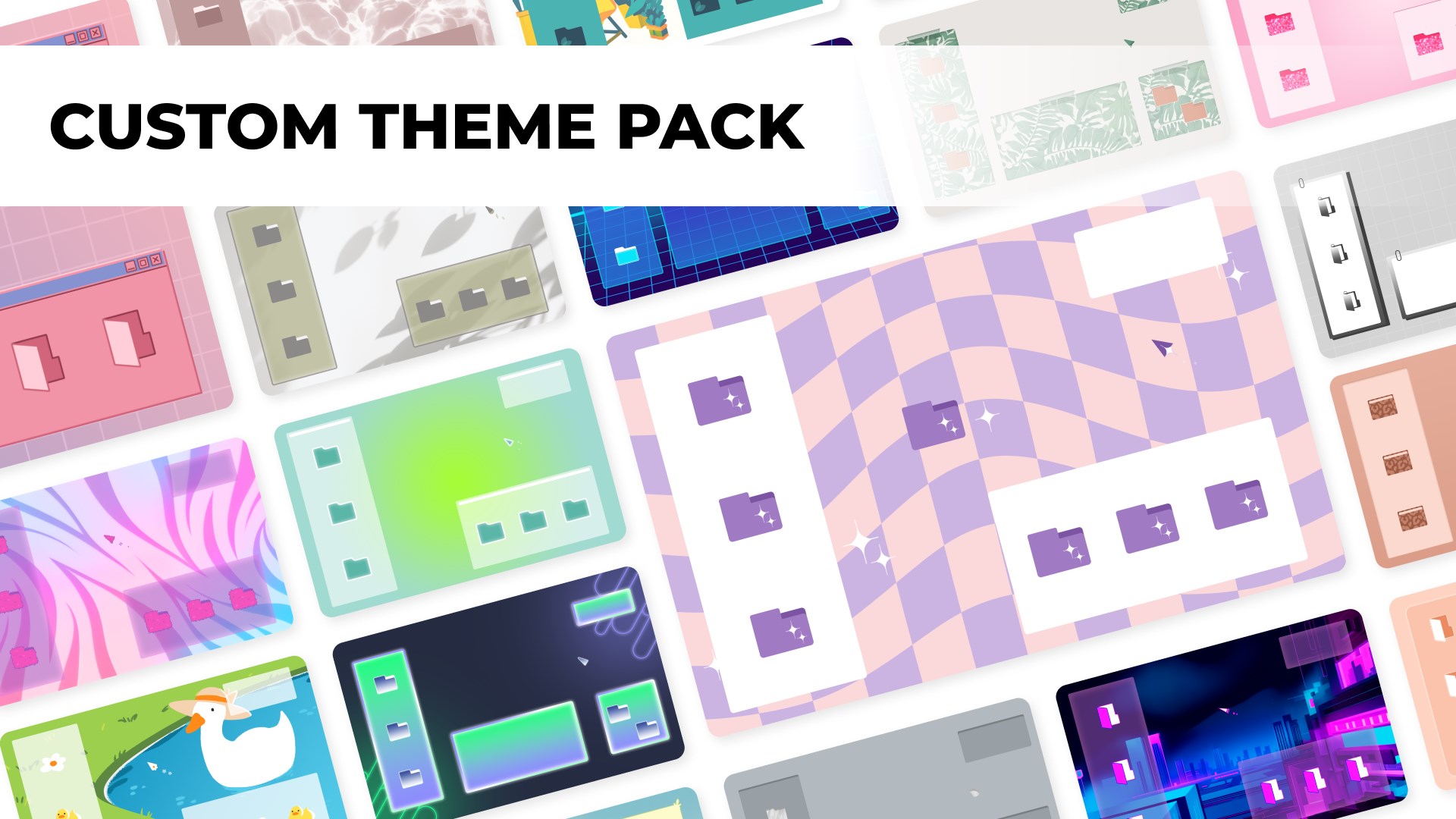
- Extensive Theme & Wallpaper Library: Access a wide range of beautifully designed themes and wallpapers that follow contemporary aesthetic trends.
- Easy Theme Application: Seamlessly preview and apply themes with just a few clicks, making personalization straightforward even for beginners.
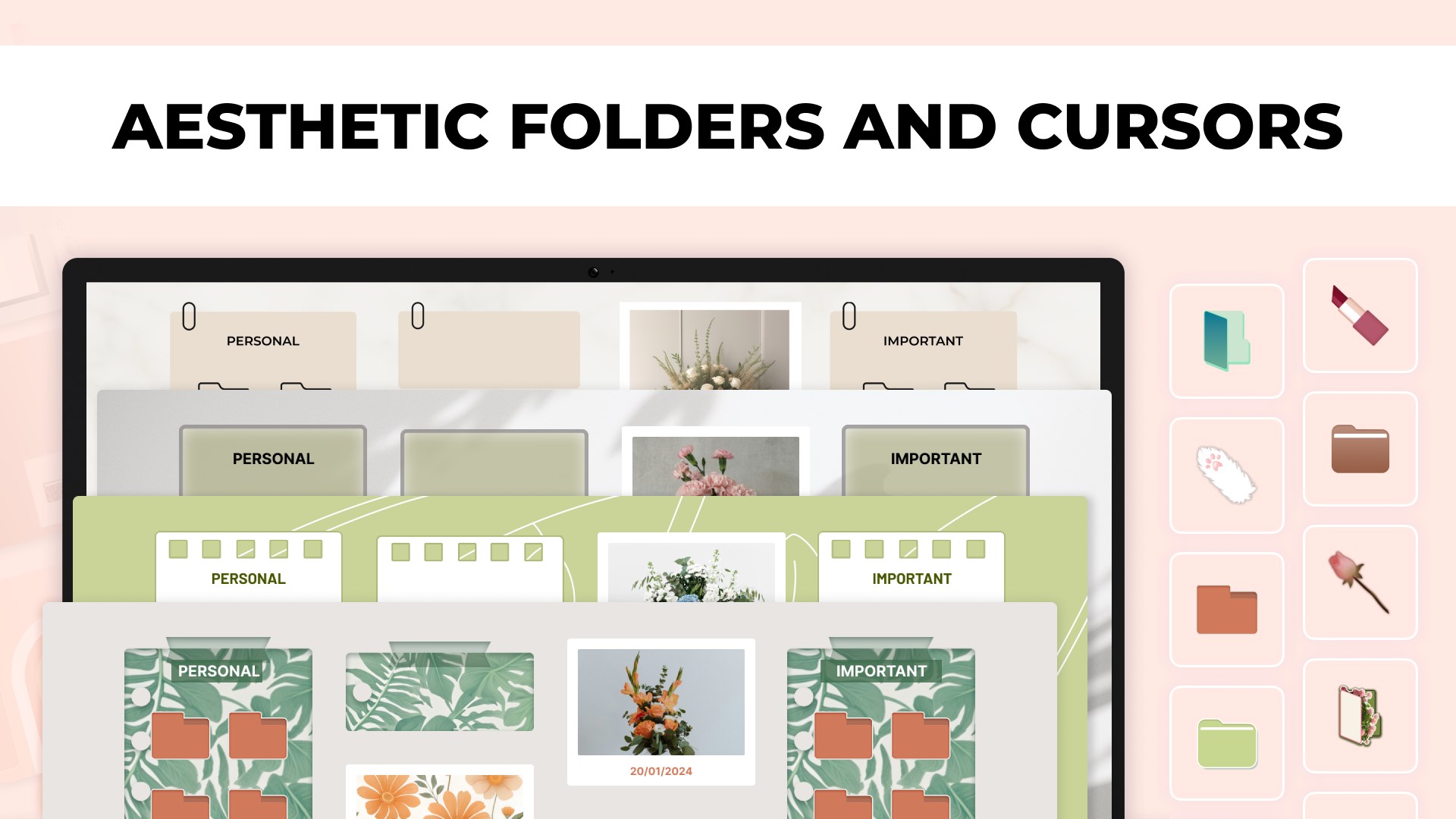
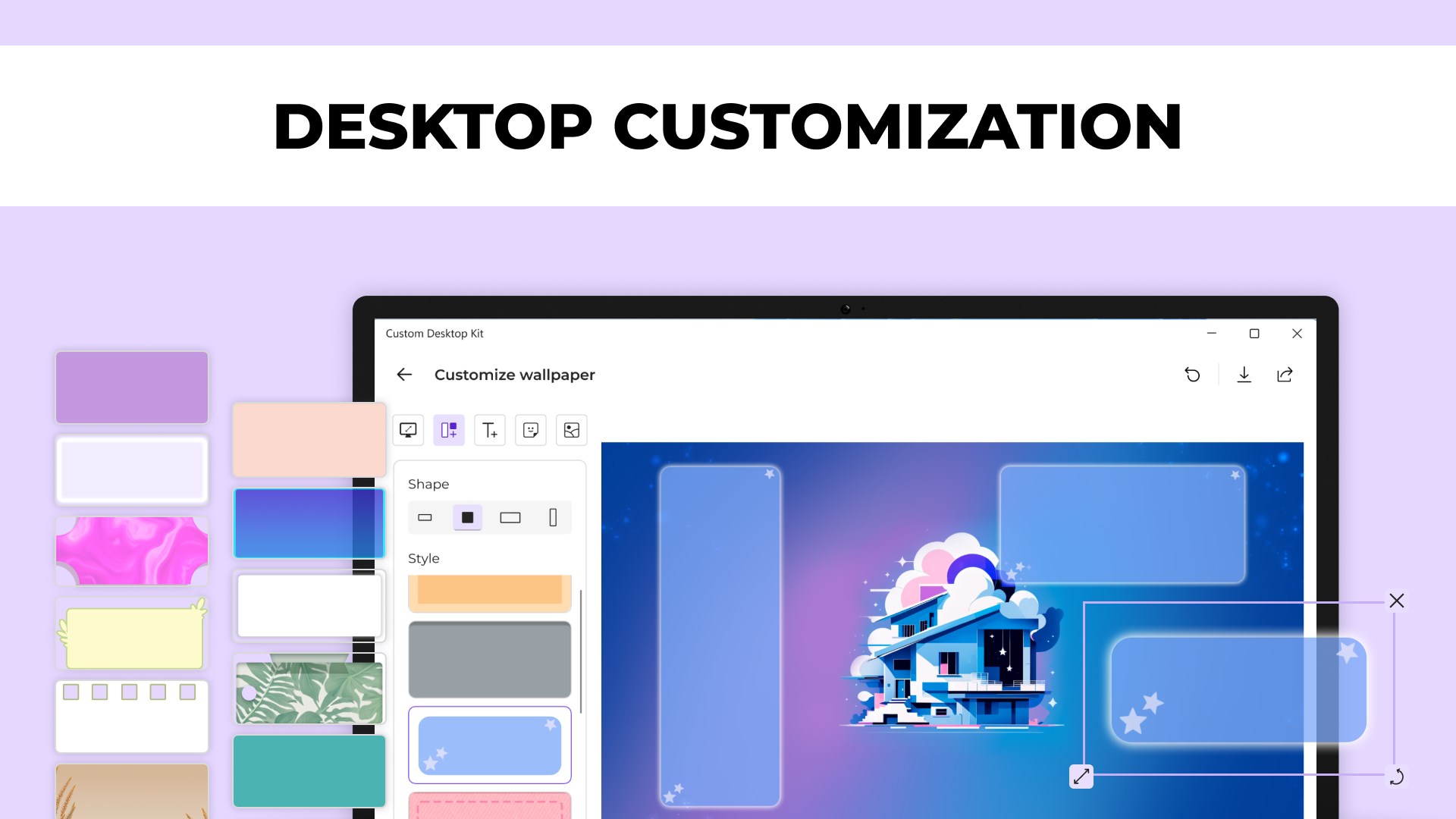
- Customizable Theme Elements: Beyond static wallpapers, users can tweak theme components—such as icon styles, accent colors, and cursor styles—creating a cohesive visual experience.
- Compatibility and Integration: Designed to work smoothly with Windows customization settings, ensuring themes do not interfere with system functionality.
Targeted at Windows users who seek an effortless way to beautify their desktops—ranging from casual users to aesthetic enthusiasts—this app offers enough flexibility to cater to diverse tastes.
A Closer Look: The Heart of the App
Vibrant Themes and Wallpaper Collection
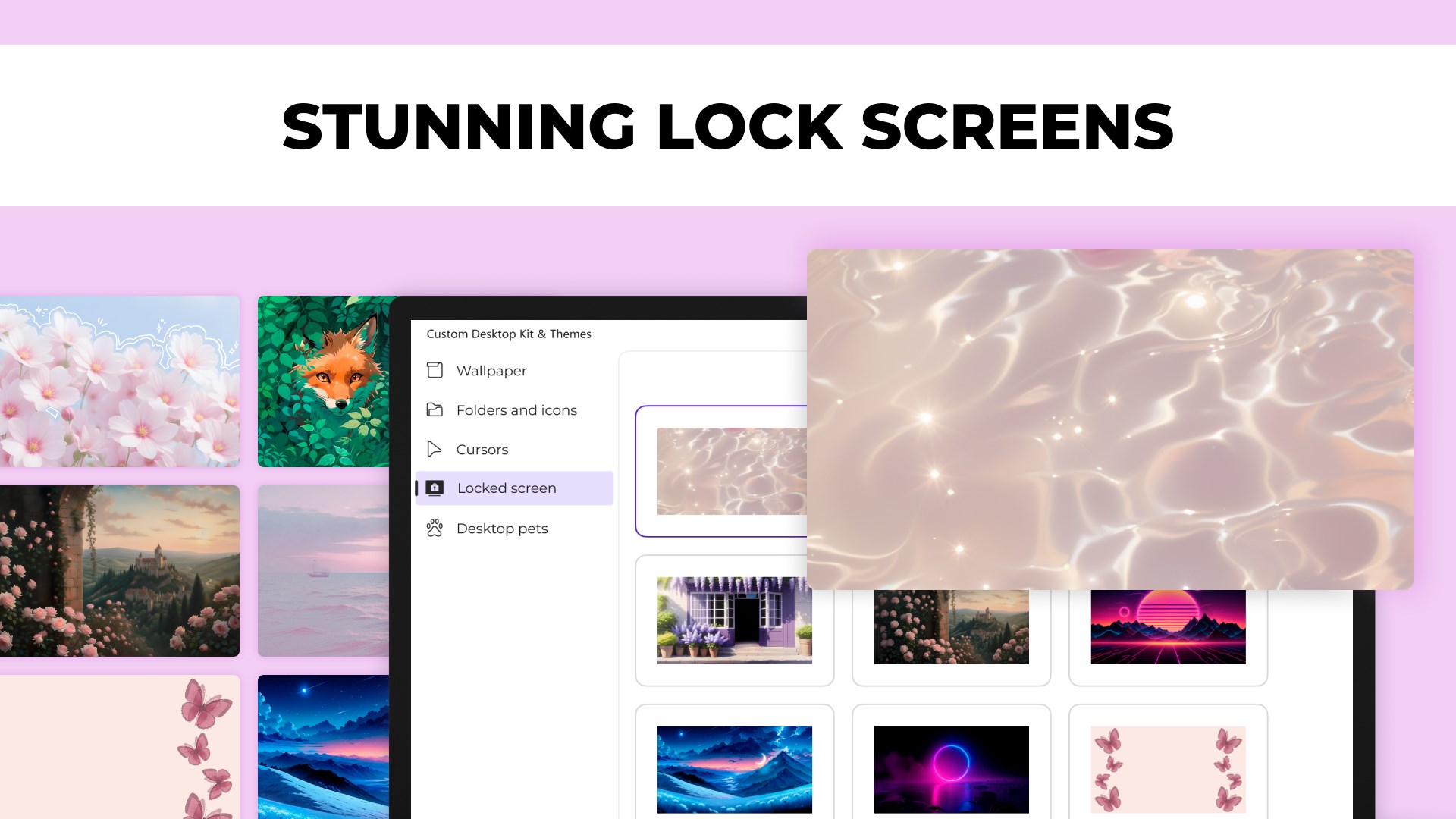
The core allure of Custom Desktop Kit lies in its curated library of themes and wallpapers. It's like strolling through an art gallery where each piece has been chosen for its visual harmony. Whether you favor sleek minimalism, pastel serenity, or vivid artistic designs, the app offers a variety of styles that breathe new life into your desktop. The high-resolution wallpapers are crisp and designed to complement the themes, ensuring your screen looks polished in any lighting condition.
Intuitive and User-Friendly Design
The app's interface is refreshingly straightforward, mimicking the clarity of a well-organized studio. Navigating through the library feels like flipping through a beautifully illustrated magazine—intuitive tabs, clear icons, and a smooth browsing experience. Applying a theme or wallpaper takes mere seconds; just select, preview, and confirm. The responsiveness of the interface is excellent, making customization feel like a natural flow rather than a chore.
Deep Customization Options
Unlike many simple wallpaper apps, Custom Desktop Kit allows users to go beyond surface-level changes. You can fine-tune icon sets, adjust window accent colors, and even modify cursor styles—all from within a unified interface. This holistic approach ensures that your desktop does not just look good but feels cohesive. The app intelligently preserves default system functionality, preventing common issues such as distorted icons or broken interactions, which can occur with less compatible themes.
What Sets It Apart from Similar Apps?
While there are numerous personalization tools available, Custom Desktop Kit distinguishes itself through its balance of variety and system integration. Its extensive collection of themes and wallpapers is curated to avoid visual clutter but still offers enough diversity to cater to niche tastes. Additionally, its focus on maintaining theme compatibility with Windows' native settings ensures that applying or removing styles does not destabilize your system—an issue some other customization apps struggle with.
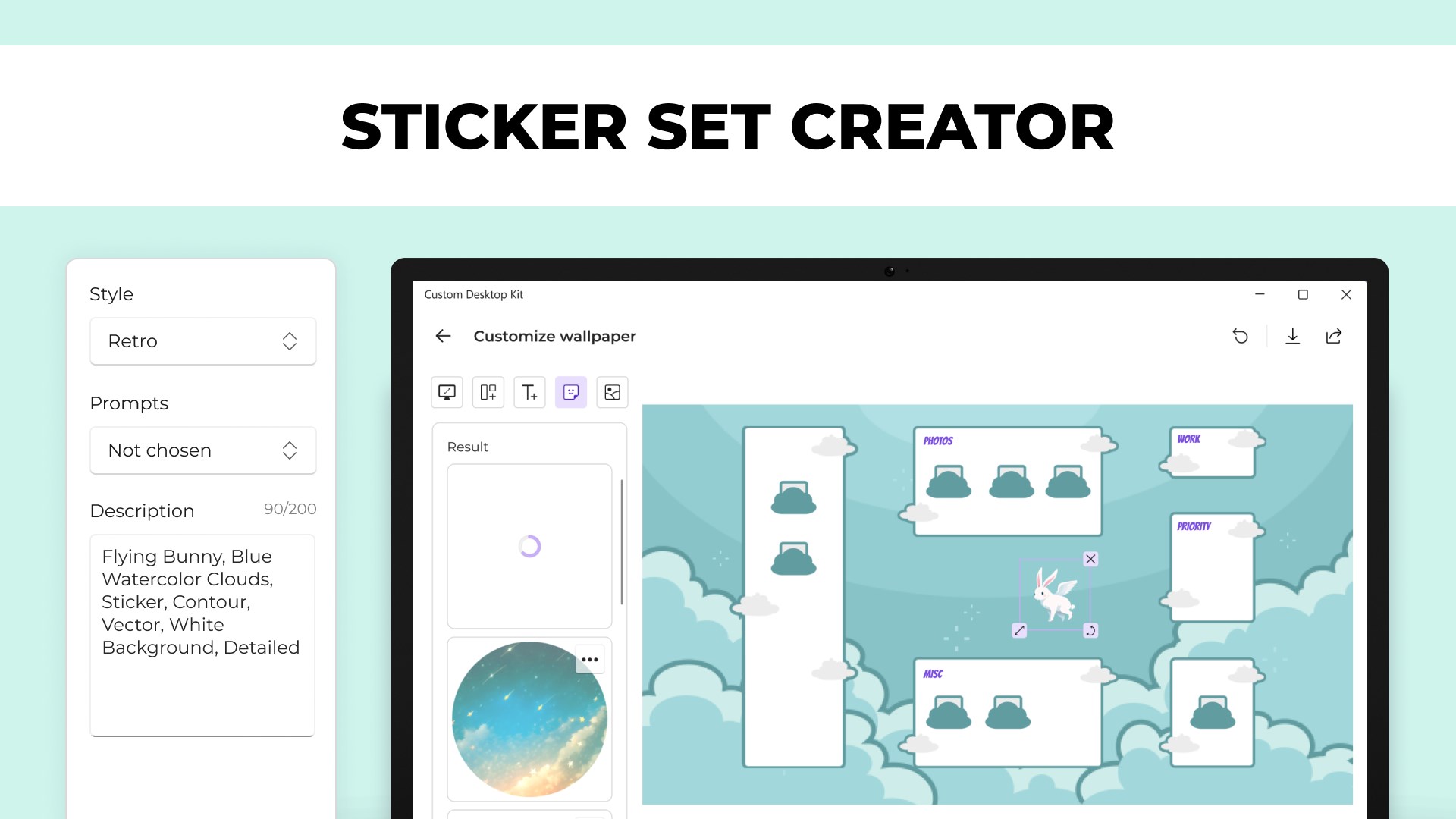
The app's capability to customize multiple elements—beyond just wallpapers—gives it an edge, making it more than just a superficial aesthetic tool. This makes it particularly attractive to users who want a more immersive, personalized desktop environment.
Final Verdict and Usage Recommendations
Overall, Custom Desktop Kit is a commendable choice for Windows users eager to personalize their desktops with ease and style. Its focus on variety, compatibility, and user-friendly design makes it suitable for a broad audience, from casual users to aesthetic lovers seeking a polished look.
If you enjoy fine-tuning every visual aspect of your desktop without dealing with complex settings or risking system stability, this app is worth trying out. For those who appreciate beautifully curated themes and a cohesive customization experience, it's a practical and enjoyable tool that can genuinely enhance your daily digital environment.
Pros
- Enhances visual appeal with a wide variety of aesthetic themes.
- Easy to customize your desktop environment.
- Provides regularly updated themes to keep your desktop fresh.
- User-friendly interface that is accessible for all skill levels.
- Lightweight app that doesn't significantly impact system performance.
Cons
- Limited free themes, many options require purchase.
- Inconsistent theme quality across different wallpapers.
- May require frequent manual updates to access latest themes.
- Interface could benefit from additional customization options.
- Initial load times can sometimes be slow when browsing large theme collections.











