

- Category Photo & video
- Developer CyberLink Corp.
- Available on PC
- OS Windows 10 version 14393.0 or higher
- Keyboard Integrated Keyboard
- Mouse Integrated Mouse
- DirectX Version 9
- Memory 2 GB
- languages Chinese (Simplified), Chinese (Traditional Chinese), English (United States), French, German, Italian, Japanese, Korean, Portuguese (Brazil), Russian, Spanish
Introducing CyberLink Media Player 18 Standard for Windows
CyberLink Media Player 18 Standard is a versatile and user-friendly media playback application designed for Windows users looking for a reliable tool to enjoy their digital videos, music, and photos seamlessly. It positions itself as a one-stop media solution that combines ease of use with robust features, making it suitable for casual watchers and multimedia enthusiasts alike.
Developed by CyberLink Corp.: A Trusted Name in Multimedia Software
CyberLink Corp., the creator behind Media Player 18 Standard, is a well-established software company renowned for its innovative multimedia solutions. With a history rooted in media editing, streaming, and playback, CyberLink has built a reputation for delivering high-performance applications that cater to both everyday users and professionals.
Key Features Highlighted: What Makes It Stand Out
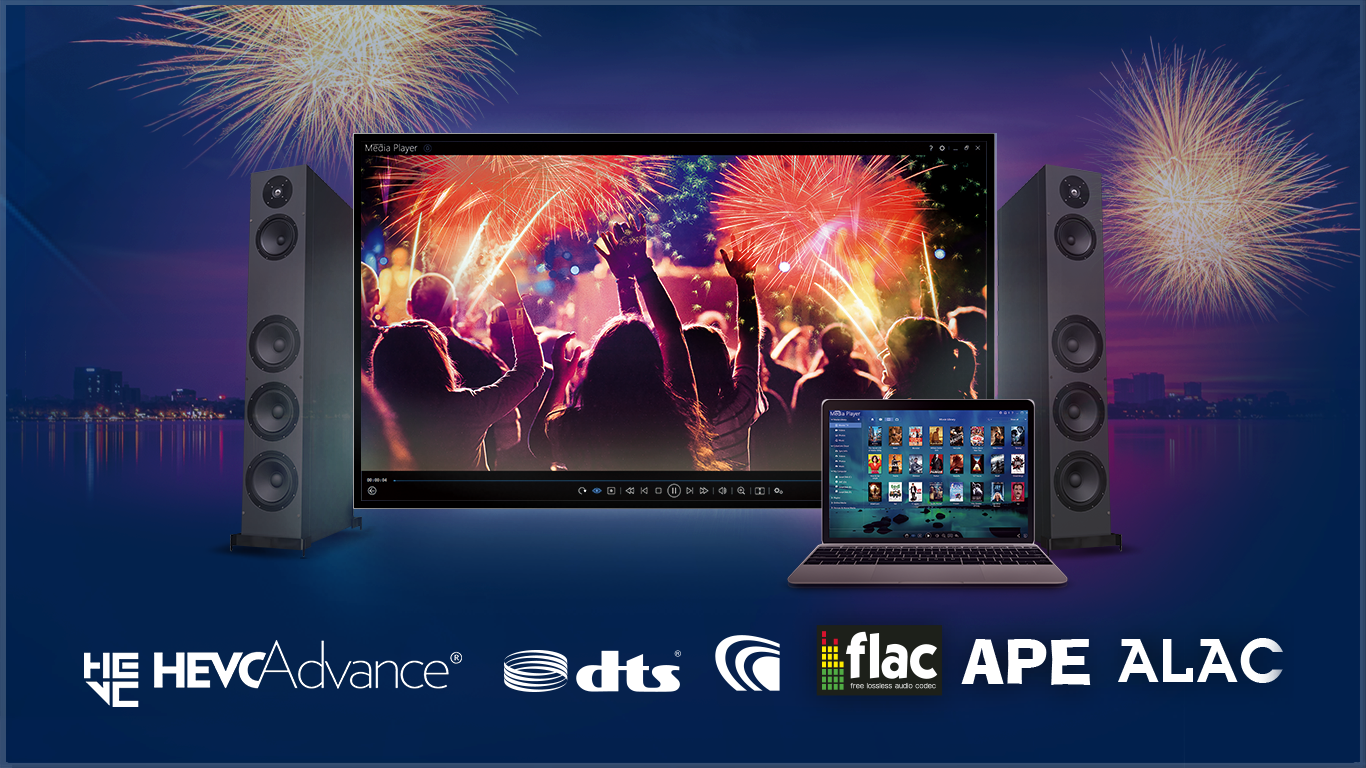
- Universal Codec Compatibility: Supports a wide range of media formats without the need for additional codecs, ensuring smooth playback of various video and audio files.
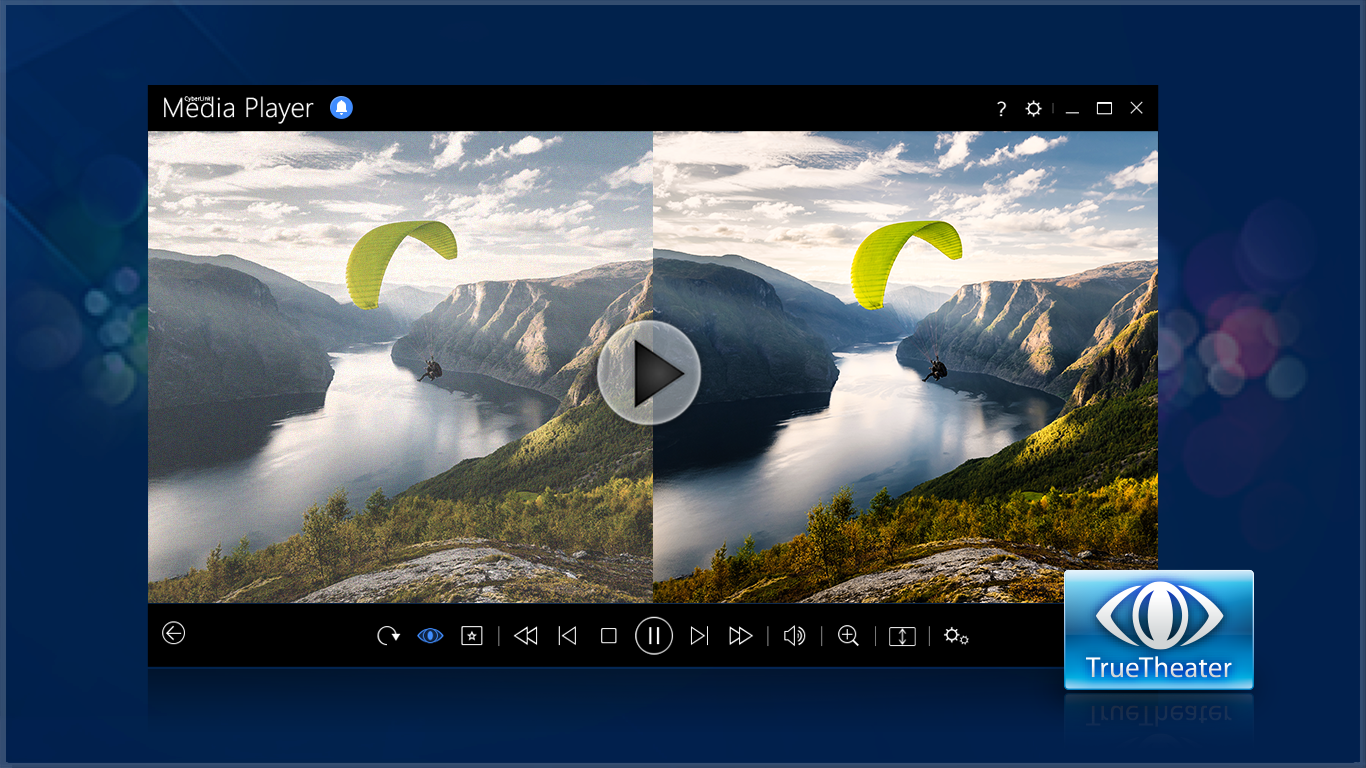
- High-Quality Video Playback: Equipped with hardware acceleration and optimized rendering, it offers crisp visuals and reduced buffering, even for high-definition videos.
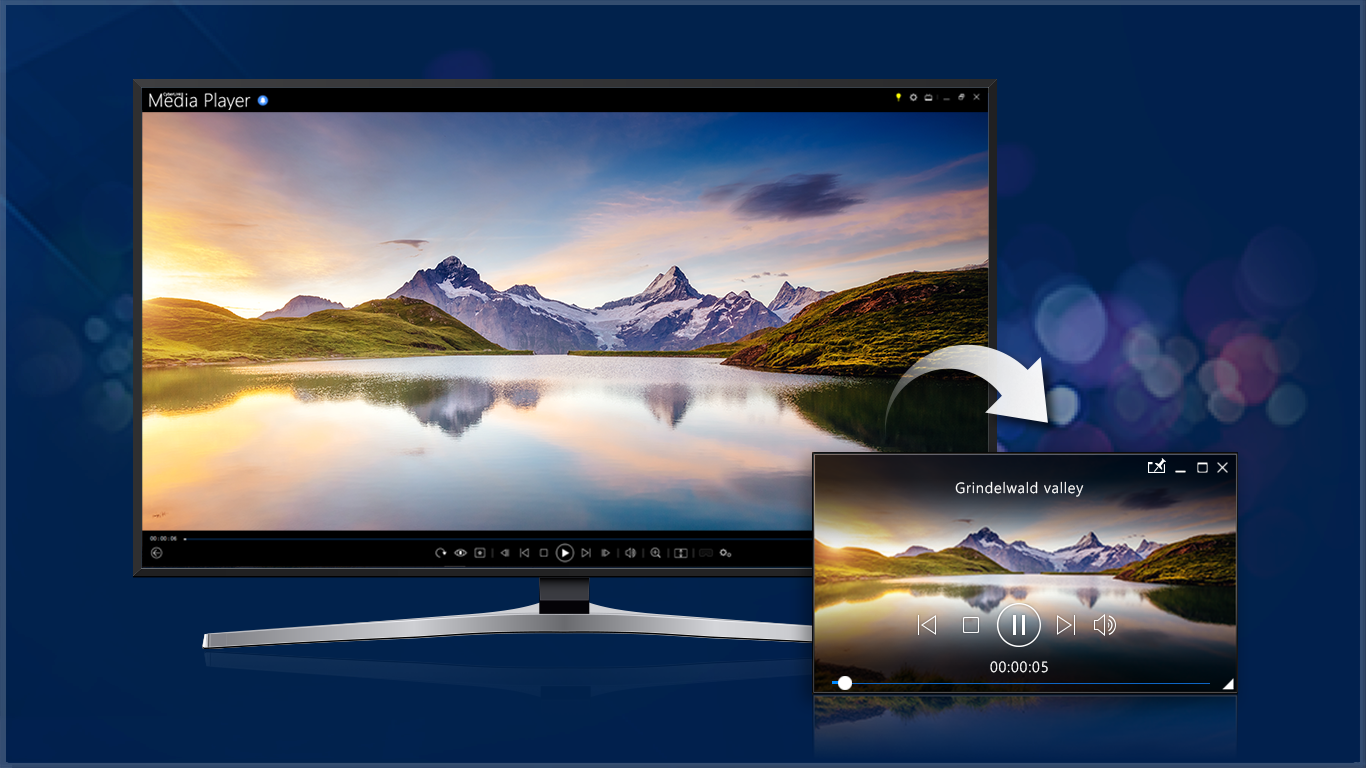
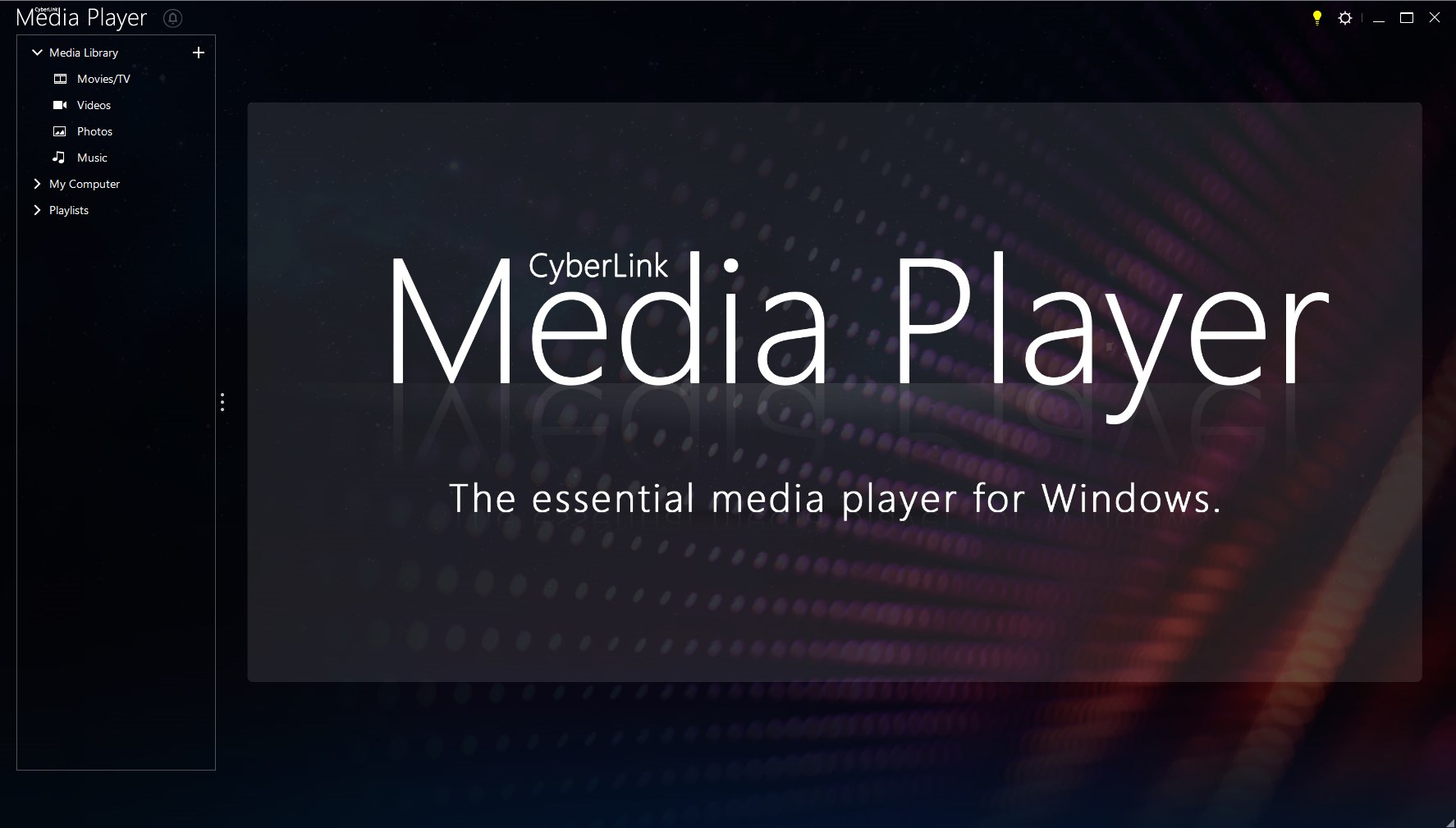
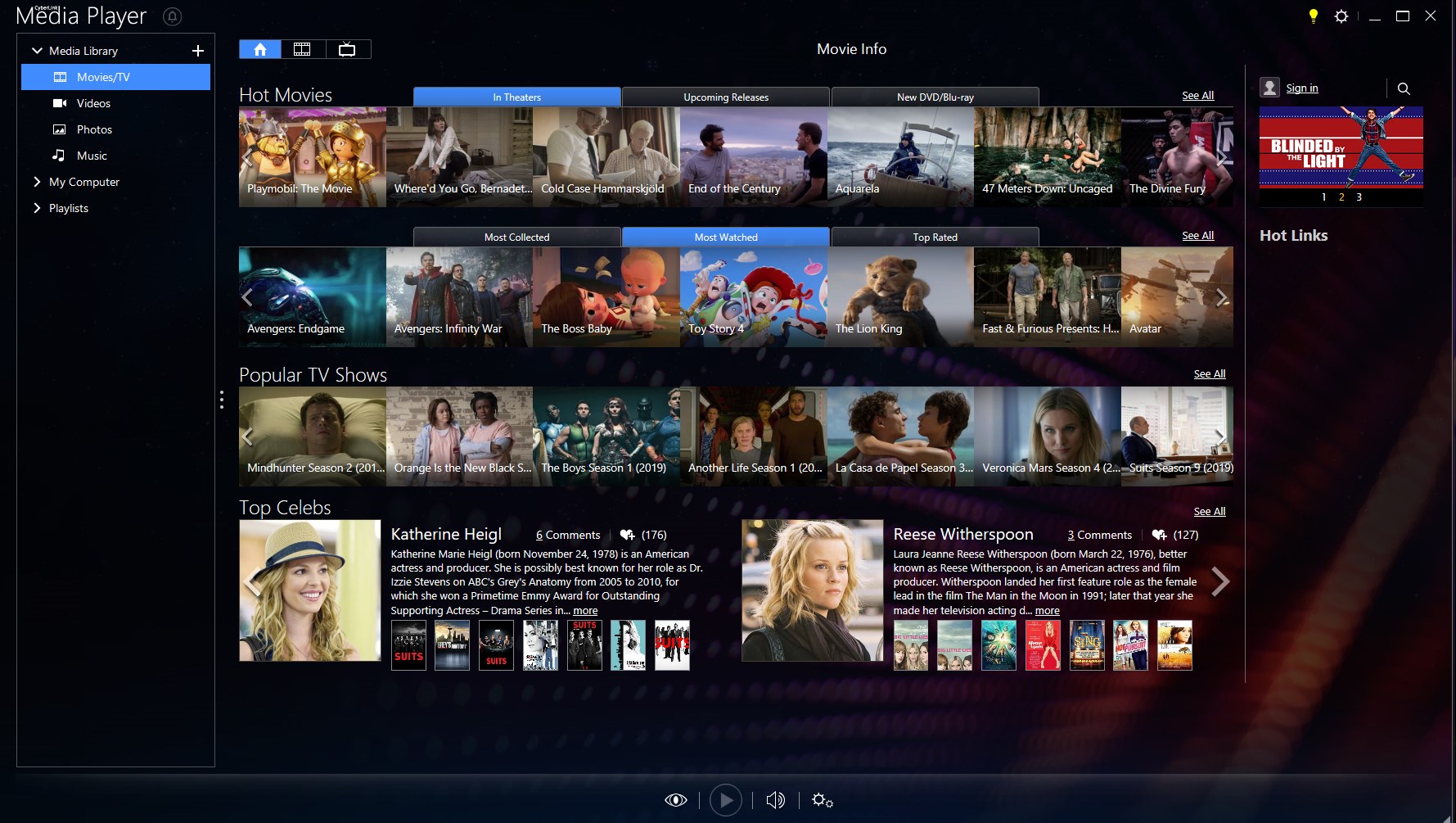
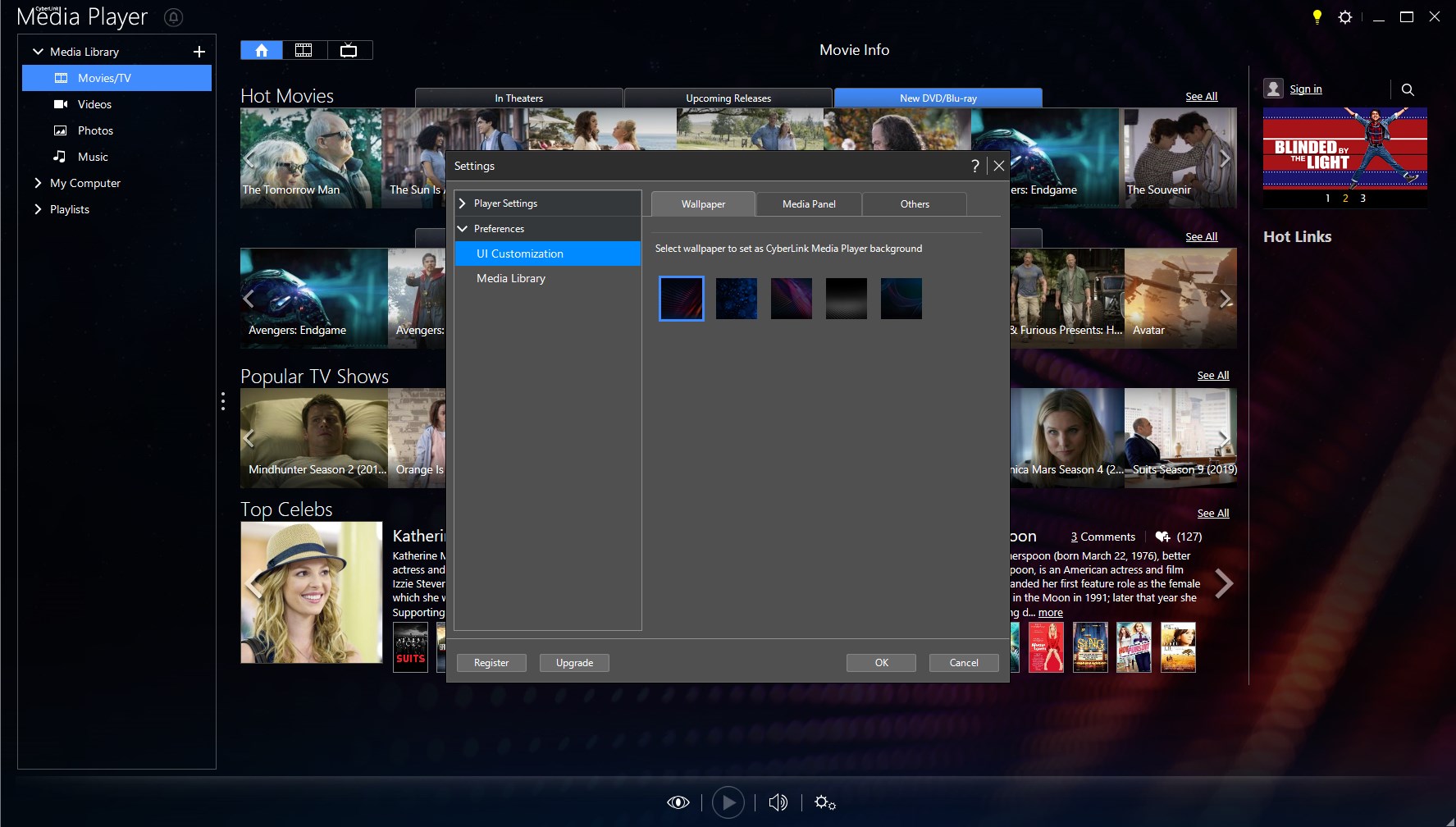
- Intuitive User Interface: Features a clean, distraction-free design that allows users to navigate easily through their media collections.
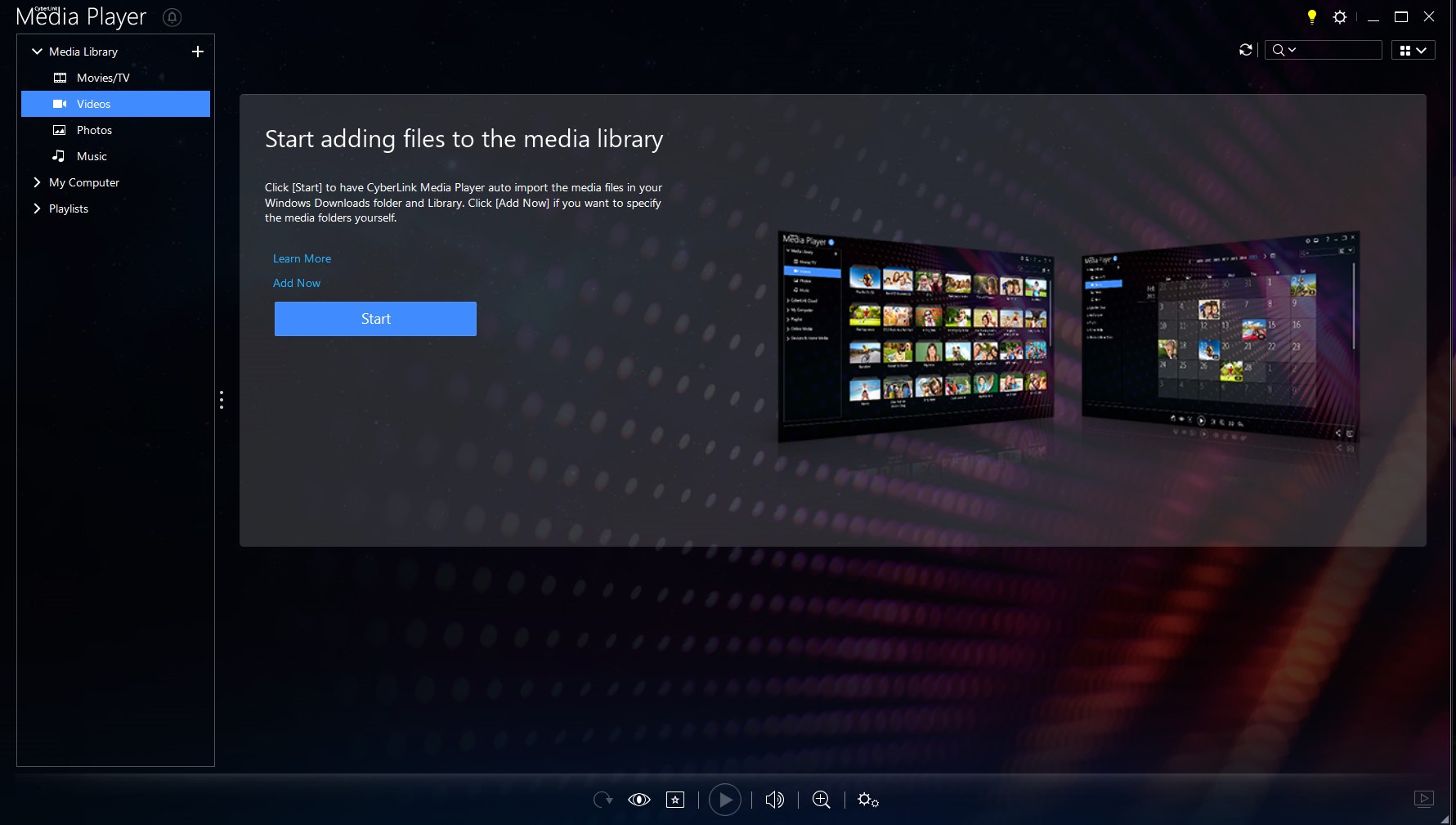
- Media Organization Tools: Provides options for creating playlists, browsing media libraries, and quick access to favorite files, streamlining media management.
Engaging Introduction: Playing Media Like a Pro
Imagine sinking into your favorite armchair after a long day, ready to unwind with a crisp movie or some soulful tunes. CyberLink Media Player 18 Standard acts like your digital cinema companion—smooth, reliable, and straightforward. It's like having a personal media DJ right on your desktop, ready to bring your videos and music alive with just a few clicks.
Powerful Core Features: Unlocking Media Joy
Seamless Video Playback and Compatibility
The standout feature of Media Player 18 Standard is its stellar support for a plethora of media formats, including MP4, MKV, AVI, MOV, MP3, AAC, FLAC, and more. This broad compatibility means you don't have to fuss over converting files or installing additional codecs. It's akin to having a universal remote control that effortlessly handles all your media devices—convenient and reliable. Plus, with hardware acceleration enabled, videos play smoothly even on modest PCs, making it a truly hassle-free experience.
Crystal Clear Visuals and Smooth Streaming
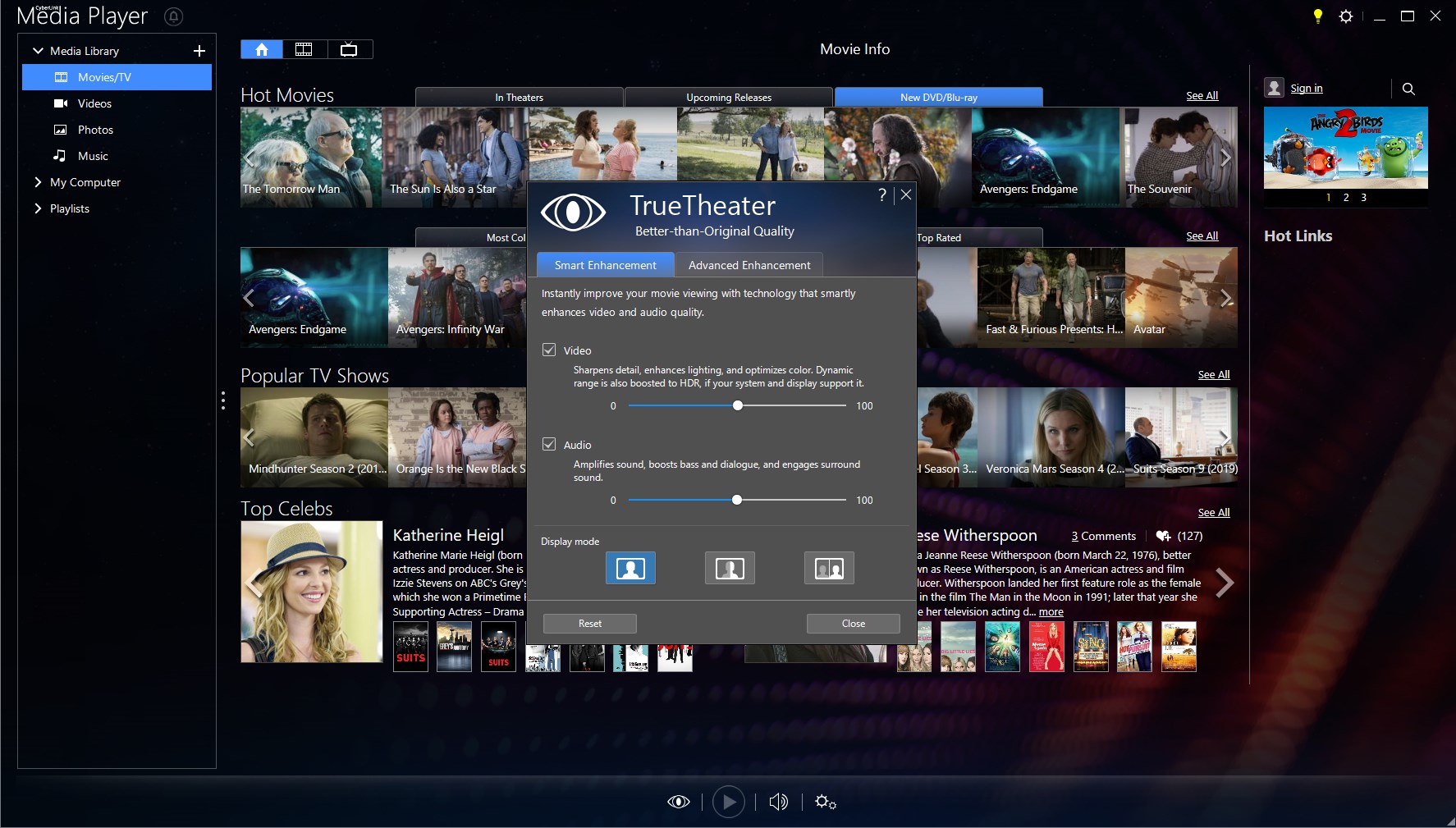
Thanks to its optimized engine and hardware support, the app delivers vibrant image quality with minimal lag. Whether you're watching a high-definition documentary or a 4K blockbuster, the playback remains crisp, fluid, and free of stutter. This makes it perfect for movie nights or reviewing videos with colleagues. The clever tuning in the background ensures your media looks and sounds its best without demanding complicated adjustments.
User Experience: Simplicity Meets Functionality
The interface of Media Player 18 Standard is like a well-organized cabinet—clean, minimalist, yet everything you need is within reach. Navigation is intuitive; menus are straightforward for novices, while subtle advanced options cater to power users. The controls are responsive, and playback controls are accessible via a streamlined toolbar that feels natural to operate. The learning curve is gentle, meaning you can jump right into enjoying your media without wrestling with technical menus. This smooth experience is complemented by features like easy playlist creation and media library management, turning media consumption into a delightful routine rather than a chore.
Unique Selling Points & Differentiation from Competitors
What sets CyberLink Media Player 18 Standard apart from other media players like VLC or Windows Media Player is its dedicated hardware optimization and simplified media organization tools. While VLC boasts extensive format support and customization, Media Player 18 provides a more polished out-of-the-box experience tailored for Windows users seeking effortless playback with less configuration fuss. Its integration with the Windows ecosystem feels natural, and the app's focus on delivering consistent high-quality visuals gives it a slight edge in viewing experiences.
Final Recommendations: Should You Try It?
If you're in search of a media player that combines reliable performance with an elegant interface, CyberLink Media Player 18 Standard is worth considering. It's best suited for users who want a straightforward, hassle-free app that handles most common media formats effortlessly. While it doesn't boast the extensive customization options of some open-source players, its focus on quality, simplicity, and seamless integration makes it a strong contender. I recommend it especially for casual viewers and those who prioritize ease of use over complex features.
Pros
- User-friendly interface
- Broad format support
- HD video playback
- Integrated streaming features
- Lightweight and efficient
Cons
- Limited advanced features
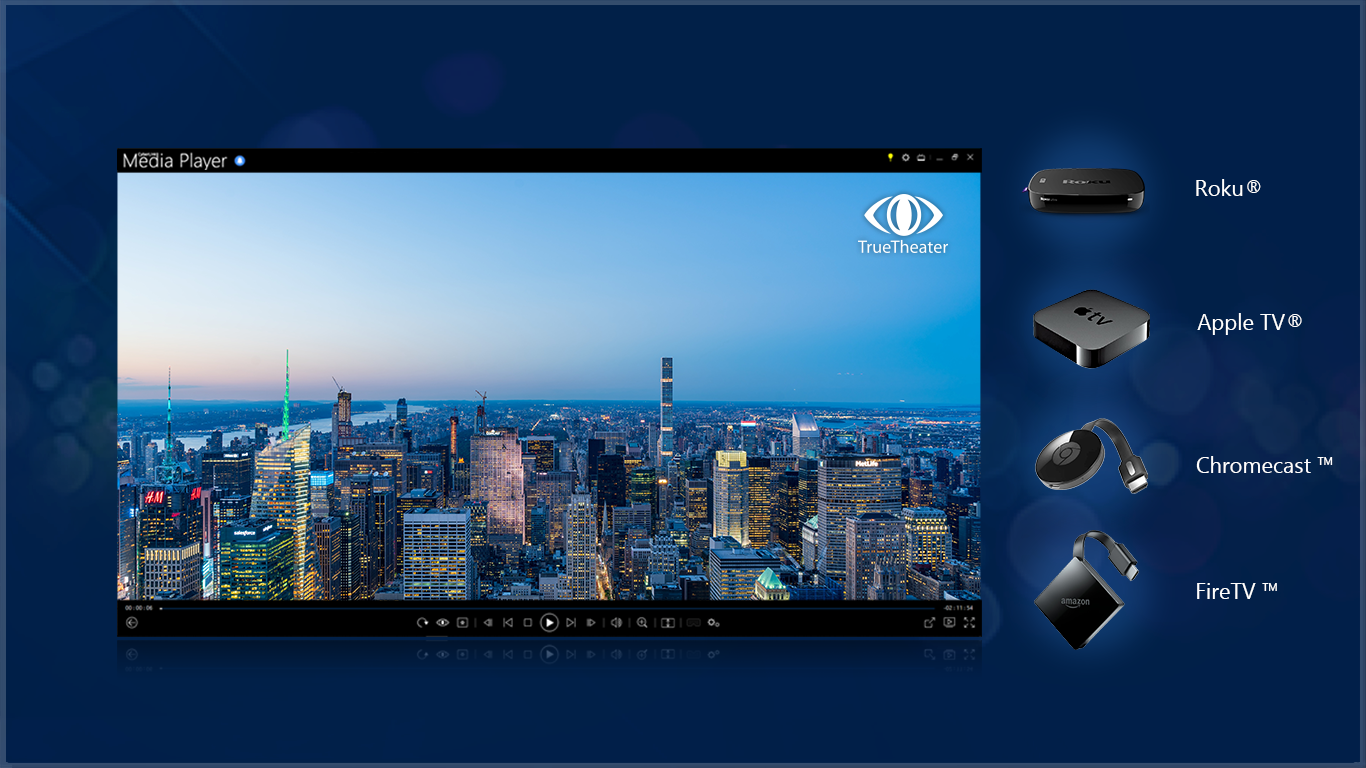
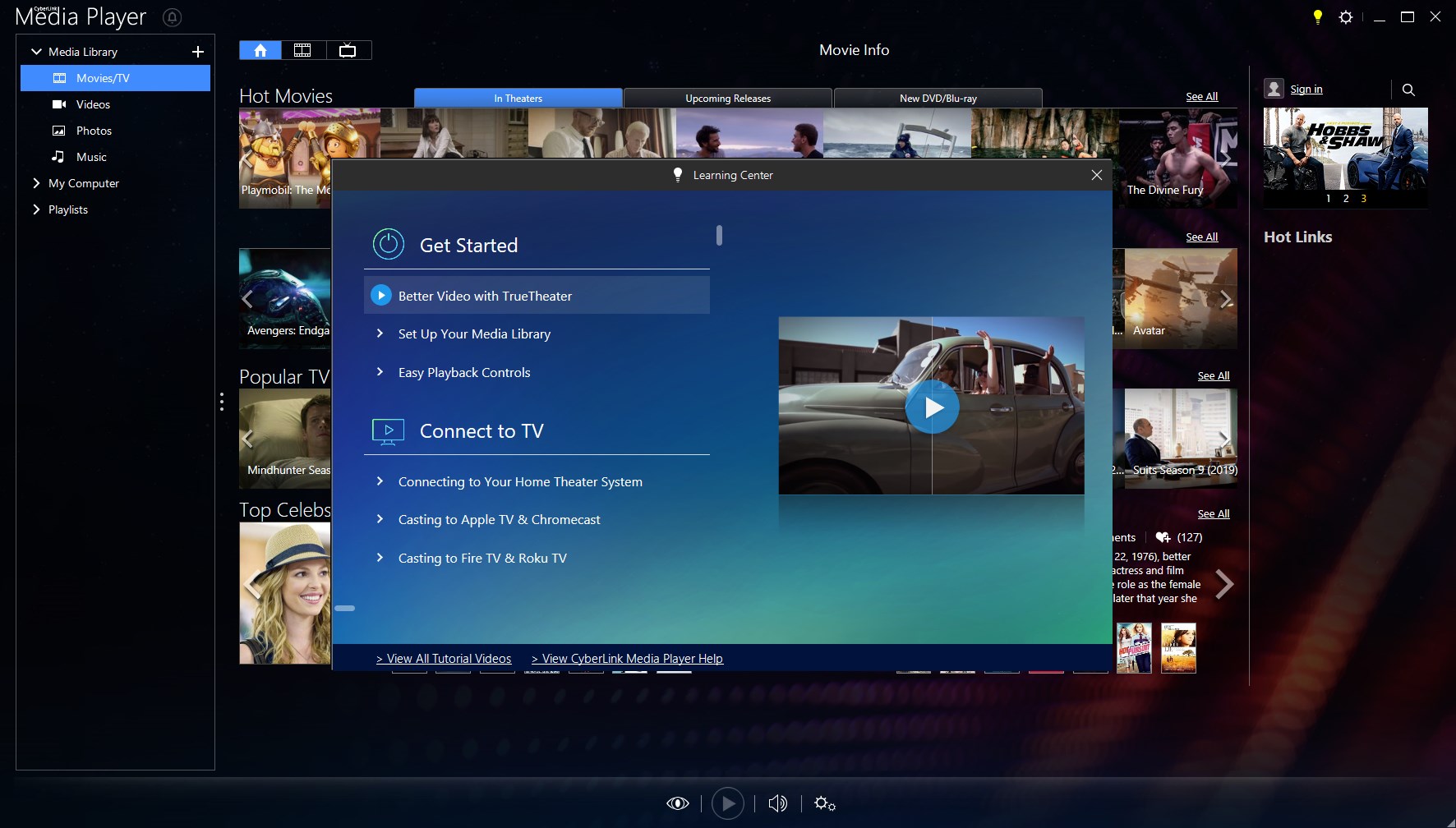
- No Chromecast or Chromecast-like support
- Occasional playback glitches
- Basic interface customization options
- No built-in equalizer










