

- Category Photo & video
- Developer CyberLink Corp.
- Available on PC
- OS Windows 10 version 14393.0 or higher
- Keyboard Integrated Keyboard
- Mouse Integrated Mouse
- Memory 4 GB
- languages Chinese (Simplified), Chinese (Traditional Chinese), English (United States), French, German, Italian, Japanese, Korean, Portuguese (Brazil), Russian, Spanish
Introducing CyberLink PowerDVD Standard for Windows
CyberLink PowerDVD Standard is a reliable media playback application designed to elevate your entertainment experience on Windows. It offers a seamless way to enjoy your favorite movies, videos, and media collections with high quality and ease.
About the Developer and Core Highlights
Developed and published by CyberLink Corporation, a well-established name in multimedia software, PowerDVD Standard boasts a robust suite of features tailored for both casual viewers and media enthusiasts. Its main highlights include:
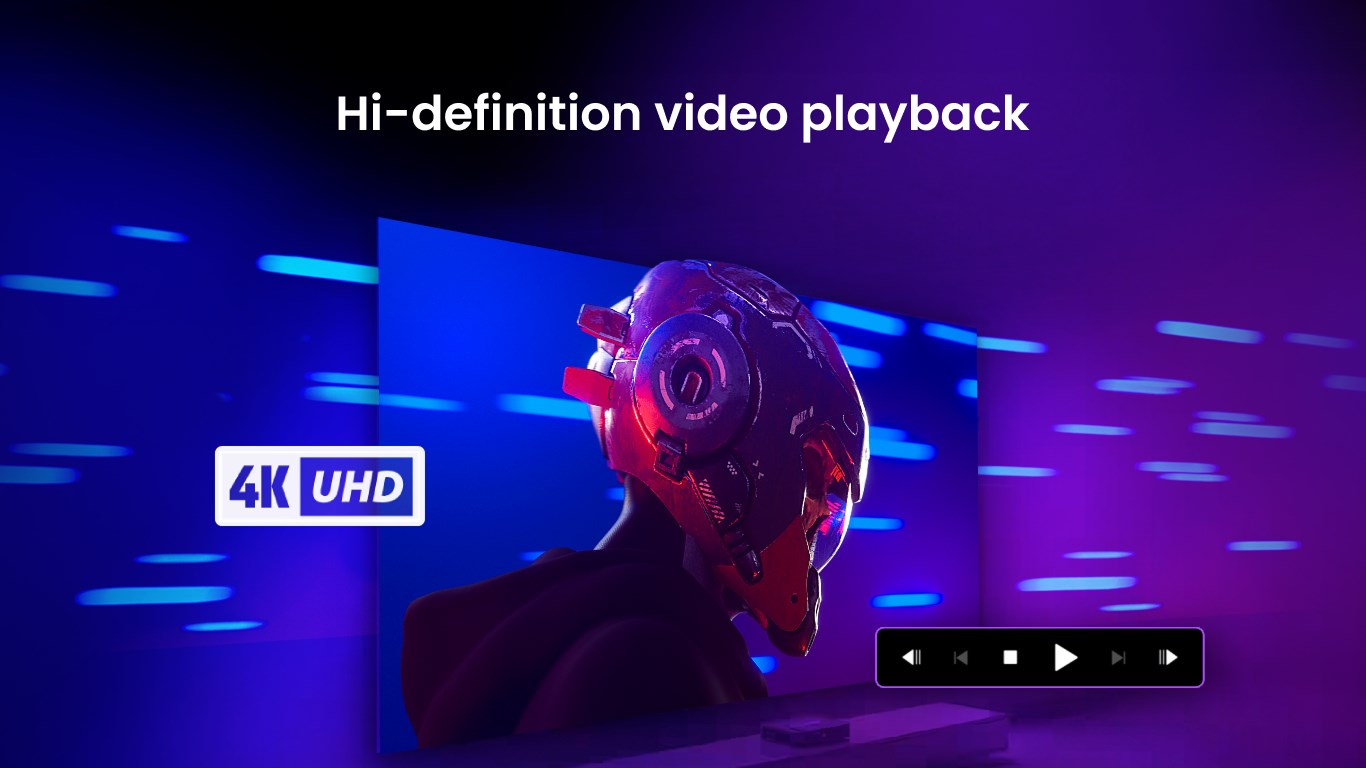
- Superior 4K and HDR Playback: Experience your movies in stunning ultra-high definition with vibrant color fidelity.
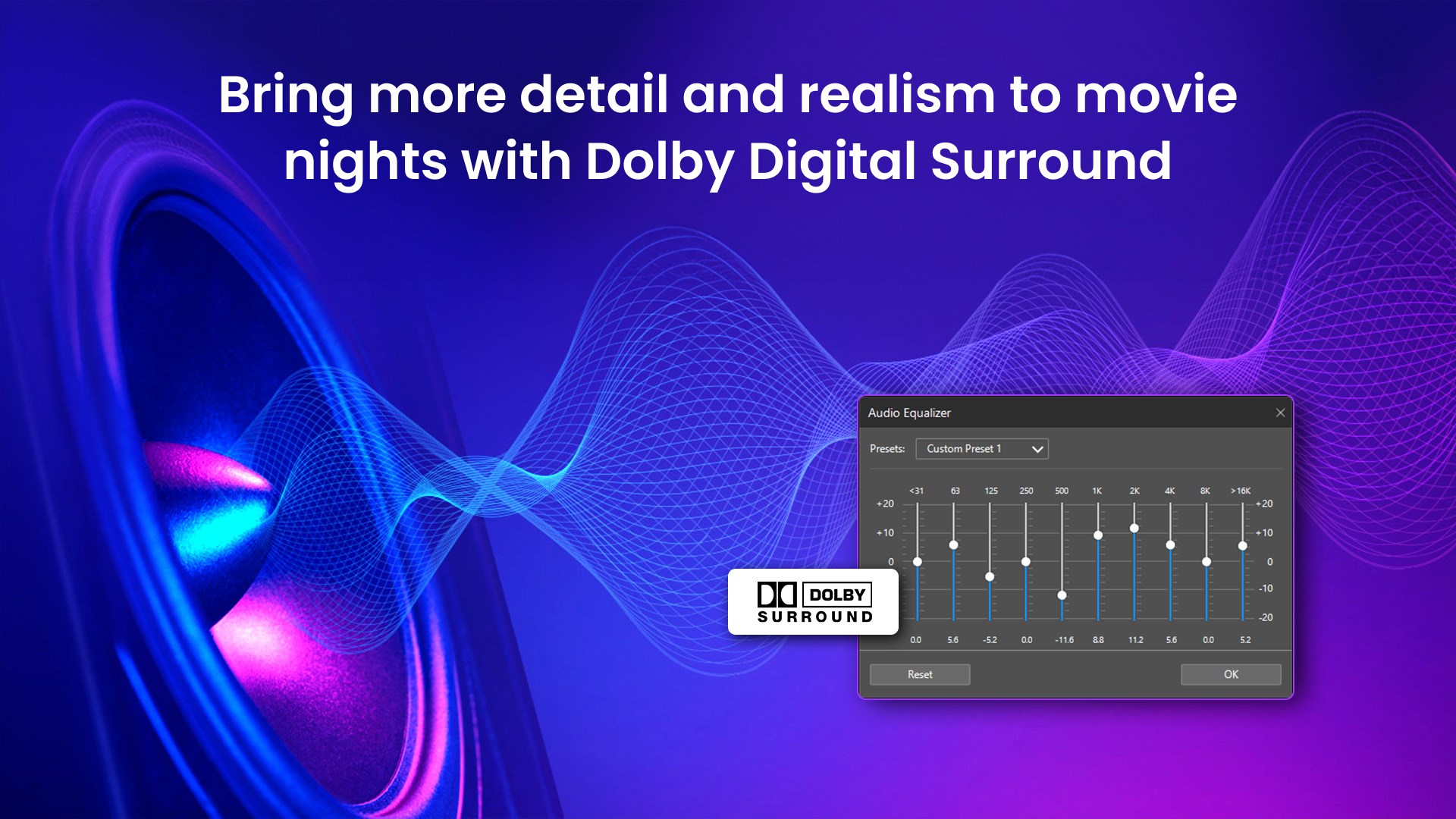
- Enhanced Video and Audio Quality: Supports Dolby Vision and Dolby Atmos for immersive audiovisual experiences.
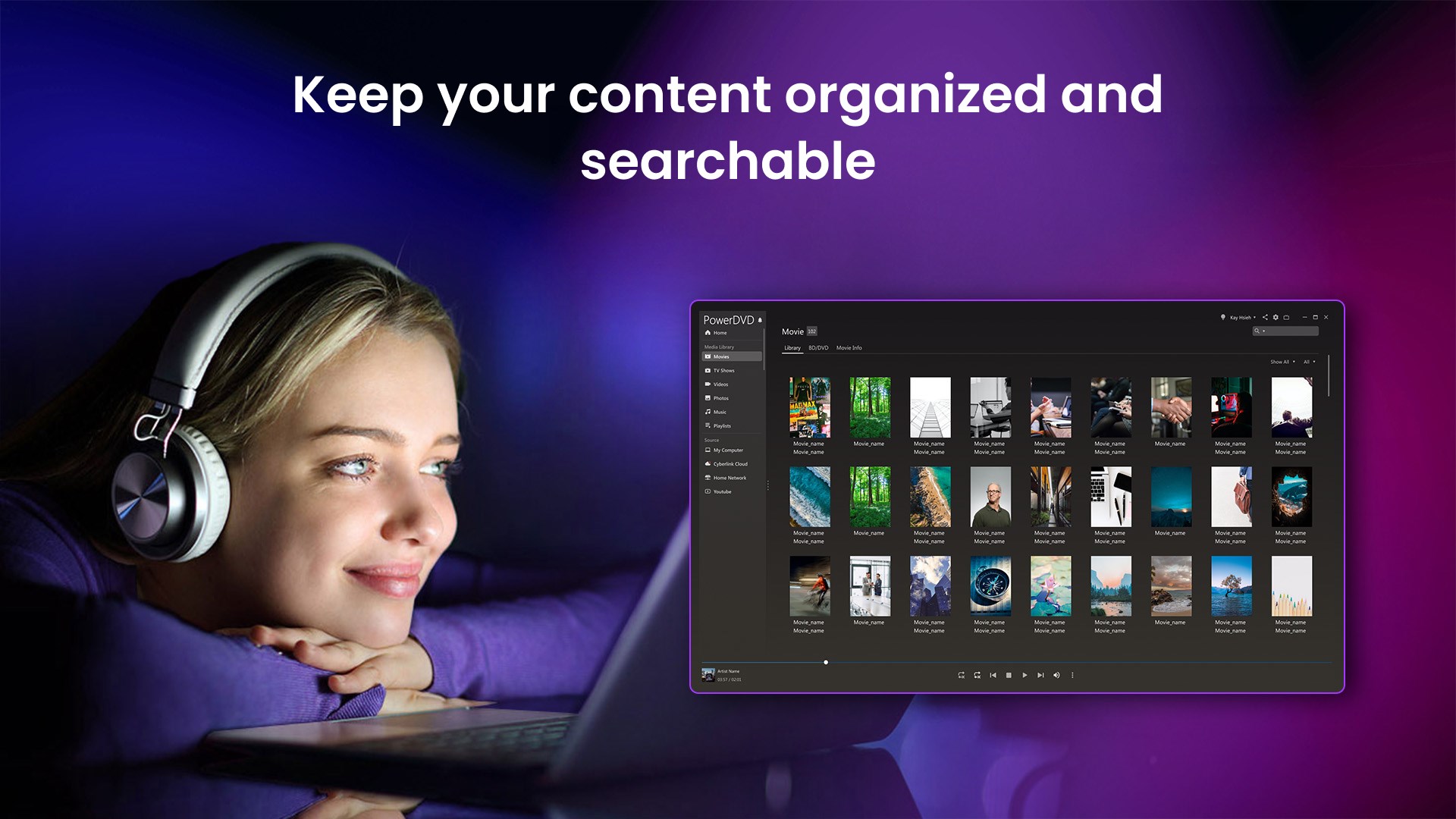
- Comprehensive Media Management: Organize, browse, and stream your media library effortlessly.
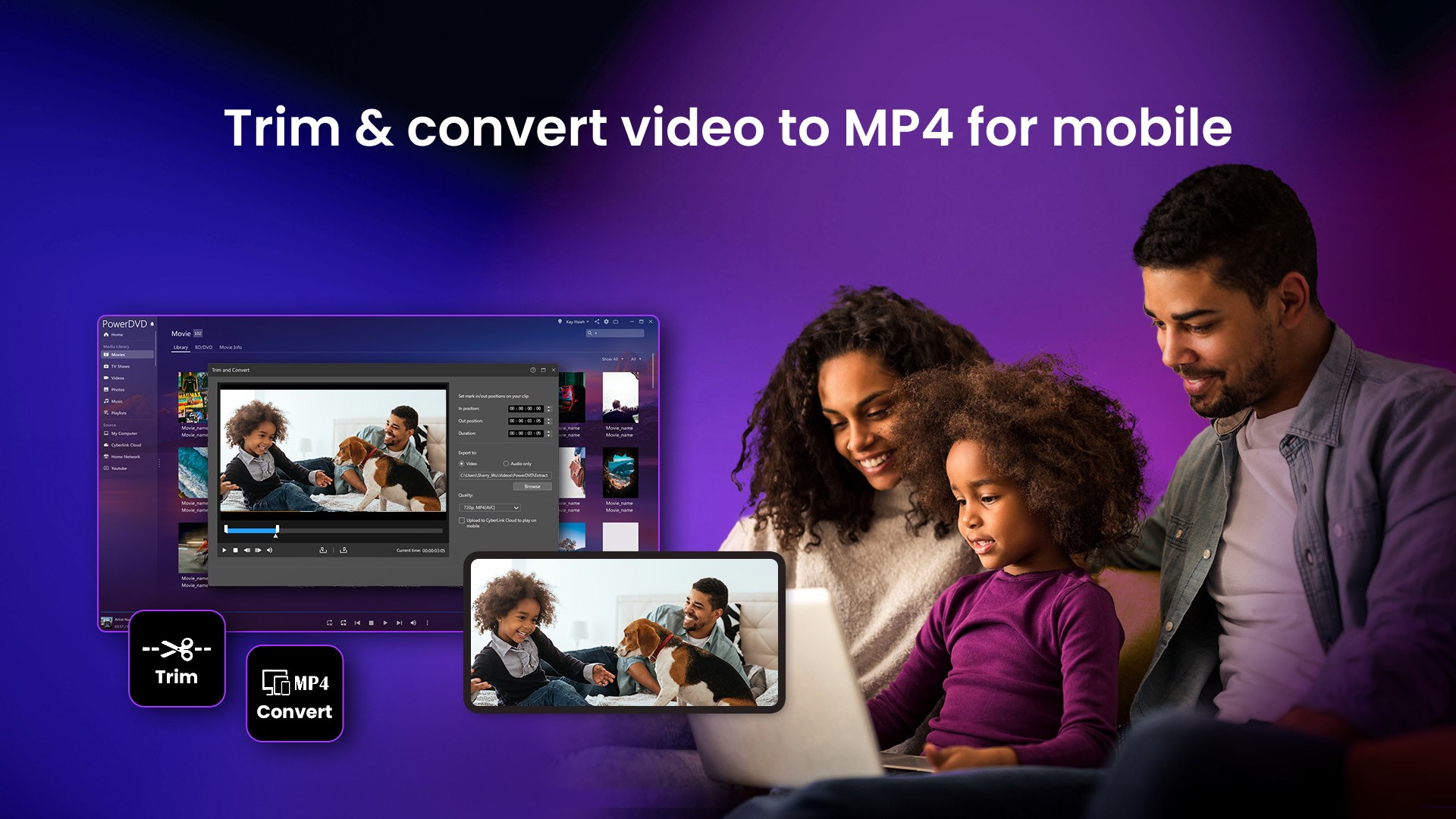
- Versatile Device Compatibility: Stream to smart TVs and connect external devices with ease.
Designed primarily for home entertainment enthusiasts, casual viewers seeking high-quality playback, and users who want integrated media management features.
Engaging Playback Experience: Bringing Movies to Life
Imagine curling up on your sofa, pressing play, and being transported into a cinematic world that's crystal clear and rich with detail—that's what PowerDVD Standard can deliver. Its intuitive interface and quick setup make it feel like a familiar movie theater experience within your own home. The app's compatibility with 4K and HDR content means every scene bursts with color and contrast, transforming your screens into window portals to another realm.
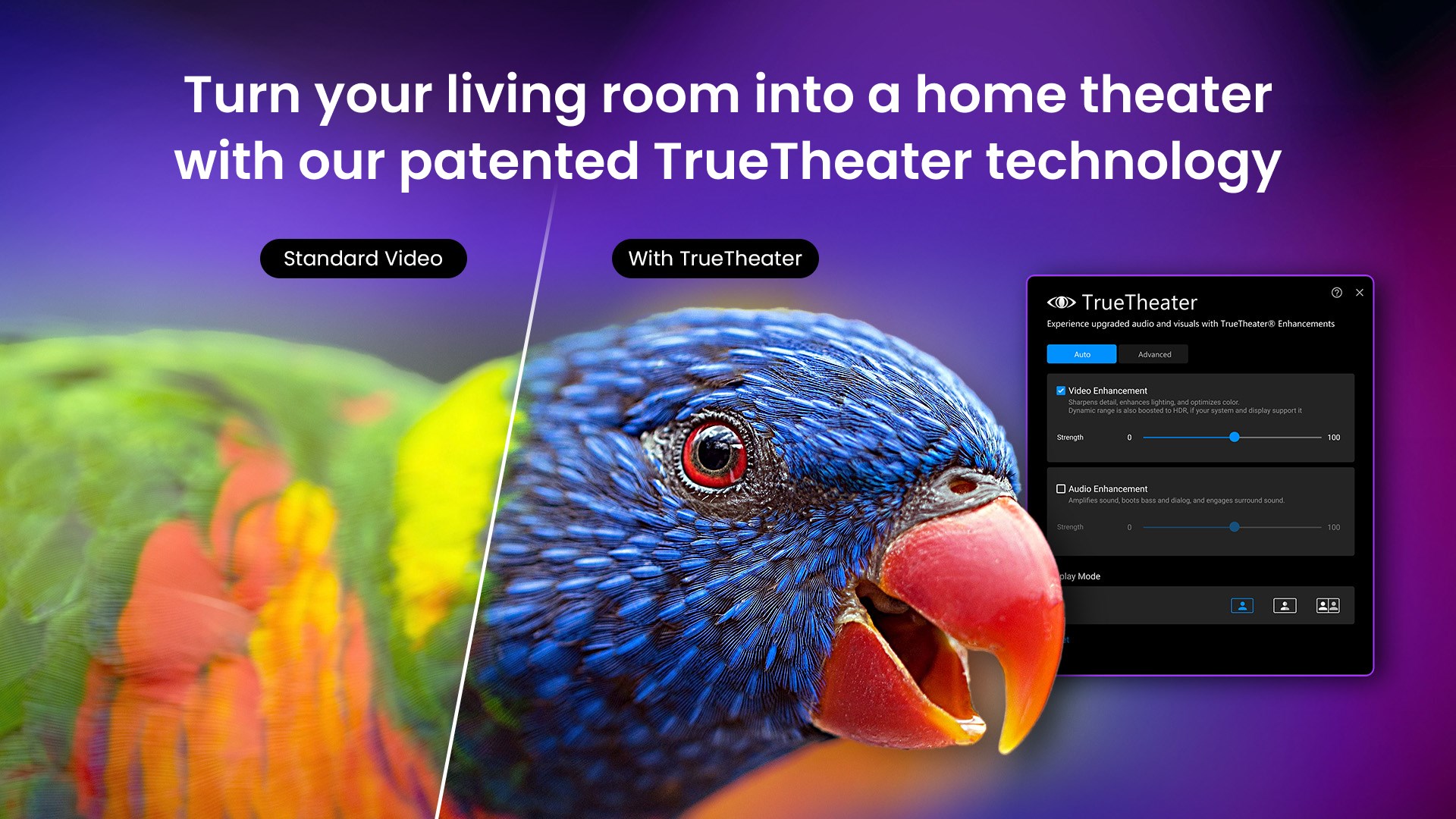
This application doesn't just play videos; it enhances them. Whether you're streaming a movie from a local drive or an online source, PowerDVD automatically optimizes your media, ensuring you see the best quality possible, making every frame a visual delight.
Core Functionality: Quality, Management, and Streaming
Rich Media Playback with Visual and Audio Excellence
One of PowerDVD Standard's standout features is its support for advanced video formats like Dolby Vision and HDR10, alongside Dolby Atmos audio. This combination ensures your movies have that extra punch—bright highlights, deep shadows, crystal-clear dialogue, and immersive sound. Setting up is straightforward; users can quickly select their preferred quality mode, and the app takes care of the rest, dynamically adjusting to optimize playback based on hardware capabilities.
Intuitive Media Library and Organization
Managing large collections of movies and videos becomes a breeze with PowerDVD's built-in media library. Its interface akin to a well-organized digital bookshelf allows you to browse, sort, and search effortlessly. You can even add metadata, cover art, and tags for easier retrieval later. The seamless integration with online media sources and streaming services broadens your viewing options without cluttering your device.
Stream and Connect with Ease
PowerDVD Standard shines in its streaming capabilities. Whether you want to cast content to a smart TV or access media remotely, the app supports DLNA and screen mirroring smoothly. Thanks to its stable connection and user-friendly controls, you can share your favorite moments on big screens without technical hiccups—ideal for family movie nights or sharing content with friends.
UI, User Experience, and Unique Selling Points
The user interface of PowerDVD Standard feels like switching on the lights in a dim room—simple, clean, and inviting. The design borrows from media apps' familiar layout but adds thoughtful touches, such as quick access menus and customizable views. Navigation is smooth; loading a 4K HDR film from a local storage takes seconds, with no noticeable lag. The learning curve is gentle, even for first-time users.
What truly sets PowerDVD apart from other media players is its focus on high-quality picture and sound support, especially the integration of Dolby Vision and Atmos. These features make it stand out for those who crave cinematic fidelity without the complexity of professional editing or expensive hardware. Its versatility in managing, streaming, and enhancing media within a single platform offers an all-in-one solution that appeals to users preferring convenience and performance.
Final Recommendation
Overall, CyberLink PowerDVD Standard provides a compelling package for anyone serious about media playback on Windows. While it's not overly complex or loaded with unnecessary features, what it does, it does remarkably well—delivering quality, ease of use, and versatility. For those looking to upgrade their media experience with high-definition visuals and immersive audio without stepping into professional-grade tools, this app is definitely worth trying out. Consider it your personal cinema at home—reliable, clear, and ready to entertain at a moment's notice.
Pros
- User-Friendly Interface
- High-Quality Video Playback
- Broad Format Support
- Built-in Virtual Drive
- Additional Features
Cons
- Limited Advanced Customization
- High System Resource Usage
- Occasional Stability Issues
- Limited Free Trial Period
- Lack of MAC Version











