

- Category Multimedia design
- Developer NCH Software
- Available on PC
- OS Windows 10 version 15063.0 or higher
- Keyboard Integrated Keyboard
- Mouse Integrated Mouse
- Memory 4 GB
- languages English (United States)
A Practical Tool for Creators: Debut for Windows Overview
Debut for Windows, developed by NCH Software, is a user-friendly video recording and editing application designed to empower content creators, educators, and hobbyists with accessible tools for capturing and customizing videos. Its straightforward interface combined with powerful features makes it a handy addition to any multimedia toolkit.
Core Features That Make a Difference
1. Versatile Video Recording Capabilities
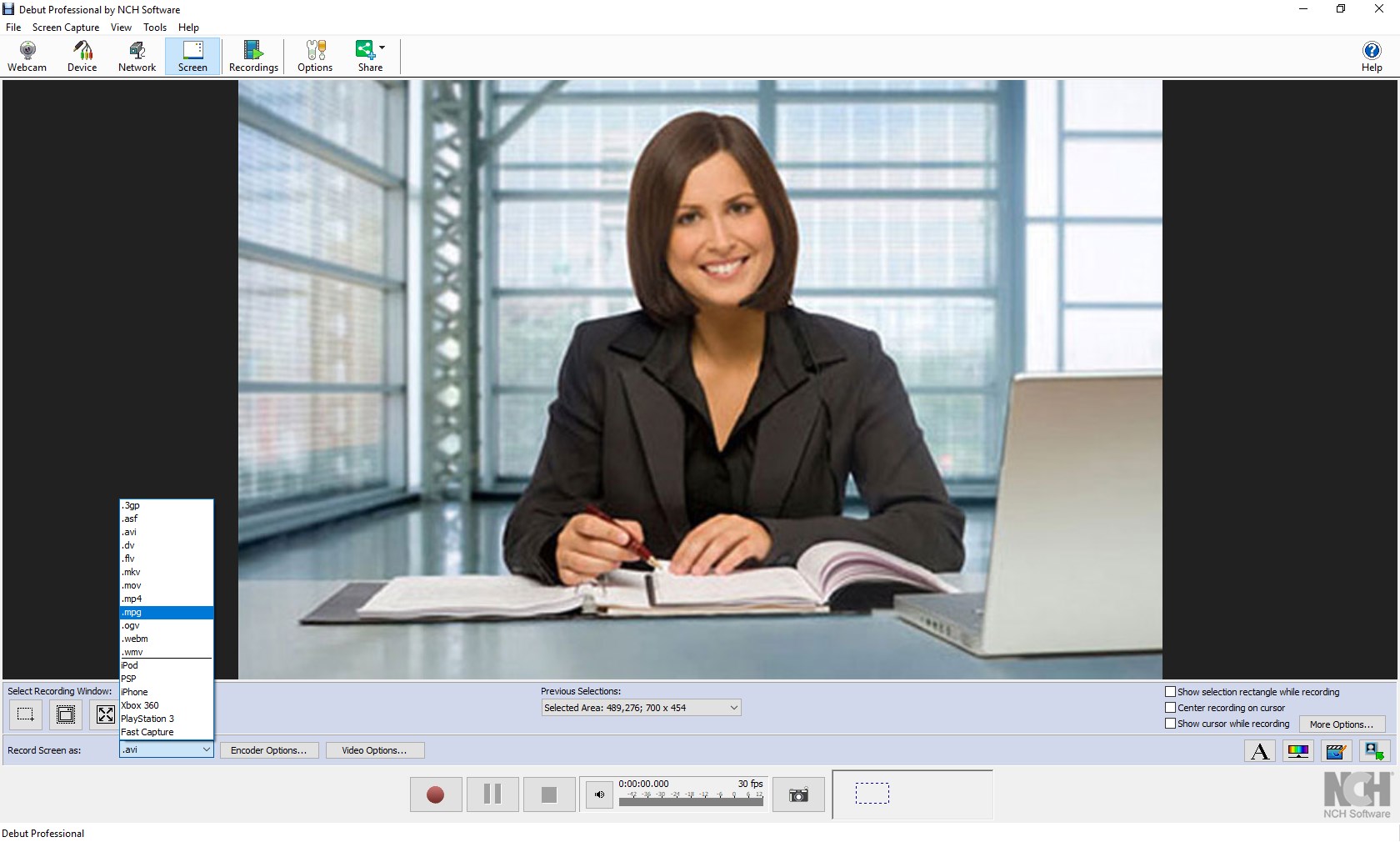
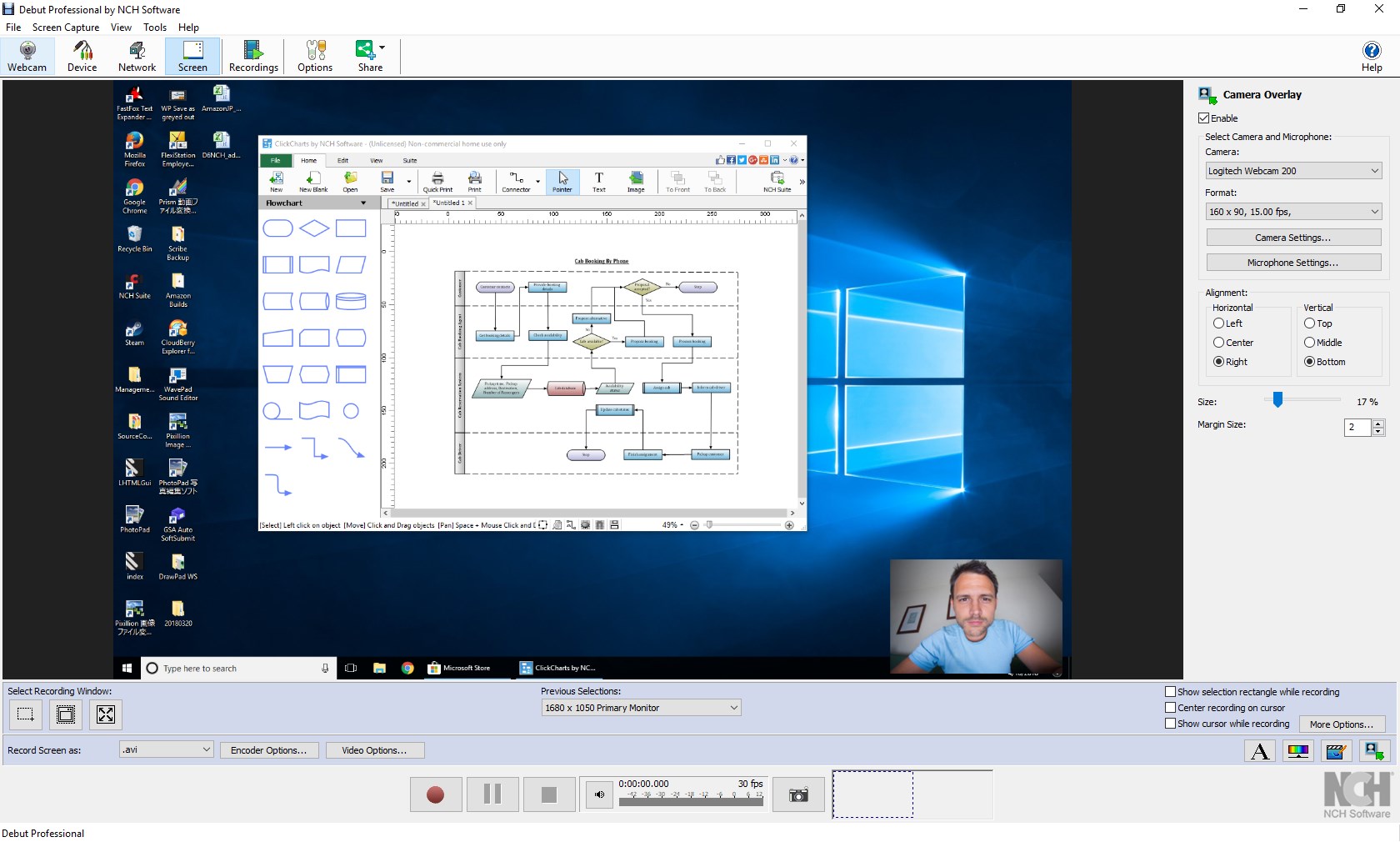
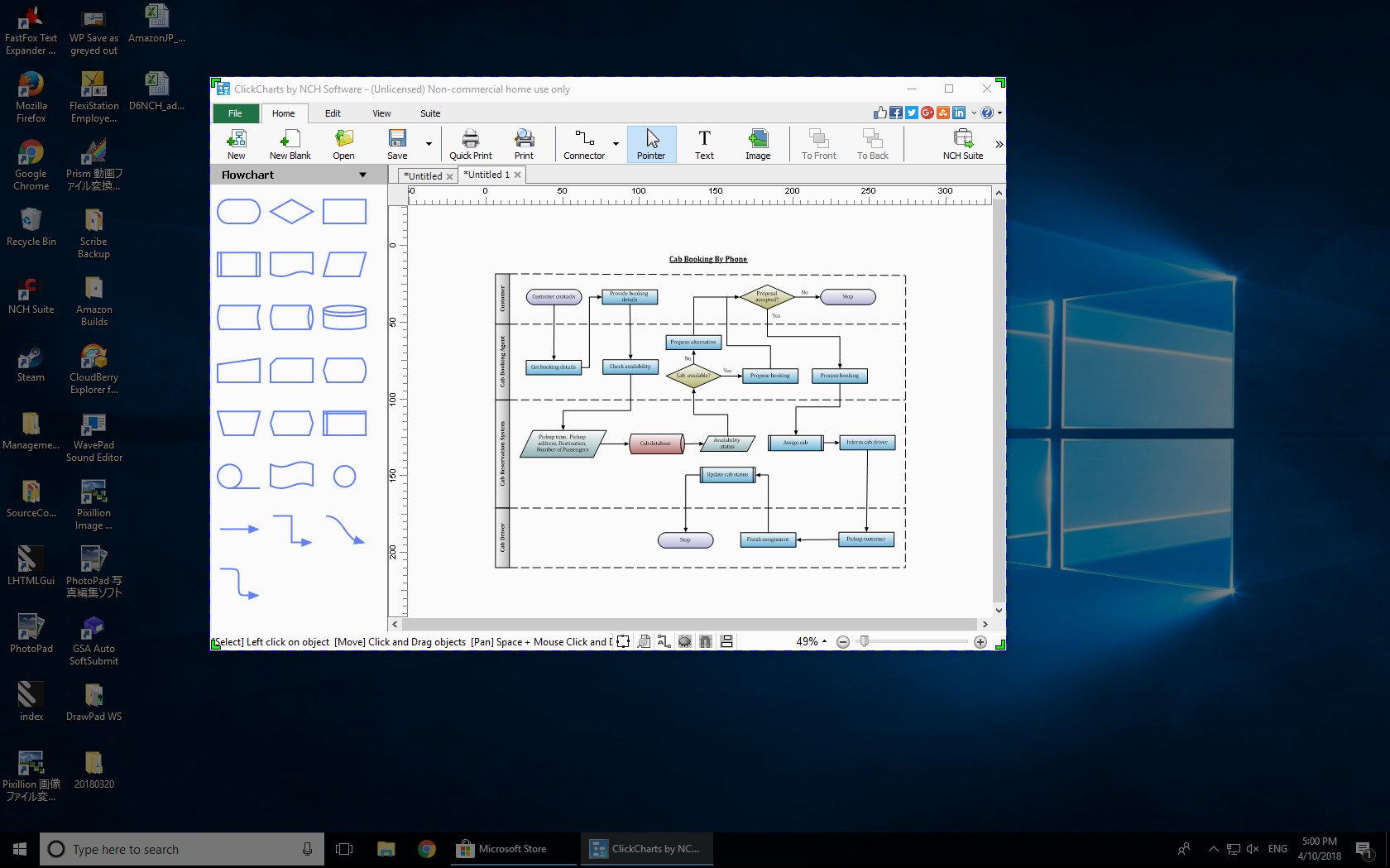
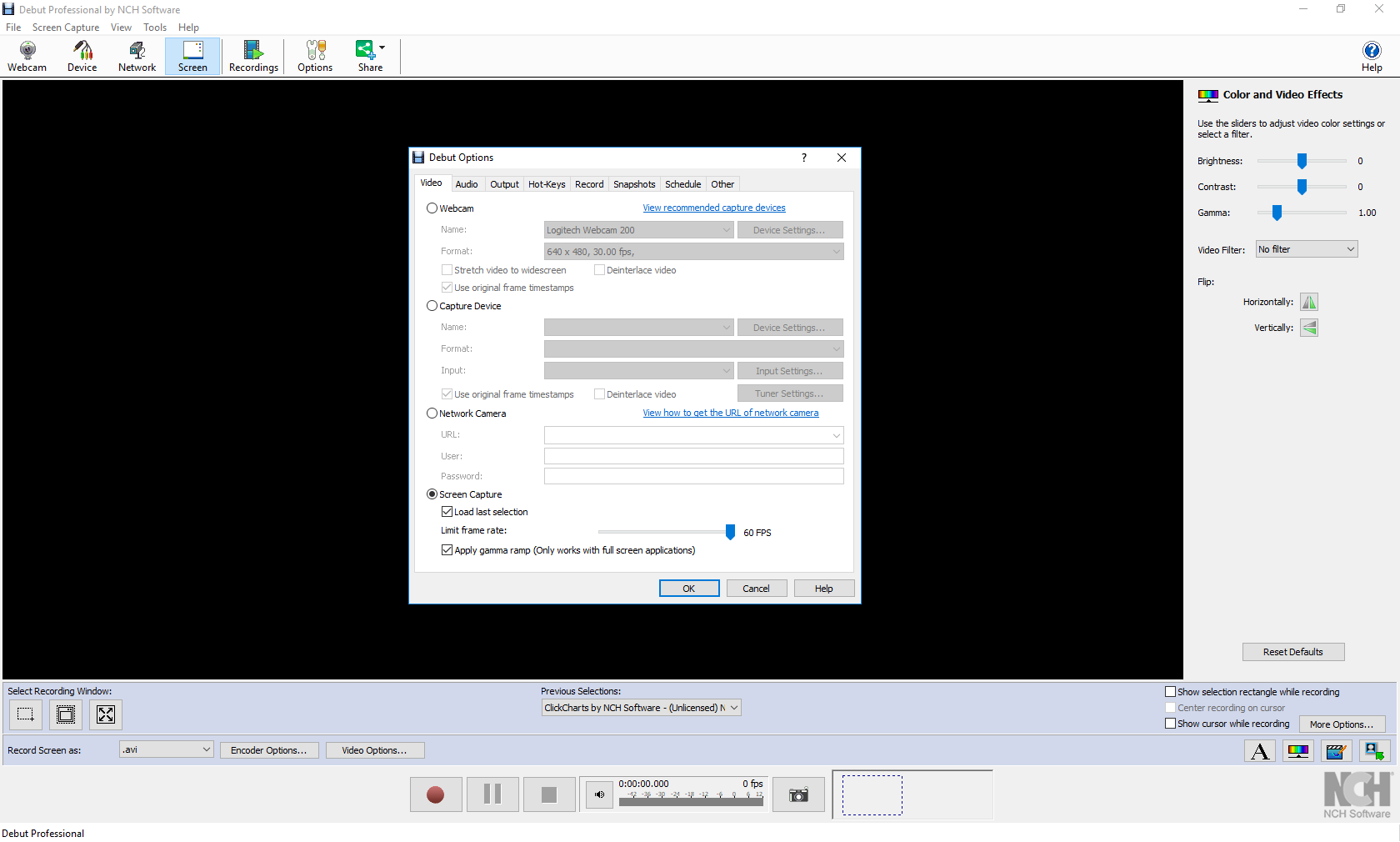
At its heart, Debut offers a robust screen and webcam recording feature. Whether you're capturing a tutorial, recording gameplay, or creating a video diary, Debut provides options to record full screen or specific regions. Its support for multiple audio input sources ensures synchronization between narration and visuals. The ability to record in various formats — including AVI, MP4, and WMV — means you're ready for any intended platform or purpose.
2. Simple Yet Effective Video Editing Tools
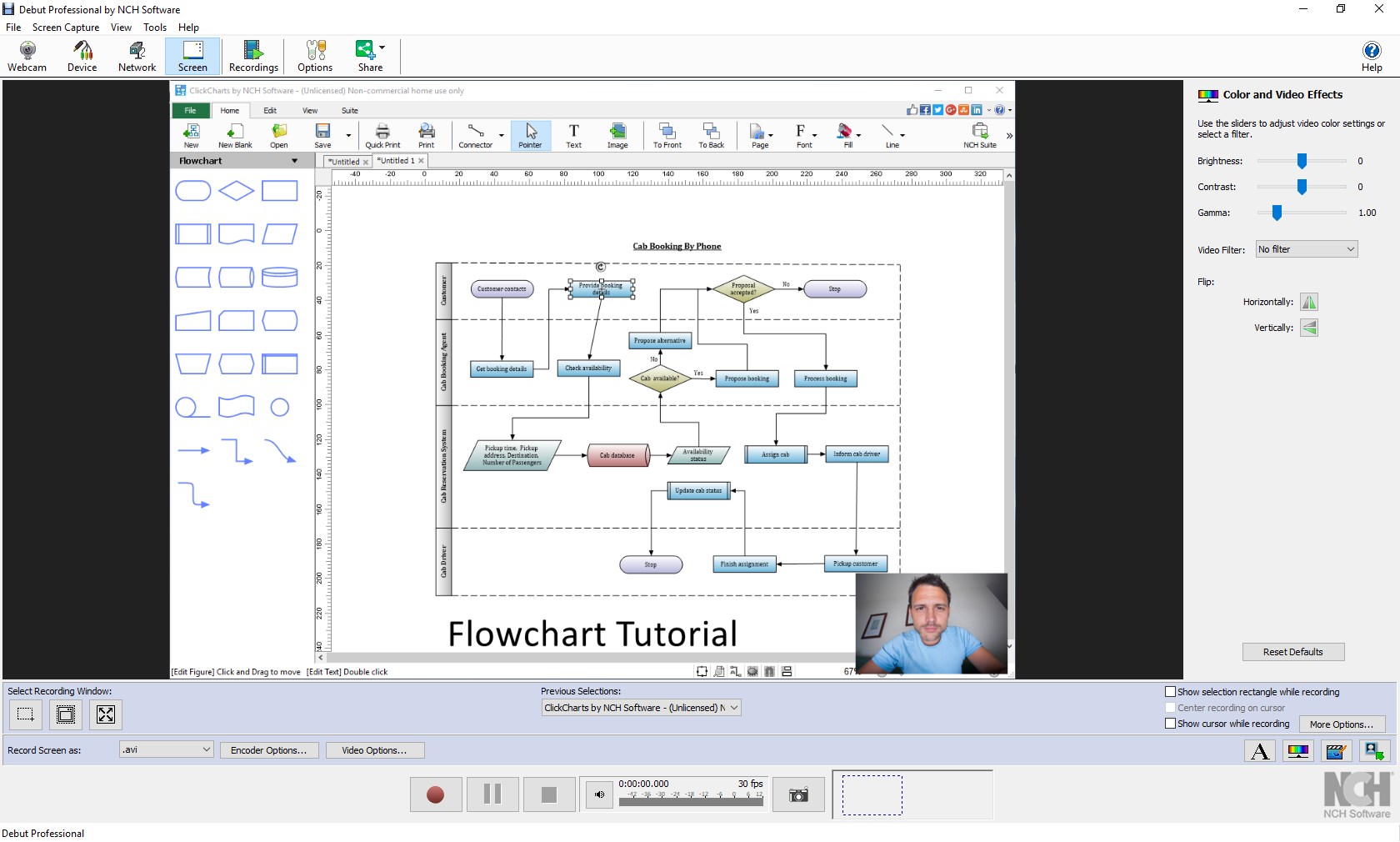
Beyond recording, Debut includes essential editing features like trimming, cropping, and adding captions. Think of it as a digital sketchpad—small tweaks that help refine your footage without overwhelming with complex menus. While it may not replace professional-grade editors, Debut's intuitive interface makes quick adjustments accessible to users at all levels.
3. Customization and Output Options
One of Debut's standout aspects is its flexibility in output settings. Users can choose video quality, frame rate, and compression preferences, tailoring outputs to different needs—from high-definition presentations to quick social media snippets. Additionally, its scheduled recording feature allows for automation, turning your PC into a dedicated recording station for ongoing projects.
User Experience: Seamless and Approachable
Launching Debut feels like opening a well-organized workshop—clean, straightforward, and inviting. The interface employs familiar paradigms, making first-time users feel at home quickly. Navigating the recording setup is intuitive: select your source, set your parameters, and record with a single click. During use, the app runs smoothly—no lag or stuttering—providing a steady workflow that's essential when capturing live content.
In terms of learning curve, Debut scores high—its minimalistic design means there's little time spent deciphering menus, and users can get to recording faster. The toolbar is logically arranged, and help resources are readily accessible if needed, ensuring users of varying technical skills can master the application promptly.
Differentiating Factors: Why Choose Debut?
Compared to other multimedia creation tools, Debut's emphasis on simplicity is its greatest strength. While many video editors or screen recorders target professionals with elaborate features, Debut carves out a niche for those who desire straightforward, reliable recording with some light editing—a perfect "just enough" approach. Its scheduled recording feature is especially notable, acting like a digital recorder that you can program in advance, setting it apart from similar apps which require manual operation each time. This makes Debut ideal for automated content capture, like recording webinars or live streams without constant supervision.
Final Verdict: A Friendly Companion for Video Tasks
If you're seeking an uncomplicated yet sufficiently capable tool for video recording and basic editing—perhaps to document your gaming sessions, record tutorials, or capture lectures—Debut deserves a place in your software lineup. Its particular strengths in scheduled recordings and straightforward interface make it highly accessible and efficient. However, for advanced editing or more intricate multimedia projects, you might need additional software.
Overall, I recommend Debut for casual users, educators, and small-scale content creators looking for an honest, no-frills solution that gets the job done reliably. Its clarity and ease of use turn what could be a daunting task into something approachable—even enjoyable.
Pros
- User-friendly interface
- Seamless integration with Microsoft services
- High-quality video editing tools
- Regular updates and improvements
- Free basic version available
Cons
- Limited advanced editing features in free version
- Occasional stability issues with large files
- Learning curve for complex features
- Lack of exporting options for certain formats
- Performance may vary on lower-end devices











