
- Category Multimedia design
- Developer muzzumoh
- Available on PC, Surface Hub
- OS Windows 10 version 14393.0 or higher
- languages English (United States)
Unlocking Creativity with Design Space for Maker and Explore Air for Windows
If you're a hobbyist or professional maker looking to streamline your cutting and crafting projects, the Design Space for Maker and Explore Air for Windows offers an intuitive platform tailored just for you. Developed by muzzumoh, this app transforms your Windows device into a creative powerhouse, blending user-friendly design with powerful features to bring your ideas to life—whether you're designing intricate vinyl decals or custom cardstock shapes. Let's dive into what makes this app stand out and how it can fit into your creative workflow.
Core Features that Spark Inspiration
Seamless Compatibility with Cricut Devices
The app is optimized for Cricut Explore Air series, providing a smooth, unified experience for crafting enthusiasts. Users can effortlessly connect their Cricut machines via Wi-Fi or USB, ensuring your hardware and software work in perfect harmony. This tight integration allows for real-time project monitoring and quick adjustments, helping you stay creative without technical interruptions.
Intuitive Design Space for Crafting and Customization
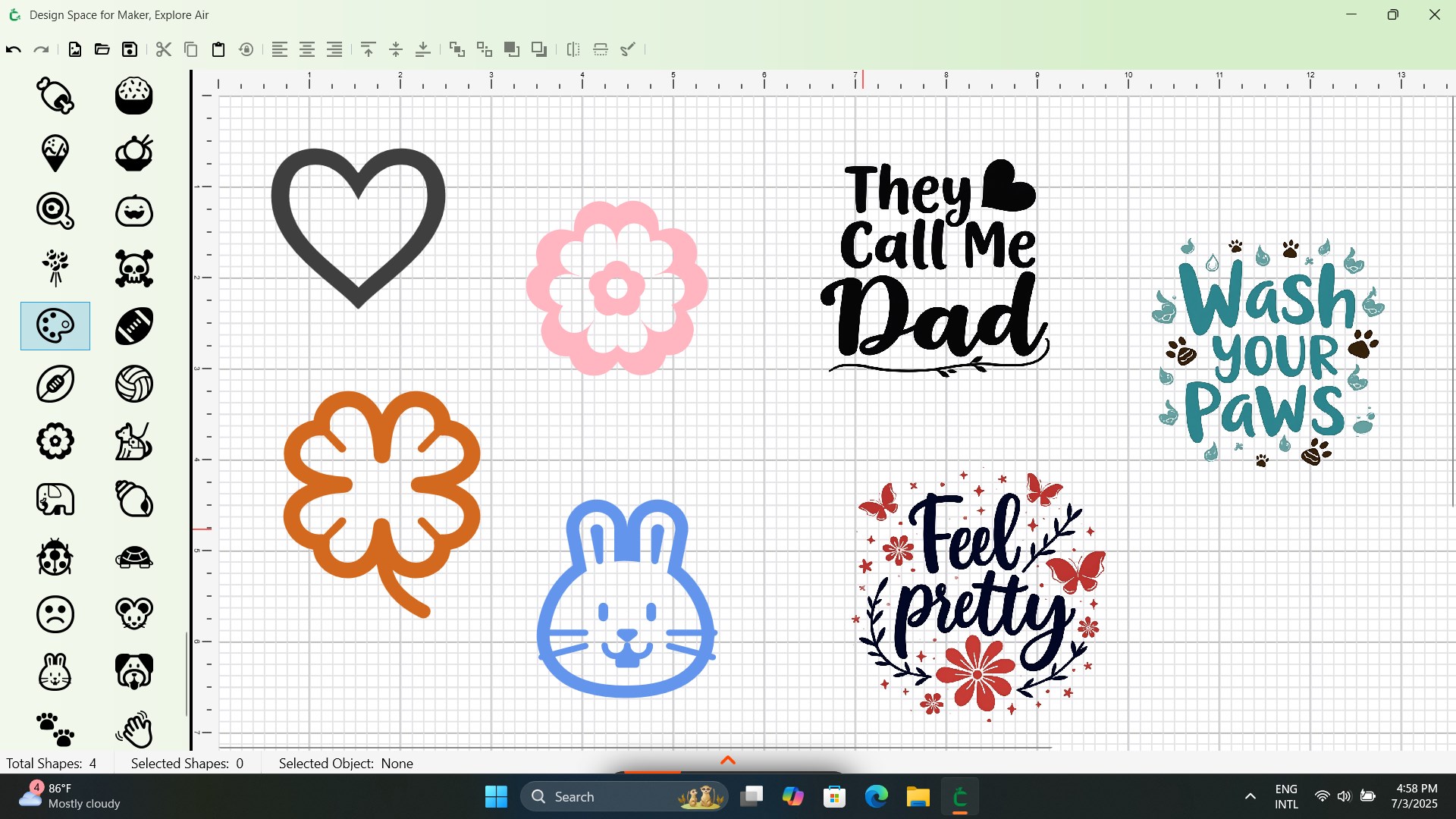
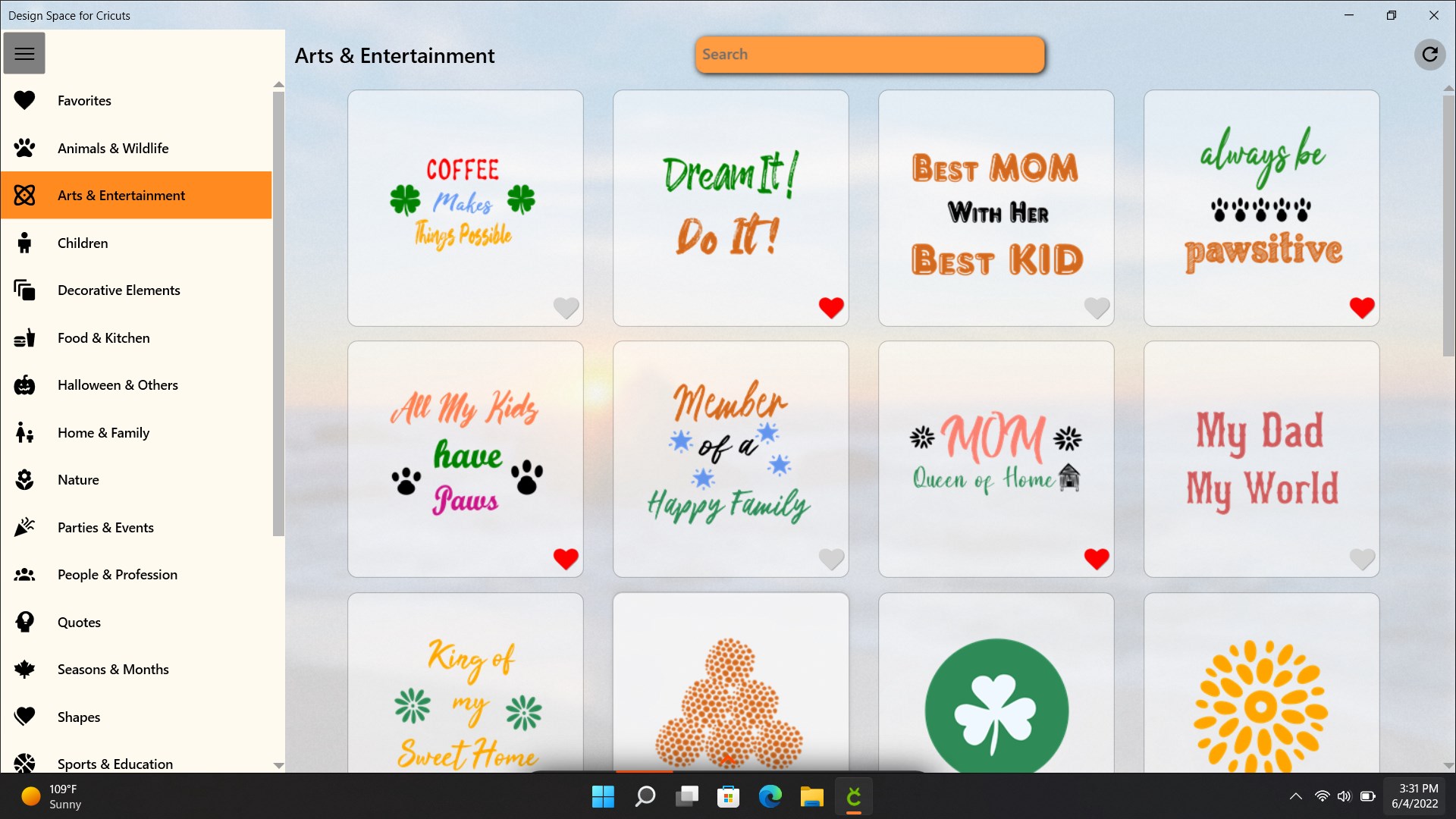
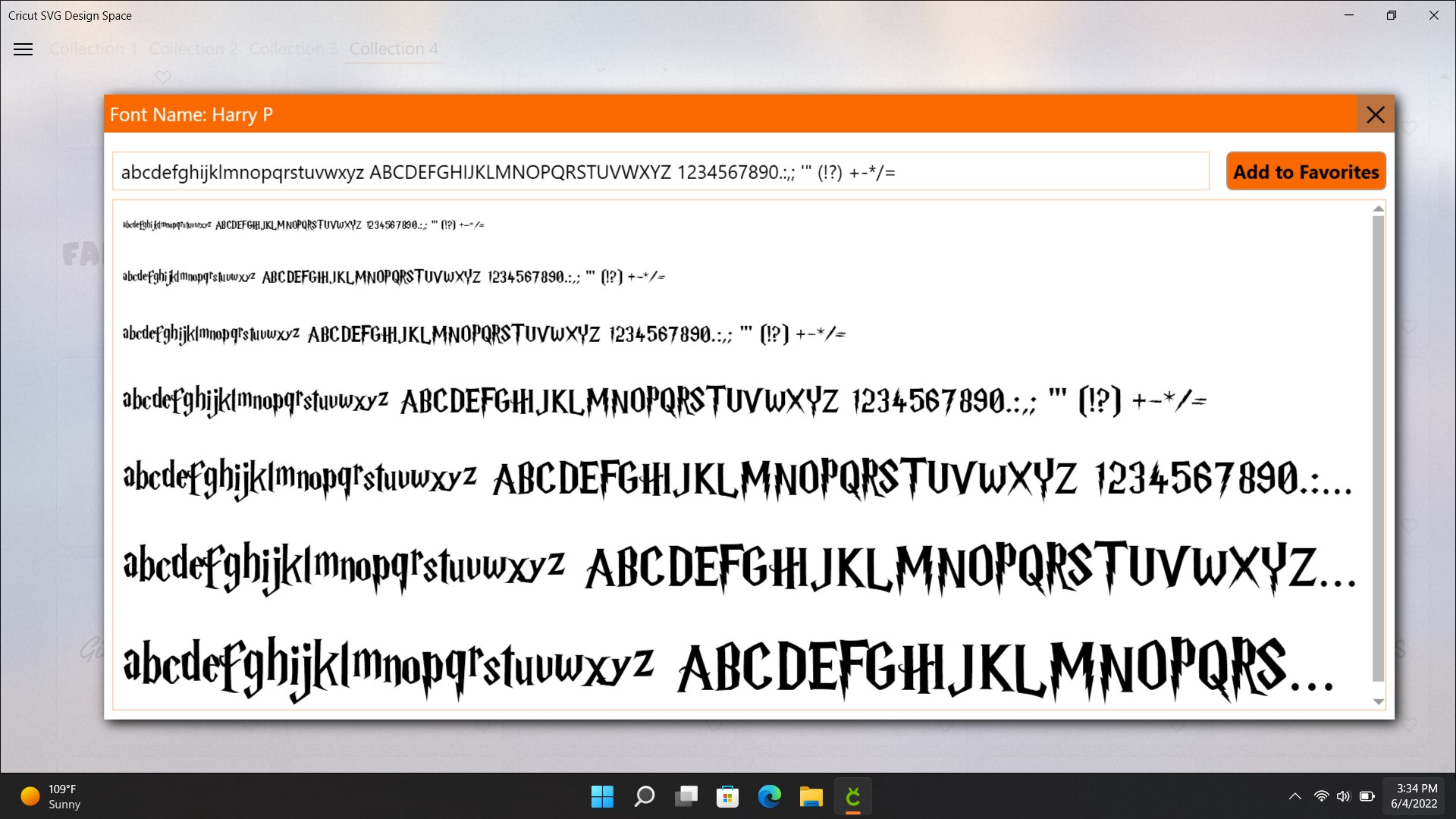
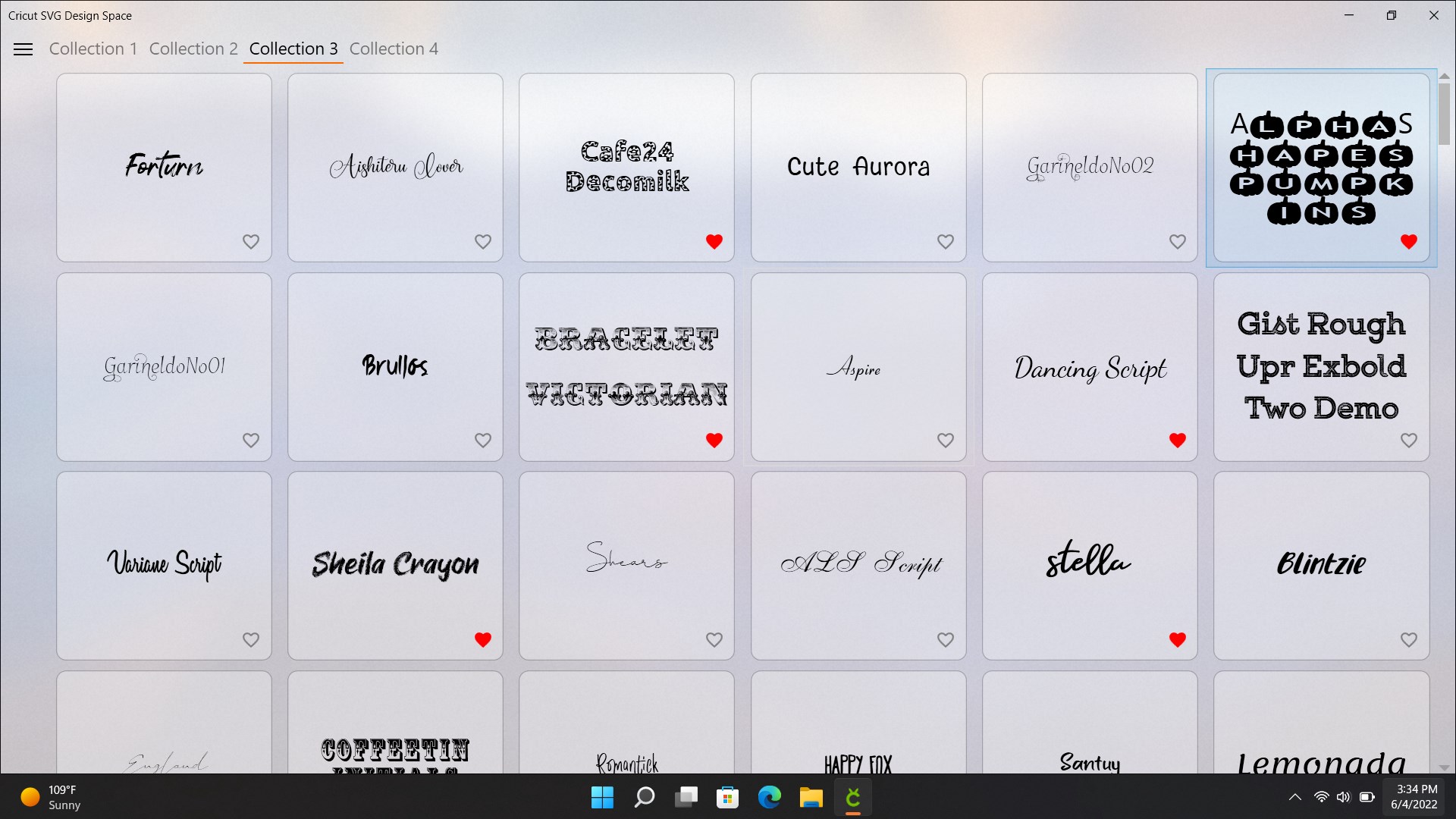
The heart of the app lies in its versatile design canvas, offering a vast library of pre-made templates, fonts, and images, as well as tools to create custom designs from scratch. Whether you're editing a detailed vector graphic or combining simple shapes, the interface supports layered editing, advanced cutting patterns, and color management—making complex projects easily achievable, even for beginners.
Robust Project Management & Sharing
Design Space facilitates efficient project organization, where multiple designs can be stored, duplicated, or modified with ease. The app also seamlessly integrates with cloud storage options, so your creative works are always accessible. Additionally, it encourages a community spirit—users can share their projects or download inspiring designs from other crafters directly within the platform.
A Creative Playground: Delving into the User Experience
The interface of Design Space for Maker and Explore Air is akin to walking into a tidy, well-organized art studio—bright, inviting, and easy to navigate. With a clean layout, the toolbar sits intuitively on the side, guiding users from design creation to cutting with minimal fuss. The app performs smoothly on Windows, with responsiveness that makes dragging, resizing, and layering feel natural, almost like manipulating physical materials.
Learning curve-wise, the app provides excellent onboarding via tutorials and tips, making it accessible for novices while still offering depth for seasoned makers. The ability to preview projects in real-time reduces errors, and the smooth integration with Cricut hardware ensures minimal lag and frustration, making the entire process feel almost like orchestrating a well-rehearsed performance.
Unique Selling Points and Differentiators
What sets Design Space apart from other multimedia design applications is its targeted approach tailored specifically for Cricut users. Unlike generic graphic design tools, it emphasizes compatibility with cutting machines, providing precise cut settings, material-specific parameters, and ready-made templates for a variety of crafts. Its primary strength lies in its category-specific focus, making complex crafting projects more accessible and manageable.
Another standout feature is its collaborative ecosystem—users can easily share designs and ideas within the community, fostering inspiration and encouraging experimentation. The app's streamlined workflow and dedicated features for material management give it an edge over more generalized design platforms that lack such specialized focus.
Final Verdict and Recommendations
All in all, Design Space for Maker and Explore Air for Windows earns a solid recommendation for hobbyists and small-scale professionals eager to bring their craft ideas to fruition. Its user-friendly interface, tight device integration, and craft-specific tools make it a practical choice for those invested in Cricut projects. However, for users seeking extensive graphic editing capabilities beyond crafting, other multimedia design applications might offer more advanced features.
If you're looking for an app that simplifies your crafting process, minimizes technical hurdles, and connects you with a vibrant community, this platform is worth exploring. Perfect for producing professional-looking designs with ease, it transforms your Windows device into a functional workshop—ready to turn your creative sparks into tangible masterpieces.
Pros
- Intuitive User Interface
- Comprehensive Material Library
- Seamless Integration with Explore Air
- Custom Design Capabilities
- Regular Updates and Support
Cons
- Limited Advanced Features
- Occasional App Crashes
- Slow Loading Times
- Limited Offline Functionality
- Device Compatibility Limitations











