

- Category Lifestyle
- Developer Roadkill
- Available on PC, Mobile, Surface Hub, HoloLens
- OS Windows 10 version 14393.0 or higher
- languages English (United States)
Introduction to Design Space SVG Library - A Creative Companion for Windows Users
Design Space SVG Library by Roadkill is a robust Windows application tailored for enthusiasts and professionals who enjoy crafting with SVG files. It positions itself as an essential tool that simplifies access to diverse SVG projects, making home décor, personalized gifts, and creative projects more accessible and enjoyable.
Who is this app for?
Developed by Roadkill, a team specializing in digital design tools, this app targets hobbyists, DIY crafters, educators, and small business owners who seek an organized, user-friendly library of SVG files. Its core audience values both variety and authenticity in design resources, aiming to elevate their creative projects with high-quality assets.
Unlocking Creativity: Core Features Explored
Extensive SVG Library at Your Fingertips
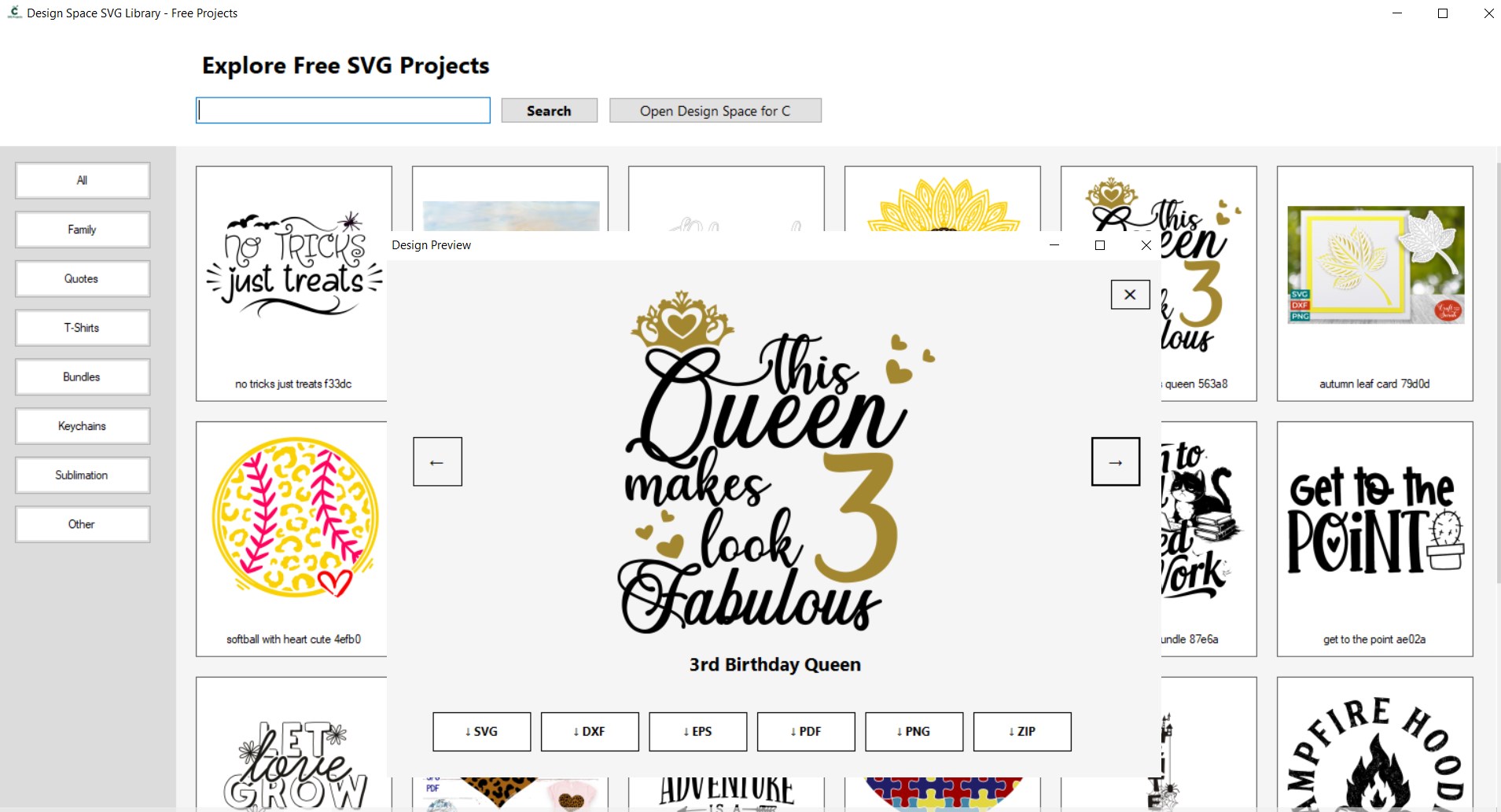
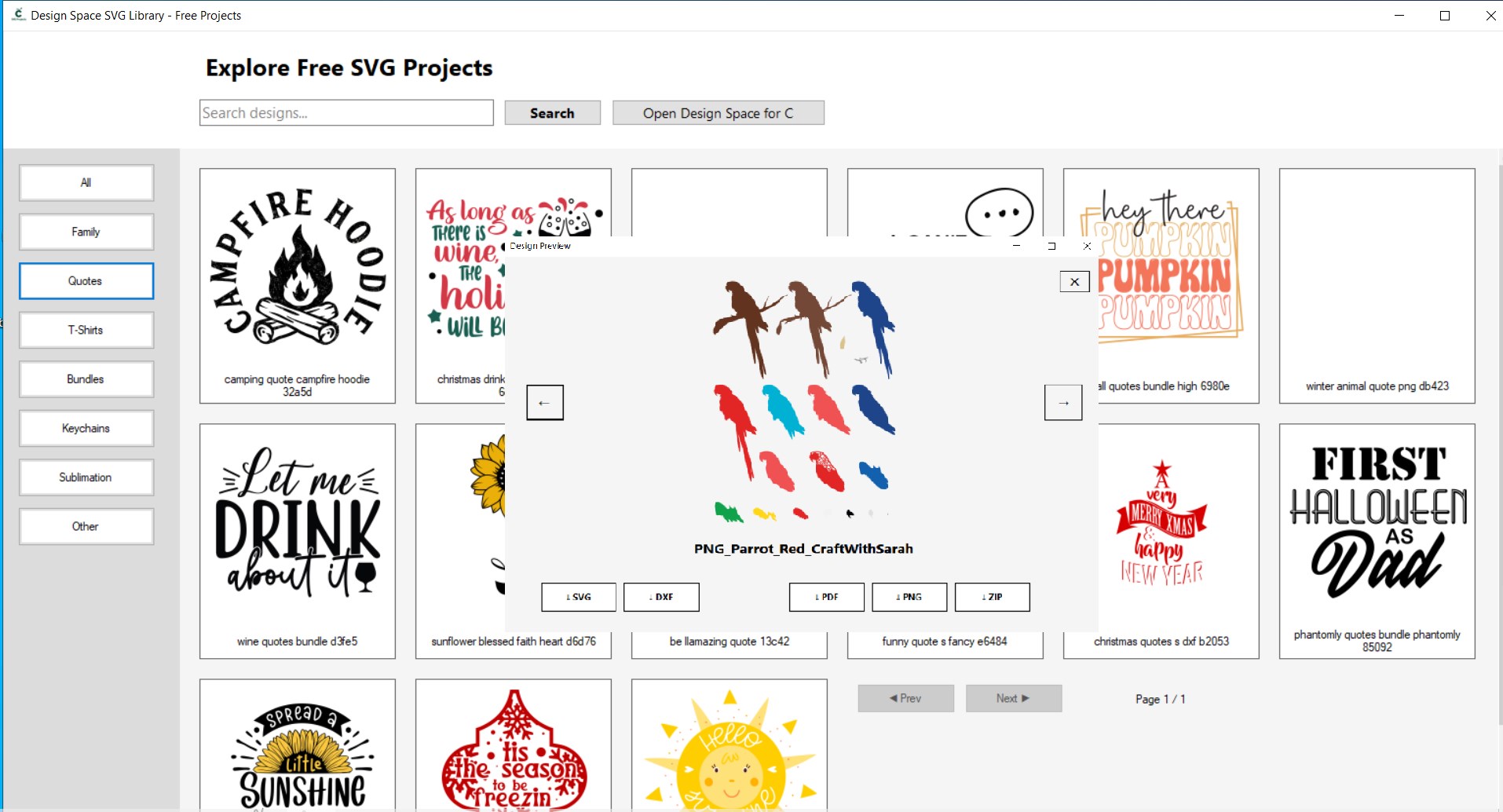
The standout feature of Design Space SVG Library is its vast collection of SVG projects. From intricate patterns to simple icons, the library covers a wide array of styles suitable for various crafting needs. Navigating this treasure trove is like opening a digital jewelry box—each file curated for quality and uniqueness, enabling users to find just the right design effortlessly.
Seamless Integration and Easy Accessibility
This application shines in its ability to smoothly integrate with the Windows environment. The interface allows for quick browsing, categorization, and downloading of SVG files. Users can organize their favorites, preview designs in high resolution, and even edit basic aspects directly within the app, streamlining the workflow without switching between multiple programs.
User Experience and Design Aesthetics
The interface adopts a modern, clean layout that feels intuitive and non-intimidating, even for newcomers. Operation is fluid; transitions between browsing, previewing, and exporting functions are snappy, reducing waiting times that often frustrate users in similar tools. The learning curve is gentle—initial explorations yield rich dividends, making onboarding straightforward while still offering depth for more advanced users.
Distinctive Advantages in the Lifestyle SVG Realm
What sets Design Space SVG Library apart from other lifestyle or design resources is its focus on content authenticity and credible sourcing. Unlike platforms that rely on generic or mass-produced vectors, this app emphasizes high-quality, professionally curated designs. It feels akin to having a trusted pal's curated collection, allowing users to craft projects with designs that resonate with authenticity and craftmanship. This focus on content credibility makes it especially valuable for users who display their work online or in professional settings.
Final Verdict: To Download or Not?
I recommend this app to anyone serious about digital crafting, especially those who value a broad, high-quality SVG library with minimal fuss. Its standout features—the extensive curated SVG collection and seamless workflow—make it a reliable partner for both hobbyists and small business owners. If you're seeking a trustworthy, user-friendly solution that elevates your creative projects, this app is definitely worth exploring.
Pros
- Extensive SVG Library
- Ease of Use
- Compatibility
- Regular Updates
- Customizable Projects
Cons
- Limited Free Content
- Search Functionality could be Improved
- File Compatibility Restrictions
- Occasional Download Issues
- Limited Tutorial Content











