

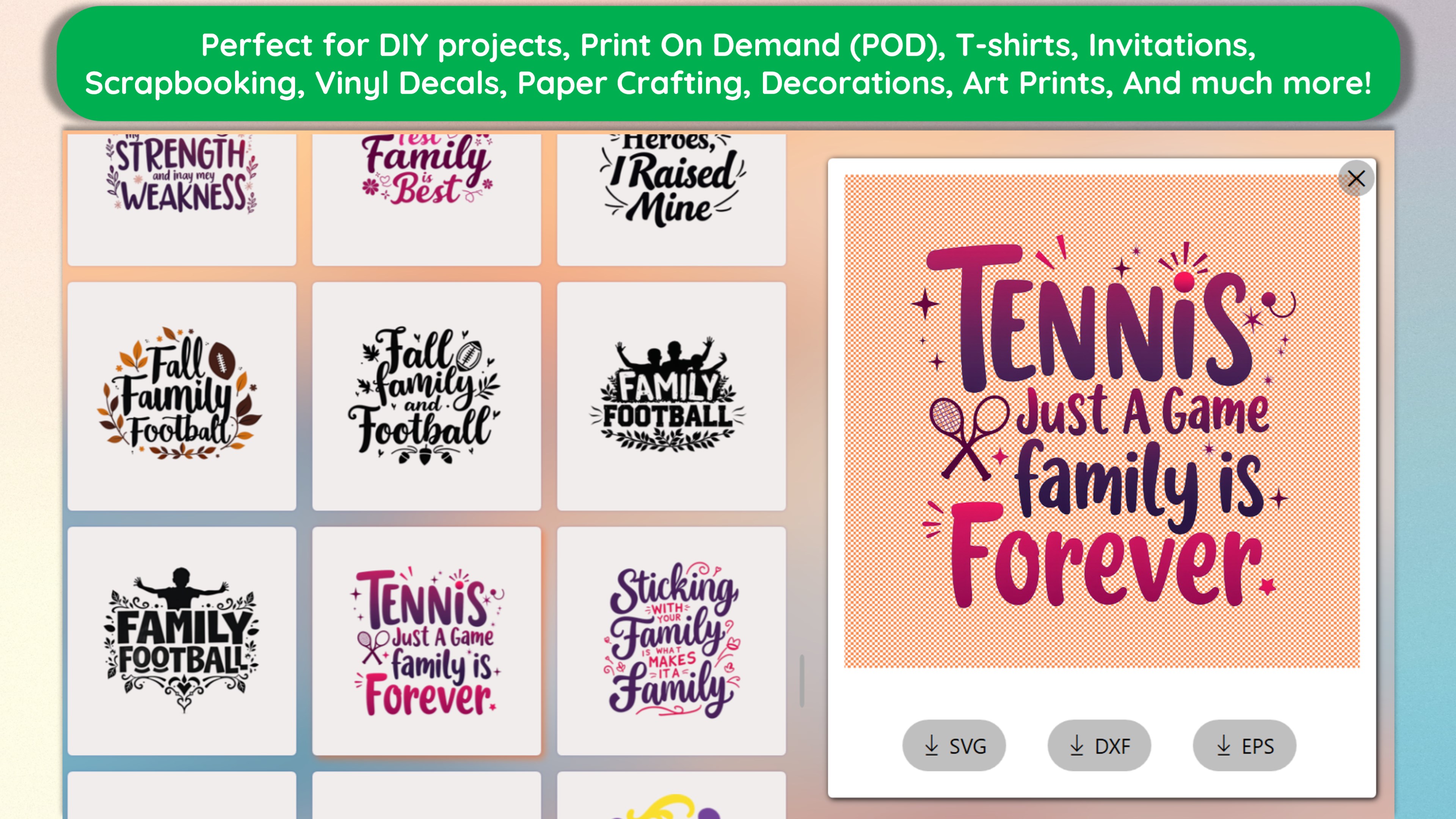
- Category Lifestyle
- Developer rpsapps
- Available on PC, Surface Hub
- OS Windows 10 version 14393.0 or higher
- languages English (United States)
Introducing Design SVG Space Projects: Maker & Print, Cut for Windows
If you're passionate about bringing your creative ideas to life through precise cutting and printing, Design SVG Space Projects is here to turn your digital designs into real-world masterpieces. Whether you're a hobbyist or a small business owner, this app aims to simplify your crafting process with powerful tools tailored for SVG design, cutting, and printing.
A Closer Look at the Developer and Core Features
About the Developer
Developed and published by rpsapps, a developer known for crafting user-friendly and reliable Windows applications focused on creative and crafting workflows.
Main Highlights of the App
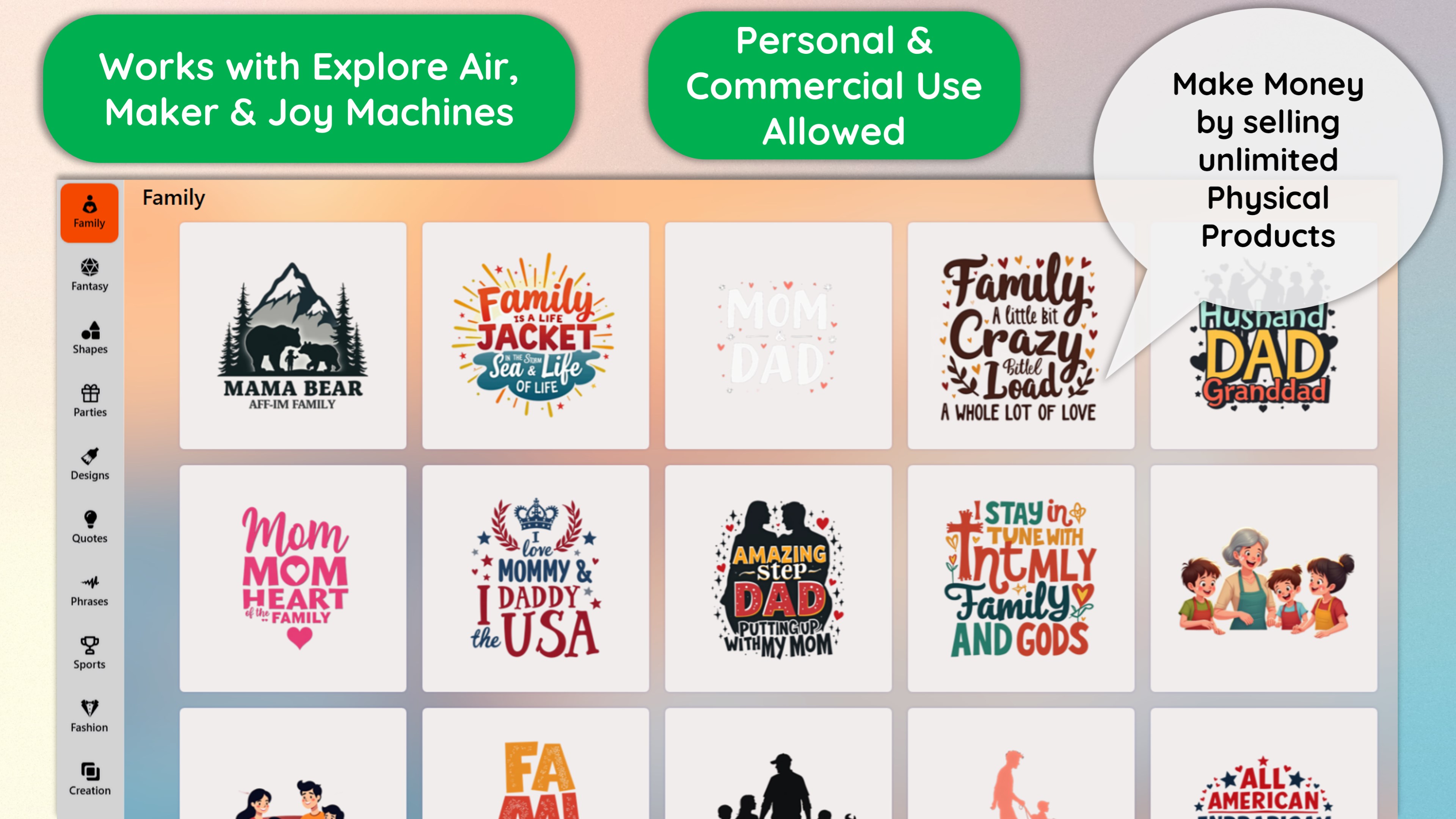
- Intuitive SVG Design and Editing: Allows users to create or import SVG files with an easy-to-navigate interface, supporting precise edits for detailed projects.
- Seamless Cutting and Printing Integration: Optimized for compatibility with popular cutters and printers, ensuring your designs come out exactly as envisioned.
- Flexible Material and Size Settings: Supports adjusting cutting parameters and design scales, catering to various materials—from vinyl to paper.
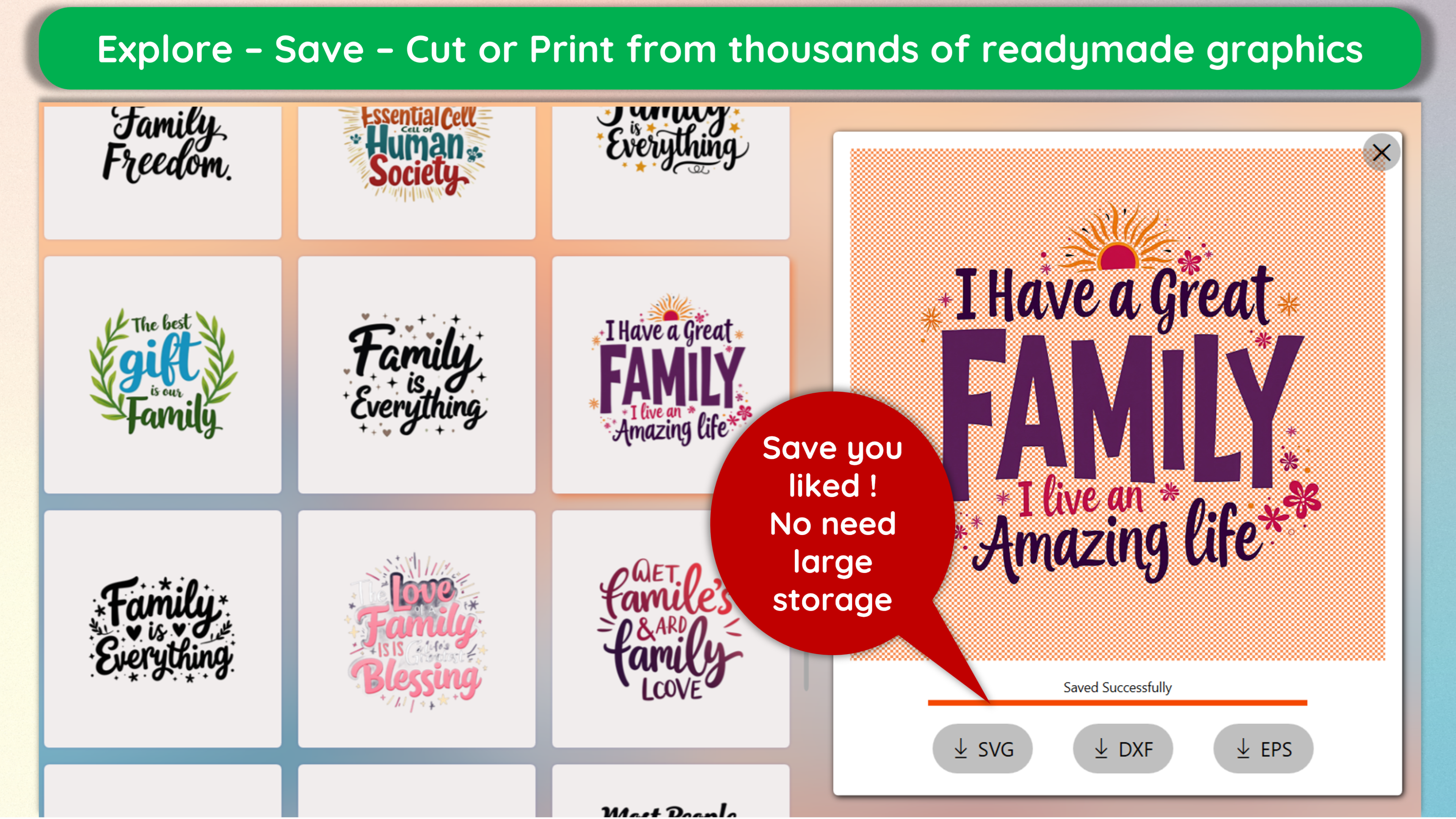
- Preview and Simulation Features: Visualize your project before cutting, reducing material waste and ensuring accuracy.
Targeted towards hobby crafters, small business owners, educators, and makers eager to transform digital SVG files into tangible items without hassle.
Vivid Experience: A Friendly Dive into the App
Imagine your workshop filled with the hum of machines, the vibrant colors of materials, and the satisfying click of software commands—Design SVG Space Projects is like having a trusty assistant right beside you. Its clean, organized interface invites both beginners and seasoned makers to explore their creativity without feeling overwhelmed, making each session feel like a fruitful adventure rather than a technical chore.
Unlocking Creative Power: Core Functionalities Explored
Design and Editing Made Effortless
The app's SVG design toolkit is surprisingly comprehensive yet approachable. Its vector editing tools resemble a digital craft table where you can doodle, adjust, and refine your designs with pixel-perfect precision. The import feature broadens your creative horizons by letting you bring in existing SVG files, so no idea needs to remain just a digital sketch. The ability to resize and tweak designs dynamically makes custom projects—like customized stickers, intricate paper cutouts, or wearable decals—simply within reach.
Cut and Print with Confidence
The standout feature here is the seamless integration with cutting devices and printers. Think of it like a translator that ensures your digital design speaks perfectly to your physical tools. The app provides clear settings for material texture and thickness, and its simulation preview helps prevent costly mistakes from misaligned cuts. Whether you're working with vinyl for decals, cardstock for greeting cards, or fabric for textiles, the app adapts smoothly to various crafting needs.
Design Preview and Material Optimization
One of its most appreciated functionalities is the project preview feature, allowing you to see how the final product will look before you commit to the cut. This reduces material waste and saves time, akin to a dress rehearsal before the runway show. Adjustment controls for scale and cutting parameters ensure your project is tailored to your specific materials, giving you more control and confidence in your workflow.
Design and Usability: User Experience Evaluation
The interface feels polished without being intimidating, with a thoughtfully arranged layout that mimics physical workspace ergonomics. Navigating through design, editing, and print settings is smooth and responsive. Even for new users, the learning curve is gentle—guided tutorials and straightforward controls help you hit the ground running. The app's stability and speed mean you're less likely to encounter frustrating lag or crashes—important when you're deep into a creative session.
Unique Selling Points and Differentiation
Compared to other lifestyle or craft apps, Design SVG Space Projects distinguishes itself with its professional-grade SVG editing features combined with direct hardware compatibility. Many similar apps offer basic vector editing or simple print functions, but this one emphasizes precision and workflow integration, making it more suitable for serious hobbyists and small-scale entrepreneurs. Its ability to preview and optimize designs before cutting ensures high-quality results, aligning with the needs of users who value authenticity and credibility in their craft projects.
Final Recommendations and Usage Suggestions
Overall, I would rate this application as a solid choice for users looking for a reliable, user-friendly SVG crafting tool that bridges design and physical output seamlessly. If your projects require detailed editing and precise cutting—especially when working with diverse materials—this app will serve you well. Beginners can start through the guided interface, while experienced users will appreciate the advanced settings and customization options.
For those seeking an integrated solution that combines creative flexibility with practical workflow support, Design SVG Space Projects is worth trying out. Just remember, like any craft tool, mastering its full potential takes some practice, but the results are worth the effort, transforming your ideas into tangible art effortlessly. Happy crafting!
Pros
- Intuitive SVG Design Tools
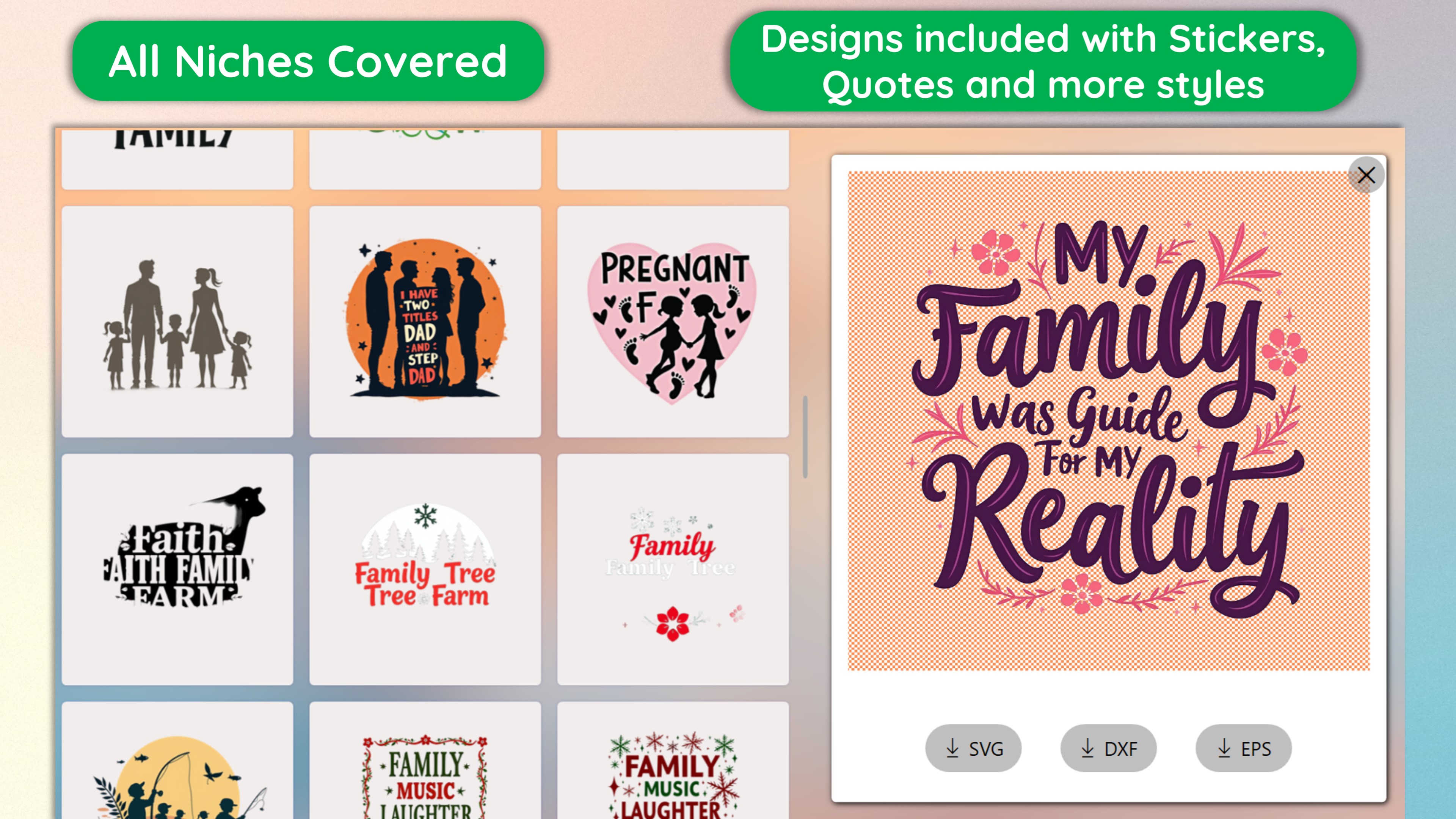
- Wide Range of Space Project Templates
- Powerful Printing and Cutting Features
- Seamless Integration with Maker & Print Equipment
- Customizable Design Options
Cons
- Limited Export Formats
- Steep Learning Curve for Beginners
- Occasional Software Lag During Complex Designs
- Basic Version Has Limited Advanced Features
- Insufficient Export Preview Options










