
- Category Multimedia design
- Developer NCH Software
- Available on PC
- OS Windows 10 version 0.0 or higher
- Keyboard Integrated Keyboard
- Mouse Integrated Mouse
- languages English
An In-Depth Look at DeskFX Audio Enhancer and Equalizer Plus for Windows
If you're someone who values pristine sound quality and customizable audio experiences on your Windows device, DeskFX Audio Enhancer and Equalizer Plus from NCH Software might just be the tool to elevate your listening journey. With its suite of features tailored to both casual listeners and audiophiles, this application promises to turn your computer into a powerhouse of sound modulation. But does it deliver beyond the buzz? Let's explore what makes this app stand out.
Core Features That Make a Difference
Dynamic Equalization for Personalized Soundscapes
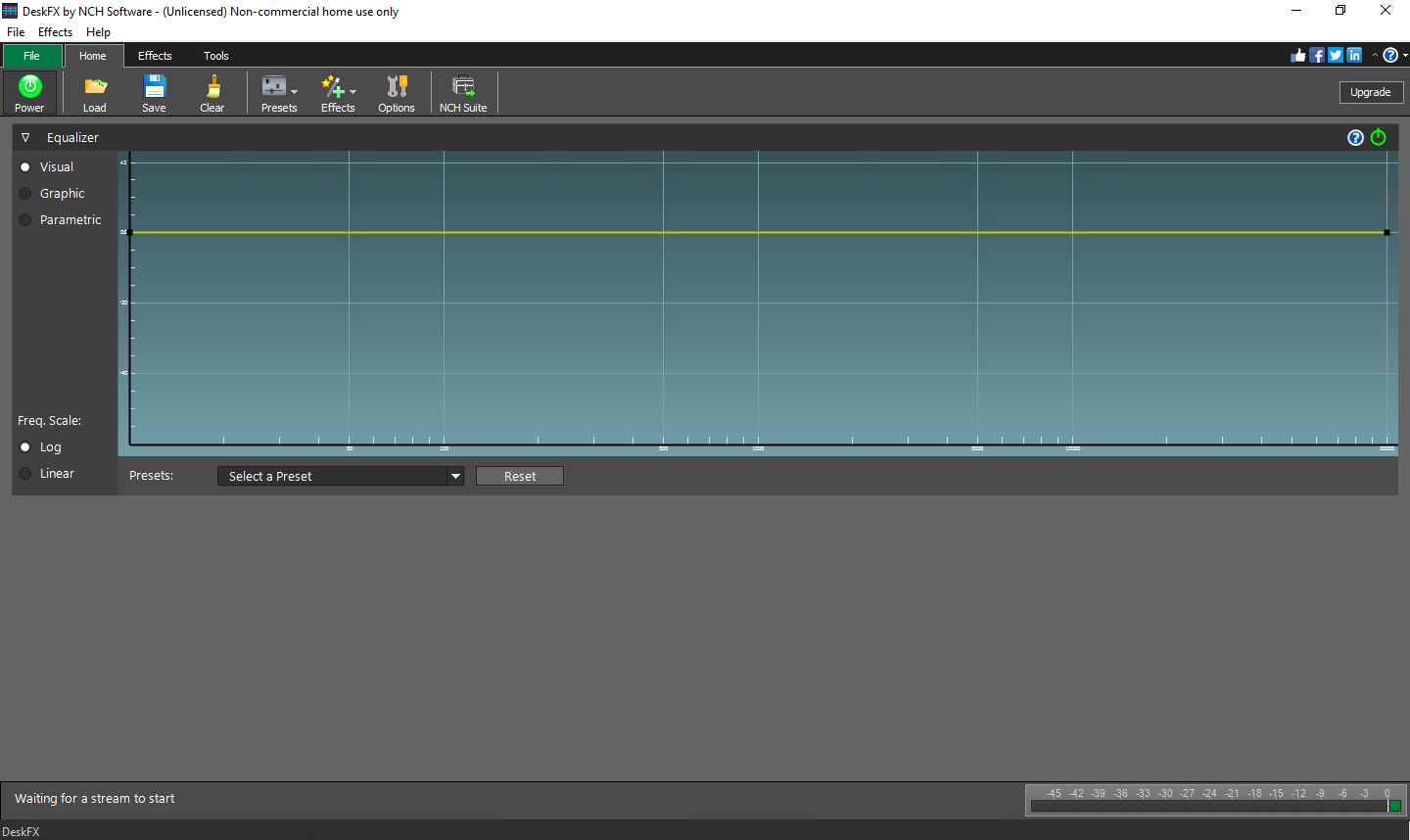
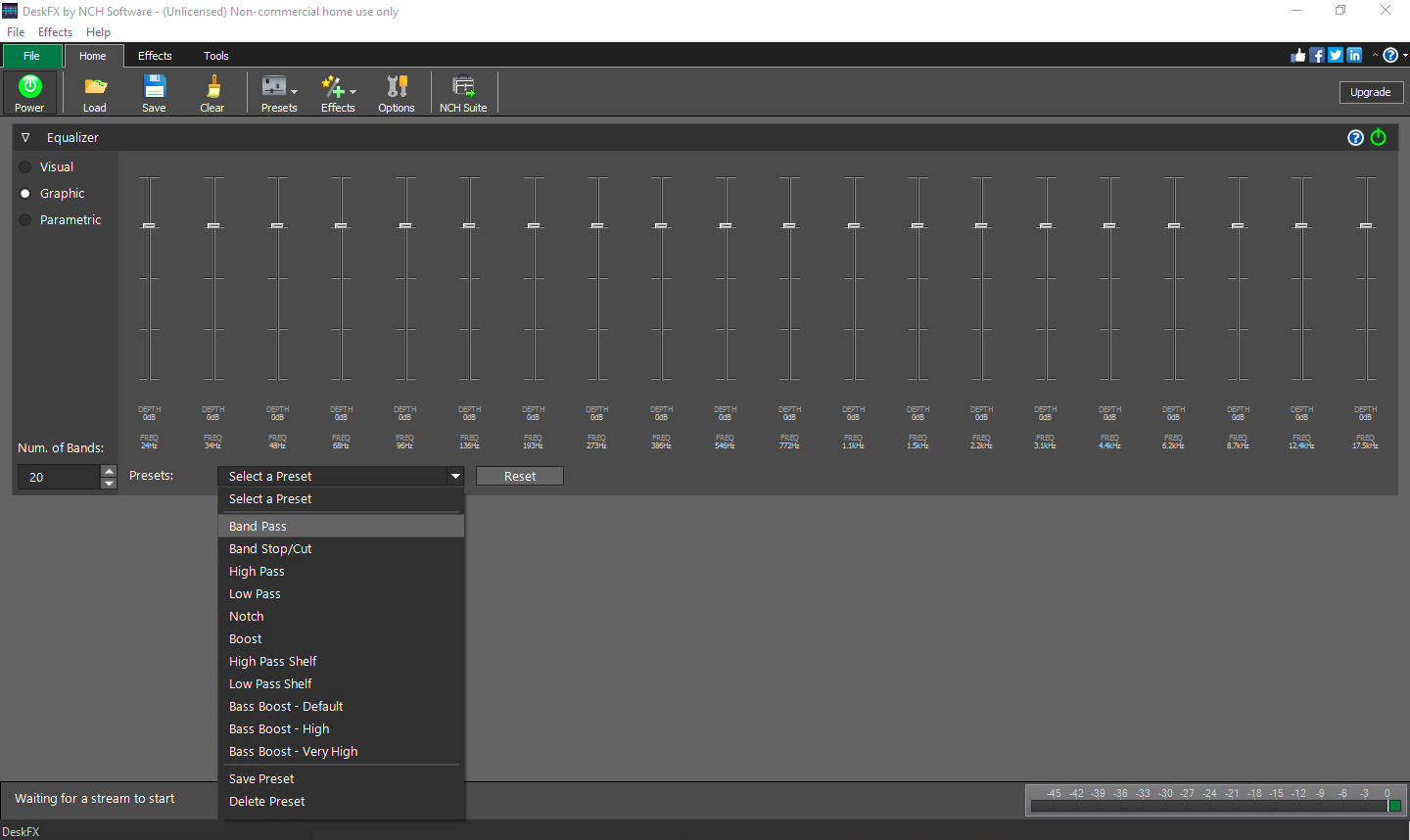
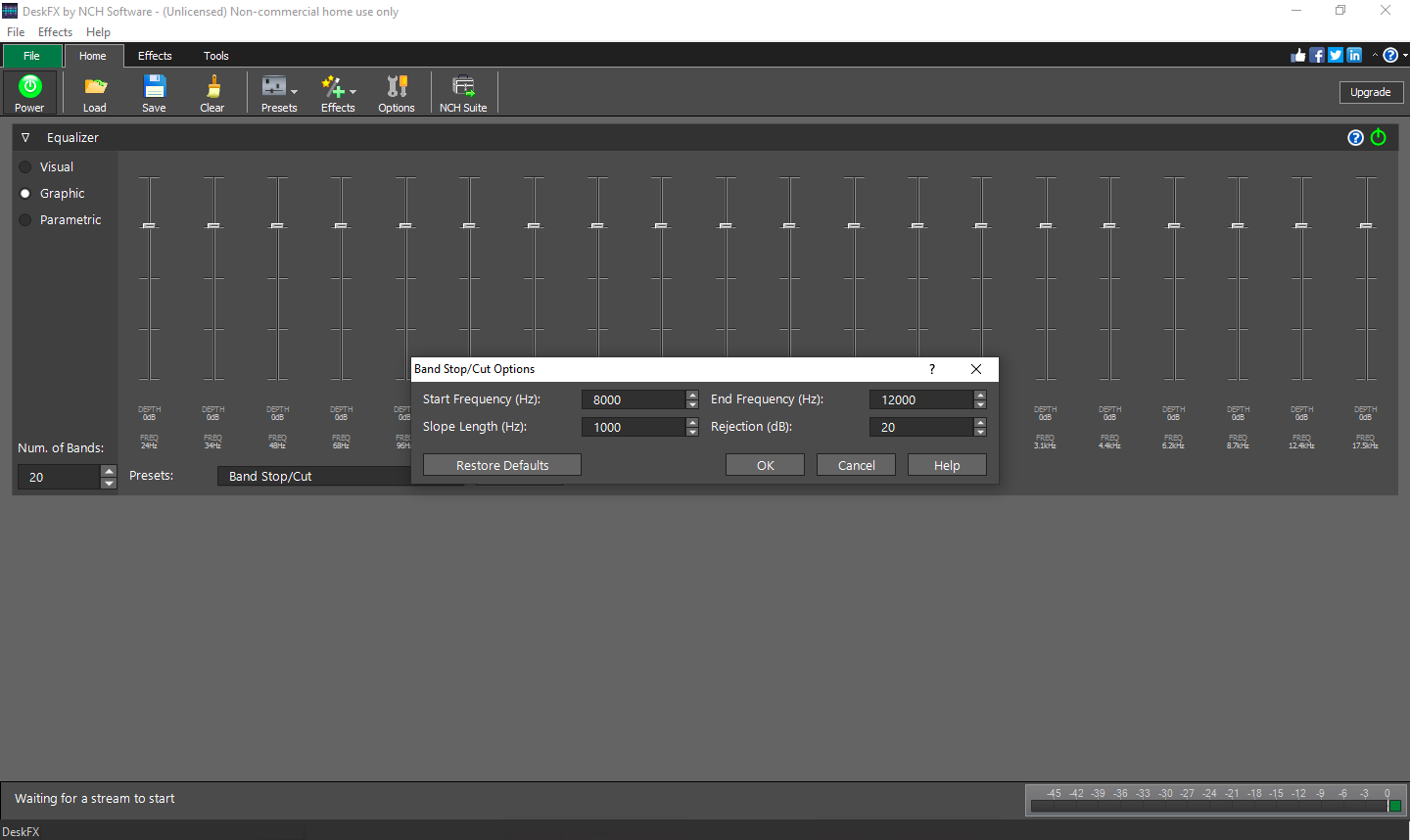
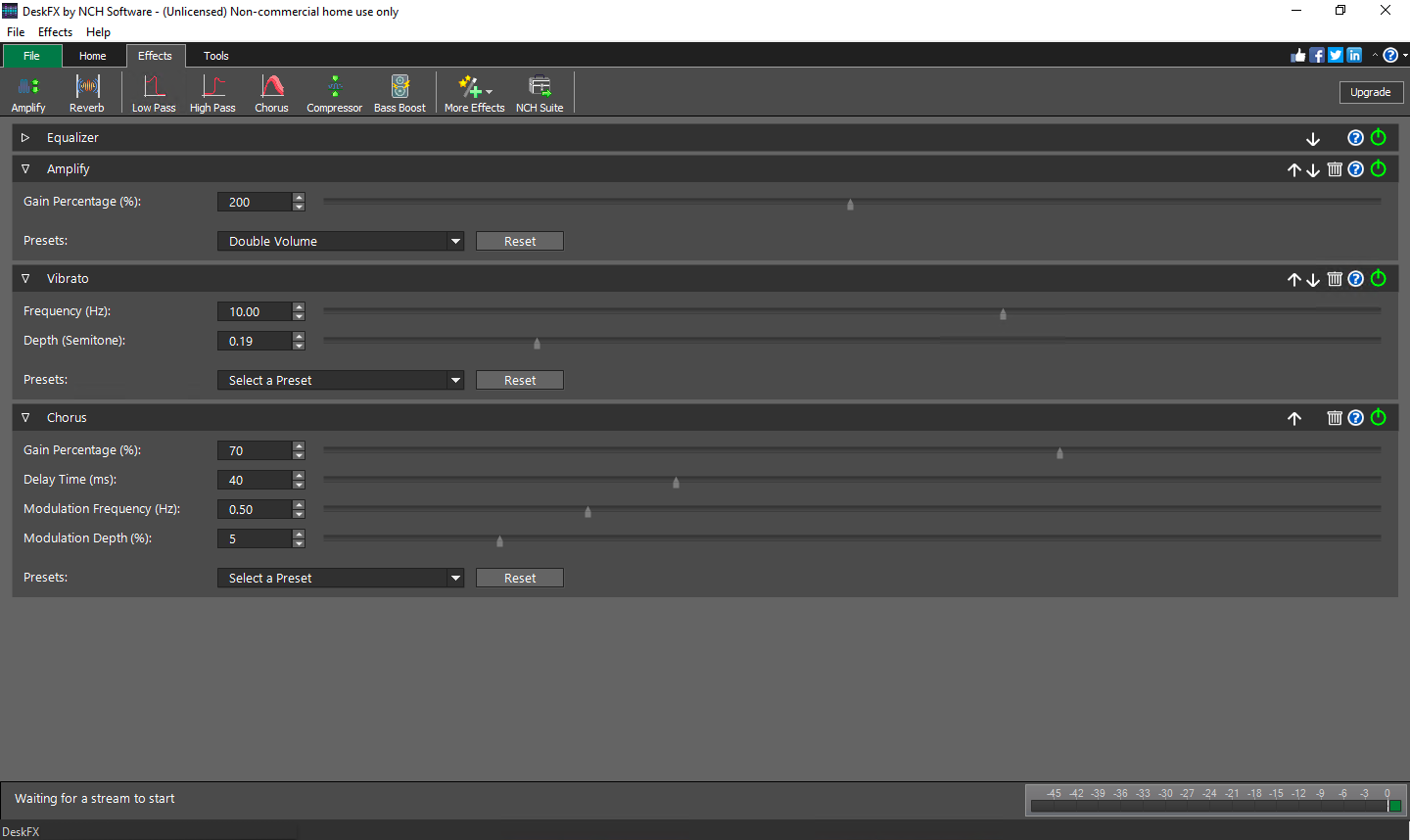
At the heart of DeskFX is its powerful equalizer, boasting a wide array of preset profiles and customizable sliders. Whether you're into deep bass for your gaming sessions or crystal-clear vocals for music production, the app allows you to sculpt your audio environment easily. The real magic lies in its ability to fine-tune every frequency band, giving users a tailored sound profile that aligns perfectly with their preferences. This feature is particularly beneficial for those who want to adapt their sound setup to different genres or tasks without switching hardware.
Real-Time Audio Enhancement with a Flurry of Effects
One of DeskFX's standout features is its suite of audio effects that operate in real time. From bass boosting and treble enhancement to echo, reverb, and other spatial effects, users can experiment with various enhancements to enrich their listening experience. Imagine transforming a flat, lifeless audio feed into a vivid, immersive soundscape—it's akin to turning a modest stereo into a mini concert hall right on your desktop.
Intuitive User Interface for Seamless Experience
The app sports a sleek, user-friendly interface that invites even newcomers to jump right in. Navigation is straightforward—sliders, buttons, and preset options are logically arranged, minimizing the learning curve. The interface minimizes clutter, focusing on functionality without sacrificing aesthetic appeal. Plus, the responsiveness of controls ensures that adjustments are smooth and immediate, making fine-tuning an enjoyable process rather than a chore.
What Sets DeskFX Apart from Similar Applications
While many multimedia apps offer equalization and audio effects, DeskFX's unique selling point lies in its combination of user-centric customization and its broad spectrum of real-time effects. Unlike basic equalizers that only fine-tune audio levels, DeskFX's effects engine adds an extra layer of depth to sound modification, making it suitable for both casual listening and serious audio editing. Additionally, its lightweight design ensures that it runs seamlessly alongside other applications without draining system resources, a critical advantage for users who multitask or stream high-definition content.
Furthermore, the app's ability to work with various sound sources—whether from system audio, media players, or streaming services—makes it versatile and adaptable to different user scenarios. This flexibility ensures that no matter your preferred method of listening, DeskFX can enhance your experience reliably.
Final Thoughts and Recommendations
Overall, DeskFX Audio Enhancer and Equalizer Plus stands out as a robust tool for sound customization on Windows. Its blend of intuitive design and powerful features makes it suitable for a wide range of users—from those wanting a quick audio boost to audio enthusiasts experimenting with complex sound profiles. If you're looking for an affordable, easy-to-use app that adds tangible improvements without convoluted settings, DeskFX is worth considering.
Recommendation level: Strongly recommended for casual users seeking improved audio clarity, and also for more advanced users who wish to fine-tune their sound extensively. For best results, spend some time exploring its presets and effects to discover the perfect auditory environment tailored to your preferences.
Pros
- Intuitive user interface
- Wide range of equalizer presets
- Real-time audio enhancement
- Low CPU usage
- Additional audio effects
Cons
- Limited supported formats
- Basic customization options
- Occasional lag with high-quality audio
- Limited free trial duration
- No multi-channel support











