


- Category Productivity
- Available on PC, HoloLens
- OS Windows 10 version 19041.0 or higher
- Memory 2 GB
- Keyboard Not specified
- Mouse Not specified
- languages English (United States)
Dialpad for Windows: Seamless Communication in a Unified Workspace
Dialpad for Windows stands out as a robust communication tool designed to streamline business conversations, combining voice, video, and team collaboration features into one intuitive interface. Developed by Dialpad Inc., this application aims to enhance productivity for remote and hybrid teams seeking a reliable, integrated communications solution.
Key Features That Elevate Your Workflow
Unified Communication Hub
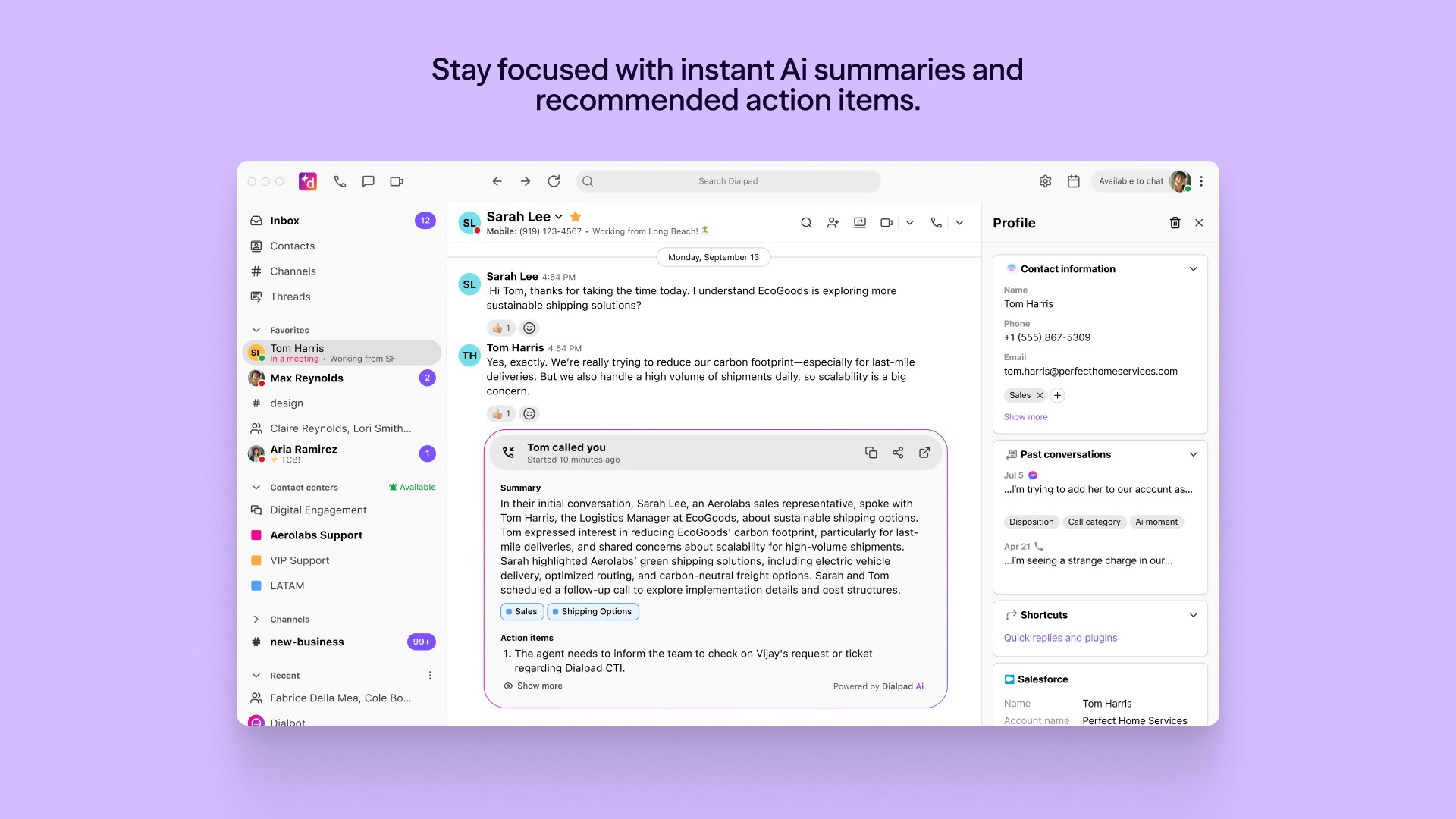
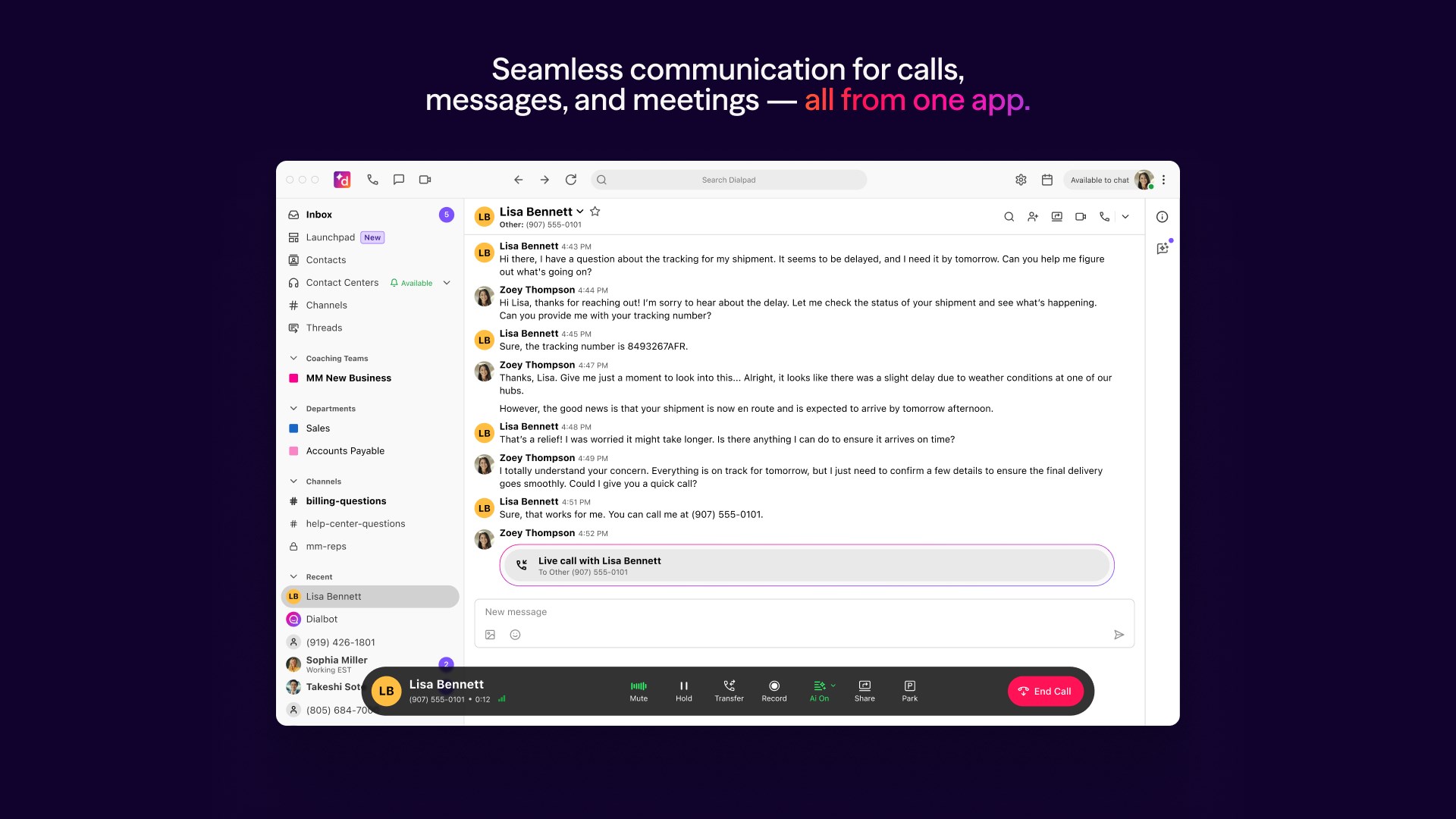
At its core, Dialpad for Windows functions as a centralized platform where calls, video meetings, and messages converge. Imagine having your phone, video conferencing room, and messaging center all in one application—no more juggling multiple tabs or apps. This integration simplifies your communication workflow, allowing for swift transitions from one mode to another. Real-time notifications ensure you stay on top of incoming calls or messages, fostering responsiveness and connectivity across your team.
AI-Powered Voice Intelligence
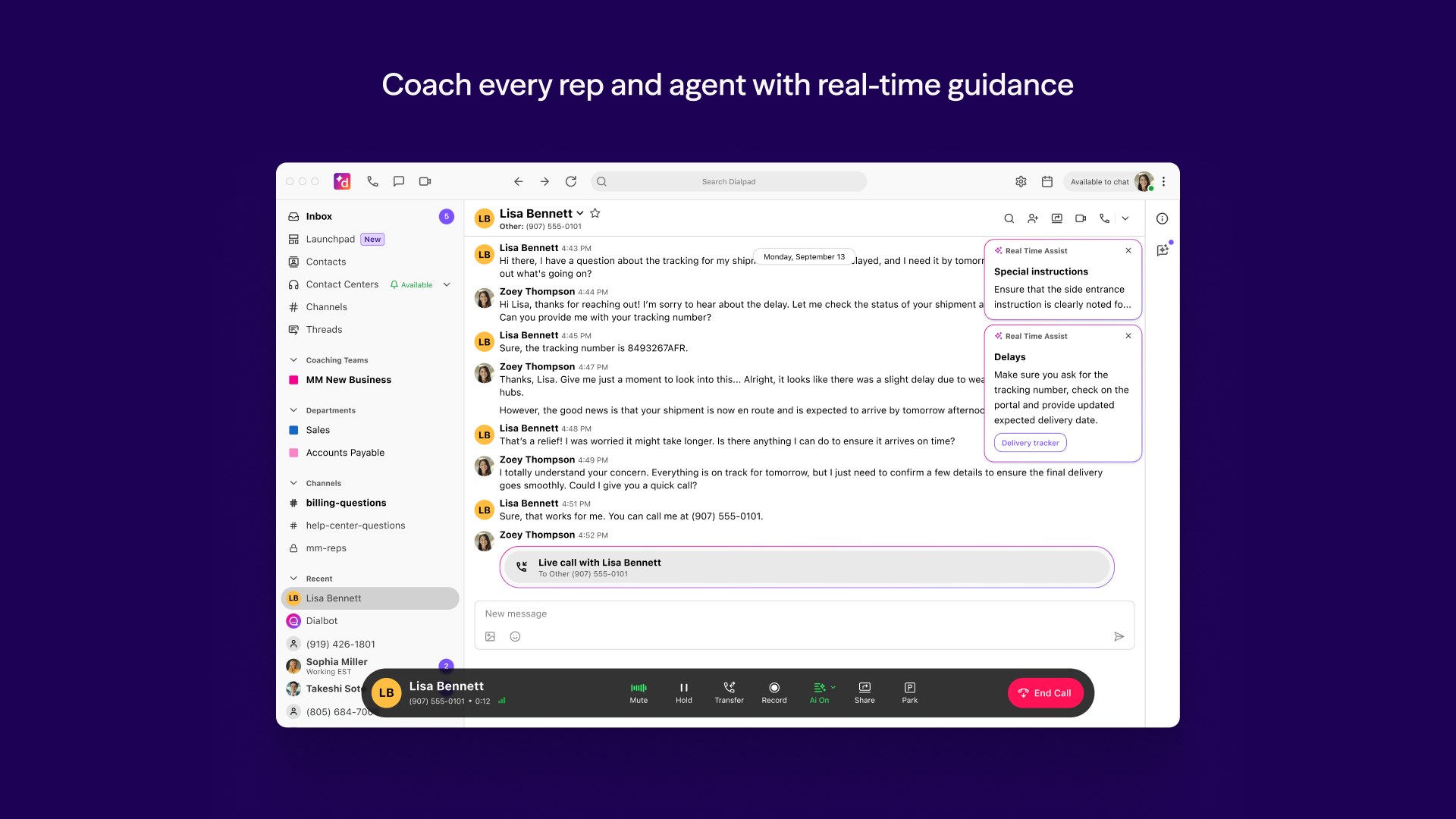
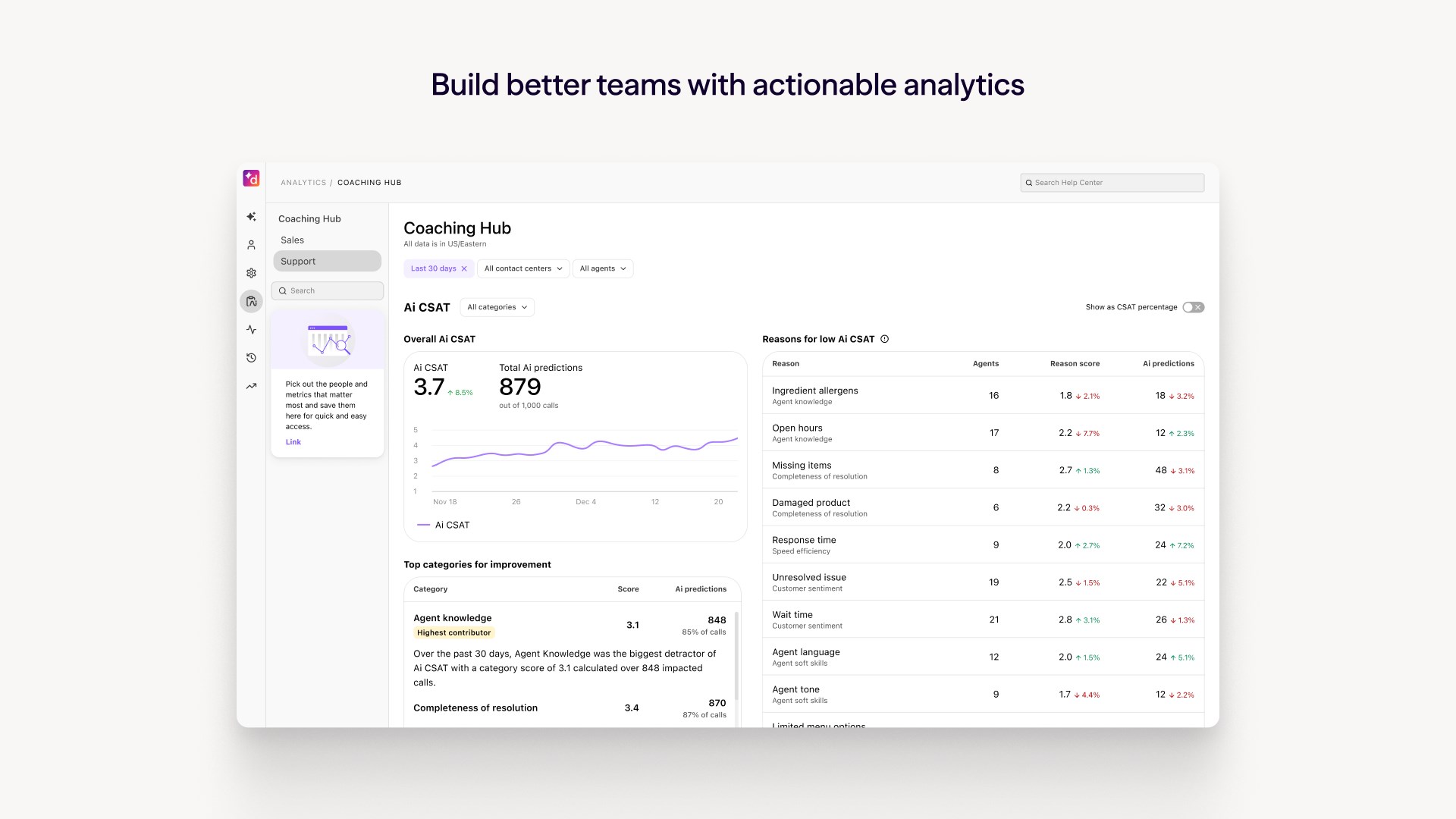
One of the app's most compelling strengths is its AI-driven voice intelligence features. Dialpad employs speech recognition and natural language processing to provide real-time transcription during calls, which can be invaluable for note-taking or minutes. Additionally, intelligent call analytics offer insights into call quality and engagement levels, helping teams identify issues proactively. This focus on reducing cognitive load means users spend less time deciphering confusion or sifting through recordings, allowing more focus on meaningful discussions.
Workflow and Integration Flexibility
Dialpad for Windows seamlessly integrates with popular productivity tools like Microsoft 365, Slack, and Salesforce, creating a frictionless environment. For example, you can initiate a call directly from a contact within Outlook or Teams, or save transcriptions into your CRM—these tiny pockets of automation significantly cut down on repetitive manual tasks. Such integrations are vital for teams aiming to embed communication deeply within their existing workflows, making Dialpad more than just a call app—it becomes an integral part of your daily operations.
Experience and User Interface: Smooth Sailing with a Gentle Learning Curve
The application sports a clean, modern interface that resembles an organized control panel—no clutter, just essential features intuitively laid out. Navigating Dialpad for Windows feels as effortless as flipping a switch; menus are clearly labeled, and functions are accessible within a few clicks. During testing, operations such as making calls, scheduling meetings, or accessing transcripts were swift and smooth, favoring a low learning curve that even less tech-savvy users can grasp quickly. The app's responsiveness contributes to a satisfying user experience, reducing distractions and frustration often associated with complex enterprise tools.
What Sets Dialpad Apart? Workflow-Centric and Cognitive Load Reduction
While many communication apps boast similar features, Dialpad's standout advantage lies in its targeted focus on workflow efficiency and reducing cognitive overload. Unlike feature-heavy platforms that overwhelm users with options, Dialpad emphasizes clarity and purpose—integrating voice intelligence and seamless app links to create a streamlined, distraction-free environment. Think of it as a well-organized toolbox rather than a cluttered hobby kit; every tool (feature) serves a clear purpose, efficiently supporting your daily tasks. This approach helps users stay engaged without feeling weighed down by unnecessary complexity, fostering a more productive and less mentally taxing communication experience.
Final Recommendations and Usage Scenarios
Based on the assessment, I'd confidently recommend Dialpad for Windows to teams seeking a unified, intelligent communication solution that integrates effortlessly into their existing workflows. It's particularly suited for remote and hybrid organizations that depend on frequent calls, virtual meetings, and CRM integrations. Small to mid-sized businesses will find its feature set powerful yet user-friendly, avoiding the steep learning curve associated with more complex platforms. For those prioritizing clarity, ease of use, and AI-enhanced productivity, Dialpad for Windows emerges as a reliable tool that truly keeps your conversations flowing smoothly. Just imagine it as your digital conference room—always ready, always connected, and designed to keep your team aligned with minimal fuss.
Pros
- Intuitive User Interface
- High Call Quality
- Integrated Business Features
- Multi-Device Support
- Excellent Customer Support
Cons
- Limited Free Tier
- Occasional App Crashes
- Integration Limitations
- Bandwidth Dependency
- Learning Curve for Advanced Features











