

- Category Lifestyle
- Developer Timo Partl
- Available on PC
- OS Windows 10 version 19041.0 or higher
- languages Arabic, Bulgarian, Catalan, Chinese (Simplified), Chinese (Traditional Chinese), Czech, Danish, Dutch, English (United States), Finnish, French, German, Greek, Hebrew, Hindi, Hungarian, Icelandic, Indonesian, Italian, Japanese, Korean, Lithuanian, Malay, Norwegian (Bokmål), Polish, Portuguese (Brazil), Portuguese (Portugal), Romanian, Russian, Slovak, Slovenian, Spanish, Swedish, Thai, Turkish, Ukrainian
Introducing Diarium: Your Digital Diary Companion for Windows
Diarium: Journal & Diary for Windows is a thoughtfully crafted journaling app designed to help users effortlessly document their daily lives, reflections, and memories in an organized digital space. With its sleek interface and versatile features, it aims to be the go-to tool for anyone wanting to cultivate a habit of journaling without the hassle of traditional notebooks.
About the Developer and Core Features
Developed by Timo Partl, Diarium is backed by a dedicated individual developer with a clear vision of merging simplicity and flexibility within a journal app. The main highlights include:
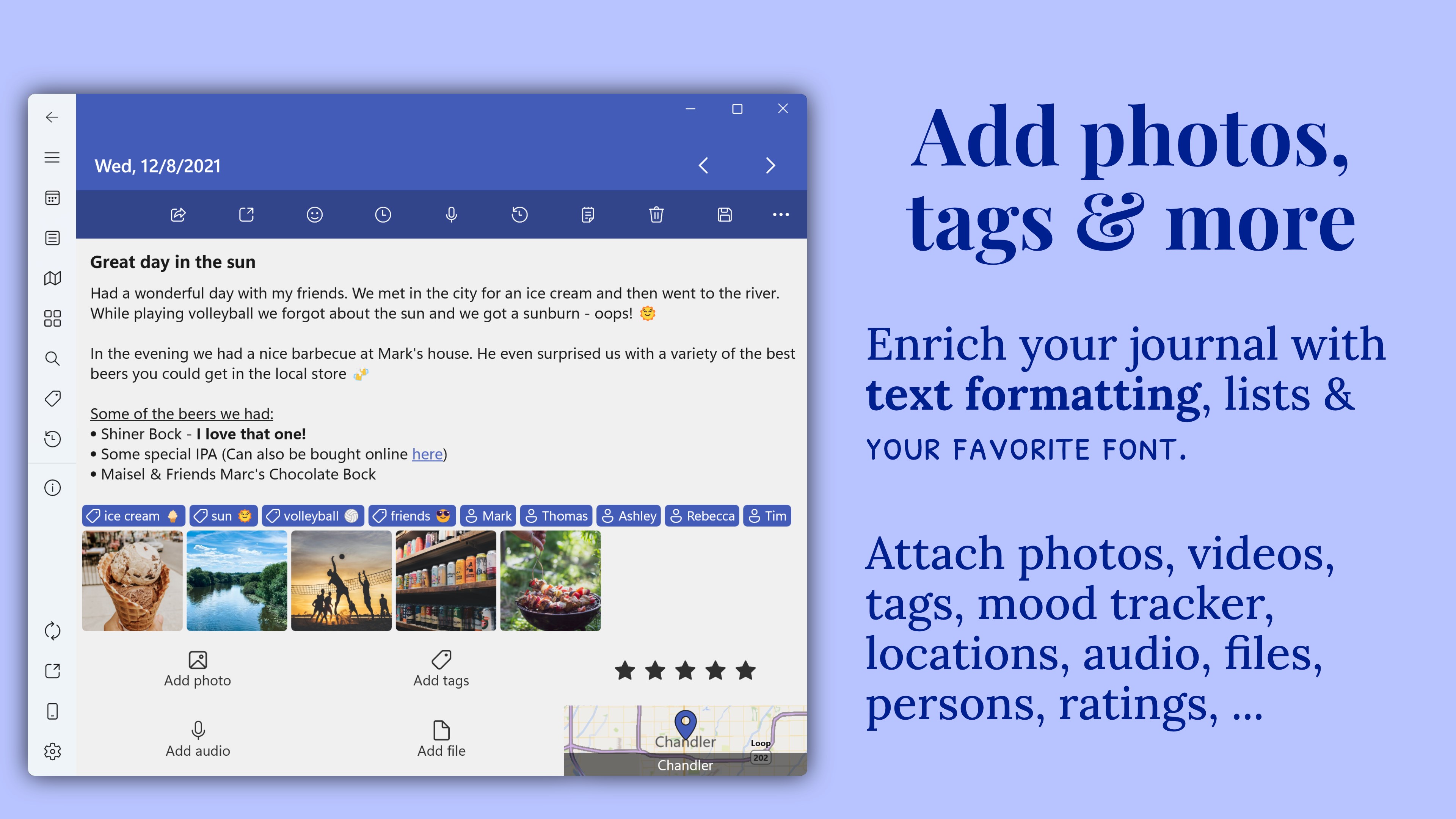
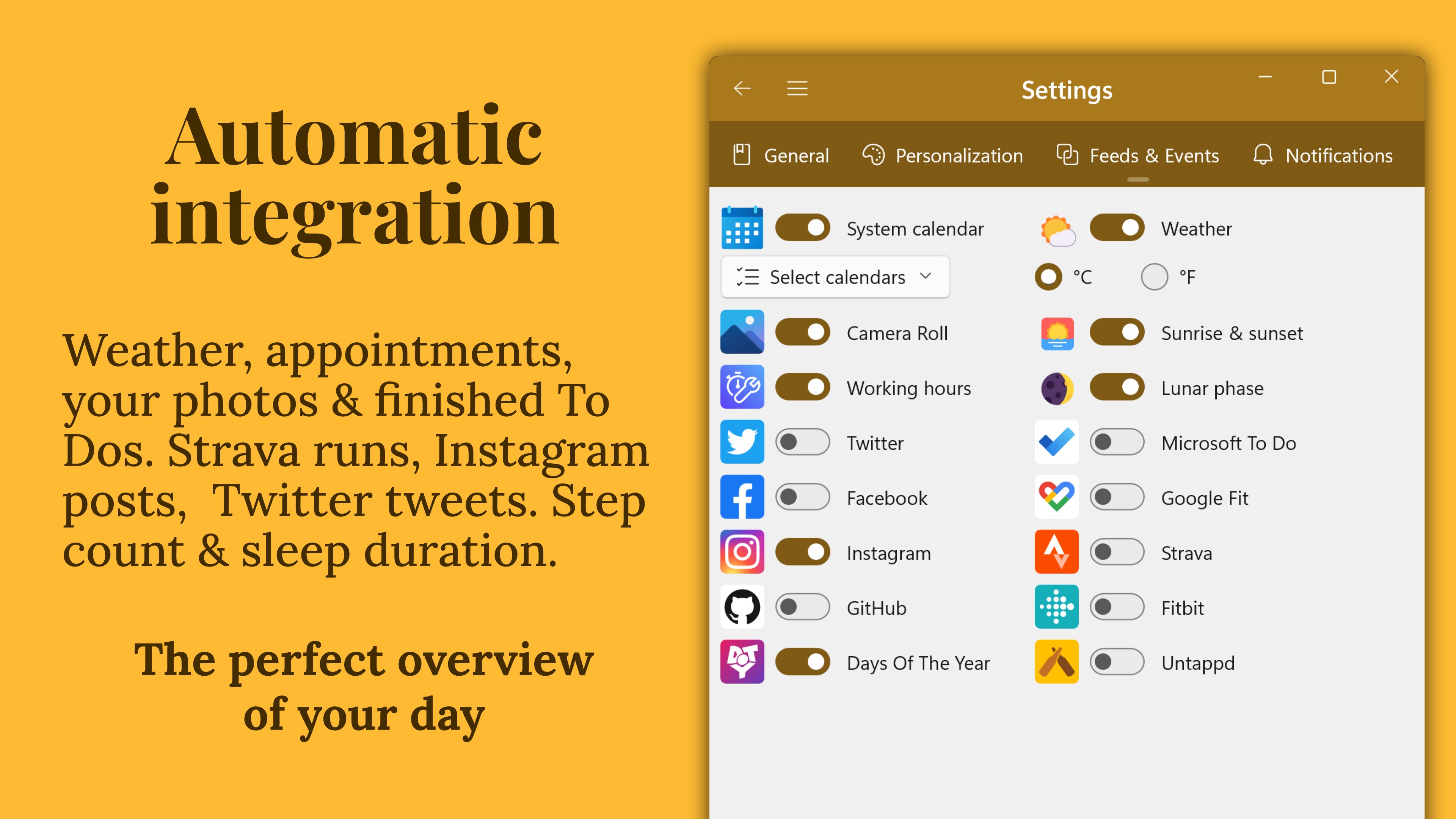
- Rich Media Entries: Insert photos, audio recordings, and even videos into your journal entries to vividly capture moments beyond just words.
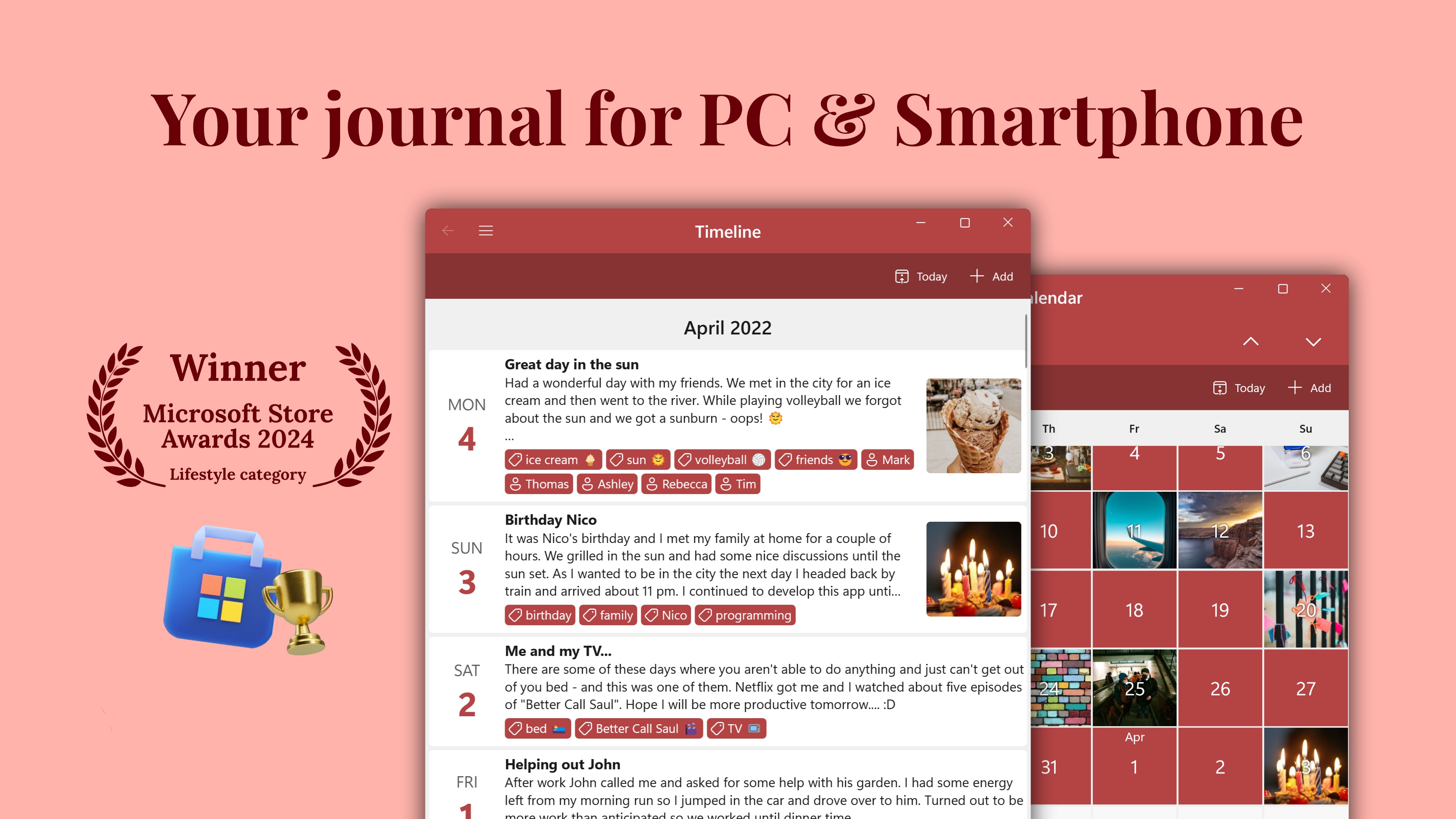
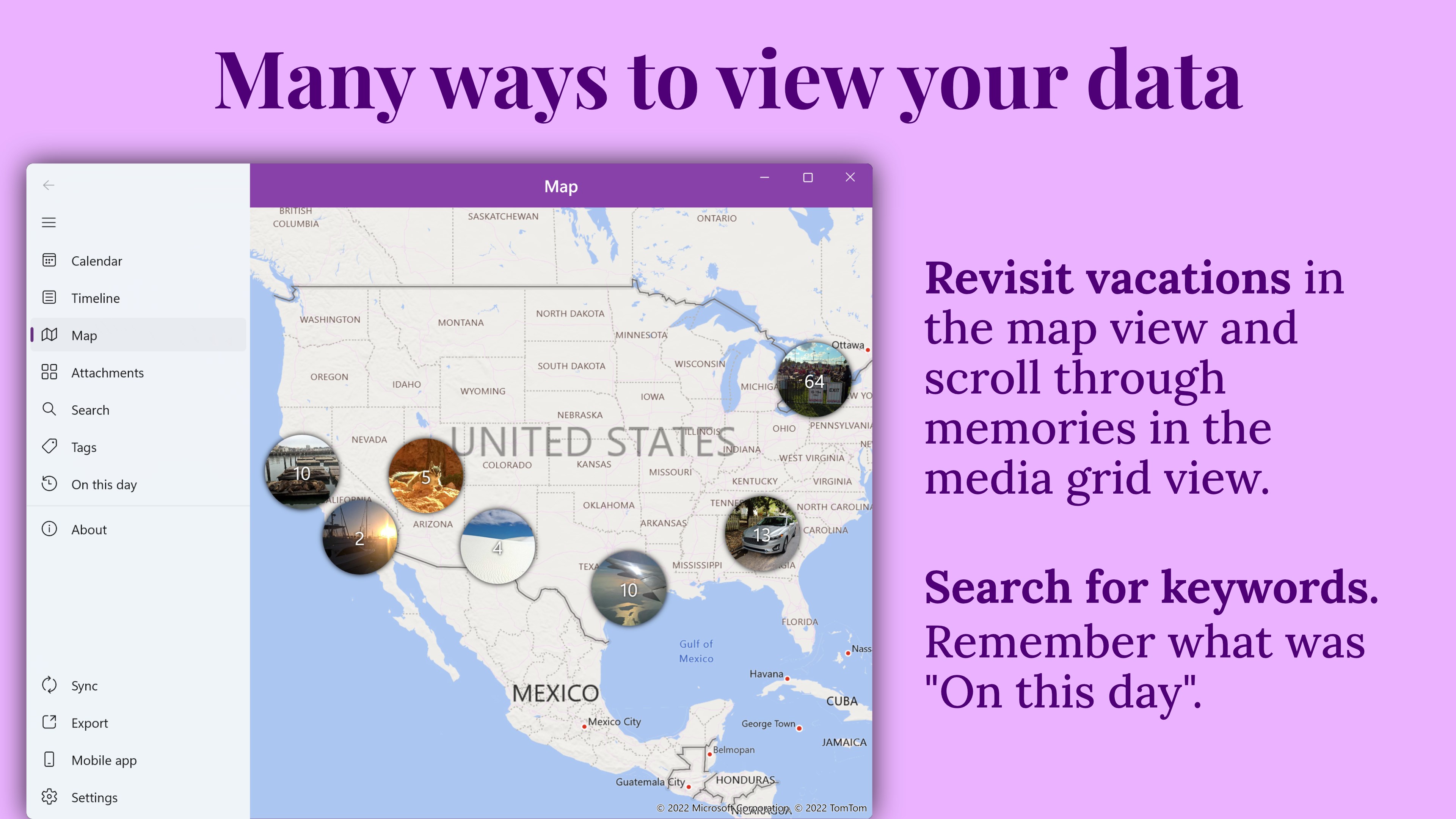
- Calendar and Tag Organization: Easily navigate through past entries with an integrated calendar view, complemented by customizable tags for efficient categorization.
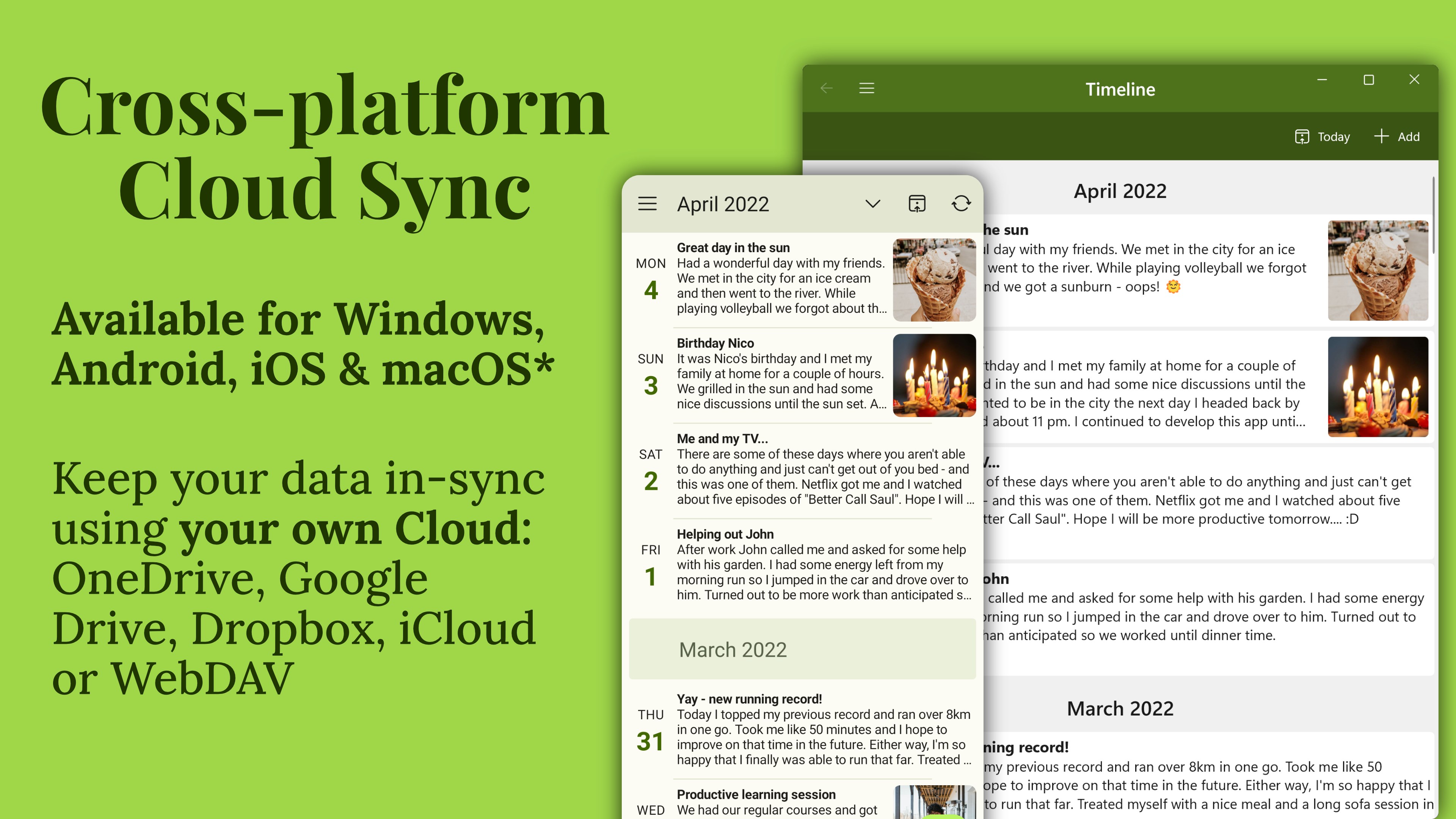
- Sync and Export Options: Seamless synchronization across devices and multiple export formats ensure your memories are always within reach and backed up.
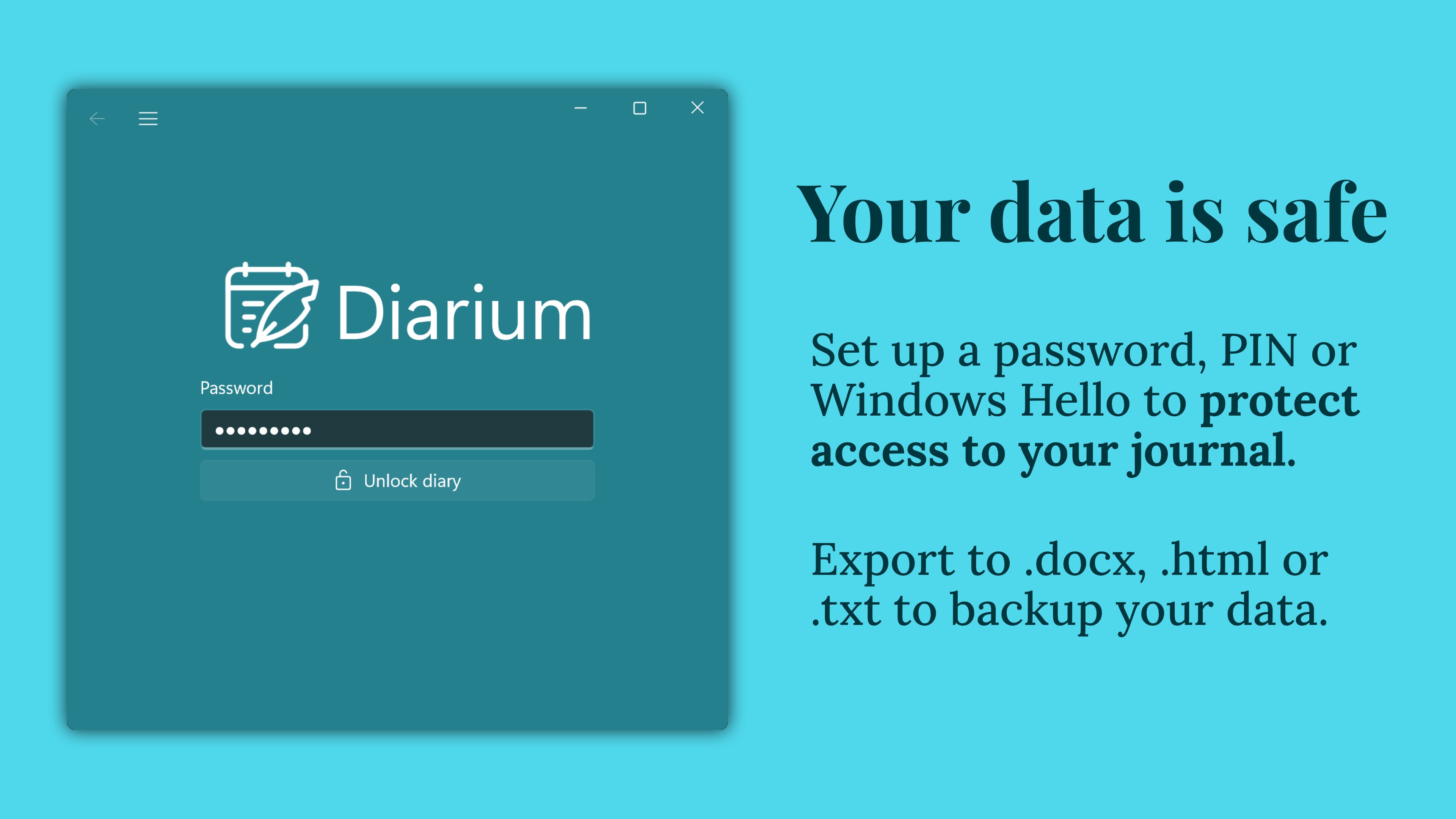
- Privacy and Security: Built-in encryption options provide peace of mind that your private thoughts stay confidential.
This app's target audience ranges from casual diarists and students to writers and professionals seeking an organized way to reflect and archive their personal insights and experiences.
Engaging, User-Friendly, and Rich in Features
Imagine sitting down at your desk or cozy corner with a cup of coffee, ready to jot down your day's adventures — Diarium makes this experience feel seamless and inviting. Its interface emphasizes simplicity and intuitiveness, with a clean layout that beckons both the tech-savvy and the less experienced alike.
The core of Diarium's appeal lies in its versatile media support. Unlike traditional text-only journaling apps, Diarium allows users to embed images, audio snippets, and videos directly into their entries. Think of it as creating a digital scrapbook where your memories are more alive and engaging. For instance, capturing a short voice memo during a city walk or adding a photo of your favorite meal enhances the storytelling aspect, making each entry richer and more authentic.
Navigation revolves around a sleek calendar interface complemented by tags, which feels like flipping through a familiar photo album with labels guiding you to specific moments. The operation flow remains smooth, with fluid transitions and minimal loading times, ensuring users don't get bogged down by technical hurdles. The learning curve is gentle, thanks to the well-designed onboarding tutorials and thoughtfully organized features, making it accessible even for first-time digital diarists.
Unique Selling Points and How Diarium Stands Out
In the crowded landscape of lifestyle and journaling apps, Diarium distinguishes itself primarily through its commitment to content authenticity and customization. Its ability to integrate multimedia content offers a more genuine reflection of life's moments, echoing a scrapbook rather than a plain text diary. This enhances the user's emotional connection and the app's credibility as a reliable personal archive.
Moreover, Diarium's focus on privacy, with encryption options, sets it apart from many apps that may compromise user data. Its flexibility in syncing and exporting ensures that users own their data—an essential feature for those serious about safeguarding their memories.
Compared to other lifestyle apps, Diarium's unique emphasis on multimedia integration and security provides an authentic and trustworthy journaling environment. Its design caters both to casual users and to those who want a more detailed, multimedia-rich record of their lives, making it a versatile tool within the journal app category.
Final Thoughts: Should You Give It a Try?
If you're looking for a digital journal that is both straightforward and customizable, Diarium offers a compelling package. Its multimedia support, easy navigation, and privacy features are particularly appealing for those who want to make their journaling process more vivid and protected. Though it may not have the social sharing features of some lifestyle apps, its focus on content authenticity and personal security makes it stand out. I recommend giving it a try if you value a clean interface combined with rich multimedia capabilities — it could very well become your digital confidant for daily reflections and treasured memories.
Pros
- Intuitive User Interface
- Rich Customization Options
- Cross-Platform Synchronization
- Rich Media Support
- Privacy and Security Features
Cons
- Limited Export Formats
- Occasional Sync Delays
- Customizable Themes Are Basic
- Offline Access Might Be Restricted
- Notification Customization Is Basic










