
- Category Productivity
- Available on PC, Surface Hub
- OS Windows 10 version 19041.0 or higher
- languages Chinese (Simplified), English, English (United States), French, German, Italian, Japanese, Portuguese, Portuguese (Brazil)
An Overview of Digital Notebook — Smart Pencil Notes & PDF Editor for Windows
Digital Notebook by Appsprings LLP stands out as a versatile tool designed to elevate your note-taking and PDF management experience on Windows. It seamlessly combines handwritten notes and digital document editing, targeting users who crave both flexibility and efficiency in their workflows.
Who's Behind the Magic?
The application is developed by Appsprings LLP, a committed team focused on creating productivity-enhancing tools for Windows users. Their expertise appears to center on integrating traditional note-taking with modern digital workflows, aiming to deliver an intuitive yet powerful user experience.
Highlighting the Main Features
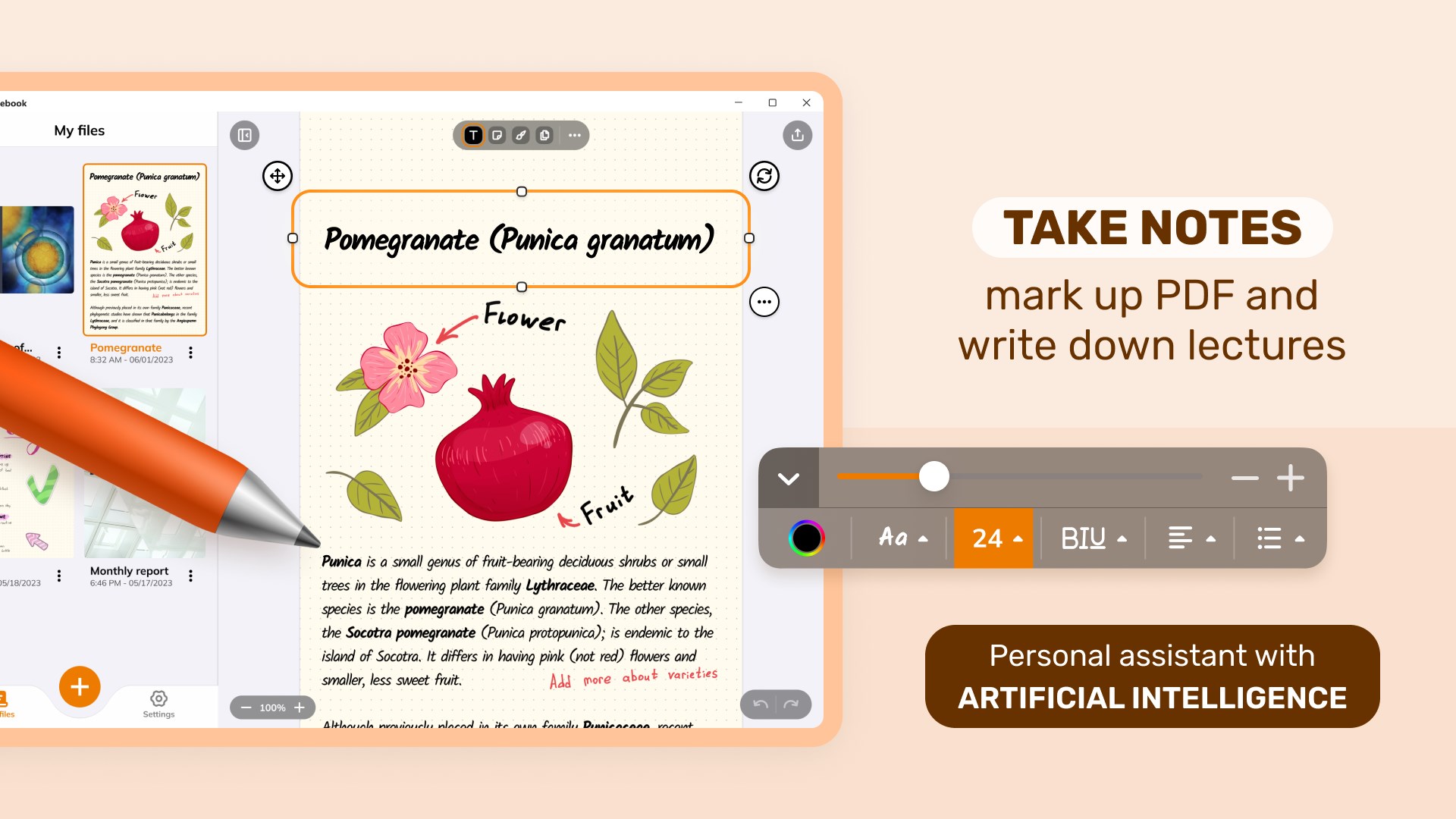
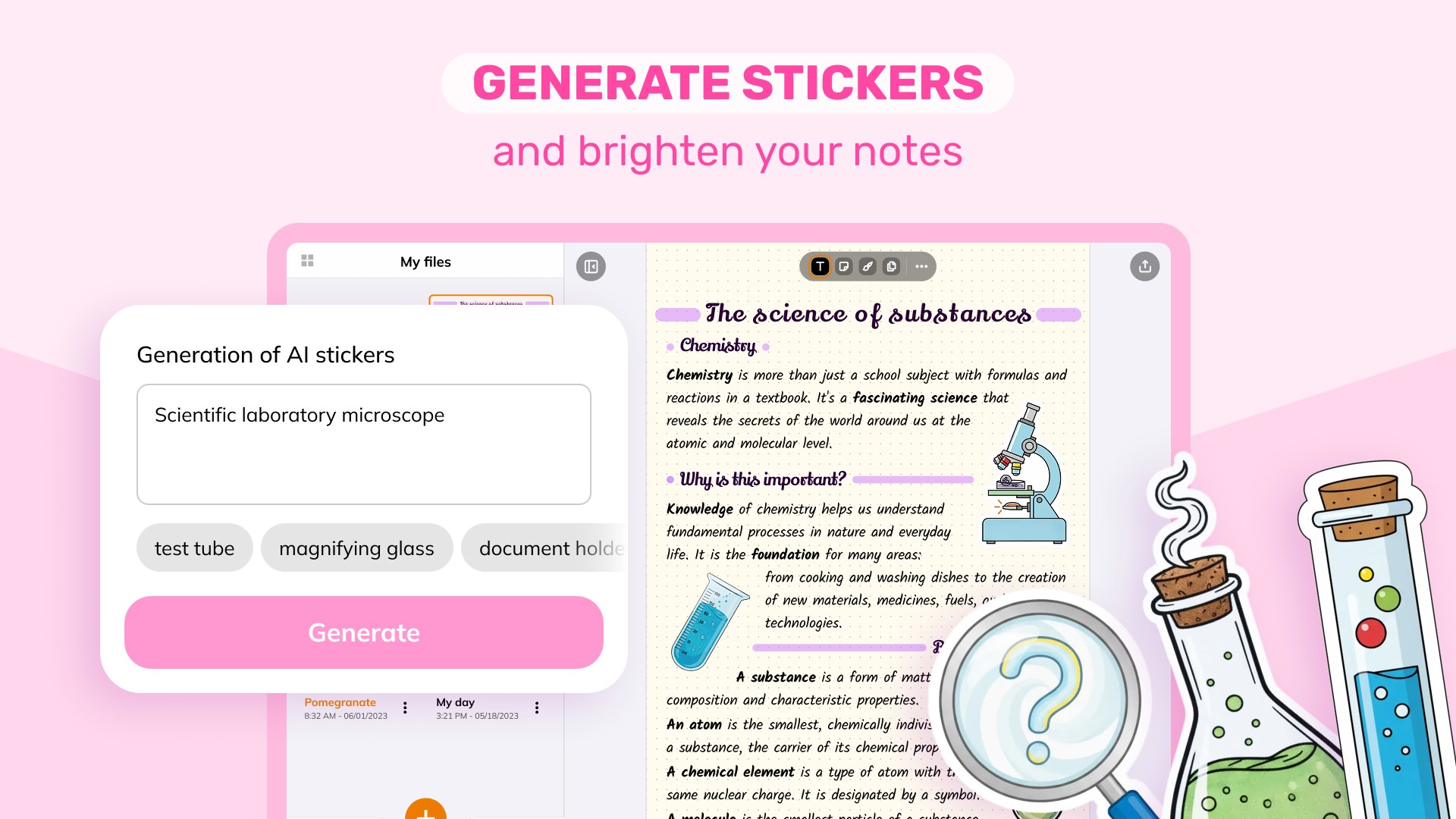
- Smart Pencil Notes & PDF Editing:It allows users to take handwritten notes directly on PDFs and edit document content seamlessly, bridging the gap between freehand creativity and professional document management.
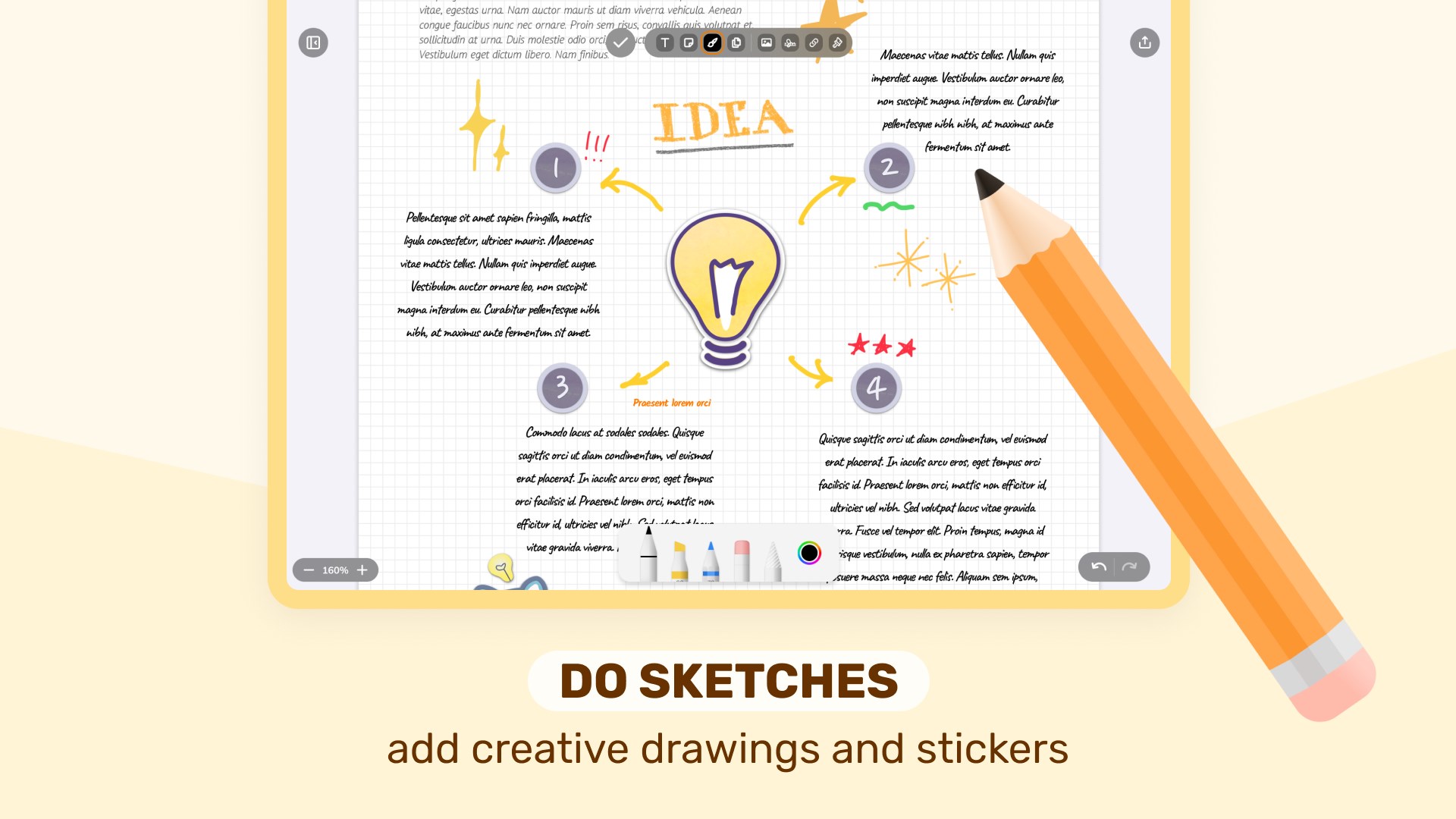
- Rich Annotation Tools:Includes a variety of pen types, colors, and highlighters, facilitating detailed annotations tailored to individual needs.
- Intuitive Interface & Efficient Workflow Integration:The app's design promotes an easy learning curve while enabling quick navigation, making note-taking and PDF editing feel fluid and natural.
- Sync and Export Options:Supports exporting annotated PDFs or notes in multiple formats, ensuring versatility for sharing or further editing.
Immersive and User-Friendly Note-Taking
Imagine sidestepping the chaos of countless scattered notes—Digital Notebook transforms your Windows device into a digital notepad where writing feels as smooth as pen on paper. From jotting down quick reminders to crafting detailed annotations, this app encourages a free-flowing writing style supported by a host of customization options. The handwriting input feels surprisingly natural, almost as if you're using a real pencil, which makes capturing spontaneous ideas or complex diagrams a pleasure rather than a chore. One of its most compelling features is the ability to convert handwritten notes into searchable digital text, easing retrieval and organization, much like having a personal assistant keeping your thoughts neatly indexed.
Editing PDFs with Precision and Flexibility
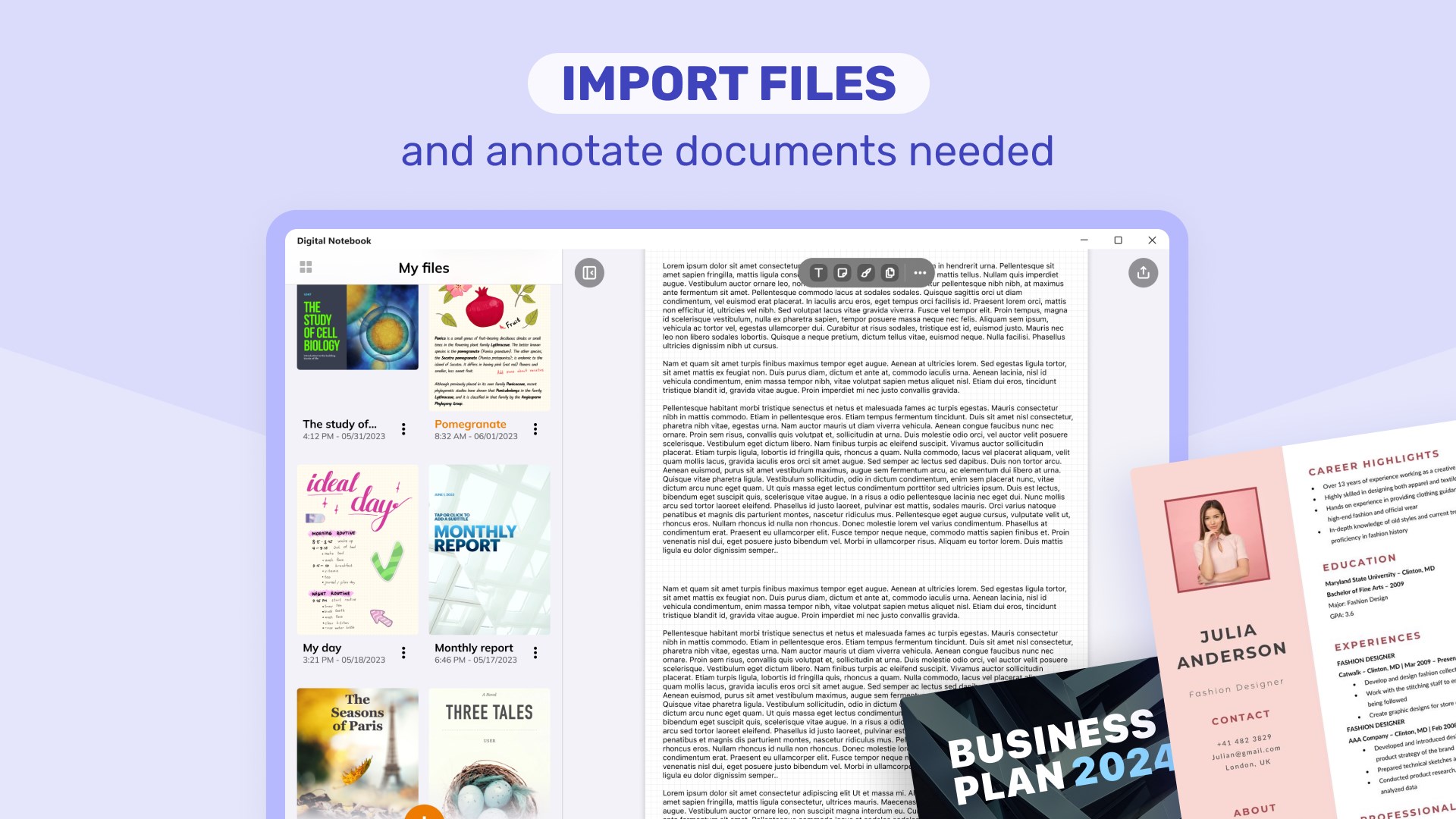
What sets Digital Notebook apart is its robust PDF editing capabilities. Beyond simple annotation, users can directly modify document content—add or delete text, insert images, or rearrange pages—all within an intuitive workspace. This transforms the app into a mini workshop where you can prepare reports, mark up study materials, or review contracts effortlessly. The annotation tools are comprehensive yet straightforward: highlighters for emphasis, pens for freehand notes, and shape tools for diagrams. These features work harmoniously to reduce the cognitive load—complex editing becomes an organized, almost meditative activity—unlike overly complicated productivity apps that drown you in endless options without focus.
Design, Performance, and Workflow Harmony
The user interface of Digital Notebook exudes clarity, akin to a tidy workspace—clean menus, logically grouped features, and minimal clutter make navigation simply second nature. The app responds swiftly to input, providing a lag-free experience even with complex documents, which speaks to its well-optimized performance. Its learning curve is gentle; artists, students, or professionals familiar with digital note tools can get started in minutes, while still discovering layers of functionality with time. Its workflow integration shines through smooth exporting and compatibility with other document management tools, making it a reliable component of daily productivity routines.
What Makes It Stand Out?
Among its peers, Digital Notebook's most distinctive attribute is its ability to seamlessly blend natural handwriting with precise PDF editing, all curated within a user-centric interface. Unlike apps that force a choice between simplicity and power, Digital Notebook offers a balanced experience: intuitive enough for quick notes, yet capable enough for detailed document revisions. Its focus on reducing cognitive load by streamlining features, rather than overwhelming users, is a breath of fresh air in the productivity app landscape.
Final Recommendations
If you're seeking an application that respects your flow—whether writing freehand or editing technical PDFs—Digital Notebook is a strong contender. It is especially suited for students, educators, and professionals who need a simple yet potent tool for managing notes and documents together. For those tired of juggling between several apps or feeling bogged down by feature overload, this app simplifies your workspace without sacrificing capability. I recommend giving it a try if your workflow benefits from integrated, handwritten, and digital document editing in one cohesive platform. Its balance of straightforwardness and depth makes it a noteworthy addition to your productivity toolkit.
Pros
- Intuitive handwriting recognition
- Seamless PDF annotation
- Smooth stylus support
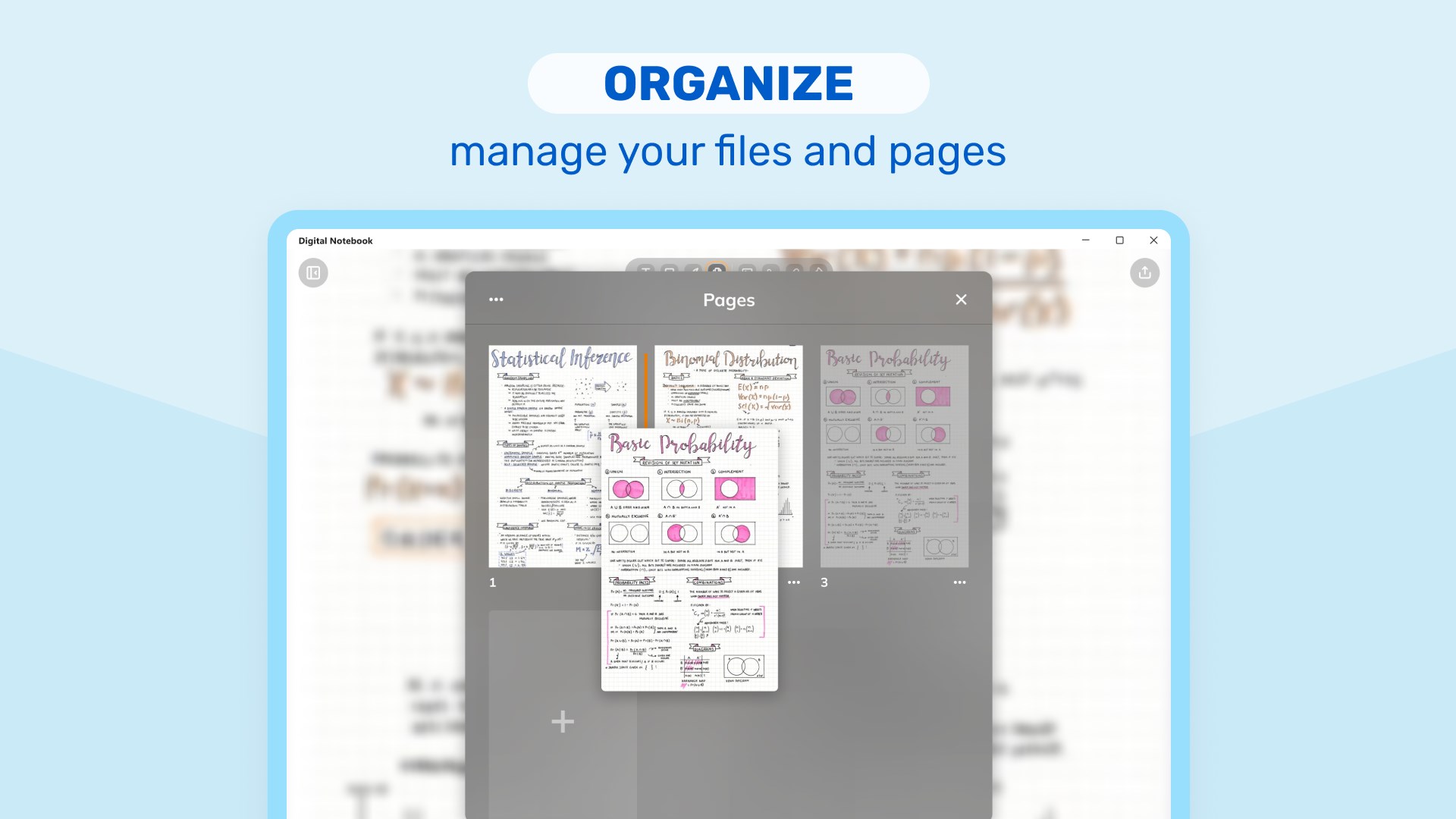
- Organized note management
- Offline access and editing
Cons
- Limited export options
- Clunky interface for some features
- Syncing issues across devices
- Limited customization of tools
- Battery consumption during intensive use











