
- Category Productivity
- Available on PC, Mobile, Surface Hub, HoloLens
- OS Windows 10 version 19041.0 or higher
- languages Arabic, Chinese (Simplified), English, English (United States), French, German, Italian, Japanese, Korean , Portuguese (Brazil), Portuguese (Portugal), Spanish (Spain)
Efficient Planning Meets User-Friendly Design
Digital Planner by Softwings LLC is a versatile Windows application crafted to transform your digital organization and workflow. Think of it as your personal assistant that keeps your ideas, schedules, and tasks neatly arranged all in one place—streamlining your productivity without the clutter.
Who's Behind the Curtain?
Developed by Softwings LLC, a team dedicated to creating intuitive and functional productivity tools, Digital Planner reflects their commitment to enhancing digital organization. Their focus on user-centric design ensures that this app isn't just powerful, but also approachable for a wide range of users — from professionals juggling multiple projects to students managing coursework.
Key Highlights That Make a Difference
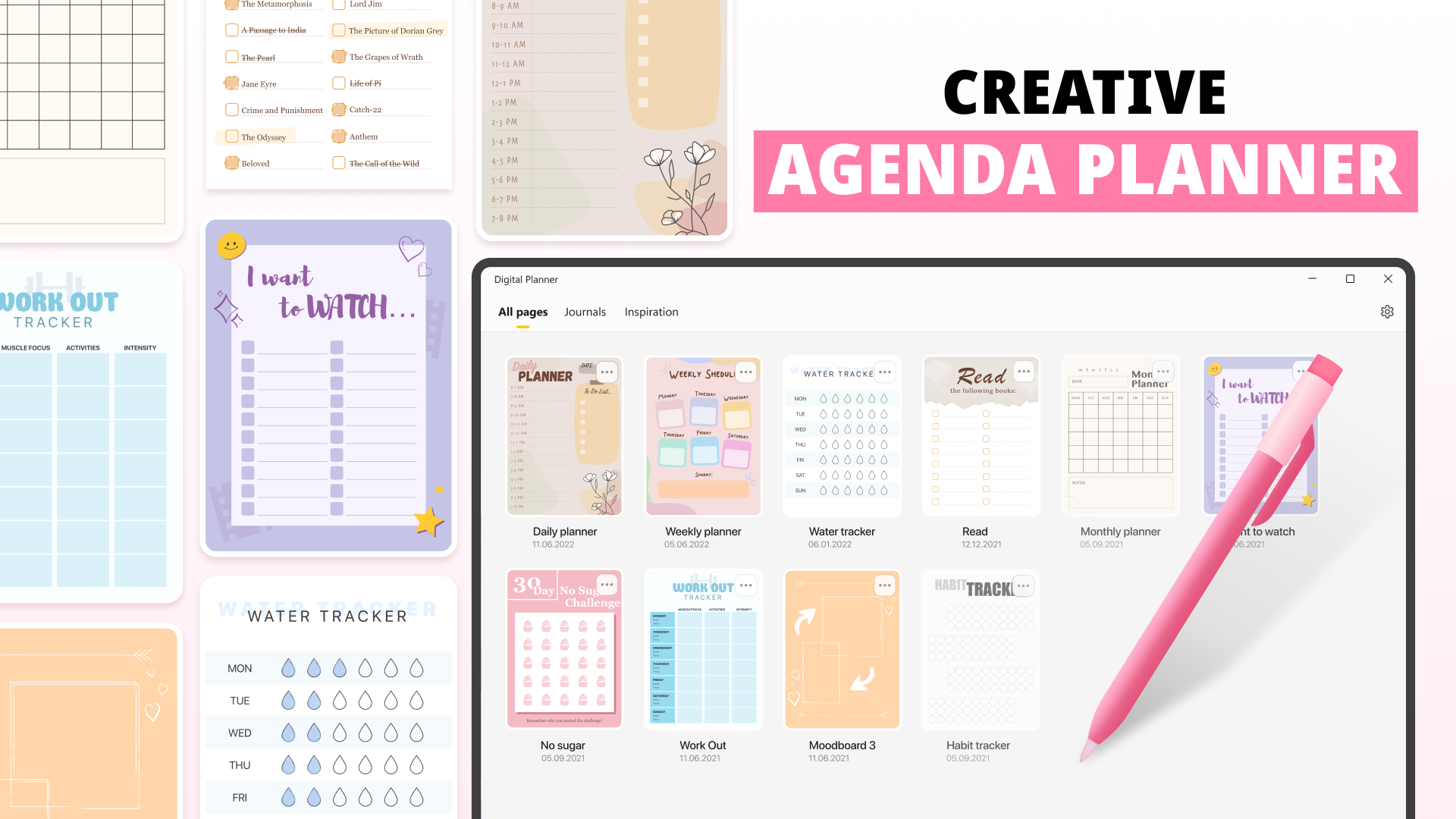
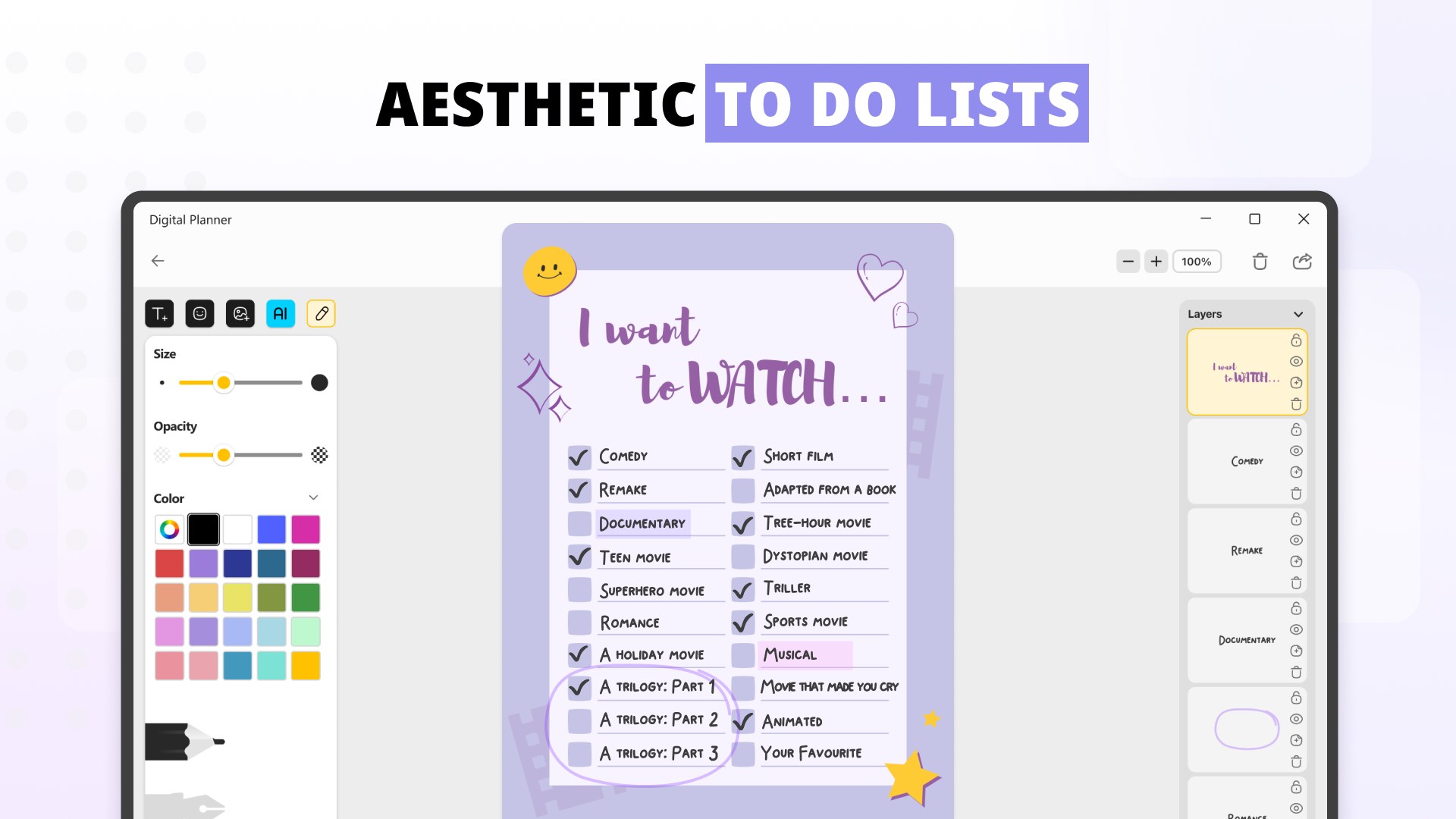
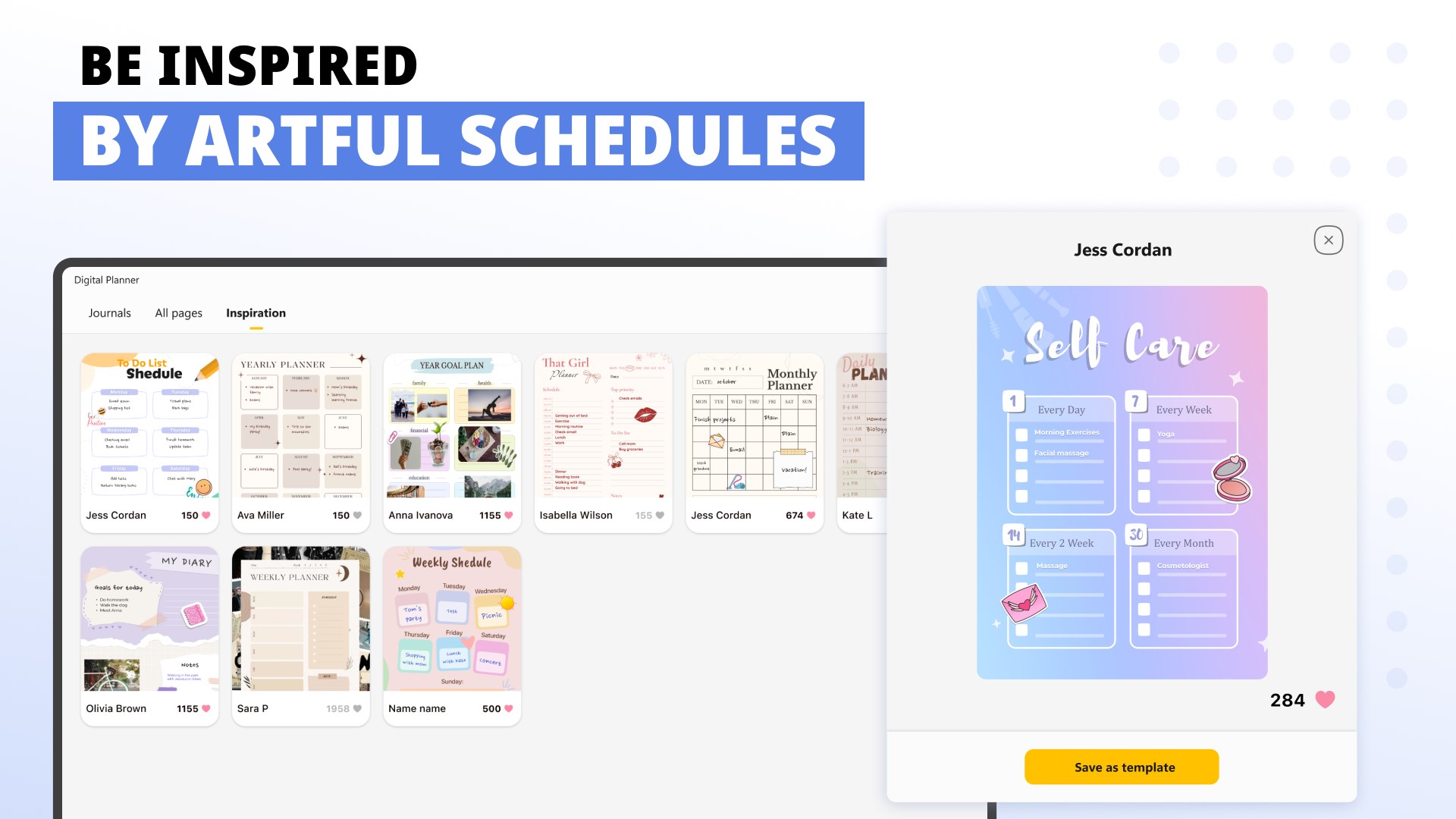
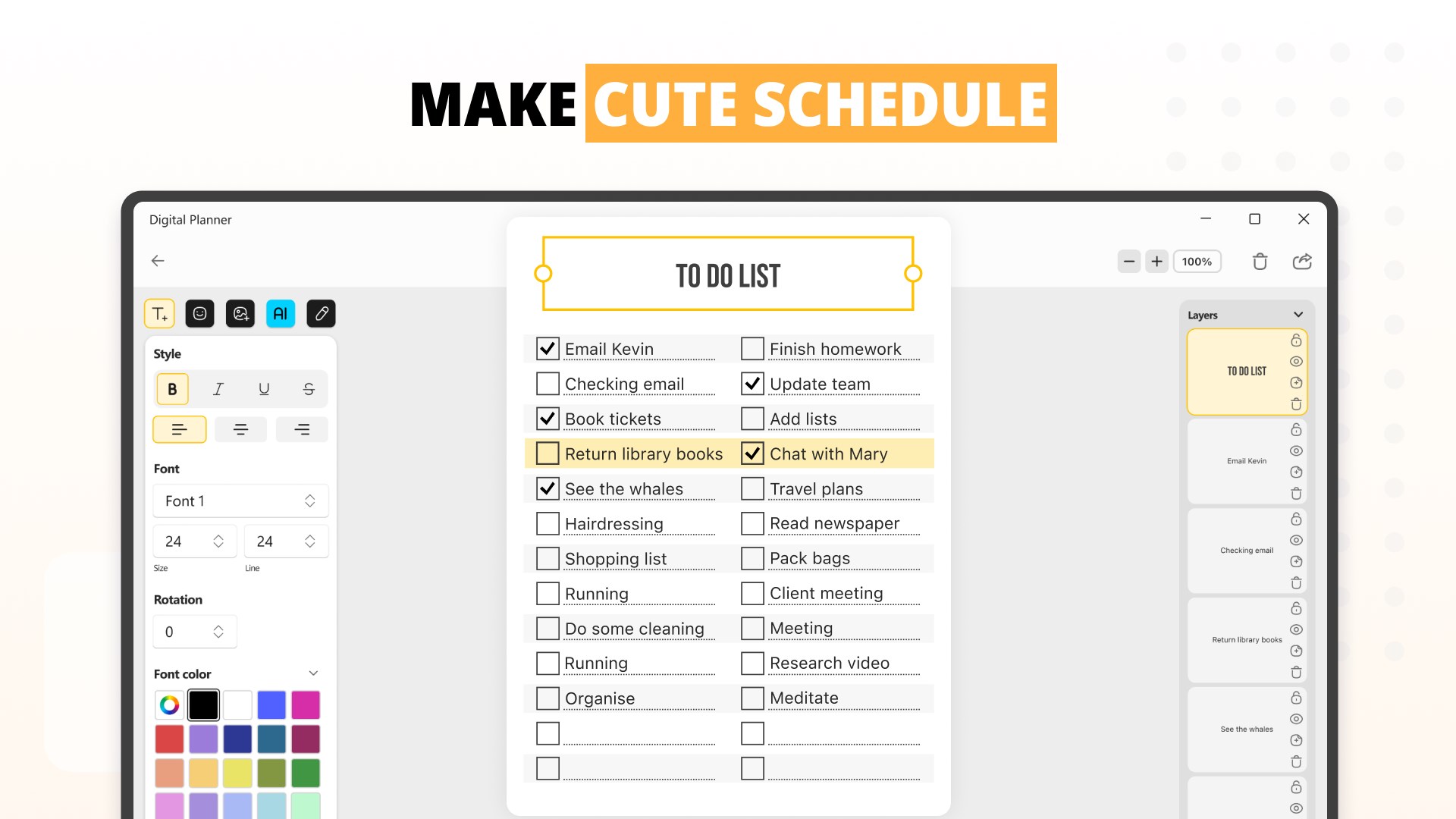
- Creative Agenda & Customizable Pages: Allows users to personalize their planning with flexible templates and layouts tailored to different needs—be it daily to-dos, project trackers, or creative brainstorming pages.
- Intuitive Drag-and-Drop Interface: Simplifies arranging, categorizing, and reorganizing your plans, making the process feel almost effortless—like sliding puzzle pieces into place.
- Seamless Integration Capability: Supports syncing with Windows calendar and file system, enabling smoother workflow flow and reducing the hustle of switching between apps.
- User-Centric Organization: Combines a clean, modern interface with a focus on reducing cognitive load by avoiding overly complex menus, making planning a calming activity rather than a chore.
Immersive Experience with a Few Clicks
Opening Digital Planner feels like walking into a well-organized workspace—bright, inviting, and ready for your ideas. The app's design exudes minimalism with thoughtful touches, such as easy-to-navigate dashboards and visually appealing templates. The interface's fluidity makes moving between pages feel natural, much like flipping through a well-kept notebook. Learning the ropes is smooth sailing; most users will be up and running within minutes, thanks to straightforward controls and helpful onboarding tips.
Core Functionalities Explored
Creative Agenda & Customization
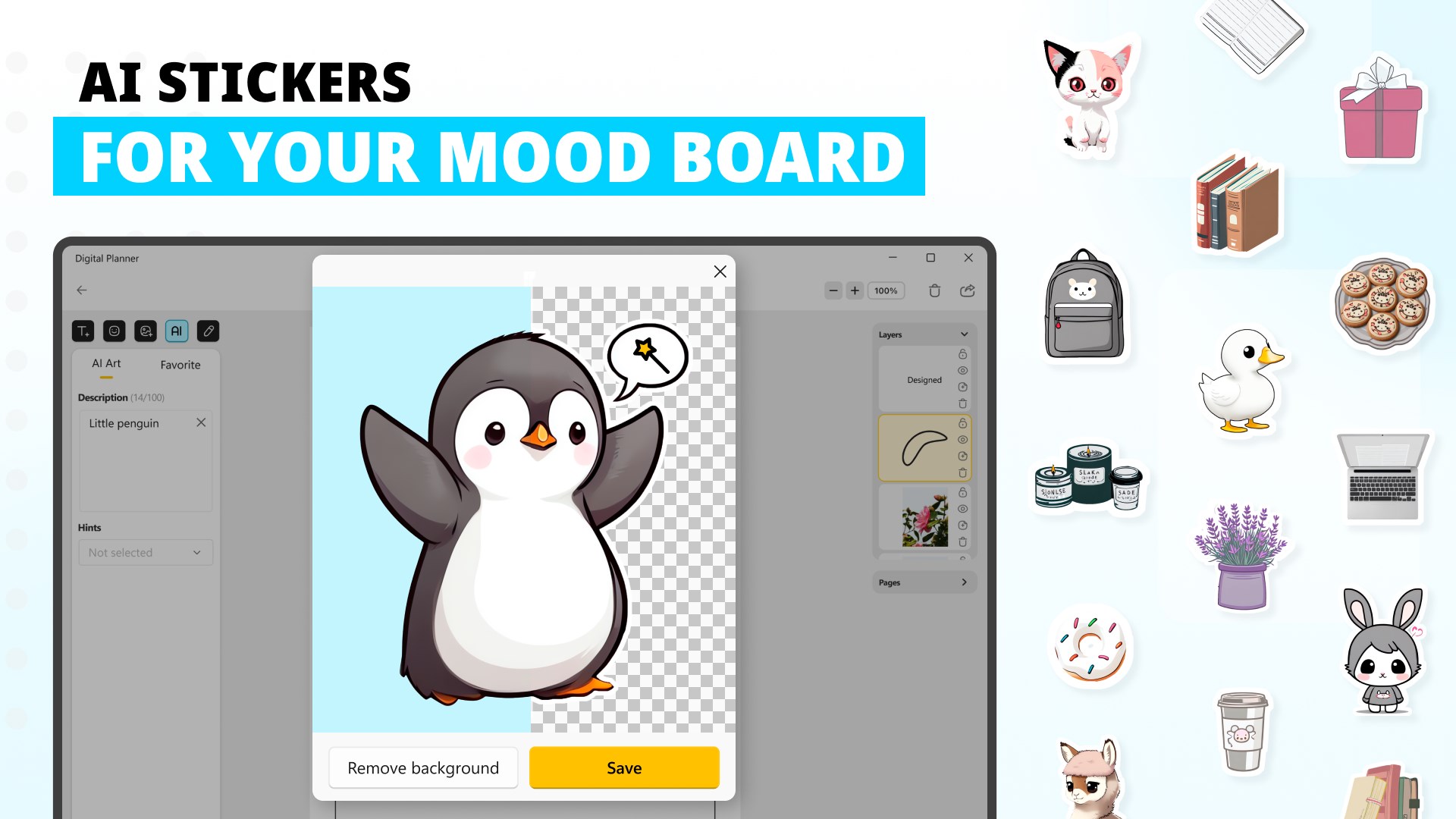
The heart of Digital Planner lies in its customizable agenda pages. Whether you prefer a handwriting-inspired layout, a neat task list, or a visually rich mood board, the app adapts effortlessly. This flexibility enables users to craft their perfect digital workspace, aligning with various workflows—be it project management or creative journaling. Unlike generic planners, its modular design means you're not boxed in by rigid templates; instead, you create a personal digital canvas, enriching your organizational experience.
Workflow Integration & Efficiency
The app shines brightest here. Digital Planner's ability to sync with Windows' native calendar and file system means your scheduled events, reminders, and files stay interconnected without fuss. No more toggling between separate tools; instead, your notes, deadlines, and inspirations are woven into a cohesive tapestry. This tight integration reduces cognitive load significantly, allowing you to focus on your tasks rather than managing tools—like having a personal assistant who's always prepared and never forgets a detail.
Intuitive User Experience & Reduced Clutter
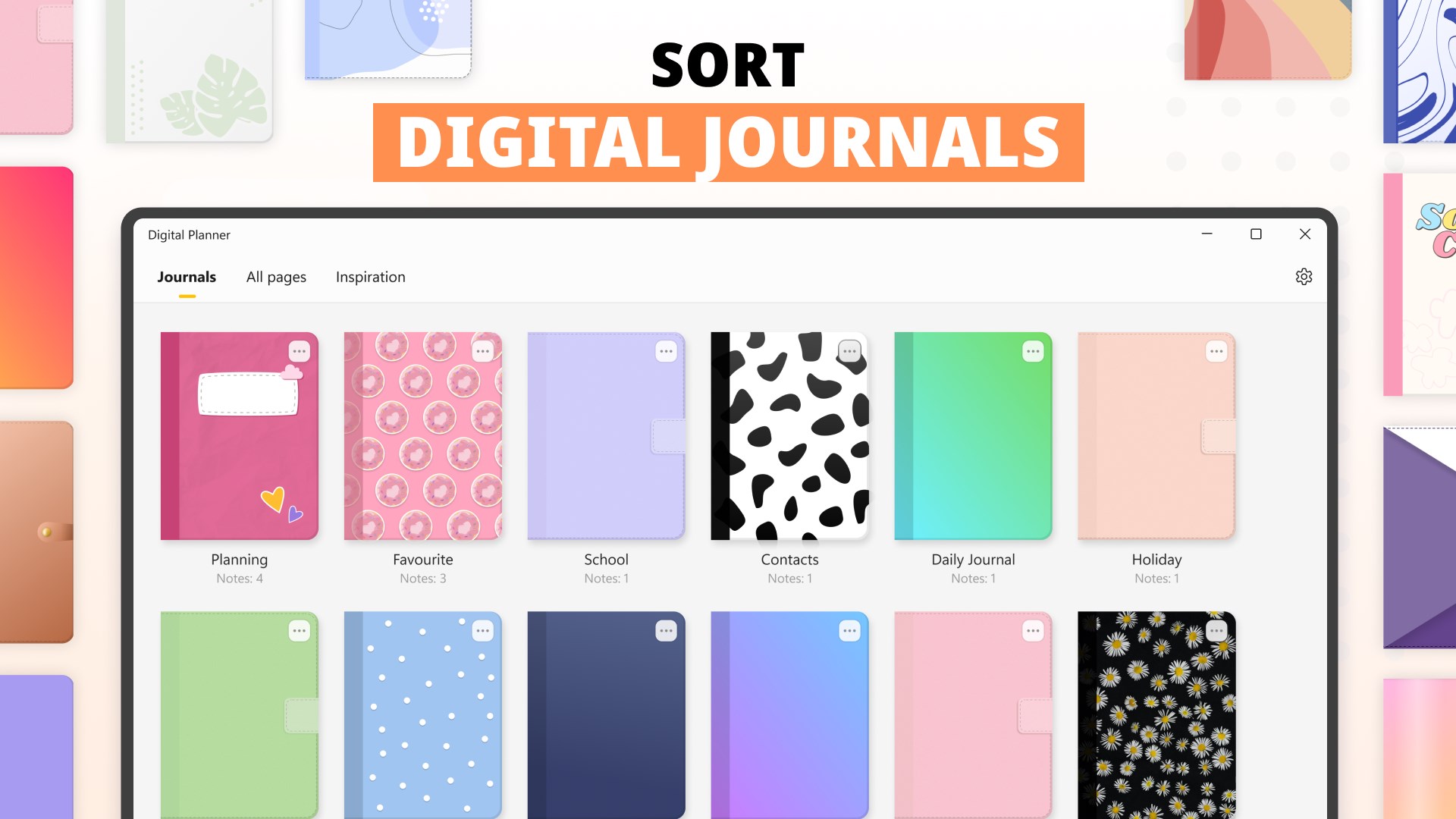
With a clean and modern UI, Digital Planner minimizes visual noise, keeping your mental workspace uncluttered. The drag-and-drop features make reorganization feel natural—like arranging papers on a desk—without requiring a steep learning curve. Many productivity apps overwhelm with complex menus and endless options; this app sidesteps that by providing essential features upfront, making it accessible and easy to adopt. This design philosophy supports users in developing a sustainable, stress-free planning habit.
Distinguishing Features & Final Thoughts
Compared to similar productivity apps, Digital Planner's standout feature is its seamless integration coupled with a highly flexible, creative workspace. It balances feature richness with simplicity—delivering powerful customization without overwhelming the user. Its focus on workflow efficiency and cognitive clarity makes it particularly appealing for those seeking a no-nonsense yet adaptable planning tool.
In terms of recommendation, I'd position Digital Planner as a solid choice for users who value a harmonious blend of customization and ease of use. It's particularly suited for creatives and professionals who want their digital planning to feel natural rather than burdensome. For those tired of bloated apps that promise too much but deliver chaos, this app offers a breath of fresh air—organized, aligned, and ready to support your workflow.
Overall, Digital Planner by Softwings LLC is a promising tool that prioritizes workflow integration and cognitive ease. If you're looking for a digital planner that feels like a personal assistant with a creative edge, give this a try—you might find yourself planning with more clarity, less stress, and genuine enjoyment.
Pros
- Intuitive and customizable interface
- Rich creative tools and templates
- Seamless synchronization across devices
- Integration with Microsoft services
- Regular updates and feature improvements
Cons
- Limited export options
- Occasional lagging when opening large files
- Learning curve for advanced features
- Limited offline functionality
- In-app premium features require purchase











