

- Category Social
- Available on PC
- OS Windows 10 version 0.0 or higher
- Keyboard Integrated Keyboard
- Mouse Integrated Mouse
- Memory 2 GB
- languages Bulgarian, Chinese (Simplified), Chinese (Traditional), Croatian, Czech, Danish, Dutch, English, English (United Kingdom), English (United States), Finnish, French, German, Greek, Hindi, Hungarian, Italian, Japanese, Korean, Lithuanian, Norwegian, Polish, Portuguese (Brazil), Romanian, Russian, Spanish, Swedish, Thai, Turkish, Ukrainian, Vietnamese
Discord for Windows: A Robust Hub for Community Building and Communication
Discord for Windows stands out as a comprehensive platform designed to facilitate seamless communication within gaming, hobbyist, and professional communities. Developed by Discord, Inc., it aims to create a space where users can connect effortlessly through voice, video, and text channels, all from their desktop environment.
Who's Behind the Curtain?
Created and maintained by Discord, Inc., a company renowned for building one of the most popular community communication platforms globally, Discord for Windows embodies their commitment to delivering a reliable, feature-rich experience tailored to desktop users.
Major Features That Make It Shine
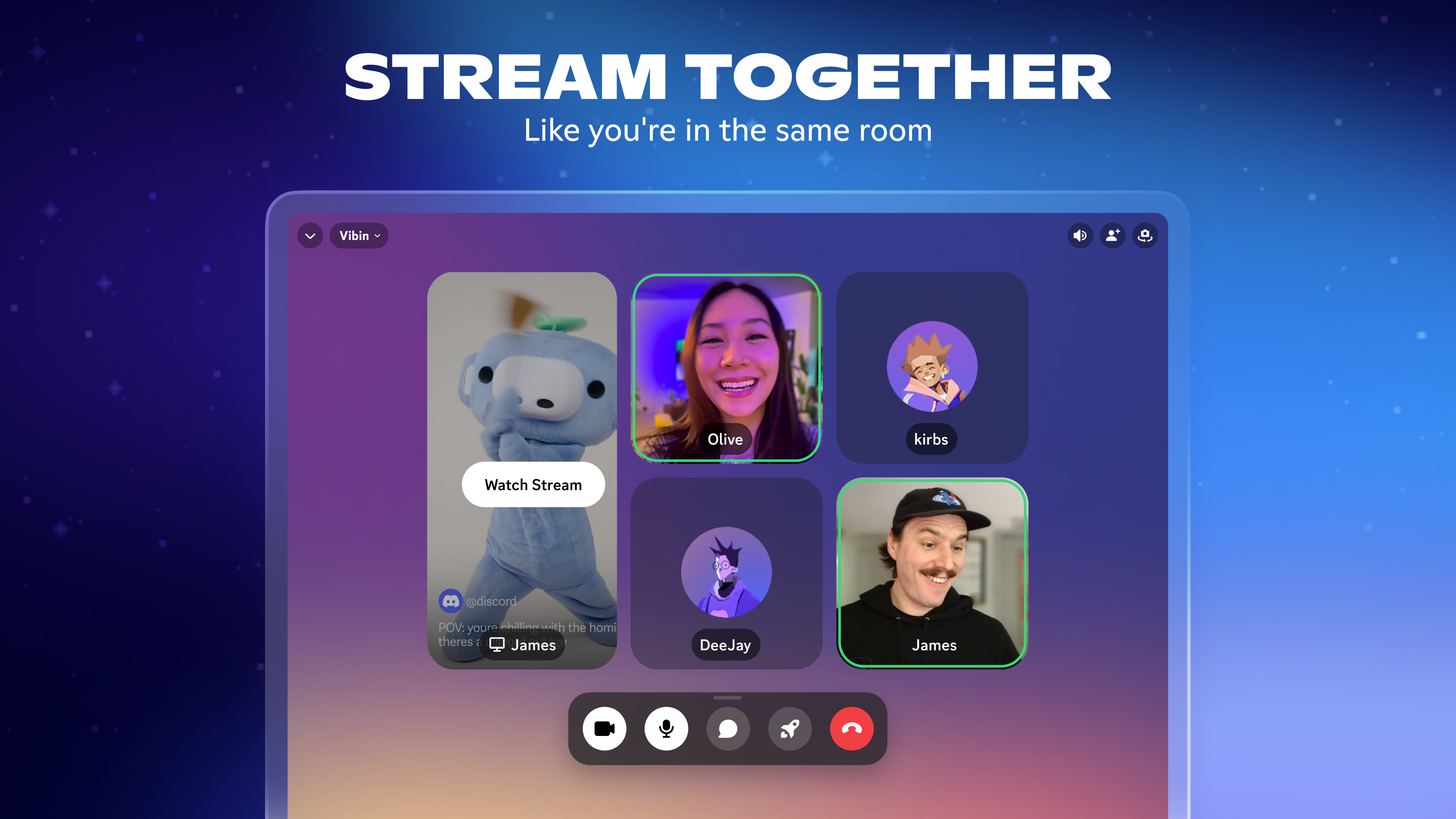
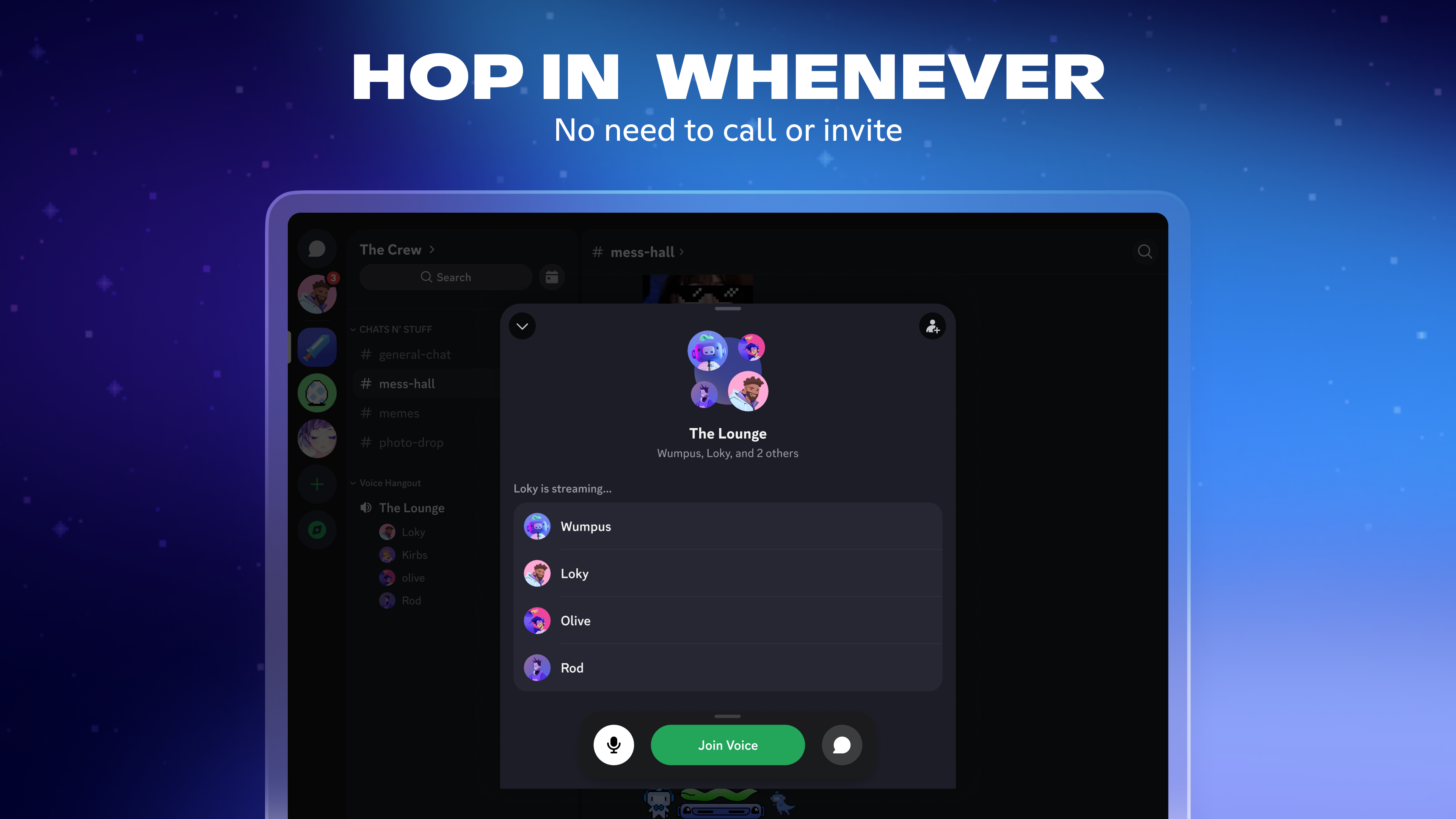
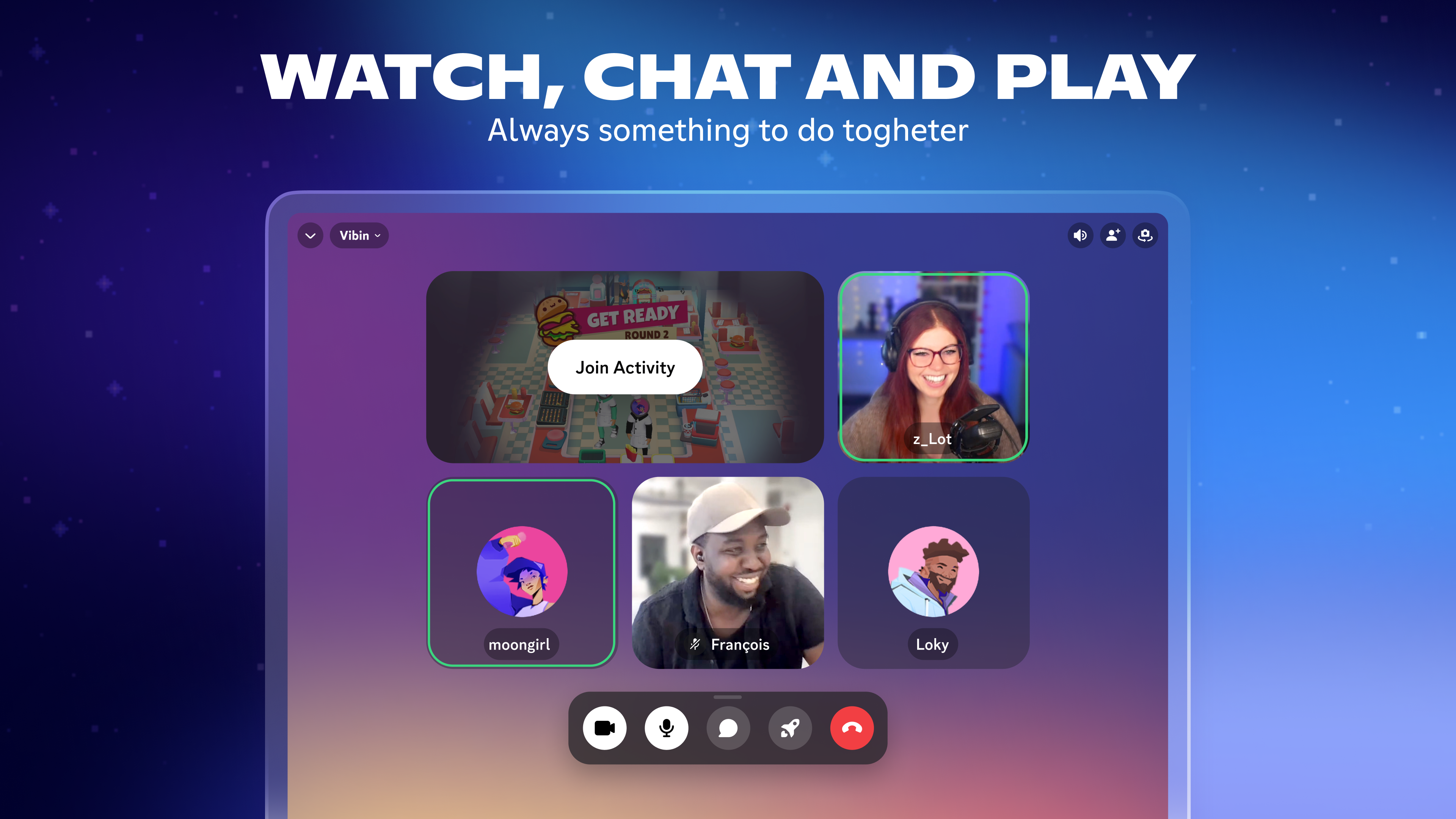
- Integrated Voice & Video Communication: High-quality voice channels and video calls that make conversations feel natural, whether you're gaming or collaborating remotely.
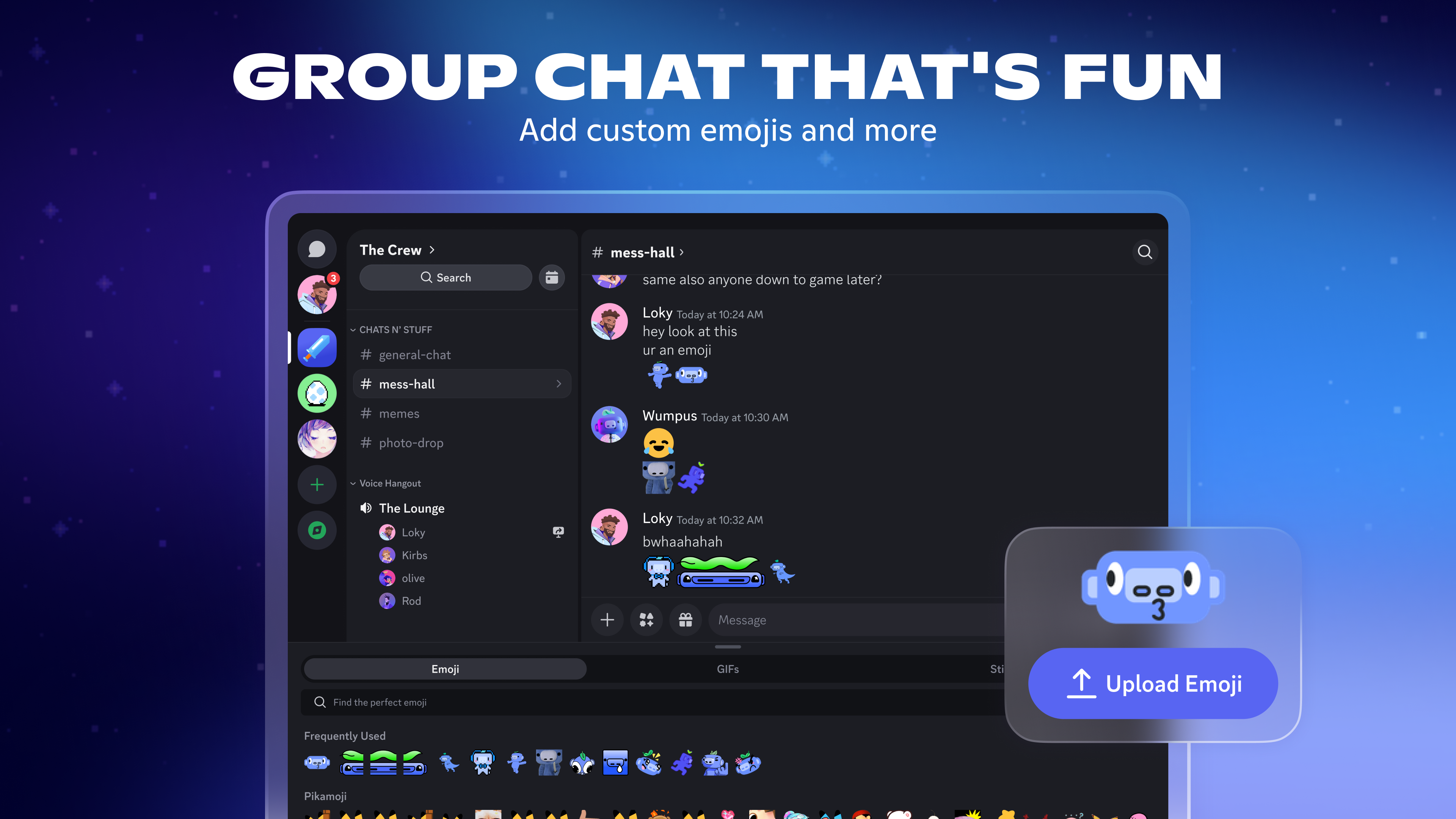
- Server and Channel Organization: Create tailored servers with multiple channels, categories, and roles to manage communities efficiently.
- Rich Media & Screen Sharing: Easily share images, videos, and even your screen, enhancing collaborative efforts or just sharing fun moments.
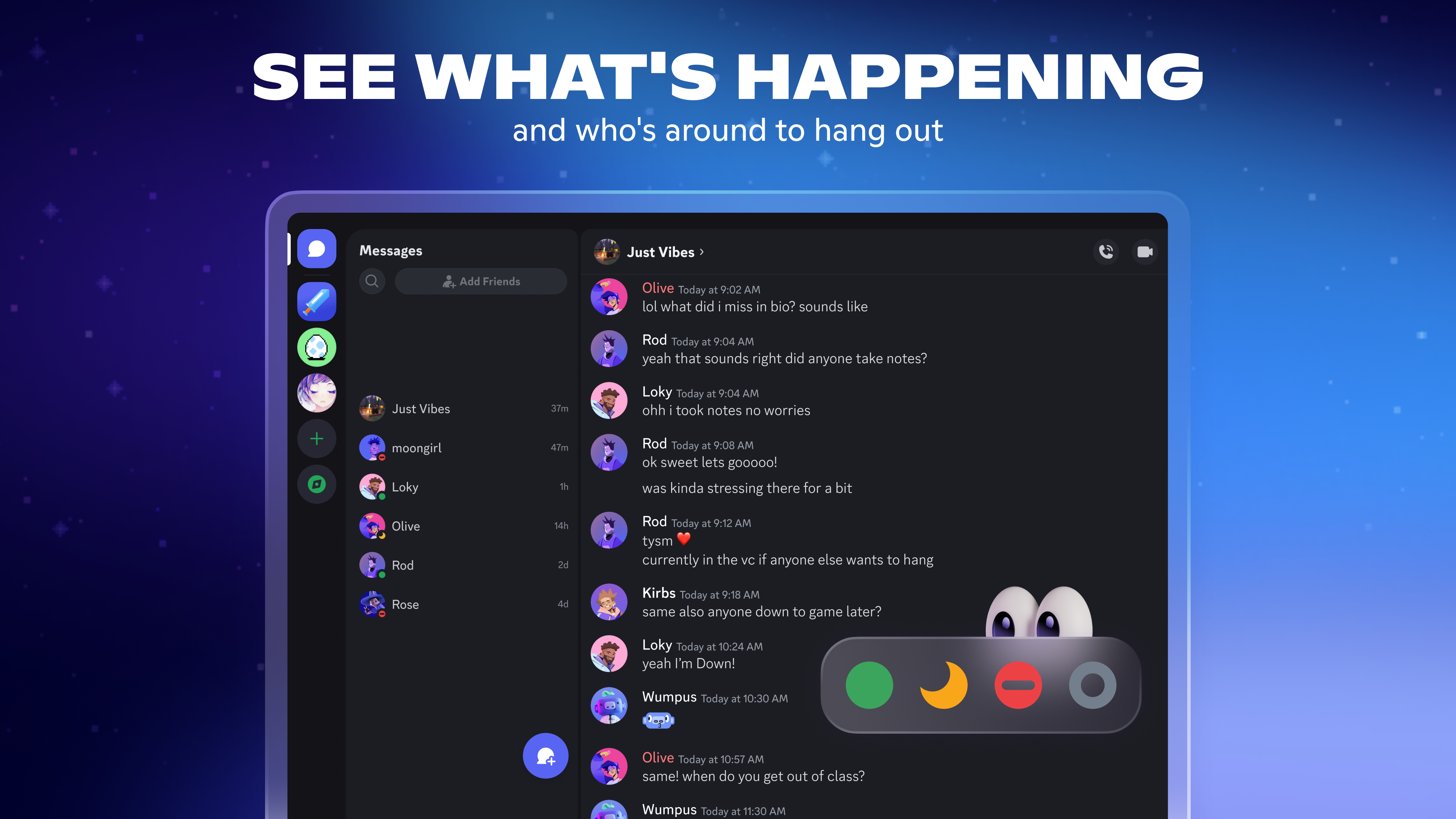
- Enhanced User Profile Customization: Personalize your profile with unique avatars, statuses, and custom tags to showcase your personality within your communities.
This app is primarily aimed at gamers, content creators, hobbyists, and team collaborators looking for an all-in-one communication tool that's both flexible and user-friendly on a Windows platform.
Welcoming You to a Digital Lounge
Imagine walking into a bustling lounge where friends gather around a glowing screen, each voice blending into lively conversation, laughter, or focused collaboration. That's what Discord for Windows aims to replicate—a virtual space where connection feels intuitive and natural. From the moment you open the app, its sleek interface welcomes you with a familiar yet refined look—think of it as stepping into a digital clubhouse where everything is just where you need it, ready for you to start chatting or sharing without fuss.
Streamlined Interface and User Experience
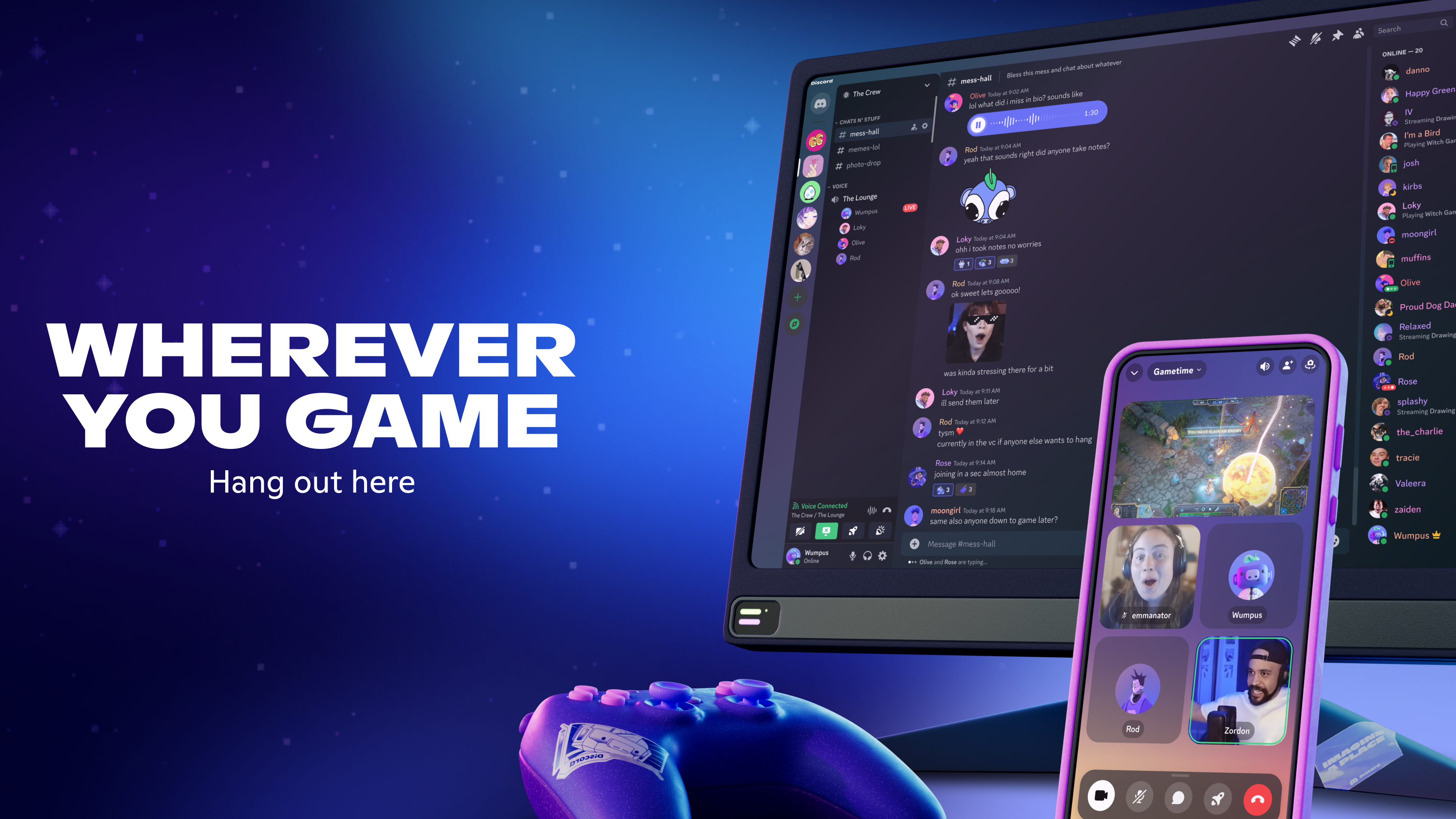
One of the app's strengths lies in its clean, intuitive design. The sidebar neatly displays your servers and friends, allowing quick access to your favorite spaces. Navigation feels smooth, with smooth animations guiding transitions, making operation feel fluid rather than cumbersome. The interface caters to both power users and newcomers, with a learning curve that's gentle enough for new members but packed with depth for seasoned veterans.
Core Functionality: Communication and Community Management
At its heart, Discord excels in providing multiple channels for communication. Voice channels are remarkably stable, offering low-latency, high-fidelity audio that feels almost like talking in person. Video calls are equally impressive, with clear video quality and easy toggling between cameras or screens. The ability to create dedicated text channels with customizable permissions allows communities to organize discussions efficiently—be it a gaming clan, study group, or a project team. The platform's capability to host multiple concurrent conversations enhances the overall user experience.
Unique Edge: Profile Customization & Authenticity Verification
Unlike many social apps that offer limited profile options, Discord for Windows emphasizes user identity and community safety through advanced profile customization. You can craft unique avatars, statuses, and custom tags that embody your personality, making each interaction more authentic and personalized. Additionally, the platform is gradually working toward improved authenticity verification—helping communities maintain trust and reduce impersonation issues. This focus on profile authenticity and personalization sets Discord apart, fostering a more genuine and engaging social environment.
Final Verdict: Worth a Place in Your Digital Toolbox
Overall, Discord for Windows delivers a mature, reliable, and versatile communication platform tailored for diverse communities. Its standout features—especially user profile customization and the seamless, low-latency voice/video channels—make it a compelling choice for those who value genuine connection and organized groups. For anyone seeking an app that combines intuitive design with powerful community management tools, I would recommend giving Discord a try.
While it faces competition from other social and messaging applications, Discord's dedicated focus on community building and real-time engagement makes it uniquely appealing. Whether for gaming, collaboration, or simply staying connected with friends, this app offers a solid, feature-rich experience worth exploring.
Pros
- User-friendly interface
- Strong voice and video quality
- Customizable server features
- Cross-platform compatibility
- Active community and support
Cons
- Occasional app crashes
- High resource consumption
- Limited server moderation tools on free plan
- Notification overload
- Privacy concerns with data sharing










