

- Category Entertainment
- Available on PC, Xbox console
- OS Windows 10 version 19041.0 or higher
- languages Chinese (Simplified), Chinese (Traditional Chinese), Chinese (Traditional, Hong Kong SAR), Czech, Danish, Dutch, English, English (United Kingdom), Finnish, French, French (Canada), German, Greek, Hungarian, Italian, Japanese, Korean, Norwegian, Polish, Portuguese (Brazil), Portuguese (Portugal), Romanian, Slovak, Spanish (Latin America), Spanish (Spain), Swedish, Turkish
Introducing Disney+ for Windows: A Gateway to Magical Entertainment
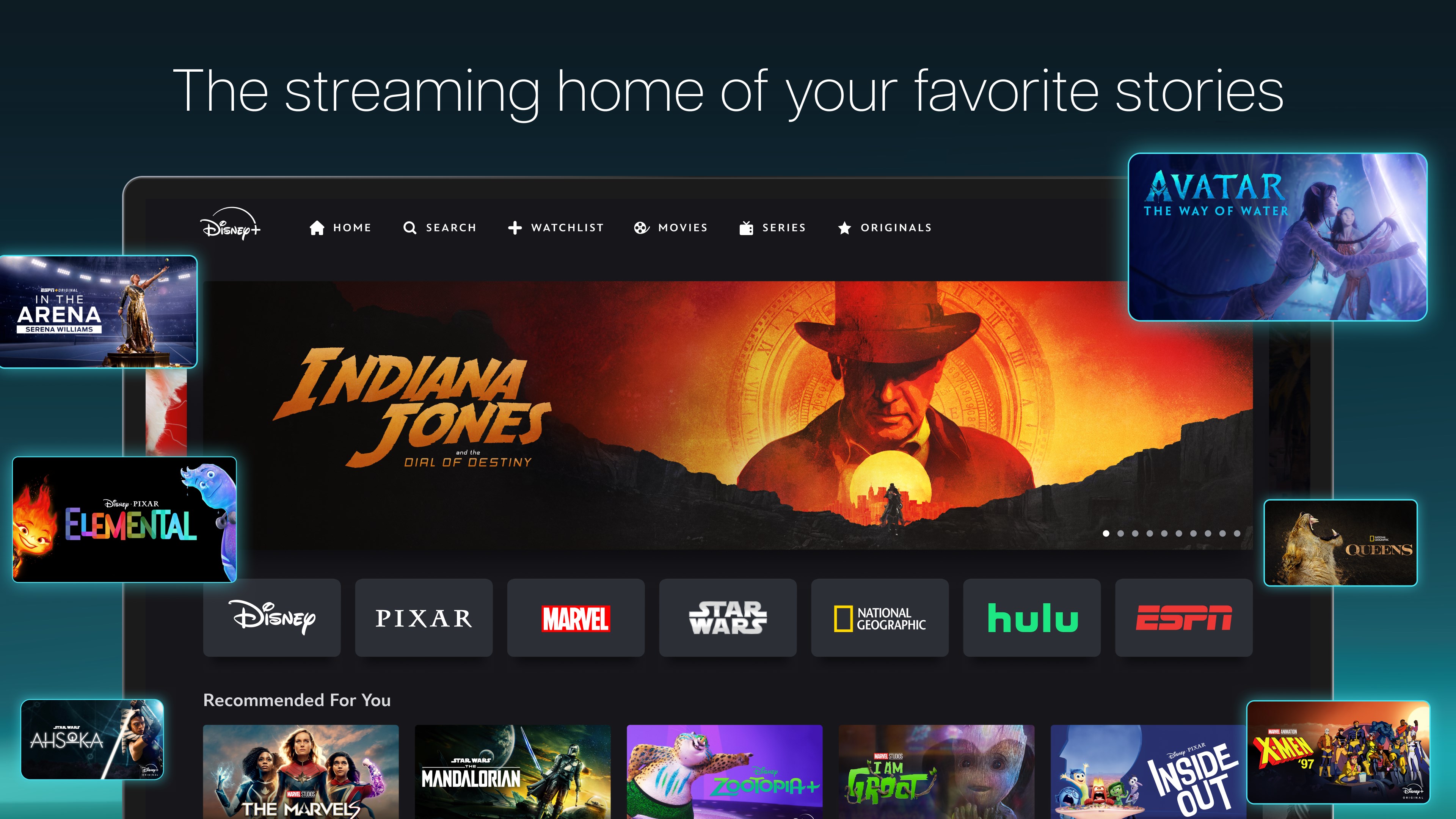
Disney+ for Windows is a dedicated streaming app designed to bring the enchanting world of Disney, Marvel, Star Wars, Pixar, and National Geographic right to your desktop. Its sleek interface and seamless integration aim to offer a user-friendly portal for all ages craving quality content in one place.
Developed by Disney: A Trusted Name in Family Entertainment
This app is developed by Disney, a global entertainment powerhouse known for delivering family-friendly content that spans generations. The team behind Disney+ for Windows has crafted a platform that emphasizes ease of access and personalization, enhancing the digital viewing experience for users on the Windows operating system.
Key Features That Make Disney+ Shine
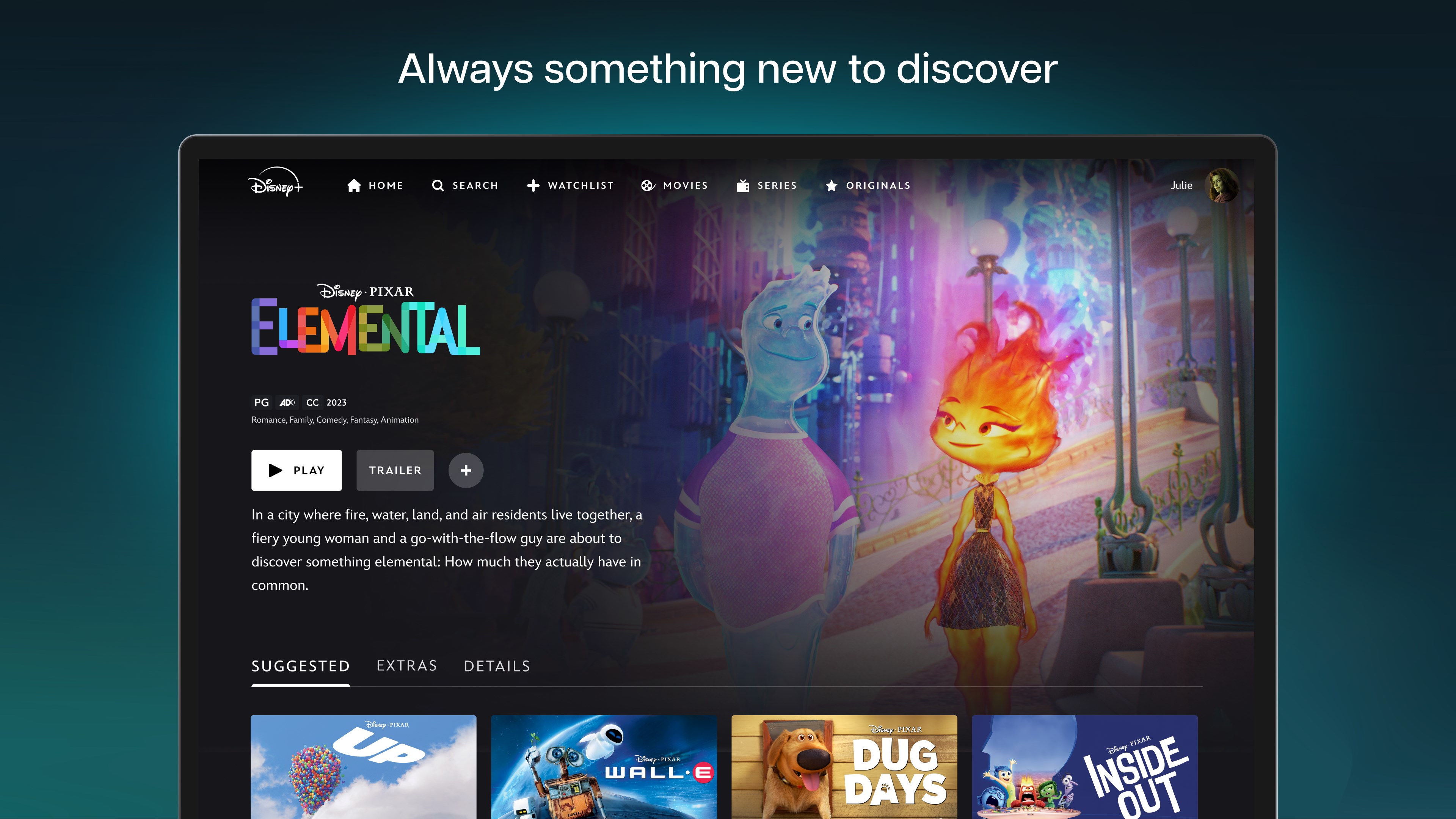
- Intelligent Content Discovery Algorithm: Curates and recommends content tailored to your viewing habits, making it easy to find your next favorite show or movie.
- High-Quality Streaming with Offline Options: Supports HD and 4K streaming for a crisp visual experience and allows downloading titles for offline viewing—a boon for travelers or those with limited internet access.
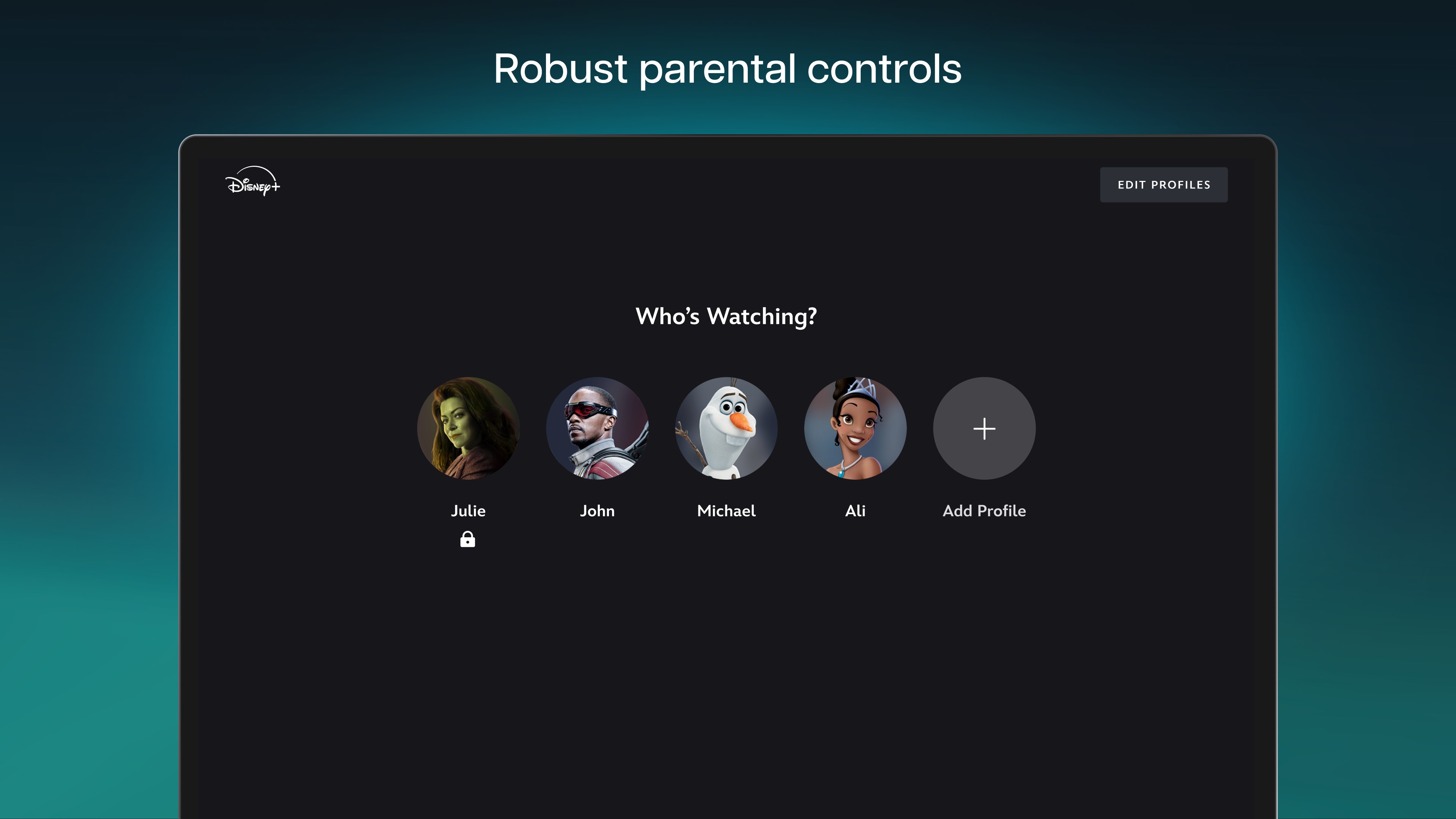
- User Profiles and Parental Controls: Allows multiple profiles within a single account, including child-friendly settings, ensuring suitable content for all family members.
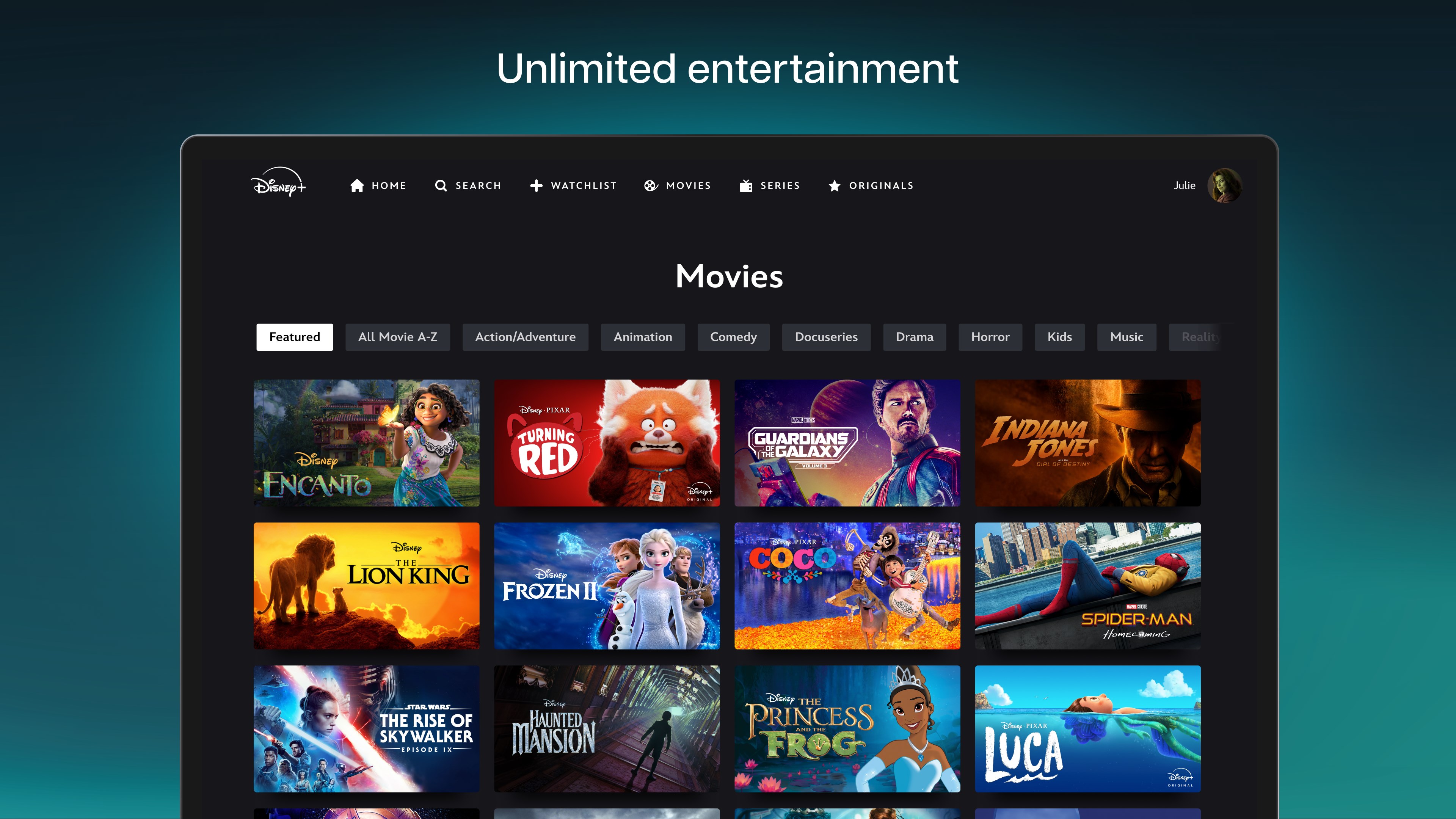
- Smooth and Intuitive Interface: Modern design with straightforward navigation that makes browsing a breeze, even for those less tech-savvy.
Immersive User Experience and Design Insights
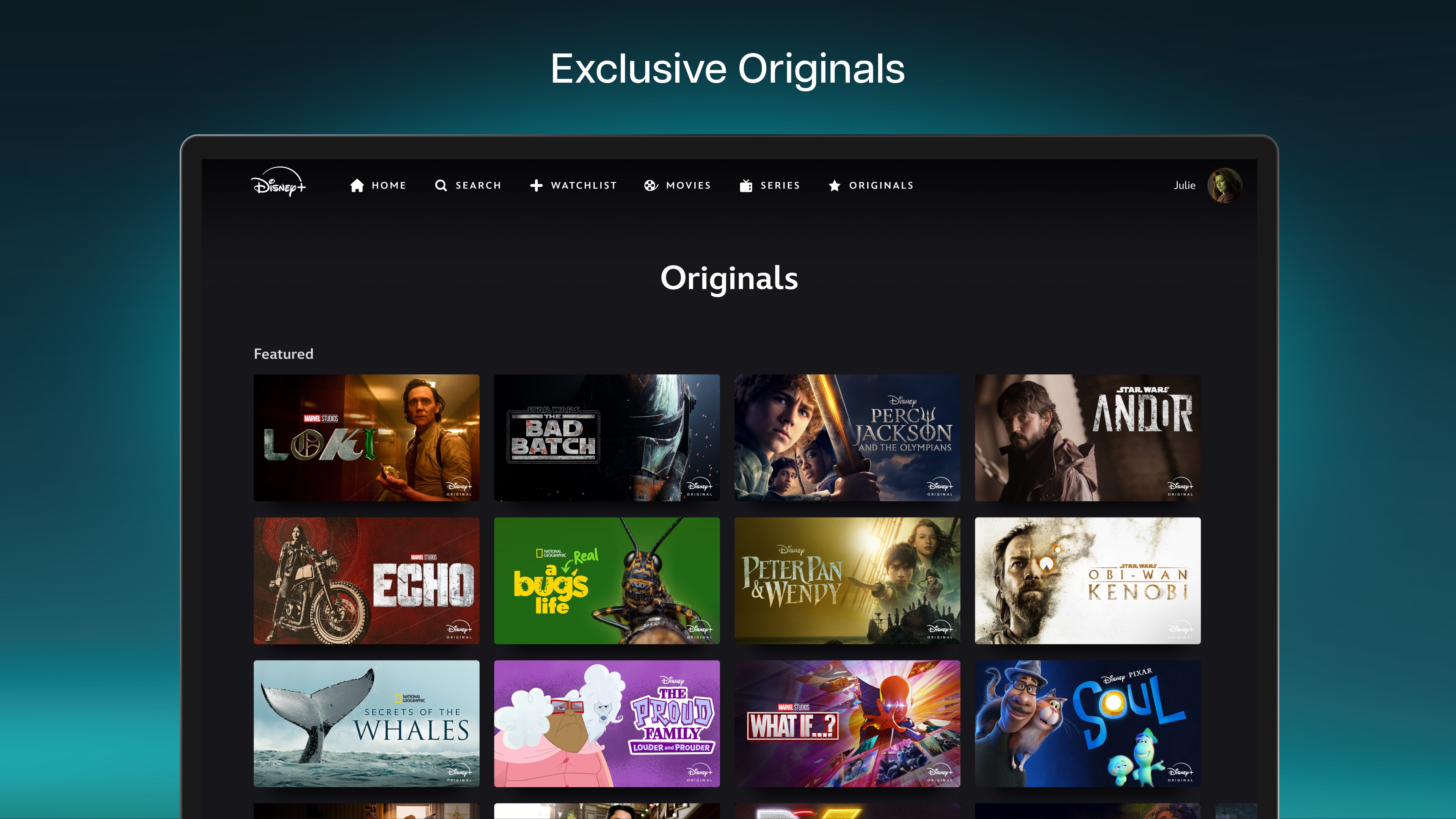
Launching Disney+ on Windows is like opening a well-curated entertainment closet—everything is organized, inviting, and easy to access. The interface employs vibrant visuals and familiar Disney motifs, creating a comforting yet modern environment. Navigating through categories and profiles feels fluid, with transitions that are smooth and responsive, reducing the friction often experienced with more cluttered apps. The learning curve is gentle; even new users can quickly understand how to customize their profiles or search for content without frustration.
What Sets Disney+ Apart from Its Rivals
While many entertainment apps rely heavily on broad algorithms, Disney+ elevates content discovery through its content-specific recommendation system. Unlike platforms that suggest broadly popular titles, Disney+ finely tunes its algorithms to your viewing history, aligning suggestions not just with trending content but with your personal preferences—be it classic animated films or new Marvel releases. This precise curation mitigates the frustration of irrelevant suggestions and keeps viewers engrossed.
Moreover, Disney+ actively balances personalized recommendations with editorial curation—highlighting special collections or themed categories during holidays or seasons—adding to the feeling of discovering curated "treasures" rather than random suggestions.
Recommendation and Usage Suggestions
All in all, Disney+ for Windows is a highly recommended app for Disney enthusiasts, families, and casual viewers seeking a straightforward yet rich entertainment experience. Its standout feature—the personalized content discovery—makes it a top contender among entertainment platforms aiming to keep viewers engaged with tailored suggestions. I would suggest utilizing the offline download feature for frequent travelers and exploring the parental controls for family use.
In conclusion, if you're looking for a reliable, visually appealing, and thoughtfully curated streaming app that leverages smart algorithms to personalize your viewing experience, Disney+ for Windows is worth adding to your digital toolkit. It combines the magic of Disney with modern technology, making it a compelling choice in the crowded streaming landscape.
Pros
- Extensive content library
- User-friendly interface
- High-quality streaming
- Offline download option
- Multiple device support
Cons
- Limited global availability
- Relatively high subscription cost
- Occasional app stability issues
- Limited profile management features
- Content update frequency varies











