
Frequently Asked Questions
How do I start playing Disney Dreamlight Valley—Ultimate Edition for the first time?
Download the game from your app store, install it, and follow the on-screen setup instructions to create an account and begin your magical journey.
What are the key features of the Disney Dreamlight Valley—Ultimate Edition?
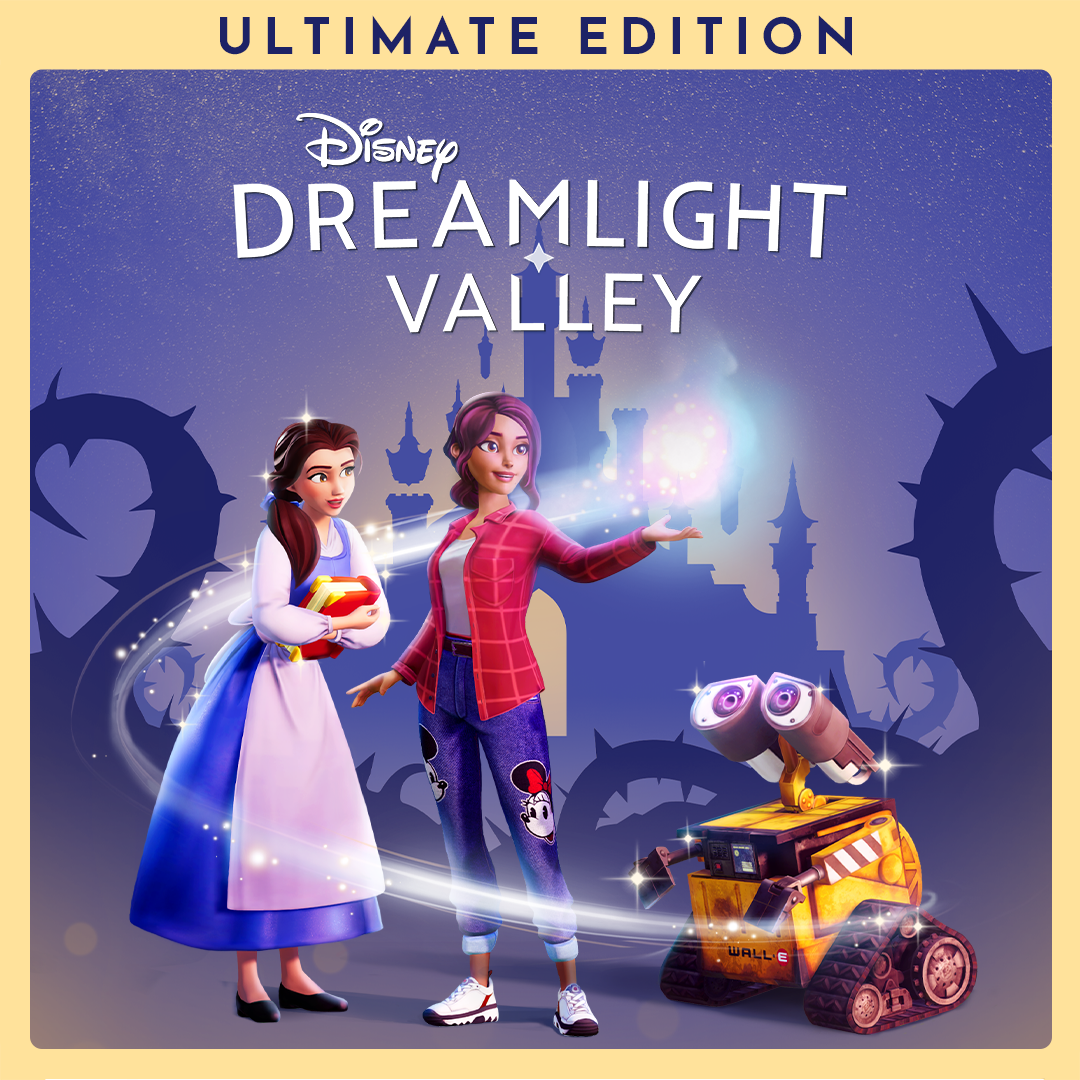
It includes the base game, two expansions, exclusive items, 18,000 Moonstones, and special content like the Sven Mount and snowy house style. Access all content via the main menu.
How can I access the additional expansions like Wishblossom Ranch and The Storybook Vale?
These expansions are included in the Ultimate Edition and can be accessed from the main game menu under 'Additional Content' after installation.
How do I earn Moonstones in the game?
Complete quests, daily tasks, and in-game activities to earn free Moonstones. You can also purchase additional Moonstones through the in-game store.
What is the Star Path, and how do I use Moonstones in it?
The Star Path is a battle-pass system offering cosmetic items. Use Moonstones to unlock the premium track and speed up your progress in earning rewards.
Can I buy additional in-game items with real money?
Yes, Moonstones can be purchased with real money or earned in-game to buy cosmetic items and accelerate progress within the game.
Is there a subscription plan for Disney Dreamlight Valley—Ultimate Edition?
No, the game does not currently offer a subscription. You purchase the Ultimate Edition once, which includes all content and items.
What should I do if the game crashes unexpectedly?
Try restarting your device, ensure your app is updated, and check your internet connection. If issues persist, contact support via the game's help menu.
How do I customize my character and home in the game?
Access customization options in the main menu, then select 'Character' or 'Home' to personalize your appearance, outfits, and house styles.
How do I link my Disney account or purchase history for seamless gameplay?
Go to 'Settings' > 'Account' in the game menu and follow prompts to link your Disney account for unified progress and purchases.
You May Like

Dragon City
for Windows
4.8
Township
for Windows
4.8
Cooking Live: Restaurant game
for Windows
4.8
Global City
for Windows
4.8
Roadside Research (Game Preview)
for Windows
4.8
The Tribez
for Windows
4.7
Cooking Diary®: Restaurant Game
for Windows
4.7
Five Nights at Freddy's: Original Series
for Windows
4.7
Jurassic World Evolution 3: Deluxe Edition
for Windows
4.7
Goat Simulator 3: Windows Edition
for Windows
4.7
Crime Scene Cleaner
for Windows
4.7
Date Everything!
for Windows
4.6