


- Category Education
- Available on PC
- OS Windows 10 version 14393.0 or higher
- Keyboard Integrated Keyboard
- Memory 750 MB
- languages English (United States)
Overview of Mickey's Typing Adventure: A Fun-Filled Educational Journey
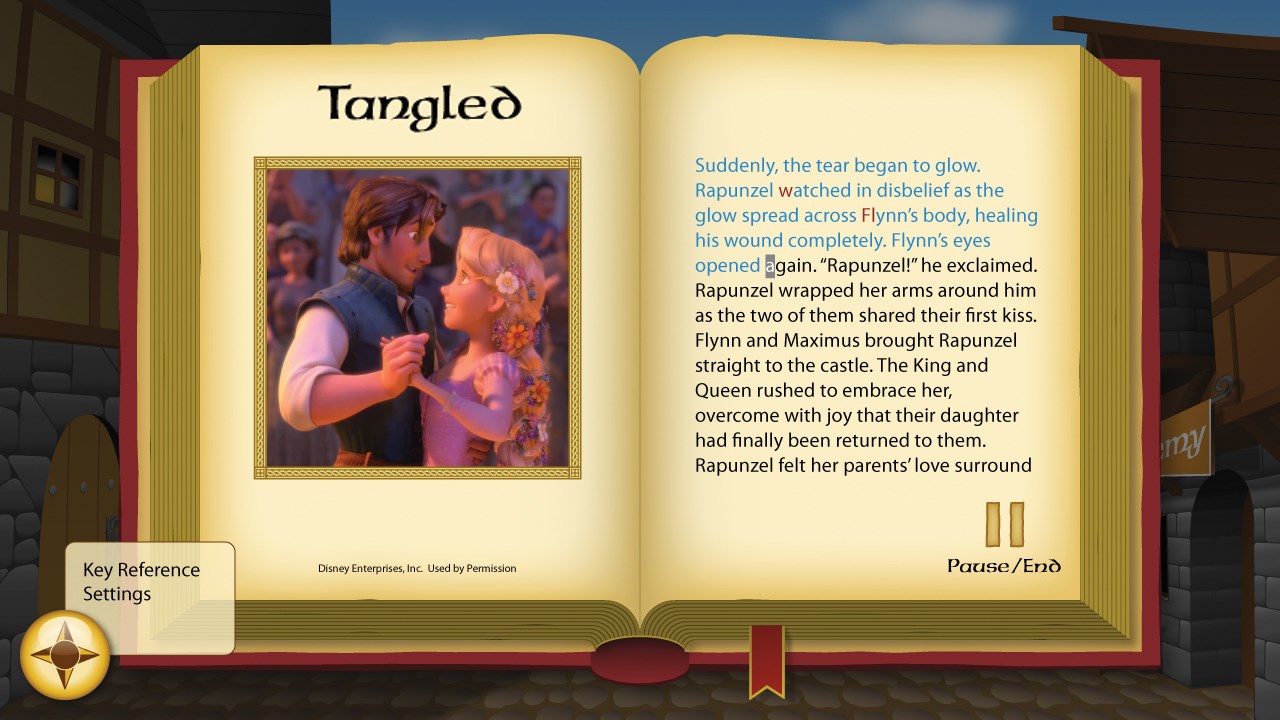
Disney Mickey's Typing Adventure for Windows is an engaging educational application designed to teach children the fundamentals of typing through interactive gameplay featuring beloved Disney characters. It combines learning with entertainment, creating an immersive environment where kids can develop essential keyboard skills while enjoying whimsical stories and vibrant visuals.
Developers Behind the Magic
Produced by Individual Software Inc., a reputable developer known for creating quality educational software, Mickey's Typing Adventure benefits from a team with years of experience in designing user-friendly and effective learning tools for children.
Core Features That Make Learning Exciting
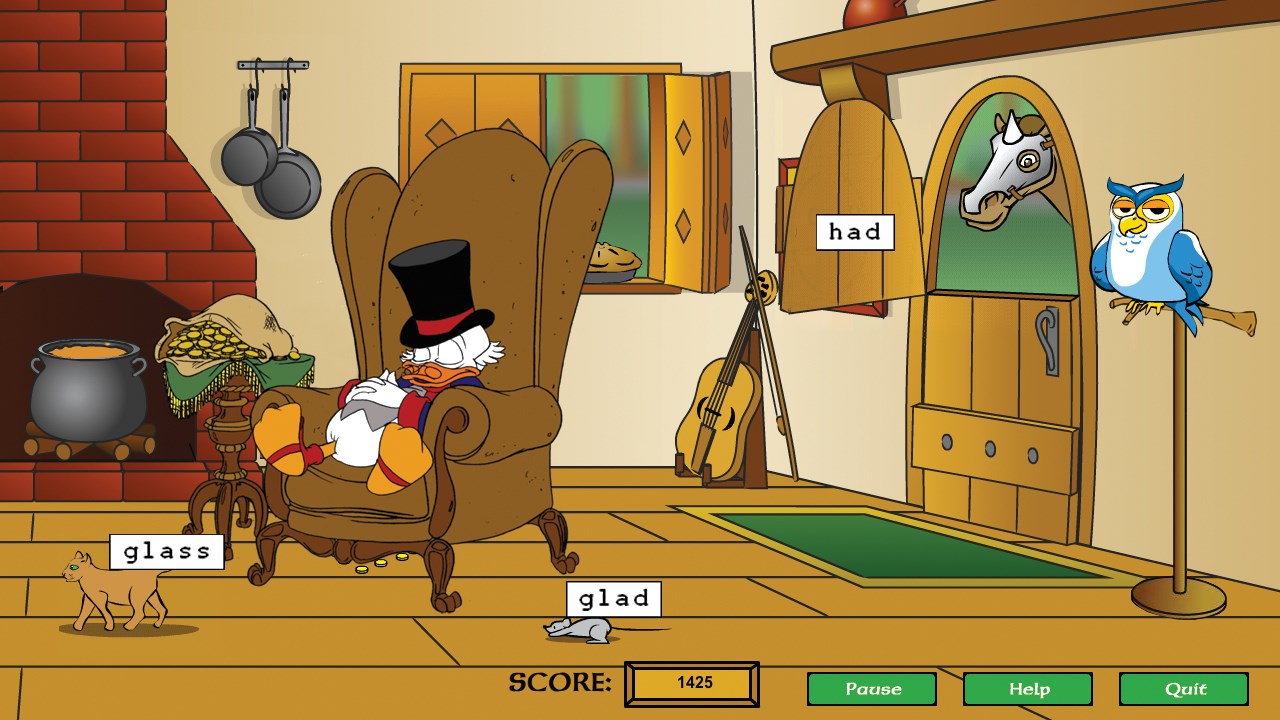
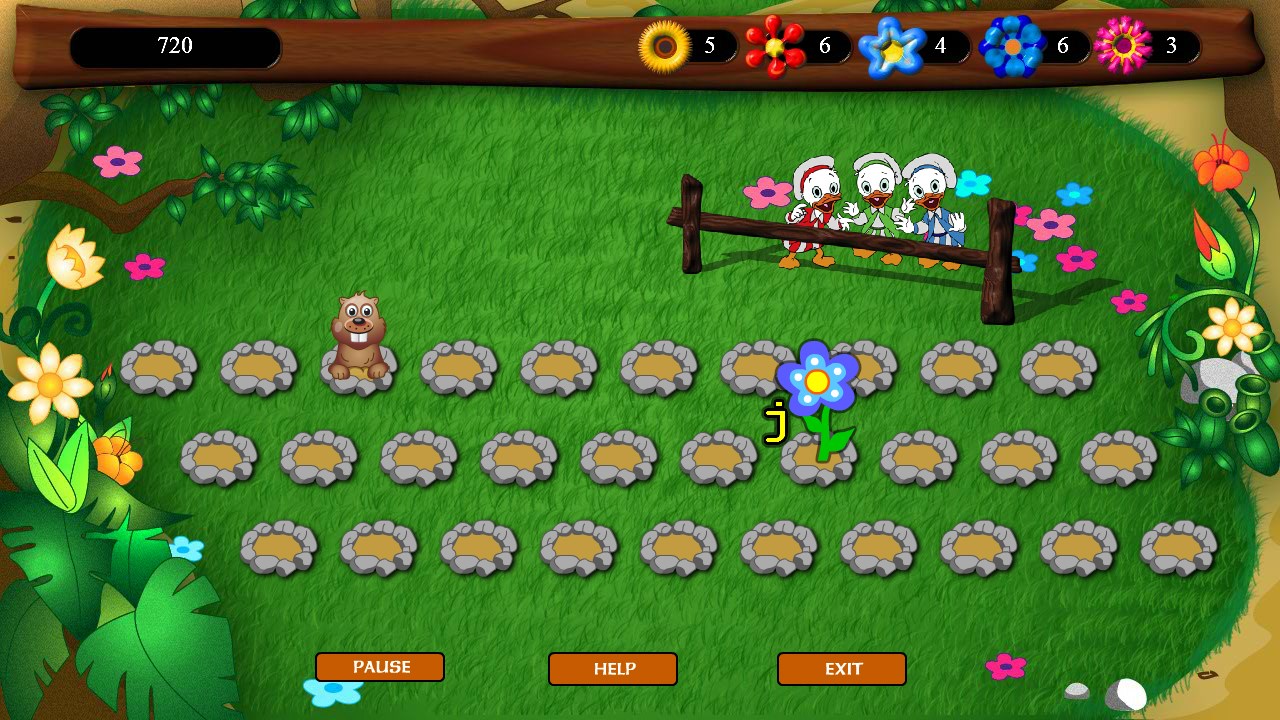
- Interactive Disney-themed Gameplay: Children navigate through magical worlds starring Mickey Mouse and friends, completing typing challenges that feel like adventures rather than lessons.
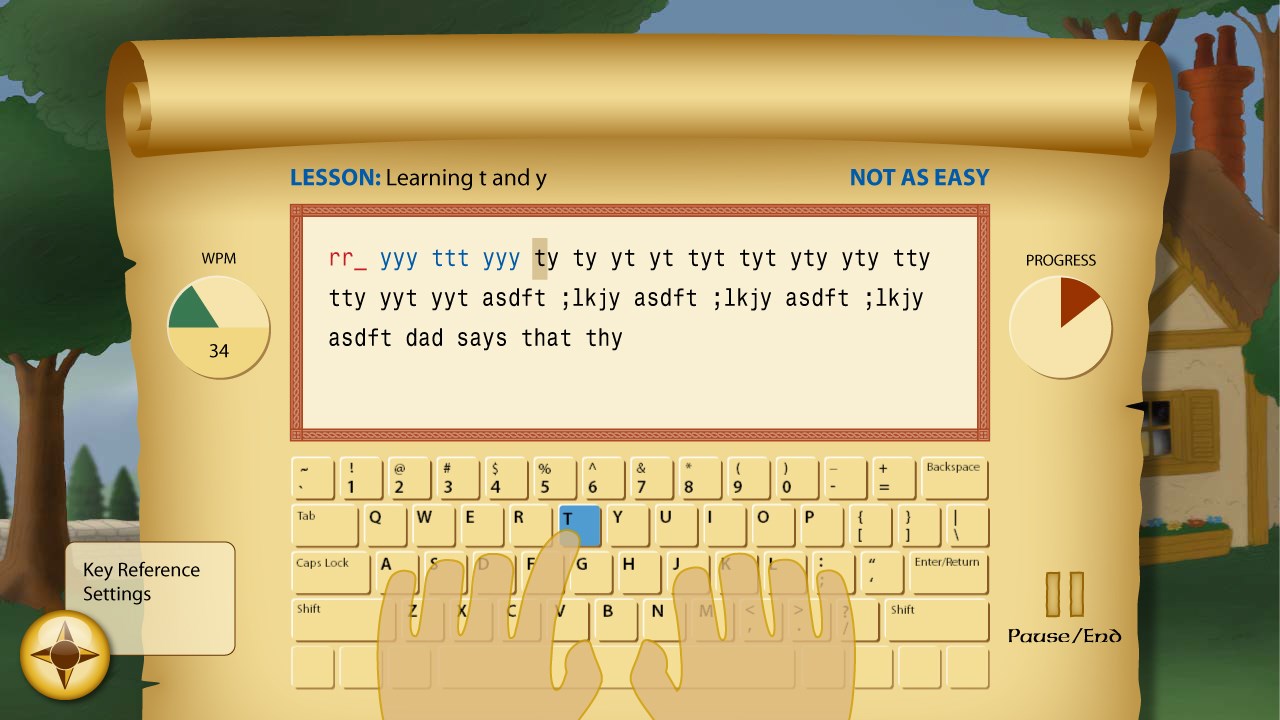
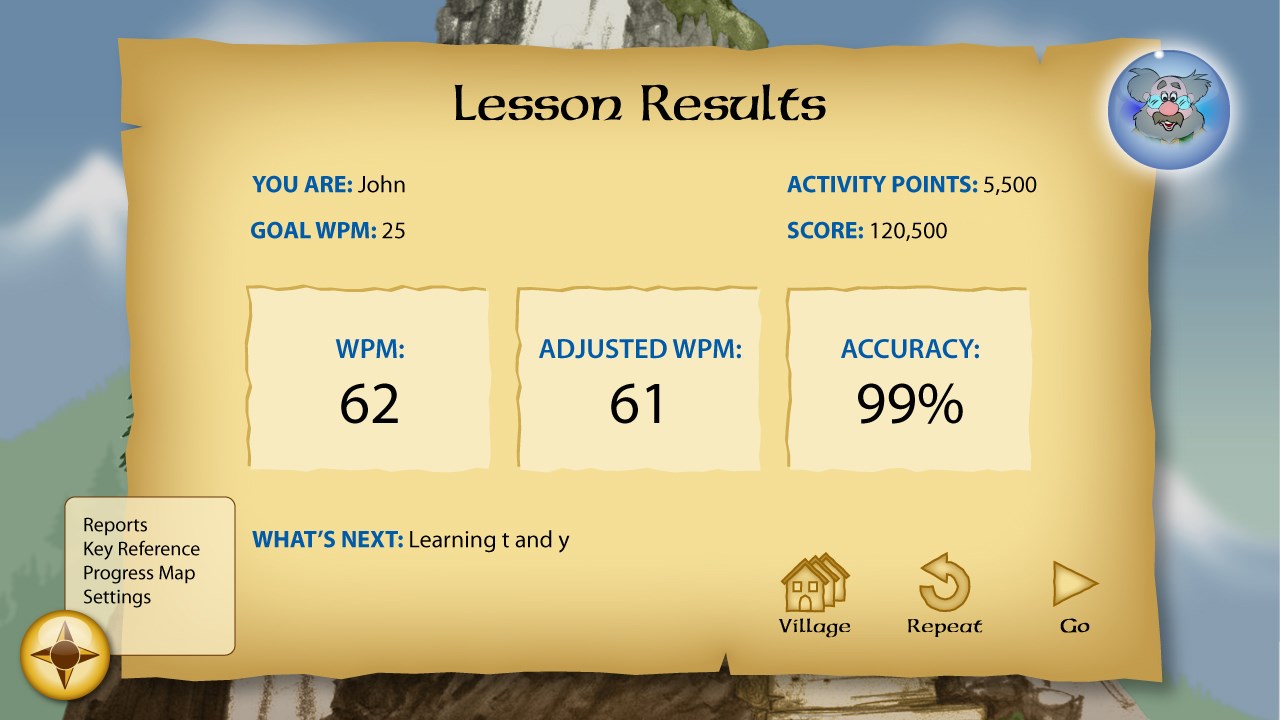
- Progress Tracking & Personalized Feedback: The app monitors progress with detailed reports, offering customized tips to improve typing speed and accuracy tailored to each child's learning pace.
- Varied Learning Modes: From beginner to advanced levels, the varied modes ensure that children stay challenged and motivated as they improve their skills.
- Engaging Rewards System: Fun rewards and badges motivate children to continue practicing and mastering typing tasks.
Immersive and Kid-Friendly Interface
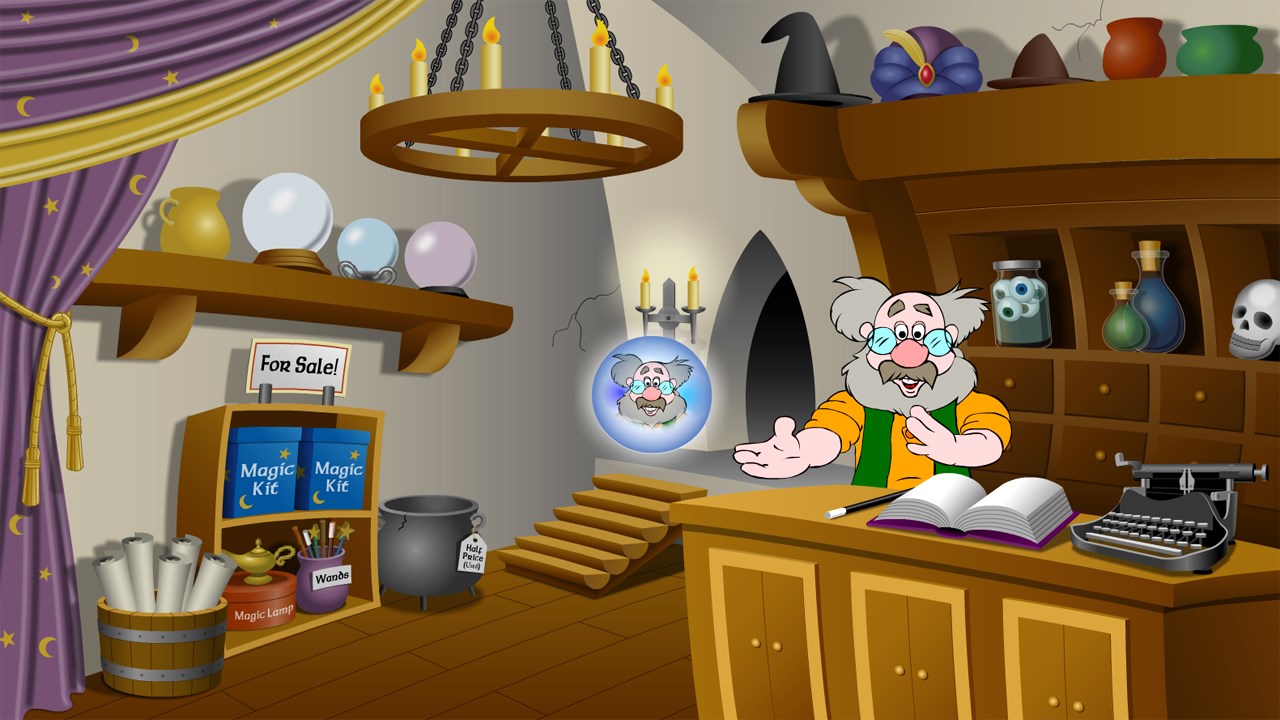
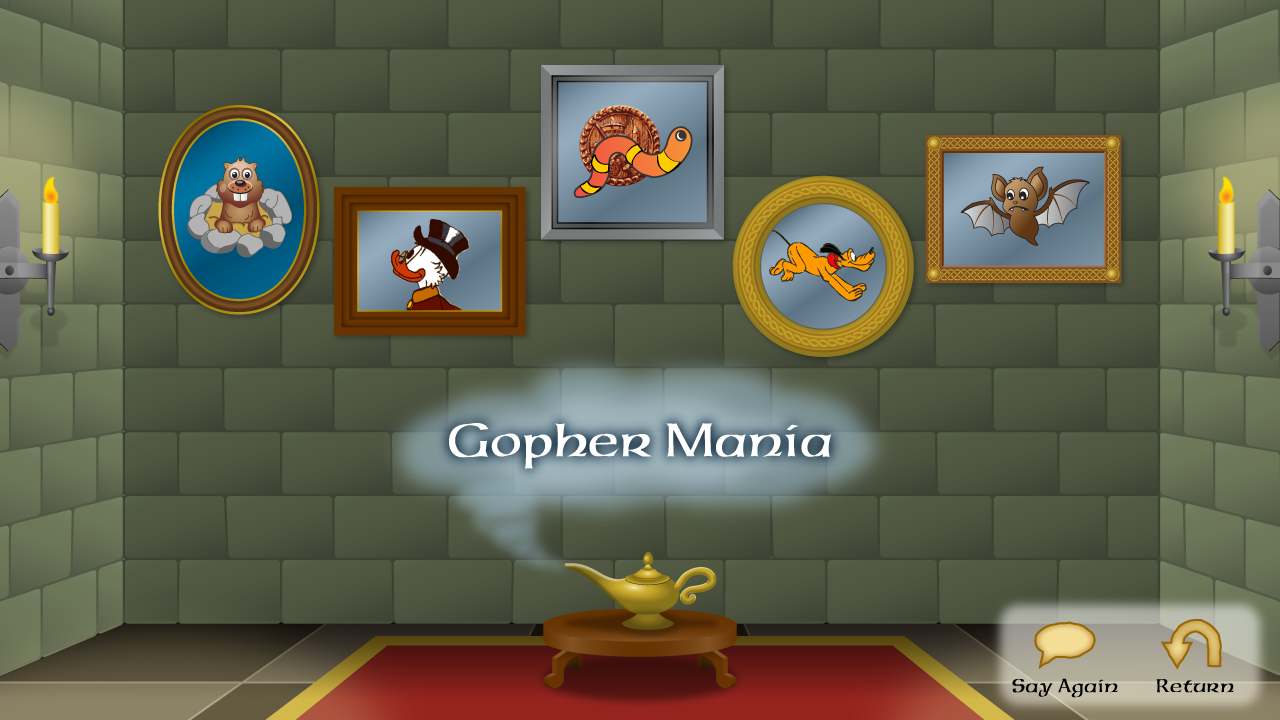
The user interface of Mickey's Typing Adventure is bright, colorful, and intuitively designed, much like stepping into a cartoon wonderland. The characters and backgrounds are visually appealing without overwhelming the screen—perfect for young learners. Navigation is straightforward, with large buttons and simple instructions, making it accessible even for children who are just starting to explore digital learning tools.
Gameplay and User Experience: Fun, Friendly, and Flowing
Playing Mickey's Typing Adventure feels like guiding Mickey and friends through a lively theme park. As children complete typing tasks, they unlock new levels and storylines, maintaining a sense of discovery. The app responds smoothly to input, with minimal lag, ensuring kids remain immersed in their adventure rather than frustrated by technical hiccups. The learning curve is gentle; instructions are clear, and the progression pace adapts to individual performance, fostering both confidence and skill development.
What Sets This App Apart? The Disney Touch and Personalization
Compared to many similar educational programs, Mickey's Typing Adventure stands out due to its strong integration of Disney characters and narratives, transforming learning into storytelling rather than rote exercises. Its focus on content accuracy and authoritative design ensures that children are learning proper typing techniques aligned with real-world standards. Furthermore, the app's personalized learning paths intelligently adapt difficulty levels based on each child's progress, making it suitable for diverse learning speeds and styles. This tailored approach helps children stay engaged, avoiding the boredom of a one-size-fits-all curriculum.
Recommendation and Usage Suggestions
In summary, Mickey's Typing Adventure for Windows is a highly recommended tool for parents and educators seeking an enjoyable yet effective typing tutorial for children. Its Disney-themed environment and adaptive learning features make it ideal for ages 5-10, especially for beginners or those looking to build a strong typing foundation. For best results, use this app regularly in short sessions, encouraging consistent practice. While not replacing comprehensive typing courses, it serves as a delightful gateway into keyboard literacy, turning a necessary skill into a memorable adventure.
Pros
- Engaging Disney-themed content
- Interactive and colorful interface
- Progress tracking and rewards
- Age-appropriate difficulty levels
- Educational value combined with entertainment
Cons
- Limited customization options
- Occasional lag during gameplay
- Requires an internet connection for some features
- Limited variety of mini-games
- Sound effects may become repetitive











