
- Category Productivity
- Available on PC
- OS Windows 10 version 17134.0 or higher
- languages English (United States), Vietnamese
A Clearer View: Bringing Precision to Your Display Calibration
In a world where visual fidelity can make or break your creative projects or daily productivity, having a tool that simplifies display calibration without sacrificing accuracy is a true treasure. Display Calibration for Windows by Auralisoft promises just that – an intuitive app designed for both casual users and professionals seeking to perfect their screen's color and brightness. It's like having a personal technician guiding your monitor to its optimal performance every time you sit down in front of your screen.
Core Strengths Spotlight: Precision, Ease, and Seamless Integration
Accurate Calibration Made Simple
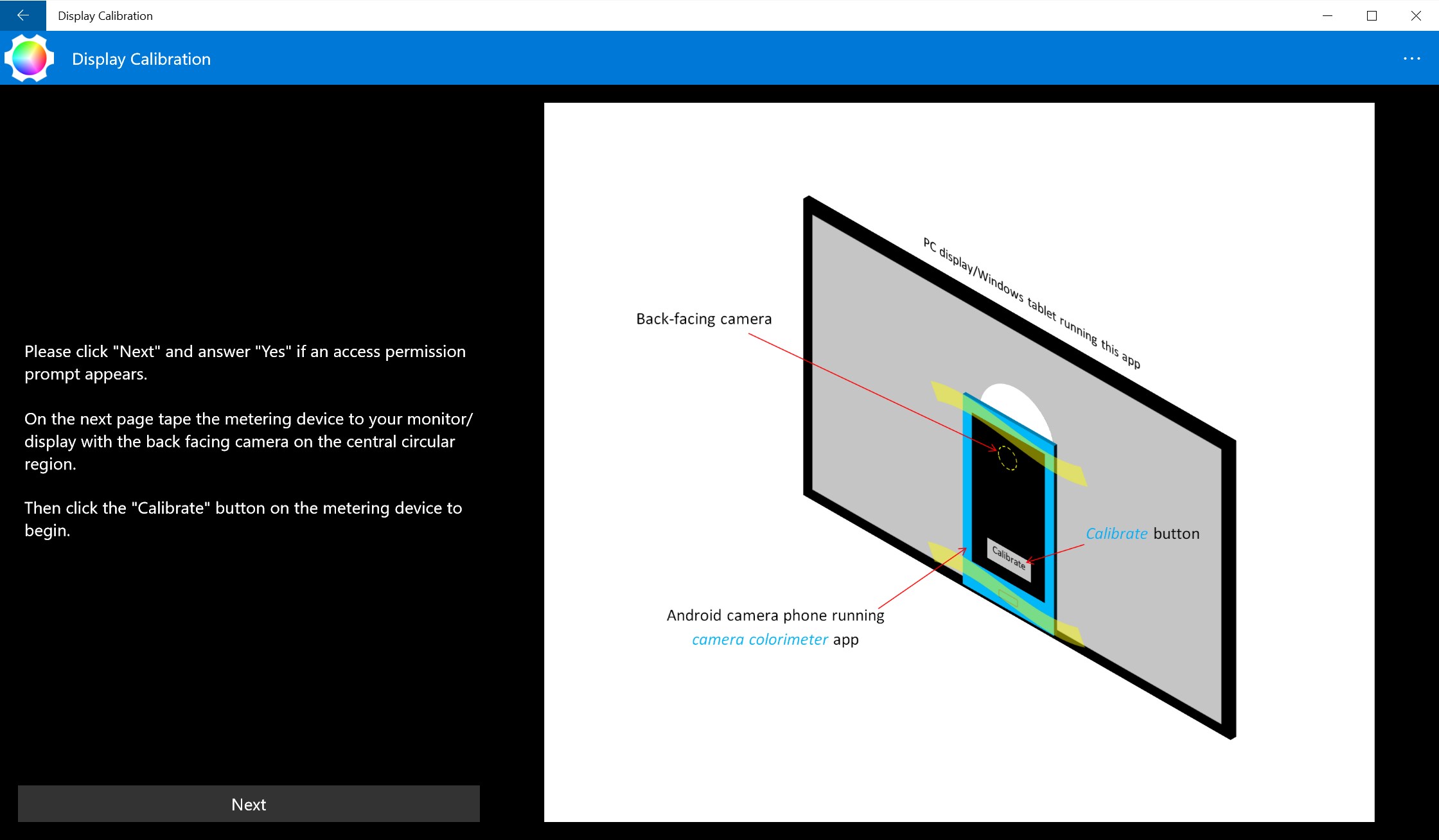
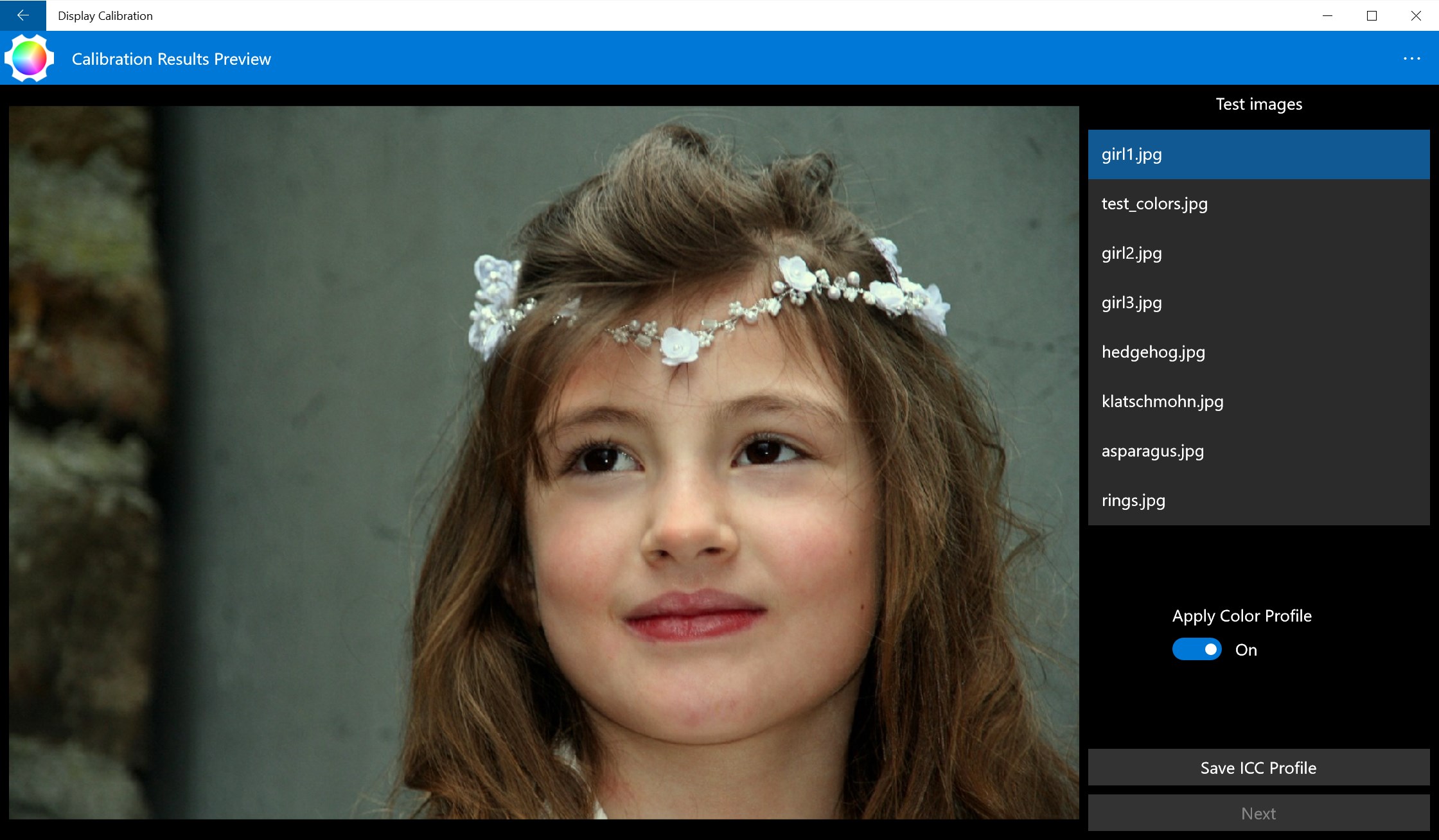
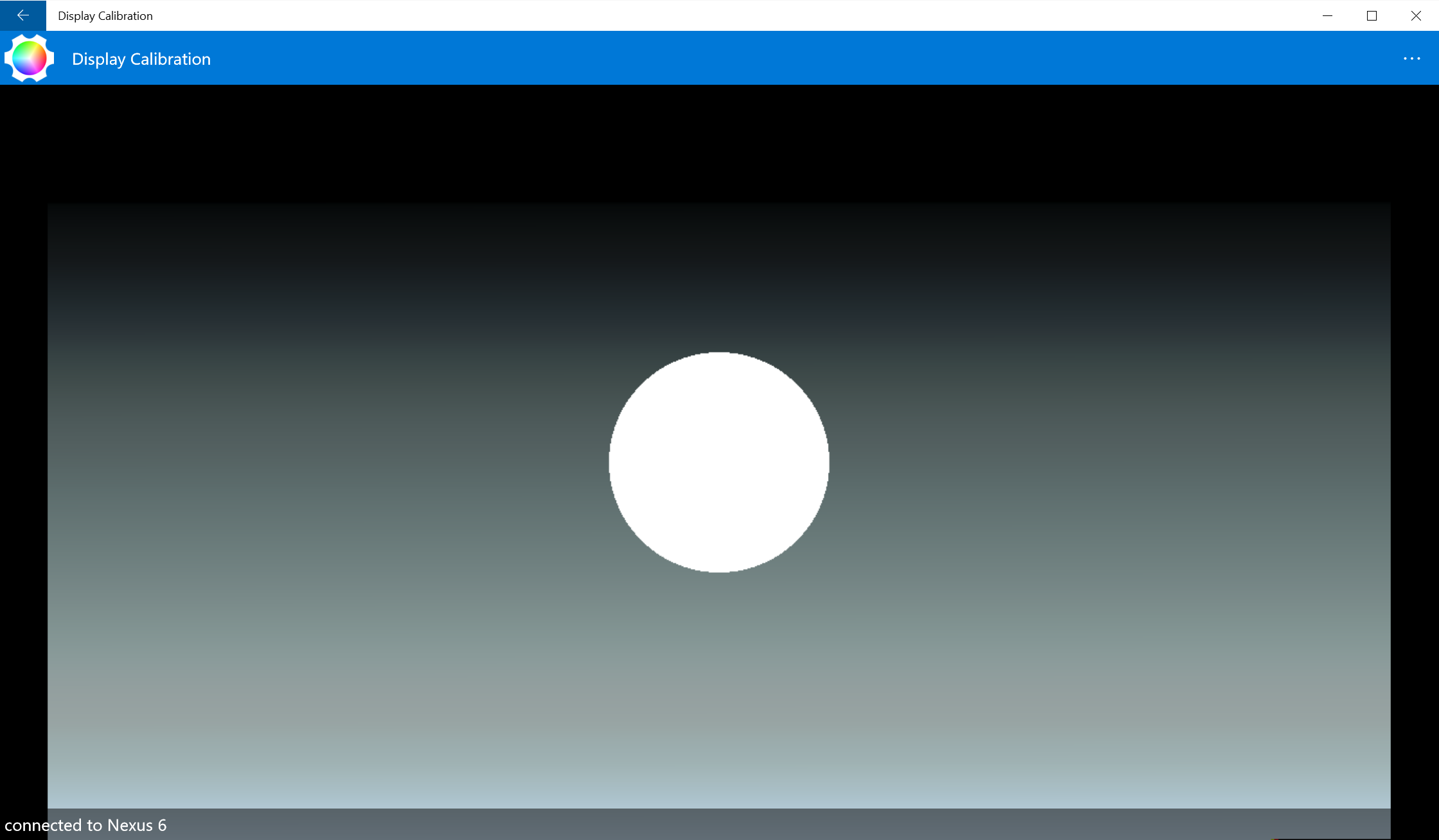
The app's standout feature is its ability to guide users through a comprehensive calibration process that ensures your display reflects true-to-life colors. From adjusting gamma and brightness to contrast and color profiles, it leverages an intelligent calibration engine that adapts to your specific monitor. Think of it as having your own color scientist right at your fingertips, ensuring your photos, videos, and design work are all showcased as intended. Whether you're a photographer aiming for color accuracy or just someone who wants a more pleasing visual experience, this tool delivers precise results without requiring extensive expertise.
User-Friendly Interface and Workflow Efficiency
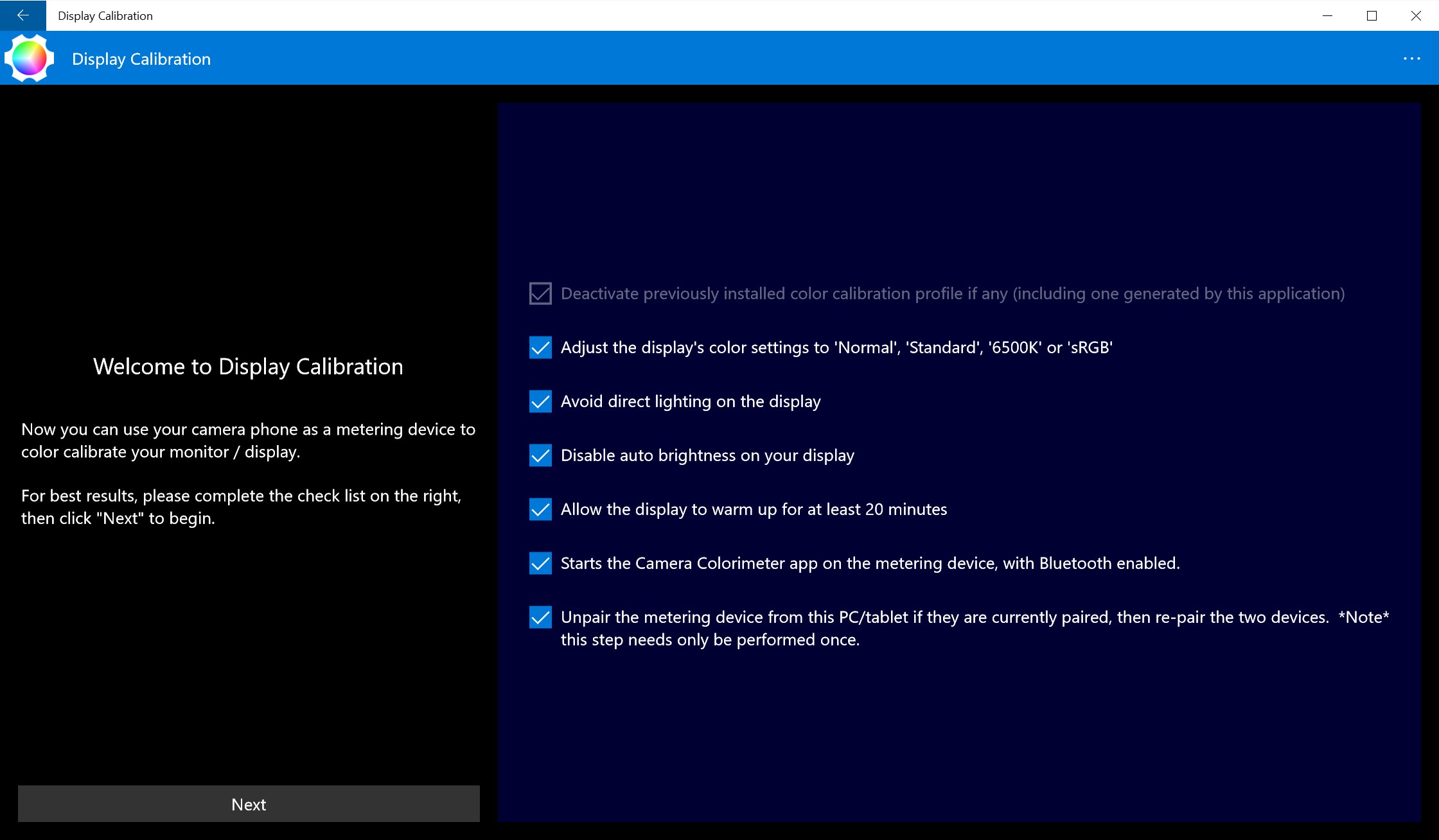
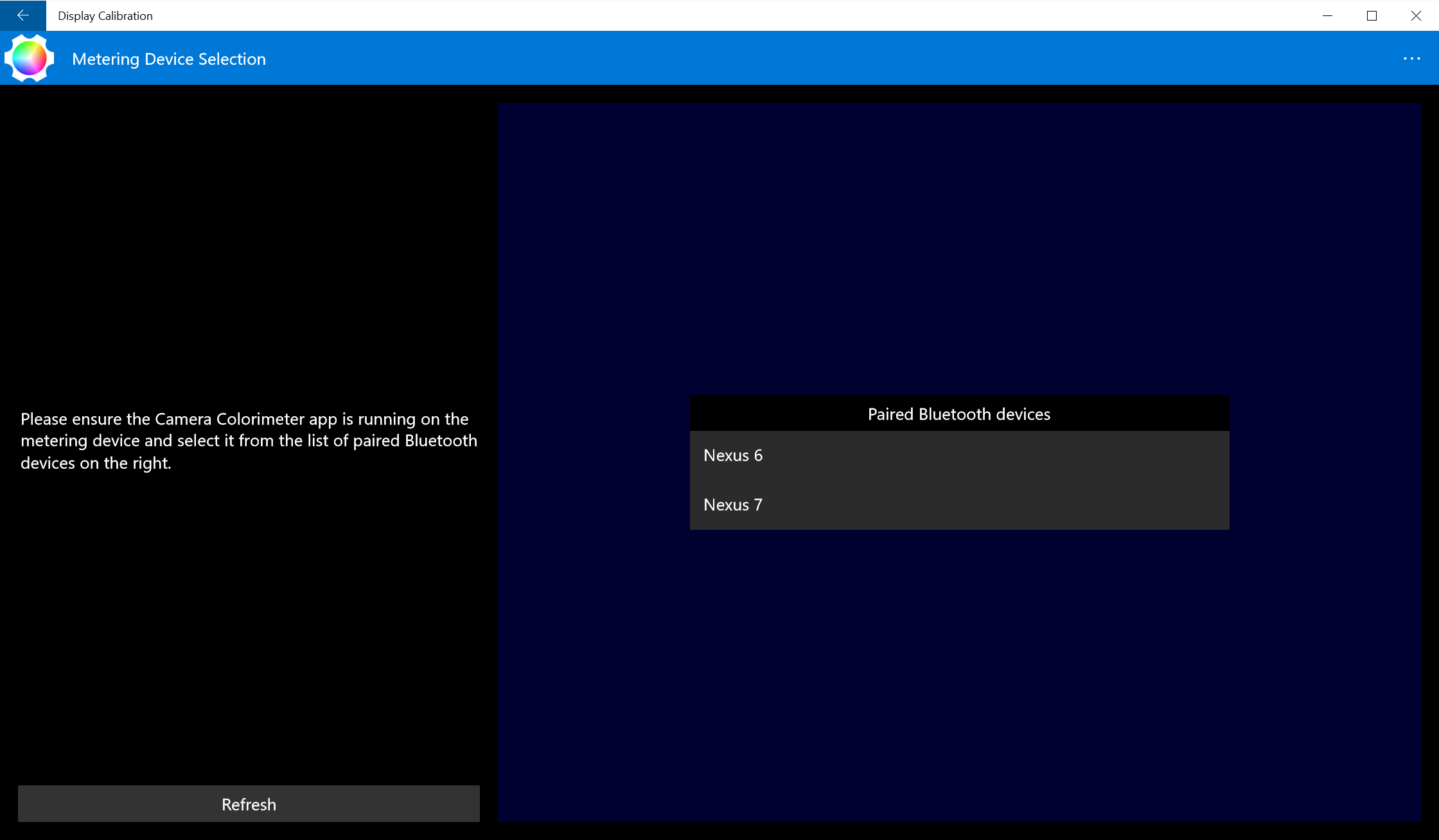
One of the app's most commendable aspects is its clean, minimalistic interface. Navigating through calibration steps feels like flipping through a well-structured, step-by-step guide rather than wrestling with a complex software. The app's layout reduces cognitive load—no confusing menus or overwhelming options—making it accessible for newcomers while still offering the depth that experts might appreciate. The calibration process flows smoothly, almost like a conversation with a helpful assistant who knows exactly what adjustments are needed—no frustrating lag or confusing prompts here.
Unique Features That Set It Apart
What truly sets Display Calibration for Windows apart from many other calibration tools is its ability to seamlessly integrate into existing workflows and focus on reducing feature complexity. Unlike bloated calibration programs that bombard users with endless options, this app trims down to core functions that matter most, streamlining the calibration process. Its "Auto Calibration Suggestion" feature intelligently recommends optimal settings based on your environment, saving time and mental effort—think of it as having a savvy friend who knows exactly how to tweak your display for maximum comfort and accuracy.
From Setup to Satisfaction: Experience and Recommendations
Using this app feels akin to adjusting a piece of fine craftsmanship—you make a few precise tweaks, and suddenly your entire visual experience improves remarkably. The straightforward workflow means you'll likely be calibrated in just minutes, with clear visual feedback guiding each step. For those who occasionally tweak their display settings but seek reliable results without the fuss of professional hardware calibration kits, this application is an excellent choice. Moreover, its focus on reducing cognitive load distinguishes it from many complex tools that can overwhelm users with options and technical jargon.
In conclusion, Display Calibration for Windows strikes a compelling balance between usability and accuracy. It's particularly recommended for content creators, photographers, gamers, and general users who want a better visual experience without diving into the deep end of calibration complexity. If you prioritize a precise, straightforward, and intelligent calibration process that integrates smoothly into your workflow, this app deserves a serious look. Think of it as your digital eye-opener, sharpening your display to perfectly serve your needs without complicating your life.
Pros
- Intuitive calibration process
- Supports various display types
- Real-time calibration results
- Customizable calibration profiles
- Free to download and use
Cons
- Limited advanced options
- Requires user manual adjustments
- Calibration accuracy depends on lighting conditions
- Has limited compatibility with non-Windows OS
- Interface could be more modern











