

- Category Productivity
- Developer Onlabs
- Available on PC, Mobile, Surface Hub, HoloLens
- OS Windows 10 version 18362.0 or higher
- languages English (United States)
An In-Depth Look at DisplayBuddy for Windows: Seamless Multi-Display Management
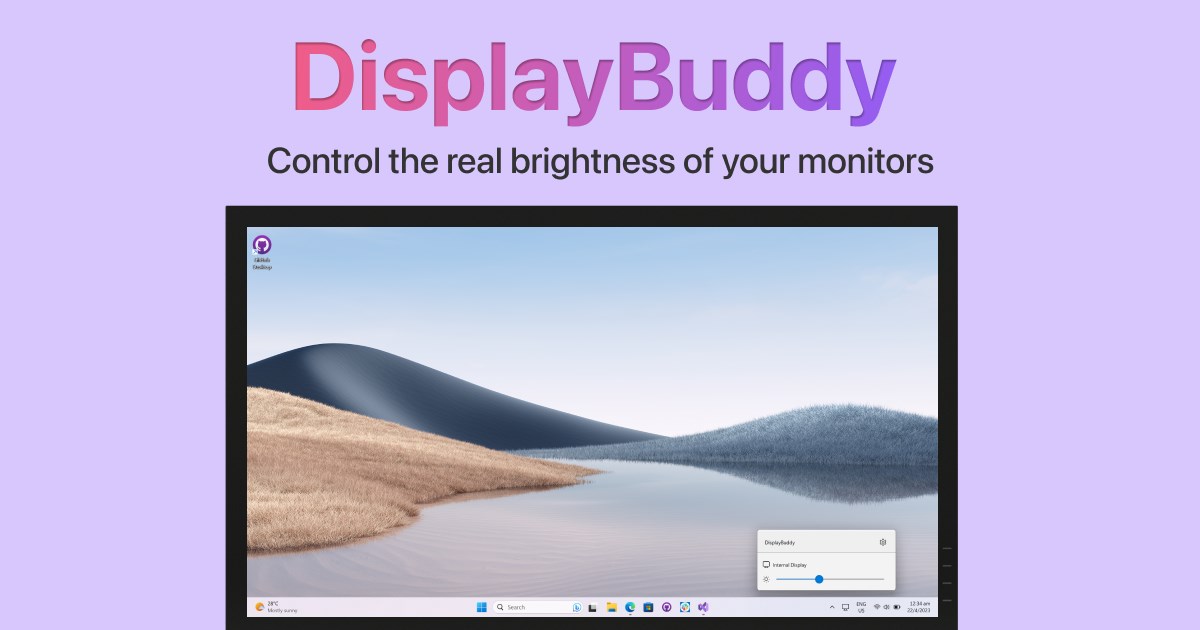
DisplayBuddy for Windows by Onlabs is a specialized utility designed to streamline your multi-monitor setup, offering a more intuitive and efficient way to manage multiple displays without the usual clutter and complexities.
Who is Onlabs? The Brain Behind DisplayBuddy
Onlabs is a dedicated software development company focused on creating productivity-enhancing tools for Windows users. Their goal is to improve workflow efficiency through thoughtful app design that simplifies often complicated tasks.
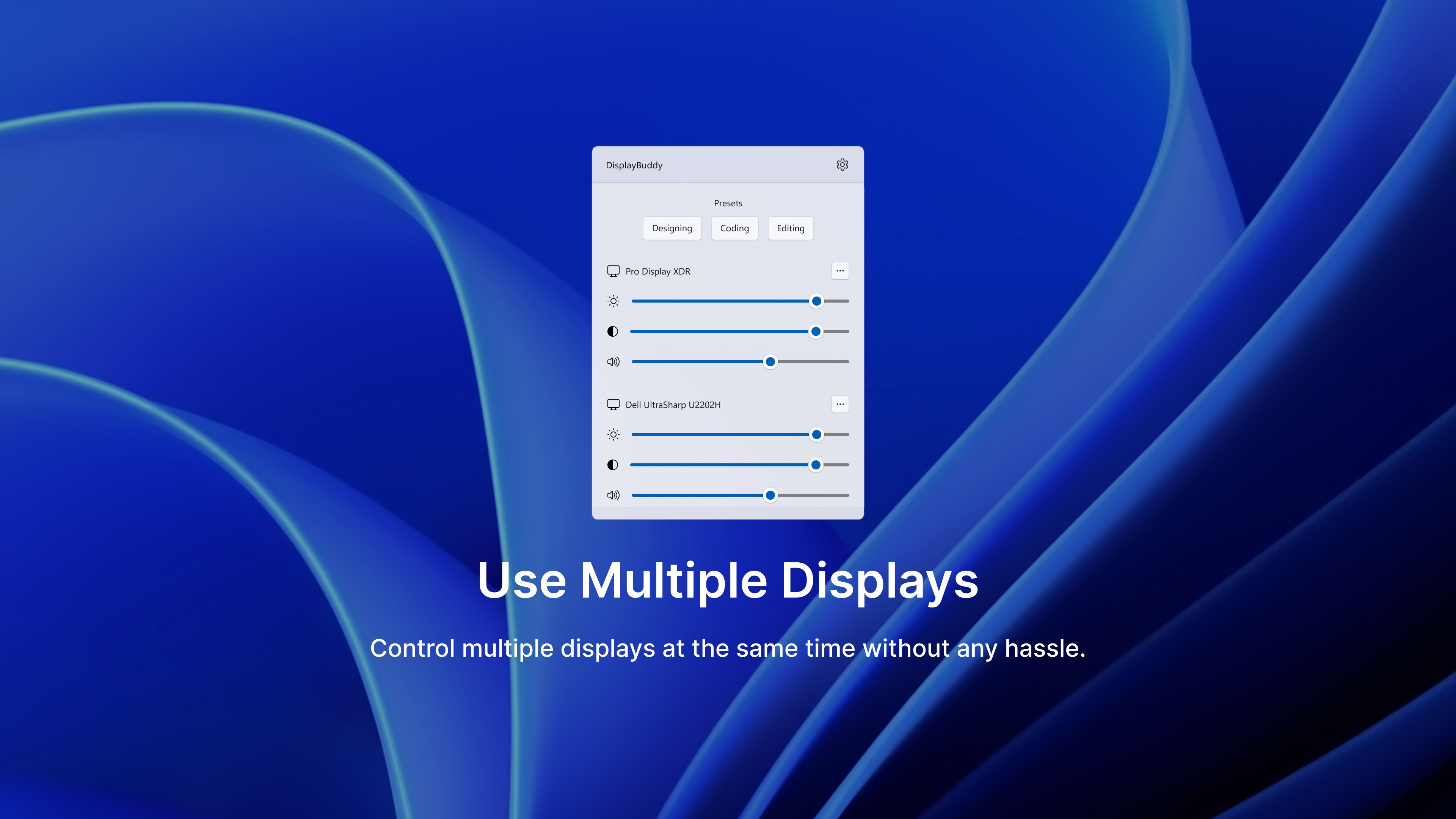
This app specifically targets users who operate with multiple displays—content creators, programmers, designers, and anyone juggling multiple screens who needs a smoother, more natural way to organize their workspace.
Key Features that Make DisplayBuddy Stand Out
- Intelligent Display Arrangement: DisplayBuddy detects your monitor setup and offers a straightforward way to configure and save custom arrangements, reducing the time and frustration typically involved.
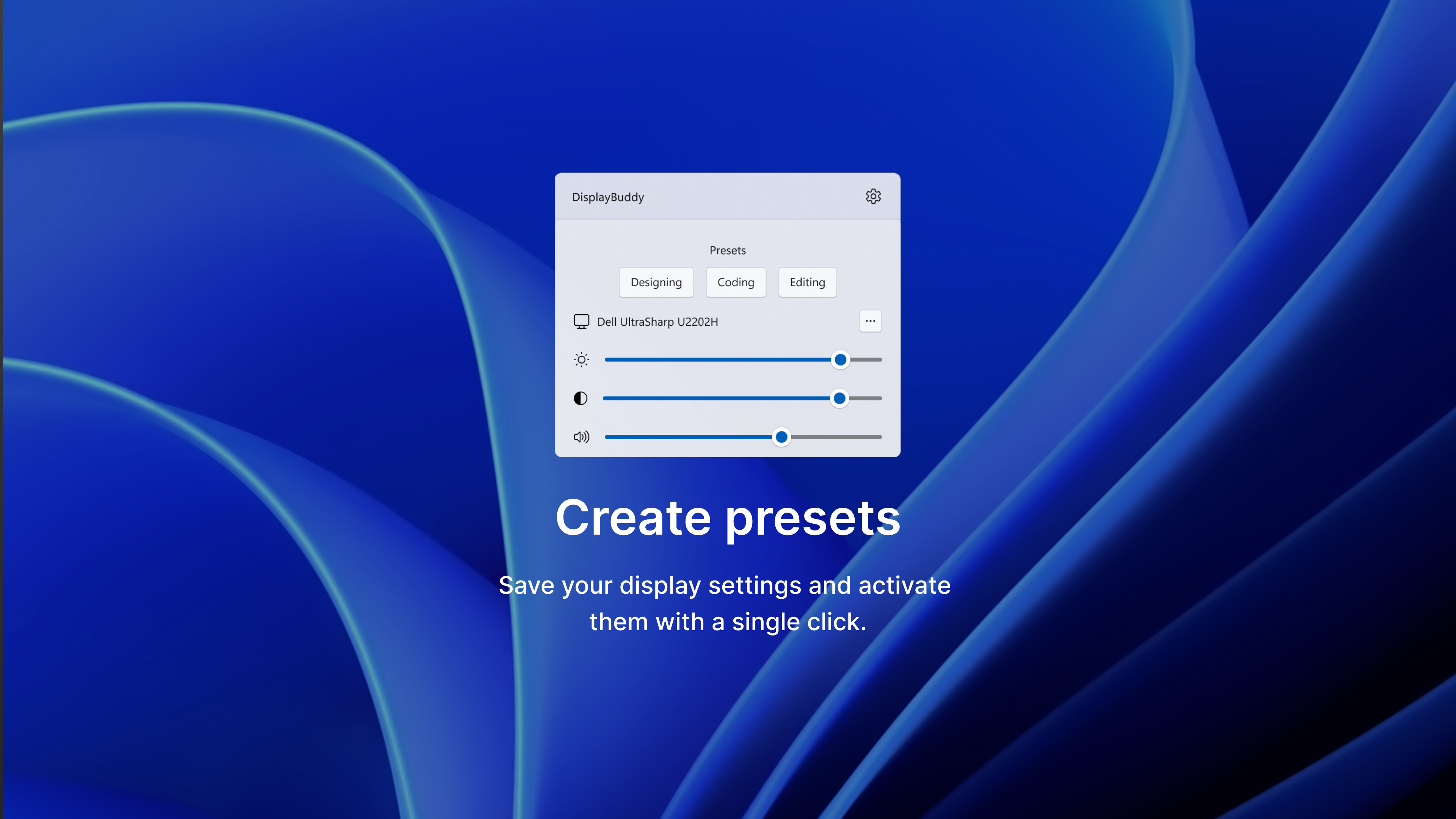
- Seamless Workspace Transitions: Transition smoothly between different display layouts with a single click, perfect for those who switch between tasks like editing, coding, or presentations.
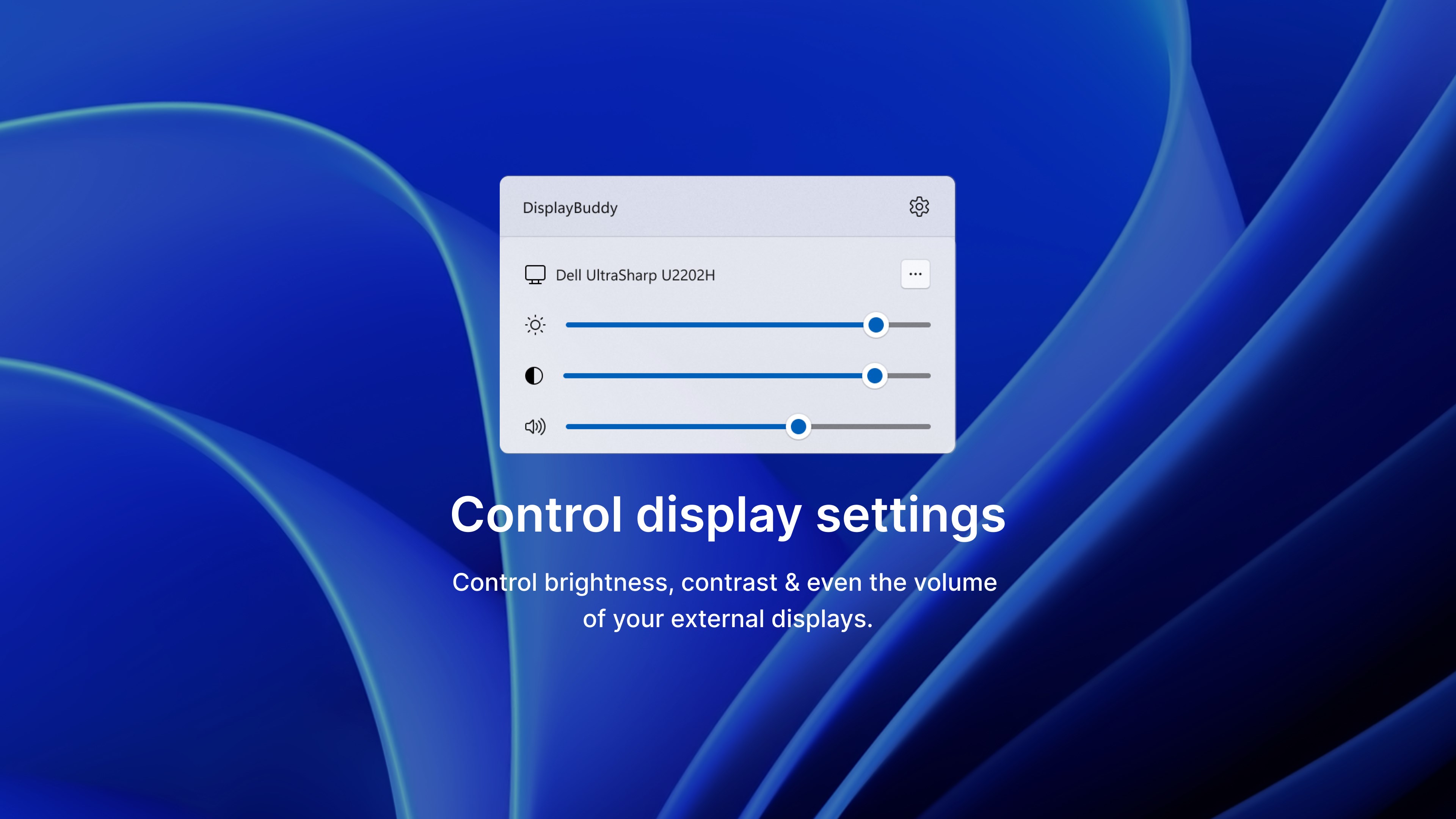
- Focused Multi-Display Control: Provides quick access to individual display settings such as resolution, orientation, and positioning, all from an unobtrusive overlay or system tray menu.
- Workflow Integration Efficiency: Designed to reduce cognitive load by minimizing manual configuration steps and allowing users to focus more on their tasks instead of display management.
Experience and Practical Insights
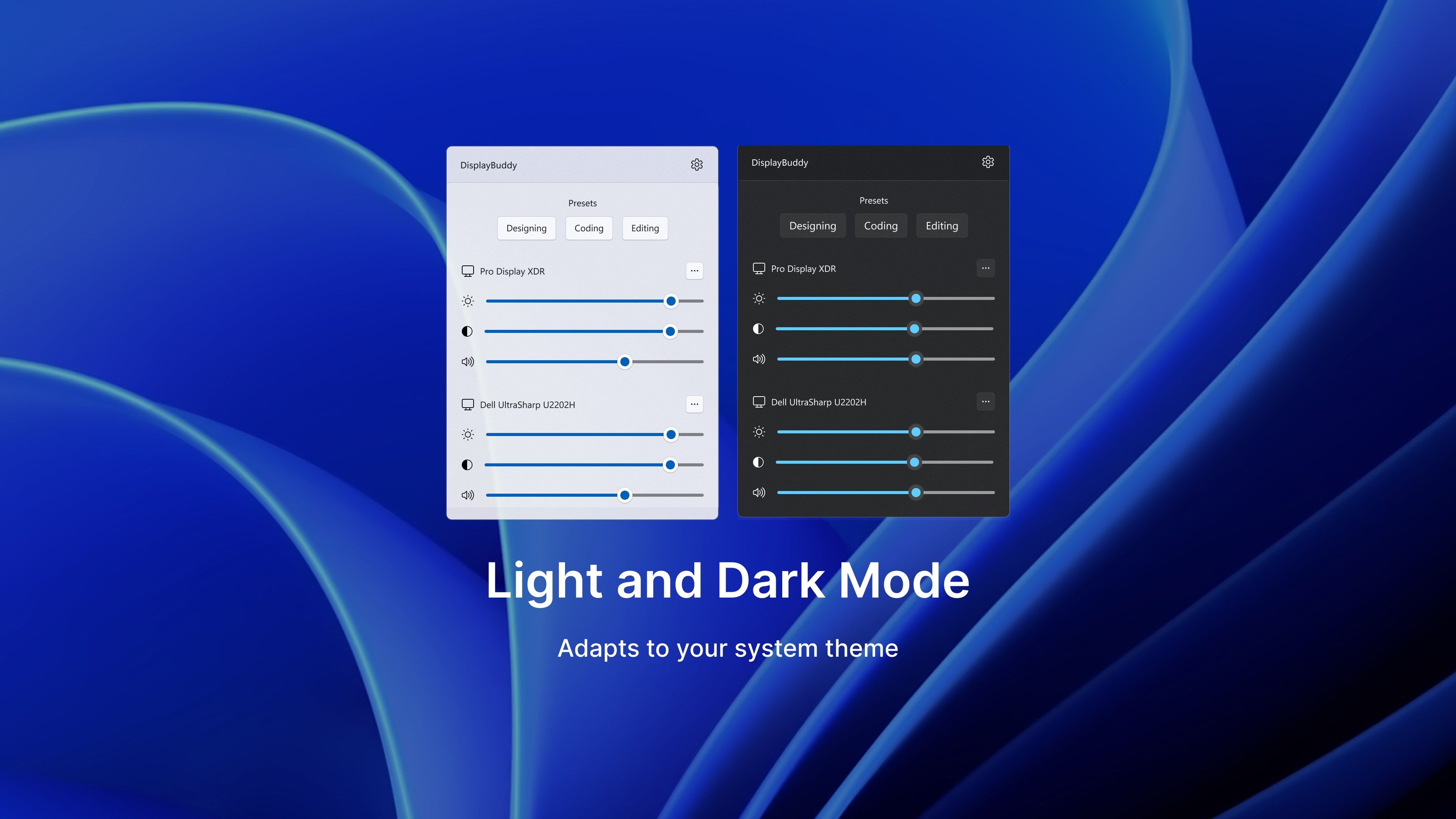
Using DisplayBuddy feels akin to having a well-organized command center for your monitors—imagine your screens as members of a team that need coordinating, and DisplayBuddy as the skilled manager keeping everyone in sync. The interface is modern yet unobtrusive, with a clean layout that doesn't demand a steep learning curve. Whether you're a tech novice or a seasoned power user, navigating through its options is intuitive. Changing display configurations is as simple as clicking a button—you can even assign hotkeys for rapid switching during intense work sessions.
The application's smooth operation complements its user-friendly design. It responds swiftly to commands without lag or stutter, supporting fluid workflow management. Its straightforward approach contrasts with overly complex multi-monitor tools that often overload users with features, leading to cognitive fatigue. Instead, DisplayBuddy emphasizes clarity and ease, cutting down on unnecessary menus and options, making it ideal for those who value simplicity without sacrificing functionality.
Compared to similar multi-display management apps, DisplayBuddy excels in integrating workflow tasks. Its focus on reducing the mental effort required to adjust screens—by automating arrangements and providing quick switches—sets it apart. While other tools may offer extensive customization, they often come with overwhelming complexity. DisplayBuddy strikes a balance by offering the essential features needed for efficient multi-monitor handling, making it a practical choice for busy professionals.
Recommendation and Usage Tips
Based on its streamlined design, responsiveness, and user-centric features, I confidently recommend DisplayBuddy for anyone utilizing multiple monitors who wants to improve their workspace organization effortlessly. For best results, assign hotkeys for your most frequent configurations to maximize speed, and create personalized arrangements for different workflows—be it development, graphics editing, or presentations. This app is particularly beneficial for users seeking a no-fuss, reliable solution that genuinely enhances productivity without adding complexity.
All in all, DisplayBuddy for Windows is like having a diligent assistant that keeps your display environment tidy and adaptable, letting you focus more on your work and less on the logistics of screen management. Whether you're a casual multi-monitor user or a power user, this app promises a smarter, more harmonious workspace—simple, efficient, and effective.
Pros
- User-Friendly Interface
- Customizable Display Options
- High-Quality Visuals
- Regular Updates
- Low Resource Consumption
Cons
- Limited Compatibility with Older Devices
- Occasional UI Lag
- Basic Customization Options
- Help Documentation Could Be Expanded
- Minor Bugs on Initial Launch











