

- Category Music
- Available on PC
- OS Windows 10 version 19043.0 or higher
- languages Chinese (Simplified), English, French, German, Italian, Japanese, Spanish
Overview of djay Pro - The AI-Powered DJ & Mixer for Windows
Imagine having a professional DJ setup at your fingertips — intuitive, powerful, and infused with AI smarts — all within a sleek Windows application. That's precisely the promise of djay Pro, an innovative DJ app developed by Algoriddim that combines traditional mixing prowess with modern AI features. Whether you're a seasoned DJ or an enthusiastic hobbyist, this app aims to elevate your music mixing experience with its robust toolkit and intelligent capabilities.
Core Features and Highlights
At its core, djay Pro positions itself as a comprehensive DJ suite designed with user flexibility in mind. Its standout features include seamless integration of AI-driven mixing, an extensive library of effects and tools, and a refined user interface tailored for both novices and pros. The app boasts a wide array of supported formats and hardware compatibility, making it versatile across various setups. Notably, its AI feature set, which supports automatic beat matching and pattern recognition, offers a futuristic edge that sets it apart from conventional DJ applications.
Vivid, User-Friendly Interface and Intuitive Workflow
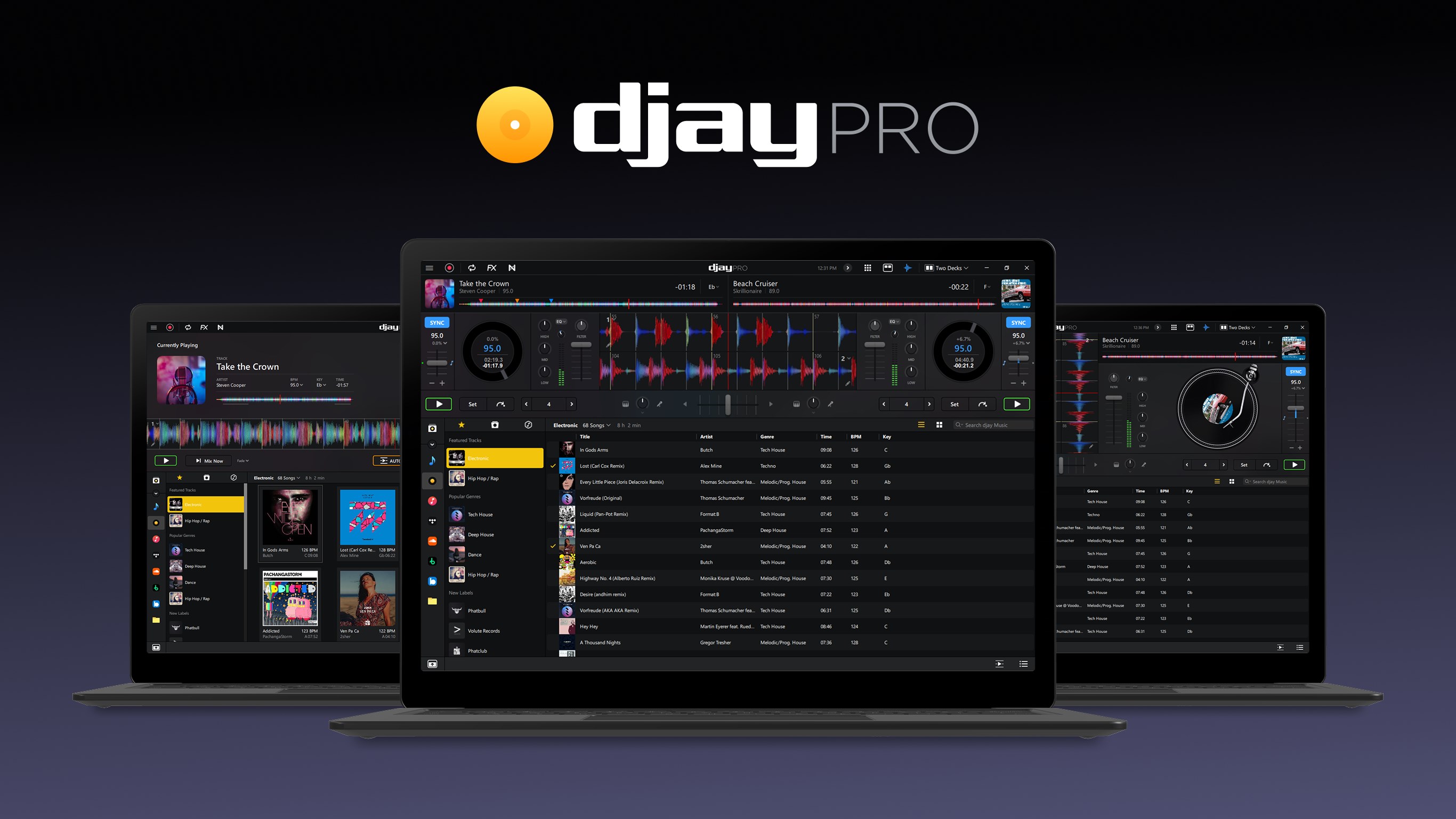
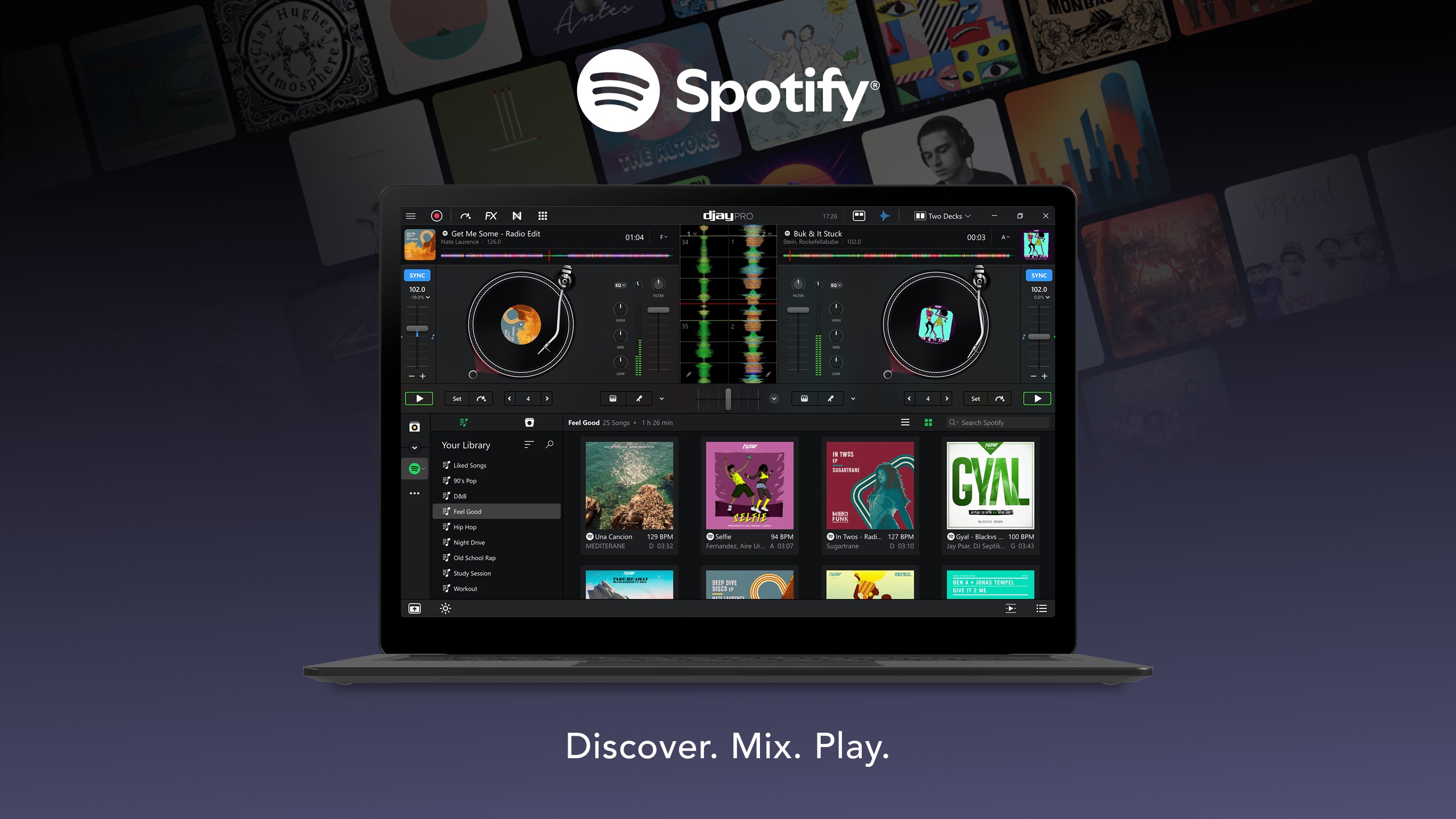
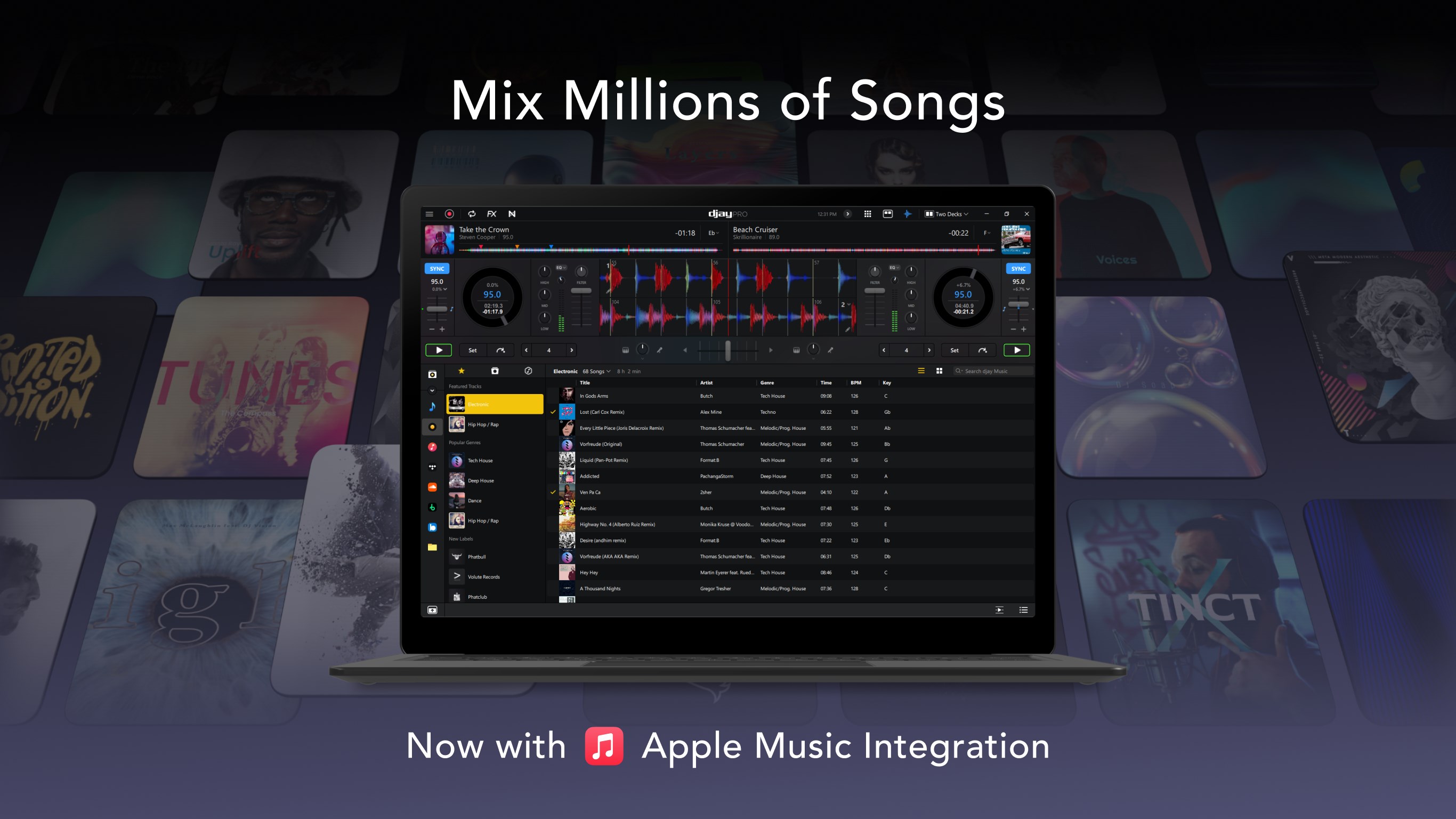
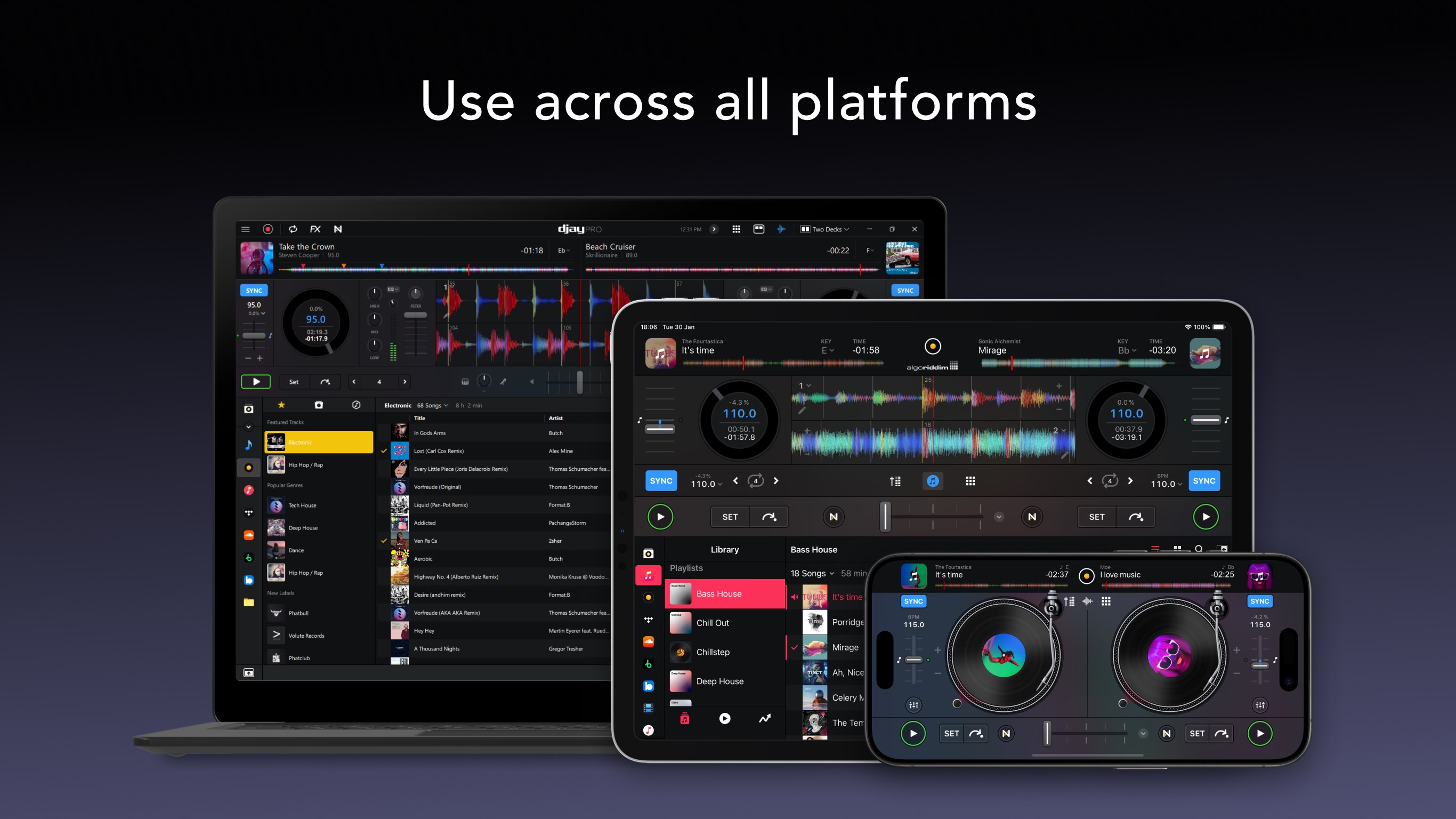
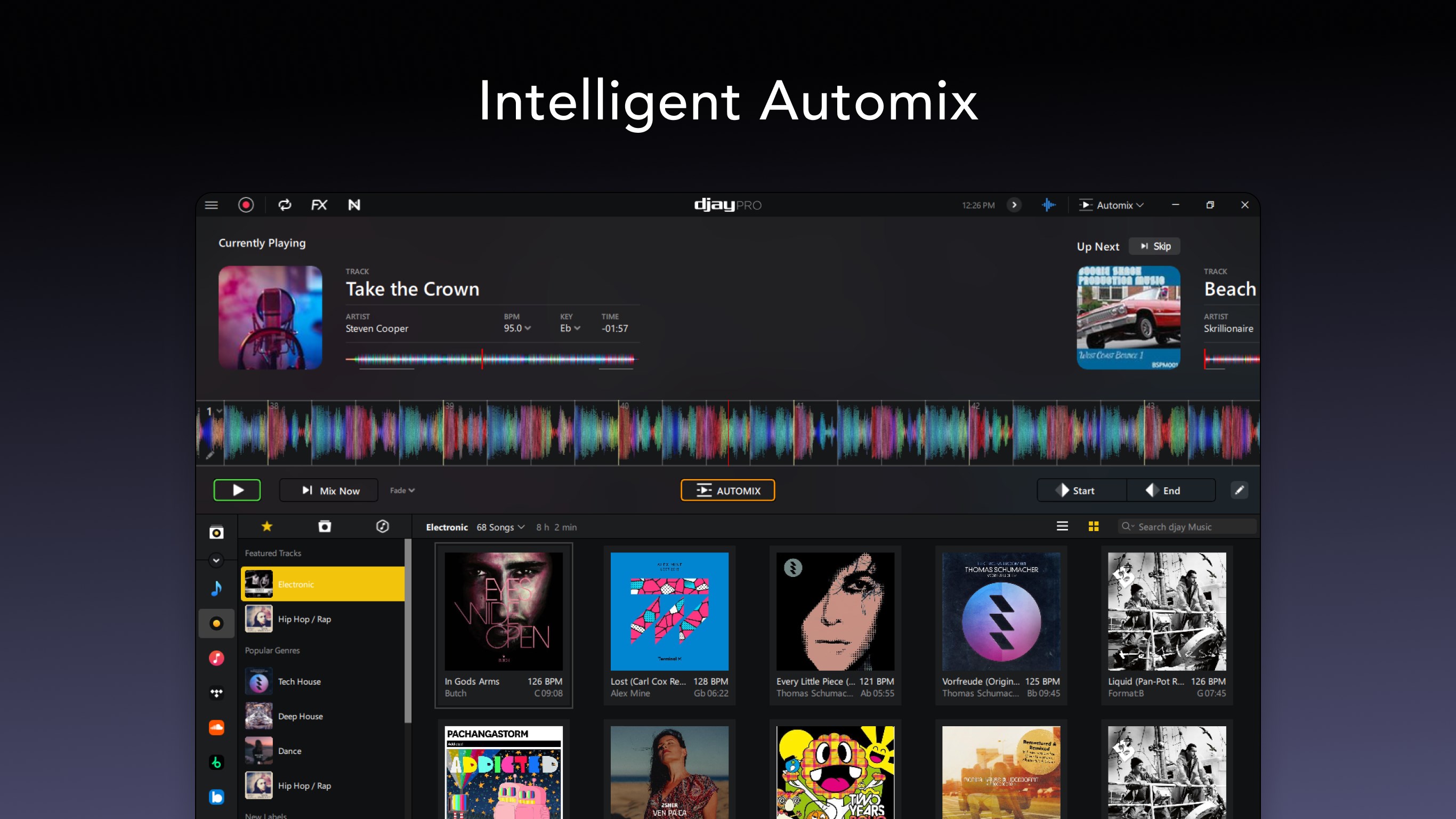
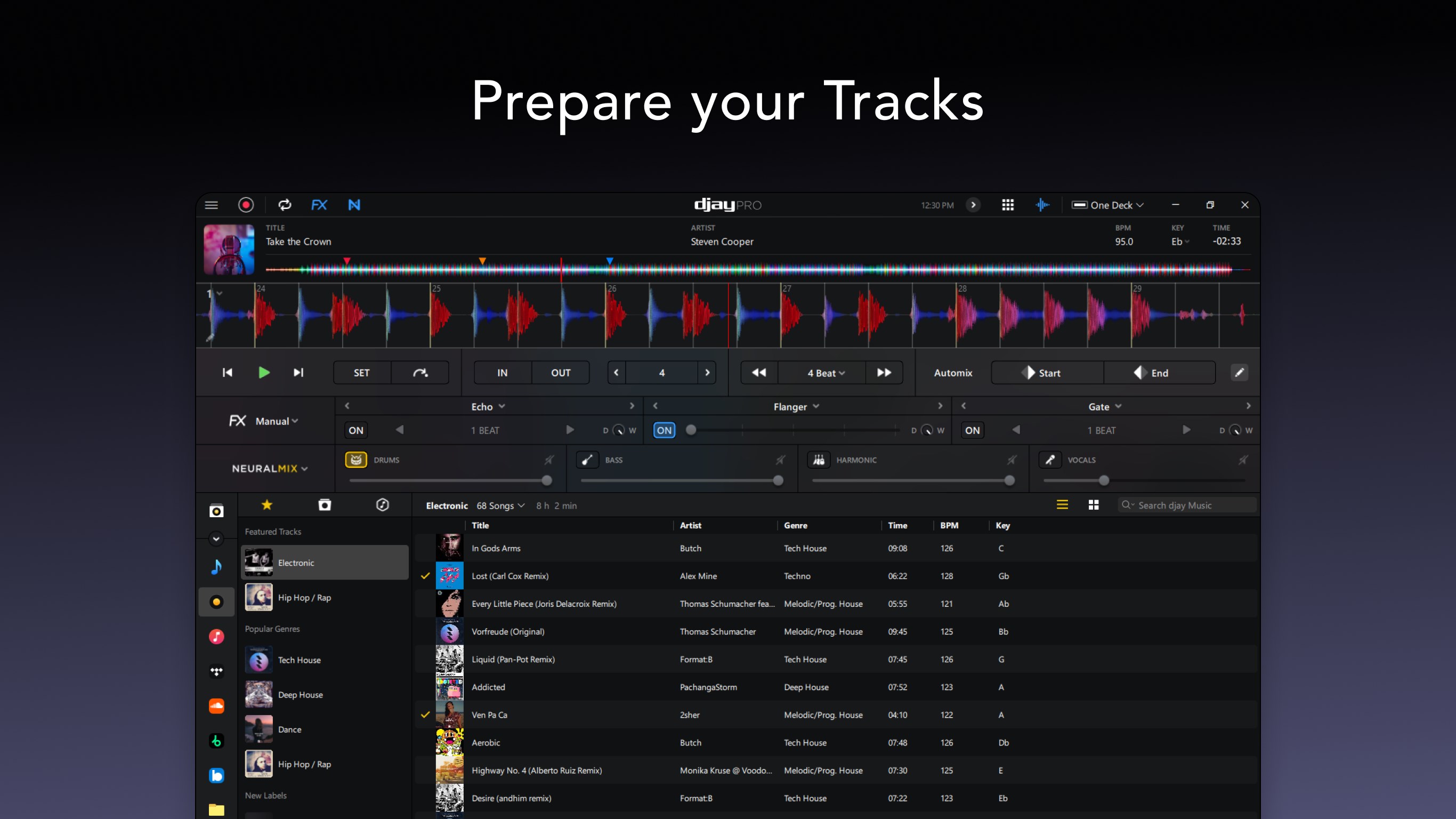
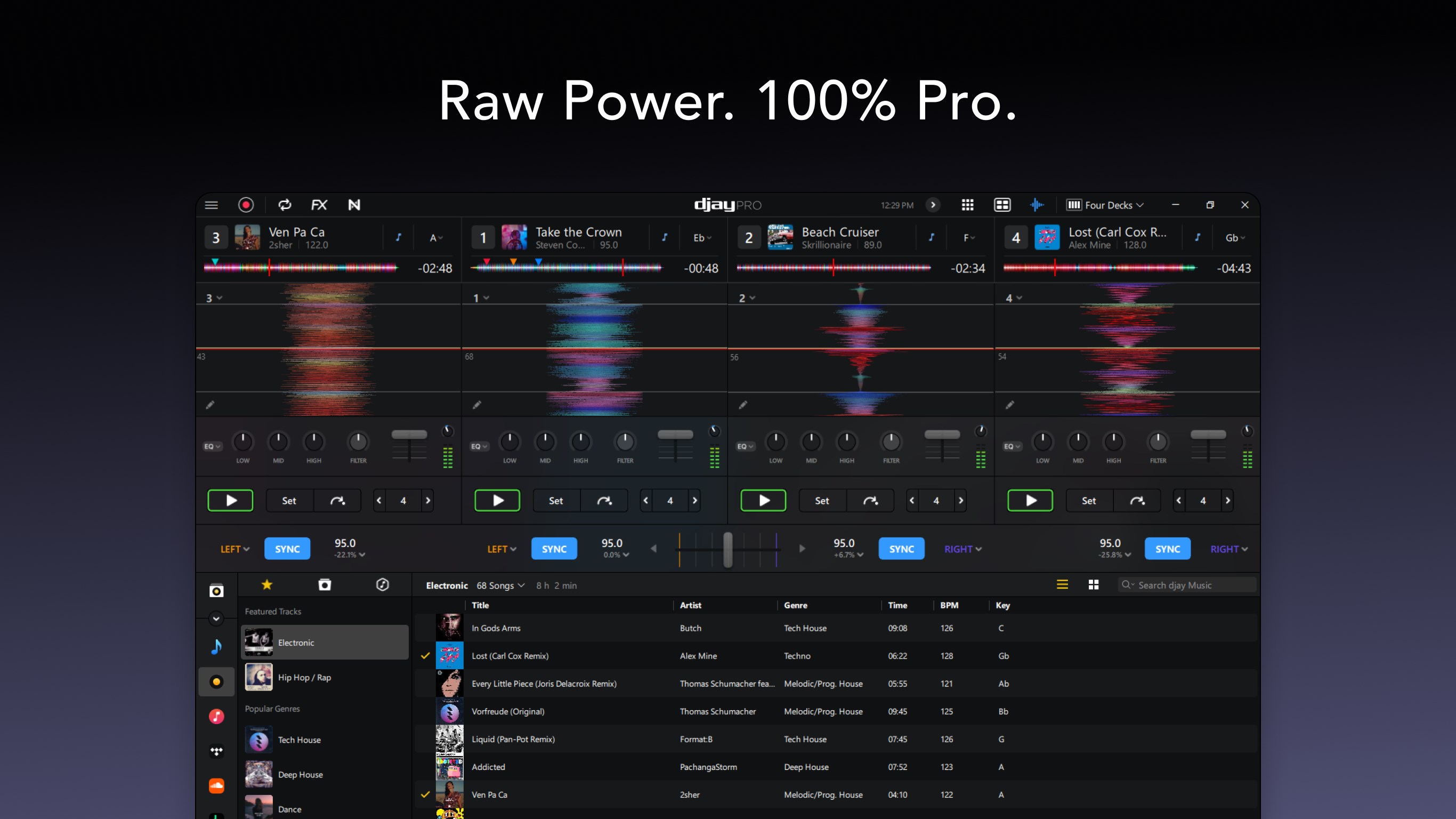
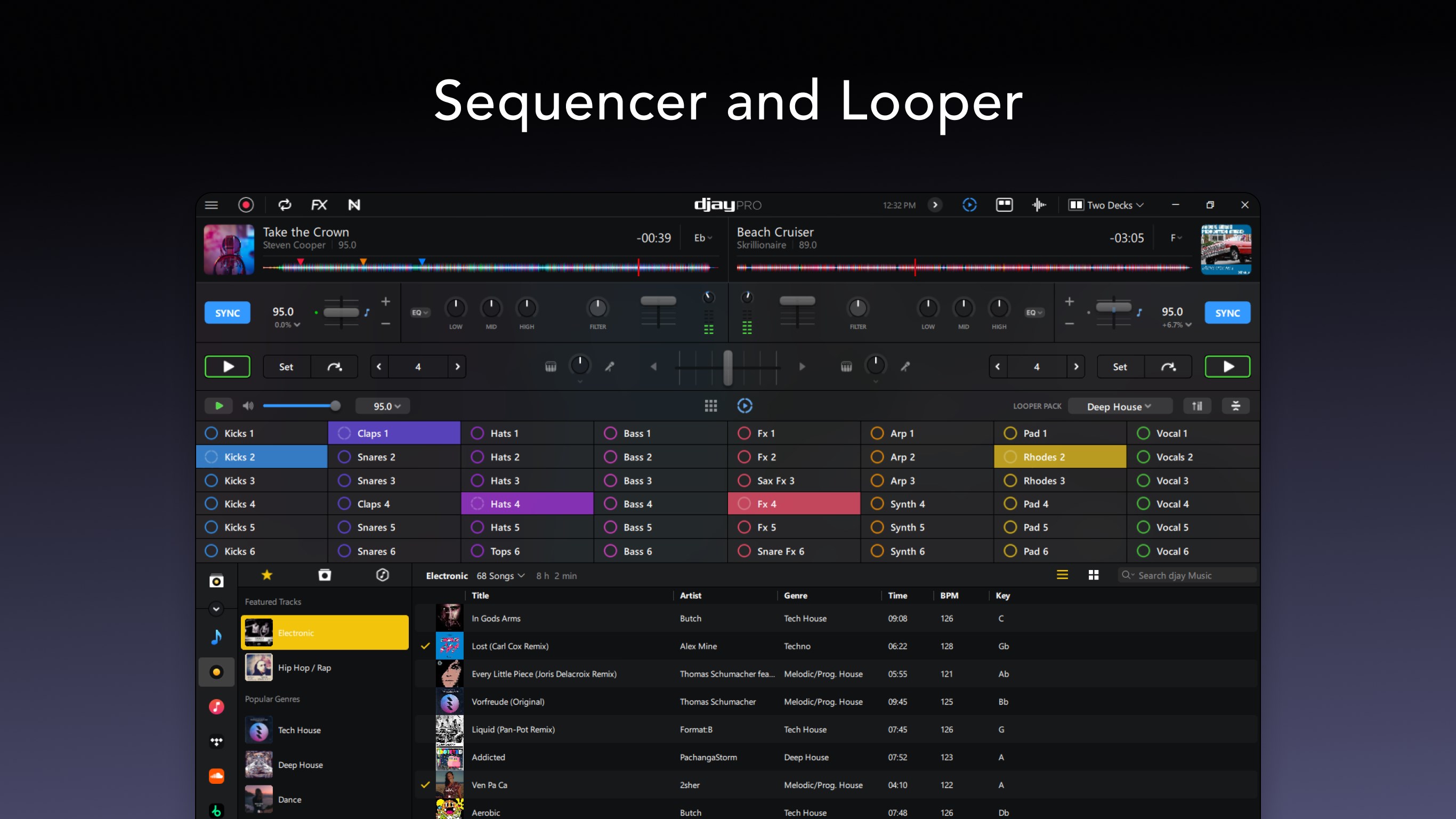
djay Pro's interface is akin to a professional turntable setup rendered on your screen — sleek, minimalistic, yet packed with all necessary controls. The layout is thoughtfully organized, with decks, waveform displays, and control panels arranged for quick access. Navigating through features feels fluid thanks to optimized response times, making the transition from loading a track to live mixing smooth and unencumbered. For newcomers, the learning curve remains gentle thanks to guided tutorials and logical menu structures, transforming what might seem complex into an engaging creative process.
Powerful AI and Rhythm Analysis — The Game Changers
The AI-powered capabilities of djay Pro shine brightest in their beat matching and rhythm detection. Unlike traditional setups that rely solely on manual adjustments, this app uses sophisticated algorithms to analyze tracks and automatically synchronize beats. This not only saves time but allows DJs to focus on creative effects and transitions. Additionally, the app assesses rhythm pattern variety, recognizing complex beat structures often found in genres like EDM or experimental music, thus offering more nuanced and accurate mixing. What truly stands out is its low latency response, enabling DJs to react in real time with precision — a critical advantage during live performances.
Differentiators: What Makes djay Pro Unique
While many DJ apps promise powerful tools, djay Pro distinguishes itself through its blend of AI intelligence and robust manual controls. Its adaptive rhythm pattern recognition surpasses many competitors by allowing seamless handling of diverse music styles, making it suitable for genres with unconventional beat structures. Furthermore, its minimal input latency means that users experience a near-instantaneous response to their control inputs — akin to spinning a real turntable with tactile feedback. This combination of swift responsiveness and deep musical comprehension positions djay Pro as a truly innovative player in the digital DJ landscape.
Final Thoughts and Recommendations
Overall, djay Pro emerges as a mature and thoughtfully designed DJ application for Windows, especially suitable for users eager to explore AI-assisted mixing alongside traditional manual controls. Its intelligent beat matching, coupled with a clean interface and low latency, makes it an appealing choice for both amateurs and professionals looking to elevate their craft. If you are seeking an app that balances automation with creative control and offers unique rhythm pattern analysis, djay Pro is highly recommended. However, due to its depth, beginners might need some time to navigate advanced features fully — but the effort pays off with a richer, more precise mixing experience.
Pros
- Intuitive AI Mixer
- Rich Collection of DJ Effects
- High-Quality Audio Output
- User-Friendly Interface
- Cloud Integration Support
Cons
- Limited Customization Options
- Occasional Glitches During Live Use
- Requires a Stable Internet Connection for Cloud Features
- Limited Support for External Hardware
- Learning Curve for Advanced Functions










