
- Category Developer tools
- Developer Docker, Inc.
- Available on PC
- OS Windows 10 version 0.0 or higher
- Keyboard Integrated Keyboard
- Mouse Integrated Mouse
- Memory 4 GB
- languages English
Docker Desktop for Windows: Your Reliable Companion for Container Management
Docker Desktop for Windows is a comprehensive tool designed to streamline containerization workflows on the Windows platform, offering developers a seamless environment for building, testing, and deploying containerized applications.
About the Developer and Core Highlights
Developed and published by Docker, Inc., a leader in container technology, this application aims to bring the power of Docker to Windows users with ease and efficiency. Its main features include integrated Kubernetes support, a user-friendly GUI, real-time resource monitoring, and seamless integration with Visual Studio Code. The target audience primarily encompasses software developers and DevOps professionals who need a robust environment to manage Docker containers directly from their Windows machines.
Kickstarting Your Container Journey: An Engaging Introduction
Imagine harnessing the agility of a well-oiled machine—Docker Desktop for Windows transforms your PC into a dynamic canvas for container development. Whether you're spinning up complex microservices or testing new code snippets, this app acts like a trusty toolbox, bringing order and clarity to the often chaotic world of container management. Its intuitive design lowers the barrier for newcomers, while providing the depth that seasoned developers crave.
Powerful Core Features: Making Containers Work for You
1. Integrated Kubernetes Support for Seamless Orchestration
One of Docker Desktop's most compelling features is its built-in Kubernetes support. Think of this as having a miniature cloud cluster right on your desktop—without the need for external servers. This allows developers to mimic production environments locally, facilitating smoother testing and debugging. The setup is straightforward, making it easy to toggle Kubernetes on or off, thus providing flexibility depending on your project needs.
2. Intuitive User Interface and Robust Container Management
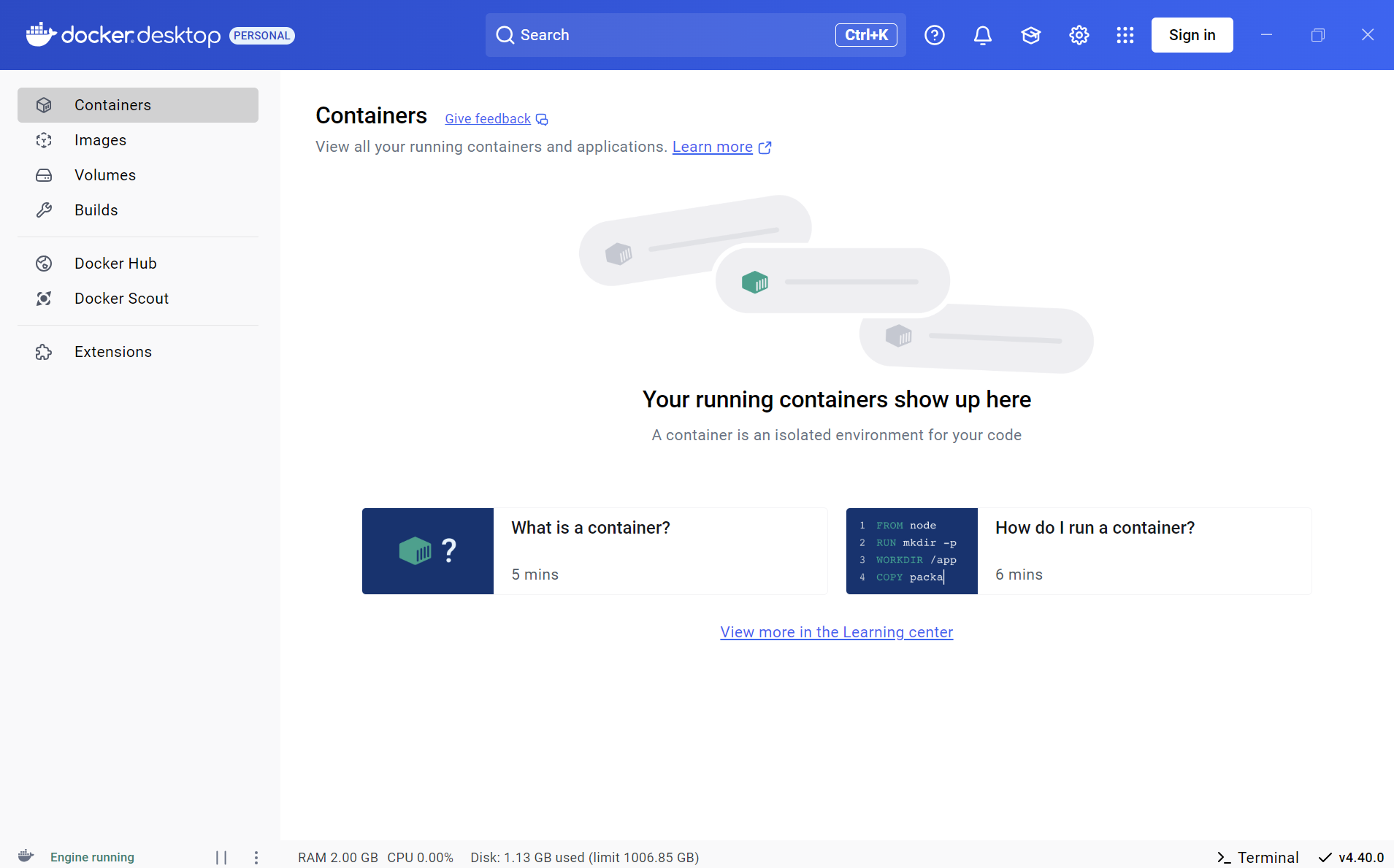
The GUI offers a clean, organized dashboard akin to a well-arranged workshop. You can visualize running containers, images, and volumes at a glance, making it easier to manage multiple projects simultaneously. Operations like starting, stopping, or deleting containers are just a few clicks away. Additionally, the real-time resource consumption graph provides a transparent view of your system's health—perfect for debugging performance bottlenecks without leaving the app.
3. Deep Integration with Developer Tools and Environments
Docker Desktop shines in its ability to seamlessly connect with popular IDEs and tools like Visual Studio Code. Imagine having a reliable co-pilot that anticipates your needs—building containers, debugging, and deploying right from where you code. The support for Docker Compose and other orchestrations further simplifies complex workflows, saving you valuable time and mental energy.
Overall User Experience and Unique Differentiators
From the moment you open Docker Desktop, its design feels like a seasoned guide—friendly, approachable, yet packed with features. The interface is thoughtfully laid out, striking a balance between simplicity for beginners and depth for professionals. Operations are fluid and responsive, making container management a satisfying task rather than a chore. The learning curve is gentle, especially if you're already familiar with Docker concepts; for newcomers, it reduces the intimidation often associated with container orchestration.
Compared to other developer tools, Docker Desktop's standout feature is its tight integration within Windows, coupled with its ability to run both Docker and Kubernetes simultaneously. This dual support positions it as a one-stop solution that bridges the gap between local development and scalable deployment environments. Its efficiency and user-centric design ensure that developers spend less time wrestling with setup and more time building innovative solutions.
Final Verdict and Recommendations
All in all, Docker Desktop for Windows is highly recommended for developers seeking a reliable, integrated, and user-friendly environment to manage containers. It's particularly beneficial for those working on microservices architectures or requiring local Kubernetes clusters for testing. While it may take some initial familiarization, its intuitive interface and powerful features quickly justify the investment.
If you're looking to deepen your containerization skills or streamline your development workflow, Docker Desktop is a dependable companion. Its unique blend of simplicity and depth makes it more than just a tool—it's an enabler for modern software development on Windows. Give it a try, and see how it can transform your coding experience into an efficient, organized adventure.
Pros
- Seamless integration with Windows OS
- User-friendly GUI and setup process
- Built-in Kubernetes support
- Regular updates and features
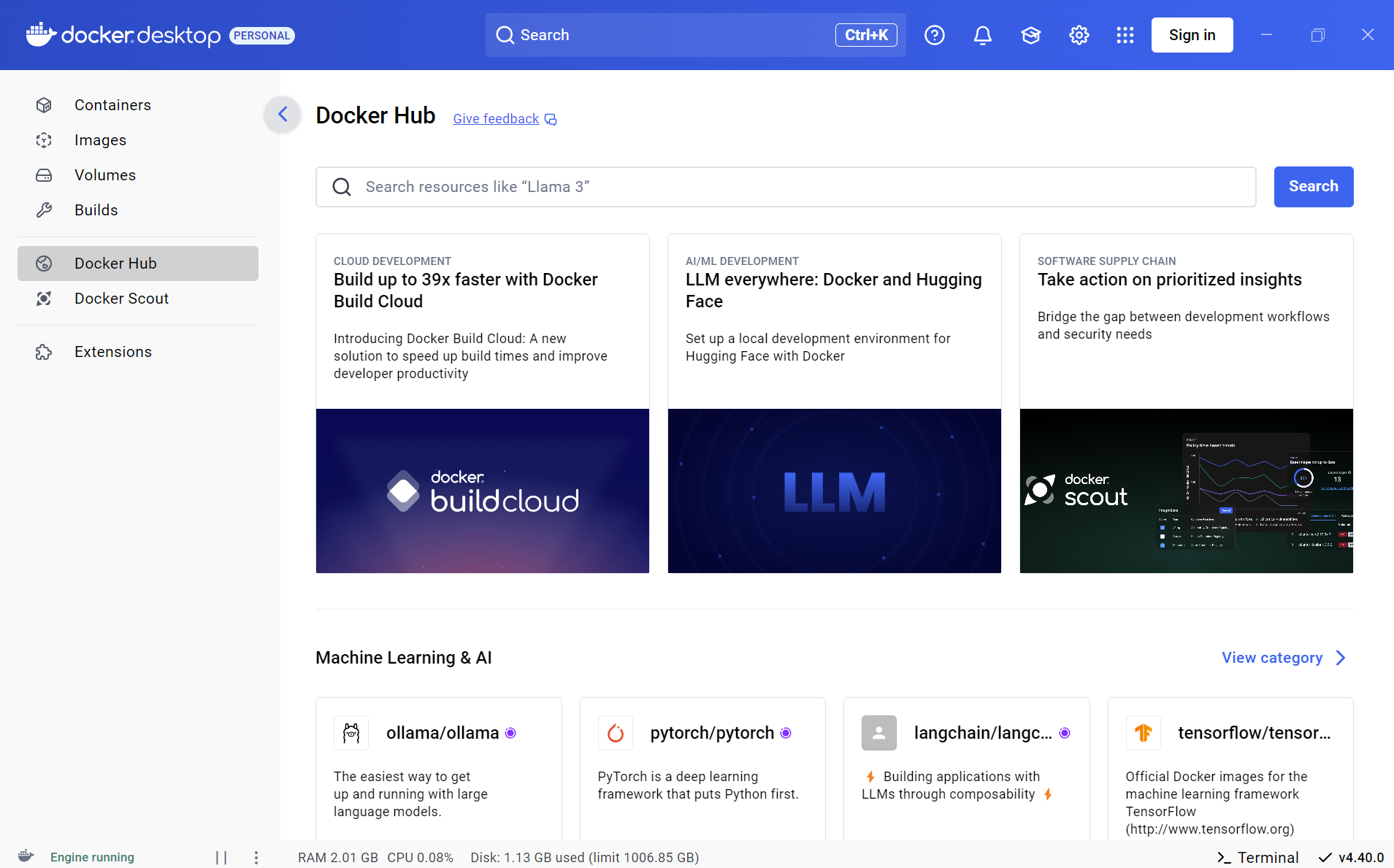
- Integration with Docker Hub and other registries
Cons
- High system resource consumption
- Occasional stability issues on Windows 11
- Limited support for older Windows versions
- Complex network configuration in corporate environments
- Slow startup times on some hardware











