
- Category Productivity
- Developer HUXSoft.com
- Available on PC, Mobile, Surface Hub, HoloLens
- OS Windows 10 version 17763.0 or higher
- languages English (United States)
Streamlining Document Editing with DOCX Editor for Windows
If you're tired of juggling multiple tools or dealing with clunky document editors, DOCX Editor for Windows by HUXSoft offers a fresh, focused approach to managing your Word documents effortlessly. This application aims to be your go-to companion for seamless editing, formatting, and organizing DOCX files – all wrapped in a clean and intuitive interface. Whether you're a professional writer, a student, or an office worker, this tool promises to enhance your productivity with its thoughtful features and streamlined workflow.
Developer and Core Features
Developed and published by HUXSoft.com, DOCX Editor for Windows positions itself as a specialized DOCX management tool designed to simplify the editing process. The app's main highlights include:
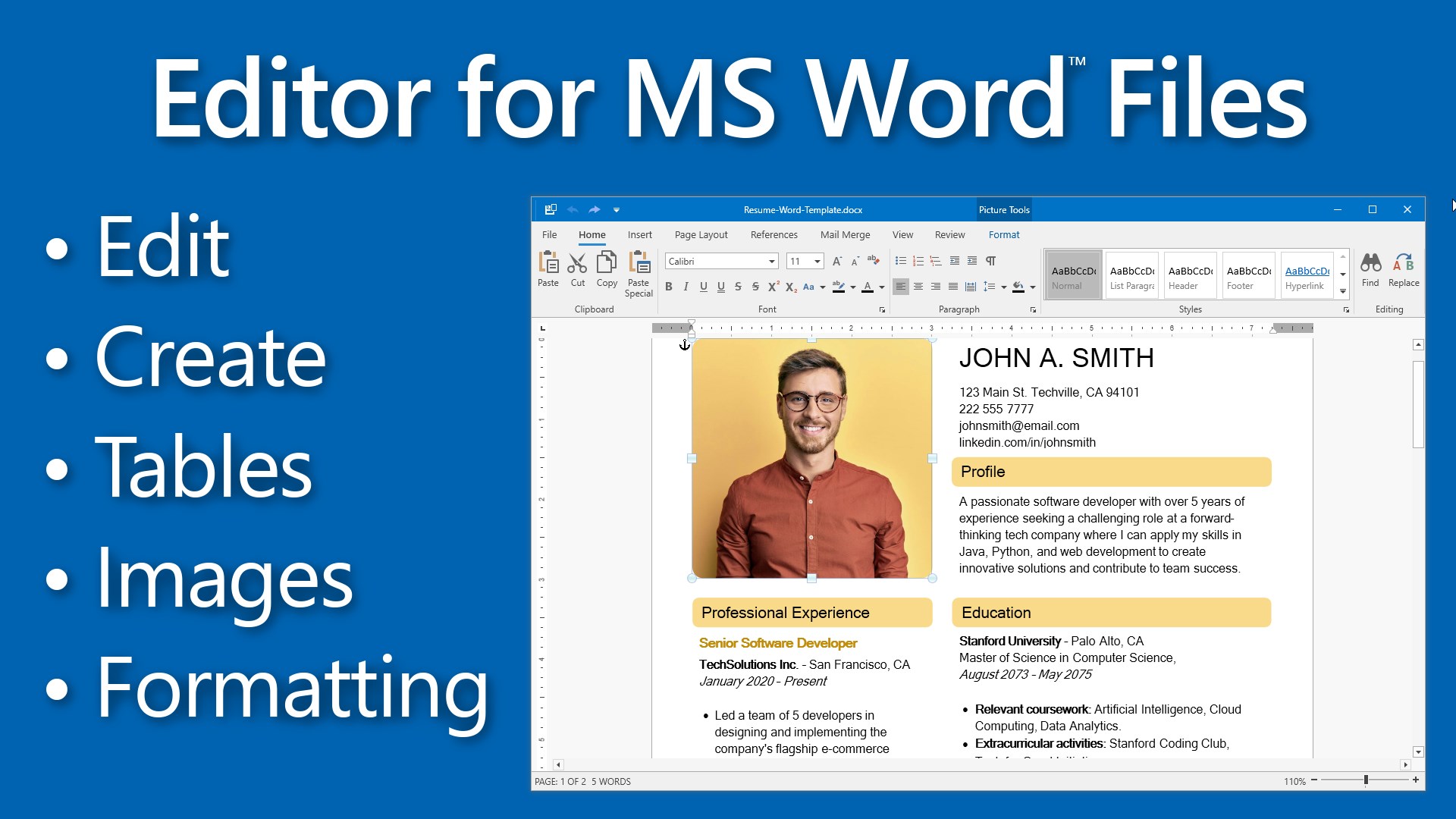
- Advanced Formatting Control: Offering an array of robust styling tools that make intricate formatting tasks straightforward, keeping your documents looking professional without fuss.
- Lightweight and Fast Performance: Optimized for smooth operation on Windows, enabling rapid loading and editing without lag—even with large files.
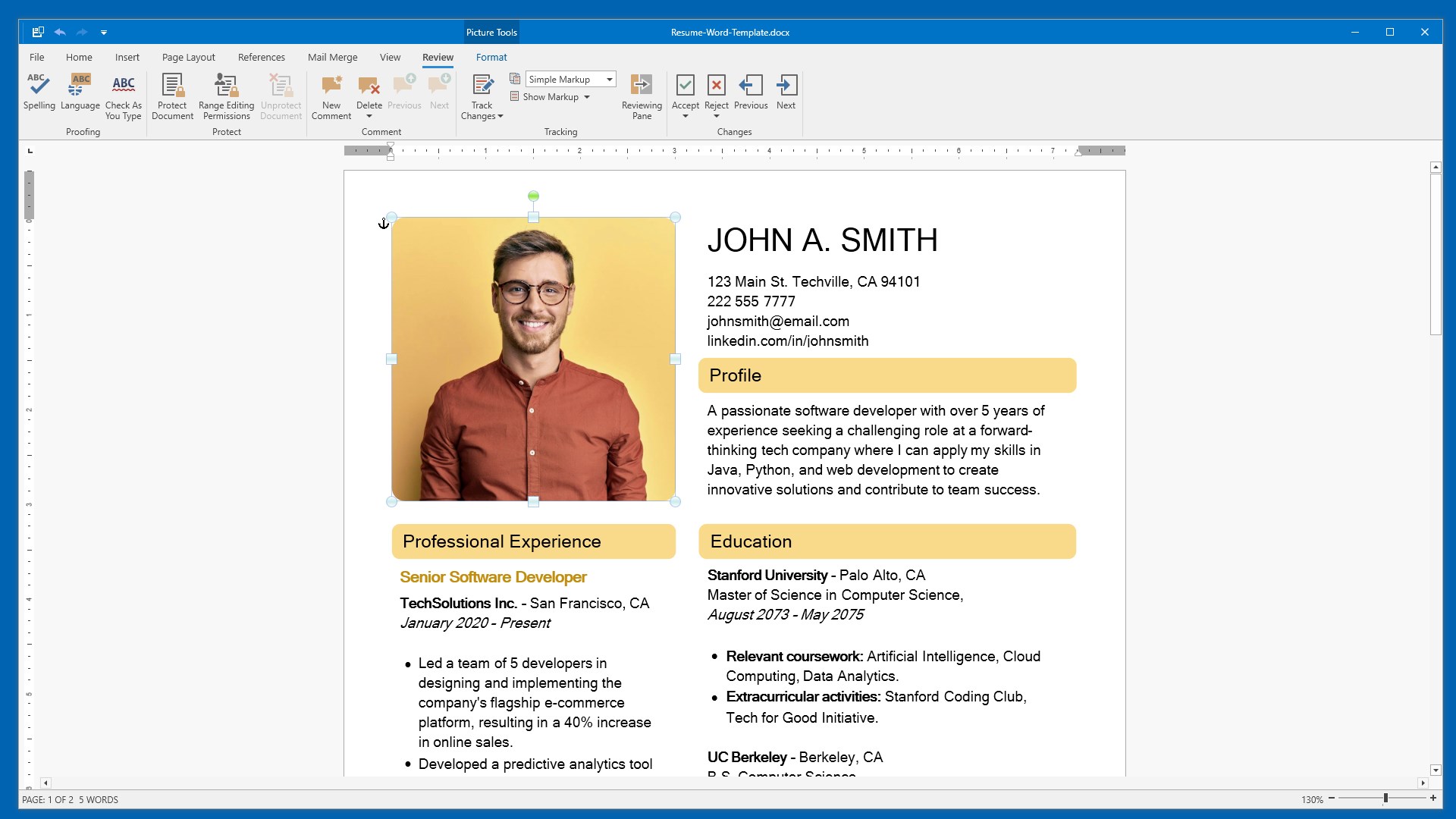
- Intuitive User Interface: A clean, clutter-free design that feels familiar to long-time Word users yet friendly enough for newcomers to adapt quickly.
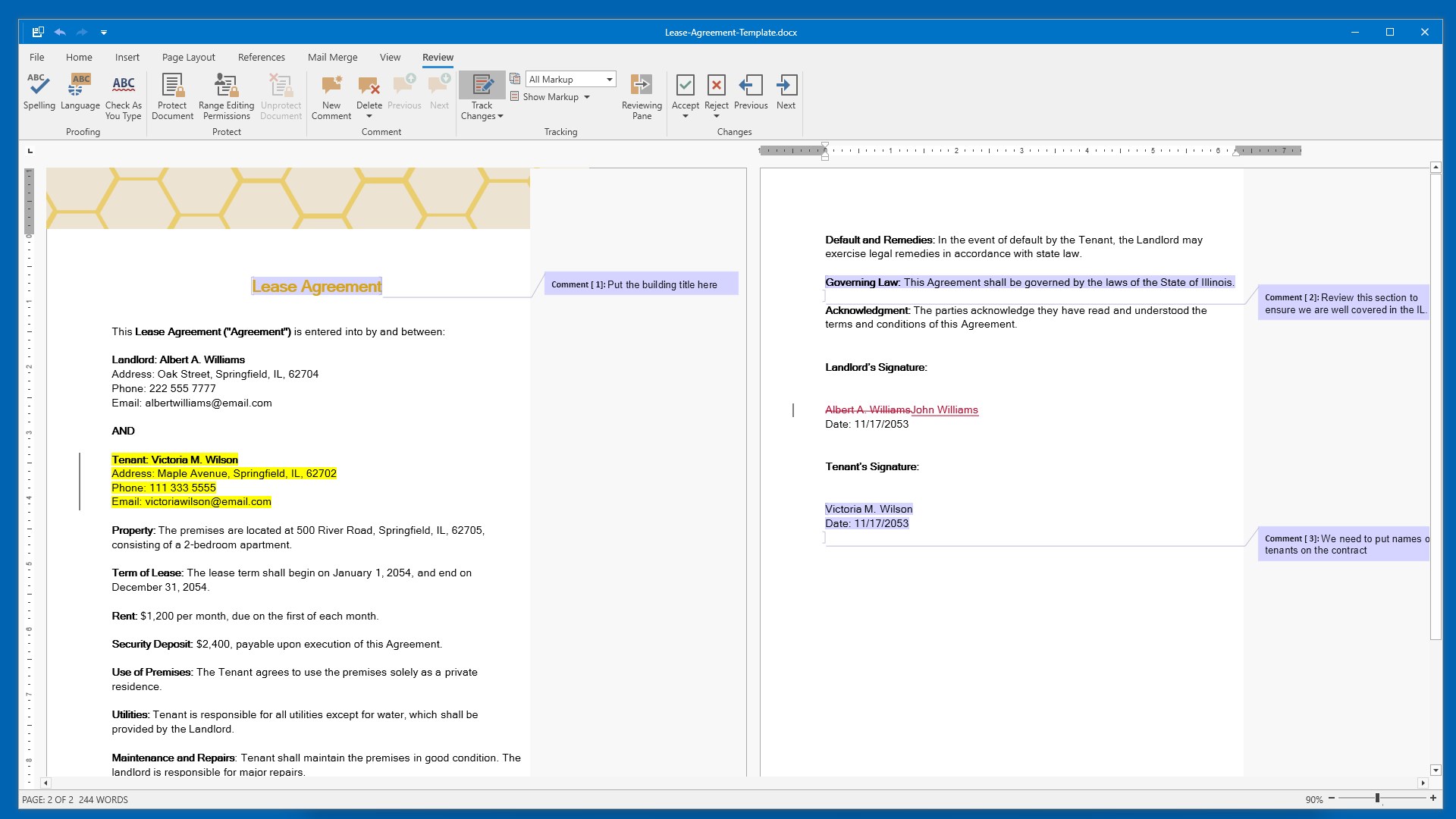
- Workflow Integration: Designed to fit seamlessly into your existing tools, supporting effortless import/export and compatibility with cloud storage services.
The targeted user base includes professionals, students, and anyone who frequently works with DOCX files and values efficiency and simplicity.
An Engaging Dive into Its Features
Imagine opening a document editor that feels less like operating a complex machinery and more like having a skilled assistant by your side. That's what DOCX Editor for Windows offers—a delightful blend of power and ease that transforms your document workflows from a chore into a pleasure.
Seamless Formatting and Editing
The app's standout feature is its advanced formatting toolkit. Unlike some lite editors that only scratch the surface, DOCX Editor provides detailed paragraph and style adjustments with just a few clicks. The interface mimics traditional Word layouts but reduces clutter by hiding advanced options until needed, reducing cognitive load. Think of it as a well-organized toolbox that gives you quick access without overwhelming your workspace. Editing large, complex documents becomes a breeze, as the app loads snappily and responds instantly to commands—an antidote to the frustration of sluggish editors.
Efficient Workflow and File Management
One of the app's most compelling strengths is its workflow integration. It supports quick import/export, compatible with OneDrive, Dropbox, and other cloud services, facilitating smooth transitions between devices and teams. Imagine your editing process as a relay race; DOCX Editor acts as a relay baton, passing your files quickly and smoothly without dropping the ball. For professionals juggling multiple documents, this integration minimizes unnecessary steps, freeing your mental bandwidth for more important tasks. This reduction in cognitive load compares favorably to more bloated tools, which often drown users in options and obscure the core work.
User Experience and Differentiation
The application's design philosophy emphasizes clarity and efficiency—think of it as the cockpit of a well-designed airplane, where every control is within easy reach, and distractions are minimized. Its learning curve is gentle, making it accessible for newcomers yet feature-rich enough for advanced users. Unlike some competitors that load you down with features at the expense of usability, DOCX Editor offers a balanced approach—prioritizing workflow fluency over feature proliferation. This focus ensures that users can achieve their goals faster and with less frustration.
Final Thoughts and Recommendations
Overall, DOCX Editor for Windows stands out as a compelling choice for those seeking a streamlined, reliable, and user-friendly DOCX editing experience. Its core strengths—powerful formatting tools and superior workflow integration—make it particularly suitable for busy professionals and students who value efficiency. While it may not replace all the advanced features of heavyweight word processors, it excels at what it promises: smooth, focused document editing with minimal cognitive overhead.
We recommend giving it a try if your daily work involves managing many DOCX files and you desire a tool that enhances your productivity without adding complexity. It's like having a well-organized digital workspace that adapts to your needs—reliable, responsive, and straightforward.
Pros
- Intuitive Editing Interface
- Lightweight and Fast
- Real-Time Collaboration Support
- Auto-Save and Version History
- Seamless OneDrive Integration
Cons
- Limited Formatting Options
- Occasional Sync Delays
- Limited Export Formats
- Minimal Offline Functionality
- Occasional Software Crashes











