

- Category Entertainment
- Available on PC, Xbox console
- OS Windows 11 version 22000.0 or higher
- Keyboard Not specified
- Mouse Not specified
- languages Chinese (Simplified), Chinese (Traditional), English (United States), French, German, Italian, Japanese, Korean , Norwegian (Bokmål), Portuguese (Brazil), Russian, Spanish (Spain), Ukrainian
Dolby Access for Windows: Elevating Your Audio Experience
Imagine sitting in a dark cinema, the sound enveloping you from every direction—Dolby Access for Windows aspires to bring that immersive auditory magic right to your desktop. This app aims to redefine how you experience sound on your Windows device, transforming ordinary listening into a cinematic journey.
Basic Info: What Is Dolby Access?
Dolby Access for Windows is a specialized application designed to unlock the full potential of Dolby Atmos sound technology on your PC. Developed by Dolby Laboratories—an industry leader in audio innovation—this app offers an advanced audio experience tailored for entertainment, gaming, and everyday listening.
Key features include:
- Support for Dolby Atmos spatial sound, creating immersive 3D audio environments.
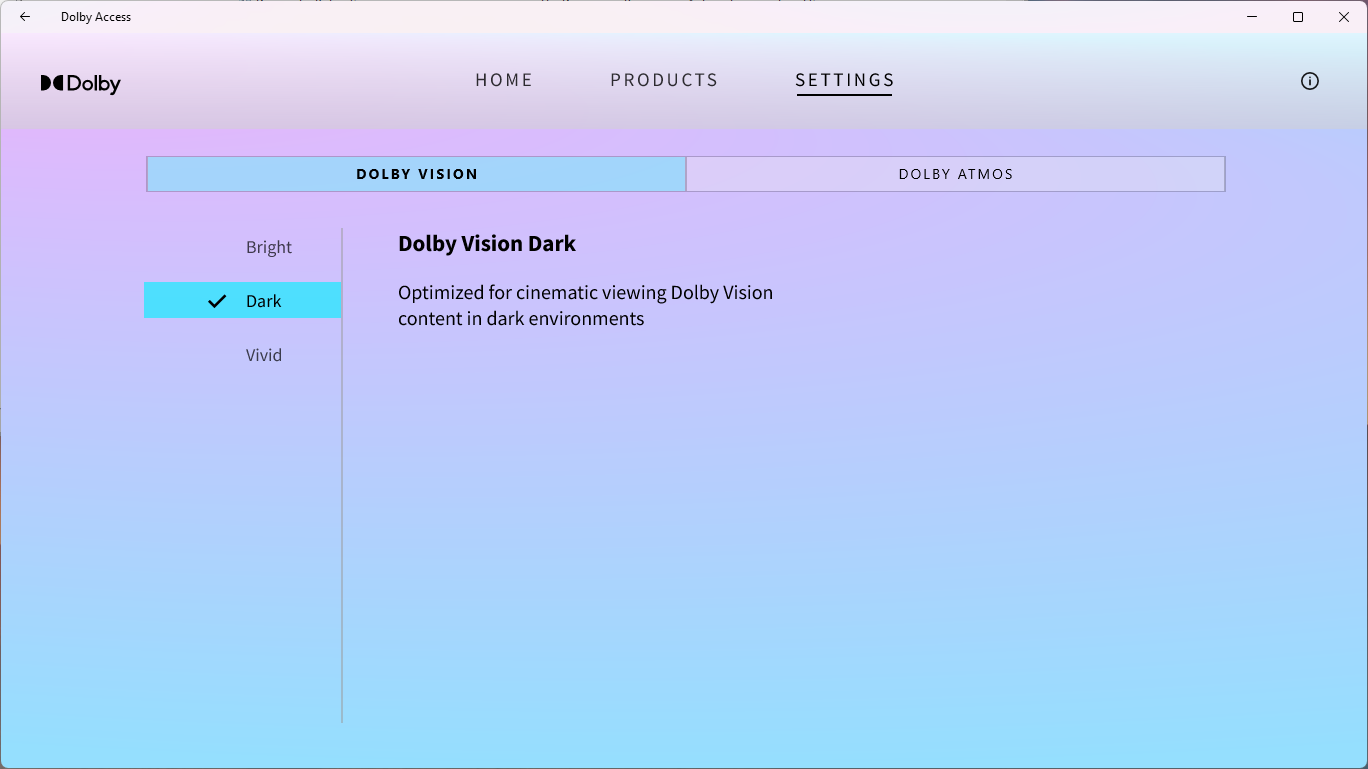
- Customization options for enhancing sound profiles based on content type.
- Access to Dolby's content discovery and demo experiences for users to explore different audio settings.
- Cloud-based updates ensuring users get the latest audio enhancements without hassle.
The target user base spans from audiophiles and gamers seeking richer soundscapes to casual users who wish to upgrade their audio quality effortlessly.
Immersive Sound That Transforms Your Desktop Experience
From the moment you launch Dolby Access, the app whisks you away into a world where sound isn't just heard—it's felt. Imagine putting on a pair of high-quality headphones and suddenly having the audio stage come alive around you. Whether it's the roar of an engine in a racing game or the subtle footsteps of virtual adversaries, Dolby Atmos delivers a three-dimensional audio space that makes everything more lifelike.
Core Functionality 1: Dolby Atmos Integration
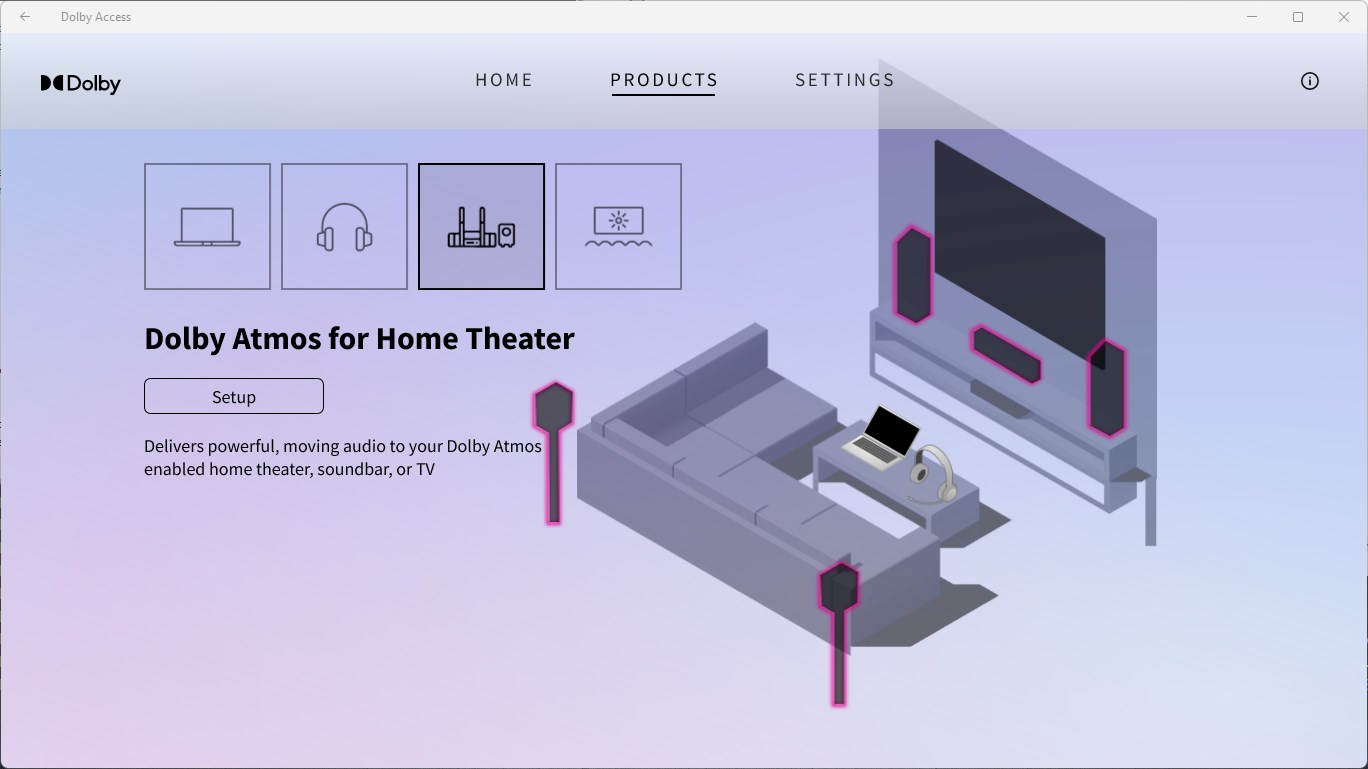
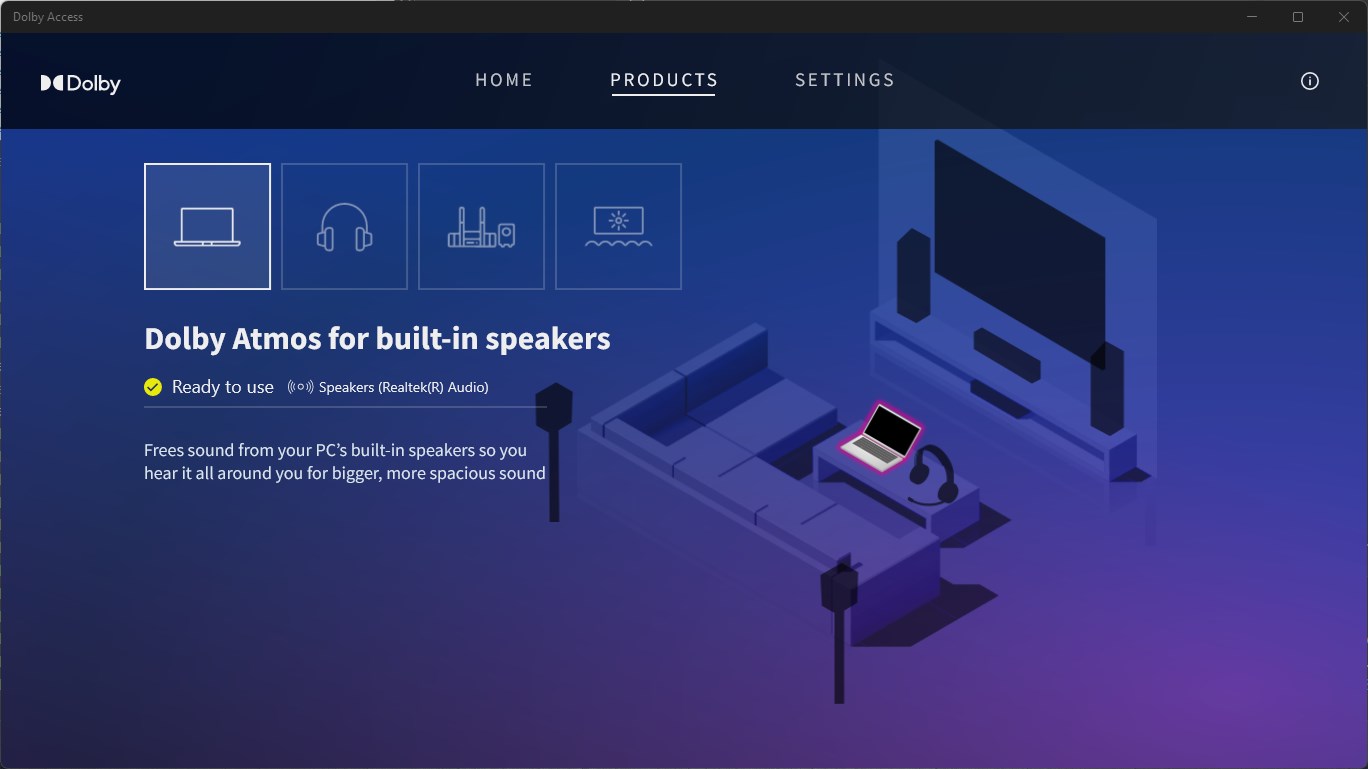
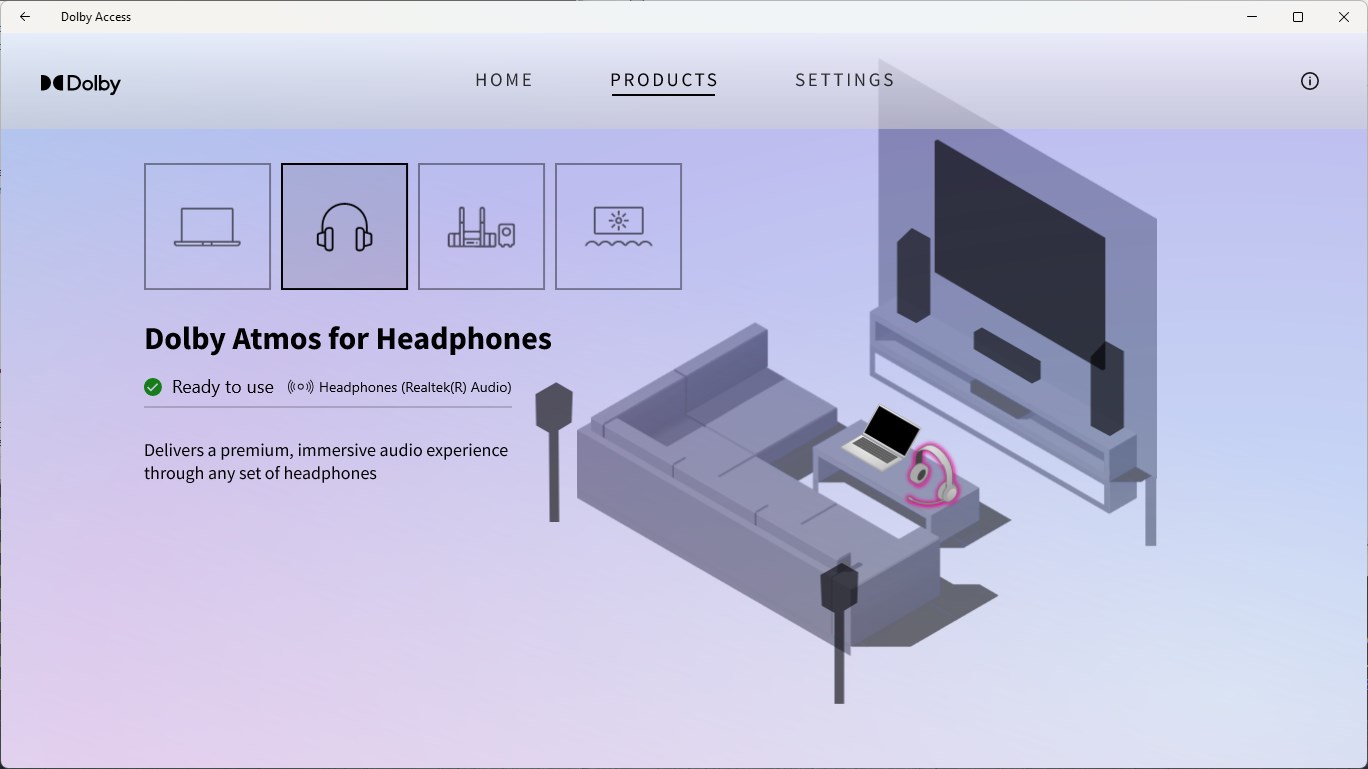
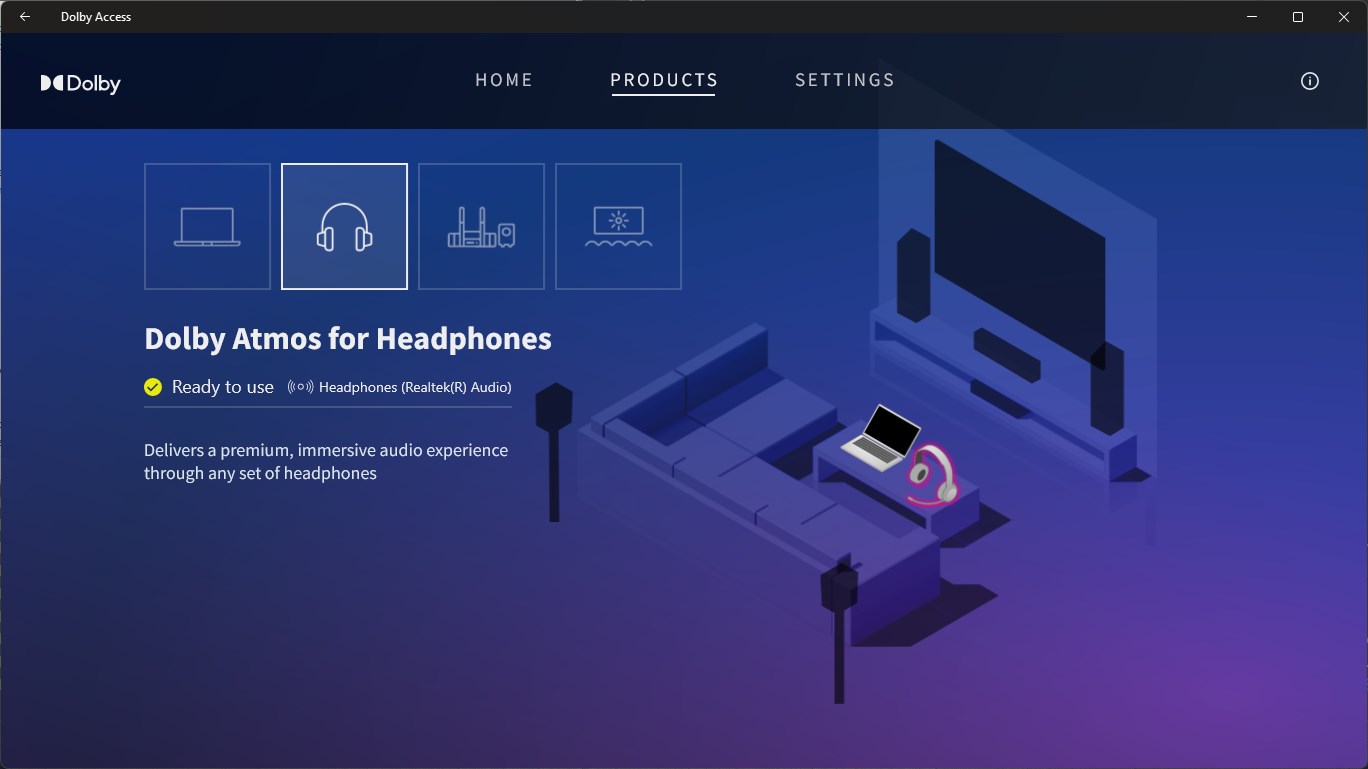
The flagship feature, Dolby Atmos support, is a game-changer. Once enabled, your audio system (be it headphones or compatible speakers) transforms into a portal of spatial sound. The app intelligently maps sound sources in 3D space, providing a sense of depth and direction that traditional stereo can't match. Setting it up is straightforward: after a few clicks, your device adapts, with detailed guides ensuring even novices can enjoy immersive sound.
Core Functionality 2: Content Discovery & Personalization
What sets Dolby Access apart from similar entertainment apps is its focus on content customization. Beyond just enhancing sound, it offers curated experiences and demos to help users understand how different audio environments work. The app's intelligent content discovery algorithm recommends settings and demos based on your usage patterns—like a knowledgeable friend suggesting the perfect soundtrack for your mood. This personalized touch ensures every session feels tailored and engaging.
Core Functionality 3: User Interface & Experience
The app sports a sleek, user-friendly interface with intuitive controls that resemble a modern sound mixing console—without the intimidating complexity. The overall design is both aesthetic and functional, allowing users to toggle modes, switch between profiles, and fine-tune settings with minimal effort. Smooth animations and quick loading times contribute to a satisfying experience, even for first-time users. While the learning curve is mild, the app's guided tips help users get the most out of their audio environment.
Unique Selling Points & Differentiation
Compared to other entertainment apps, Dolby Access's standout feature is its seamless integration of content personalization with cutting-edge spatial audio. Its content discovery algorithms don't just suggest random settings; they analyze your preferences, devices, and listening habits to recommend sound profiles that truly match your style—like a personalized concert curated just for you. This sets it apart from more generic audio enhancement tools which often rely on static presets and limited customization.
Moreover, the app's constant cloud updates mean you're always equipped with the latest Dolby innovations, ensuring your audio experience keeps evolving. In essence, Dolby Access isn't just an app; it's a tailored, constantly evolving audio companion that transforms your Windows device into an immersive entertainment hub.
Final Verdict & Recommendations
Dolby Access for Windows is highly recommended for users who value high-quality audio and want to explore the capabilities of spatial sound. Its most compelling features—particularly the intelligent content recommendation system and the immersive Dolby Atmos experience—make it a standout choice in its category. For those with compatible hardware or even those who aim to enjoy better sound clarity without investing in specialised equipment, this app offers a cost-effective upgrade.
To get the best experience, ensure your device supports Dolby Atmos, and take some time to experiment with the different sound profiles and demos. While the app is user-friendly, a little exploration can unlock its full potential. Overall, Dolby Access for Windows earns a solid recommendation for audiophiles, gamers, and casual listeners alike—bringing a cinematic soundscape directly to your desk.
Pros
- Immersive spatial audio experience
- User-friendly interface
- Compatibility with various devices
- Regular updates with new content
- Enhanced accessibility options
Cons
- High system resource usage
- Limited free content
- Occasional connectivity issues
- Initial setup complexity for some users
- Audio quality may vary depending on hardware











