


- Category Card & board
- Developer © 2023-2024 G Soft Team. All rights reserved.
- Available on PC, Mobile, Surface Hub, HoloLens
- OS Windows 10 version 10240.0 or higher
- languages English
A Digital Twist on a Classic: Dominoes Board Game for Windows
If you're a fan of traditional dominoes but crave the convenience of playing on your computer, Dominoes Board Game for Windows offers a fresh yet familiar experience. This app transforms a timeless game into a digital format, making it accessible and engaging for players of all ages and skill levels.
About the Developer and Core Features
Produced by the dedicated G Soft Team—whose name suggests a commitment to user-friendly and innovative digital experiences—this application stands out as a polished rendition of a classic game. The main features include:
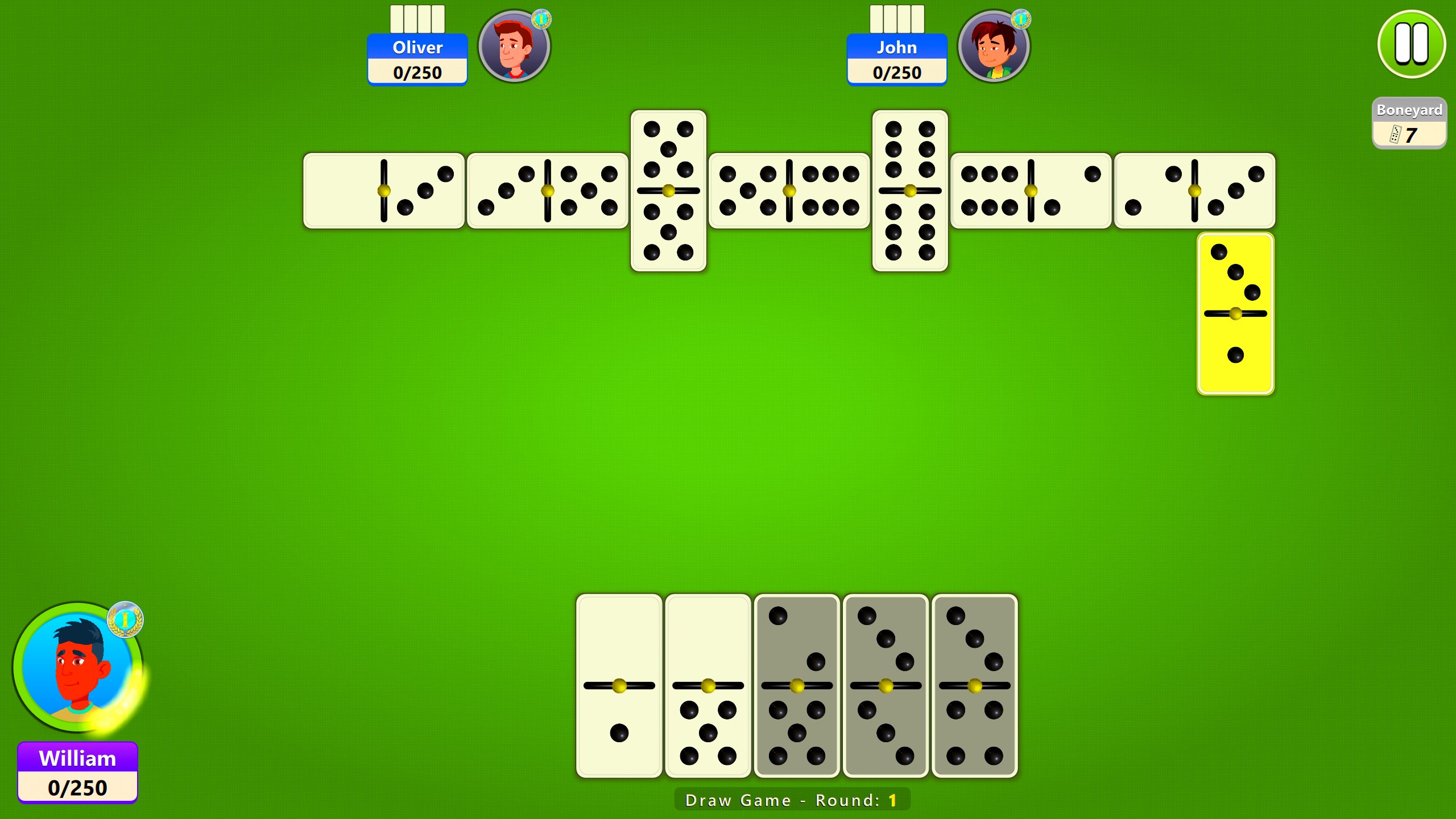
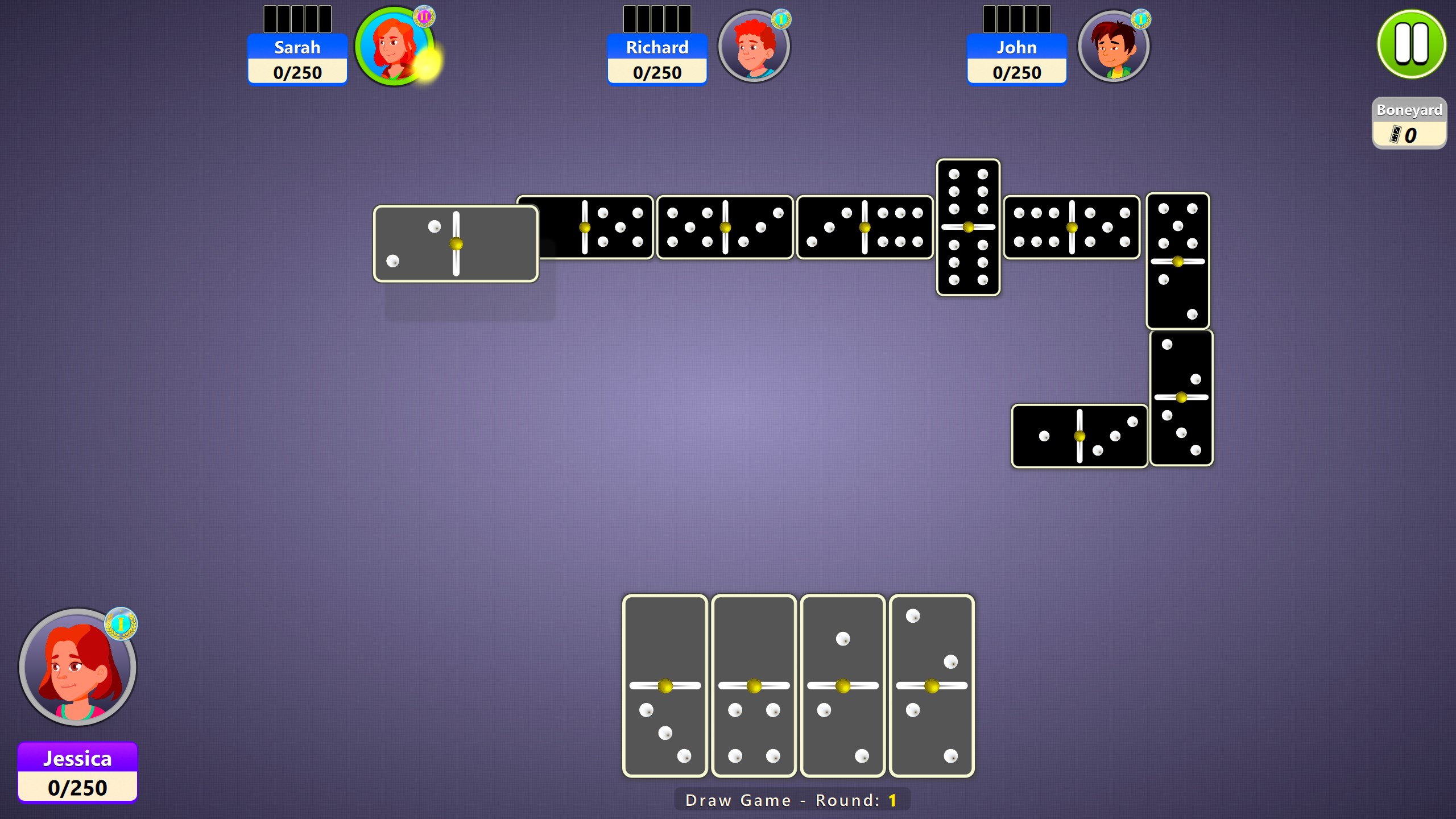
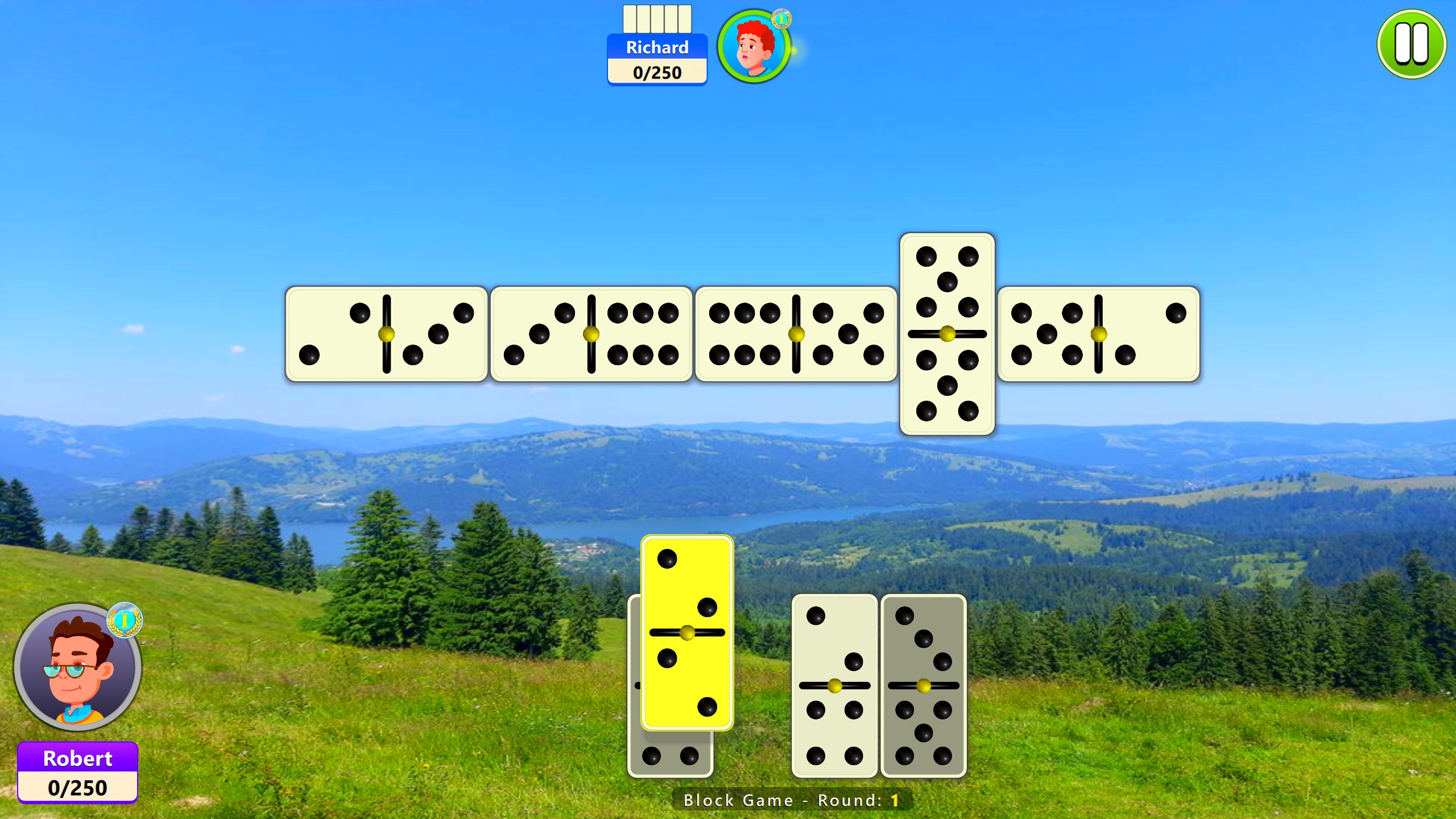
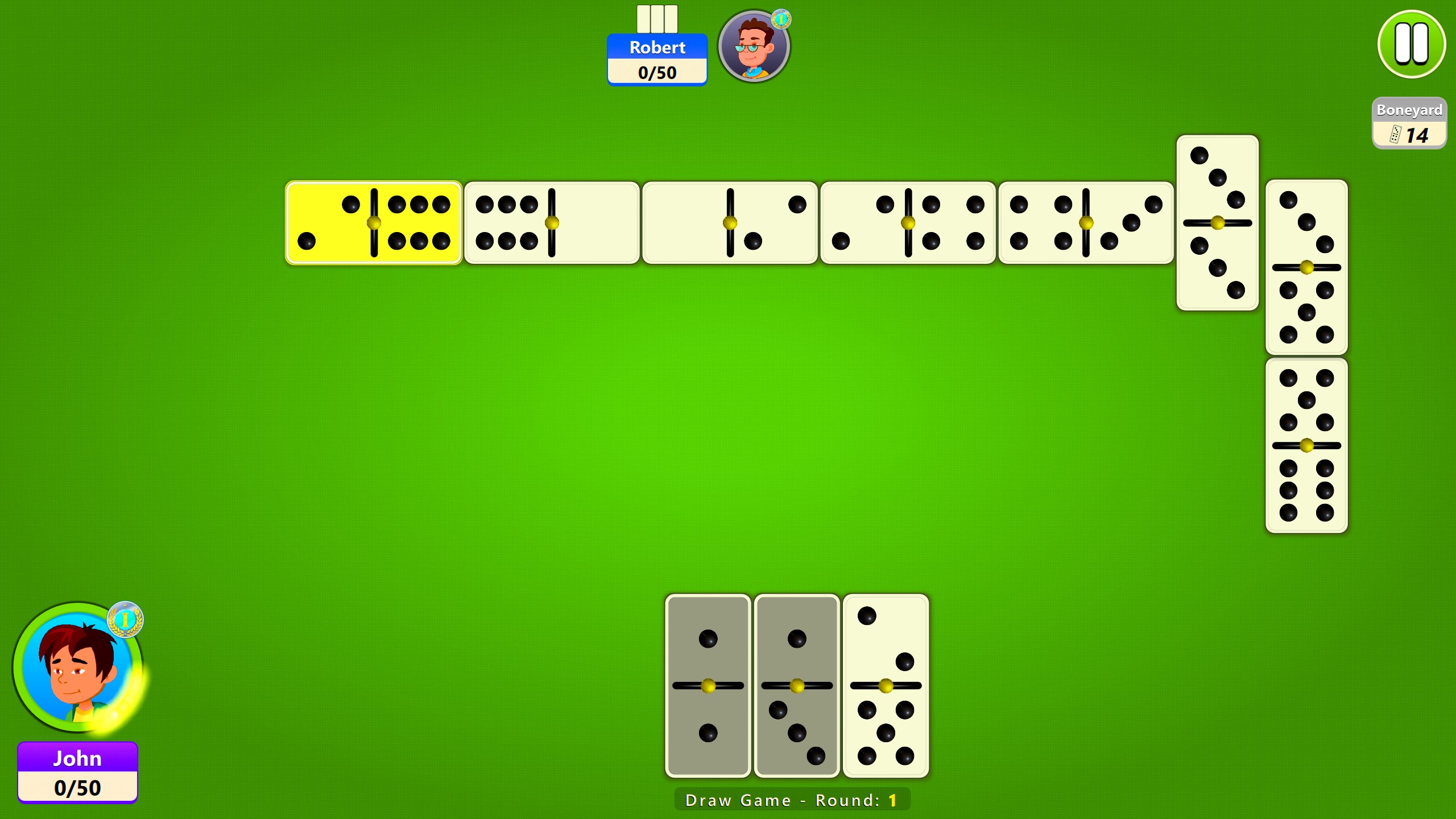
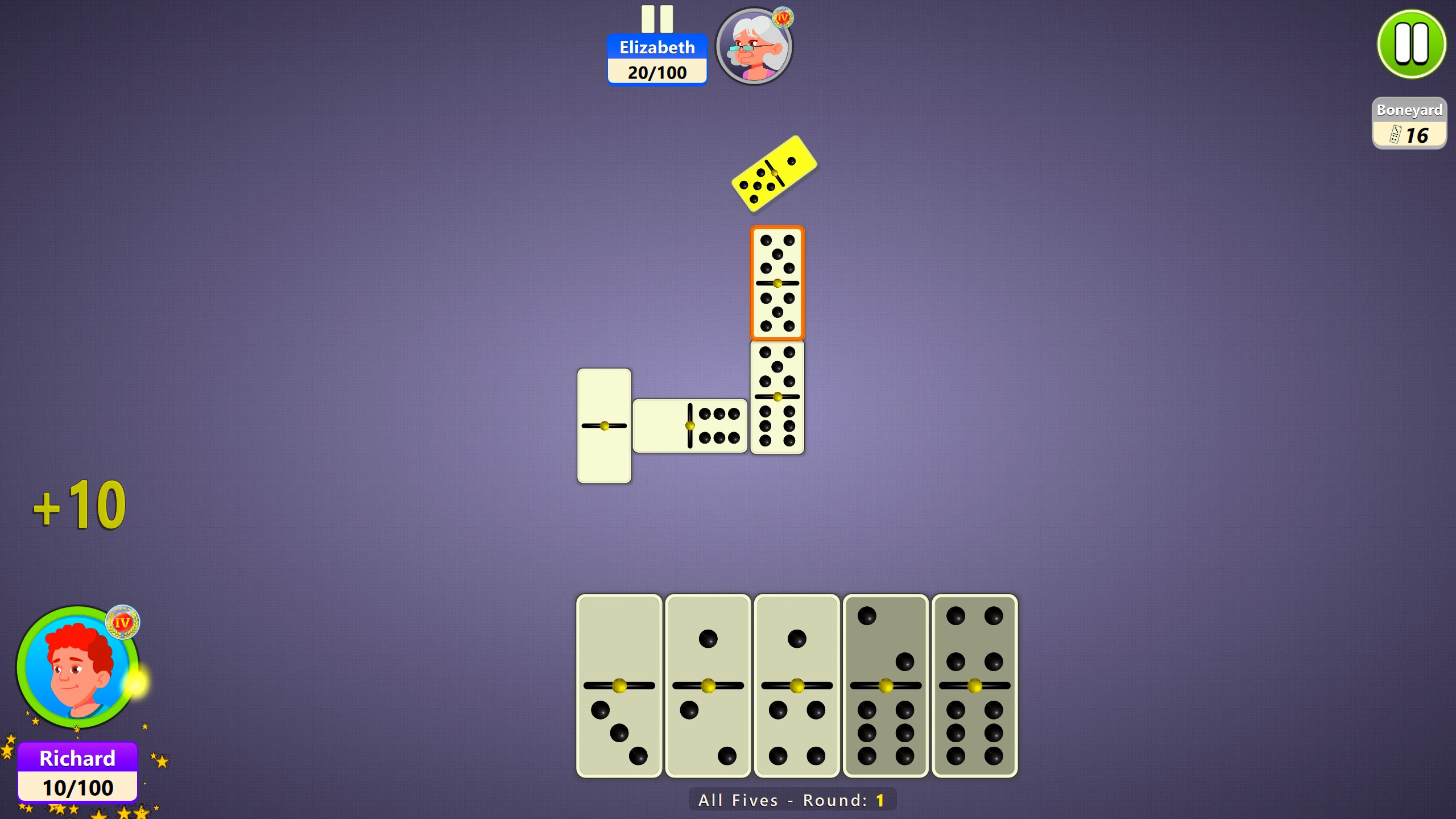
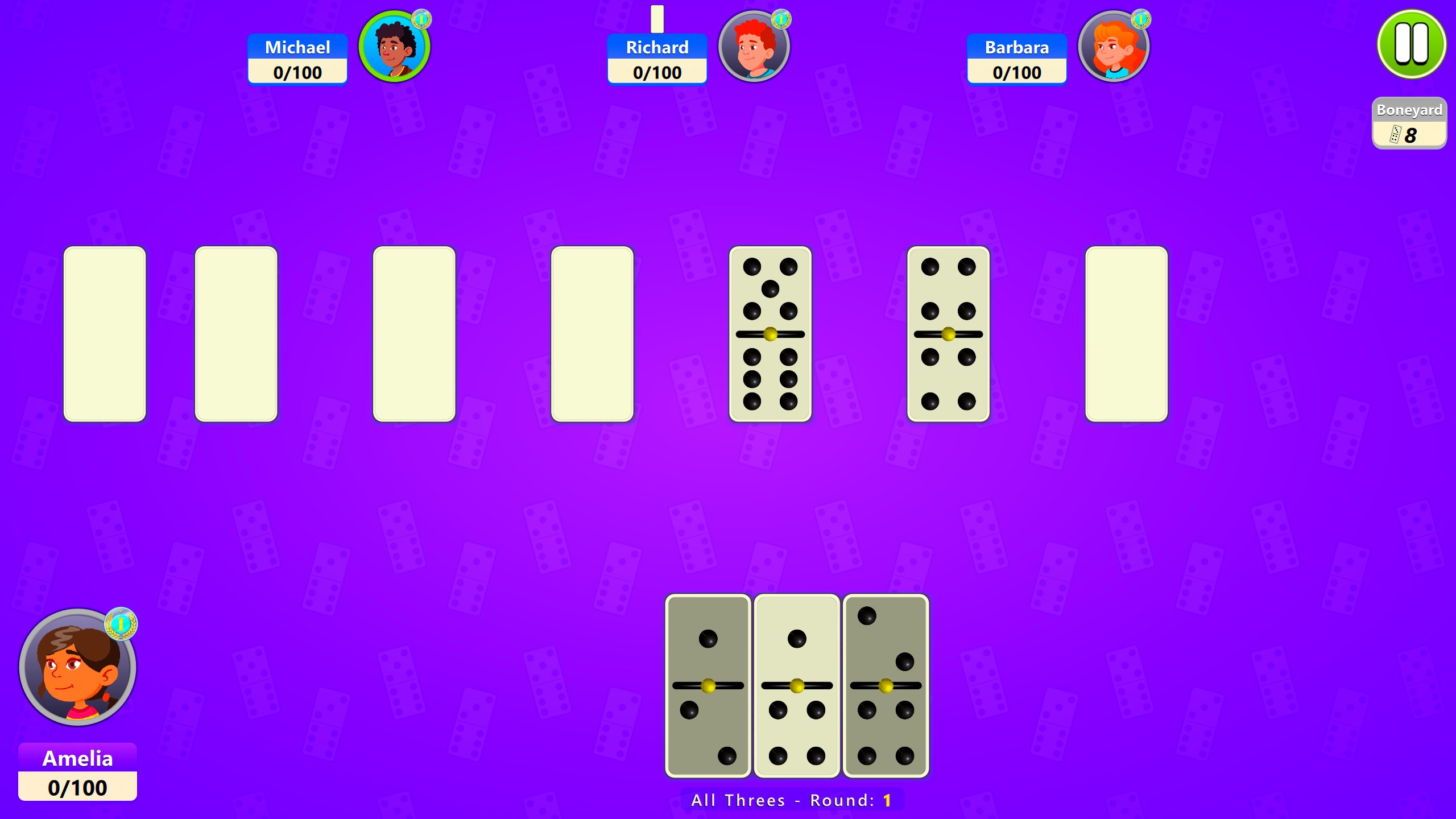
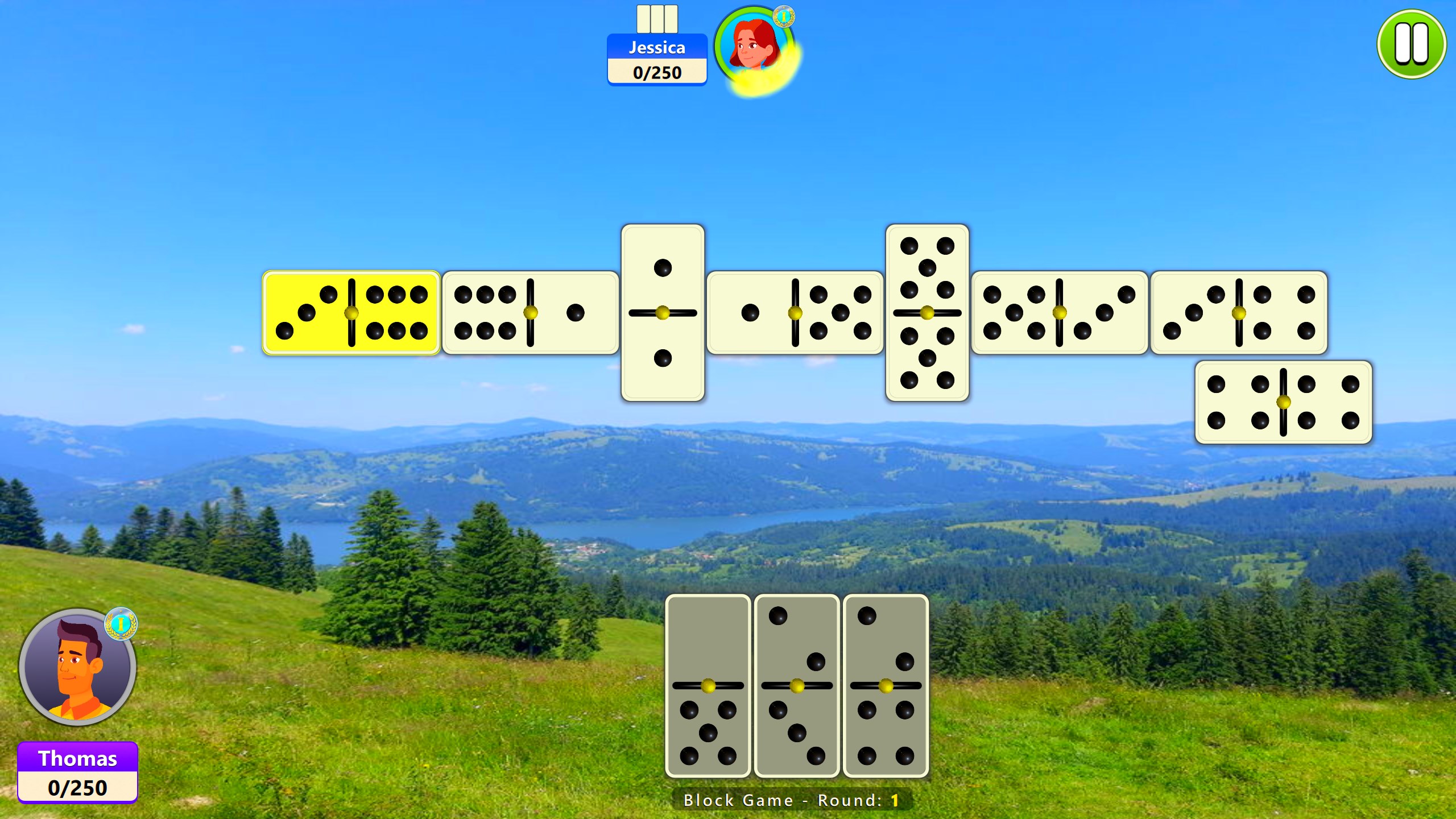
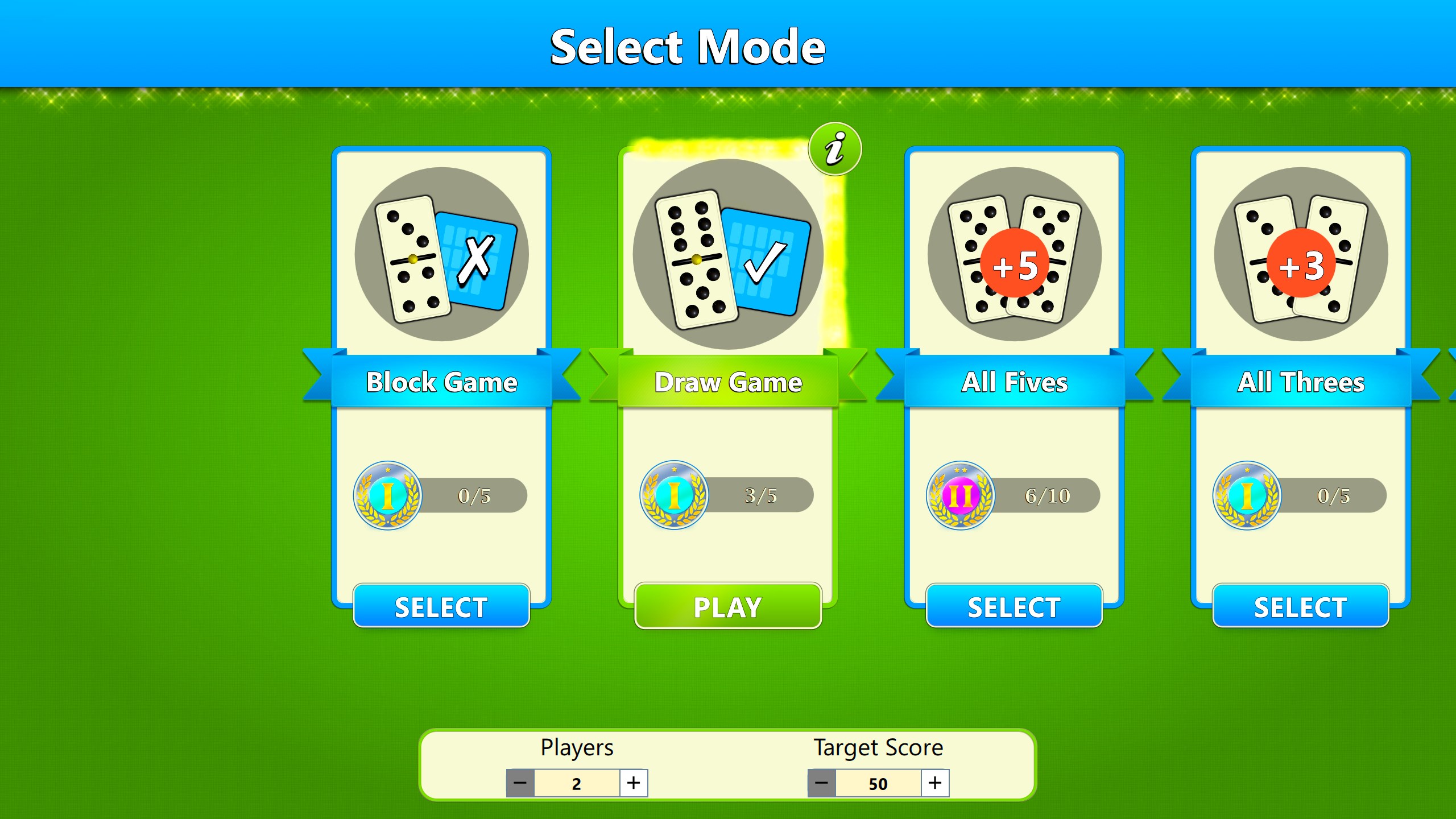
- Multiple Game Modes: Whether you prefer playing against the computer or challenging friends locally, the app provides varied game settings to keep the gameplay dynamic.
- Intuitive Interface: Clean, straightforward design ensures players can easily navigate menus, set up games, and customize rules with minimal fuss.
- AI Difficulty Levels: Designed for casual players and seasoned strategists alike, adjustable levels of AI difficulty allow for tailored challenges.
- Offline Accessibility: No internet connection? No problem—the game is fully playable offline, perfect for train rides or quiet evenings.
Targeted primarily at casual gamers, board game enthusiasts, and those seeking a quick mental refresh, this app appeals to users looking for nostalgia with a modern twist.
Immersive Gameplay and User Experience
Playing Dominoes Board Game for Windows feels like stepping into a cozy game room—minus the clutter and with the luxury of a reset button. The introduction to the game is smooth, with simple tutorials that gently guide newcomers through basic rules, akin to having a friendly neighbor showing you the ropes.
Design and Interface: Simplicity Meets Elegance
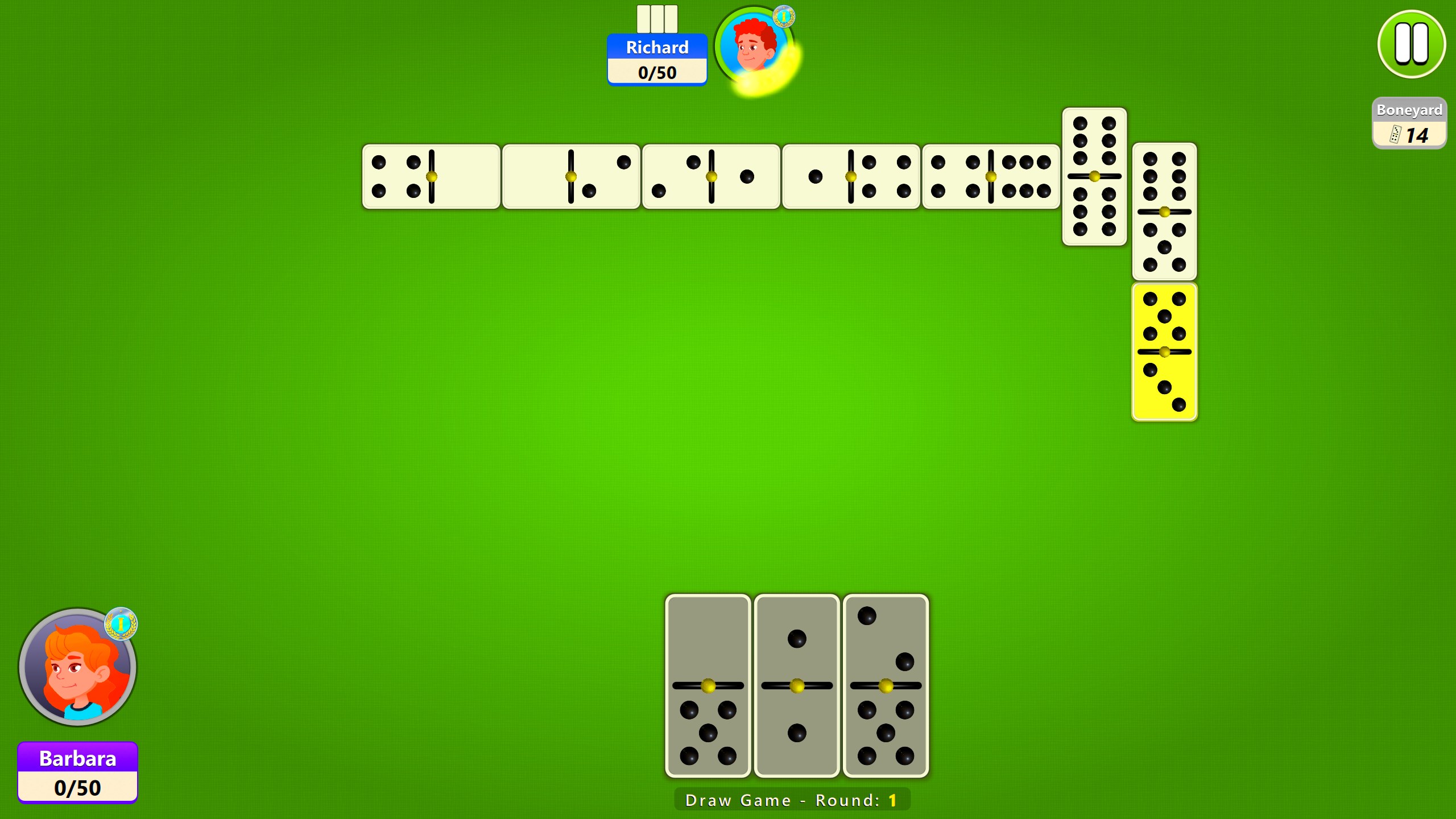
The interface leverages a minimalistic yet vibrant aesthetic that evokes classic game boards, but with crisp, digital clarity. The visual elements are thoughtfully organized, with clear buttons and intuitive layout—no overwhelming menus or confusing icons. Users can personalize their experience, from choosing themes to adjusting tile styles, making each game feel uniquely theirs.
Performance and Smoothness: Seamless Gameplay Experience
Transitions between game states are fluid, thanks to optimized coding that keeps lag at bay even on modest hardware. The gameplay mechanics synchronize smoothly with user inputs, providing an experience akin to sliding domino tiles across a felt table without resistance. The AI responds swiftly, maintaining a pace that matches human opponents, which keeps the game engaging without frustrating delays.
Learning Curve: Friendly for All Skill Levels
For novices, the app offers straightforward tutorials and helper prompts, ensuring a quick grasp of rules. Experienced players will appreciate the variety of difficulty settings and the option to challenge themselves further. Overall, the learning curve is gentle, making it accessible for children, seniors, or anyone new to dominoes.
What Makes It Stand Out?
Compared to other digital dominoes or board games, this app's standout feature is its blend of accessibility and customization. Its interface feels like a digital version of a cozy neighborhood game night—inviting, yet sufficiently detailed to satisfy seasoned players. Additionally, the inclusion of adjustable AI difficulty levels provides a personalized challenge, unlike many generic game apps that offer only one or two modes.
Another unique advantage is its offline capability combined with easy setup, enabling spontaneous play sessions without fuss over internet connectivity, akin to pulling out a family favorite game on a lazy Sunday.
Final Recommendations and Usage Suggestions
I would confidently recommend Dominoes Board Game for Windows to anyone looking to enjoy a timeless game in a modern digital format. Its intuitive design and flexible gameplay options make it suitable for quick matches or more strategic sessions. Ideal for casual gaming, it's a great companion during commutes, coffee breaks, or relaxing evenings at home.
If you enjoy digital board games that offer elegance without unnecessary complexity, this app is worth a try. Just remember—while it's perfect for casual play, serious strategists seeking in-depth competition might find the AI limitations a little light. Nonetheless, for the vast majority of players, it offers a well-rounded, charming digital rendition of a classic pastime.
Pros
- Intuitive User Interface
- Multiple Game Modes
- Accurate Digital Representation
- Offline Access
- Customizable Settings
Cons
- Limited Multiplayer Options
- Lack of Tutorial or Help Section
- Infrequent Updates
- Some Visual Customizations Are Locked
- Performance on Low-End Devices











