
Frequently Asked Questions
How do I start playing Dragons Legend: Magic Merge?
Download the app from the official Miracle Games site or app stores, then open the game and follow the tutorial prompts to begin your adventure.
Can I link my game data across different devices?
Yes, by logging into the same cross-client account via Microsoft Store or mobile, your progress is synchronized across devices.
How do I merge objects in the game?
Tap and drag similar objects onto each other to merge, creating upgraded items or new objects to progress further.
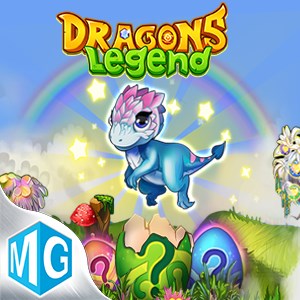
How can I collect and hatch new dragons?
Match dragon eggs to hatch new dragons, and explore different combinations to evolve them through 8 stages to unlock legendary dragons.
What should I do if I encounter puzzles that seem too difficult?
Try matching different objects to reveal clues, or complete missions to gain special items that can help solve challenging puzzles.
Are there in-app purchases or subscription options?
Yes, the game offers optional purchases for resources or special dragons; check Settings > Shop for available in-game options.
How do I access premium features or remove ads?
Navigate to Settings > Account or Shop to view and purchase premium plans or ad-free options.
Can I play the game offline?
Primarily, the game requires an internet connection for data syncing and event participation; play offline only in limited mode.
What should I do if the game crashes or freezes?
Try restarting the app or device. If issues persist, visit support at https://support.mguwp.com/ for help.
Does uninstalling the game delete my progress permanently?
Yes, since the game is local-only, uninstalling will erase your data. Make sure to back up before uninstalling.
You May Like

Dragon City
for Windows
4.8
Township
for Windows
4.8
Cooking Live: Restaurant game
for Windows
4.8
Global City
for Windows
4.8
Roadside Research (Game Preview)
for Windows
4.8
The Tribez
for Windows
4.7
Cooking Diary®: Restaurant Game
for Windows
4.7
Five Nights at Freddy's: Original Series
for Windows
4.7
Jurassic World Evolution 3: Deluxe Edition
for Windows
4.7
Goat Simulator 3: Windows Edition
for Windows
4.7
Crime Scene Cleaner
for Windows
4.7
Date Everything!
for Windows
4.6