




- Category Productivity
- Developer Drawboard
- Available on PC, Surface Hub
- OS Windows 10 version 18362.0 or higher
- languages Chinese (Simplified), English (United States), French, German, Japanese, Korean , Spanish (Spain)
Clear and Precise PDF Annotation with Drawboard PDF + Notes for Windows
Drawboard PDF + Notes offers a streamlined experience for professionals and students alike, combining the power of annotation and note-taking within a single, user-friendly interface. It stands out as a versatile tool that integrates seamlessly into busy workflows, making document management more efficient and less cluttered.
About the App: What It Is and Who Made It
Drawboard PDF + Notes for Windows is a comprehensive application designed to facilitate PDF annotation and note organization, serving as your all-in-one digital notebook and document review toolkit.
- Developer & Publisher: Drawboard
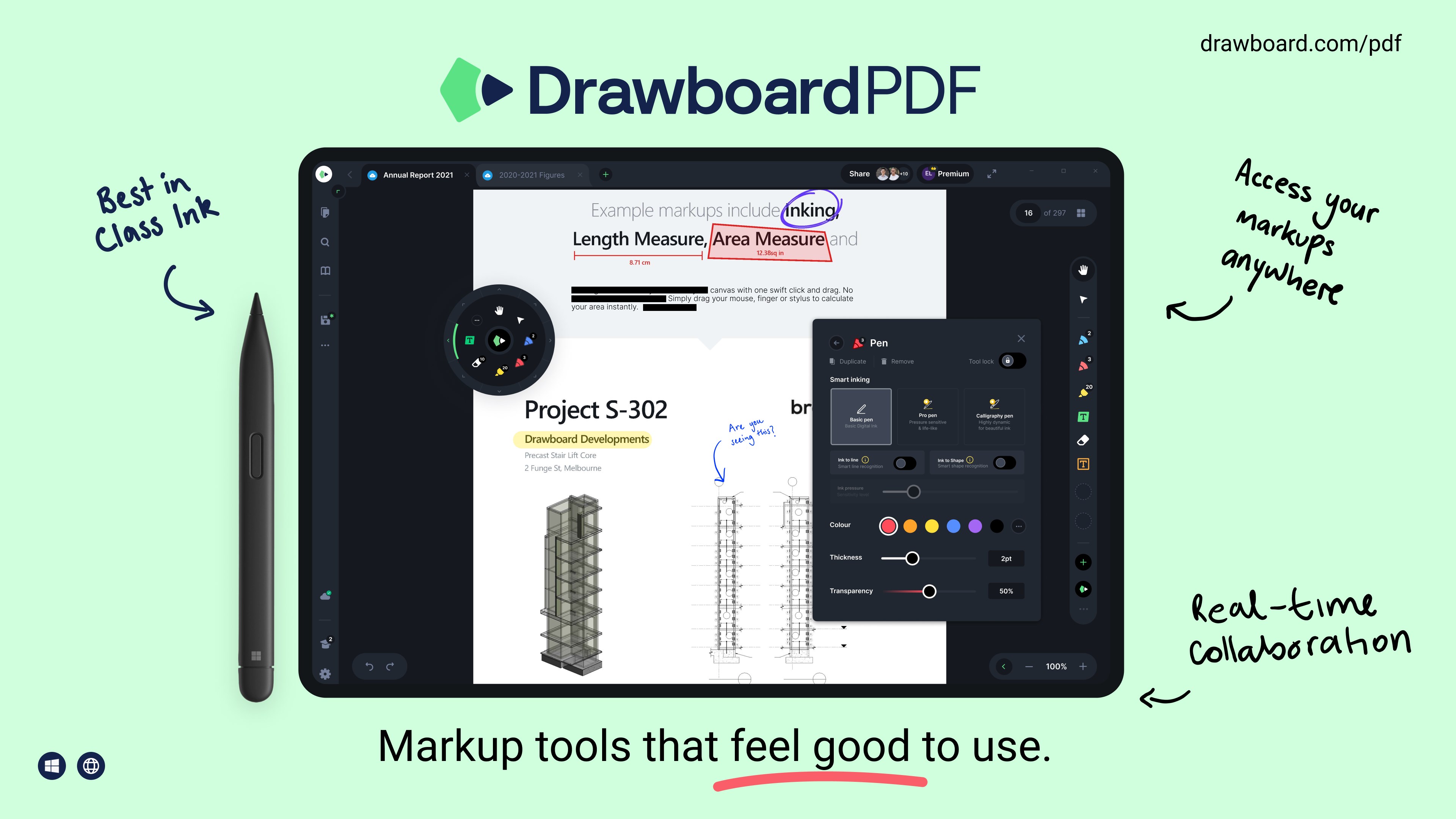
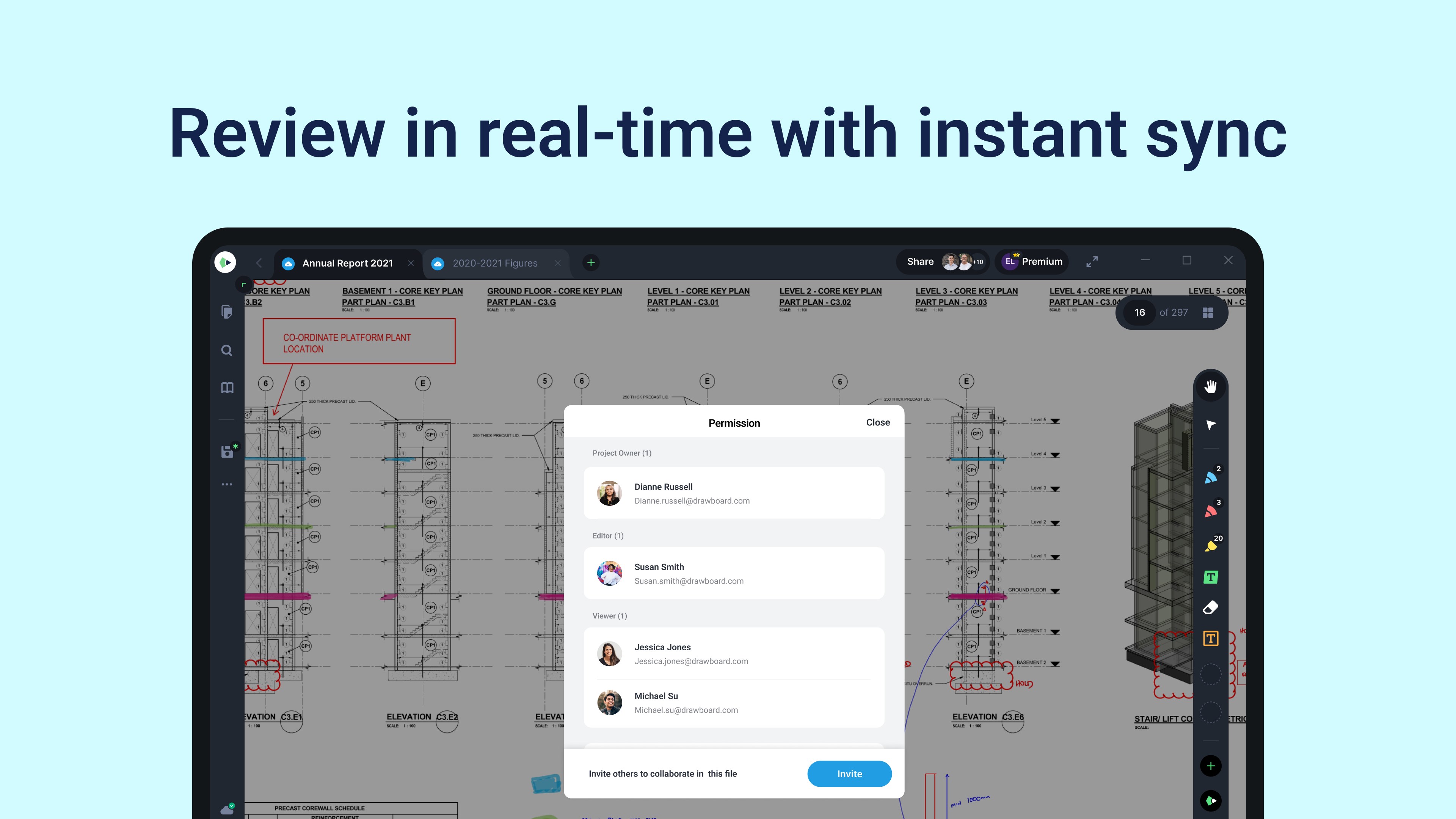
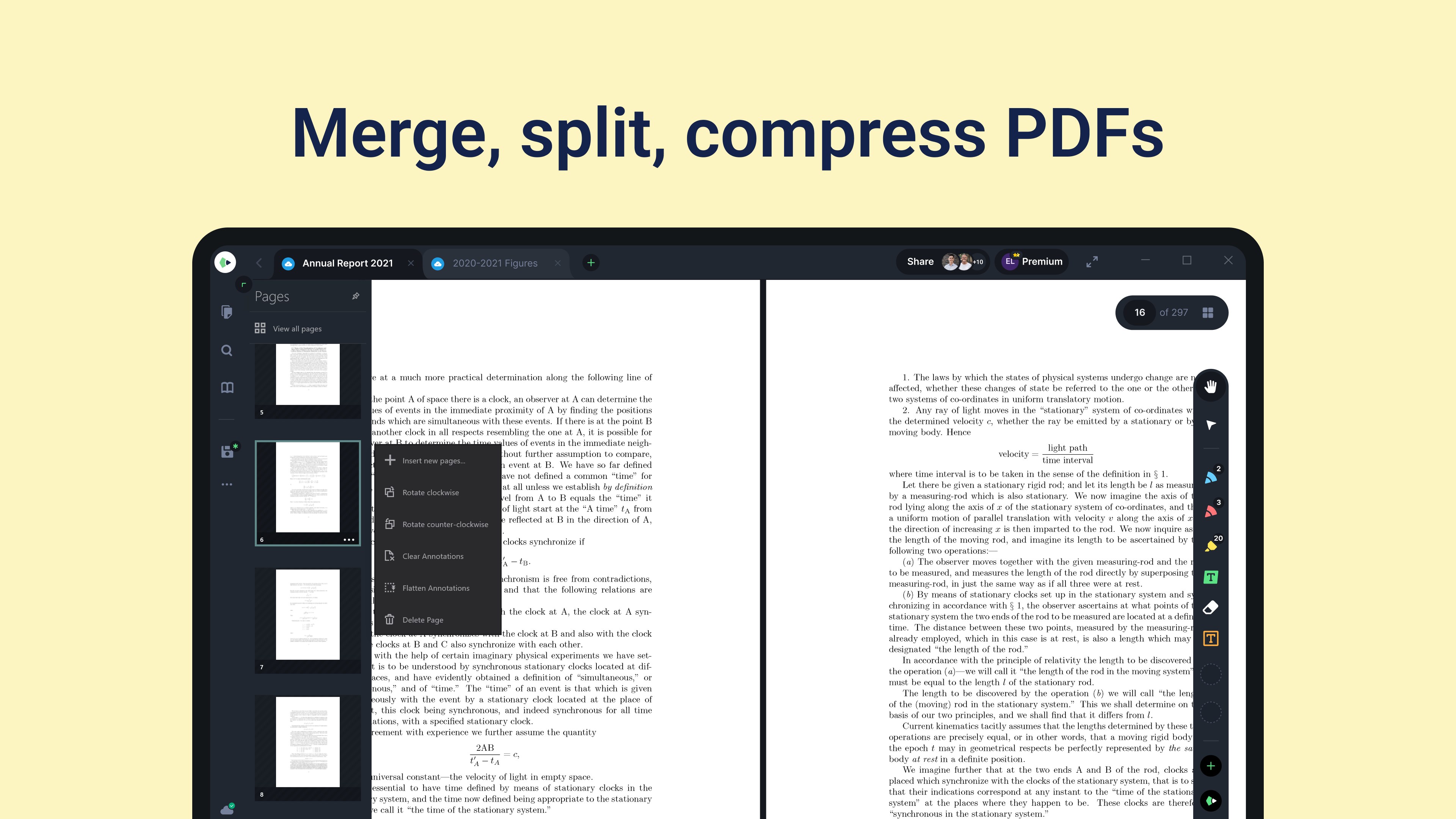
- Main Features: Advanced pen and markup tools, integrated note-taking, multi-document management, and seamless cloud sync.
- Target Audience: Professionals, students, educators, and anyone needing efficient document review and note organization on Windows devices.
Engaging the User: A Fresh Look at Its Core Appeal
Imagine flipping through a well-worn notebook, every page filled with insights, sketches, and annotations. Now, translate that experience into a sleek digital environment that adapts to your workflow—this is what Drawboard PDF + Notes aims to achieve. Its intuitive design transforms complex document handling into a smooth and familiar activity that feels less like work and more like a creative dialogue with your materials. Whether you're highlighting critical sections of a contract, jotting down lecture notes, or marking up design drafts, this app makes it all feel natural and effortless.
Precision Annotation and Note-Taking Tools
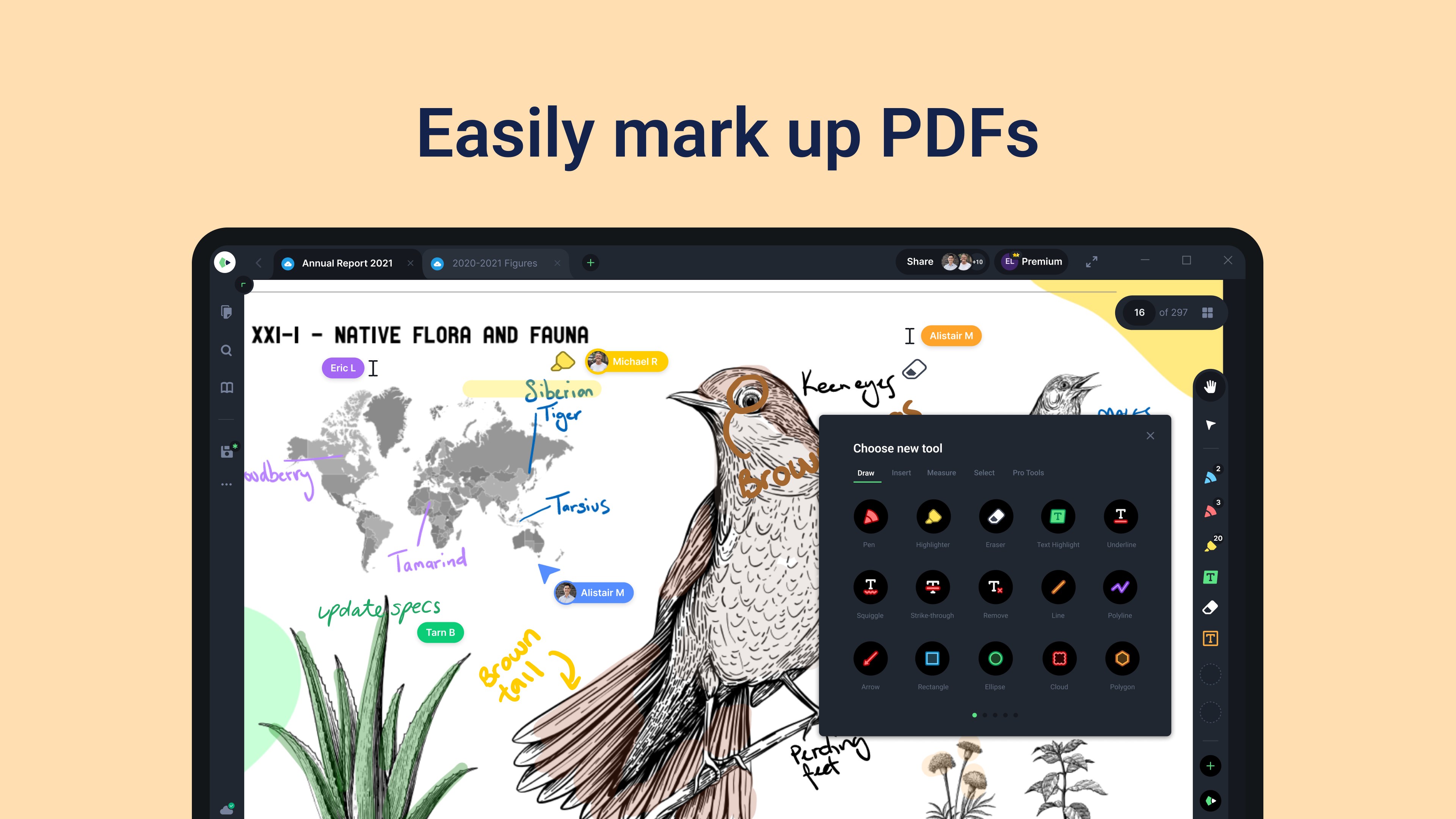
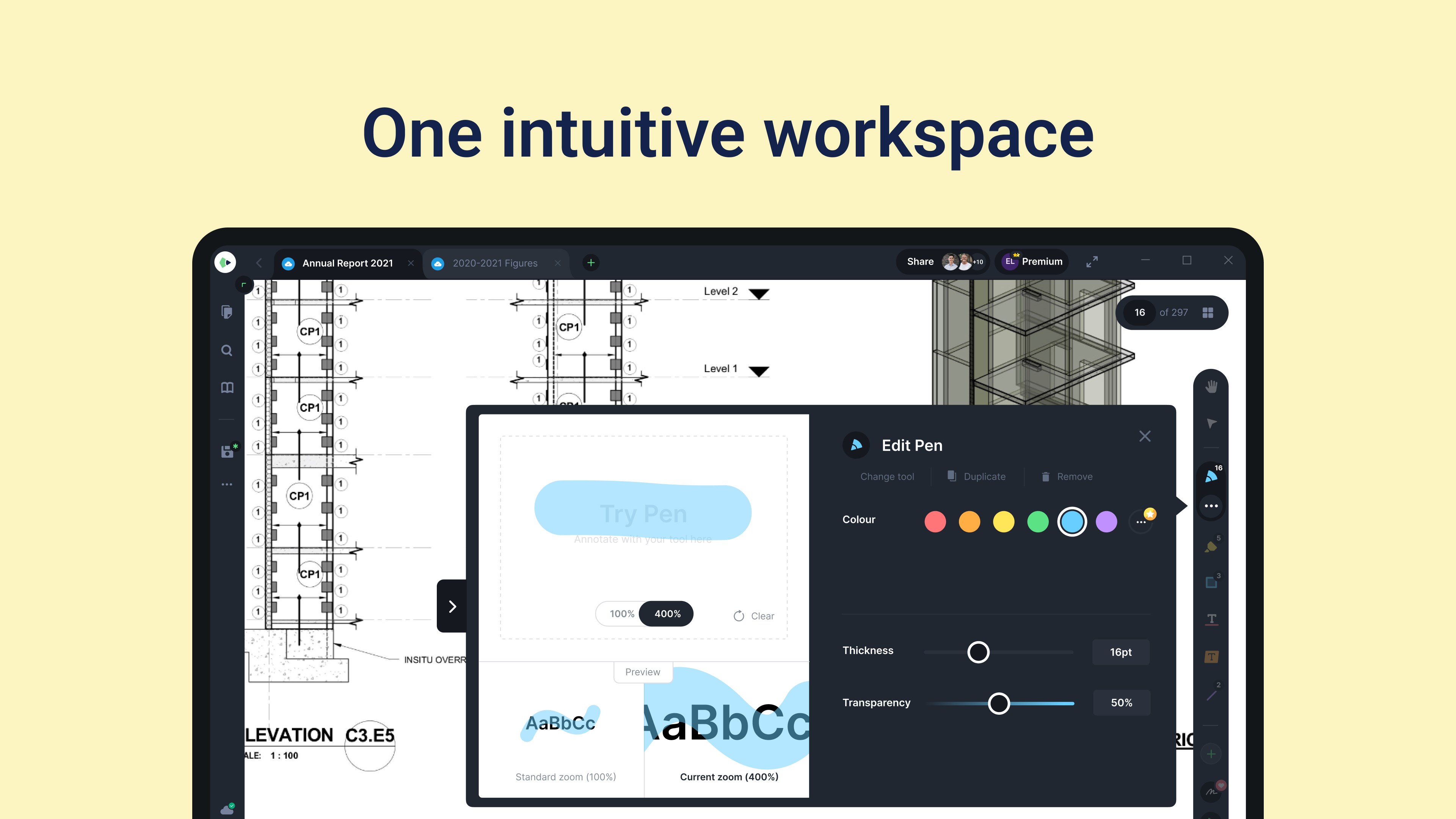
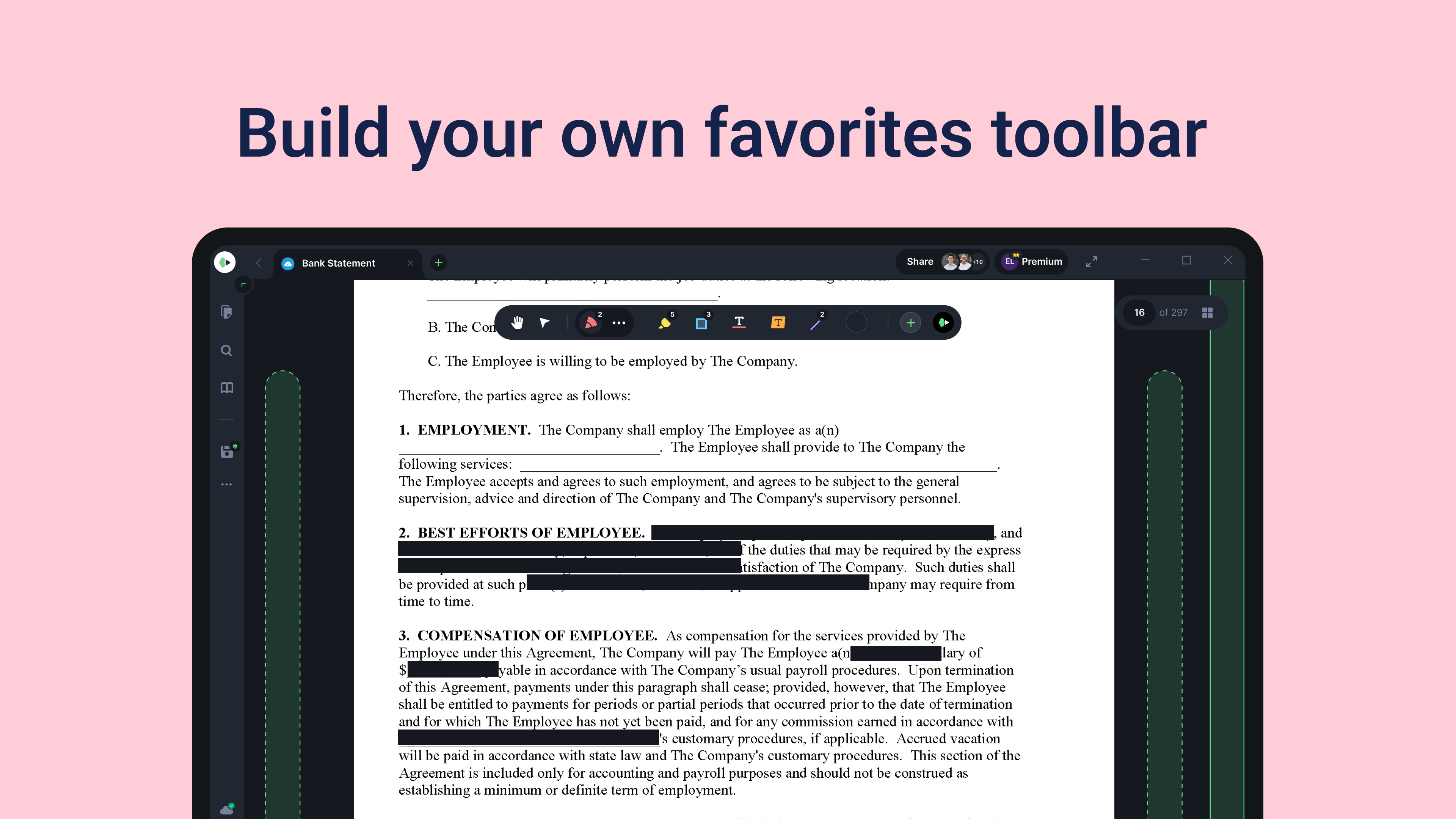
The standout feature of Drawboard PDF + Notes is its powerful annotation suite. With a variety of pen types—ballpoint, highlighter, watercolor, and more—you can customize your markings to match your thinking style. The app's high-precision stylus support allows for detailed sketches or subtle highlights, making it feel like drawing on paper. The note-taking function complements this vividly, enabling users to add sticky notes or handwritten comments directly on documents. This tight integration ensures your notes and annotations stay contextually linked, reducing the cognitive load often caused by juggling multiple apps or files.
Task and Document Management with Workflow in Mind
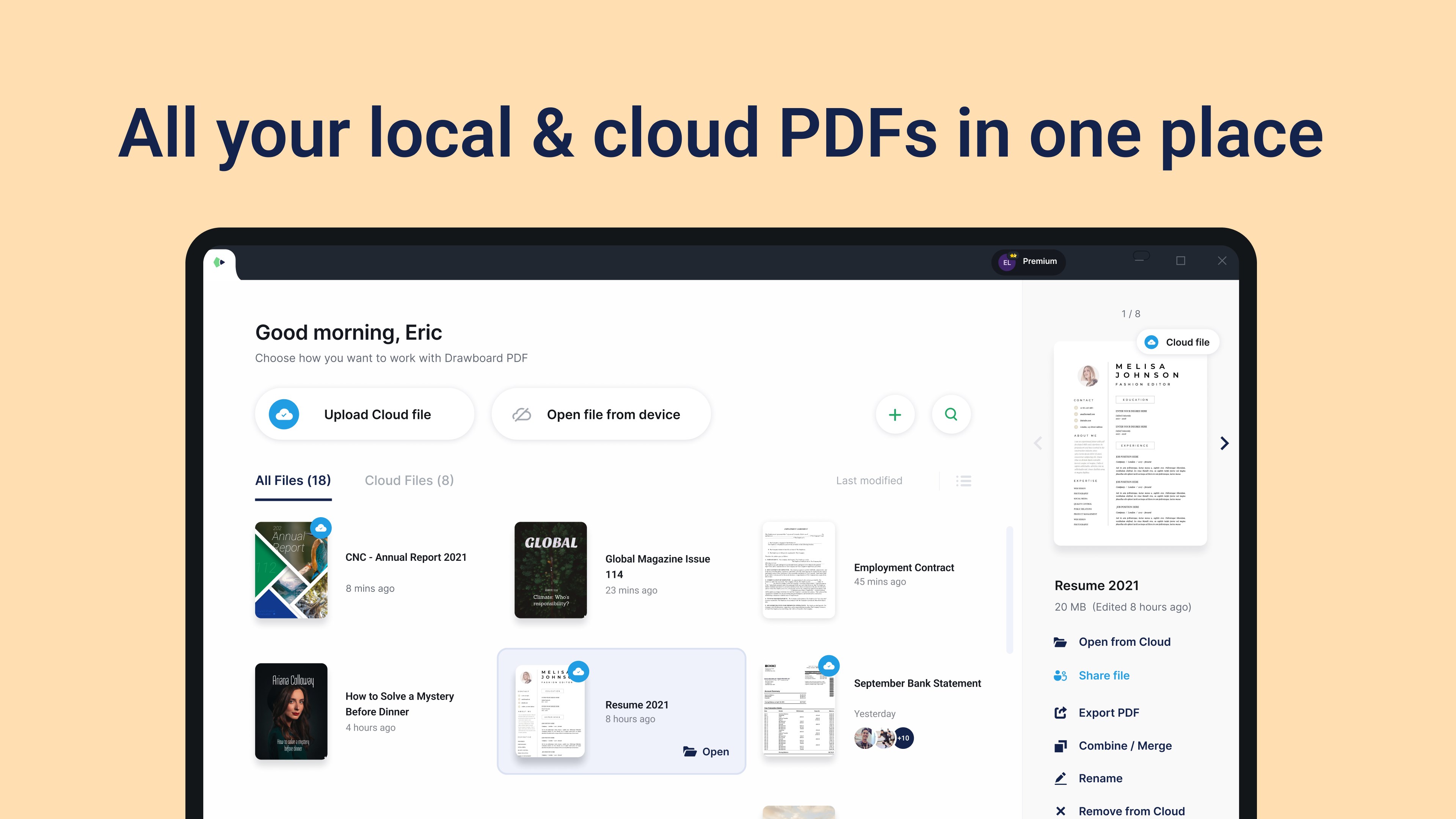
This app excels at allowing users to manage multiple documents simultaneously within a clean workspace. You can open several PDFs side-by-side, organize them with folders, and bookmark important pages. Its intelligent synchronization across devices ensures that your annotations and notes are updated automatically, eliminating the frustration of version confusion. Compared to other productivity tools, Drawboard PDF + Notes emphasizes reducing the mental effort involved in navigating documents—its streamlined interface minimizes distraction and simplifies access to tools, thereby focusing your attention solely on your work rather than fighting the UI.
Design, Usability, and Learning Curve
The interface of Drawboard PDF + Notes resembles a modern, tidy workspace—flat icons, clear labels, and a minimalistic toolbar make navigation feel intuitive. New users can quickly familiarize themselves with essential features thanks to thoughtful defaults and contextual tooltips. For seasoned users, the customization options provide deeper control without overwhelming complexity. The app runs smoothly on Windows devices, with responsive gestures and tools that respond fluidly to stylus or mouse inputs. Overall, the learning curve is gentle, especially for those adept at digital note-taking, but still accommodating for beginners transitioning from traditional paper or less feature-rich apps.
What Sets It Apart? Workflow Efficiency and Cognitive Ease
Unlike many PDF or note-taking apps that tend toward feature overload, Drawboard PDF + Notes strikes a careful balance: it offers just enough tools to enhance productivity without creating unnecessary cognitive barriers. Its strongest advantage is the tight integration of annotation and note organization, allowing users to seamlessly transition between reviewing a document and jotting down thoughts without switching apps or losing context. Additionally, its focus on workflow efficiency—through multi-document handling, cloud sync, and gesture supports—reduces the mental effort of managing multiple sources. When compared to typical productivity apps that often complicate rather than streamline, Drawboard's approach simplifies, making your cognitive load lighter and your workflow more fluid.
Recommendations and Use Cases
Overall, Drawboard PDF + Notes is highly recommended for users seeking a cohesive environment for reviewing, annotating, and organizing PDF documents with minimal hassle. Its user-centric design and emphasis on workflow integration make it ideal for professionals handling contracts, architects reviewing blueprints, educators preparing lectures, or students managing textbooks. For those already using Windows devices, this app can truly enhance productivity without forcing a steep learning curve or distracting with excessive features. If you value a smooth, focused experience that respects your cognitive resources, this app deserves a solid place on your shortlist.
Pros
- Intuitive User Interface
- Seamless PDF Annotation Tools
- Cloud Sync and Integration
- Excellent Pen and Touch Support
- Efficient Document Management
Cons
- Limited Export Options
- Occasional Lag on Large Files
- Annotations May Not Sync Properly Sometimes
- Limited Advanced Editing Features
- Learning Curve for New Users











