- Category Educational
- Developer RV AppStudios
- Available on PC
- OS Windows 10 version 10240.0 or higher
- DirectX Version 10
- languages Afrikaans, Albanian, Arabic, Bangla, Basque, Bulgarian, Catalan, Chinese (Simplified), Chinese (Traditional Chinese), Croatian, Czech, Danish, Dutch, English (United States), Estonian, Filipino, Finnish, French, German, Greek, Gujarati, Hindi, Hungarian, Indonesian, Italian, Japanese, Kannada, Kazakh, Kiswahili, Korean, Latvian, Lithuanian, Malay, Malayalam, Marathi, Nepali, Norwegian, Persian/Farsi, Polish, Portuguese, Punjabi, Romanian, Russian, Serbian (Cyrillic), Sinhala, Slovak, Slovenian, Spanish, Swedish, Tamil, Telugu, Thai, Turkish, Ukrainian, Urdu, Vietnamese
Drawing Games: Draw & Color For Kids – A Whimsical Canvas for Young Artists
Drawing Games: Draw & Color For Kids, developed by RV AppStudios, is a delightful digital drawing application designed to inspire creativity and artistic exploration among children. Perfectly suited for young minds, this app combines fun and education in a vibrant, user-friendly interface that aims to engage kids while fostering their artistic skills.
Bright Pixels and Kid-Friendly Design
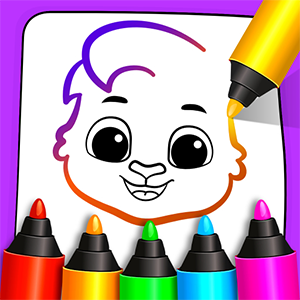
Right from the moment you open the app, it feels like stepping into a colorful art studio tailored for children. The interface is clean, intuitive, and decorated with cheerful icons and playful animations that make navigation feel like an adventure rather than a learning chore. With straightforward menus and easily accessible tools, even the youngest users can jump right into creating without frustration. The app's design balances simplicity and engagement, ensuring children are immersed in the drawing experience without being overwhelmed by options.
Powerful and Playful Drawing Tools
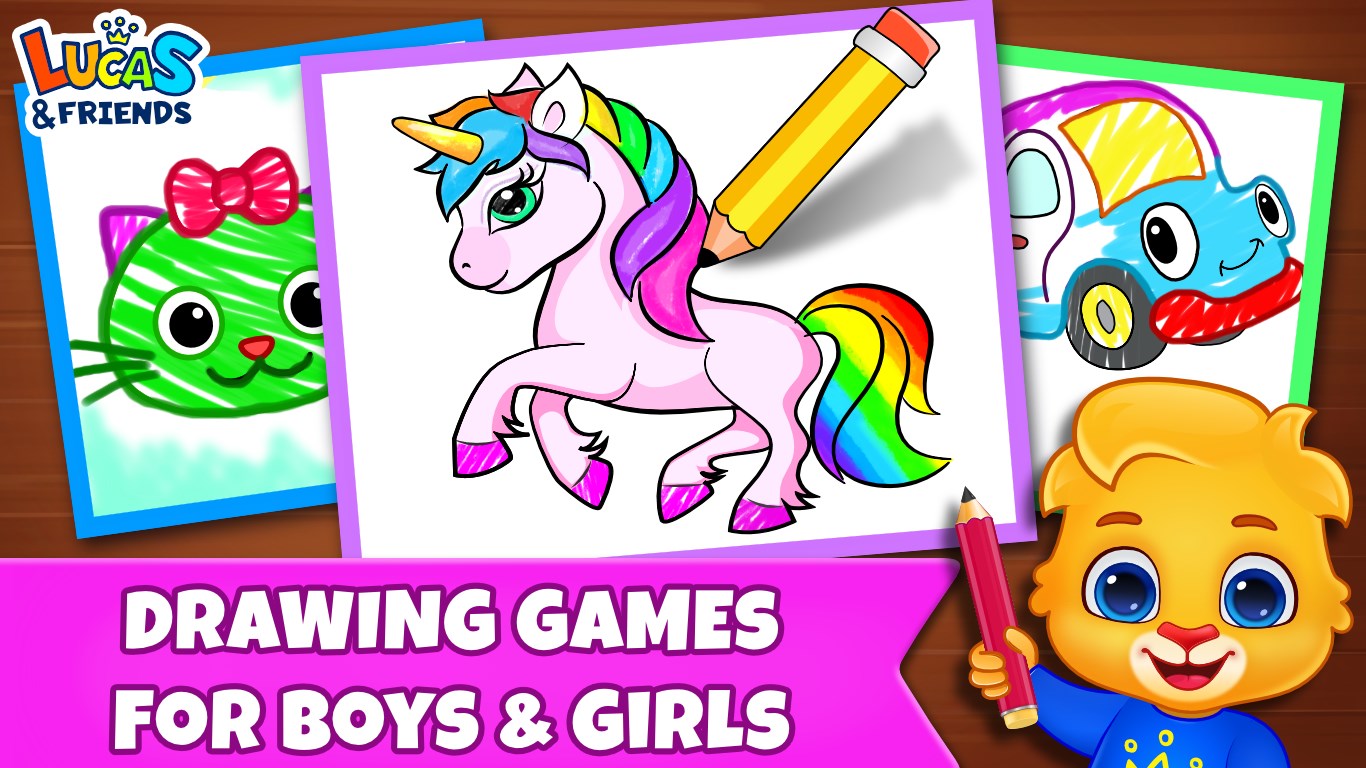
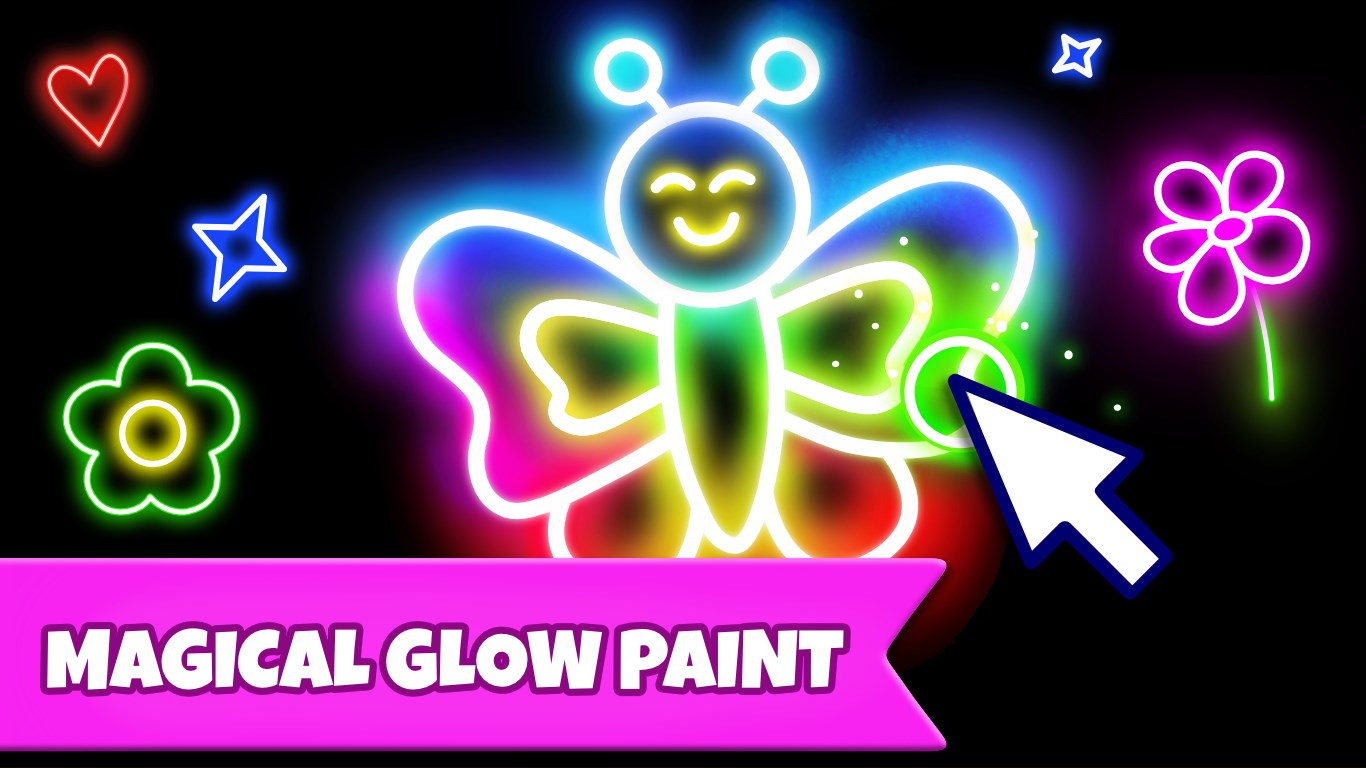
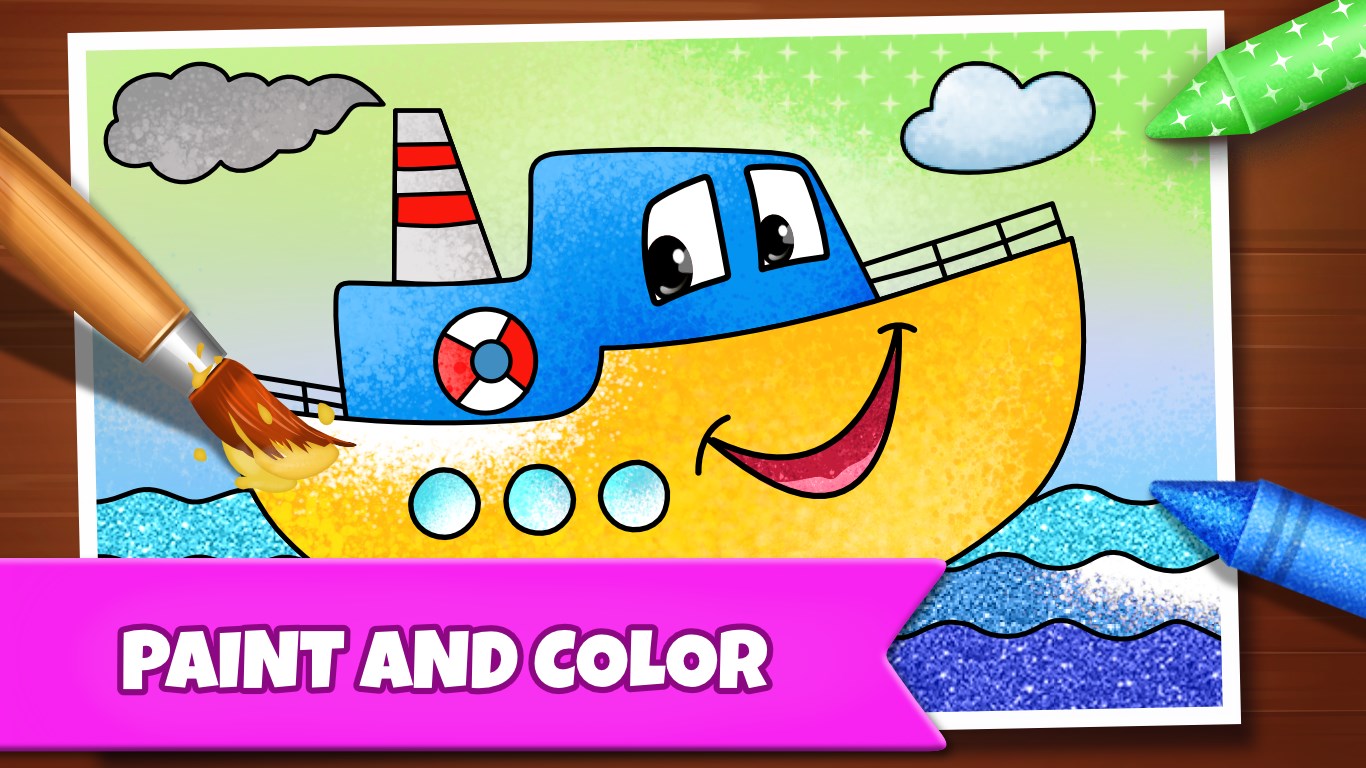
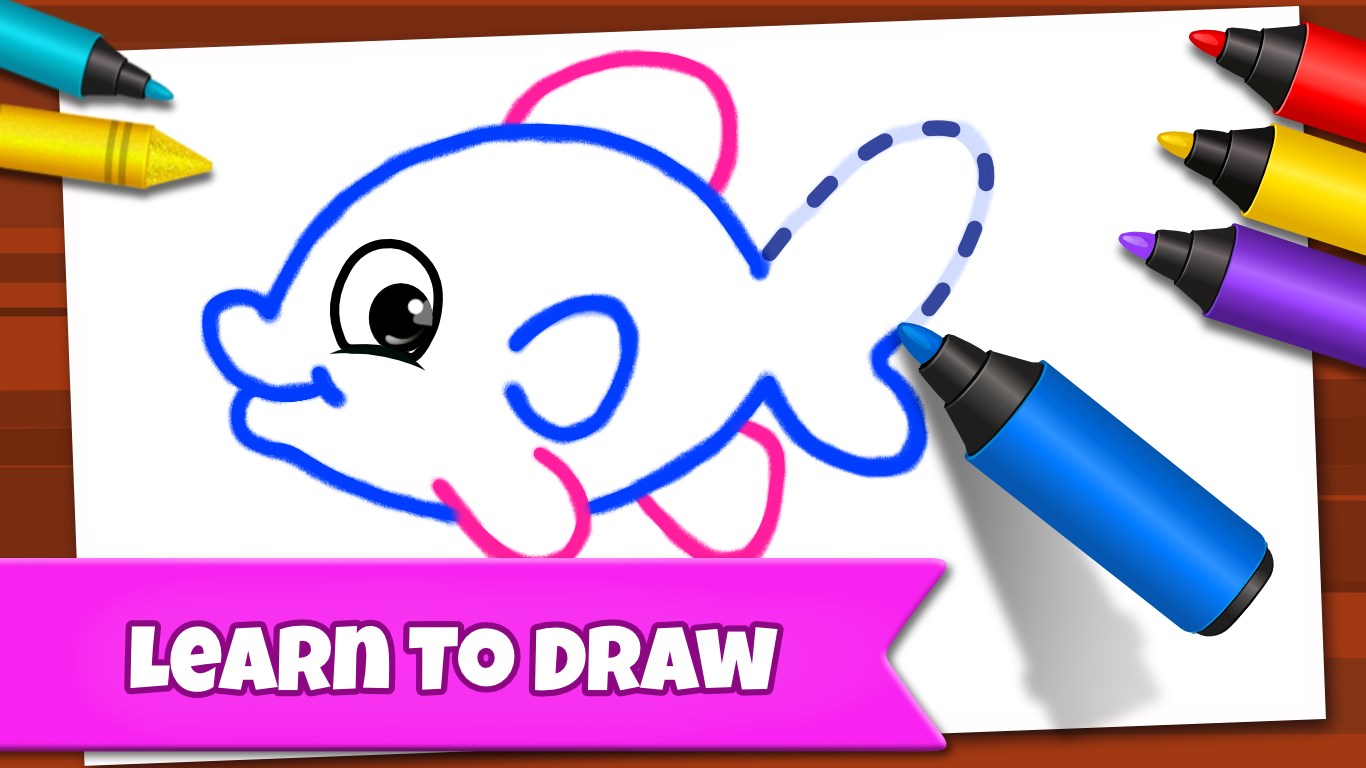
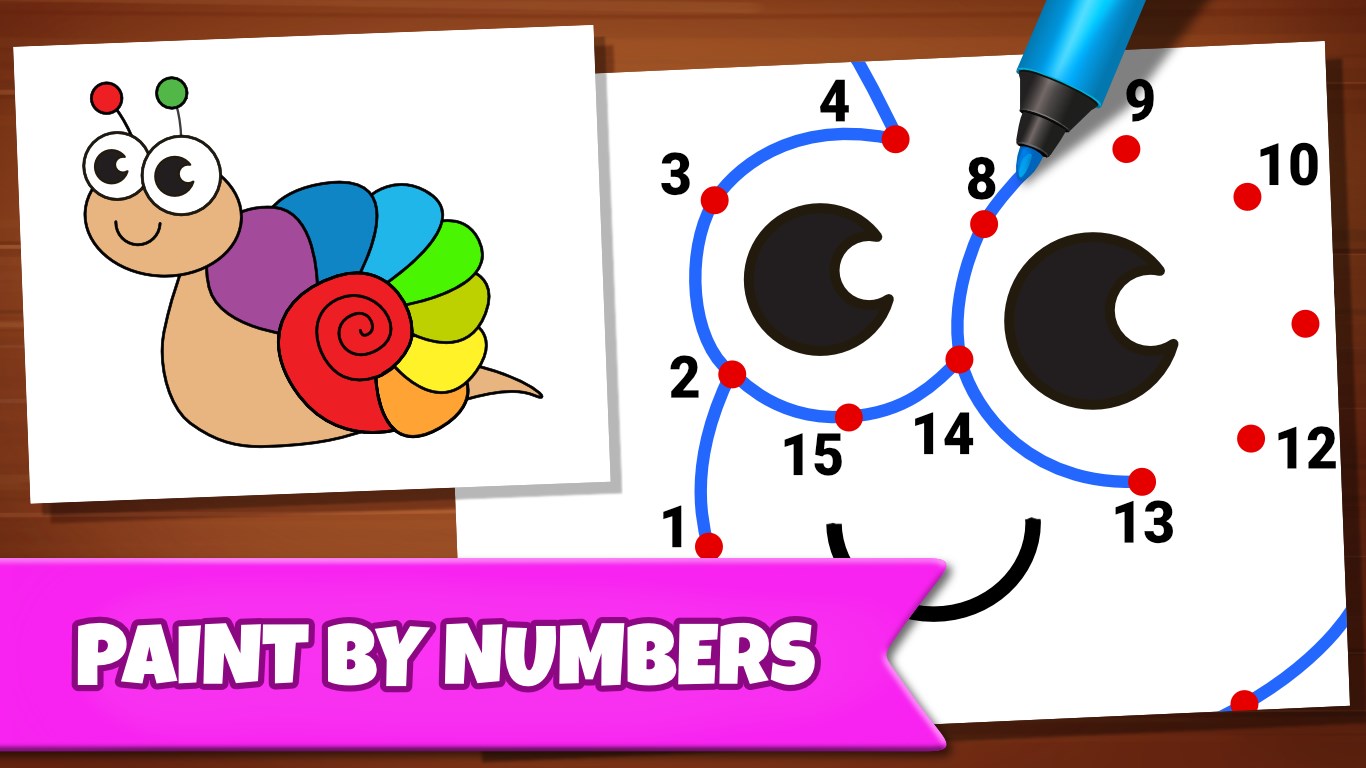
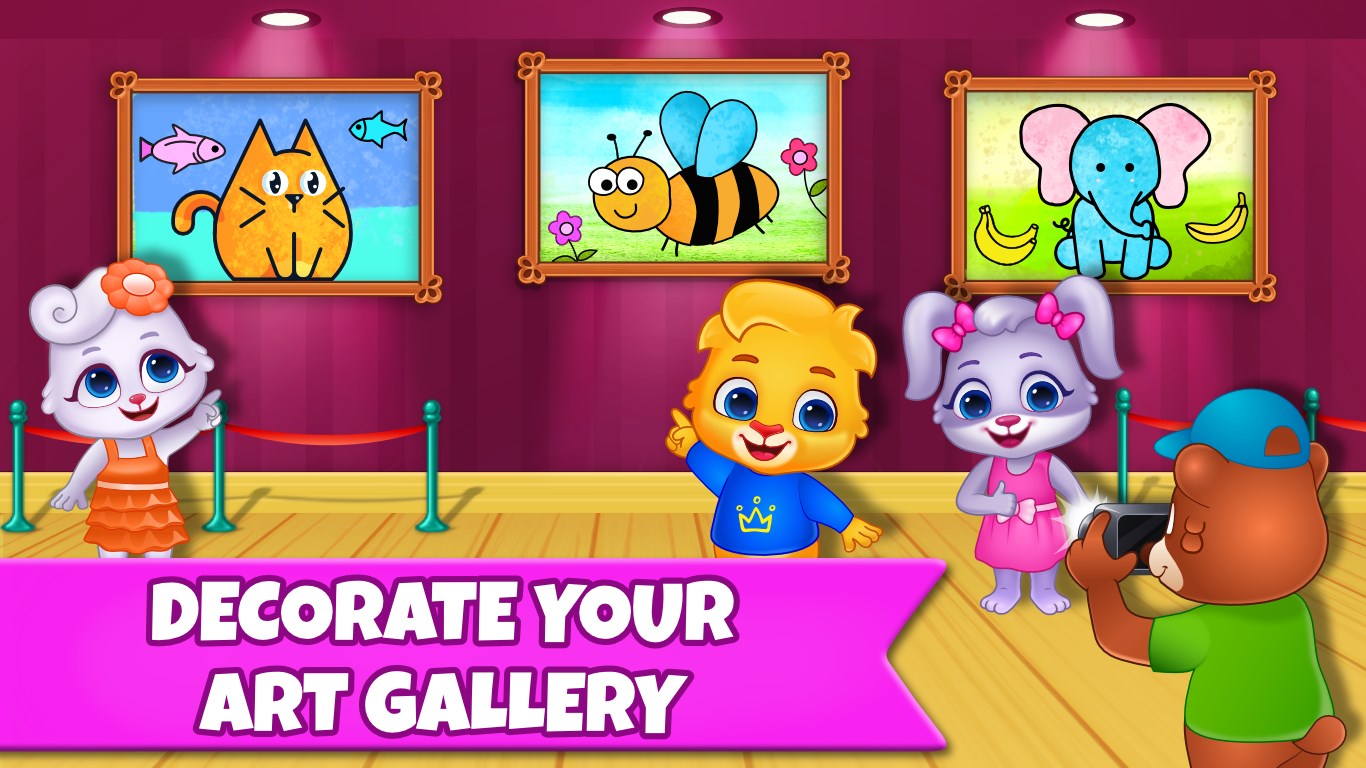
The core strength of Drawing Games lies in its versatile drawing and coloring features. It offers an array of brushes, colors, and stamps that stimulate creativity. Kids can freely draw or color existing templates, making it ideal for both freehand expression and guided activities. The app supports undo/redo functions seamlessly, encouraging experimentation and reducing frustration. Notably, its color palette is wide enough to inspire vibrant artworks but curated to prevent accidental choices, keeping the focus on fun rather than complexity. The inclusion of fun stamps and stickers adds a layer of playful customization—imagine kids decorating their masterpieces with glittering stars or adorable animals.
Unique Features and Educational Engagement
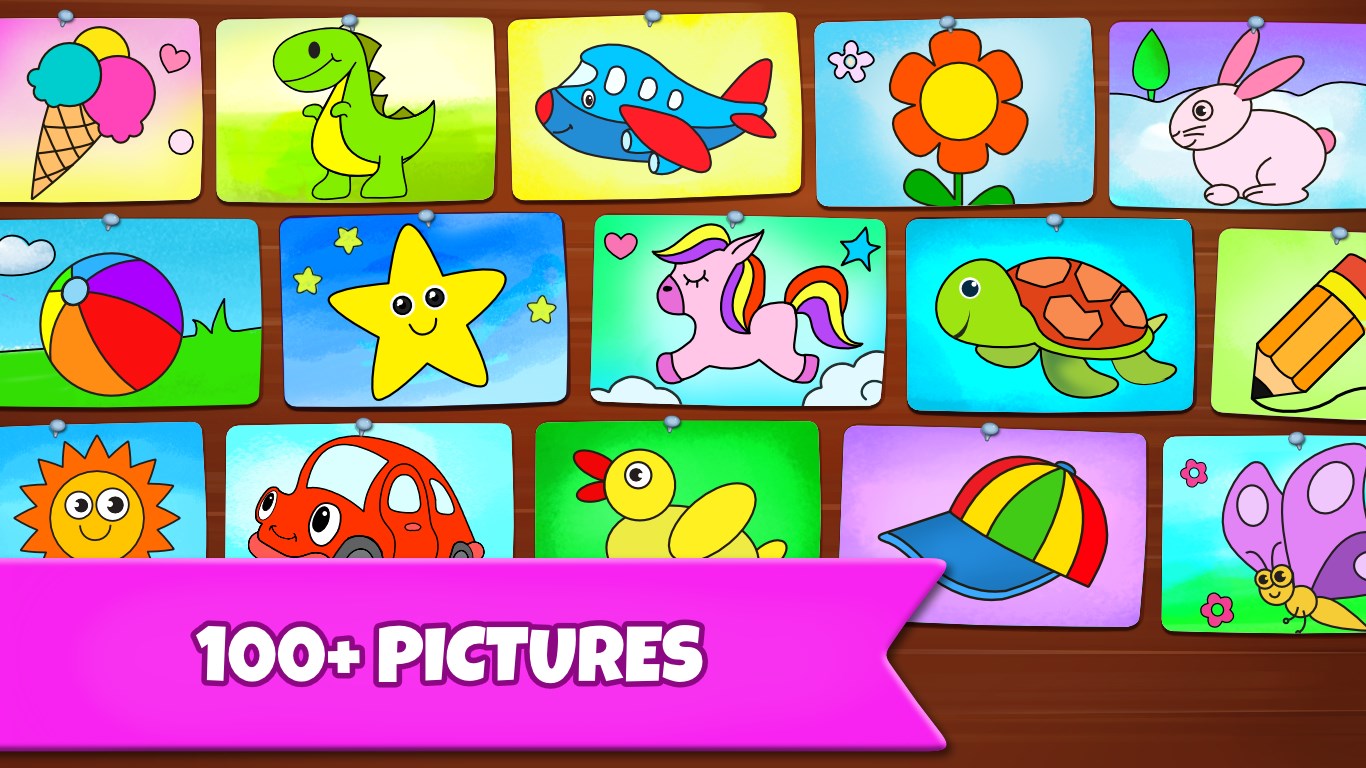
One of the most standout elements of this app is its ability to blend entertainment with educational value. Unlike typical drawing apps that focus solely on art creation, Drawing Games incorporates features that help measure learning progress. For example, the app tracks how often children use different tools or colors, providing insights that parents can monitor to understand their child's preferences and growth. Additionally, some templates are designed with educational themes—such as basic shapes, animals, or seasonal items—helping children develop recognition and fine motor skills simultaneously. These features strike a well-balanced harmony between engaging gameplay and purposeful learning, setting this app apart from many similar offerings.
Overall Impressions and Recommendations
Drawing Games: Draw & Color For Kids is a thoughtfully crafted app that transforms the act of drawing into an enjoyable, educational journey. Its user interface is accessible, and the variety of tools guarantees hours of creative fun. For parents and educators seeking a tool that not only entertains but also supports developmental learning, this app offers a compelling option. While it shines particularly in its integration of educational metrics and thematic templates, younger children may still need some initial guidance to fully explore its features. Overall, I would recommend this app for children aged 3 to 8 who are eager to draw, color, and learn simultaneously. It's a cheerful digital art studio that encourages budding artists to unleash their creativity with confidence and joy.
Pros
- User-Friendly Interface
- Variety of Drawing Tools and Colors
- Engaging and Fun Activities
- Educational Value
- Offline Access
Cons
- Limited Advanced Features
- Occasional App Glitches
- In-app Purchases Shown Prominently
- Limited Export Options
- Limited Customization Settings